Switch Bezel Design
TOOLING AXIS: For creating the tooling axis ensure proper direction for it,for that check the given CLASS A SURFACE in all the directions.By looking into it we can say that z axis is the best suitable direction.Create a dummpy tooling axis by creating a point on the surface of the base by extracting it.Create an axis system at that point and make a sketch on yz plane.Intersect the 3d surface with that point and it craetes and intersection line along the surface.Create 2 lines on the sides of the curves with line command and then make a bisceting line which bisects the created line 1 and line 2.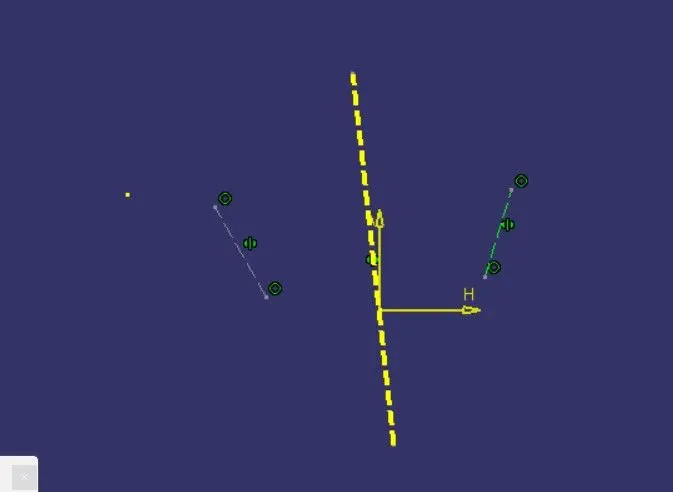
similarly create a sketch 2 on zx plane and intesect the 3d surface with the sketch.Draw a line paralle to the axis and craete a line with 6 deg to the previous line.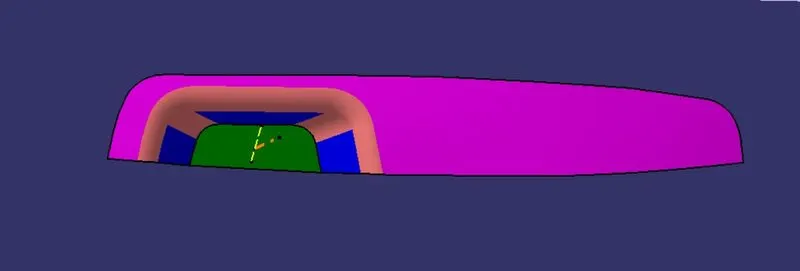
Now create a bisecting line which bisects the yz plne line and zx plane line.The final obtaining line is the tooling axis for the given switch bezel.Ensure that by viewing the tooling axis we can complete the whole sketch with it.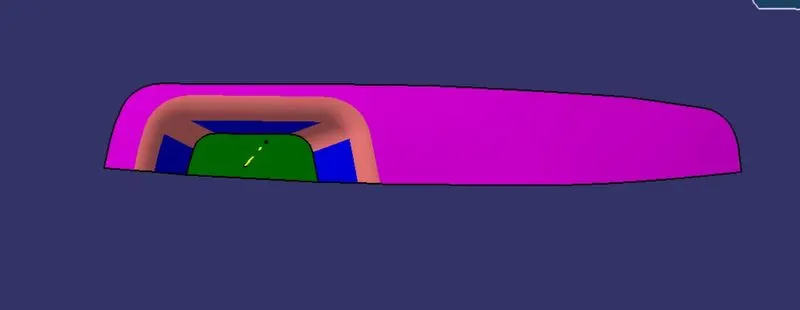
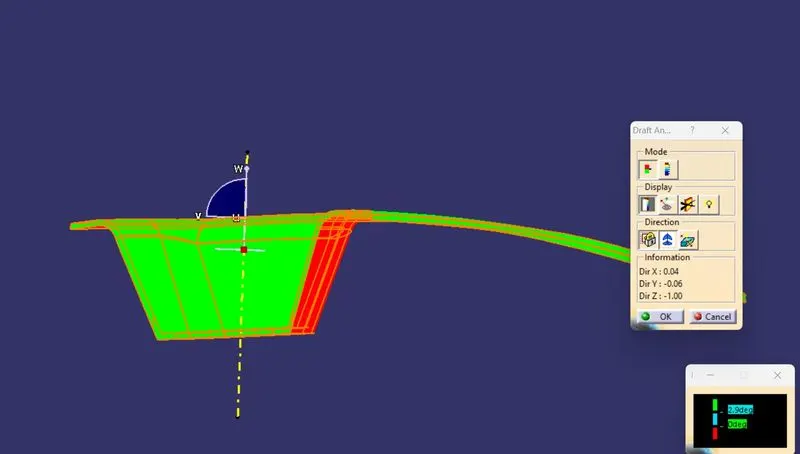
DRAFT ANALSYIS: Select Feature draft analysis command and goto mode options which shows 3 colors(blue, red,green).The green is preferable and set the draft angle to 3 deg.Then goto display option and click on analsyis under running point and check the angles on all thesides os the surface,and goto direction option selection compass and drag it into the tooling axis and fit in it such that the w face should coincide with the tooling axis.If the surface is in blue color change it to green by using flip option in the directions.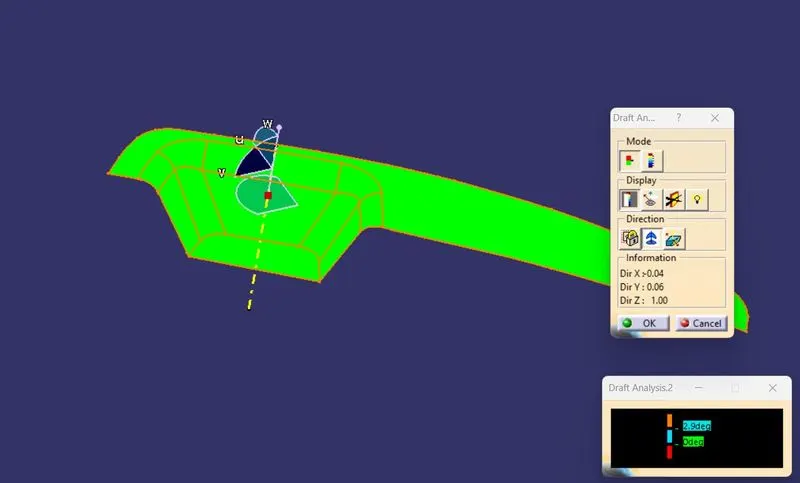
The draft analysis on gven CLASS A SURFACE is ahown in the above fig.
B SURFACE CREATION: For creating the b surface extract the bezel rest surface,walls and base.untrim the each components and extrapolate them.After extrapolation offset the bezel rest surafec,walls,and base to given thickness and then trim the components to get the CLASS B SURFACE.the final CLASSS B SURFACE is shown below. 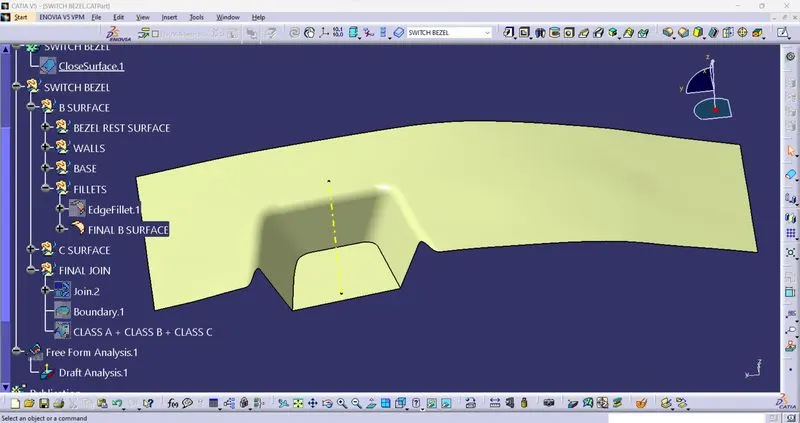
C SURFACE CREATION: ONce the B surface is created we need to create the c surafce.to create the c curface we need to extract the class A surface using multiple extract command.By using sweep command,give the draft direction selecting the extract along with the tooling axis.There may be some patches along the c surface to make it clear use the smooth curve to replace the patches.we can find gaps between the 2 surfaces, to modify them use extrapolate command once again and give minimum thickness values on all 4 sides and then trim the surfaces. We will be obtaining the c surface as shown in the below fig.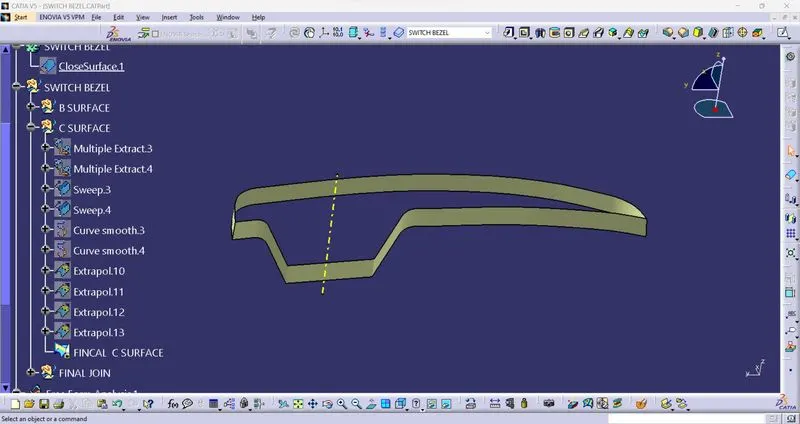
CLASS A + CLASS B + CLASS : Finally join the class A surface with c surface and trim the output with the b surface.The final surafce is shown below.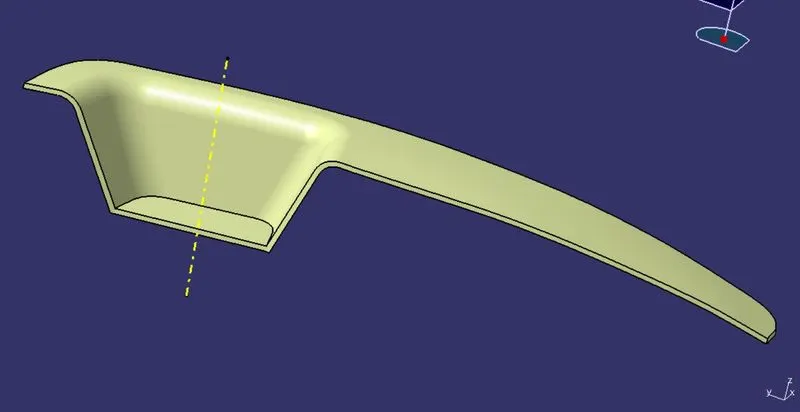 trdvdvddfd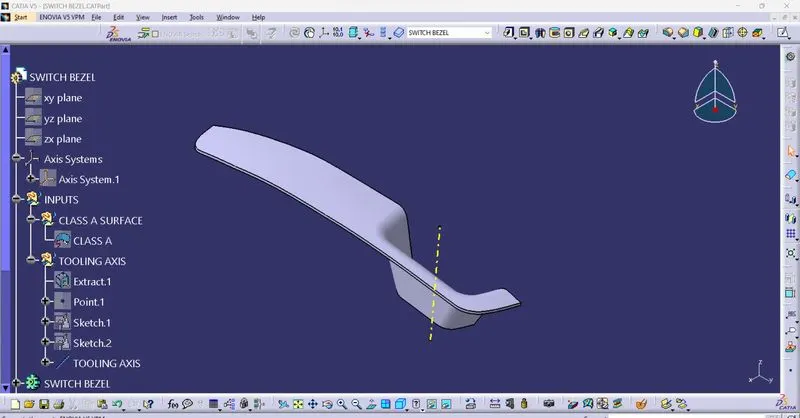
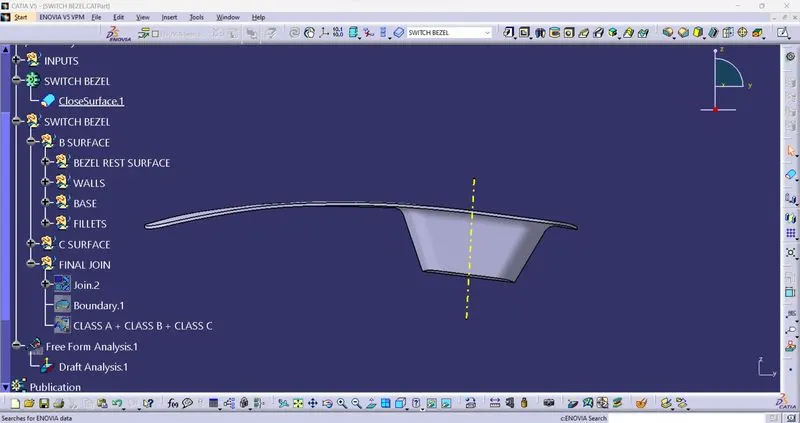
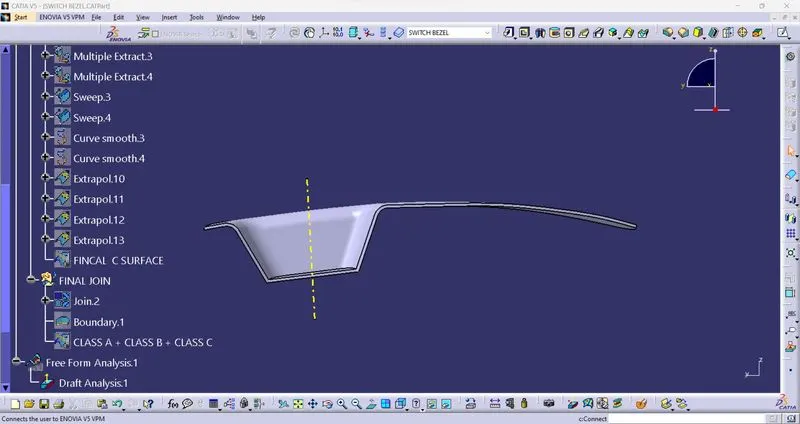
Insert a part body and close the surface by suing close surface command.Finally draft analsyisi is to be made on the surface.ensure propoer draft angle to the surfae whuch we obtain and if necessary modify the options so that the top urafce must be in green color as shown in the fig.