Week 8 - Challenge 2 - Switch Bezel Design
SWITCH BEZEL DESIGN
AIM
To create the Switch Bezel plastic component design from the given class A surface.
Objectives
- To create the class B and class C surface.
- To create the tooling axis .
- To create the plastic component from the given surface.
- To perform the draft analysis on the both solid and class A surface.
Creation of tooling axis by bisecting method
Initially the propable tooling direction is taken on the surfae . In this model Z direction is taken as a tooling axis.
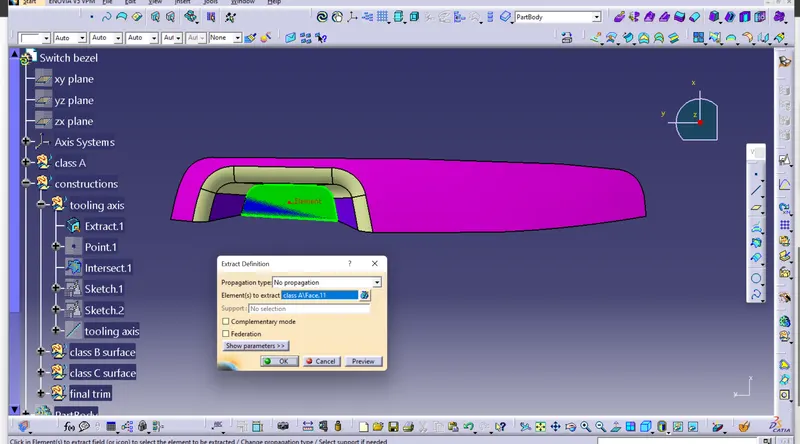
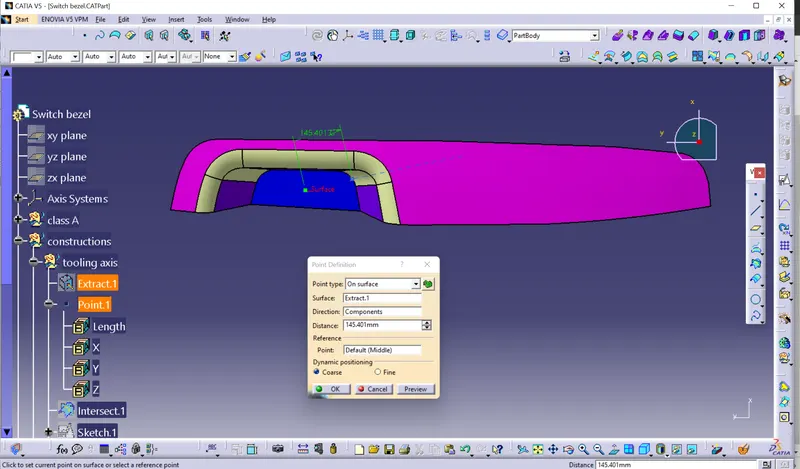
The origin point is created on the extracted surface .
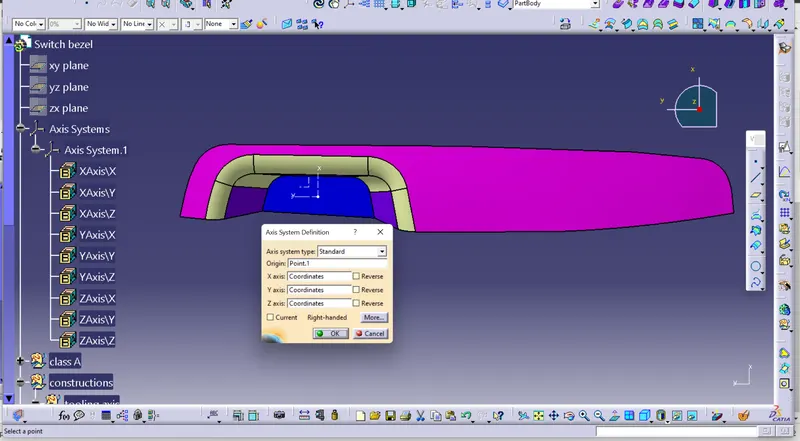
The axis system is inserted on that point
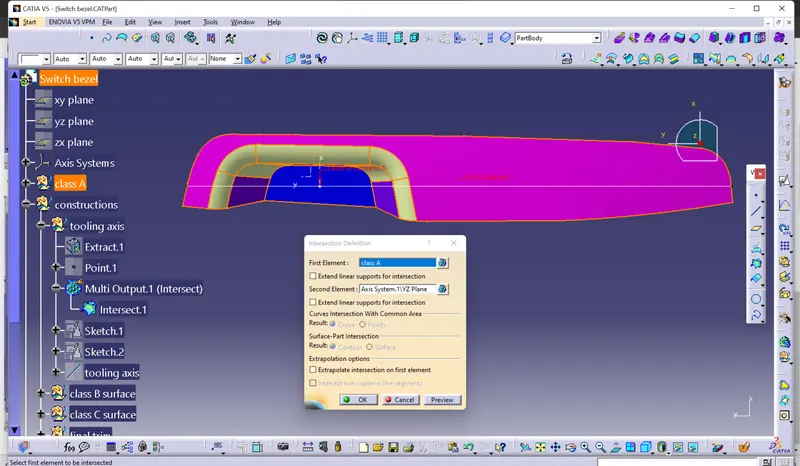
Intersection between the class A and YZ plane from the inesterted axis is created on the class A surface.
By using positoned sketch in YZ plane, the bisecting line is created between the two side walls of the pocket area.
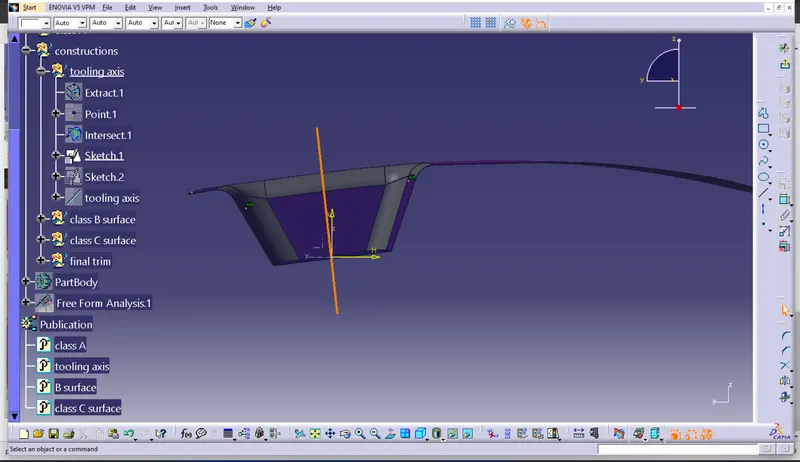
By using another positioned sketch in ZX plane , one tangent line is created on the intersection of the wall . The other line is created with random angle ( 7 degree) from the origin of the axis.
(note : This pocket area have only 3 walls so that line is created randomly)
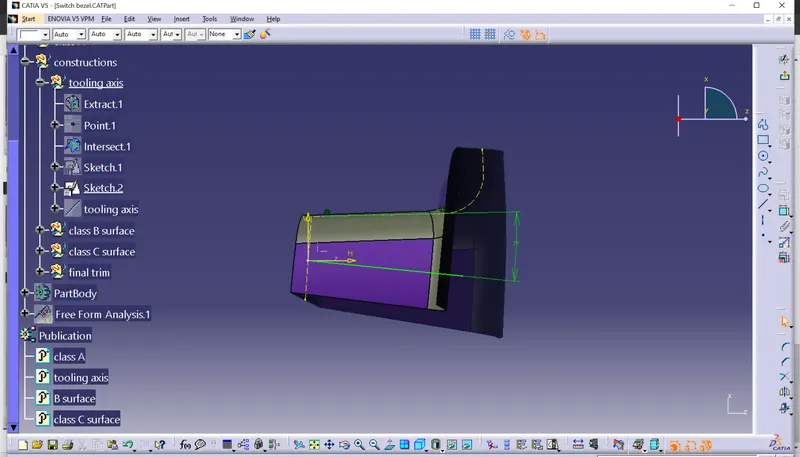
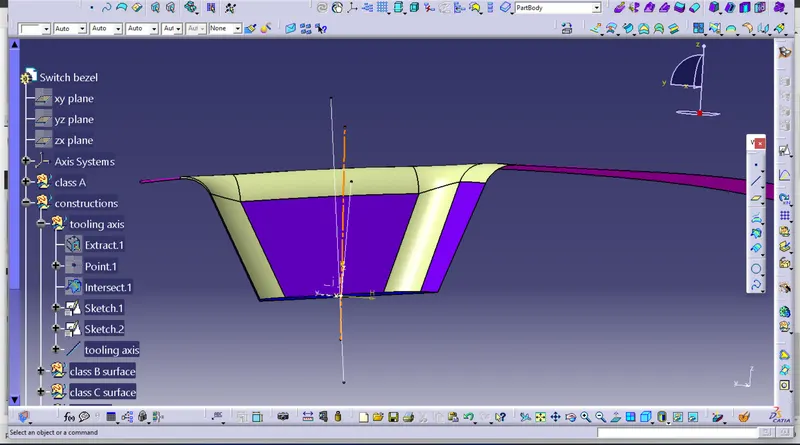
Finally the tooling axis is created by making the intersection between the two lines were created in positioned sketch.
Draft analsysis on class A surface
Front view
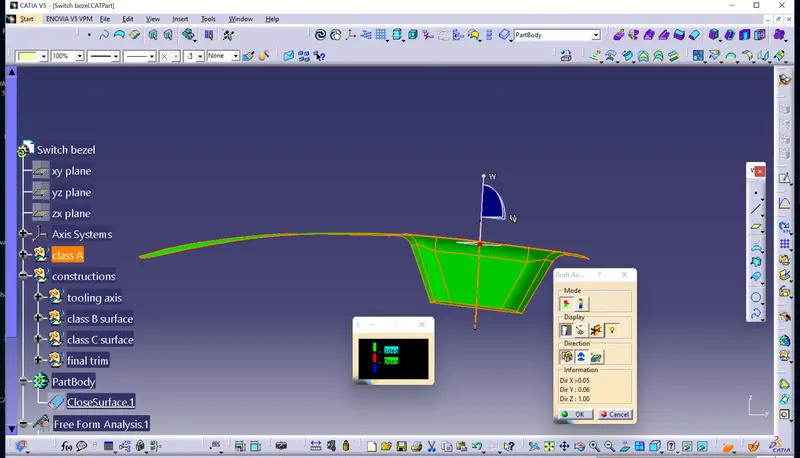
Side view
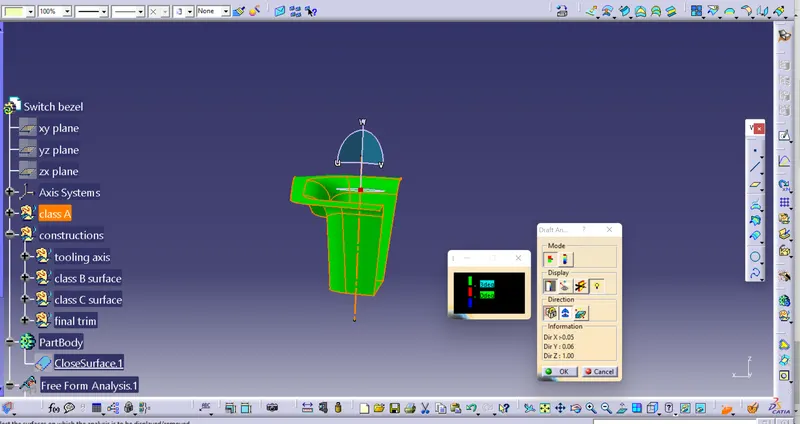
Top view
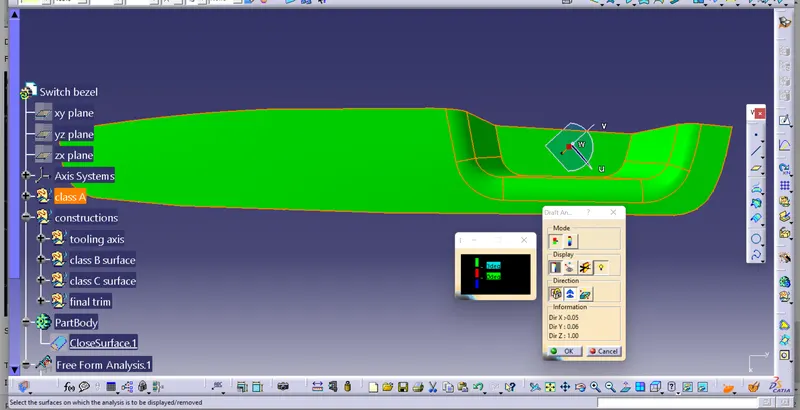
Isometric view
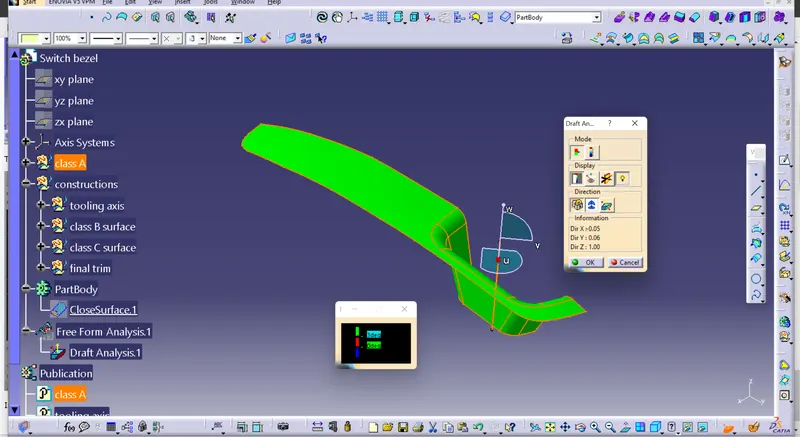
Draft analysis on plastic component
Front view
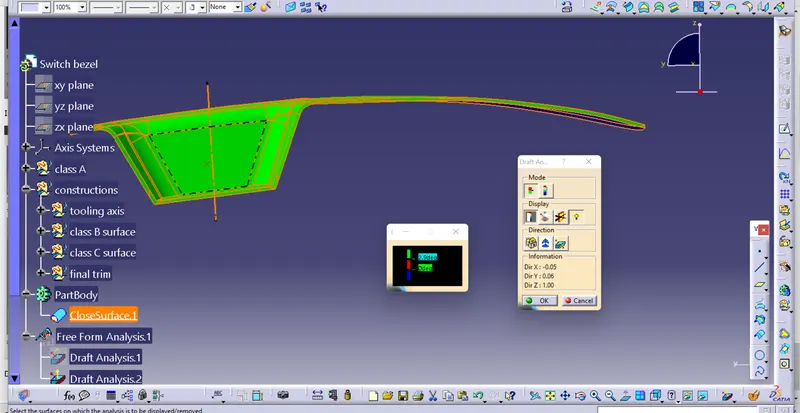
Side view
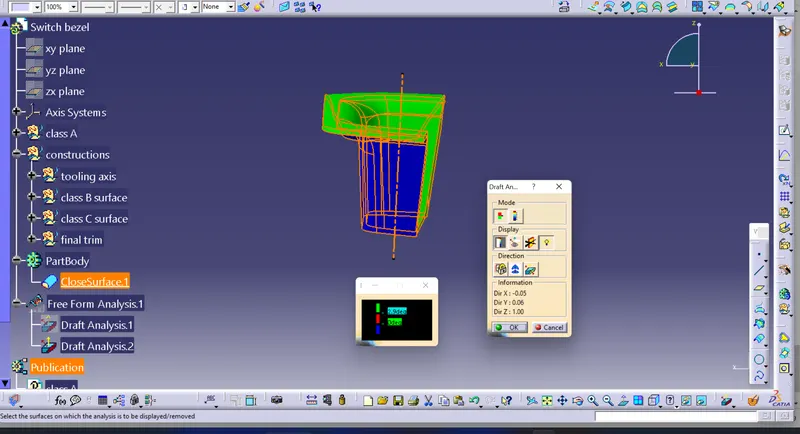
Top view
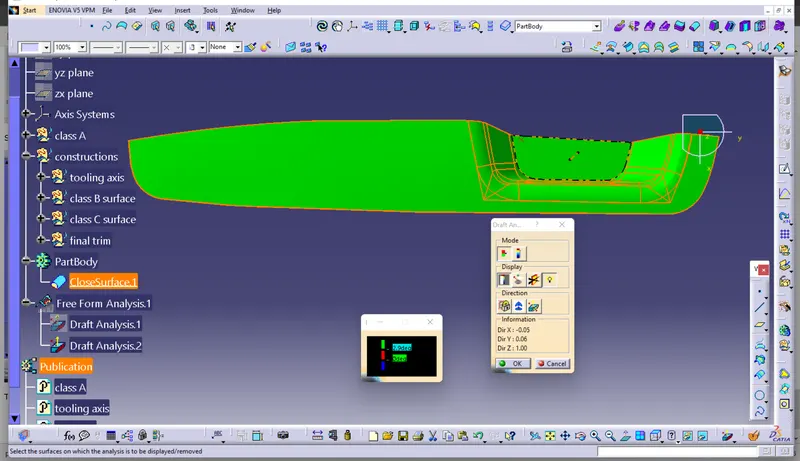
Isometric view
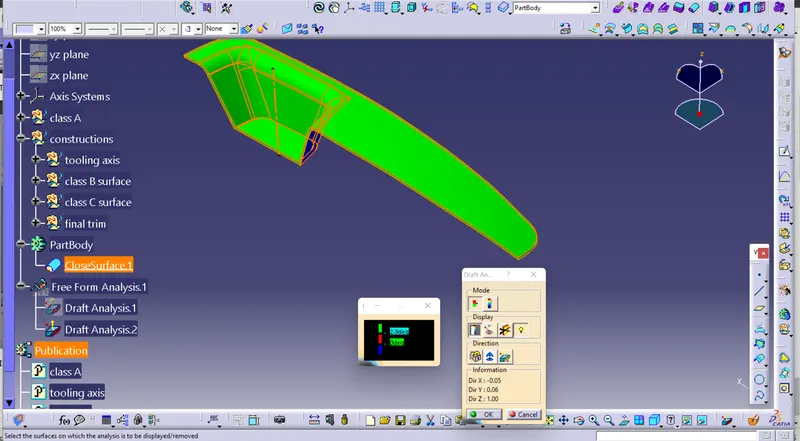
Conclusion
Class B and class C surfaces are created from the given class A surface and solid componemt is created . Tooling axis is created and the draft analysis is performed.