Week 8 - Challenge 2 - Switch Bezel Design
Aim- To Create the Switch Bezel Plastic component through the given Class-A surface. To begin with, the tooling axis for the given Class-A Surface should be created meeting the requirements of the draft angle and at the end perform the Draft analysis on the model.
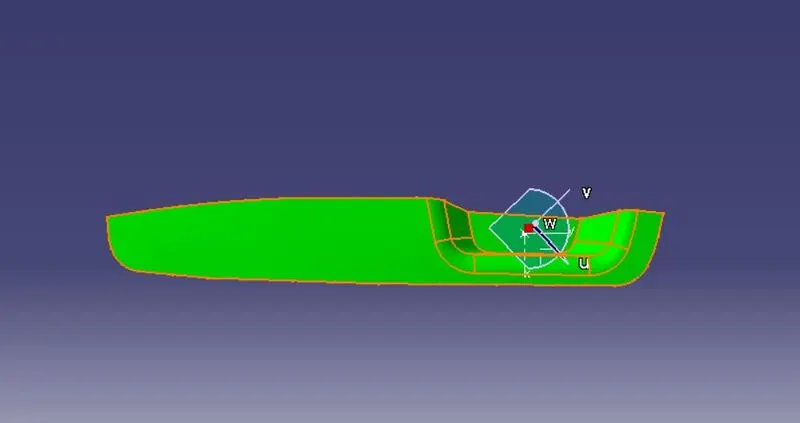
Given class-A surface.
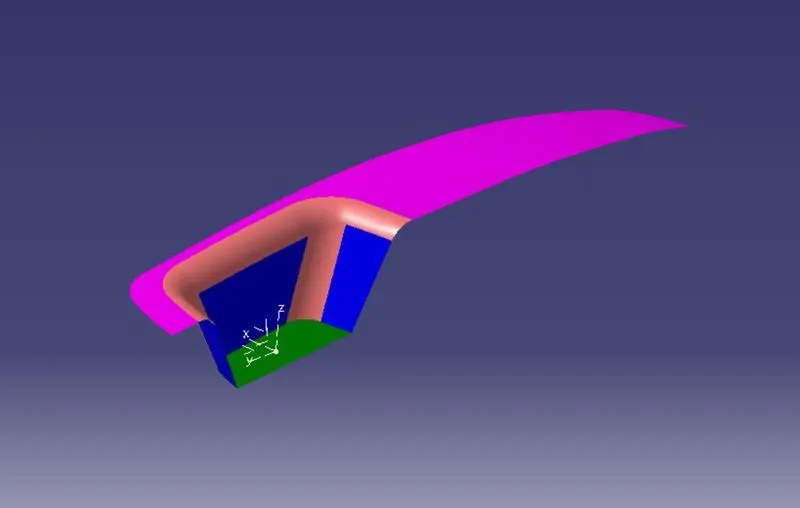
Creating Tooling Axis.
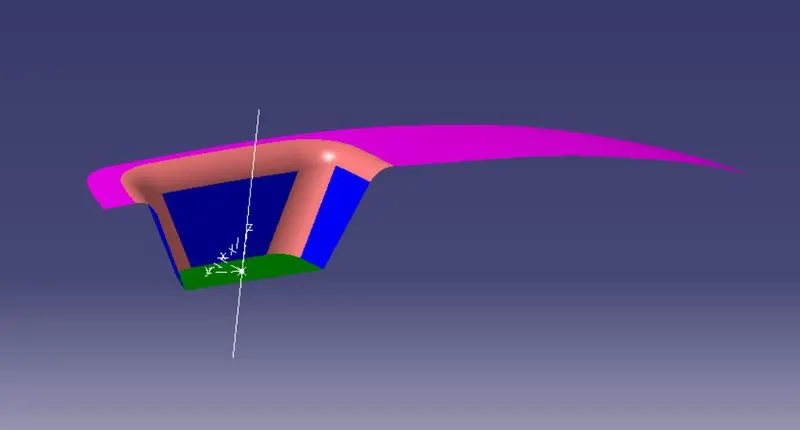
Creating Class-B Surface.
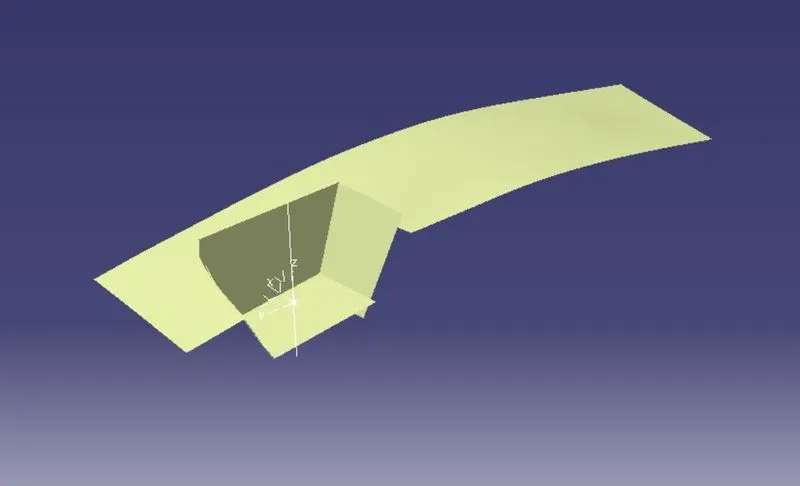
After triming and give appropriate fillet the final Class-B surface look like,
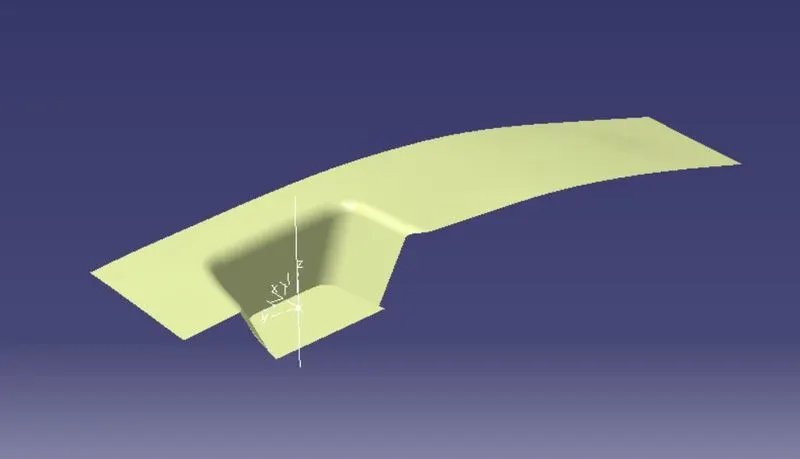
Creating Class-C Surface.
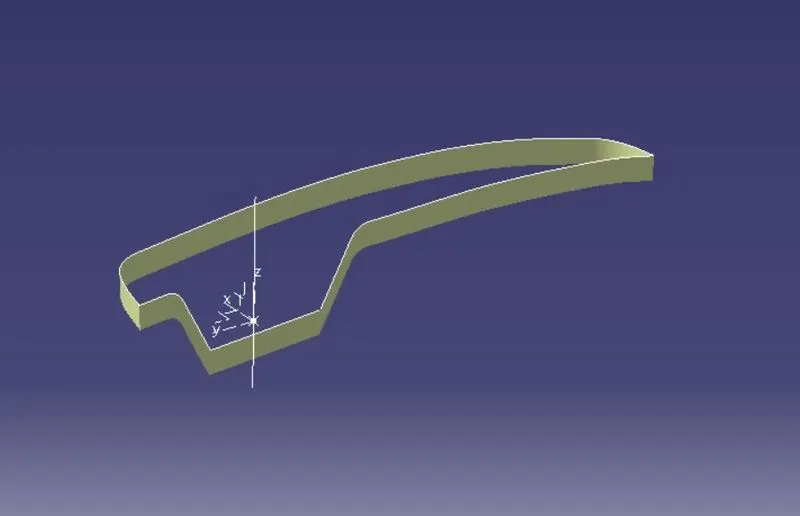
For generating class-C surface Sweep opeartion with draft direction is used. Once the C-surface is generate join the Class-A surface with Class-C Surface.
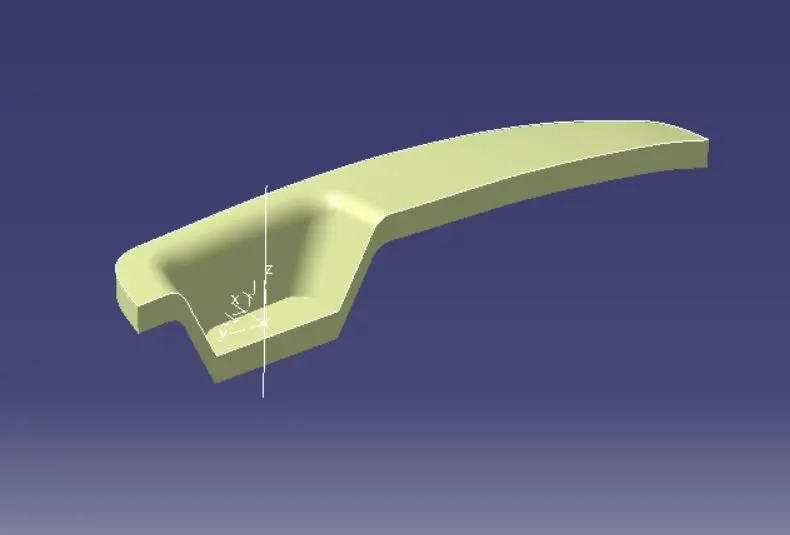
After joining class-A and Class-C Surface need to trim joining surface with Class-B surfce to get final output closed surface.
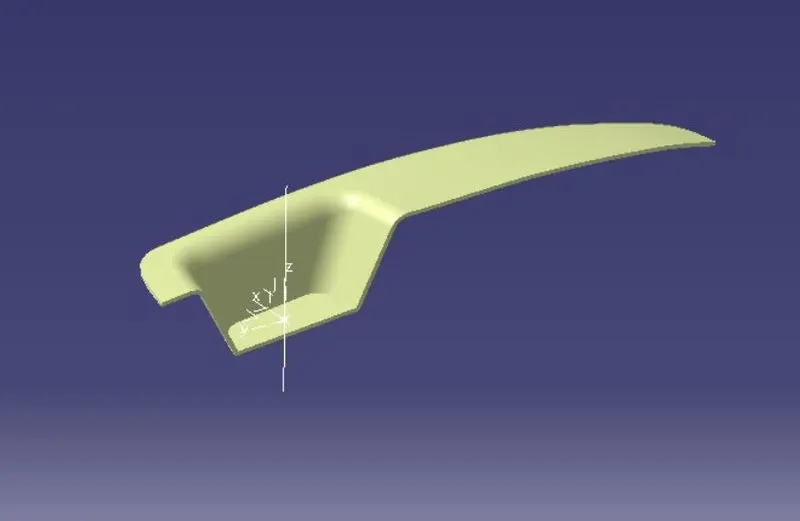
Now create solid body by using closed surface with the help of Close body command.
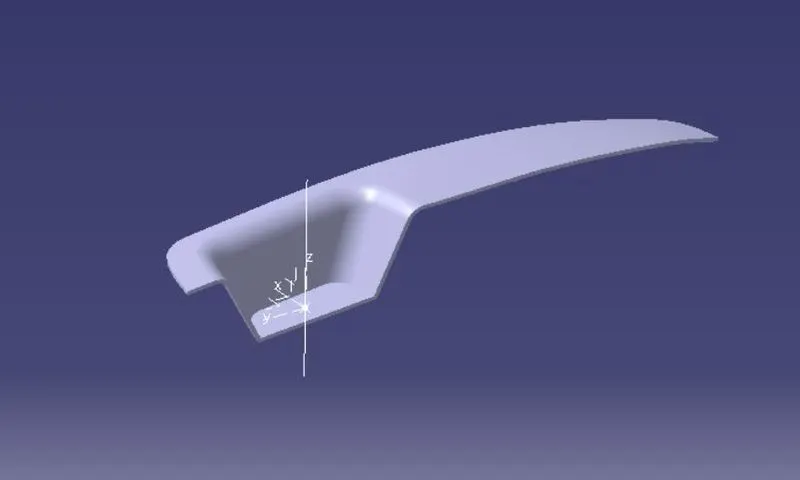
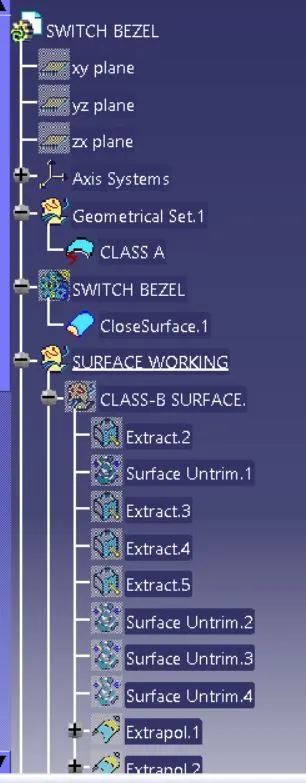
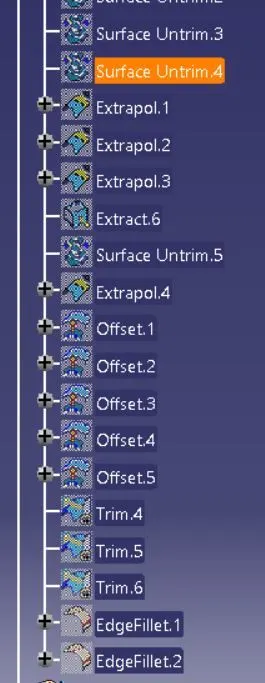
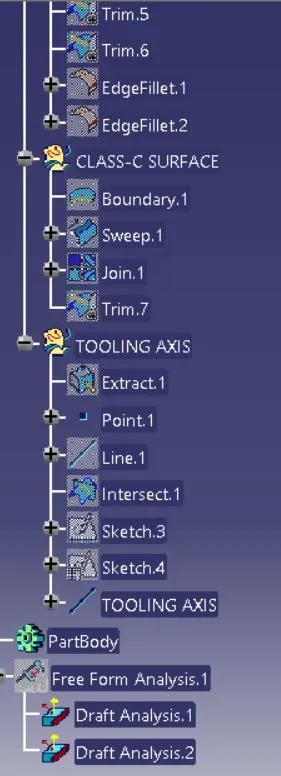
Detailed Tree Structure.
Draft Analysis of Class-A Surface.
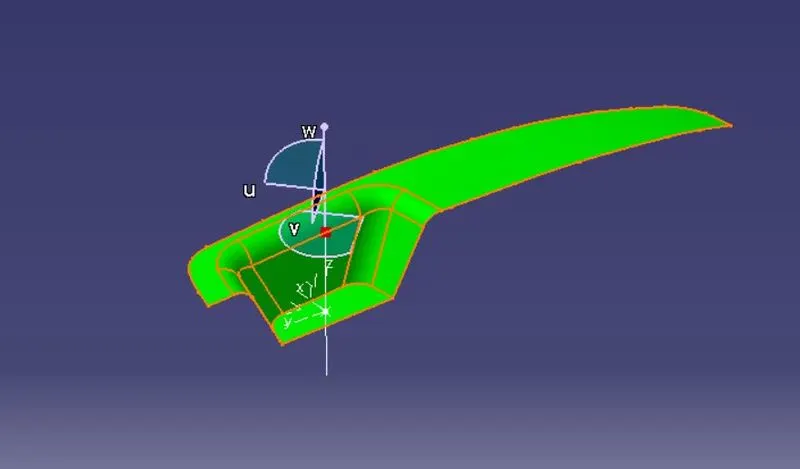
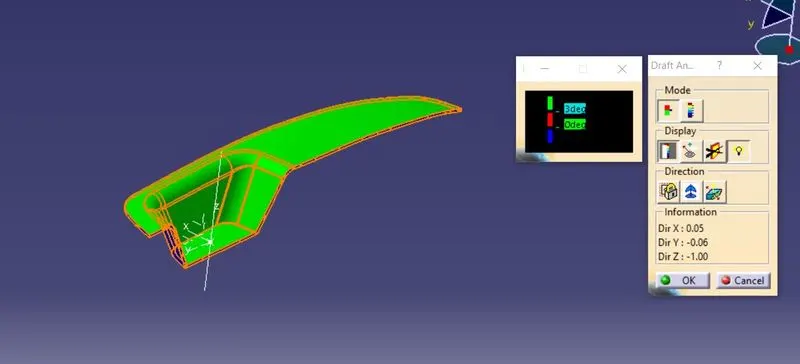
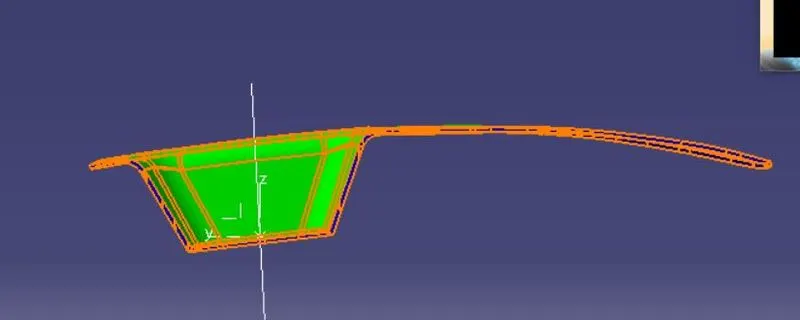
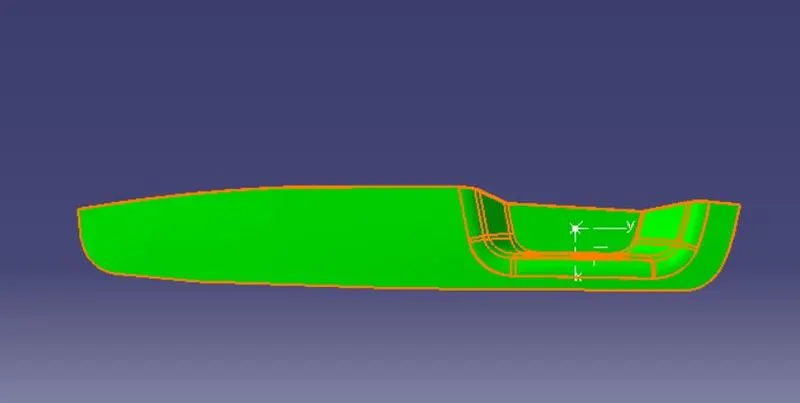
Draft Analysis of Final Part.
Concluson:-
A solid plastic part is generated using given Class-A surface. And Finally Draft Analysis is performed on both Class-A surface as well as well on Final Part Body.
Please find attached link for part file.
https://drive.google.com/file/d/1eaDI6OzM218udUB6OYp-pgEKcaoW20rz/view?usp=sharing