Week 8 - Challenge 2 - Switch Bezel Design
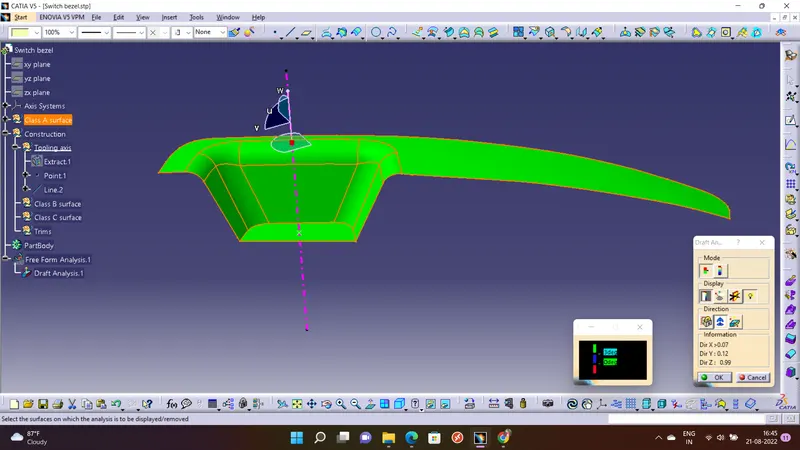
Firstly I have created a tooling axis and checked whether given class A surface is with proper draft of 3 degree angle or not. So as we can see that class A srface is coming in Green color as I have set color format green for surface having 3 degree draft angle.
Then I have created class B surface by applying offset command.
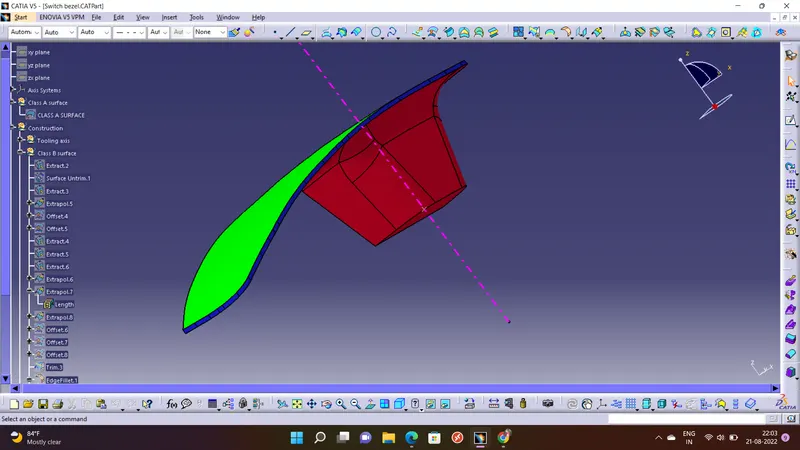
After that I created class C surface by sweep command and joined class A and class C surface.
and Finally added all surface by using Trim command.
and then I convered it into closed part body.
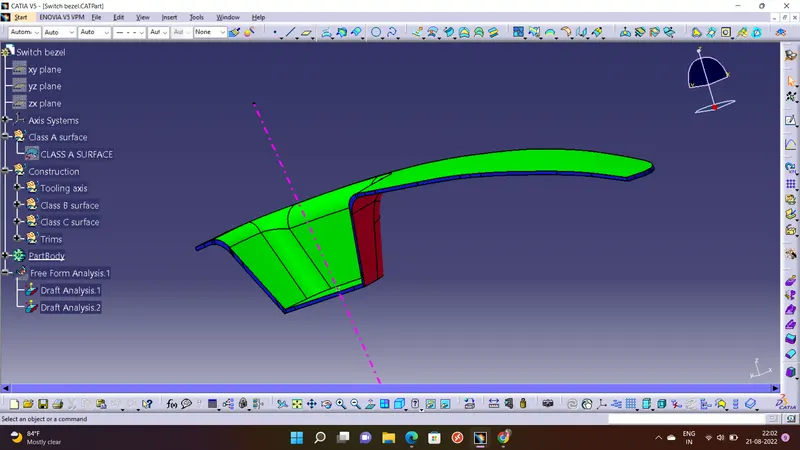
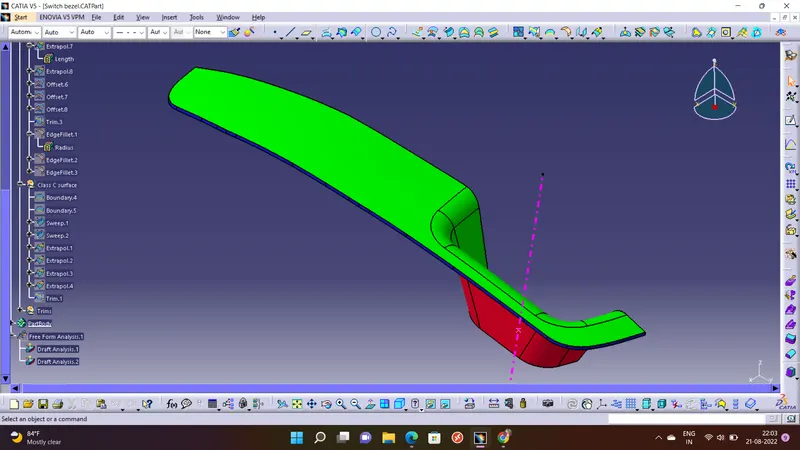
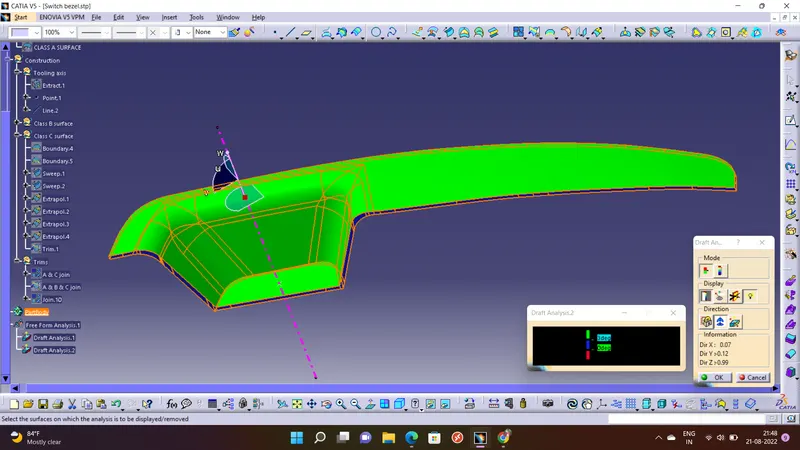
And then at last I did Draft analysis for final closed part body, as we can see that class A surface is green in color and class B surface is red in color, as well class C surface is blue in color, according to color format set into draft analysis.