Week 2- 2R Robotic Arm Challenge
clear all
close all
clc

l1 = 2;
l2 = 1.8;

theta1 = linspace(0,90,10);
theta2 = linspace(0,90,10);

x0 = 0;
y0 = 0;

ct = 1;

for i = 1:length(theta1);

    x1 = l1*cosd(theta1(i));
    y1 = l1*sind(theta1(i));

    for j = 1:length(theta2);

        x2 = x1+l2*cosd(theta2(j));
        y2 = y1+l2*sind(theta2(j));

        plot([x0 x1],[y0 y1],'linewidth',2,'color','r')
        hold on
        plot([x1 x2],[y1 y2],'linewidth',2,'color','b')
        axis([0 4 0 4])
        title('2R Robotic Arm')
        hold off
        M(ct) = getframe(gcf);
        ct = ct+1;

    end
end

movie(M)
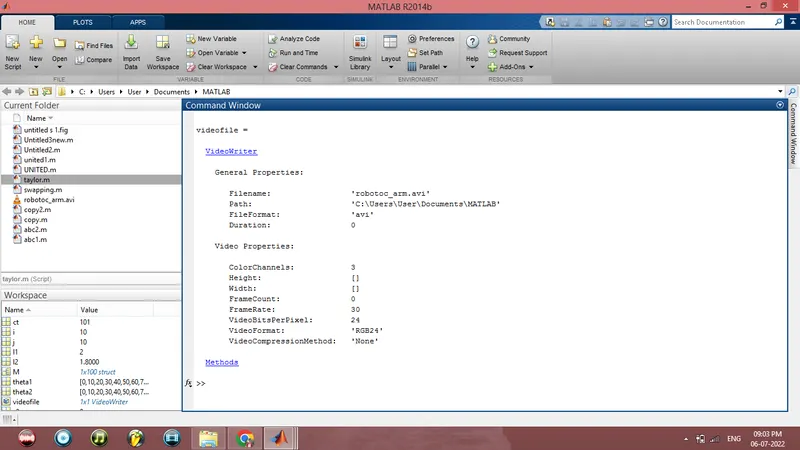
videofile = VideoWriter('robotoc_arm.avi','uncompressed avi')
open(videofile)
writeVideo(videofile,M)
close(videofile)
I have uploaded code of Forward Kinematics of 2R Robotic Arm in range of movement of both arms in between angle of 0 degree to 90 degree.
I have taken 1st link(arm) as the base which one end is attached with fixed base with revolute joint(the joint which allows link to have rotary motion) and 2nd link is connected with the other end of 1st link with revolute joint.
In this coding function I have taken lentgh of 1st link is 2 metre and 2nd link of 1.8 metre and allowed both arm to have only 1 degree of freedom(only rotation) upto 90 degree.
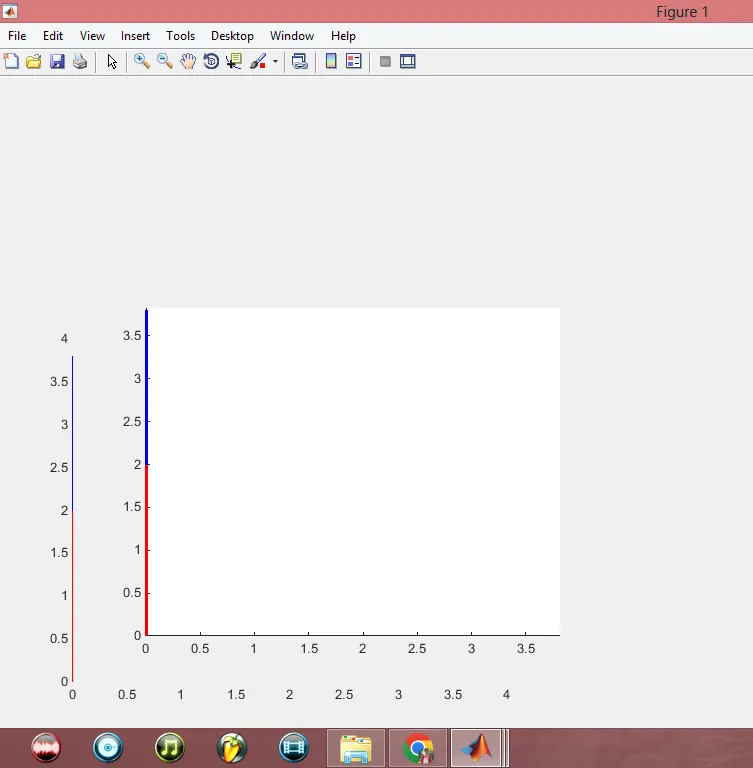
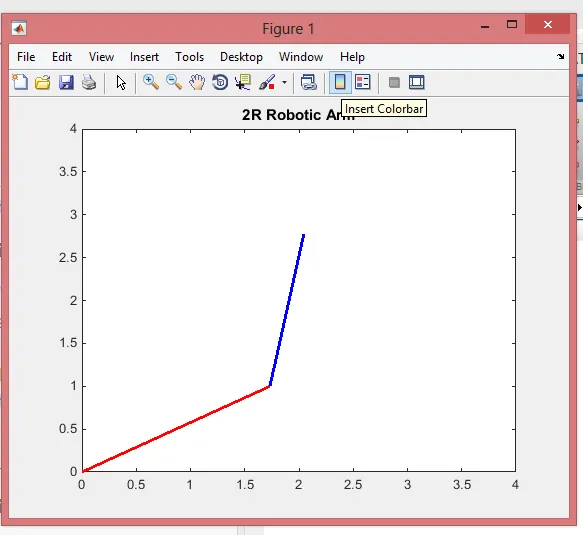
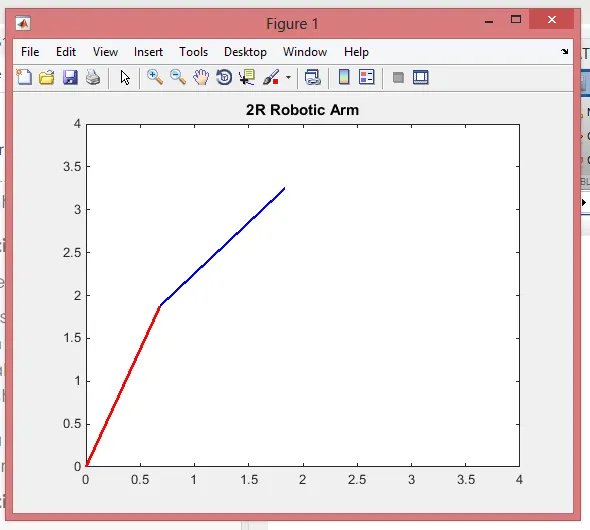
I have plotted a graph to show the movement of both link in which 1st link will be fixed in (x,y)=(0,0) 'orgin'. In which I 1st link is in red color and 2nd link is in blue color.
(Screenshots of graph is pasted below)
An animated video file is also created with help of M(ct)=getframe(gcf) command.
'getframe' captures the figure as a frame and 'gcf' refers to current figure handle in MATLAB where it capture and in turn give the current figure to capture it as a frame for movie creation.
We can see the total details of video file as output of function.(Screenshot of Output window is pasted below)
The created is attached(uploaded) with this answer.