Week 8 - Challenge 2 - Base Bracket Design
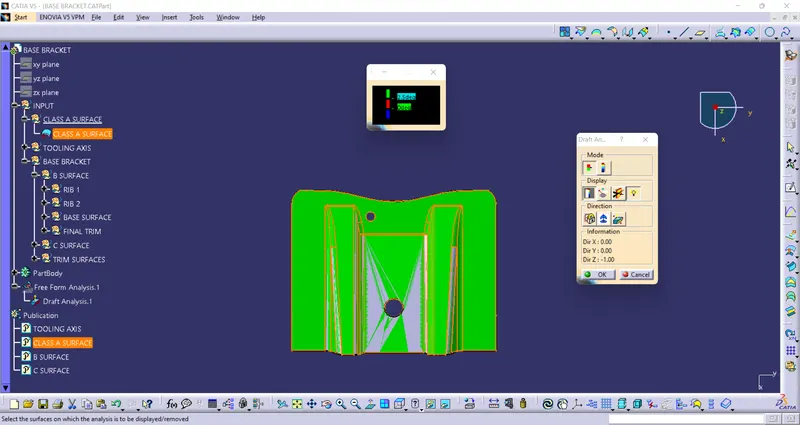
Draft Analysis for Class A surface
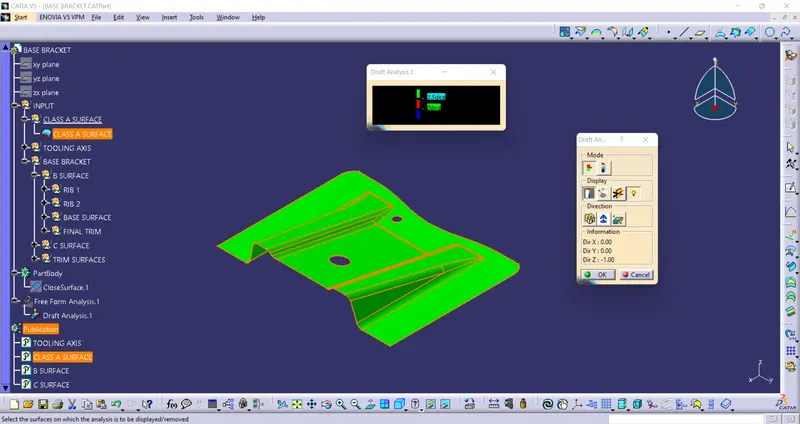
Isometric view
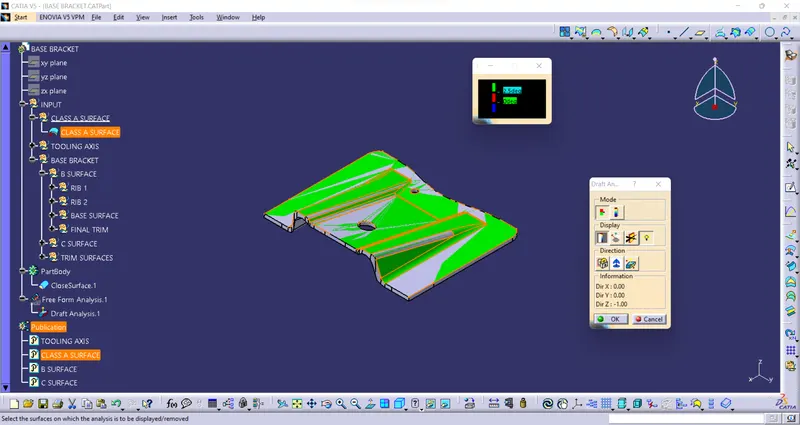
Front view
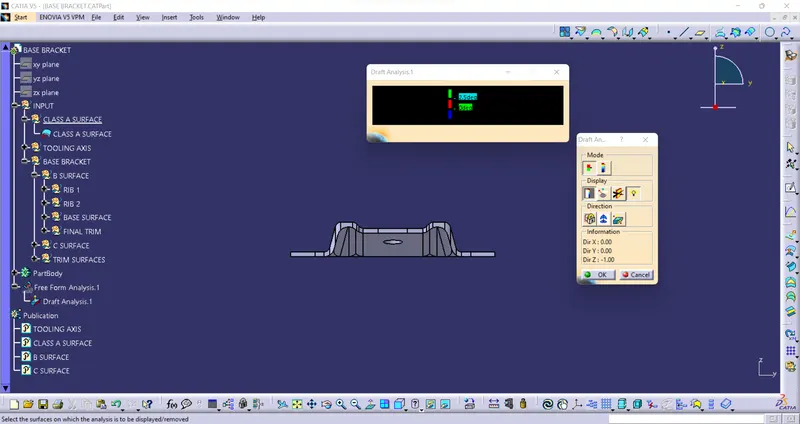
Side view
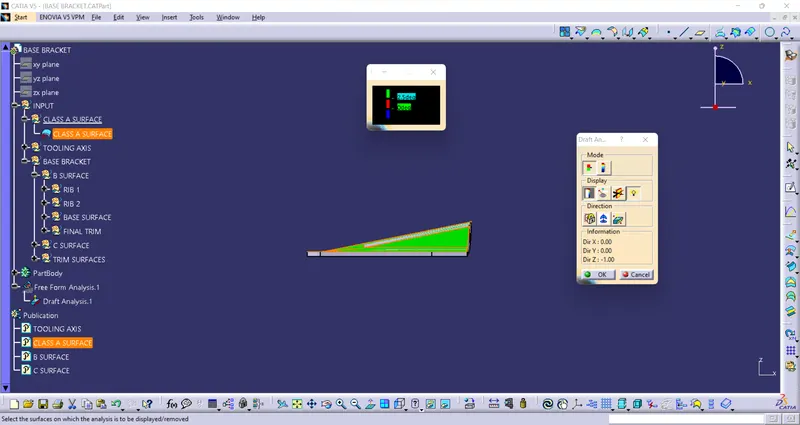
Top view
Report
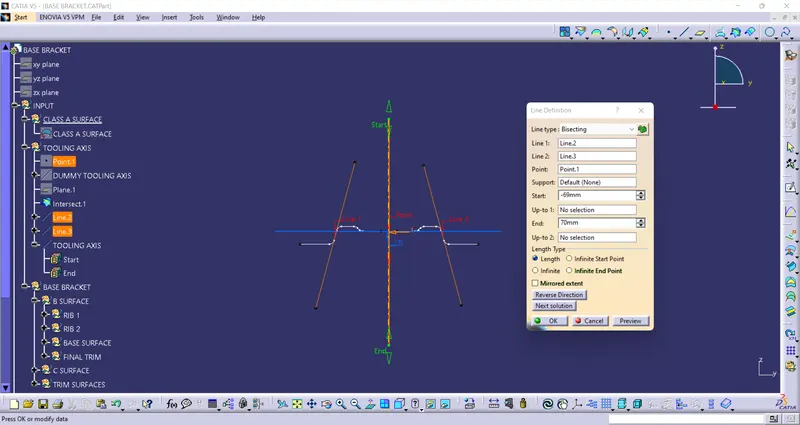
Tooling Axis and Draft Analysis
Frist observe the given Class A surface for to create tooling axis and selecte which axis is posible to Draft of given Class A surface.
After that Intersetting given Class A surface to tooling axis and draw the Bisecting line with help of which Interseting lines are phases to Tooling axis and change the name it as Tooling Axis.
After creating tooling axis, open the draft analysis option and it show two dialog boxs colour scale, draft analysis.
enter the minimum draft angle in draft colour scale dialog box and selecte the surface it shows green colour. if it's have any complex shapes don't draft to given angle value it's shows red colour and reenter the draft angle and then press ok. The given Class A surface is drafted.