Week 8 - Challenge 1 - Draft Analysis on a Fan Cover
Fan cover surface draft analysis
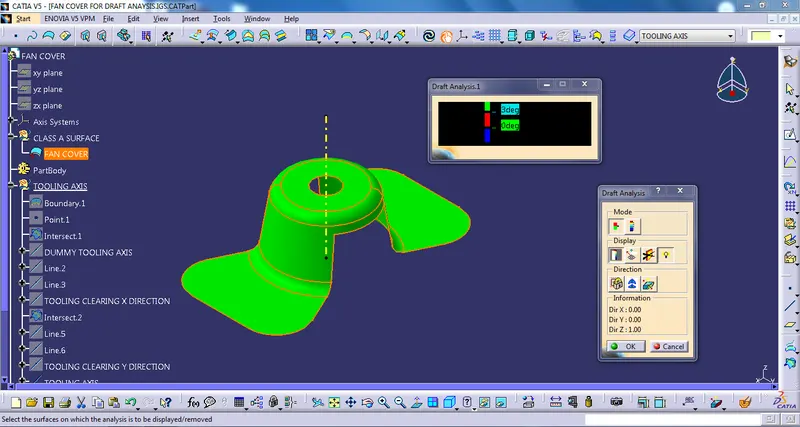
Isometric view
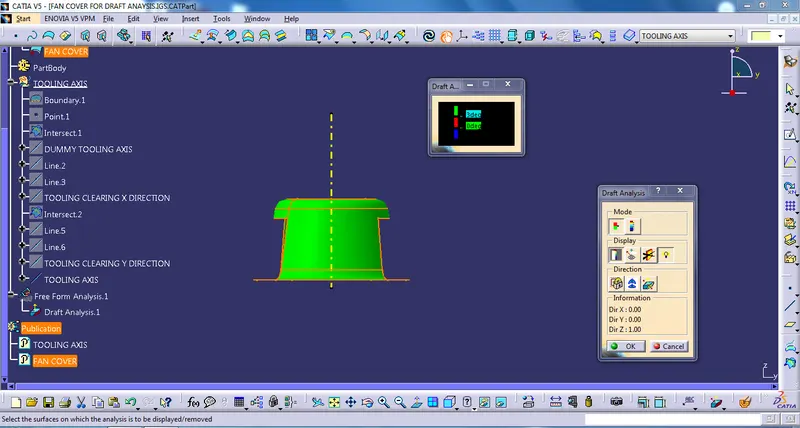
Front view
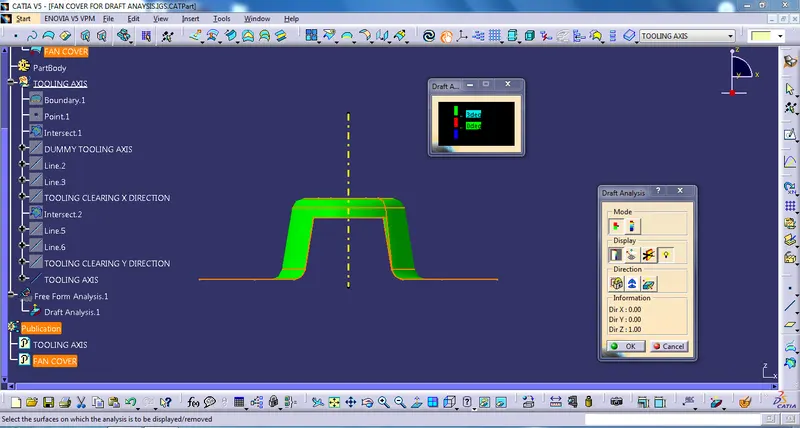
Side view
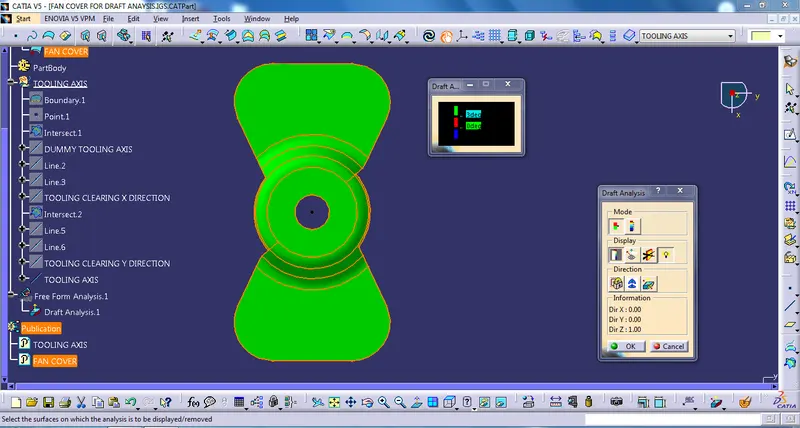
Top view
Report
Draft Analysis and Tooling Axis
First observe the given class A surface to choose the tooling axis and select which axis is cover more phases of the given surface to draft.
After conform tooling axis
- Creat dummy line through tooling axis of class A surface.
- After dummy line, draw two lines from which surface boundary lines are phases parellel to tooling axis.
- By using those two lines draw a bisecting line to tooling clearing which axis are not selecte for tooling axis.
- By those two Bisecting axis draw a bisecting line for the tooling axis.
After creating tooling axis, open the draft analysis option and place compass on the tooling axis and selecte surface it shows green colour.
After that give the draft angle and press ok now surface is ready to draft.