Week 8 - Challenge 2 - Base Bracket Design
REPORT:
- For the given Base Bracket catpart first we need to make the basic checks i.e. check the continuity of the part ensure that there is no gap between the surfaces we can take the help of surface command for this.
- The next step is to create a dummy tooling axis from the centre point of the circular geometry on the class A surface
- To create the Tooling Axis create a YZ plane and form a intersect of Base Bracket Class A Surface with respect to the YZ plane
- Now create a point to point line on the faces that might create error and create a bisecting line between the two faces and we would get the Tooling Axis
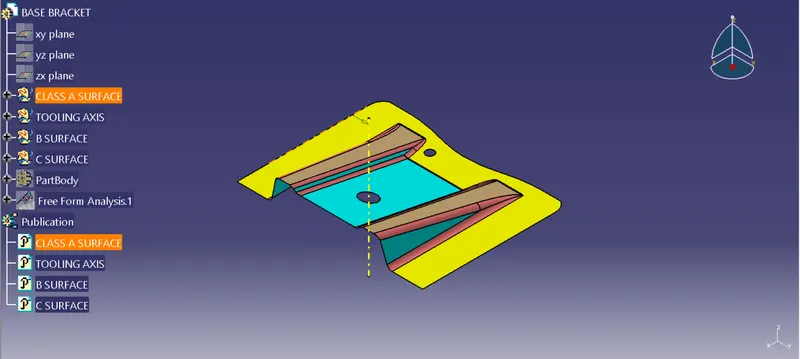
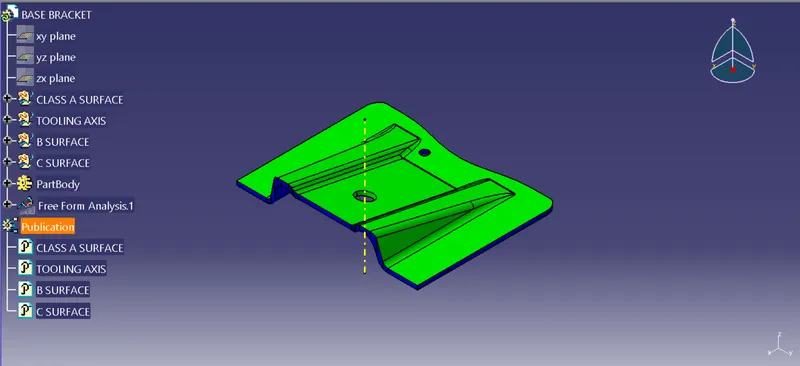
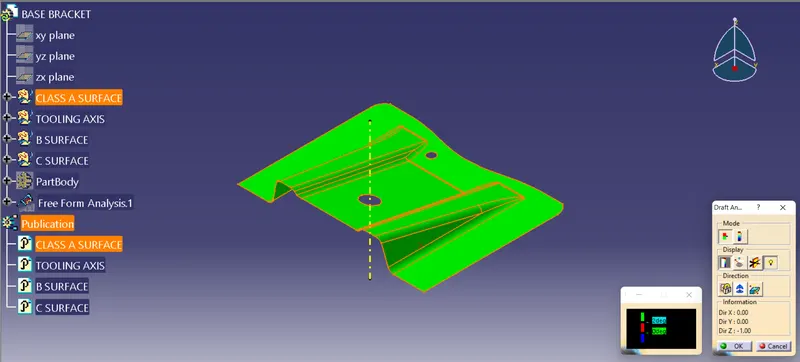
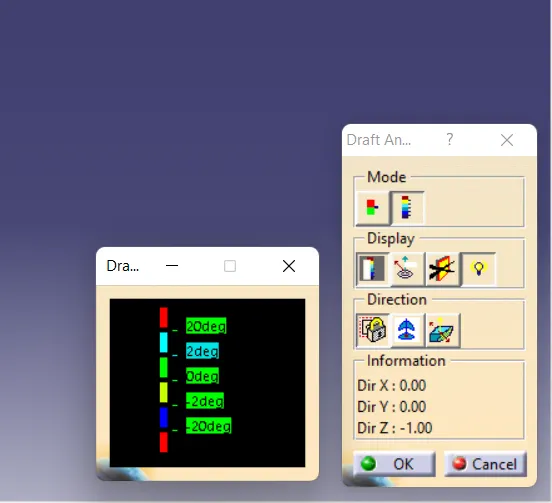
- For the draft analysis go to Insert-Analysis-Feature Draft Analysis and make sure the view mode is on material
- Inline the compass with the Tooling Axis and lock then click on the Base Bracket Class A Surface we will get the draft analysis for the Base Bracket Class A Surface the minimum draft required is of 3 degrees
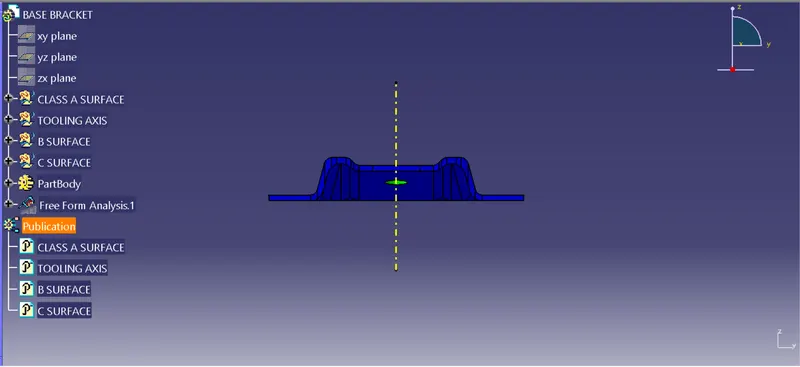
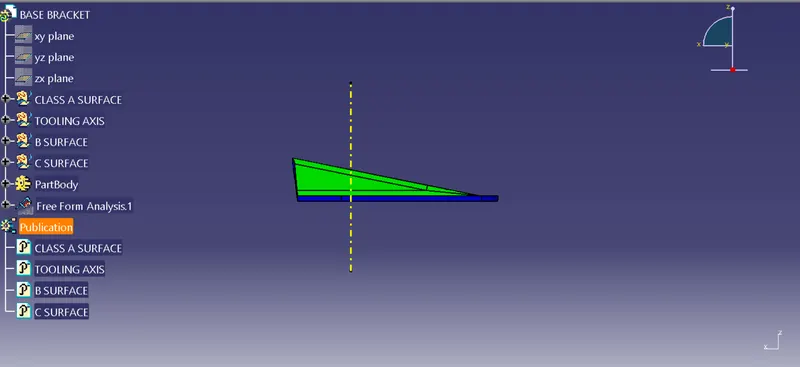
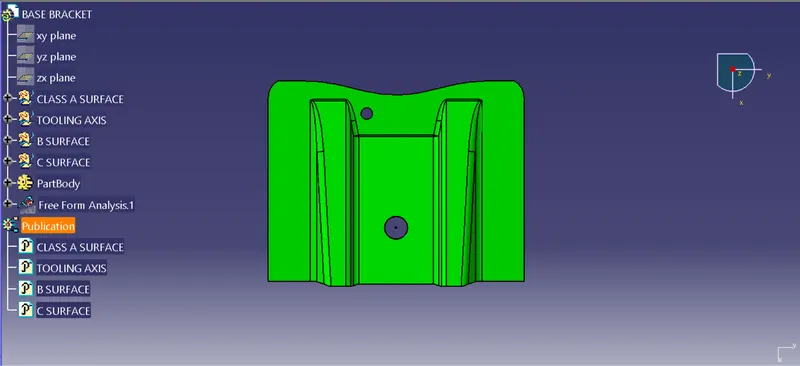
- When we click on the Base Bracket Class A Surface it will turn green that means the required draft angle is maintained
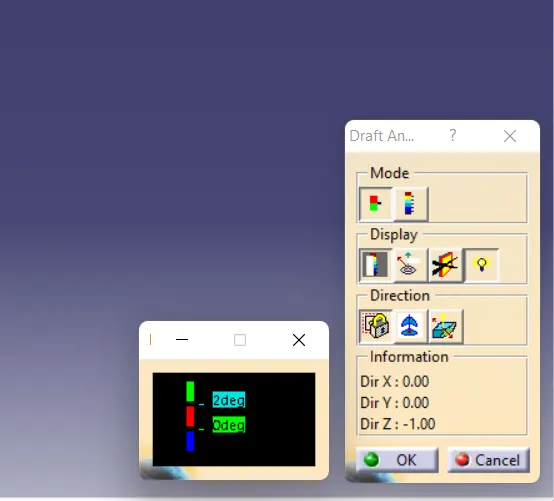
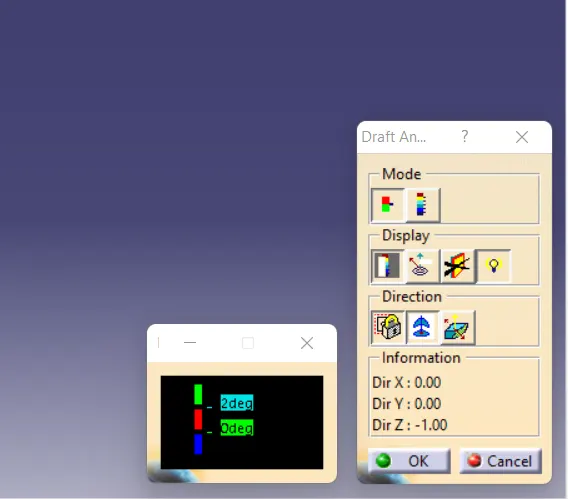
- We can change the value of draft angle from the colour scale table and the Class A Surface will change the colour accordingly
- We can also analyse the draft at a particular point on the Class A Surface by moving the mouse cursor on the surfaces
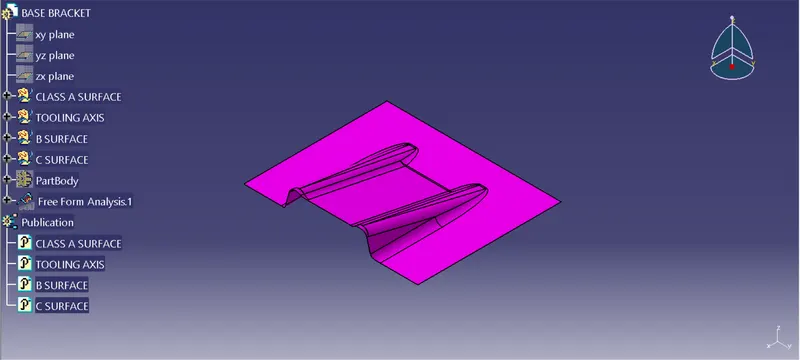
- To generate the Class B Surface extract the Class A Surface faces individually untrim them and offset at a distance of 2.5mm
- And finally trim the unnecessary faces and provide fillets we would get the Class B Surface
- To obtain the Class C Surface create boundary for Class A Surface and sweep it with 3 degree draft
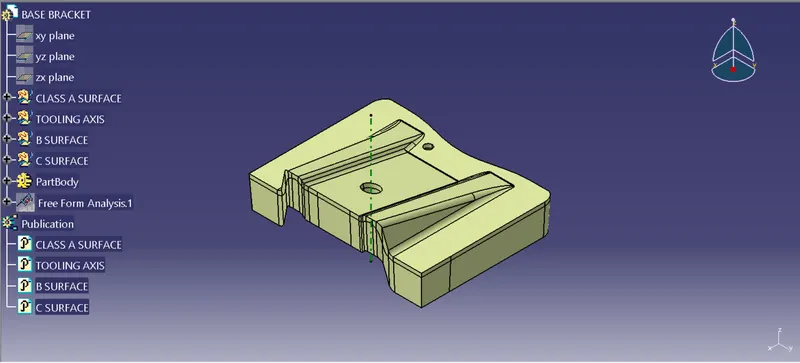
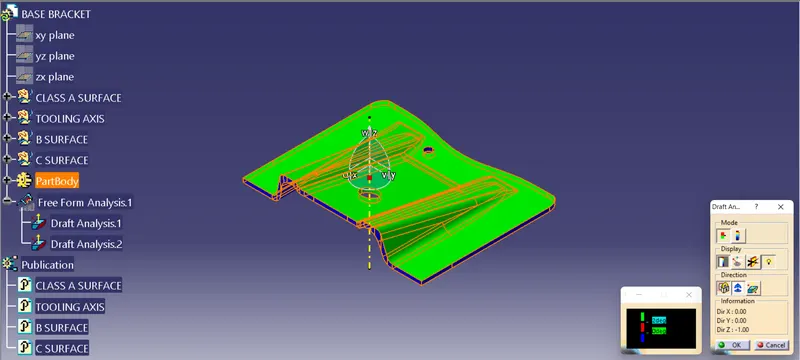
- To obtain the final solid Base Bracket plastic component trim the needless surfaces and join the rest. Then use closesurface command to form solid component
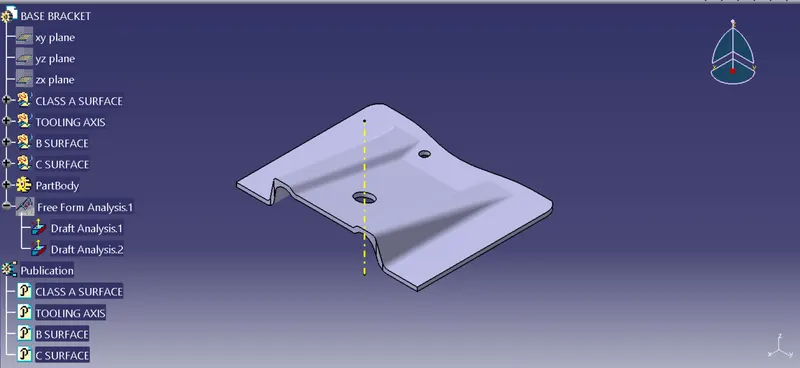
Screenshots of the Draft analysis report for both the Class-A surface and the final plastic component:
- Image of the complete Draft analysis
- Images of the color scale variant
Screenshots of the solid model with the proper color code of the draft angle in various orientations (Isometric, Front, Side, and Top View):