Week 8 - Challenge 2 - Base Bracket Design
VIEWS -
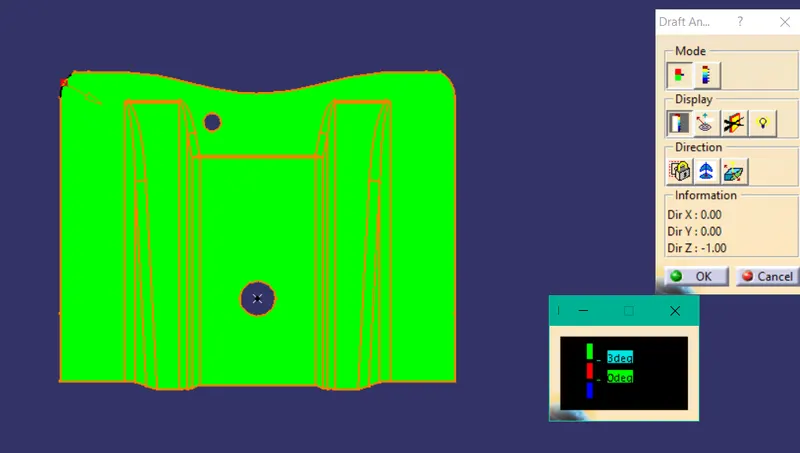
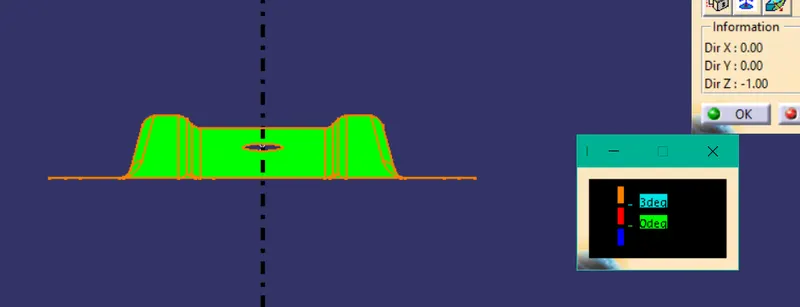
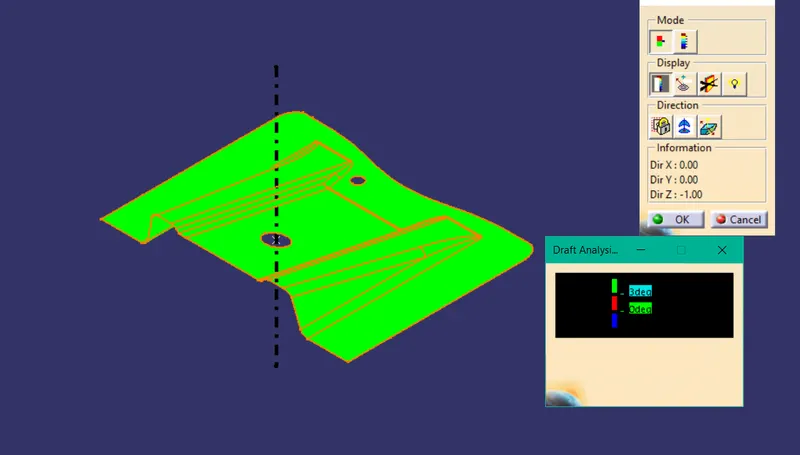
Draft Analysis-
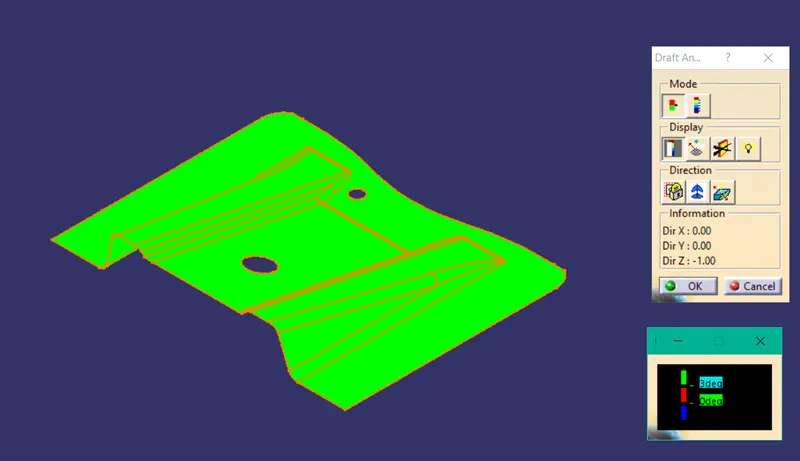
Report on Draft analysis
The Draft Analysis command/ feature enables us to detect if the part when we mold you will be easily removed.
With draft analysis, we can verify draft angles, examine angle changes within a face mainly and if it is mouldable.
The draft analysis involves a set of instructions to be followed-
- Observe the CAD part in all 3 directions and decide in which direction we have to use the draft tooling axis direction. We have to consider faces, edges, features like holes or cutouts. Considering all these we have to find a direction in which the part is easily moldable.
- In our model, we have considered Z-Axis as the tooling direction.
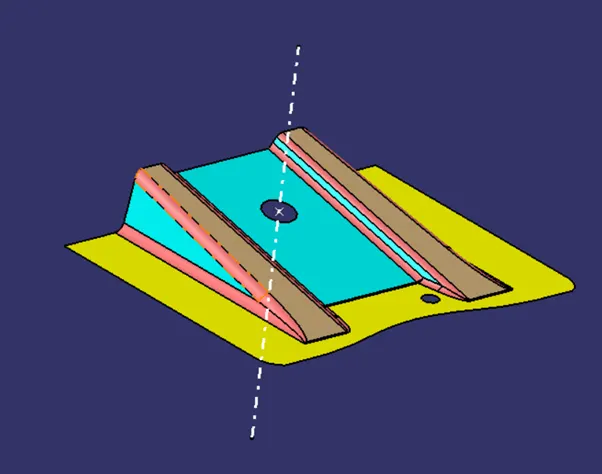
- We took the hole in the surface and extracted the centerpoint and drew a line from the point in Z direction. We named this line as a dummy tooling direction.
- We contructed a plane on the axis and extracted the intersecting section curve of the plane.
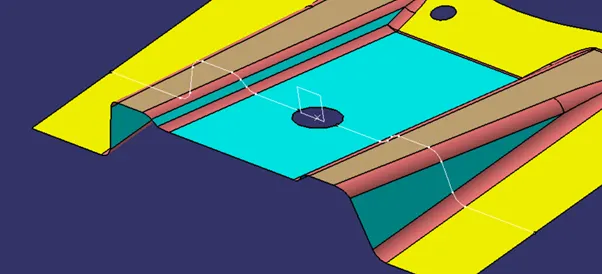
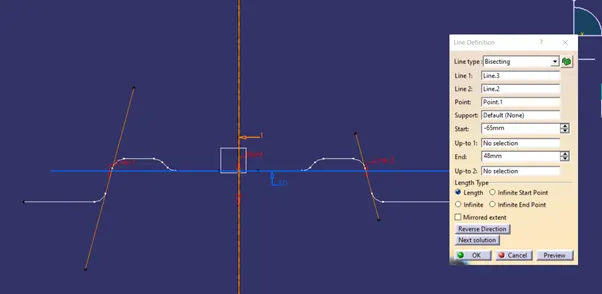
- From the cross section curve we identified the faces which needs to be checked for draft angle. Then we created 2 lines from that face.
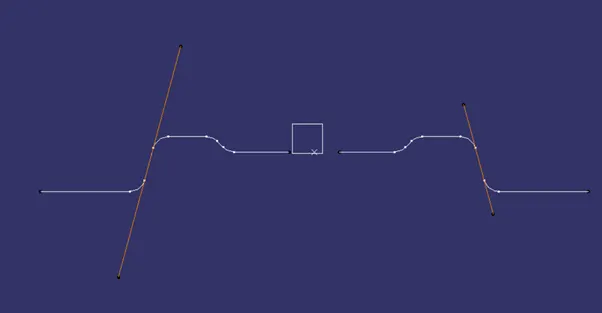
- From those 2 lines we constructed another line and bisected it to form a new line.
- This line is recognised as the TOOLING AXIS. And this axis is used in the draft analysis.
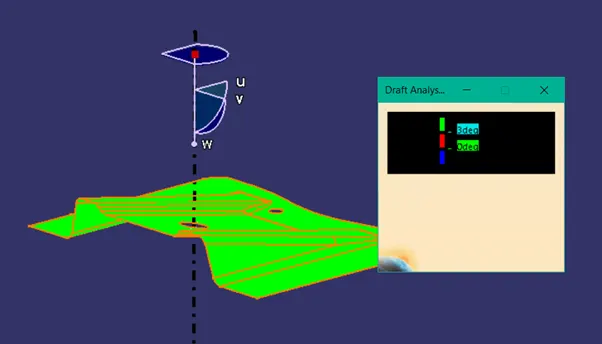
In draft analysis feature, we need to place the compass on the tooling axis. And adjust the direction like -Z or +Z.
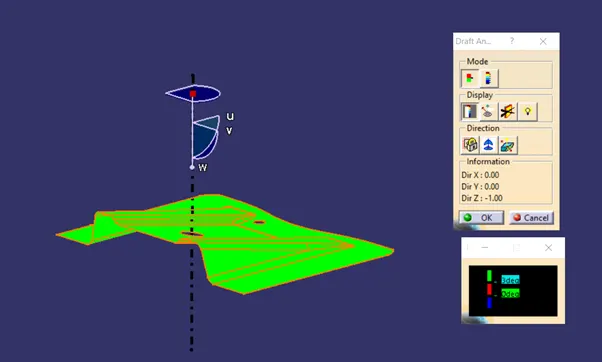
As shown in the colour range the part is fully green and is easily removed form the mold.