Week - 4 - 2D meshing for Plastic components
A. OBJECTIVE:
To create the mid surface for the given geometry, and mesh the given component using given criteria in ANSA.
B. STUDYING THE GIVEN GEOMETRY:
- Given geometry is a plastic component with invariable or non linear thickness.
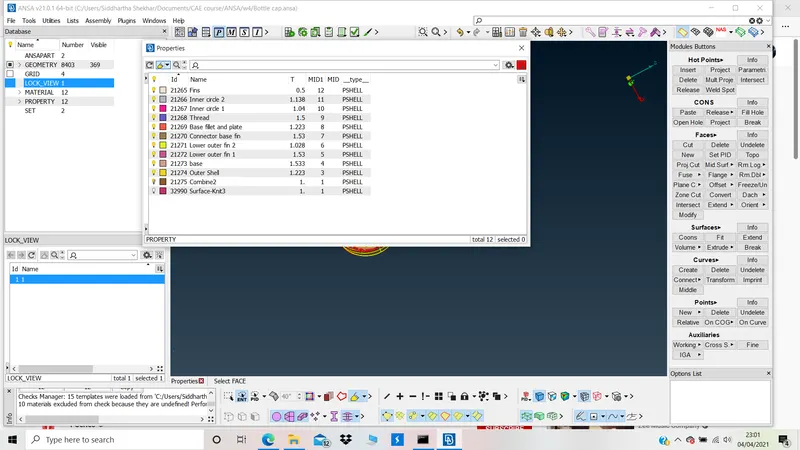
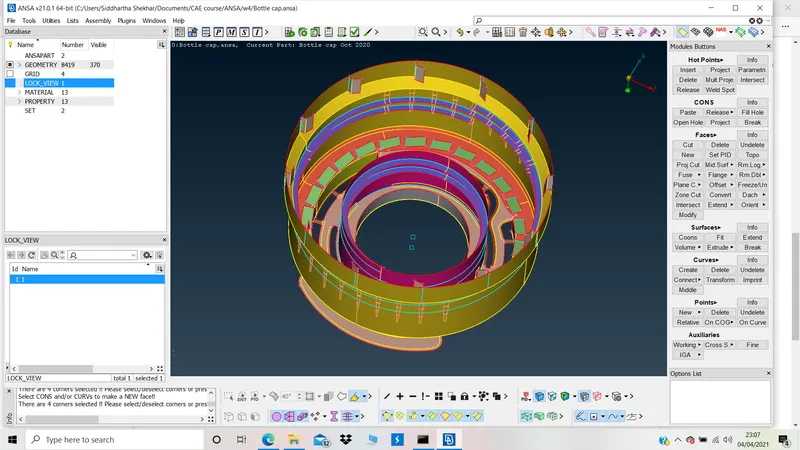
- The geomtry is marked for different thickness and accordingly PIDs are generated.
- Midsurface is generated by offsetting the surfaces manually.
C. GEOMETRY CHECKUP:
The given geometry is checked for Geometry
Checks>>Geometry>>Execute>>Fix the errors.
D. MANUAL MID SURFACING:
Basic procedure:
- Identify the target surface.
- Measure the thickness.
- Offset by half the distance.
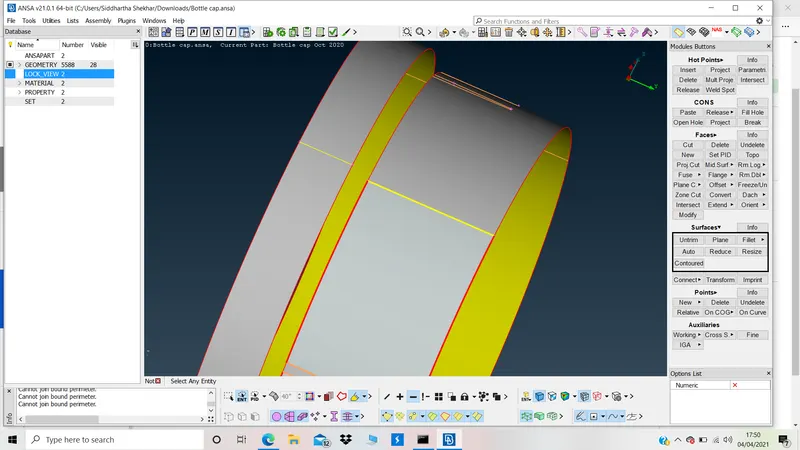
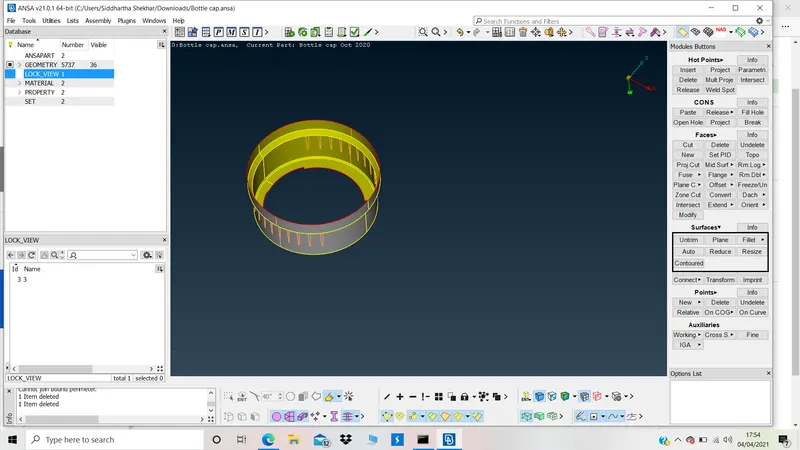
1. While creating mid surface by offsetting the surface. Different surfaces were joined using Surfaces>>Countoured>>choose the cons>>middle click
BEFORE:
AFTER:
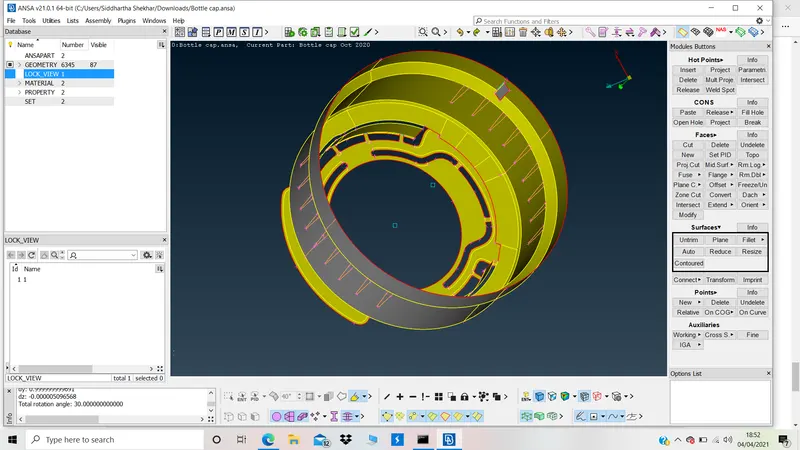
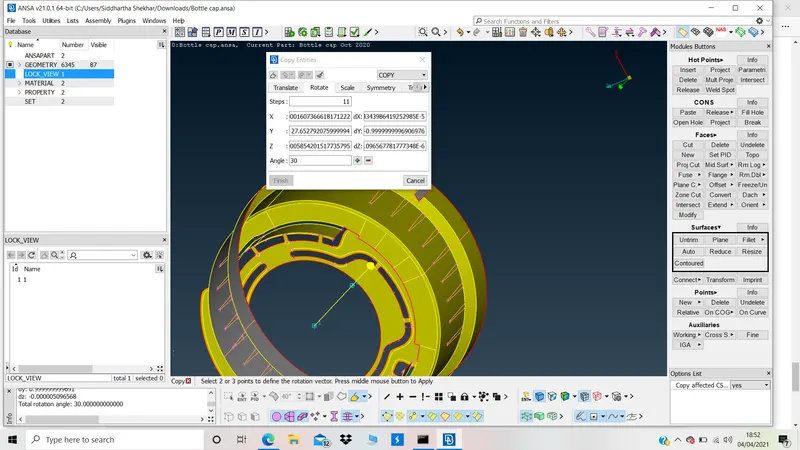
2. While creating mid surface by offsetting the surface. Different surfaces were duplicated using rotate. using Utilities>>Transform>>copy>>choose entitity to be duplicate by rotation>>choose the count (count-1)>>select two COGs>>enter the angle (360/count)>>middle click>>finish
BEFORE:
TRANSFORM:
AFTER:
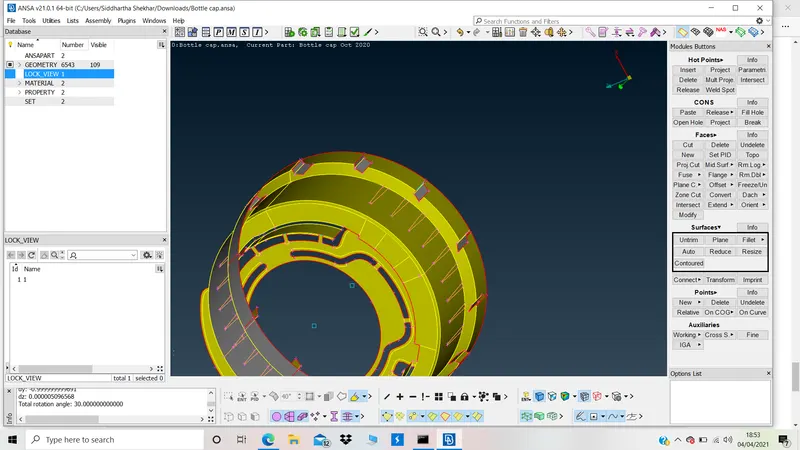
Similarly, Teeth were created using transform.
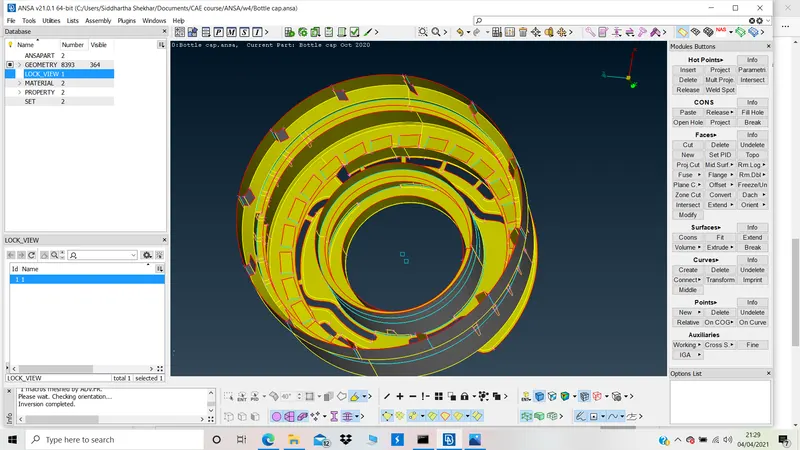
3. Creating the thread.
Using the Curve>>Middle>>choose 1st and second con>>middle click.
- Project the curve on mid surface.
- Join using Face>>New>>Coons>>Middle click
- Delete the curve after generating mid surface for thread.
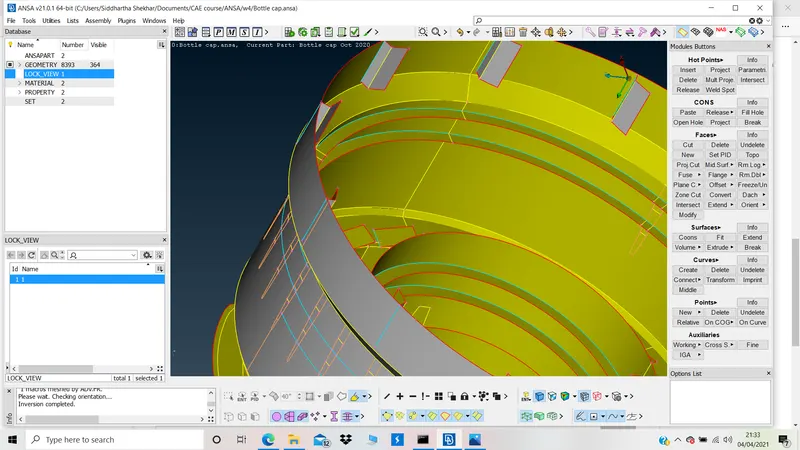
4. Joining offset surface using Faces>>Extend
BEFORE:
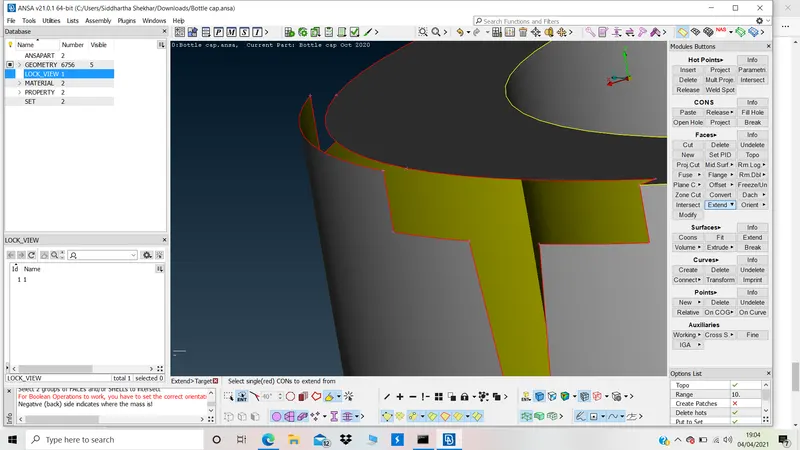
AFTER:
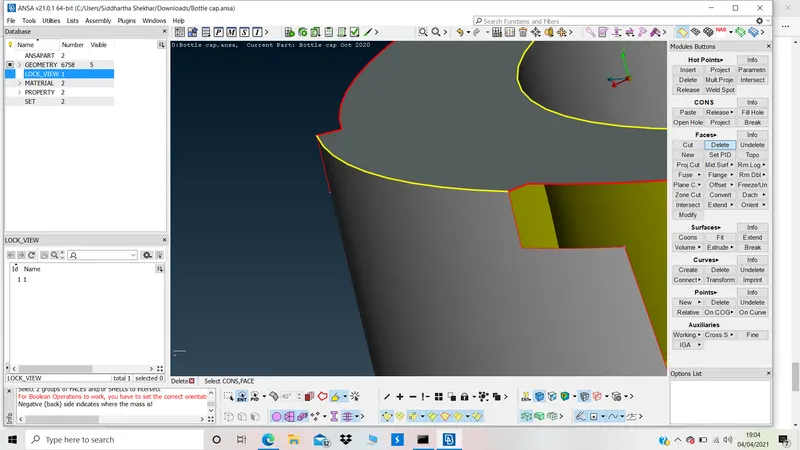
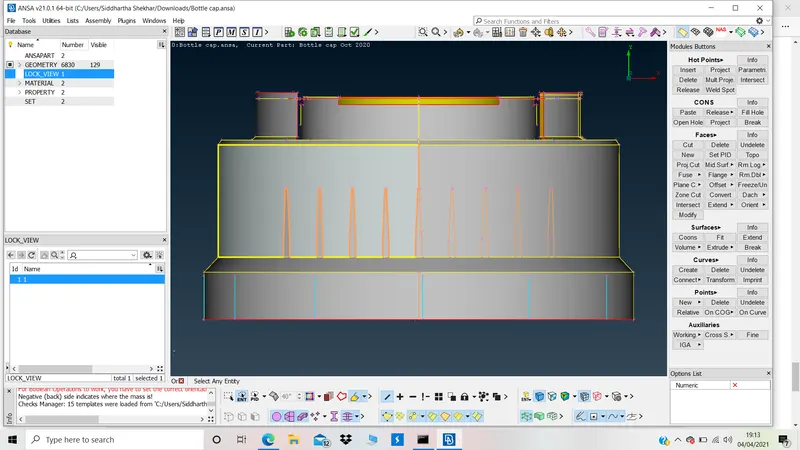
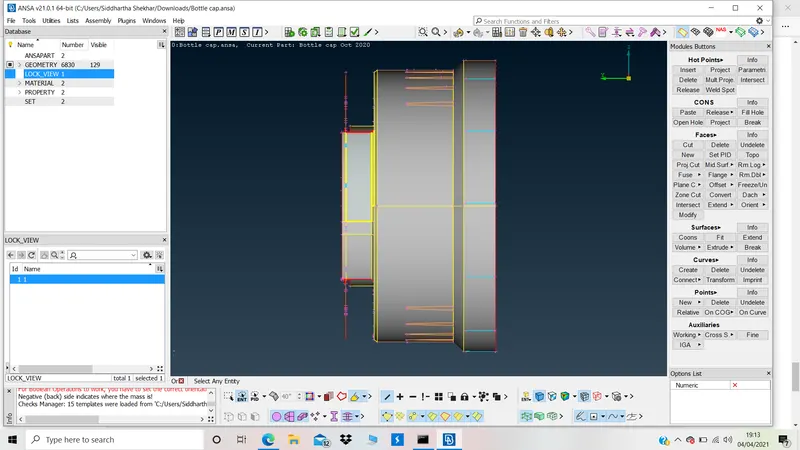
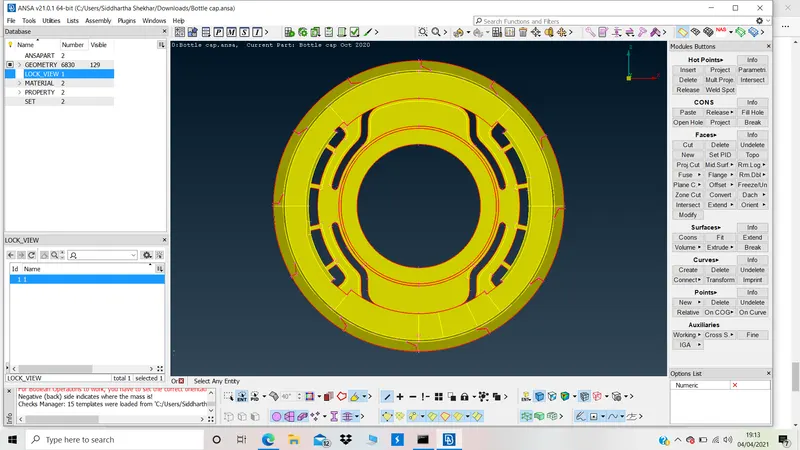
Differeent views for generated Mid surface:
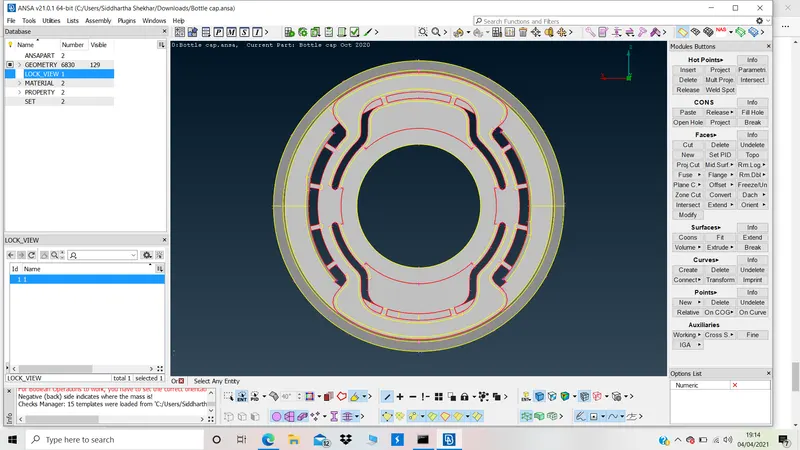
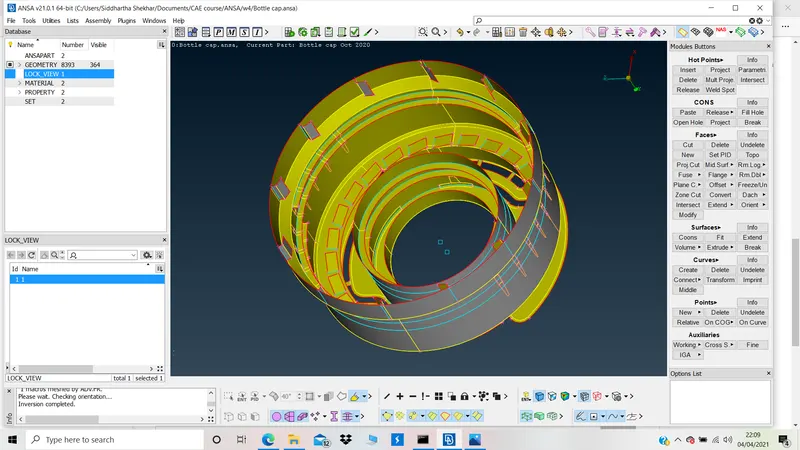
E. ASSIGNING PIDs:
Different PIDs were assigned to surfaces with different thicknesses.
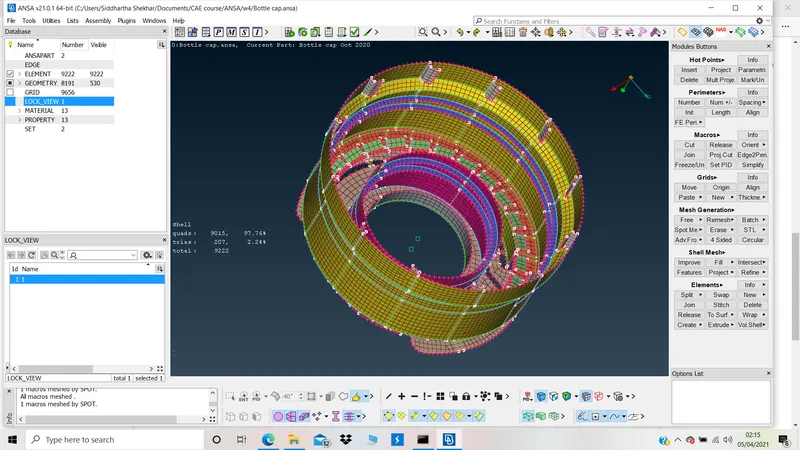
F. MESH:
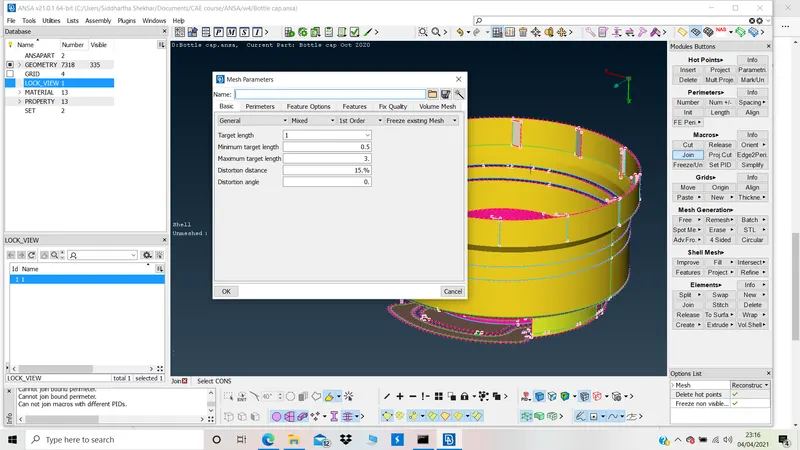
Mesh parameters:
Pressing F11 and enter the parameters.
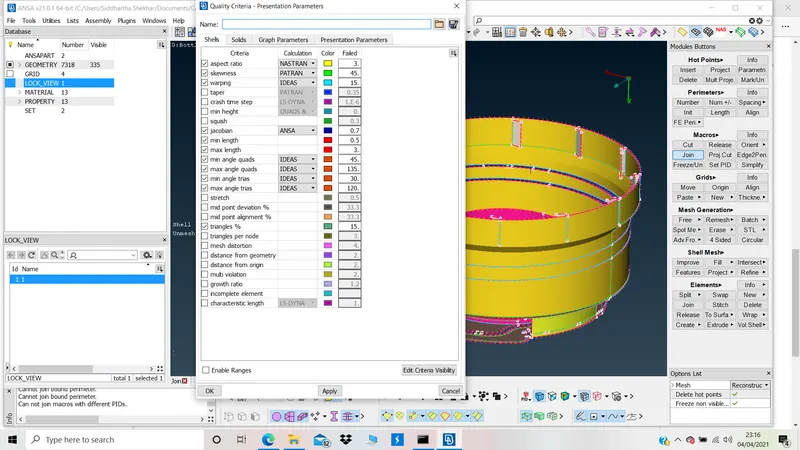
In presentation parameters, view all details and check %elements checkbox
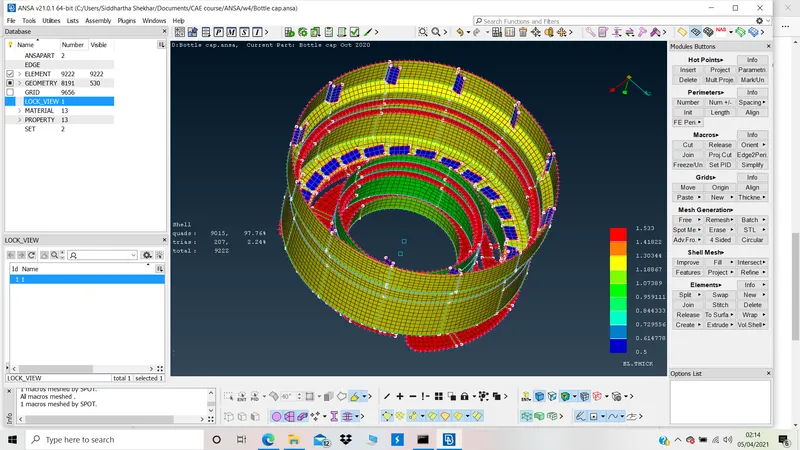
Mesh representation as thickness:
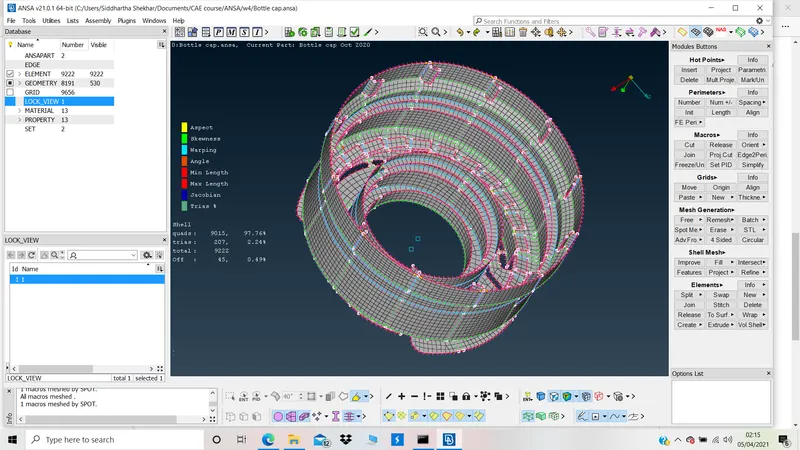
As per quality parameter:
Mesh as per PIDs:
Botle cap.ansa is attached