TETRA MESH ON CASTING COMPONENT
AIM:-To perform tetra mesh on the given components
PROCEDURE:-
- First, we need to import the model
- Then after we need to clean the geometry
- After that, we need to perform shell mesh using trias
- Then we need to go to 3D pannel and we need to mesh the volume
- Then we need to fix the quality
GEOMETRY CLEAN UP
- We need go to import and select Import and select the file type and import
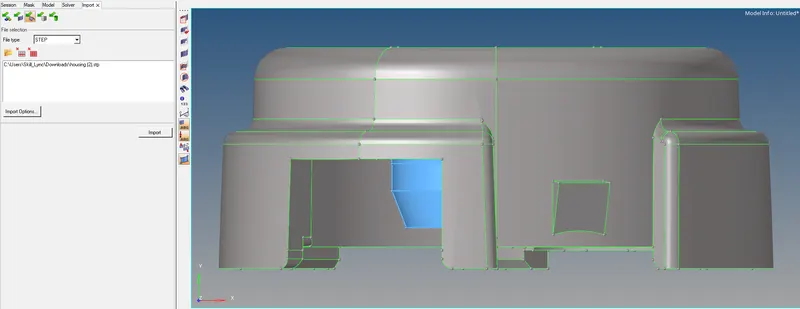
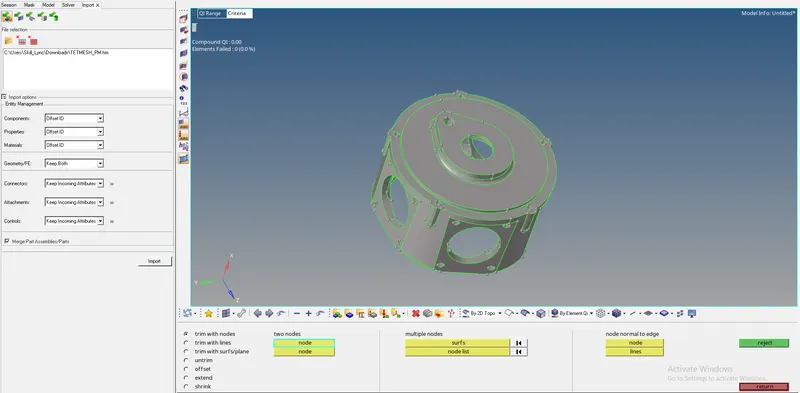
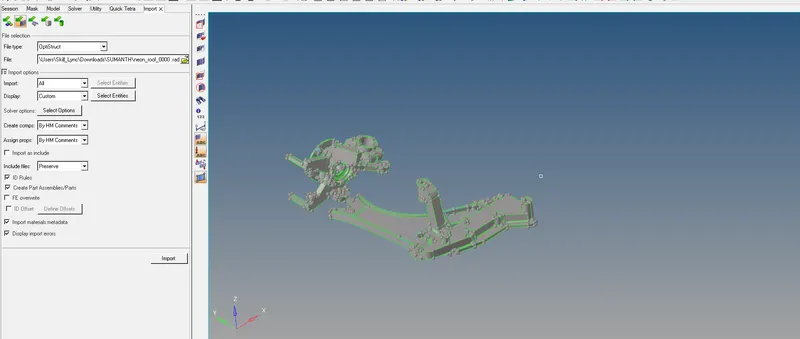
- After importing we need to set quality parameters that are the same for all the model
- In 3d we need set yet collapse and set as 0.15
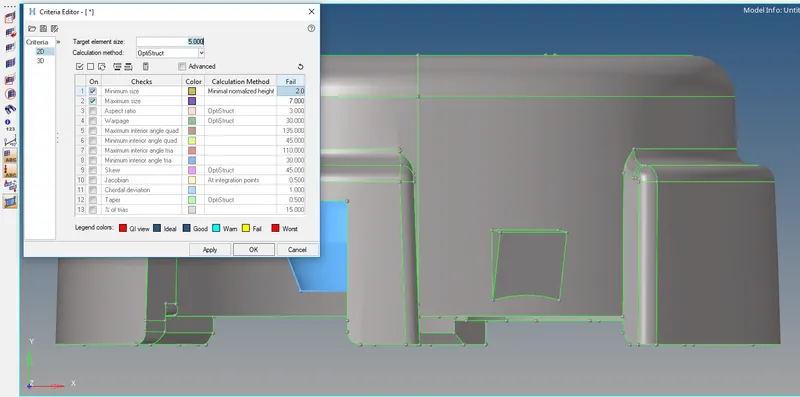
- After that, we need to clean the geometry
- First, we need to clean the geometry.
- To clean the set view to visualization and set geometry color mode to mixed.
- See whether errors are present we need to clear them.
- If errors are not present we need come to move further mesh.
- For geometry cleanup, we need to go to geometry and select quick edit

- To split the surface we use split with node and split with line
- To reduce the concentration at the hole we need to select the washer
- To unsplit surface, we need to use unsplit surface
- To paste or to trim we use toggle edges
- The raw geometry has the missing surface to fill the surface we need to use the filler surface
- To delete surface we use delete surf
- To replace or combine the points we need to use replace point
- To add or remove a point we need to use the add/remove point
- Mid surface after cleaning the geometry
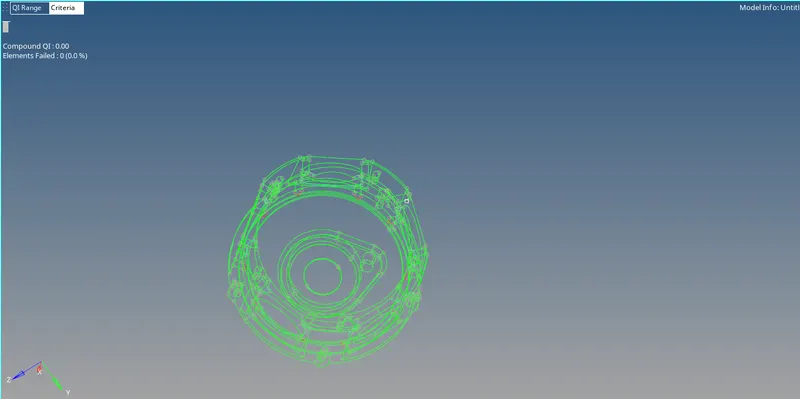
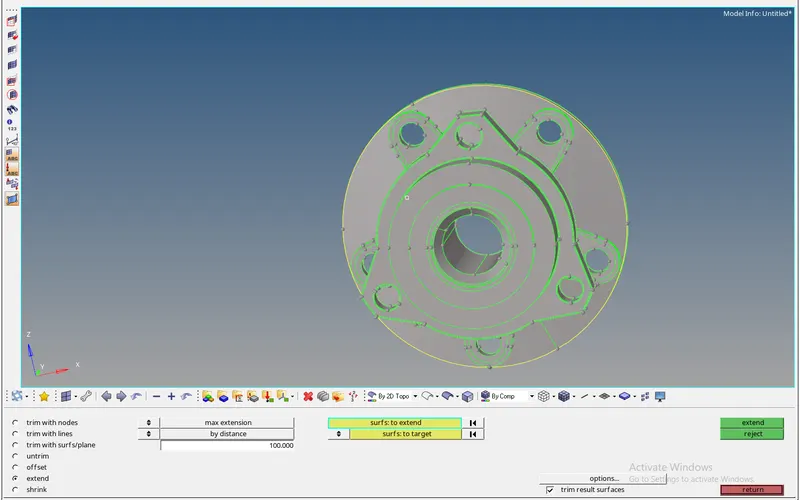
- Before cleaning
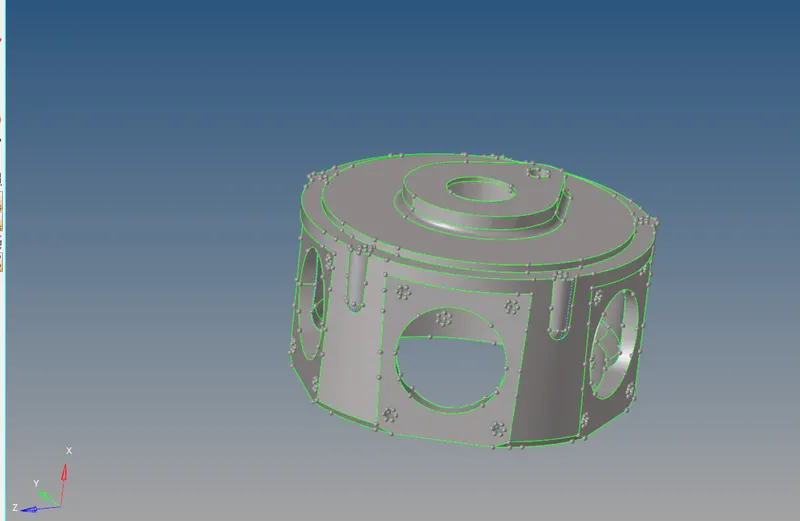
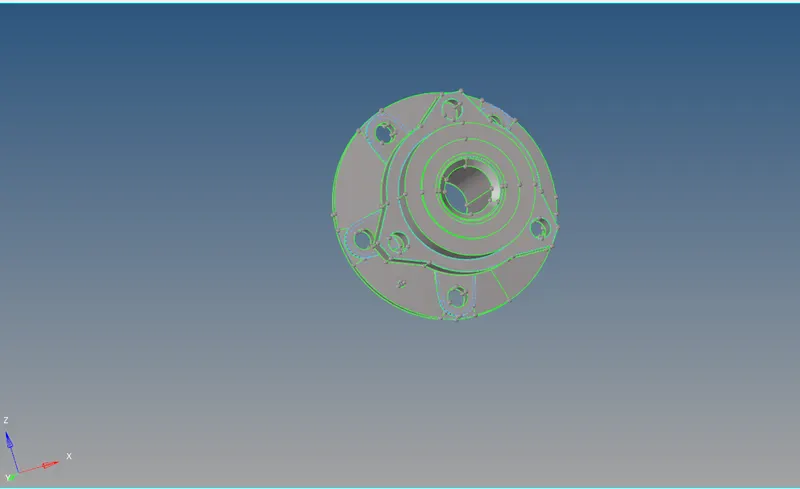
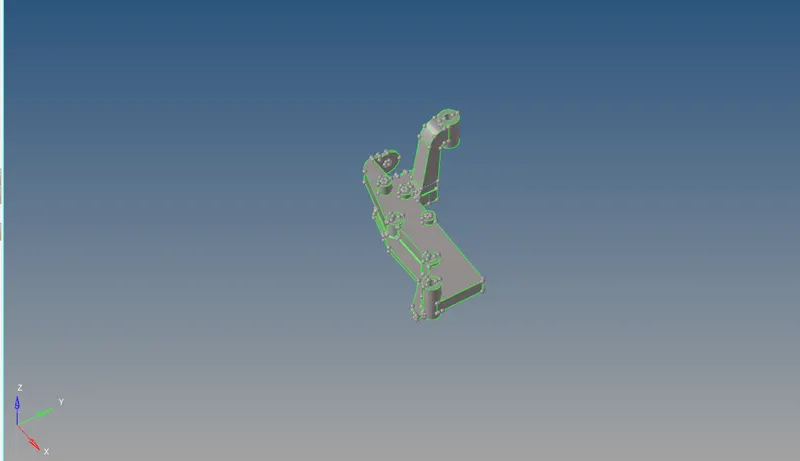
- After cleaning
MESHING:
- For the parts which are greater than 6mm, we need to do solid meshing.
- There are two types of meshing one is a structured mesh one is an unstructured mesh.
- After meshing makes sure that we do not have any tetcollapse issue.
UNSTRUCTURED MESH:-
- From the name itself, we can understand the mesh is unstructured.
- To perform this mesh we must follow the process first we need to do perform a 2d mesh of trias/R trias.
- After that, we need to convert it to volume by those 2d mesh formed on the surface.
- There majorly three ways to perform mesh two are automatic and one is manual.
- Before any mesh, we need to give quality parameters and give the target element size and click on apply.
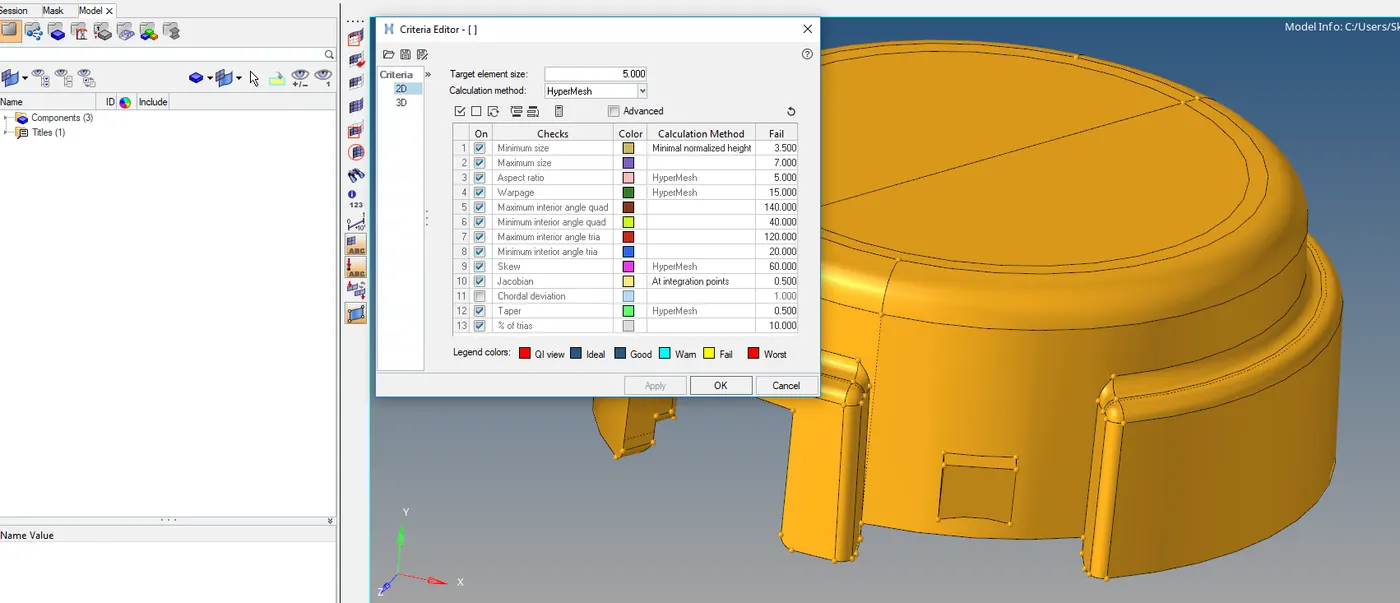
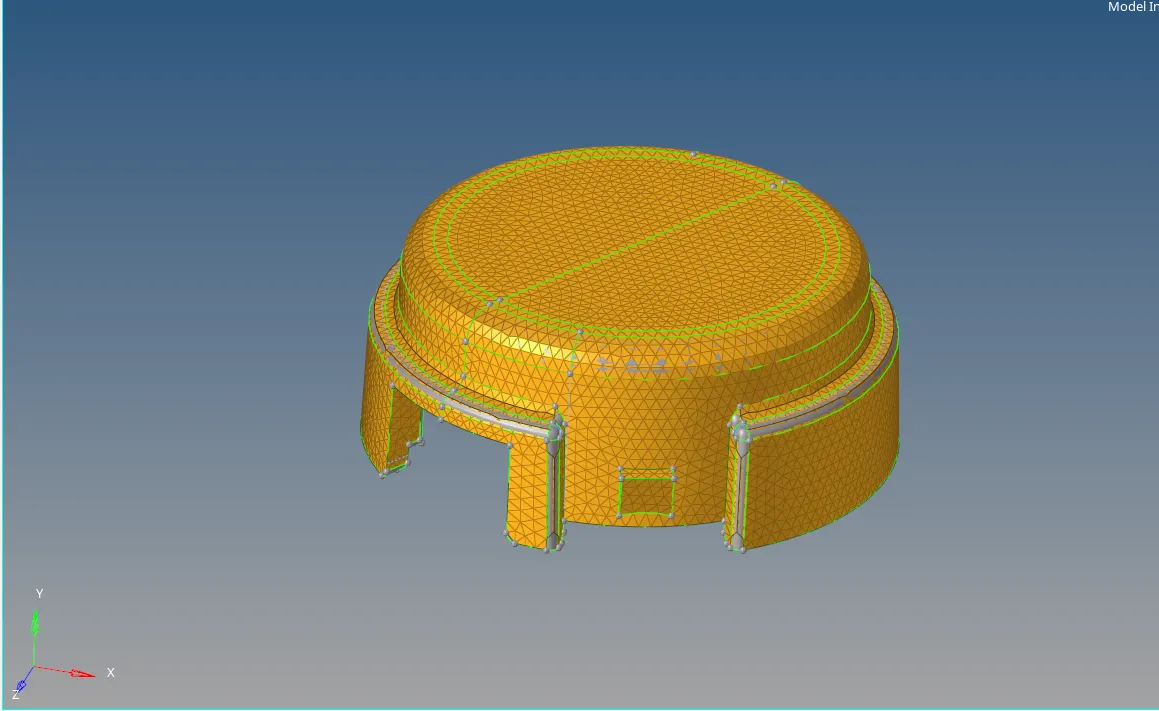
- After that, we need to do mesh on the surface with trias as mesh
- Go to 2d select auto mesh and then select surface and set mesh type as trias and press mesh
- Then we need to do 3D mesh for that we need to go 3D select tetra mesh and select tetra mesh.
- select the element and mesh them.
- Before mesh, we need to set mesh parameters in it.
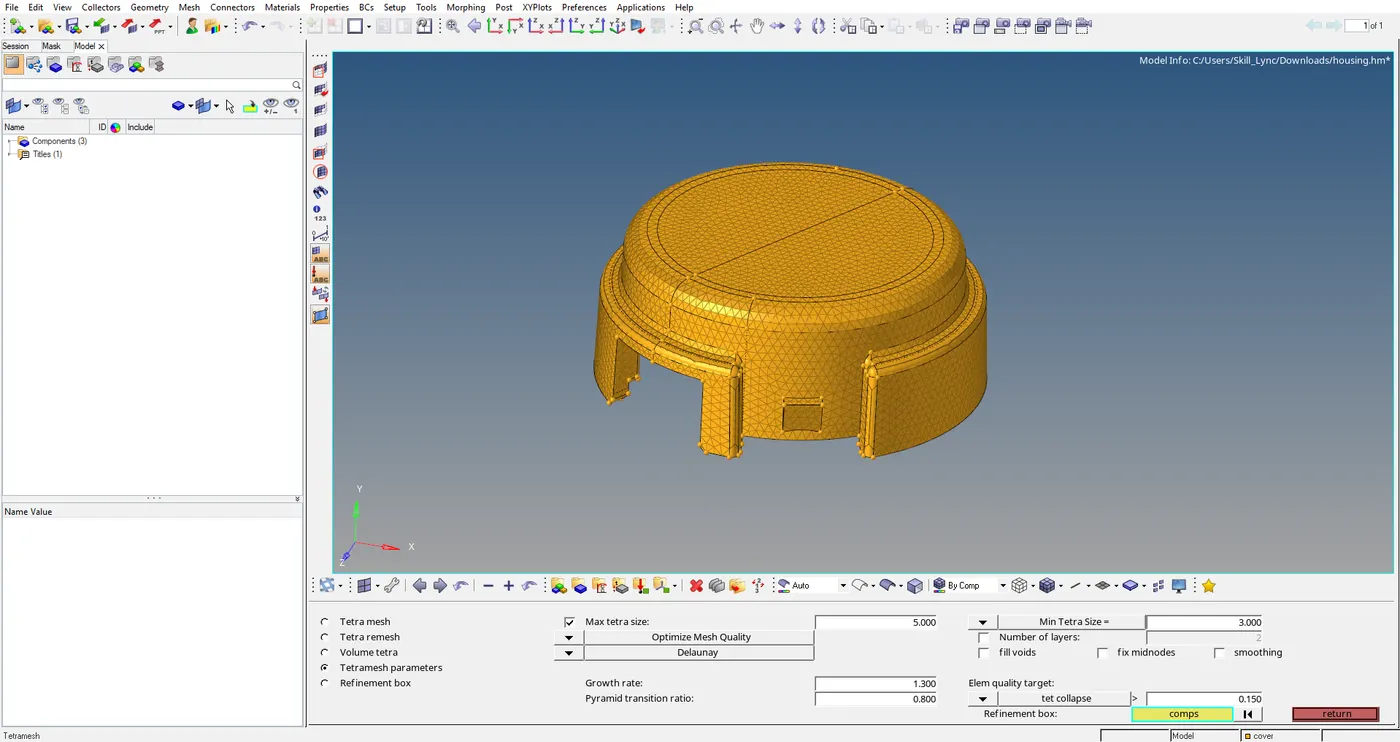
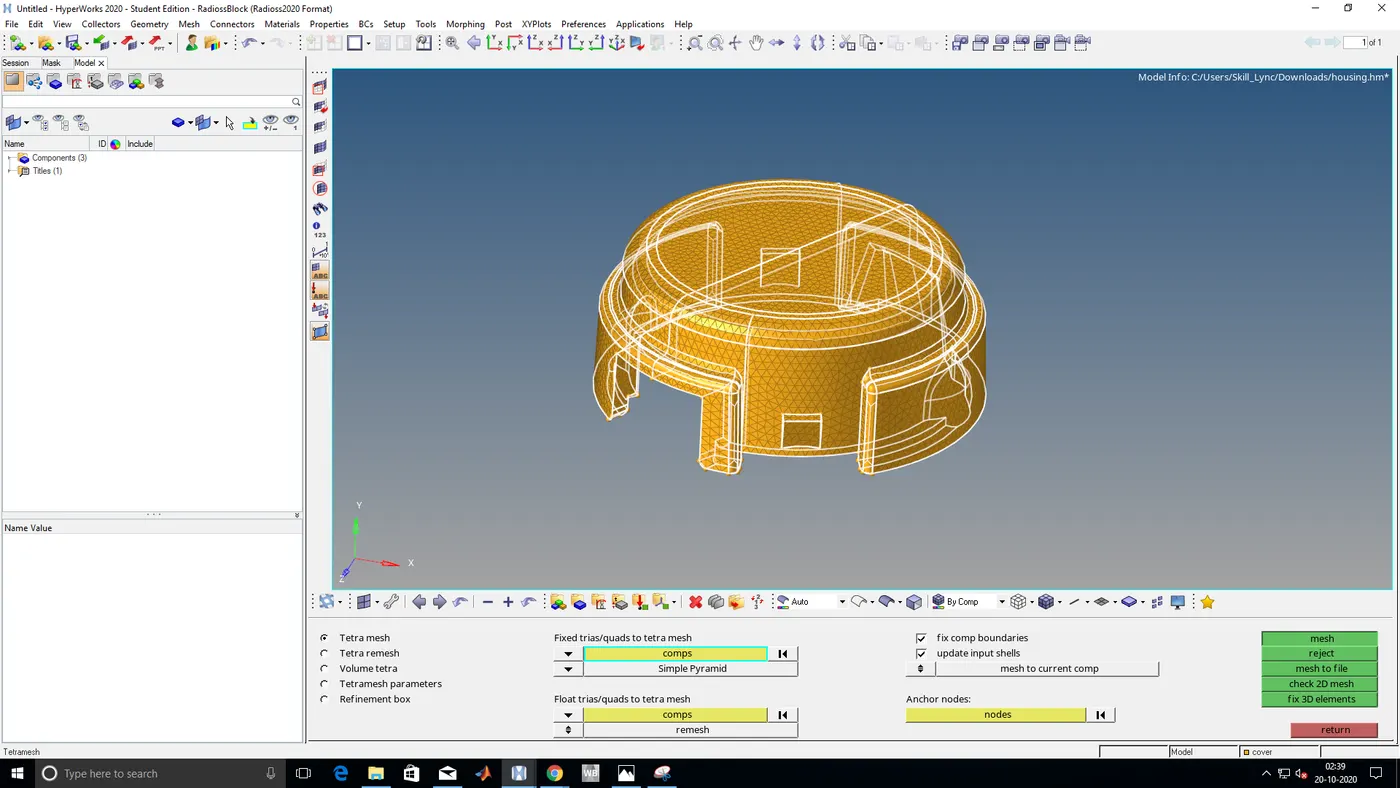
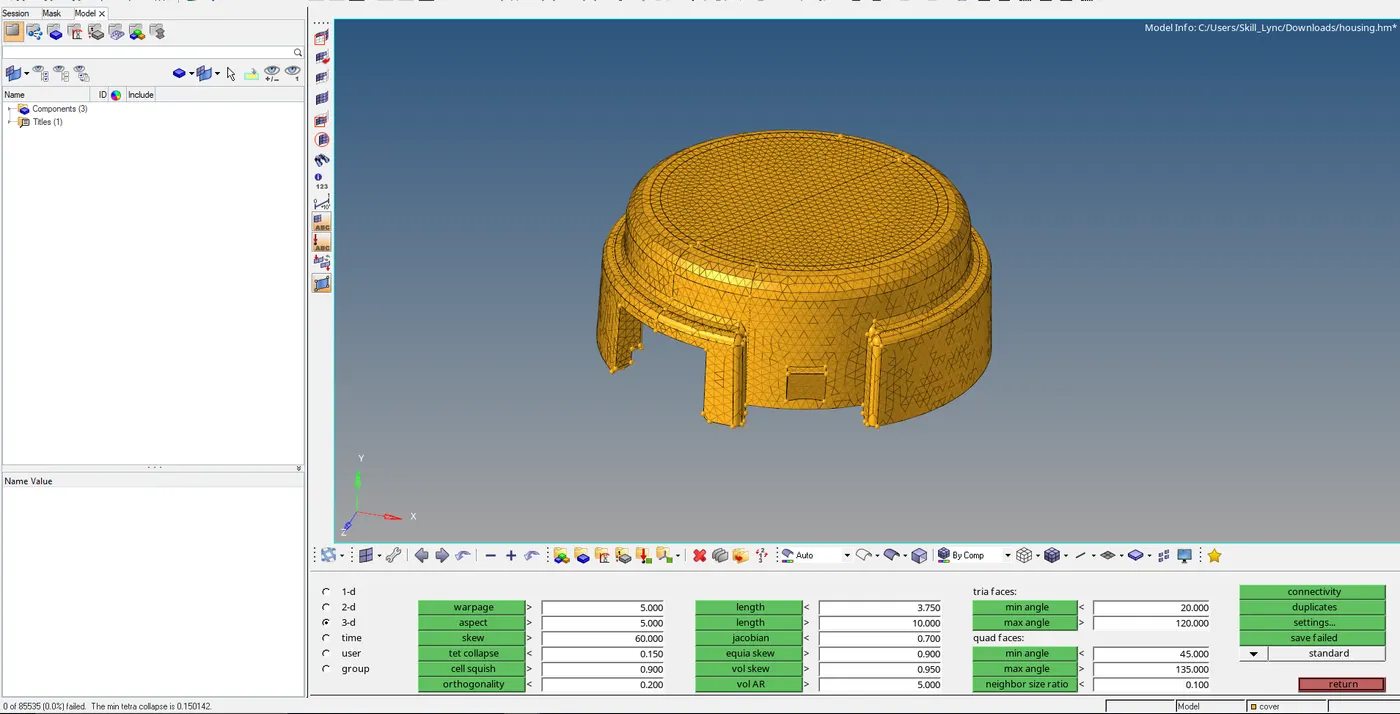
- Mesh done perfectly no quality issues
- If any issues we need to fix them by remesh or by going again to tetra mesh you can fix 3d elements
- Open that file and set the target element size and give parameters that to we resolved and then set fix quality
- After we need to select show elements failed and then select to fix it.
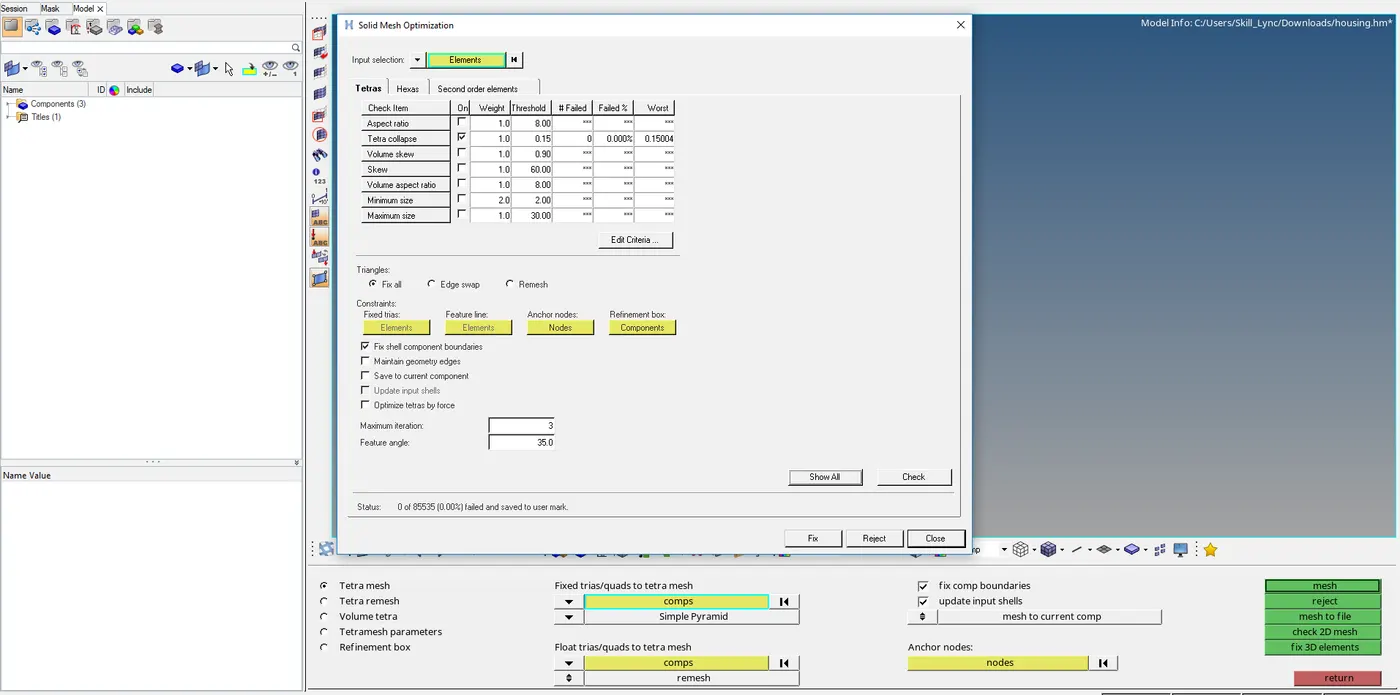
- The other method just goes to volume tetra and select component and give the mesh.
- The automatic mesh we need to go to view browser select hyper mesh utility and go to geo/mesh select quick tetra
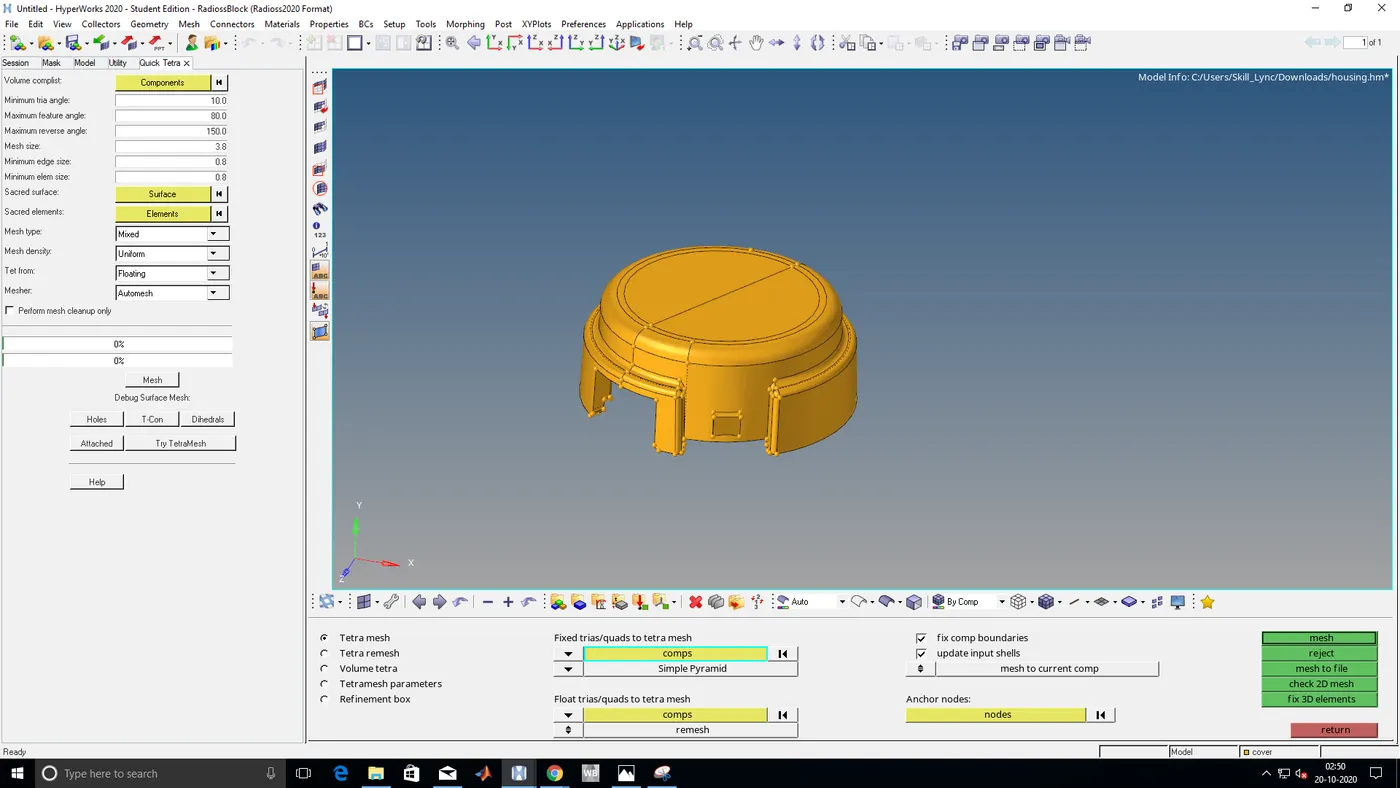
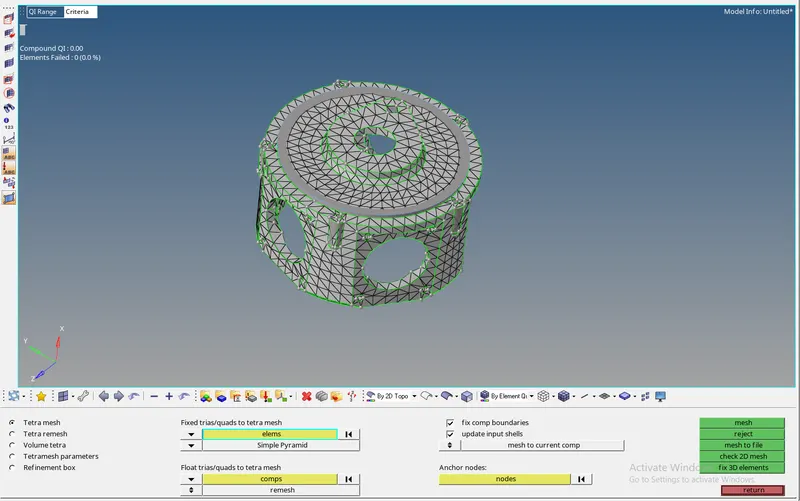
VOLUME MESH FOR THE COMPONENTS
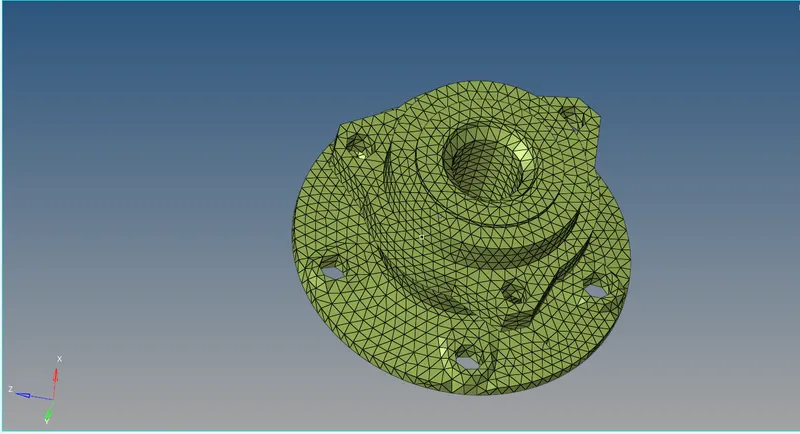
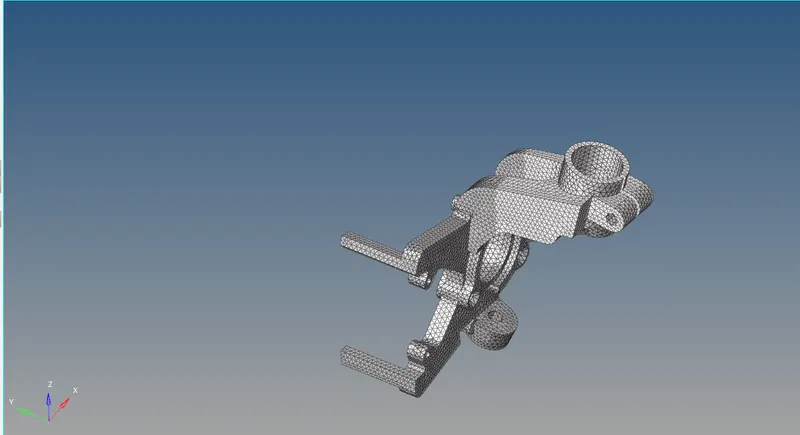
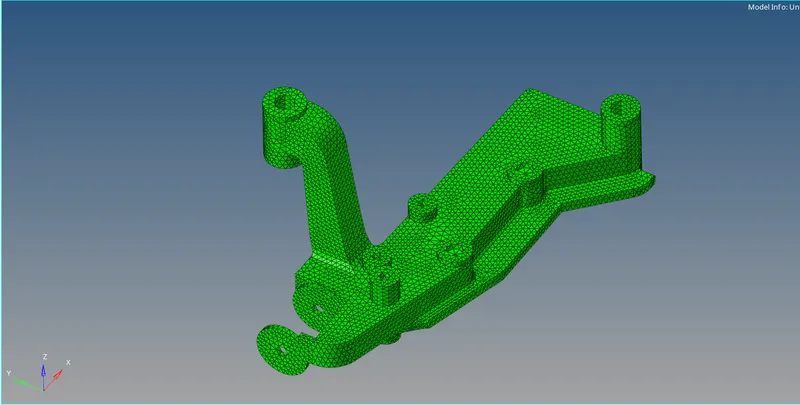
- There are various ways to perform tetra mesh-like performing 2d tetra and perform volume mesh or directly goto volume tetra and perform mesh
- The way to perform tetra mesh is to mesh 2d and mesh with 3d
CONCLUSION:
- learned how to perform volume mesh
- learned how to capture fillet area properly
- learned the difference between structured and unstructured mesh
- learned how to resolve tetcollapse issues