MORPHING ON SHEET METAL COMPONENT
AIM:- To understand and perform basic morphing on given sheet metal component
THEROY:
As of now morphing is a technique to change geomentry with respective to parent geometry without usuage of cad software.It is used to do basic modifications
PROCEDURE:-
- We need finish geomentry cleanup and keep the geomentry away from geomentrical error
- Then we need to go morphing menu and do morphing to the component
GEOMETRY CLEANUP:-
- We need to perform topo and then we need check geometry
- If any errors are present we need to remove it
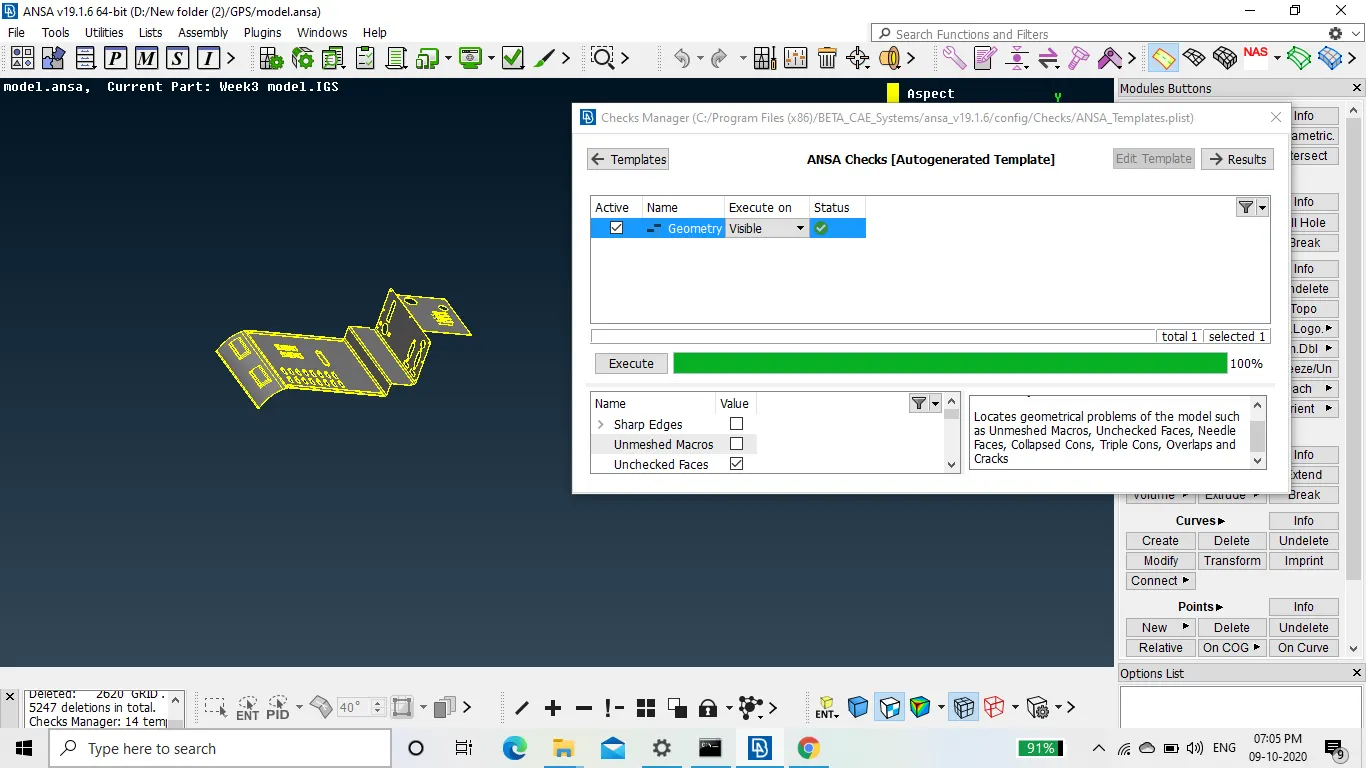
MORPHING:-
- As morphing is tool to change the geometry it can be used in meshing itself
- To perform morphing we need to go to morphing menu
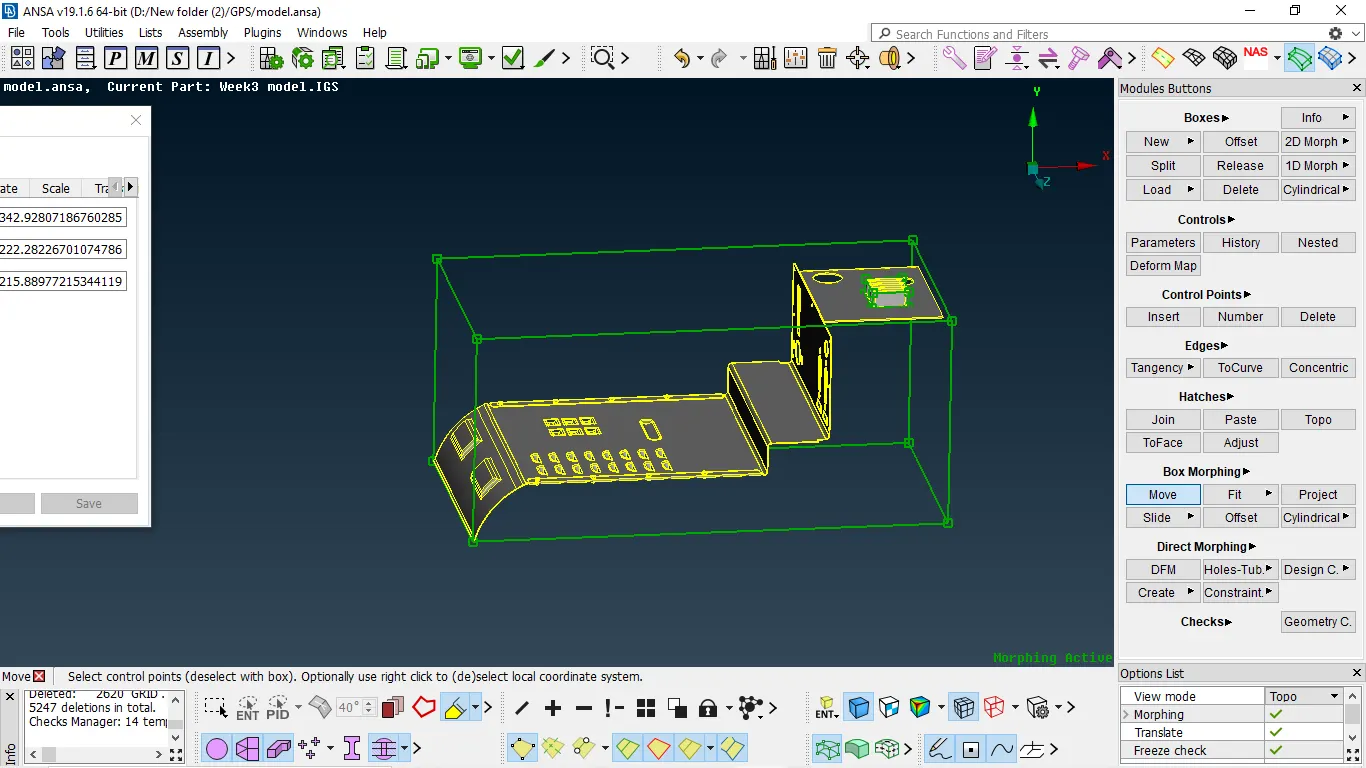
- Then after we need to go to boxes in that we need to select new in that ortho in that select if it is a geomentry select geomentry if FE select FE
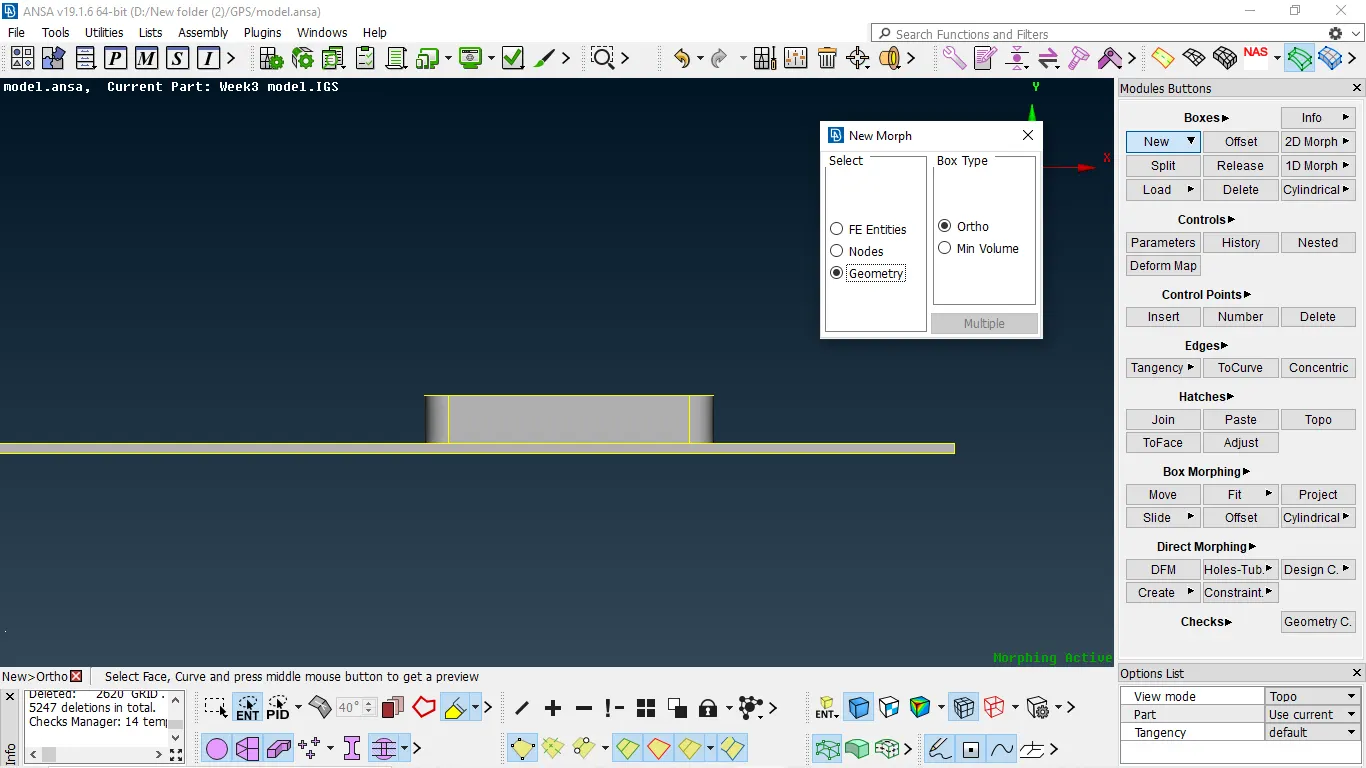
- Then we need to select the geomentry with proper orentation thn only box will be created
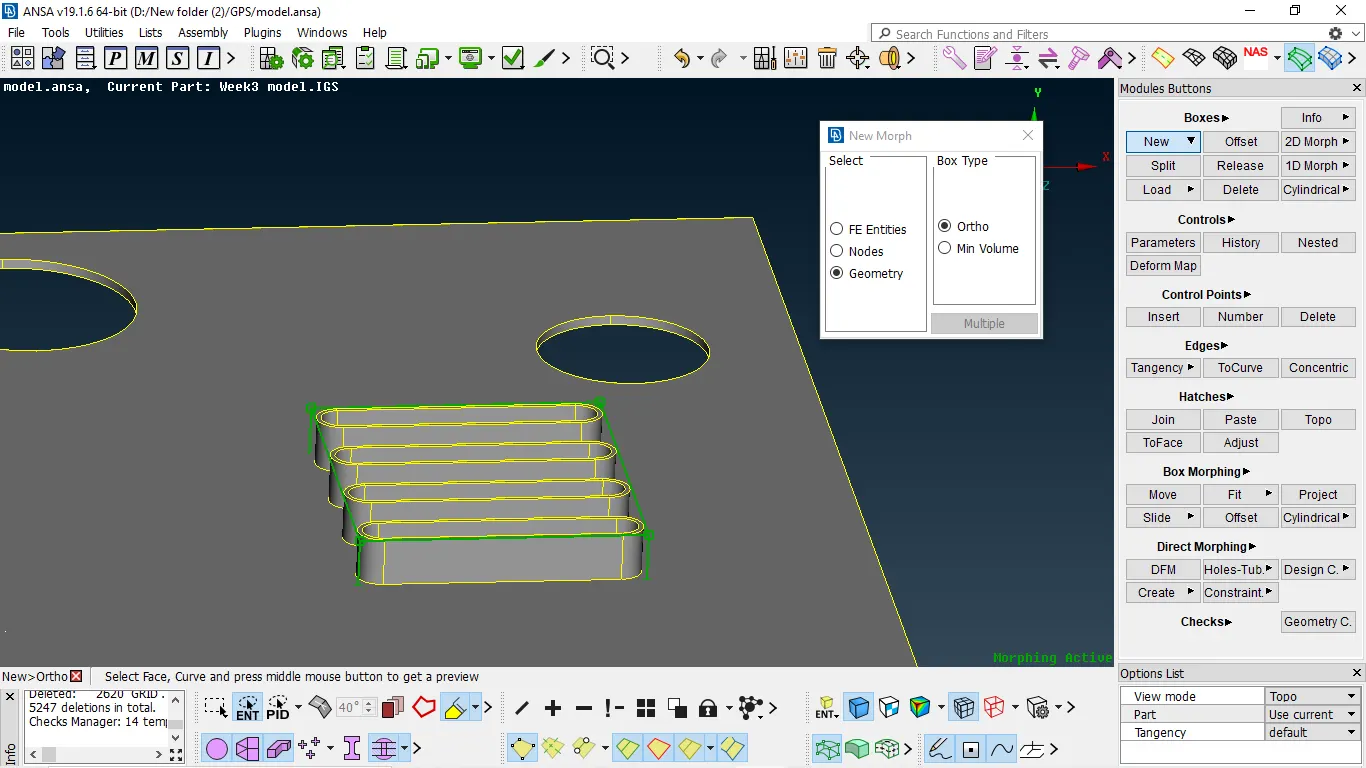
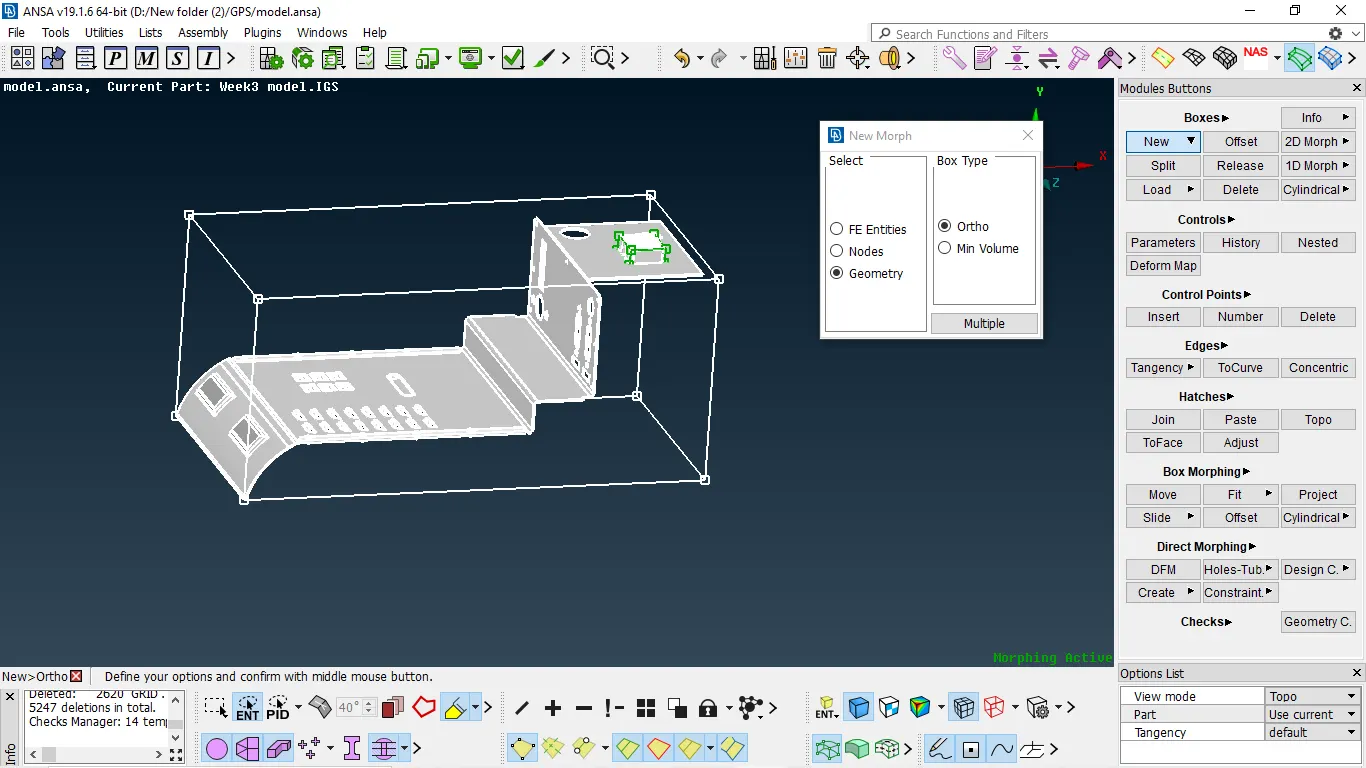
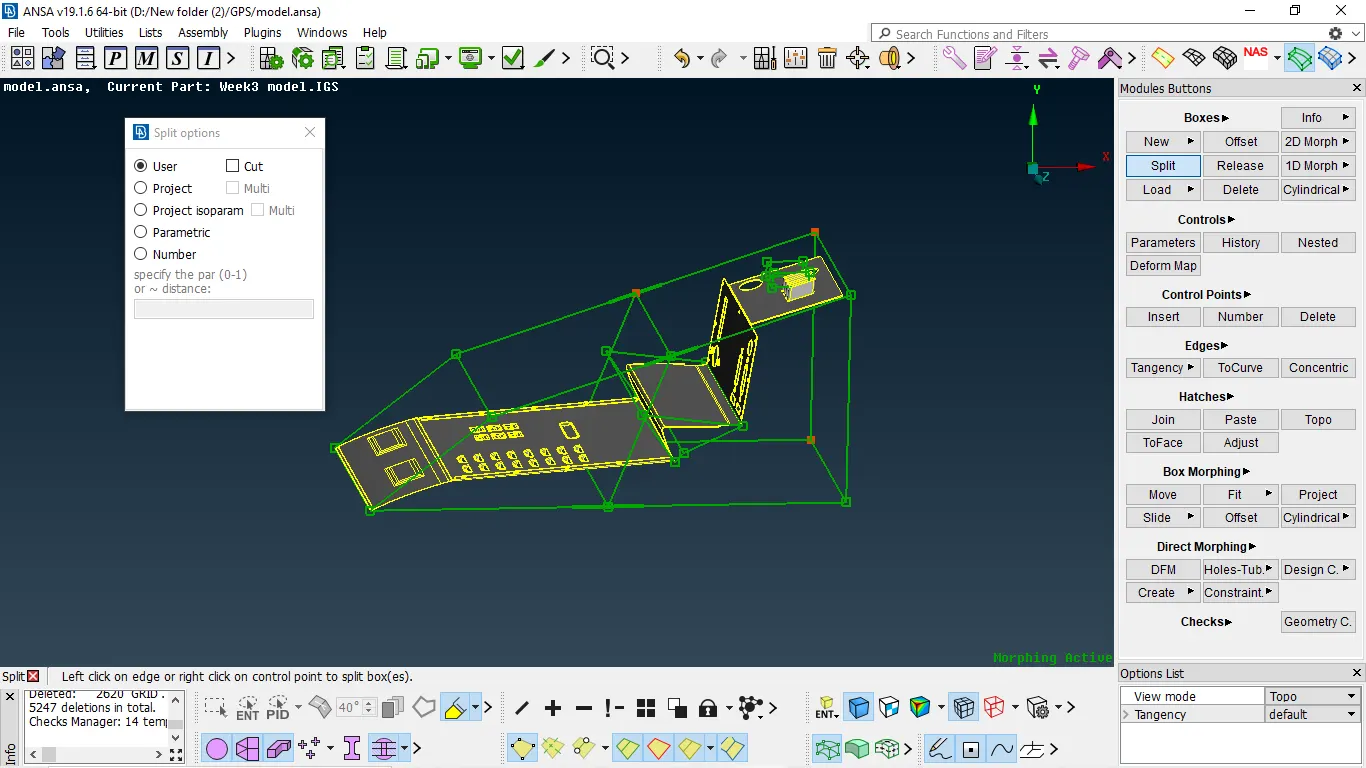
- we can split the boxes by using splt in Boxes menu
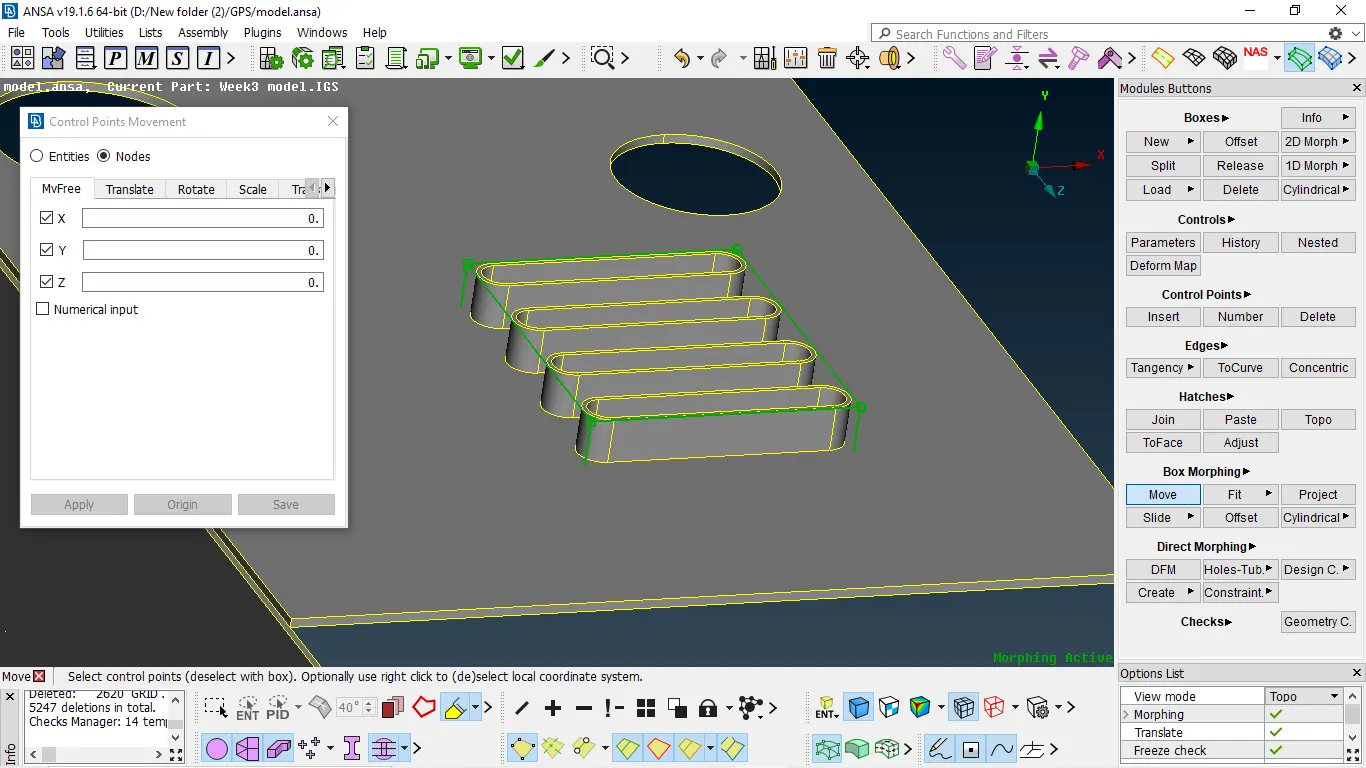
- After making the boxes we need to select appropriate nodes and use move command to move
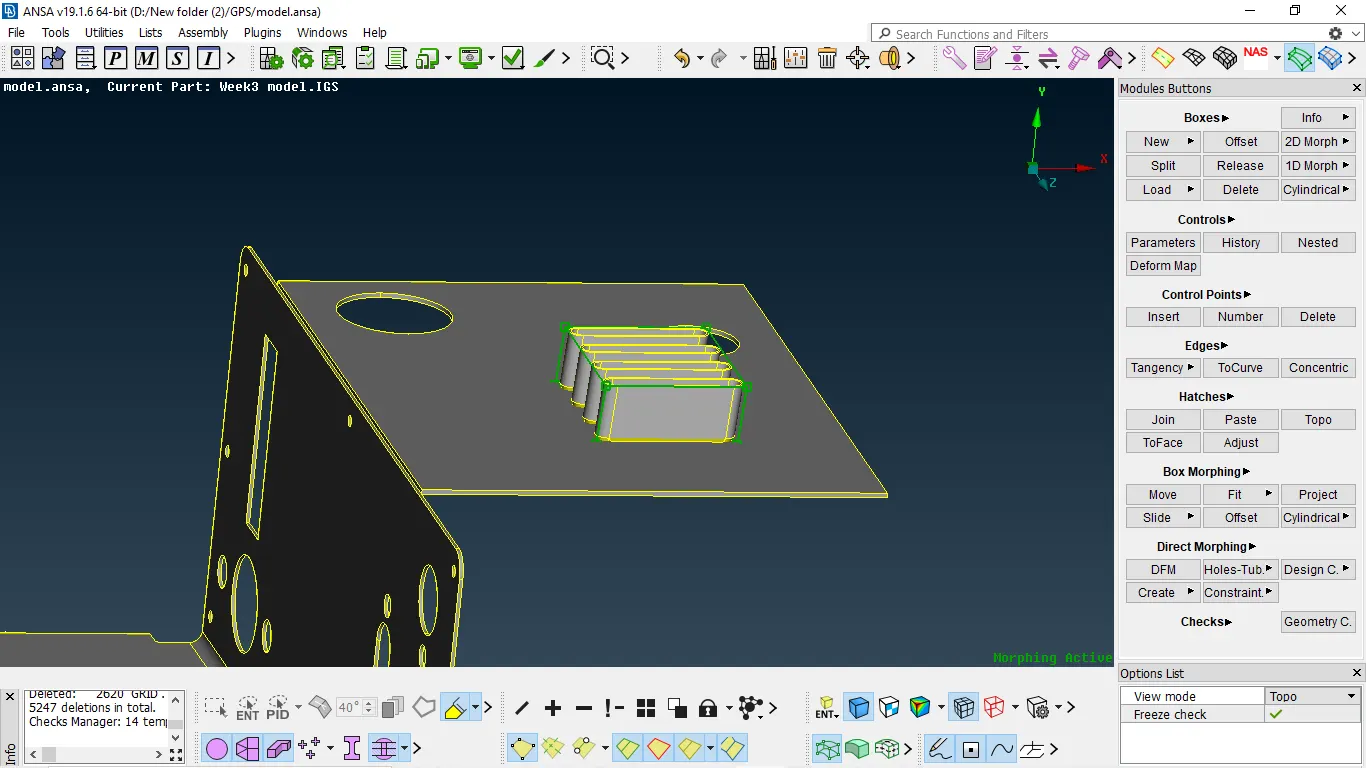
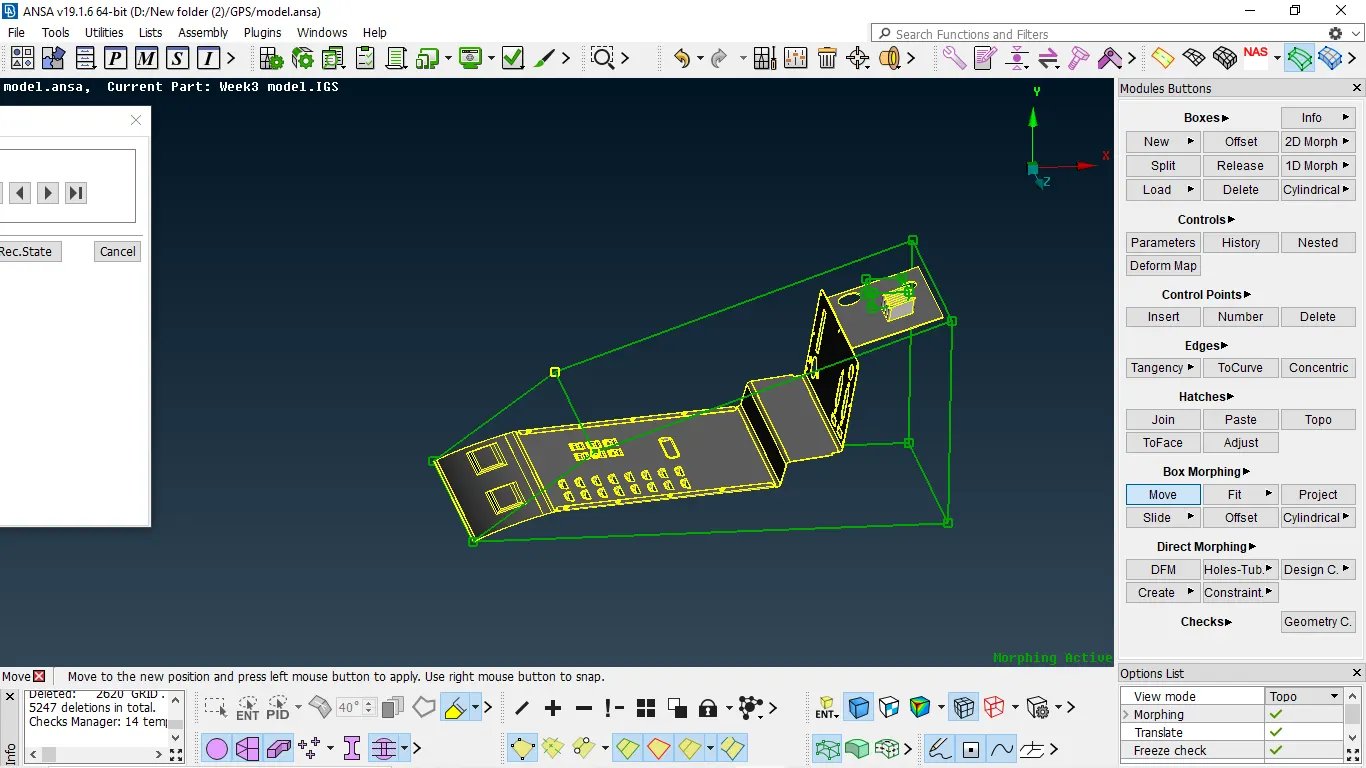
FINAL RESULT:-
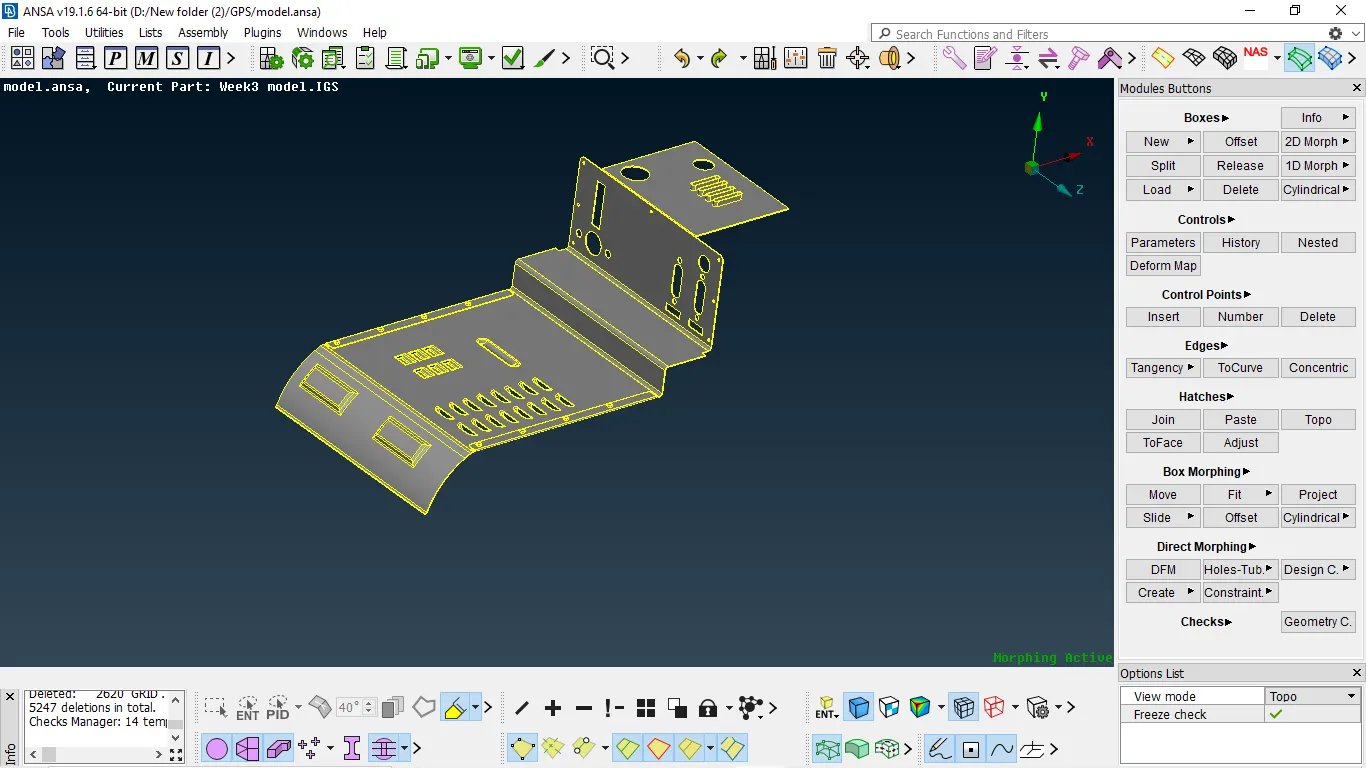
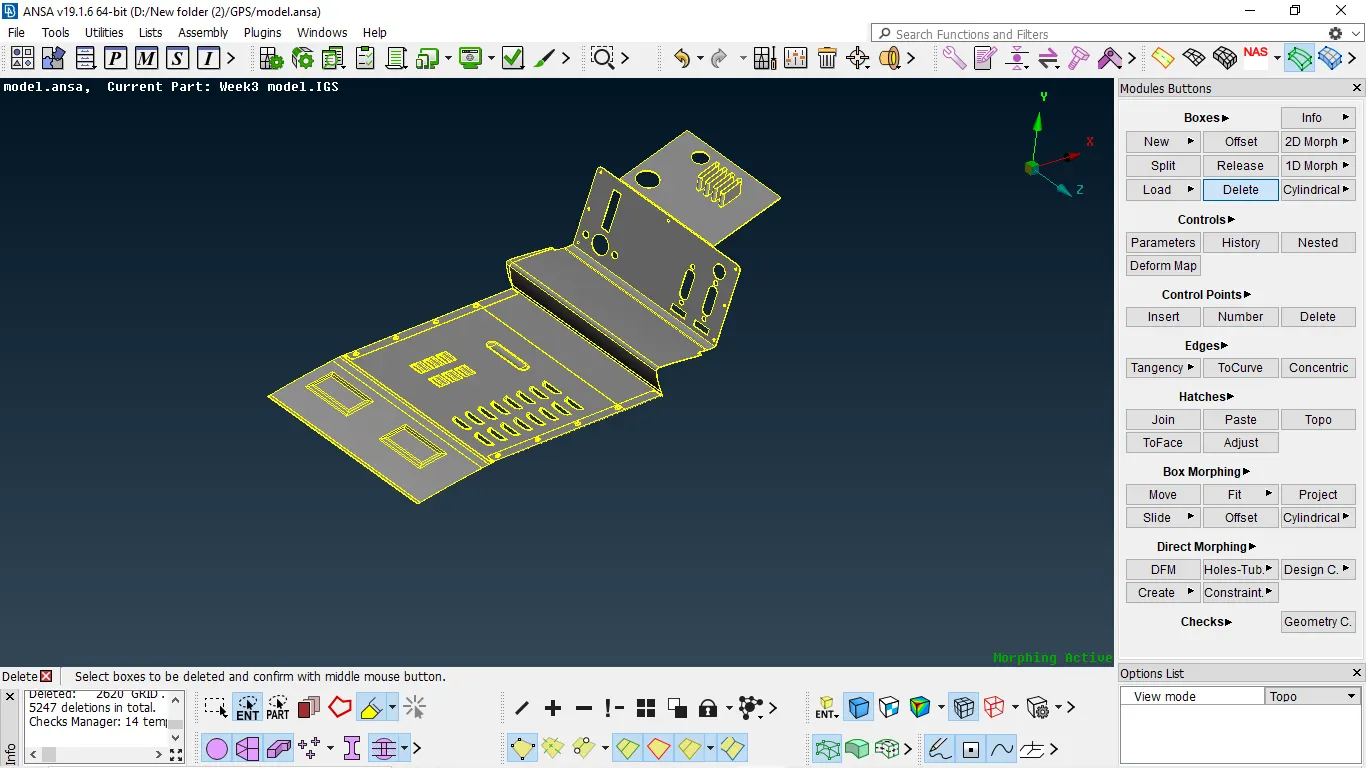
CONCLUSION:-
- Understanding the basic steps of morphing
- Performing morphing by using box selection
- Understood the usage of morphing