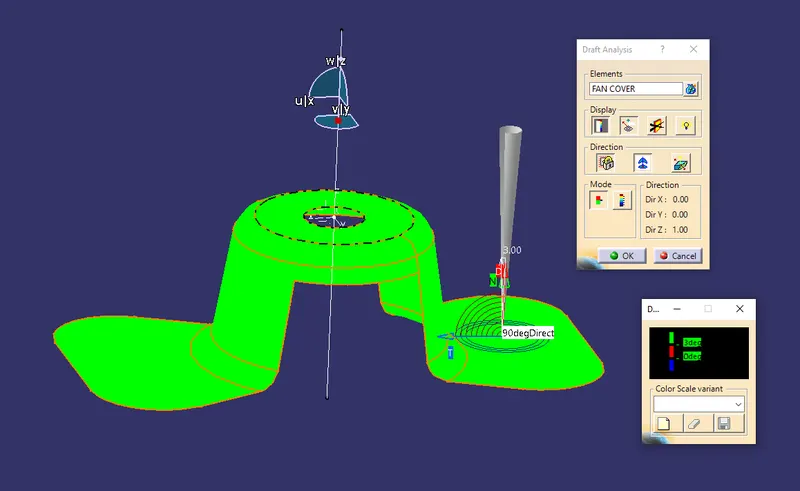
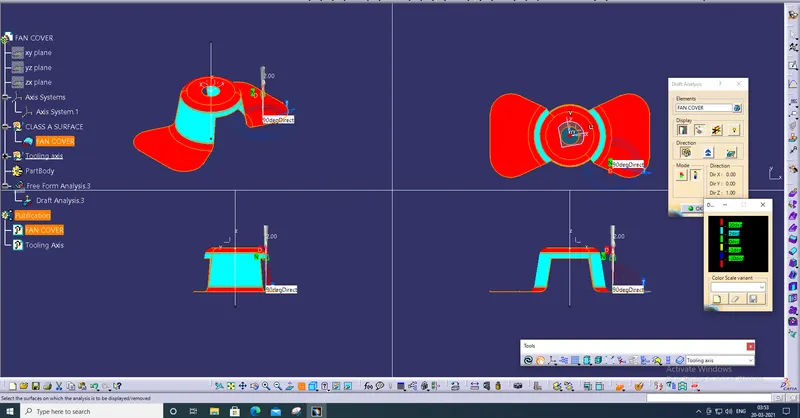
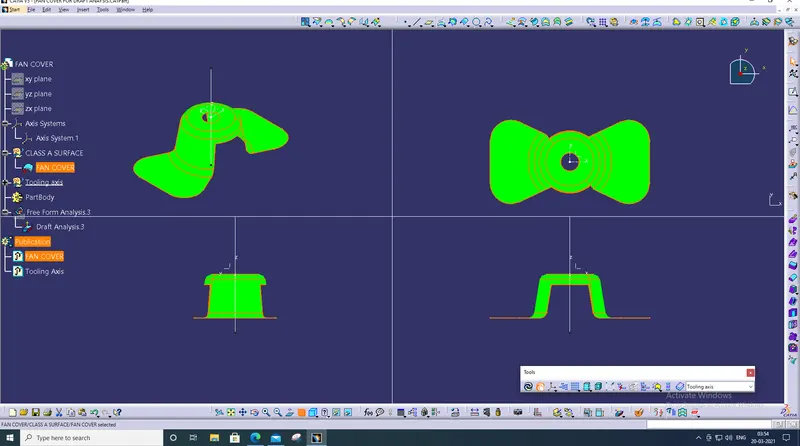
Draft Analysis on a Fan Cover
Draft Analysis
First we should select the tooling axis for the designed part for that we should check the X, Y, Z directions for tooling
Clearing on X direction
Create axis system at the middle of the part
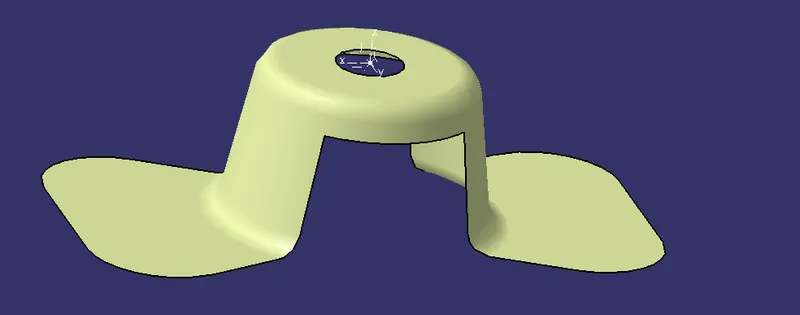
Create intersect by selecting X direction
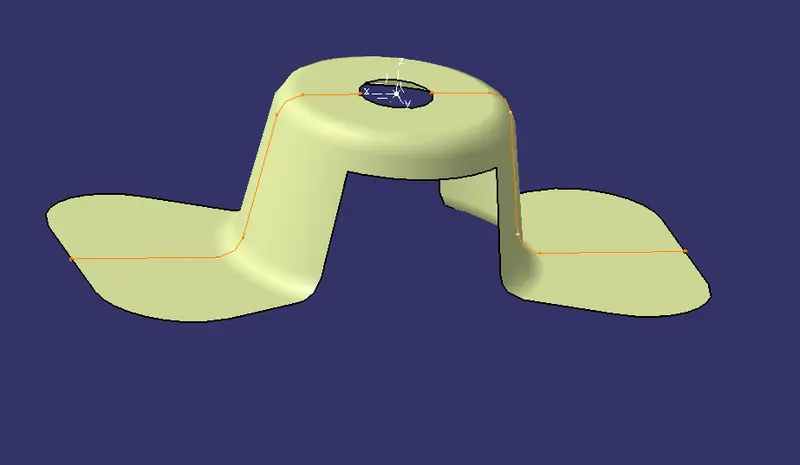
Create a dummy tooling axis by using point at the centre
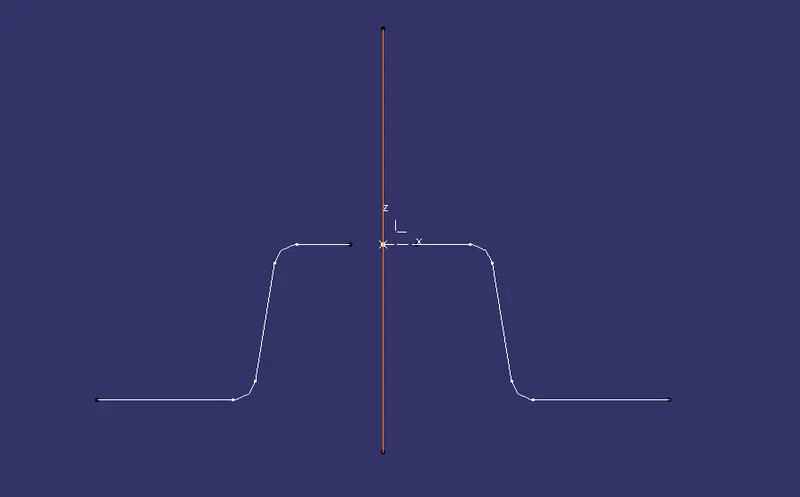
Create lines at slope side by using point to point option
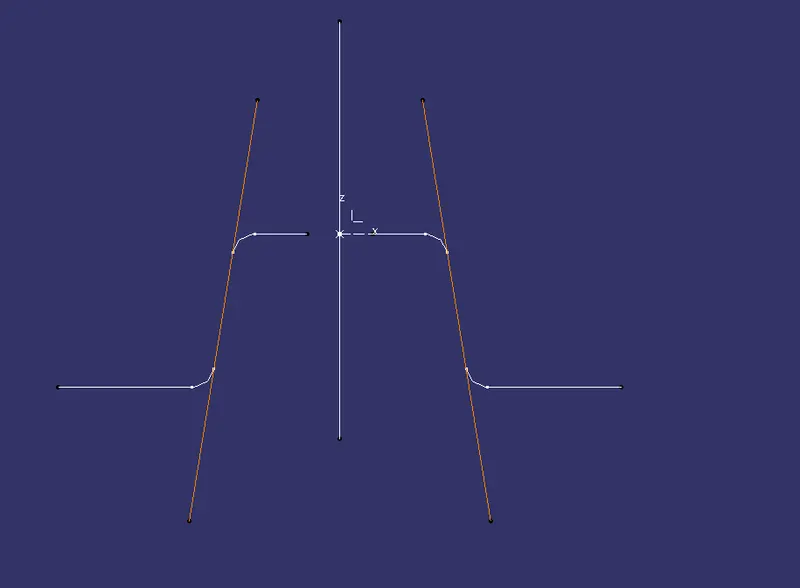
Create bisecting line by using two side lines and point in centre and select the direction
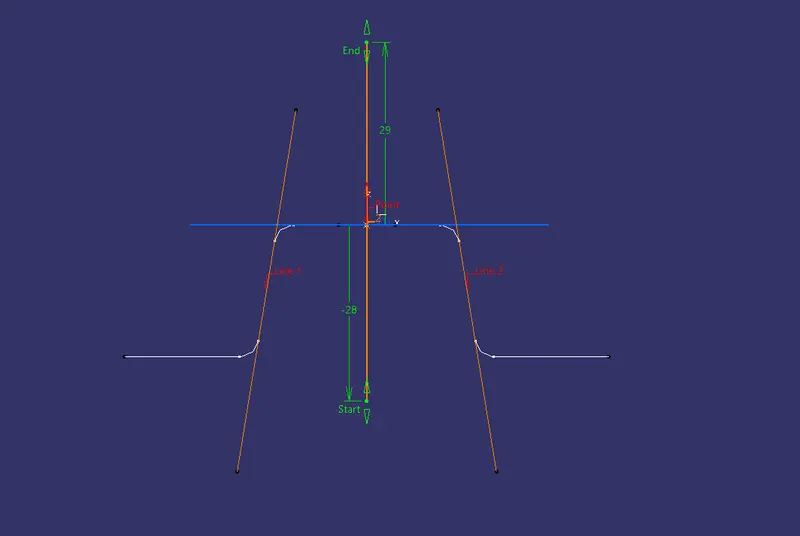
So the two sides are positive for tooling so tooling for X direction is cleared
Now we need to check the Y direction
Creating intersection by selecting Y direction plane
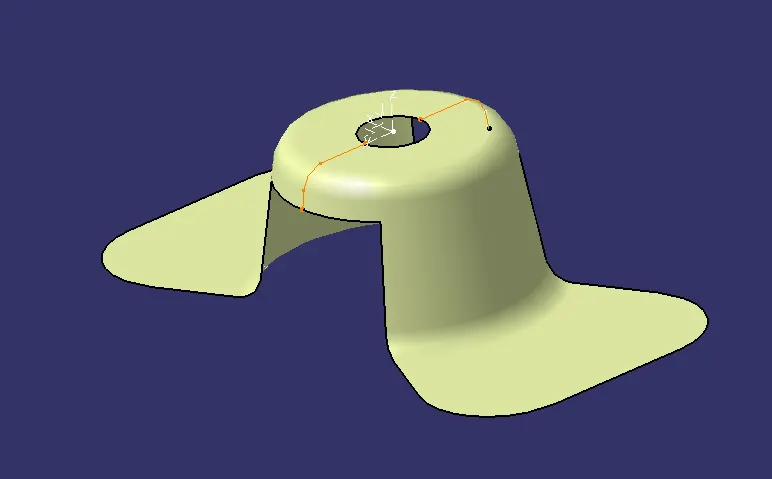
Create two side lines for checking the tooling action
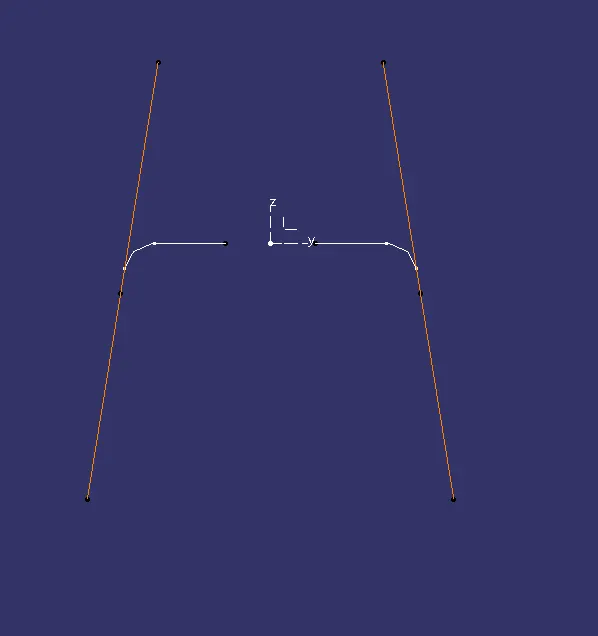
Create line by bisecting the two lines and point in centre and select the direction
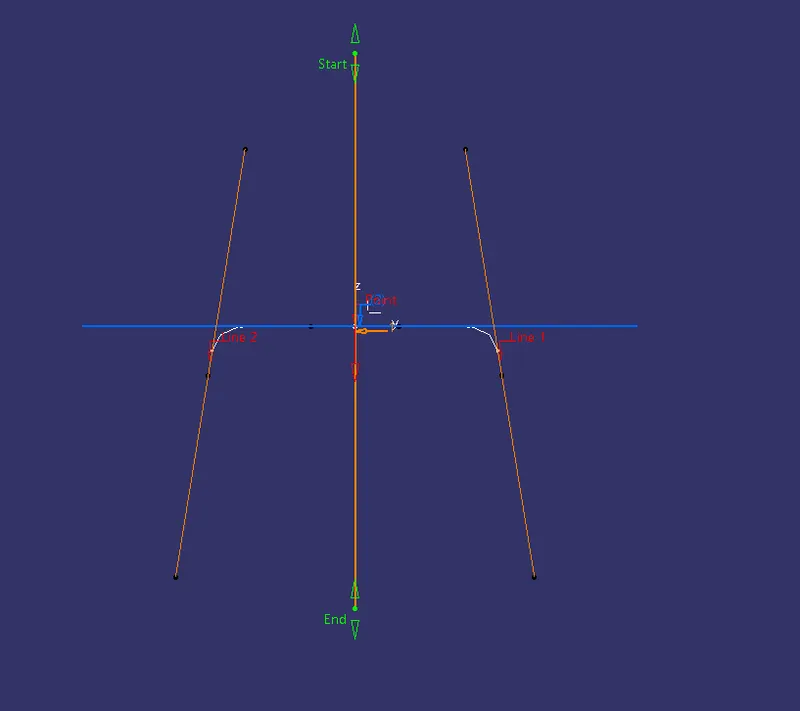
So the tooling action for Y direction also cleared
Now create the original tooling axis for the part by using two X and Y direction
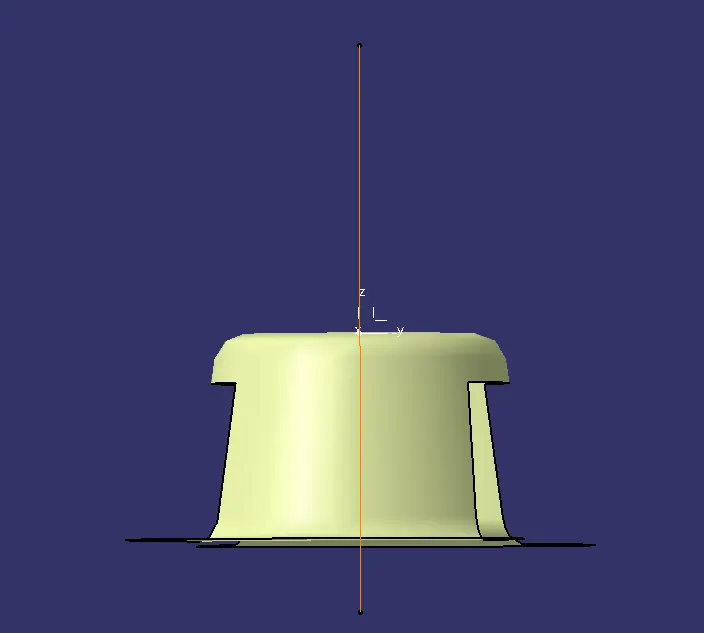
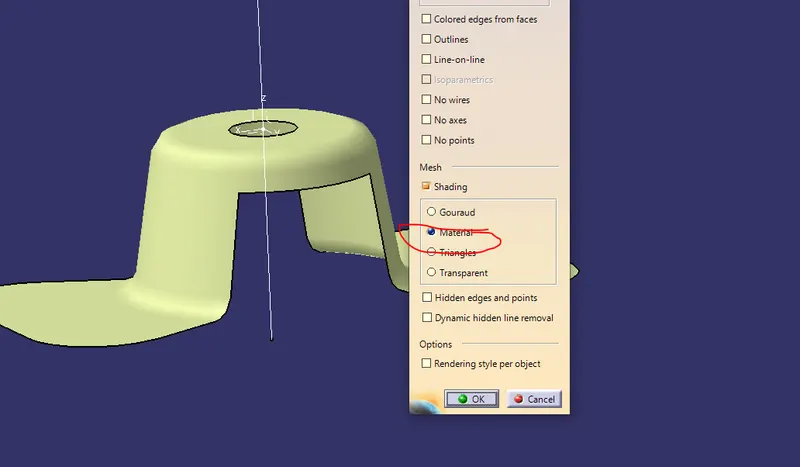
After that we go for Draft analysis and check in custamise view the mesh should be in material
Use the compass by defining draft direction
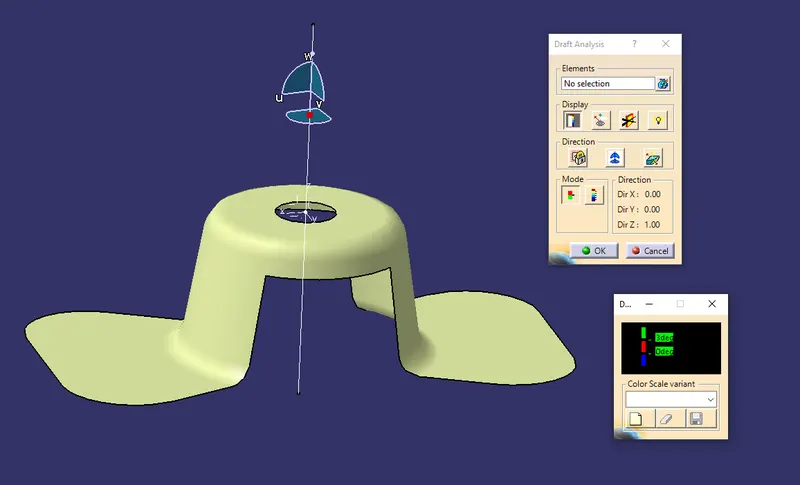
Lock the draft direction
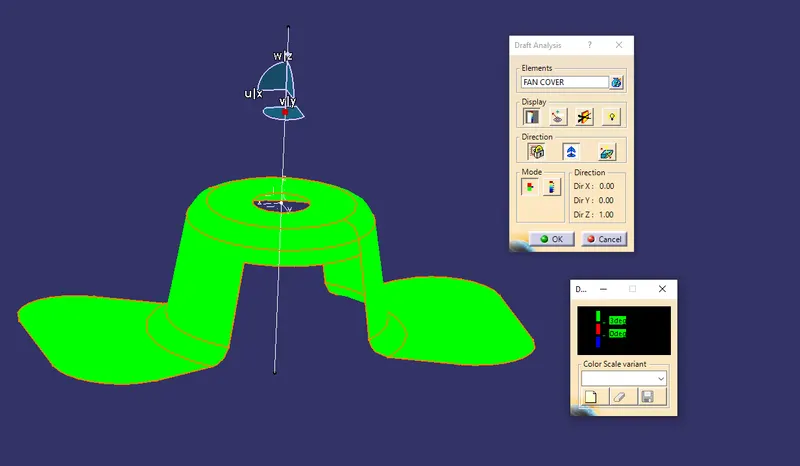
and go for analysis under the running point and the draft is 3 degrees