Week 8 - Challenge 1 - Draft Analysis on a Fan Cover
Hi colleagues,
I am sending you Tooling axis and Class A Surface with Draft Analysis.
Procedure was described in details bellow.
First of all I have to analyze the parts to see if there are any discontinuities or gaps.For that I have used join and boundary options to investigate possible gaps on the Part.
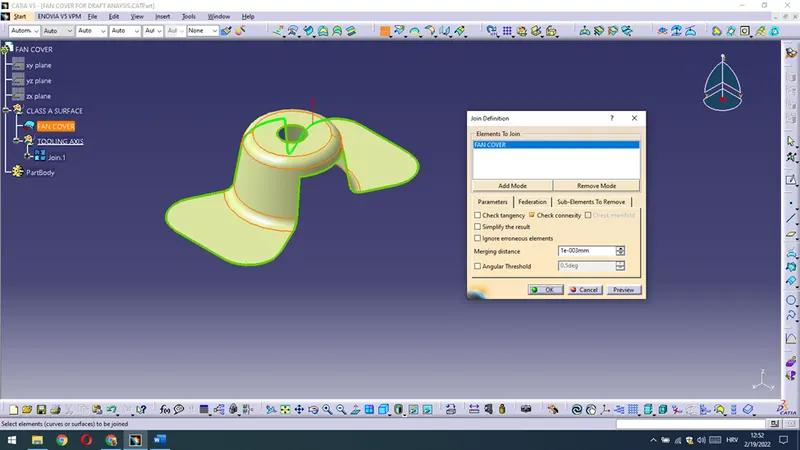
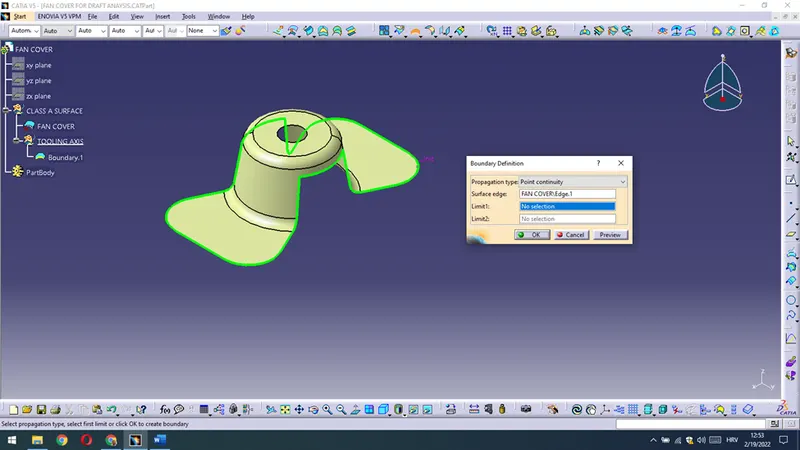
As I have seen that all is good with a given surface I should to reconsider possible tooling axis,regardin Part drafts,open spaces etc.
Here the best solution to work on tooling axis is Z direction,that is why I have done boundary on the circle and a point in the center.
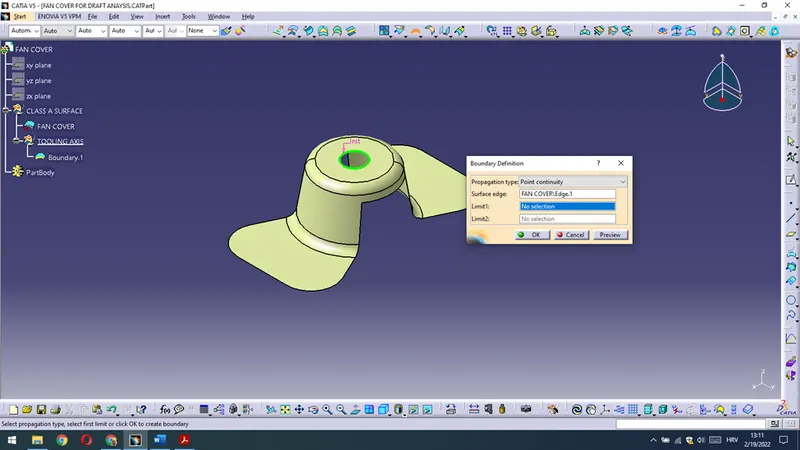
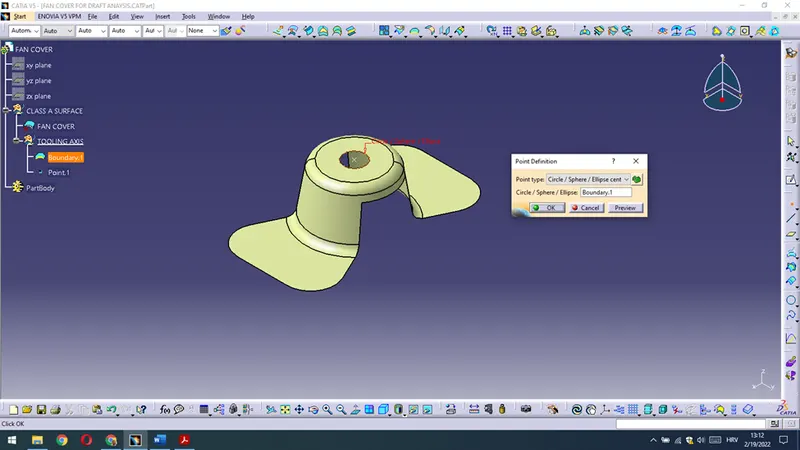
On that basis I have drawn a plane through the point in X direction in order to obtain a Tooling axis in X direction.
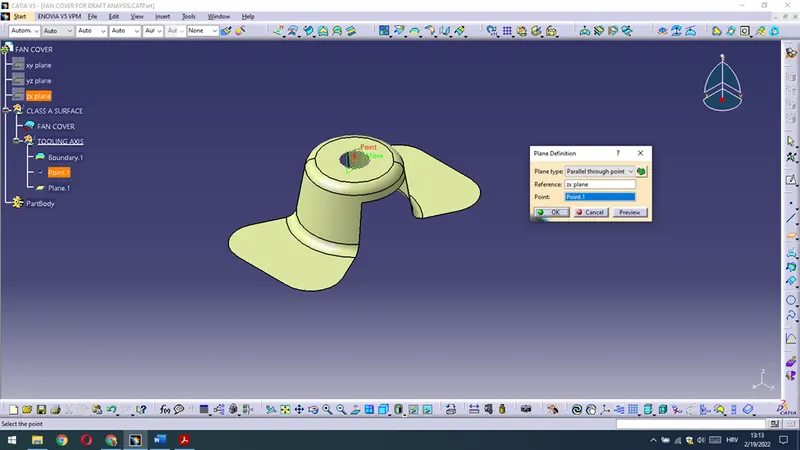
After intersection with a plane I have gained intersection line on which I could draw lines regarding drafts/angles in that direction.
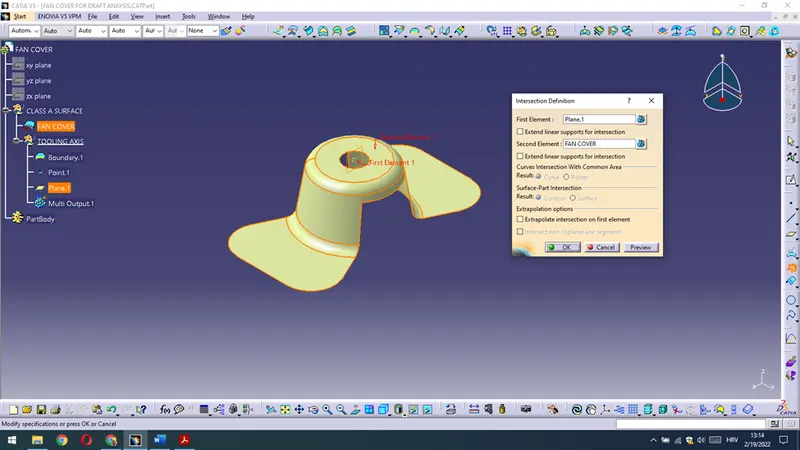
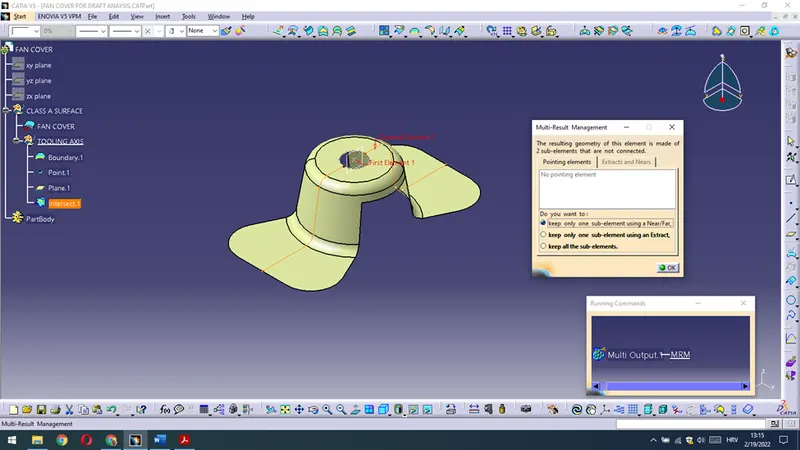
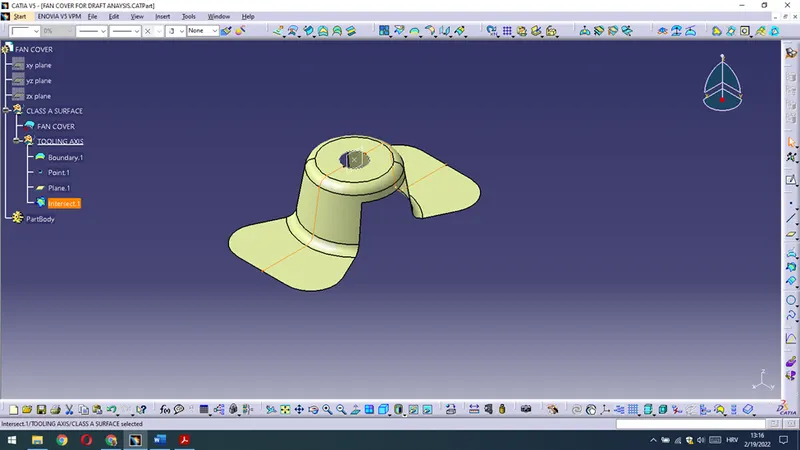
Then,drawing lines for draft/angles are given for the given intersection in X direction.
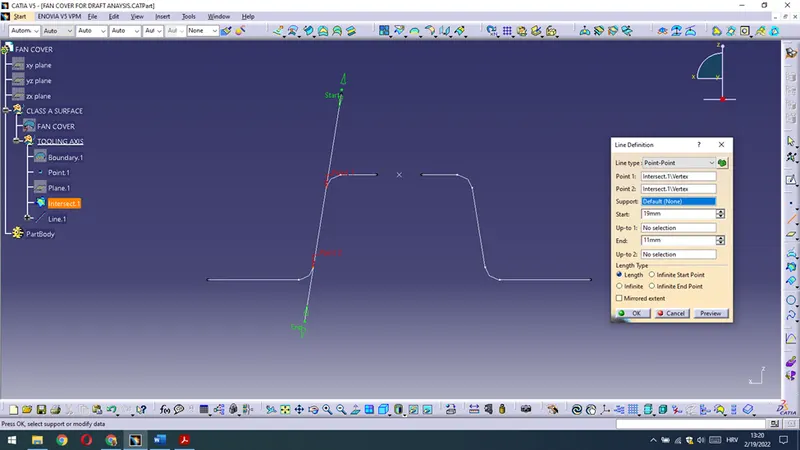
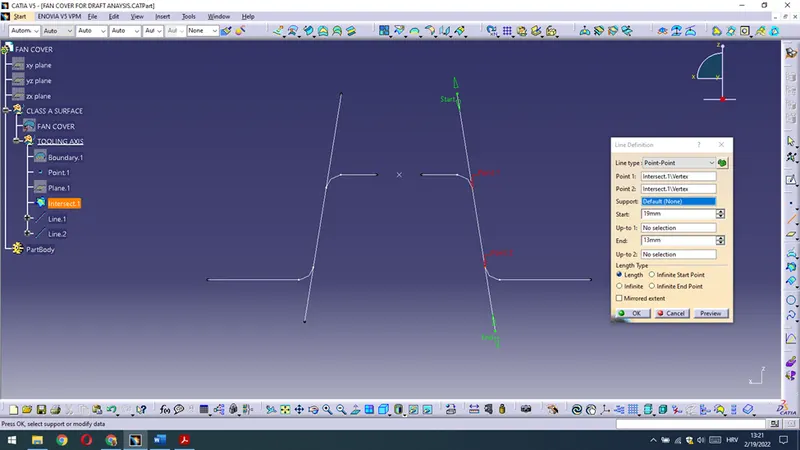
After draft lines are drawn I have constructed TOOLING AXIS X DIRECTION line with option bisecting that two lines through the point in the midle.
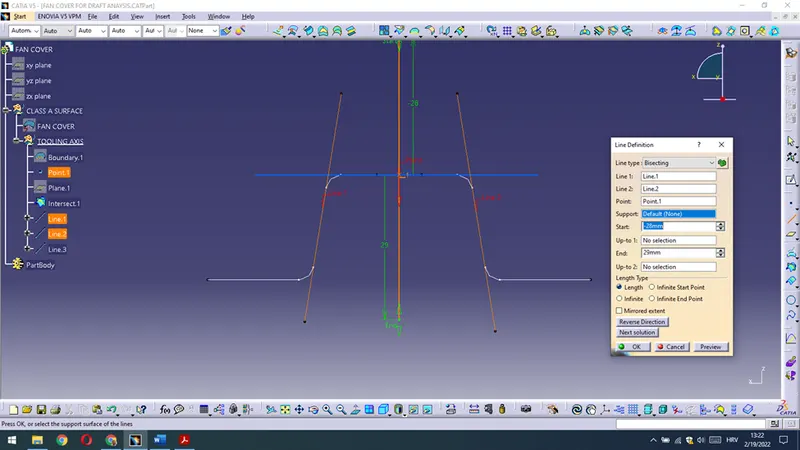
Aferwards I have changed the properties of the line and rename it as a TOOLING AXIS X DIRECTION .
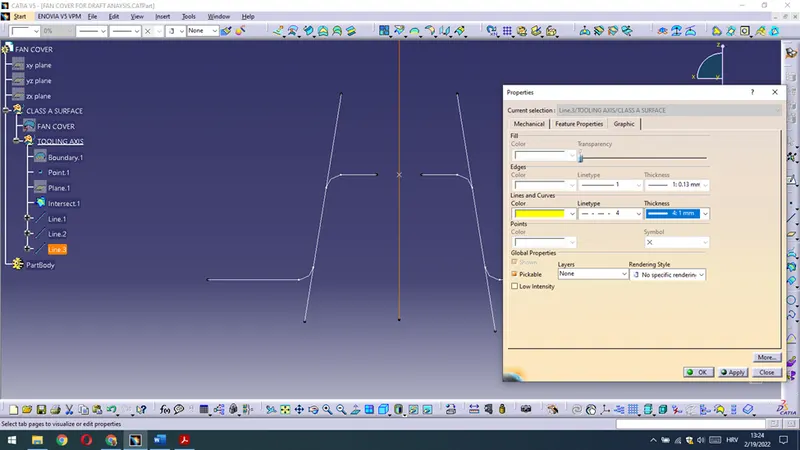
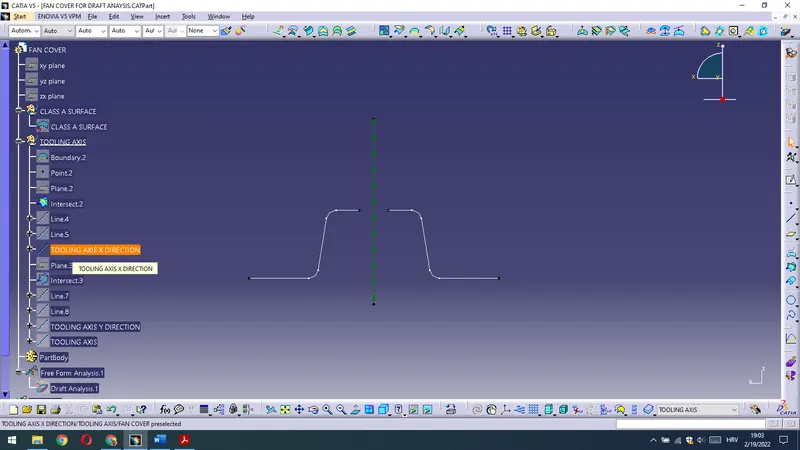
The same procedure is for Tooling axis in Y direction.
Draw plane through the point in Y direction,make intersection.On the intersection line,through lines draw lines for bisecting.
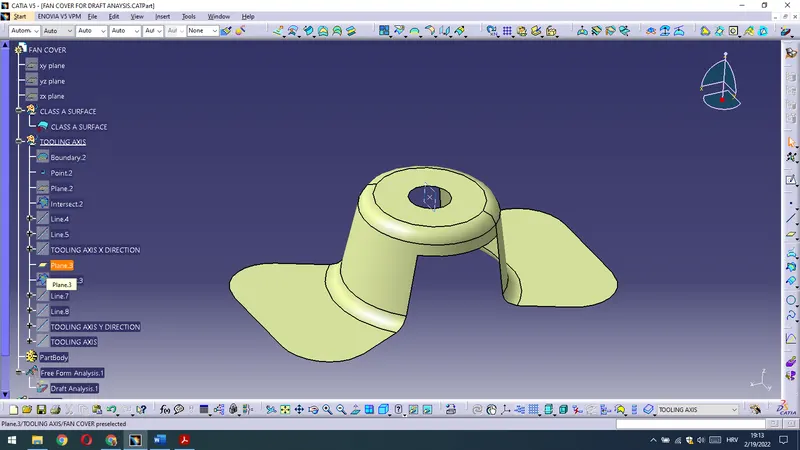
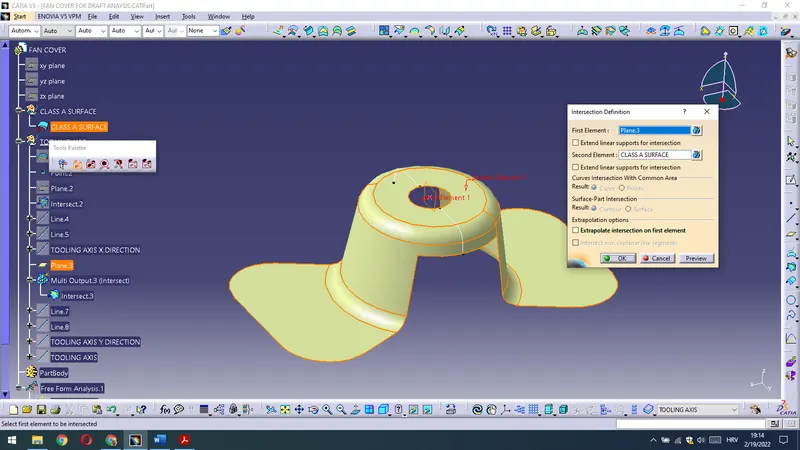
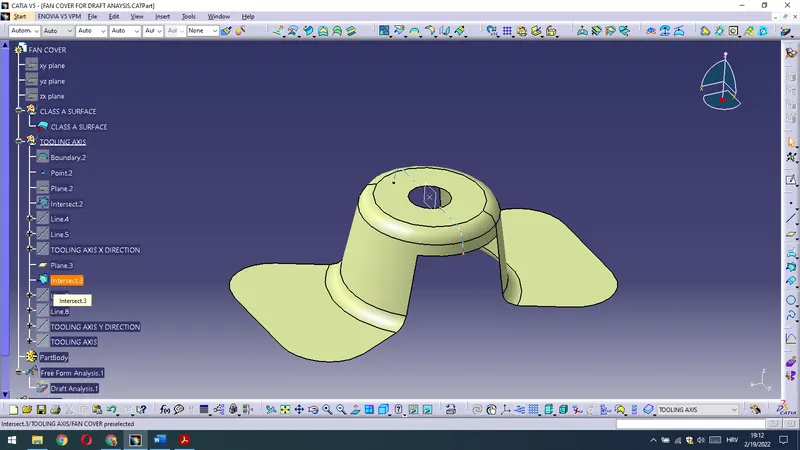
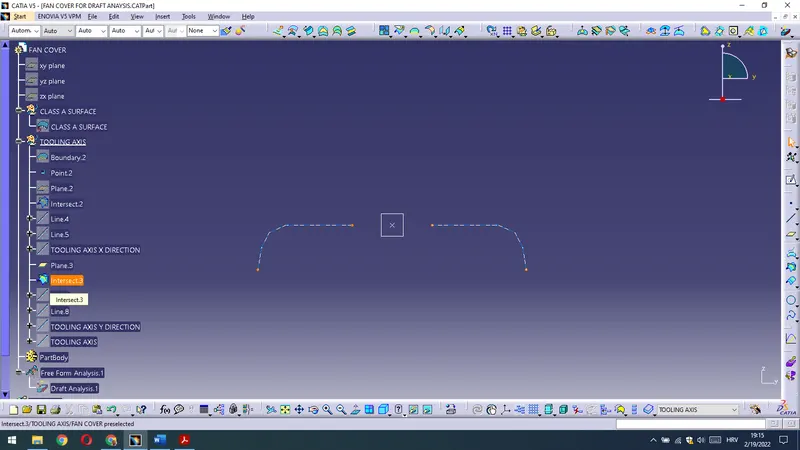
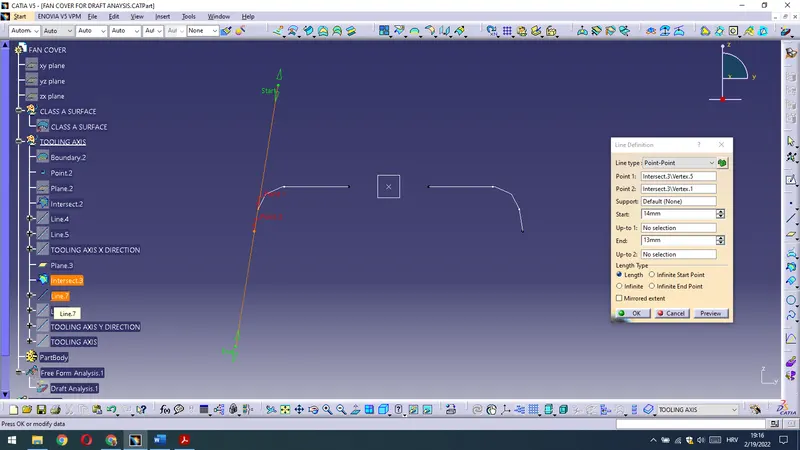
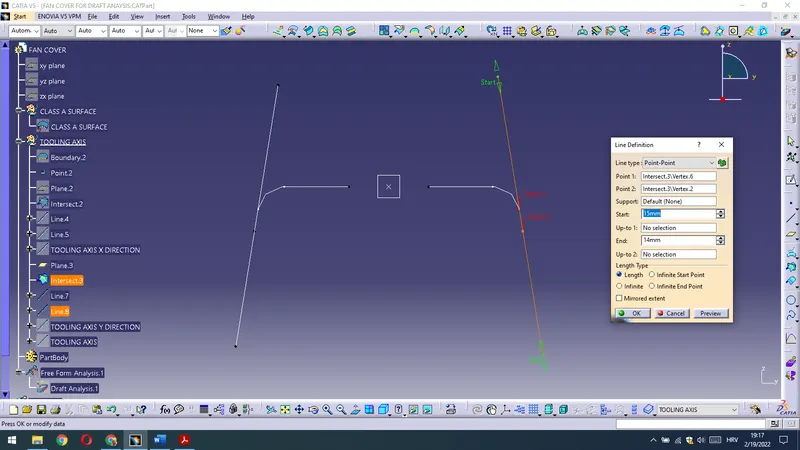
After I have drawn those two lines I am constructing TOOL AXIS LINE IN Y DIRECTION with bisecting that two lines through the point in the circle center.On that basis I am getting TOOL AXIS LINE IN Y DIRECTION.
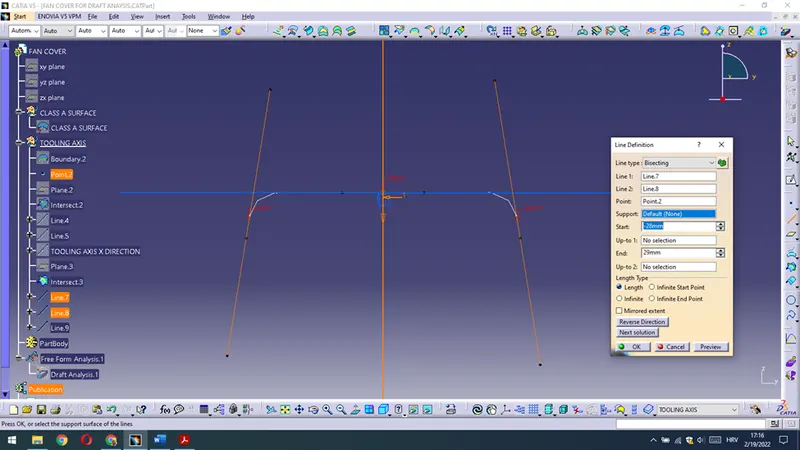
Afterwards I am renaming gained line as a TOOL AXIS Y DIRECTION and I have changed the properties of the line.
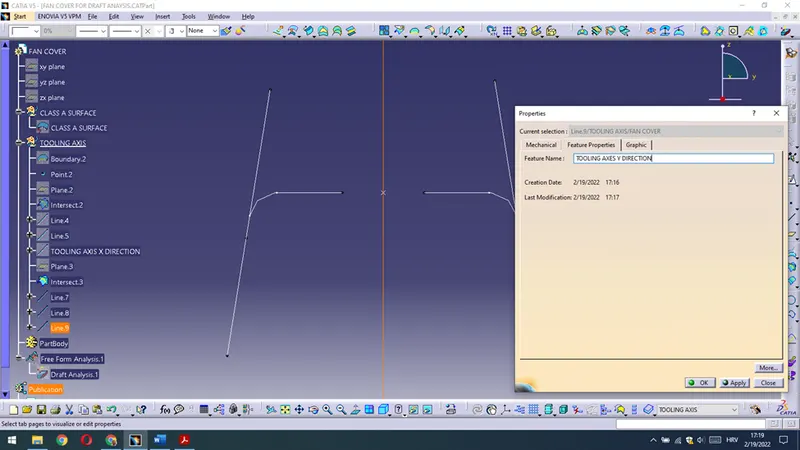
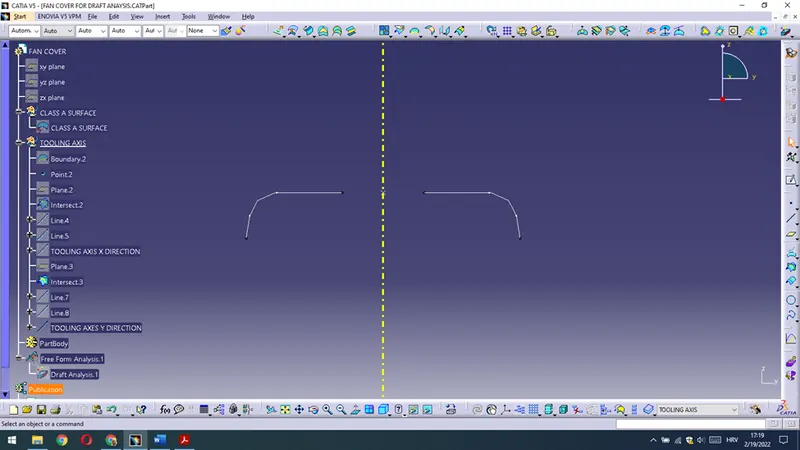
Then with drawing bisecting line of TOOLING AXIS DIRECTION and TOOLING AXIS Y DIRECTION I am getting TOOLING AXIS of the Part.
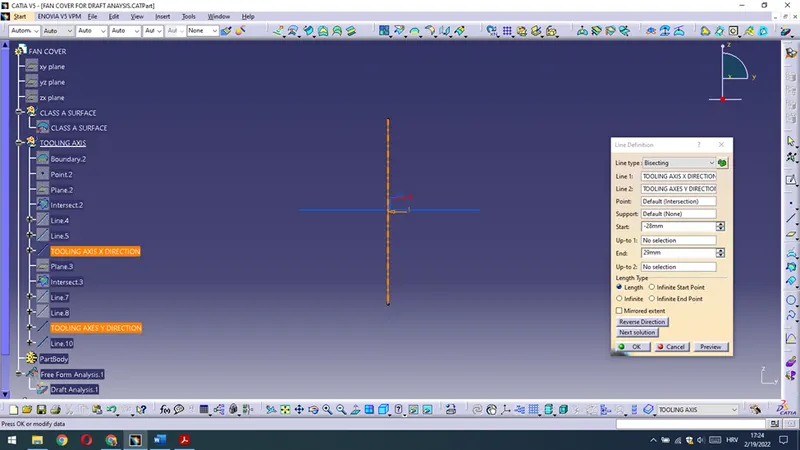
Afterwards I have changed the properties of the line and rename it as TOOLING AXIS.
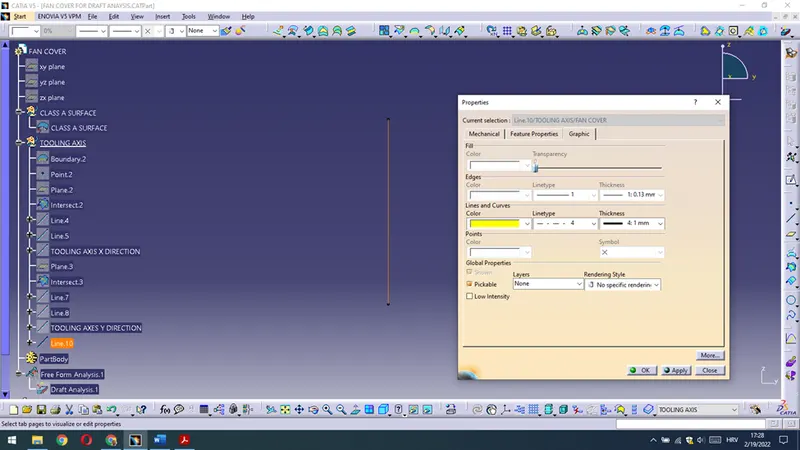
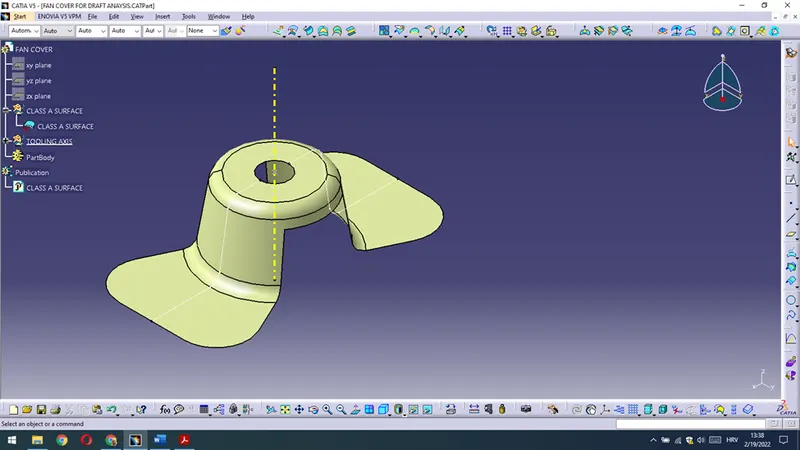
Constructed TOOLING AXIS is given bellow.
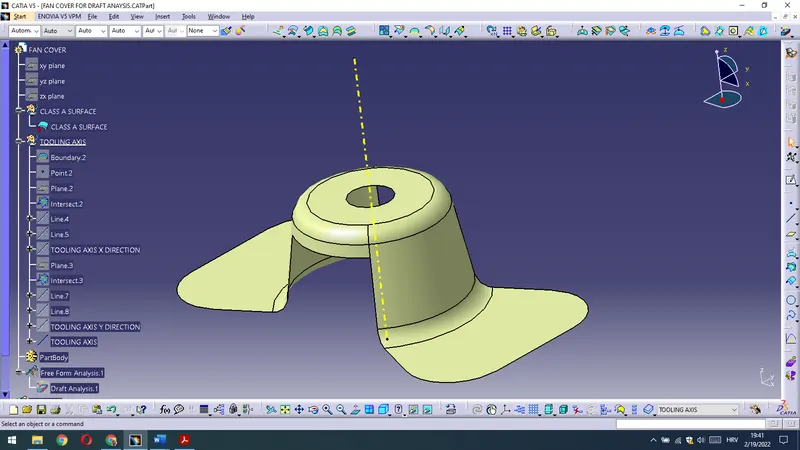
Already renamed given surface as a CLASS A SURFACE and TOOLING AXIS are ready to be published.
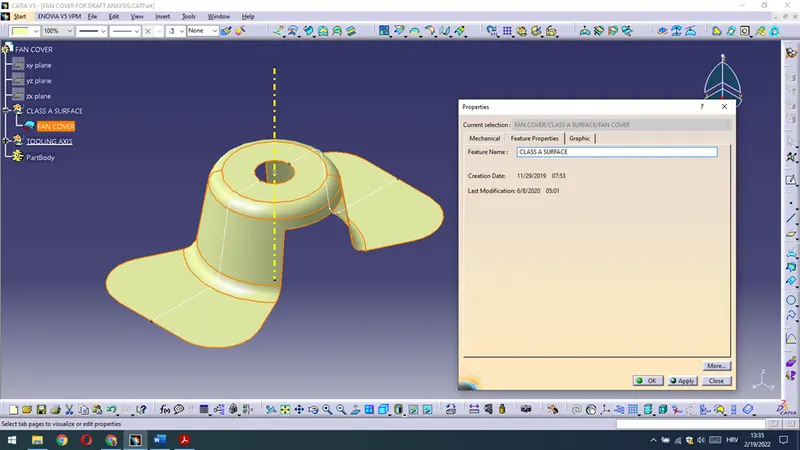
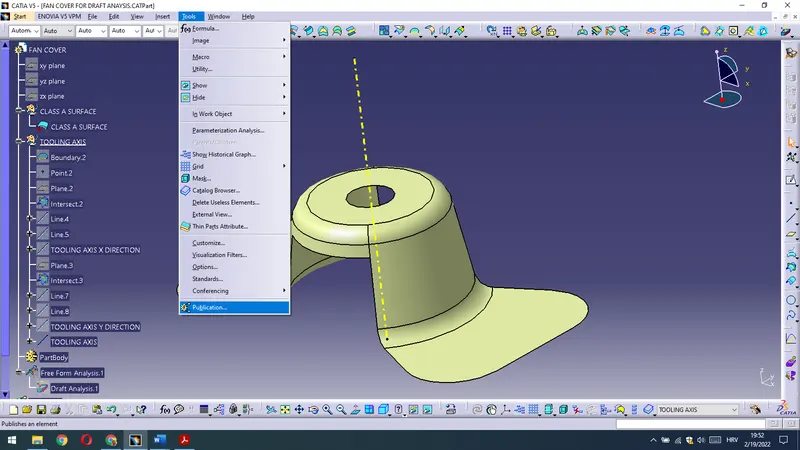
Tools - Publication then we are getting
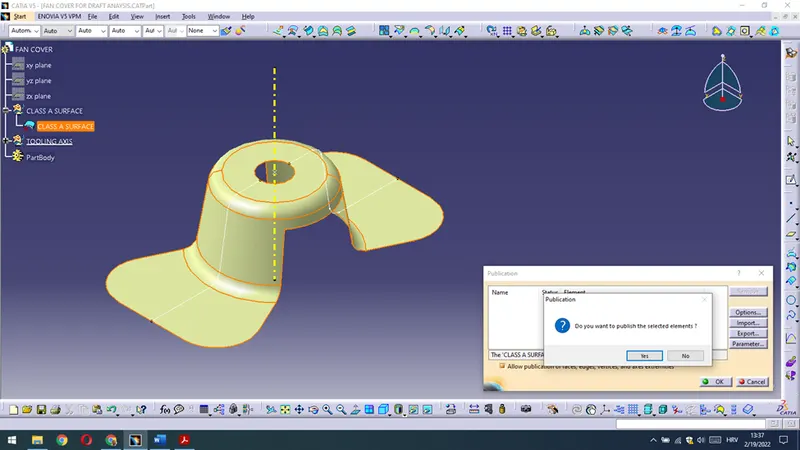
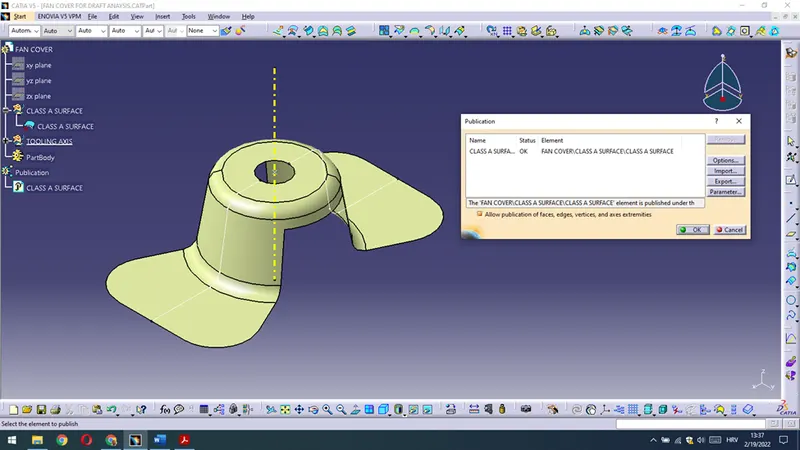
The same procedure is for TOOLING AXIS publication - With the option Tools - Publication we are getting
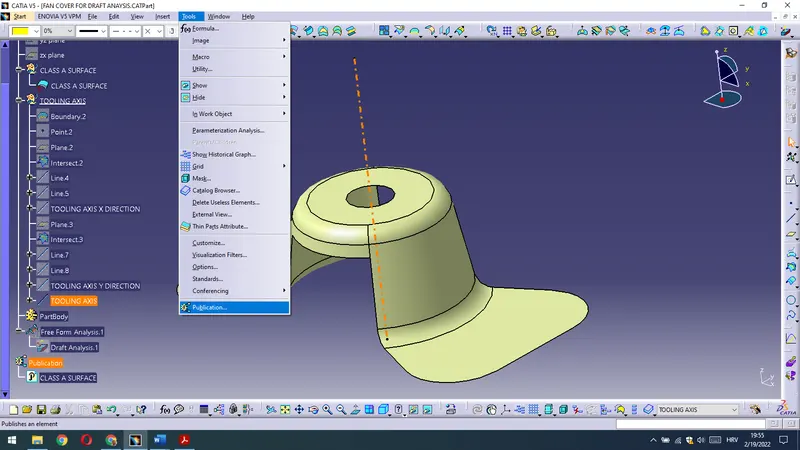
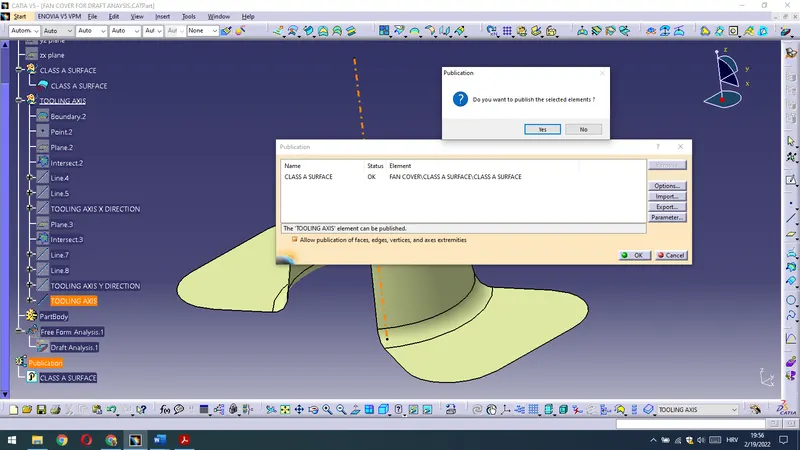
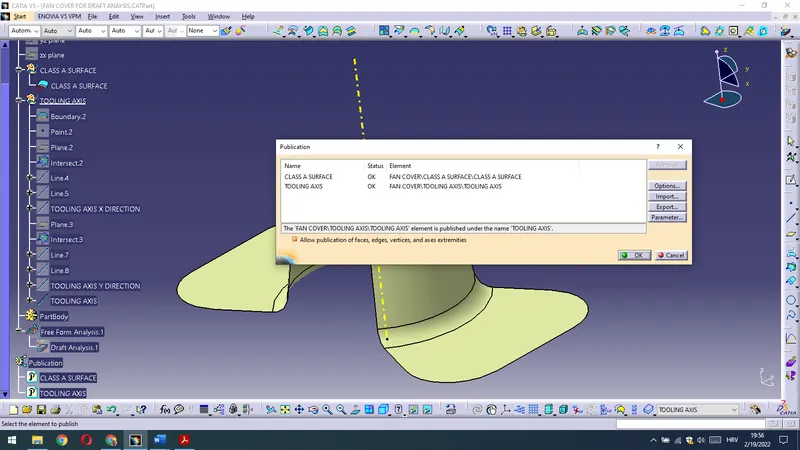
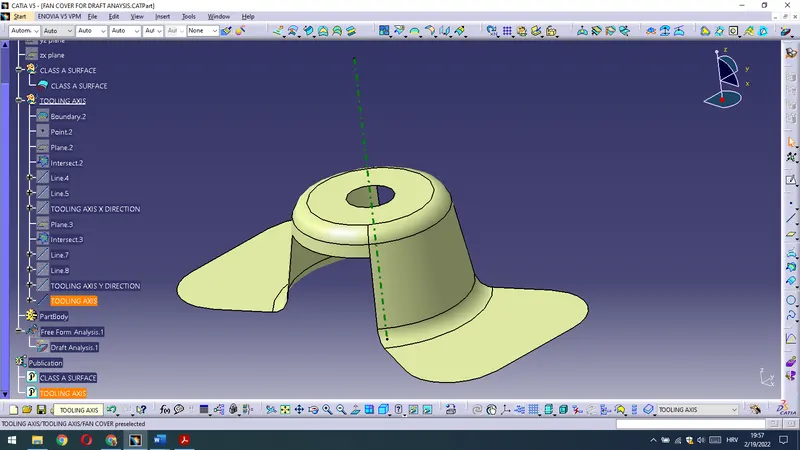
So the CLASS A SURFACE and TOOLING AXIS are also published.
Now we have to do Draft Analysis on the given Surface regarding Tooling axis.
First it should be gone to Customize View Parameters to apply Material Field to be able to conduct Draft Analysis.
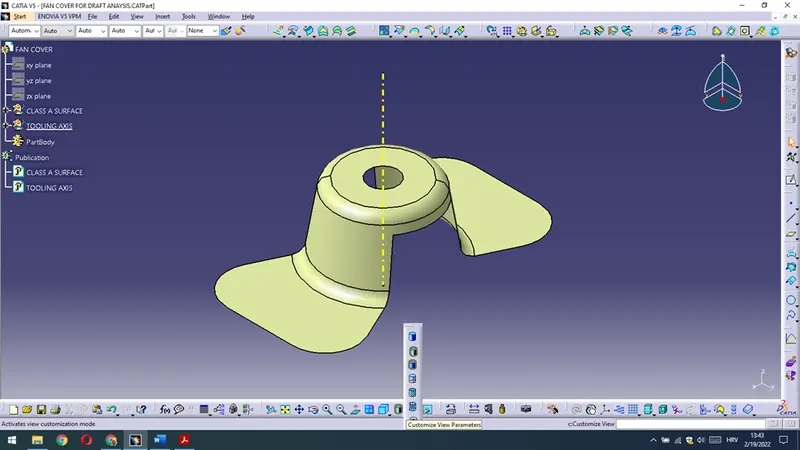
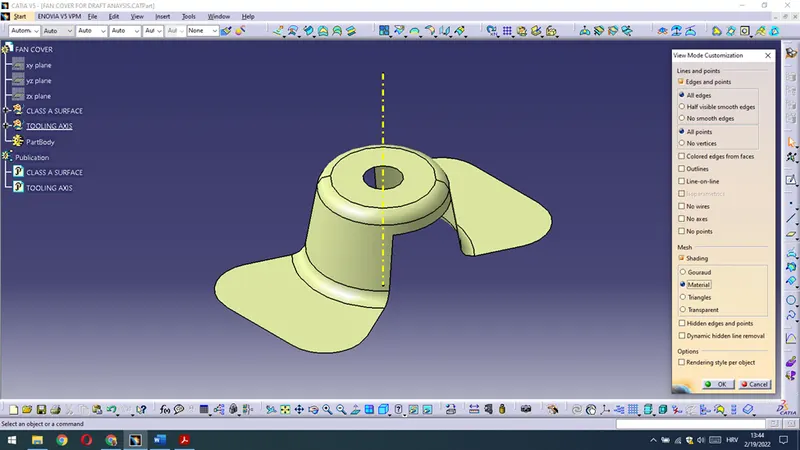
Then,we are going to apply Feature Draft Analysis.
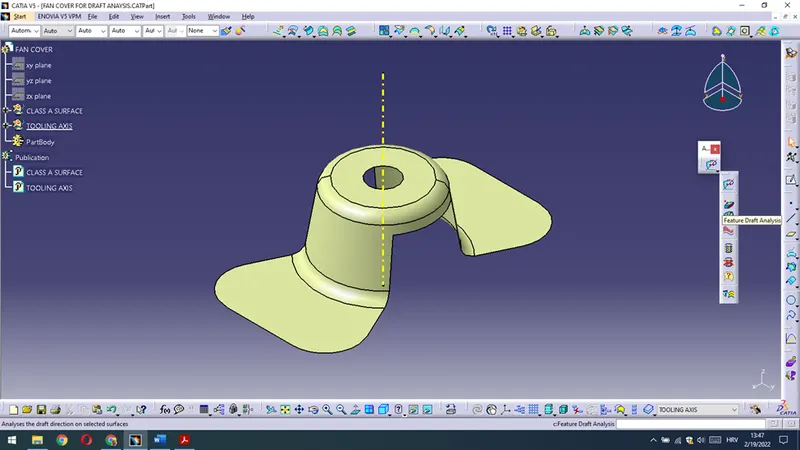
There are various options that can we manipulate and change to have the best possible solution and conditions for our current situation.
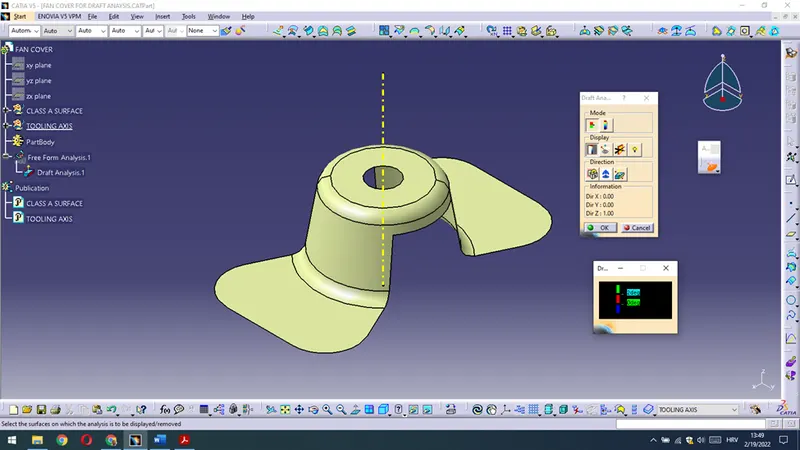
First we will change draft value for 2° to 3° (standard value for drafting is 3° or more)
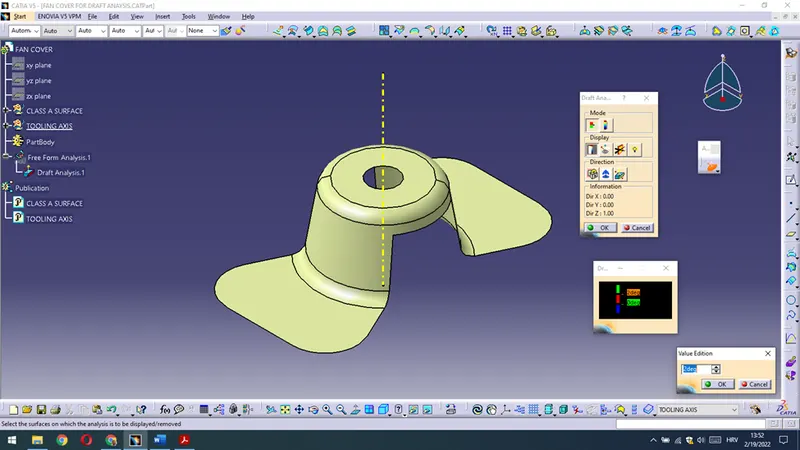
Then we can click on the compass in the toolbar to apply it and move it along and on tooling axis.
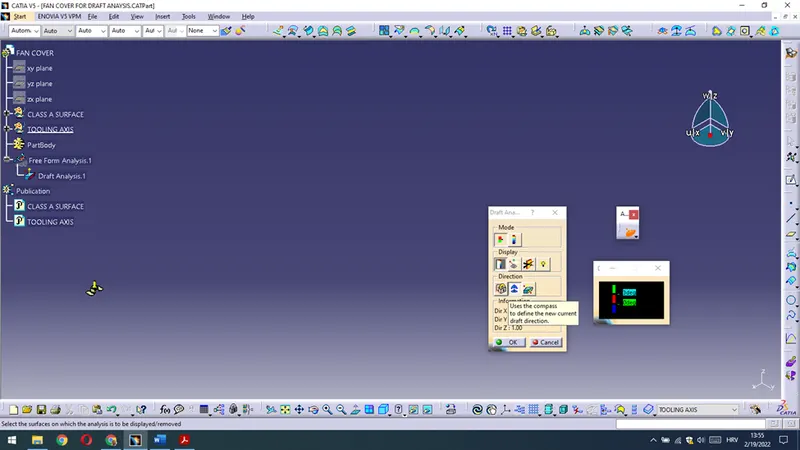
Afterwards we could and we are dragging compass on tooling axis.
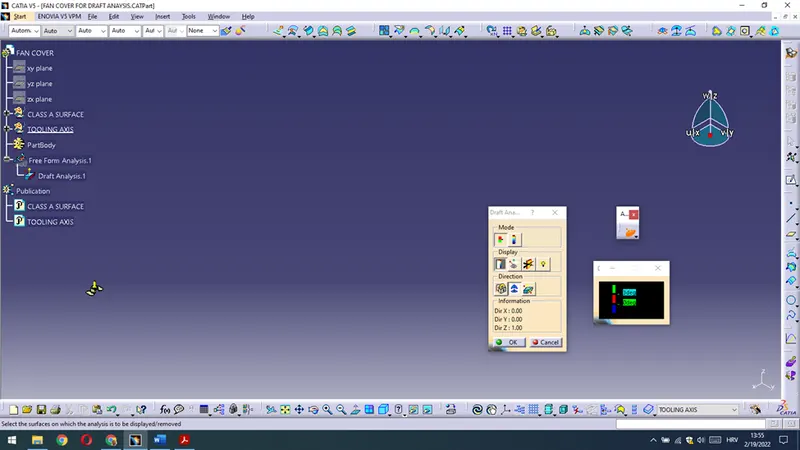
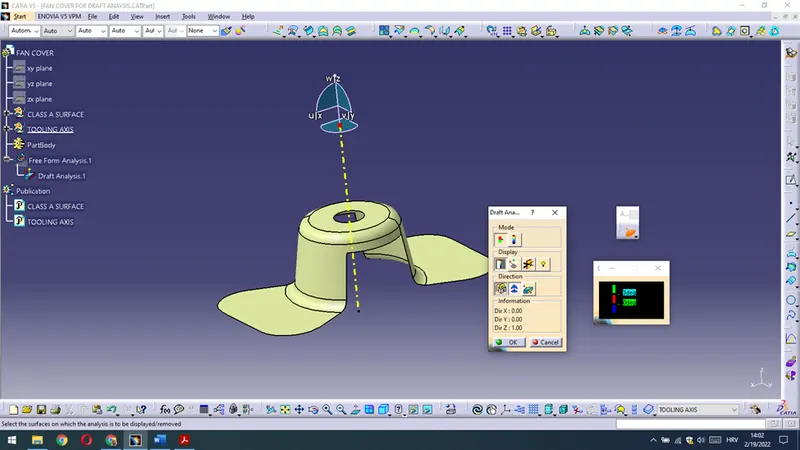
We can move it along to have the required position and then we can lock draft direction.
Then we could click on the CLASS A SURFACE and now all is green – that means it satisfys – all drafts are made with 3° or more – part could be manufactured regarding that tooling axis).
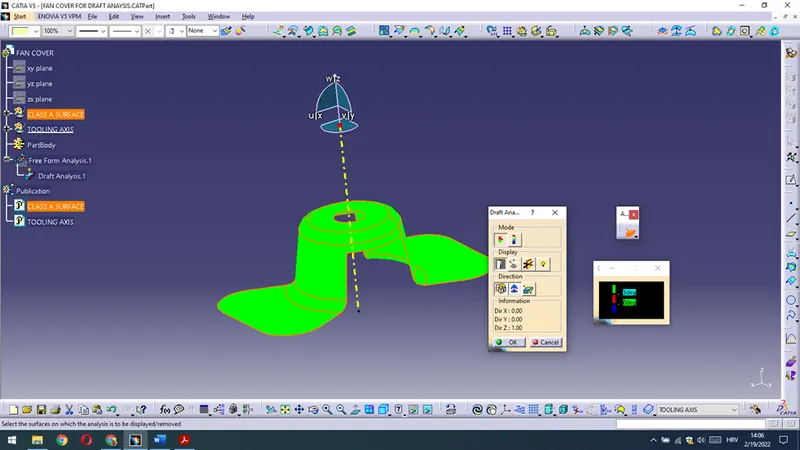
If we increase draft analysis value on 15° in graphic display tool for example then we are getting image as bellow shown
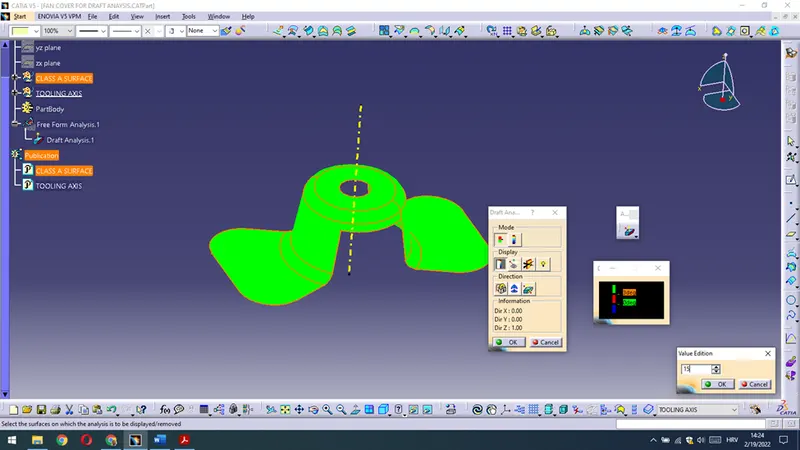
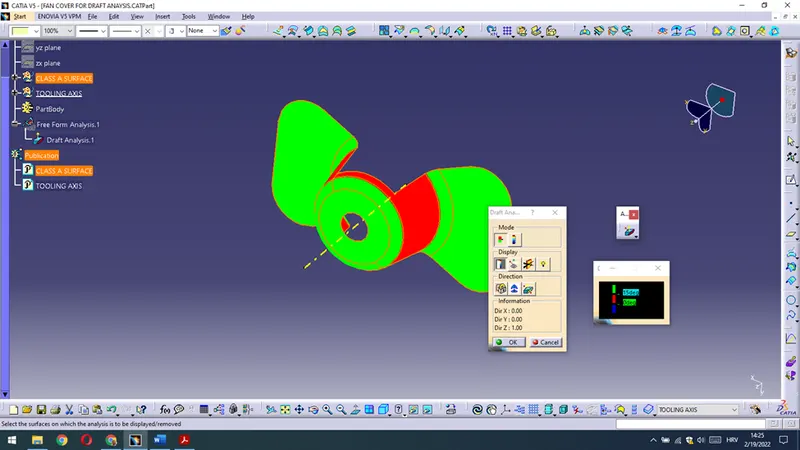
Red surfaces are less than 15° as it is shown (when that is condition,than it is unsatisfied).
But we are needing 3° or more, 3° as drafting angle satisfies for tooling purposes core and cavity.
We could also investigate drafts in every possible point (Analysis under the running point option on Display Toolbar).
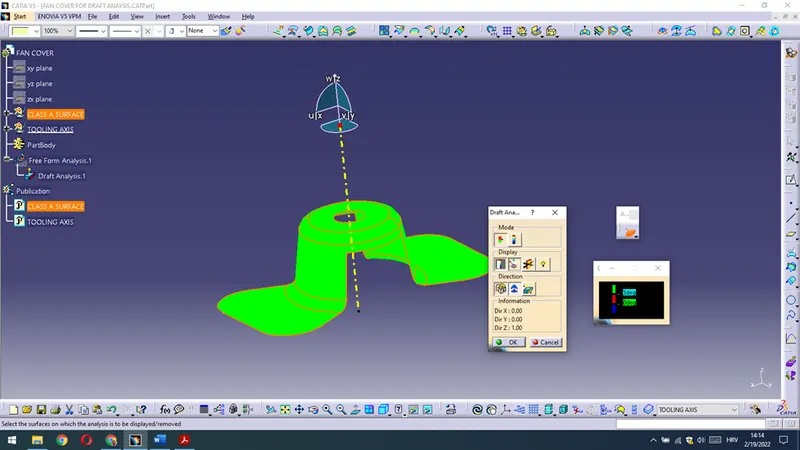
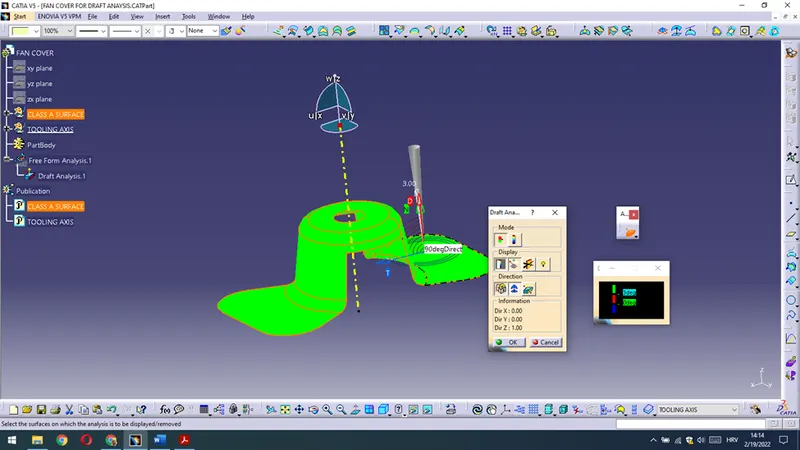
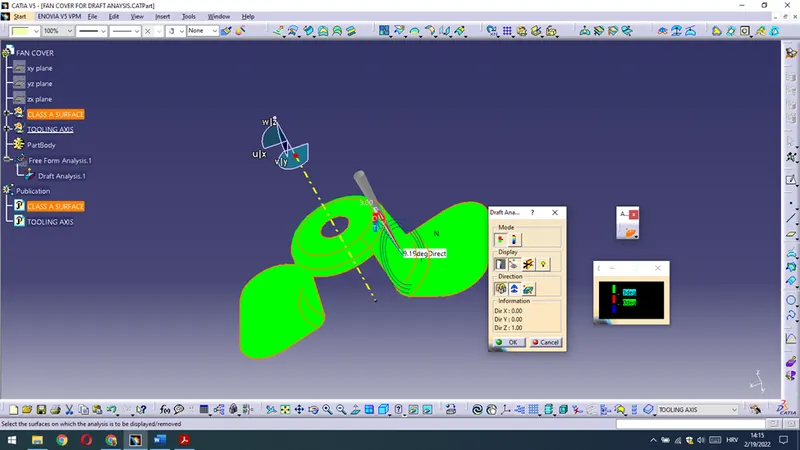
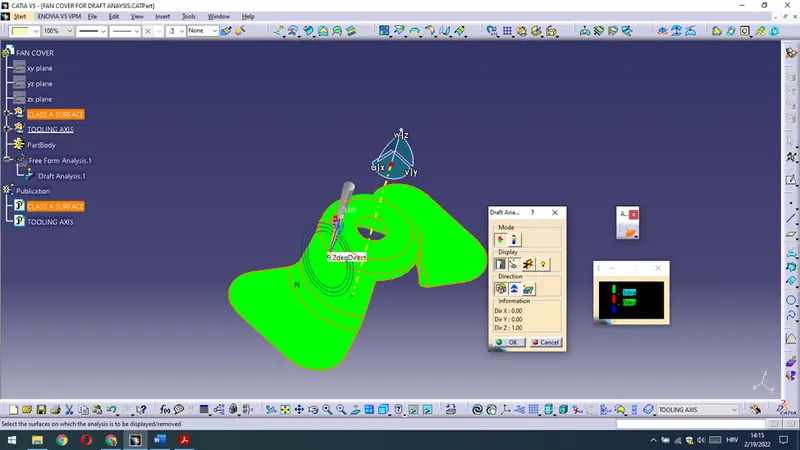
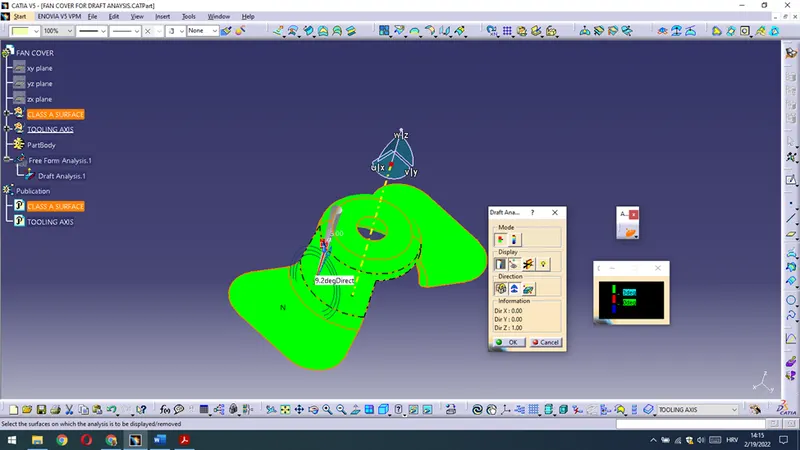
When we click OK- we are having all green – it means part is after draft analysis marked as a good for production,it is manufacturable.
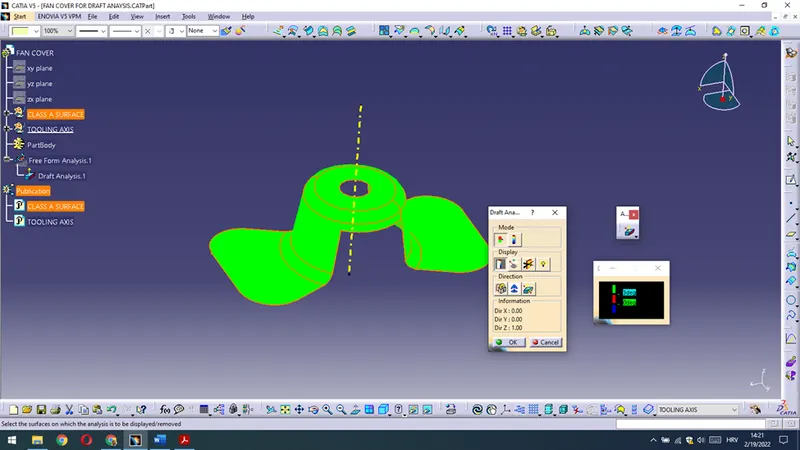
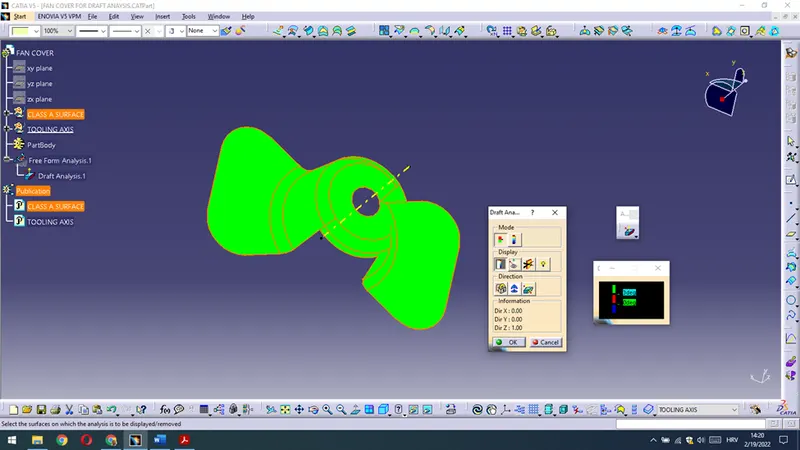
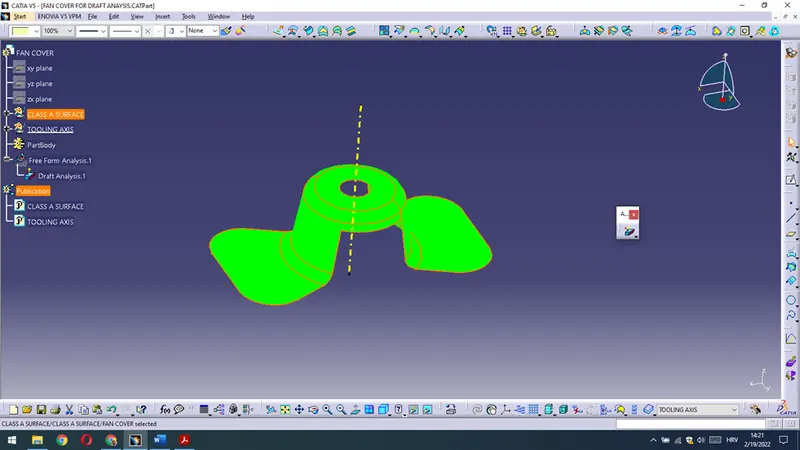
At the end we could hide all necessary construction elements and draft analysis to get a part in its given format and save it.
Class A surface,Tooling axis are made and published,Draft Analysis is conducted and Part satisfies,it could be manufactured.
Best regards,
Ivan Tole