Week 8 - Challenge 1 - Draft Analysis on a Fan Cover
AIM:
Create the tooling axis for the given Fan cover model meeting the requirements of the draft angle and perform the Draft analysis on the model.
PROCEDURE:
- import given class A surface into catia V5
- insert new geomatrical axis
- insert the point
- then insert axis system
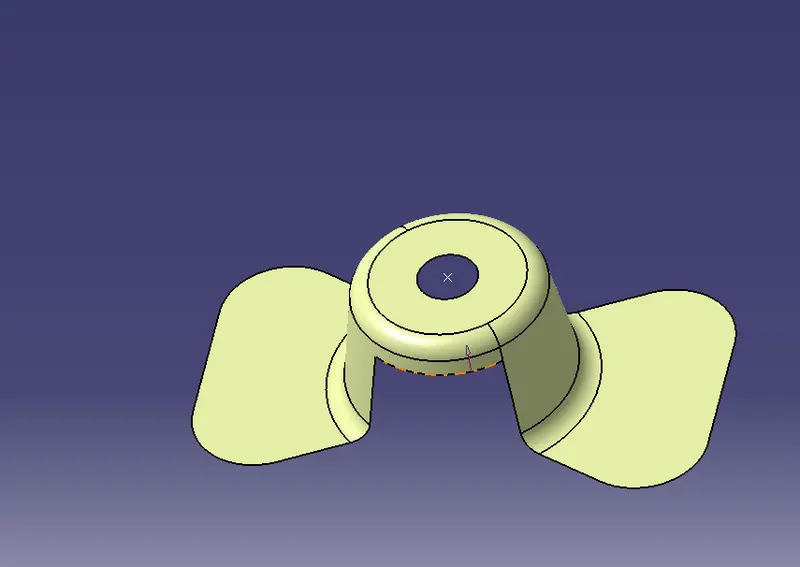
- check for the boundary weather it is connected or not
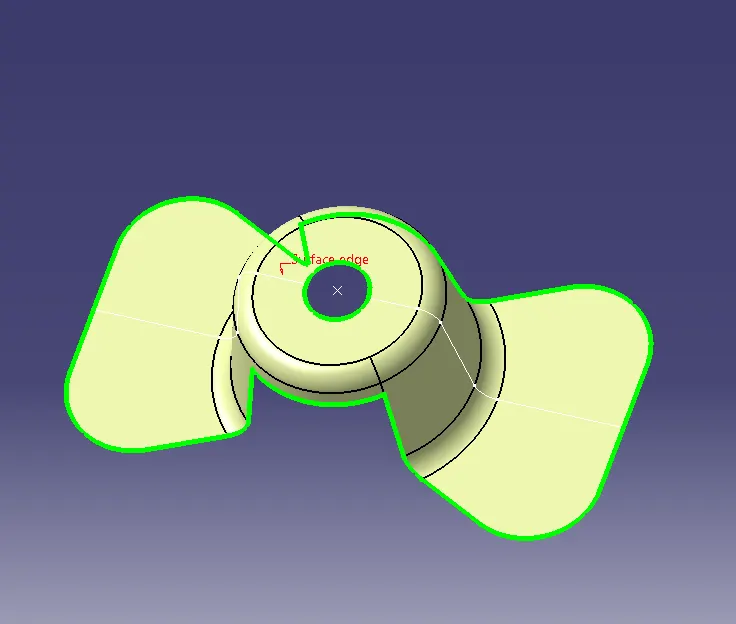
- considering z axis as tooling axis initially we use intersceting tool then select zx direction and body optain as given below
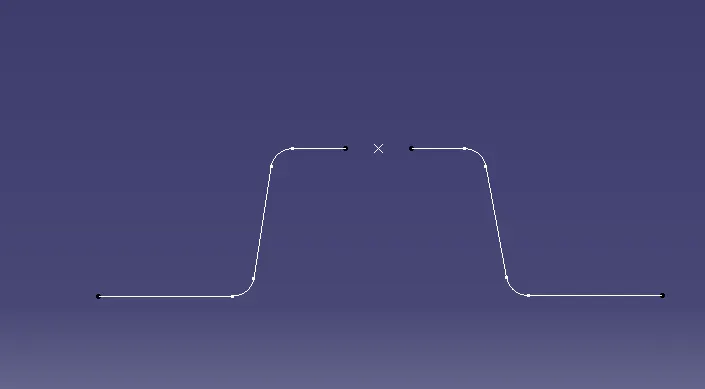
- then we draw a line by taking refrance of 2 lines and point
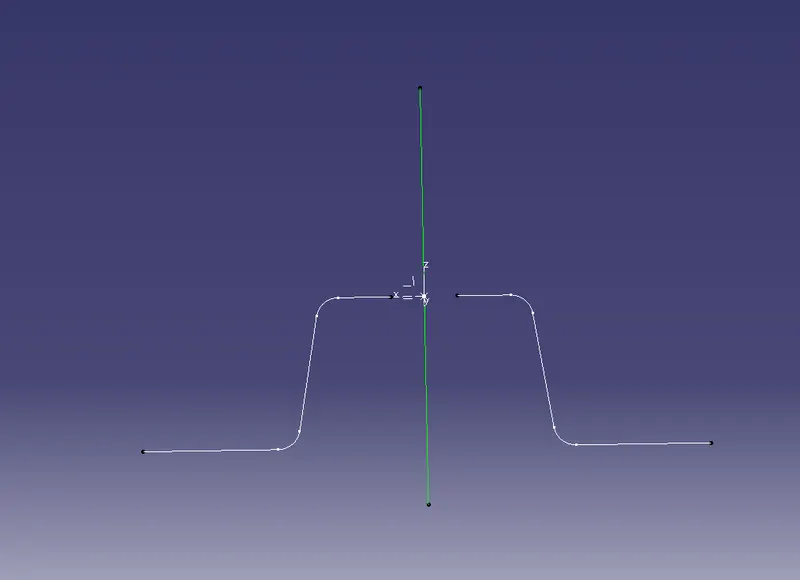
- then drwa extended lines from it
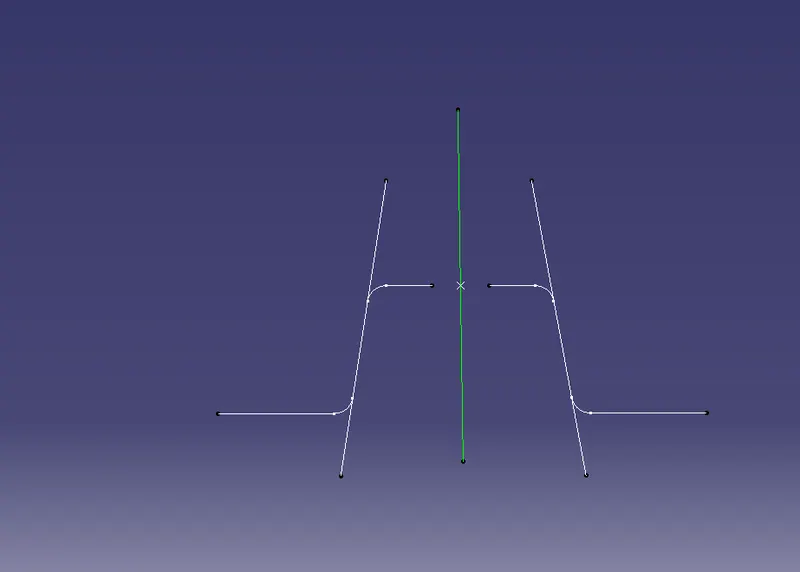
- from this 2 lines we make tooling for X direction by using bisecting option in lines
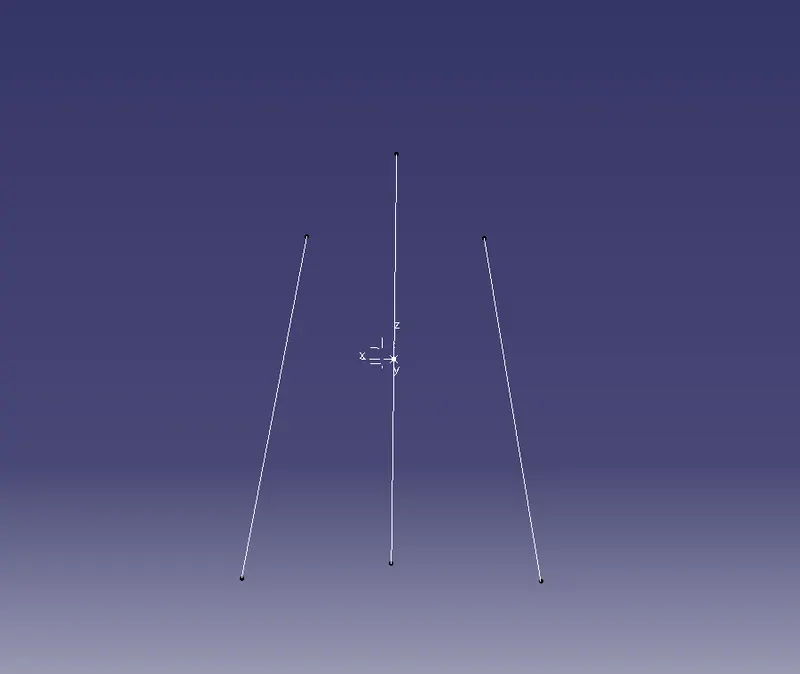
- similarly we do in YZ direction
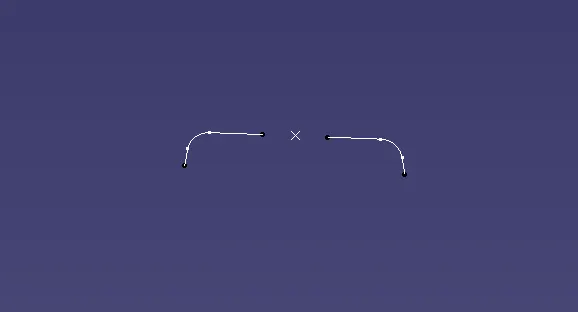
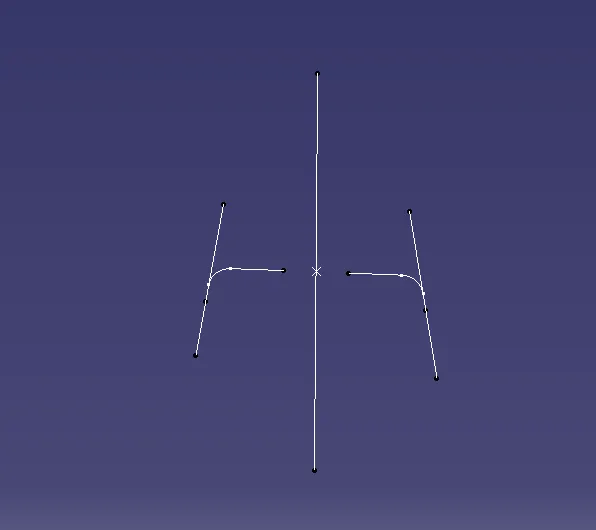
- we optained tooling for Y direction
- then we want to make TOOLING AXIS by using both lines in both direction
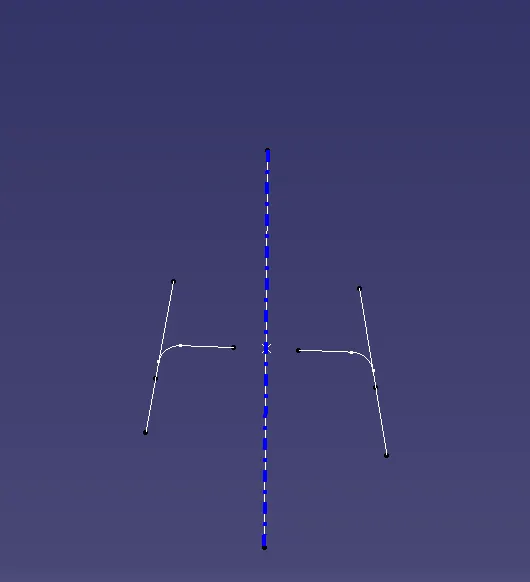
- Publications: Use the publication option and published (go to tools-publications)
- Tooling Axis
- Class A surface
- then we want to do draft analysis
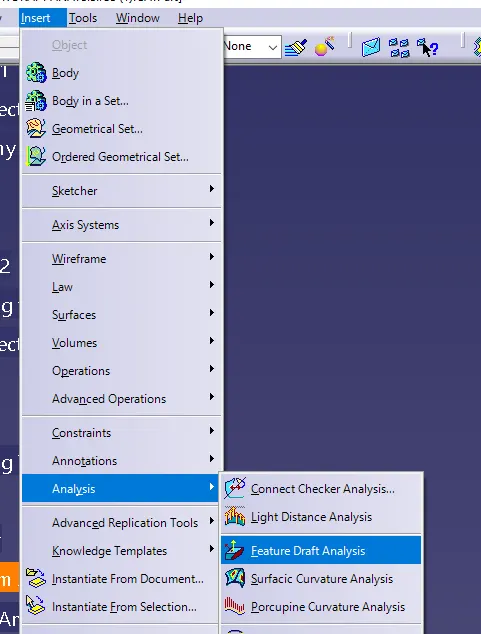
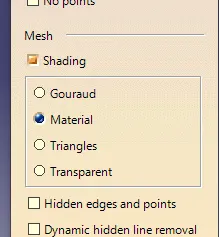
- if any errors shown go to costomize view parameters select material
- then in draft analysis
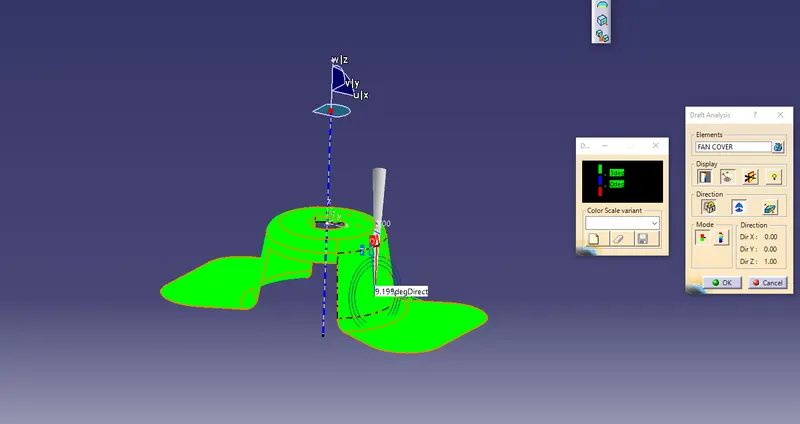
- in draft analysis we use compass tool and set the plane for tooling axis
- then use lock tool for lock or unlock draft direction
- then model shows like above
- tool analysis under the rinning point can use for measuring draft angle
- here minimum draft angle is set as 3 degree
- so above model appeal in green colour it means all draft angles are greaterthen 3 degree
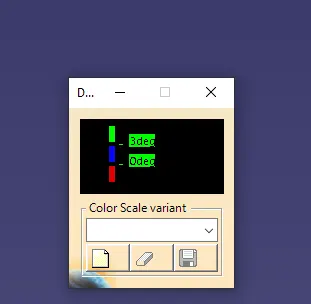
- blue - indicates draft angle >3 to 0
- red - indicates negative angle
CONCLUSION :
- IN this class a surface all draft angles are greater then 3degree