Week 12:Project 2-Meshing of Rear Wheel Holder challenge
AIM:
To perform preprocessing on the given rear wheel holder sheet metal component using hypermesh preprocessing software
OBJECTIVE:
- To generate the mid surface manually and do a geomatric cleanup on the component
- To generate mesh flow and to get proper meshflow on the given component with low tria concentration
- To check the element quality according to the given quality critiria
- To assign a thickness for the component
PROCEDURE:
- Import given cad model into hypermesh
- switch to the topo mode and examine whether the solid exist in the component or not, if solids exist , delete the solid
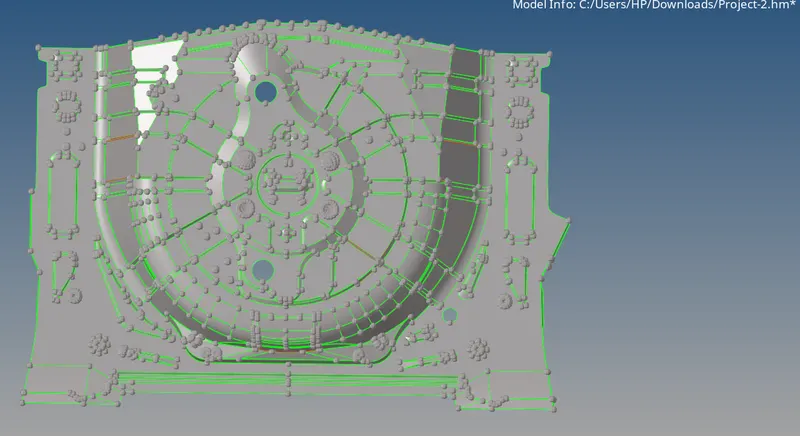
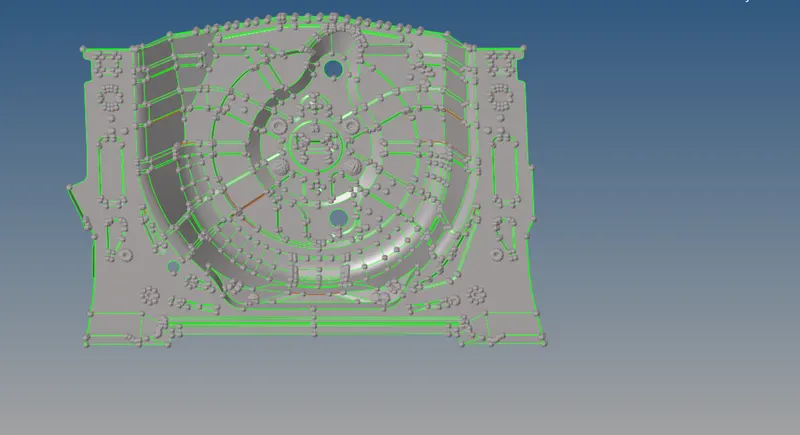
fig: real wheel holder
- we need to check weather any errors in geomatry
- clear the free edges in body then only we can exract mid surface properly
- organize into single component and delete unnessesary component
- we need measure the thickness to given component to check weather all region is uniform thickness
- thickness is .75mm
- fix geomatric deformation in certain areas by delete the surface and recreate new surface there
- fix all connectivity issues by repacing edges with suitable tolarance
- just mesh the body ,save minimum sizefailed elements and mark with temp nodes and examine the regions to fail on minimum
- do nessesary actions like midline between nearby lines etc
- extract mid surface using auto midsurface option
- by offset + planes + sweep
- middle surface is assigned into new collector
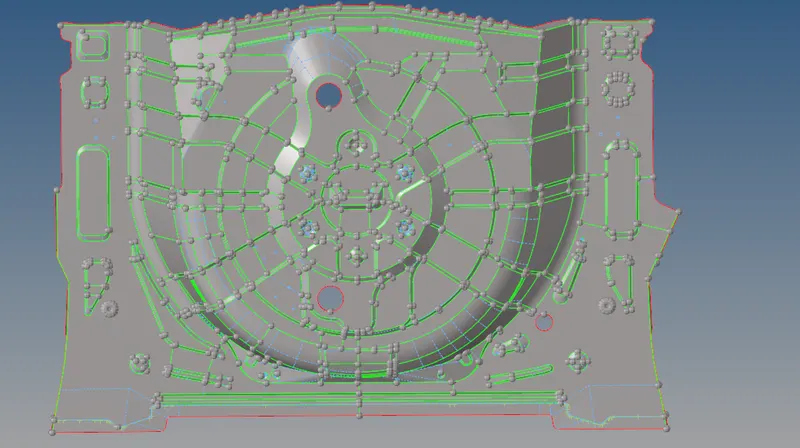
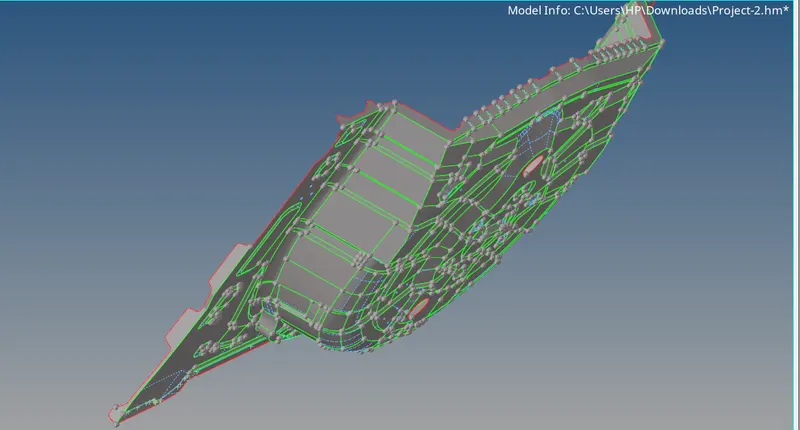
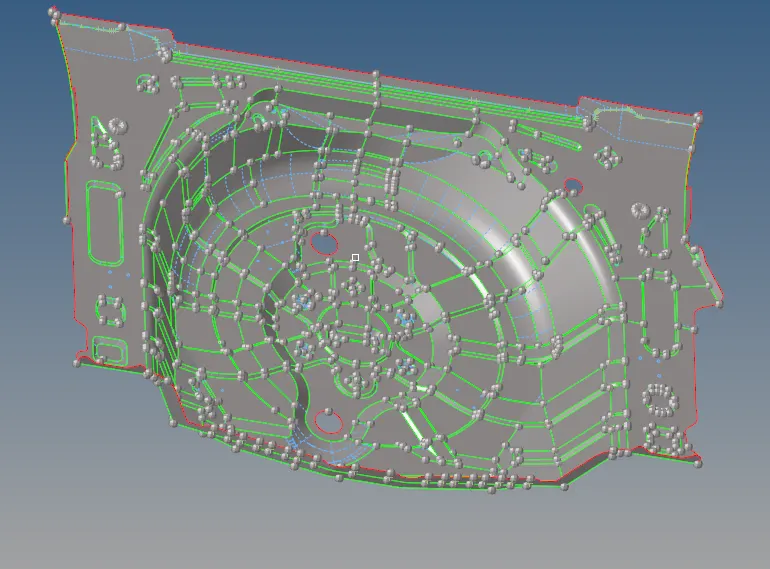
fig: mid surface
- do geomatric cleanup on midsurface
- check for free edges ,if any toggle them and remove it
- fill the surface with filler surface option
- some surfaces are done by ruled option in surfaces
- delete pin holes
- hence all geomatric cleanup completed then go to meshing
- enter the quality critiria as per given and save crititria file
Target Element Length = 5 Units
| S.N | Quality Criteria | Value |
| 1 | Aspect Ratio | 5 |
| 2 | Skewness | 45 |
| 3 | Warping | 15 |
| 4 | Taper | 0.5 |
| 5 | Min. Length | 2 Units |
| 6 | Max. Length | 8 Units |
| 7 | Min angle Quad | 45 |
| 8 | Max angle Quad | 135 |
| 9 | Min angle Tria | 20 |
| 10 | Max angle Tria | 120 |
| 10 | Tria % | 10 |
- start manual mid surfacing from centre region and spread to geomatry
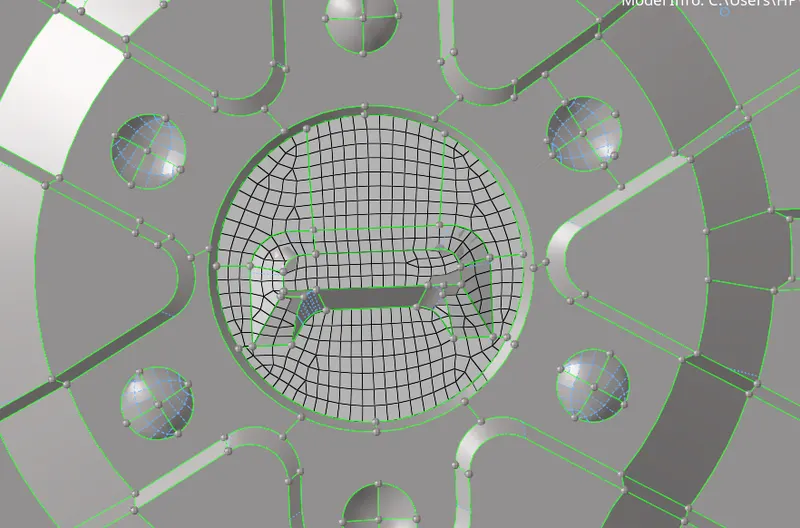
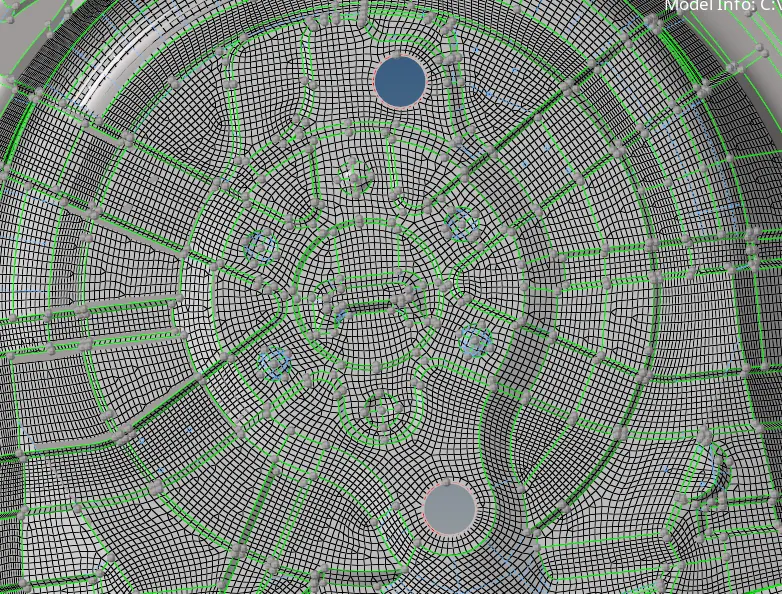
fig: manual mesh
- while meshing do partishions on geomatry and mesh manually to improve quality of mesh flow
- use rebuild mesh after meshing for get good meshflow with minimized tria ,algorithm behind rebuild mesh give you better mesh flow
- always remeber to eliminate opposite tria , touching trais , trais on edges ,trias on fillets ,rotational quads
- in coverging fillets we can kept trias
- always keep one direction flow to mesh
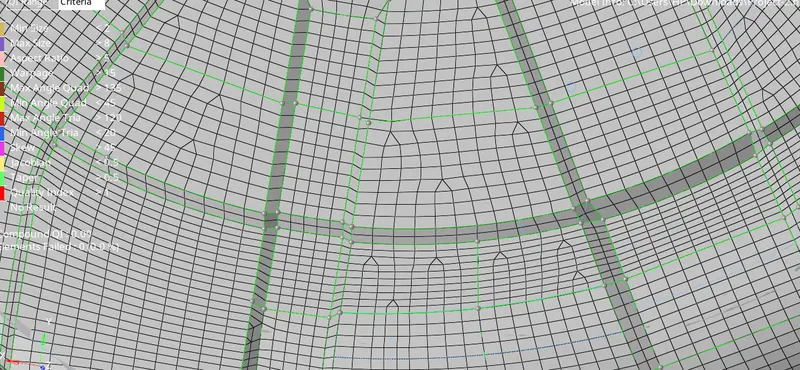
- reflect certain symmetric geomatry to save time
- in quick edit panel moslty used tools - toggle edge for toggling
- add remove point for add and removing points
- replace point to replace one point to another
- split surface node to create split on surface by nodes
- split surface line to create split on surface by node and to line
- project point to project a point to another line
- use options quality index to eliminate failures
- especially drag tria for removing tria
- swap edge to move tria
- split collapse edge
- element optimize for optimize elements
- smooth for smoothing
- combine tria to combine adjcent tria
- after every meshing done smoothing properly for proper mesh flow
- to eliminate warpage we want to translate most deflected node from plane to inwards the plane
- to eliminate the max quad ,minimum quad and trais are by go to distance and set the angle per critiria
- by doing repeated operations and eliminations of failed element finally we got all elements passes quality critria
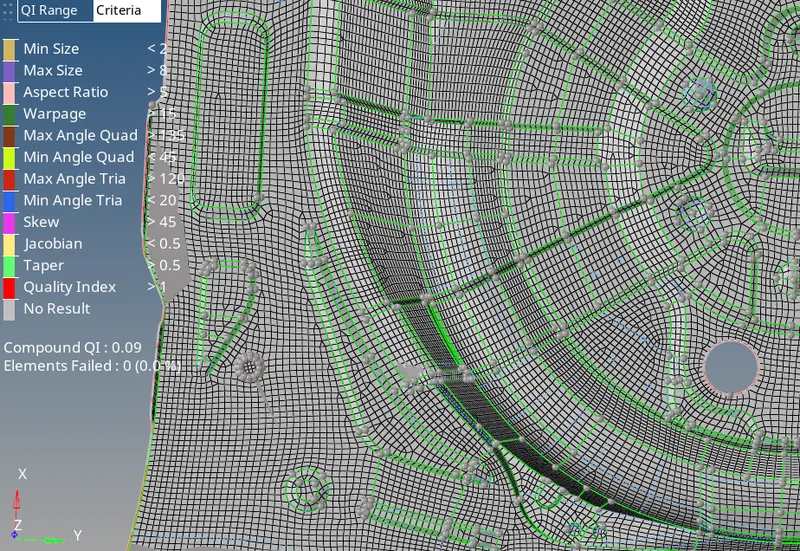
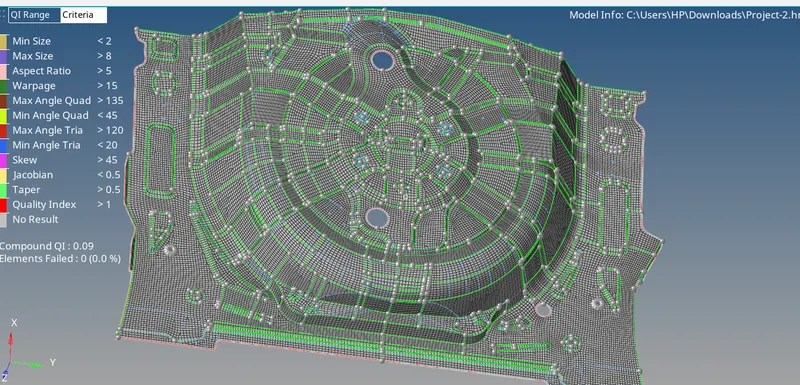
- after completing mesh process check for connectivity
- go to edges and equalance if needed and find egdes then exmine if there is any connectivity problem and fix it
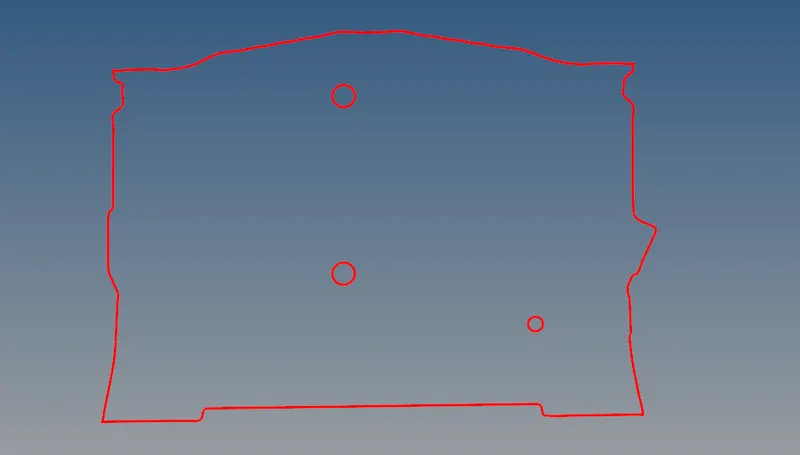
- then check for duplicates and normals
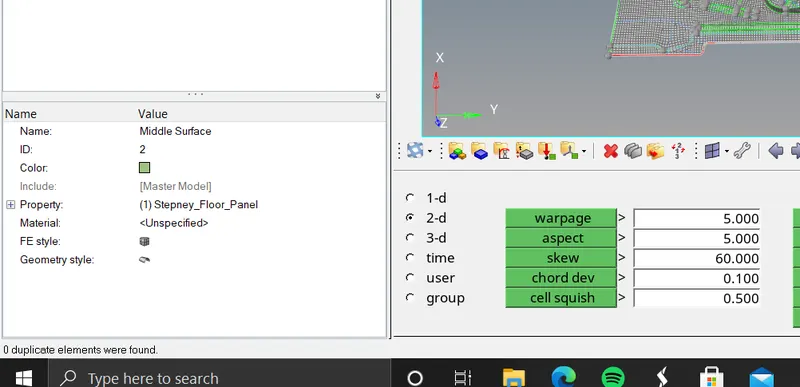
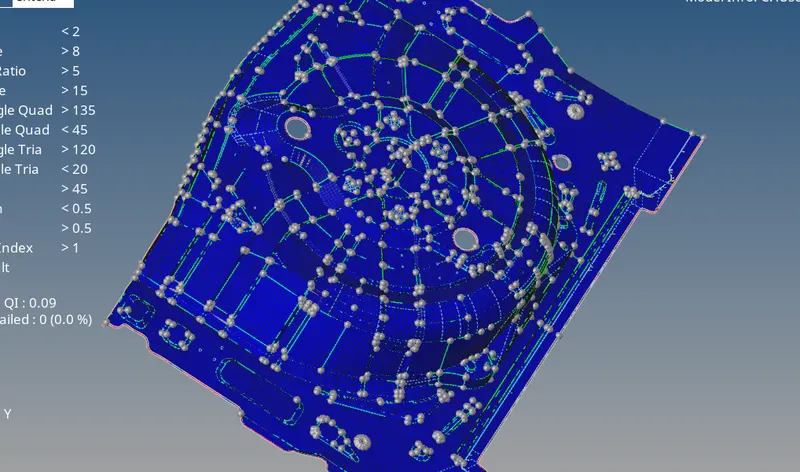
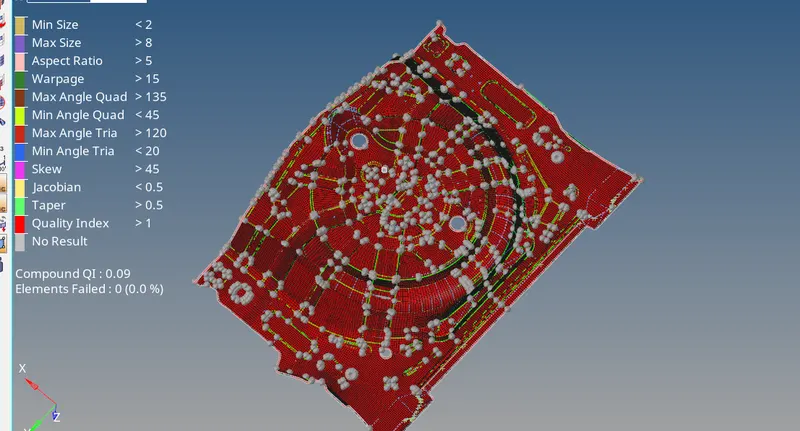
- hence every checks completed then assign thickness to component by creating a component and parameter then assign thickness to mesh .75
- check the thickness is assigned
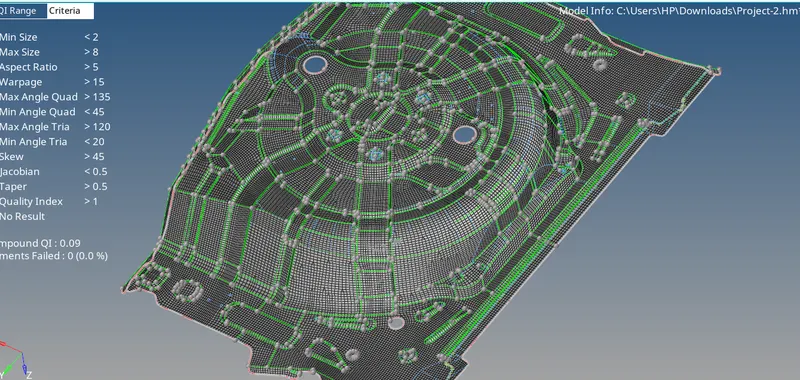
fig: final image
result:
- midsurface extracted from parent geomatry
- the features havebeen captured properly
- good mesh flow with zero element failing for quality
- mesh flow with lower tria percentage (1.7)