Week 12:Project-1-Meshing of Door Inner Panel Challenge
AIM:
- To perform preprocessing on the given component on given side door [inner panel] plastic component using hypermesh preprocessing software
Follow the Quality Criteria and mesh the following component and assign thickness:
Target Element Length = 4 Units
| S.N | Quality Criteria | Value |
| 1 | Aspect Ratio | 5 |
| 2 | Skewness | 45 |
| 3 | Warping | 15 |
| 4 | Taper | 0.5 |
| 5 | Min. Length | 2 Units |
| 6 | Max. Length | 6 Units |
| 7 | Min angle Quad | 45 |
| 8 | Max angle Quad | 135 |
| 9 | Min angle Tria | 20 |
| 10 | Max angle Tria | 120 |
| 10 | Tria % | 10 |
objective:
- to generate mid surface manually and do geomatric cleanup
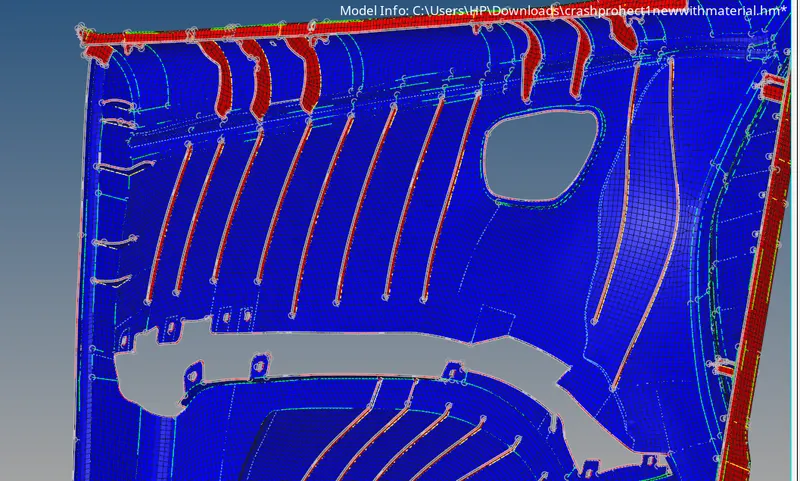
- to generate a mesh with proper meshflow on the given component with low tria concentration
- to check element quality with given quality critiria
- to create a diffrent collector and organize the element to that collector and assign a thickness
procedure :
- import the geomatry
- make in topo mode
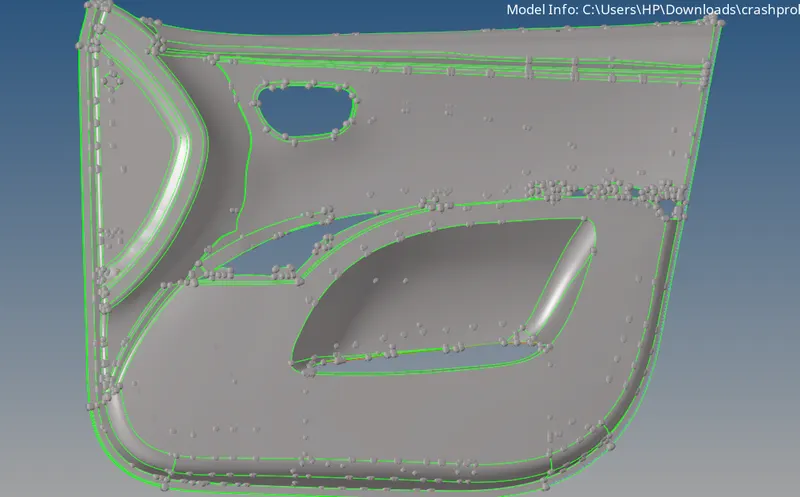
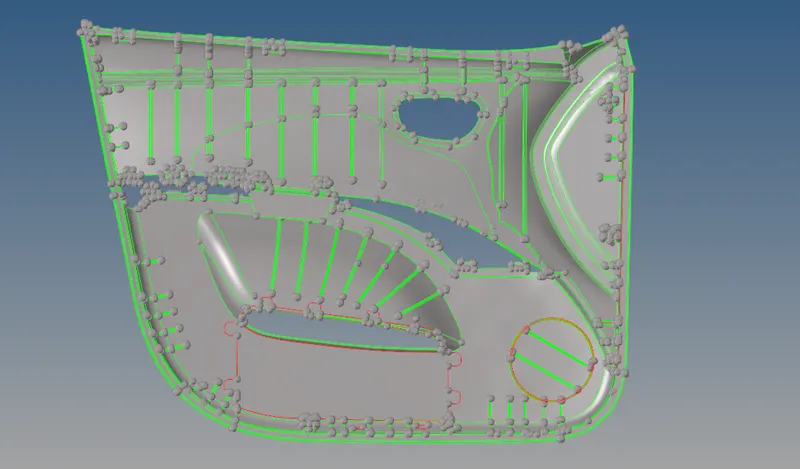
- in this plastic component thickness is not uniform so we want to extract parts manualy
- initially we extract base plate which has uniform thickness , for that we go to surface edit and select on surface of base plate then select by phase and offset to half of thickness
- after getting the baseplate check any error in geomatry and if any clean it by suitable components
- then inspect and offset each compoents into half of thickness seppratly
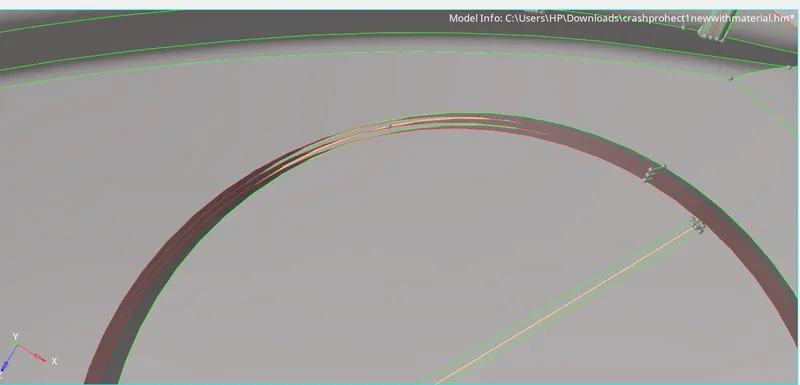
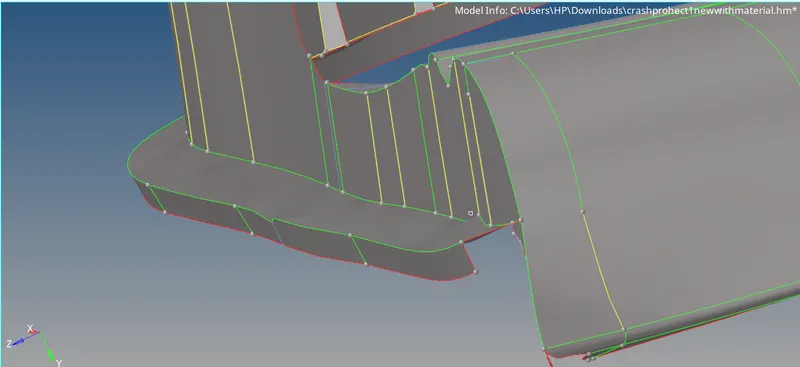
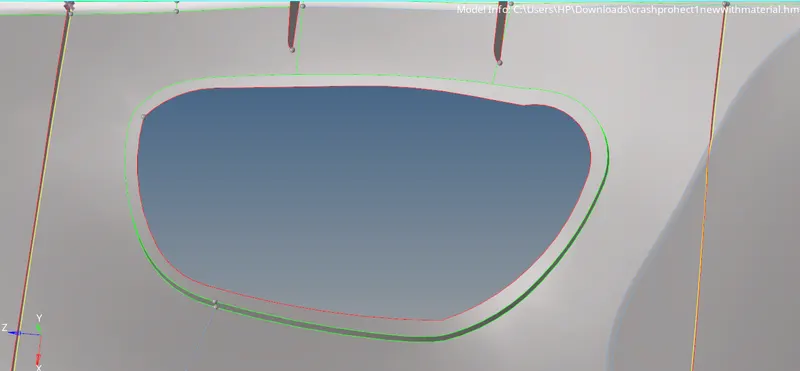
- then we want to extract midsurface of ribs
- of that make a midline beltwwen surface of ribs then trim it by trim with line option, then make surface between it by ruled option in surfaces
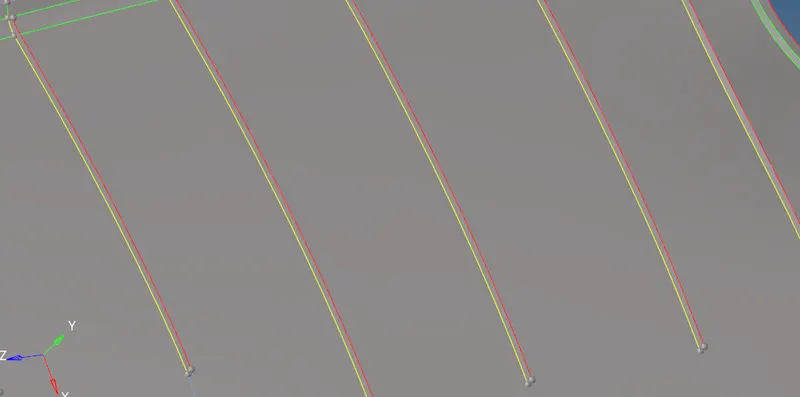
- if surfaces are not connected to surface use extent options for connectivity
- extract mid surface of remining type ribs on surface by offseting option
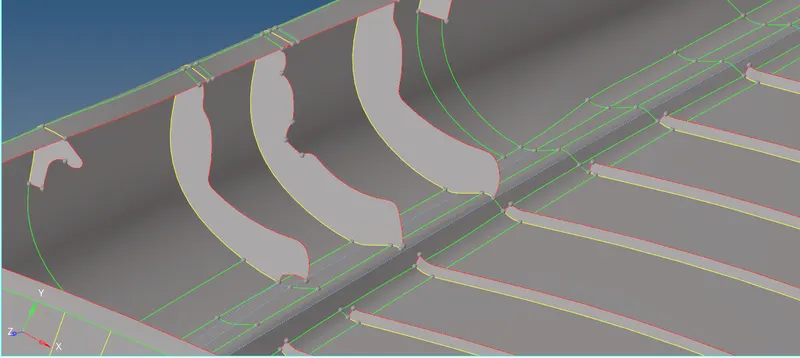
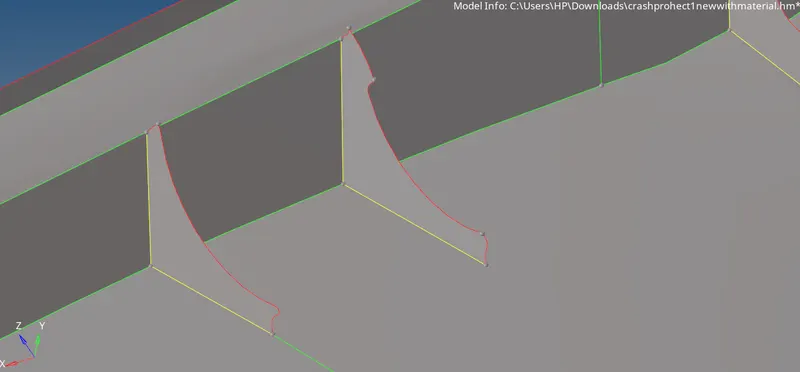
- remining holes and bounds are created as per mentioned above
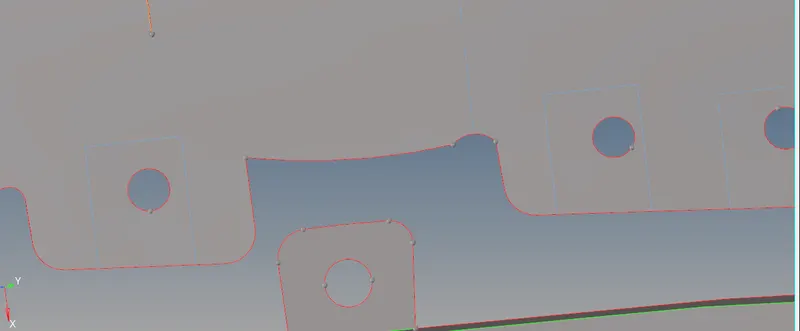
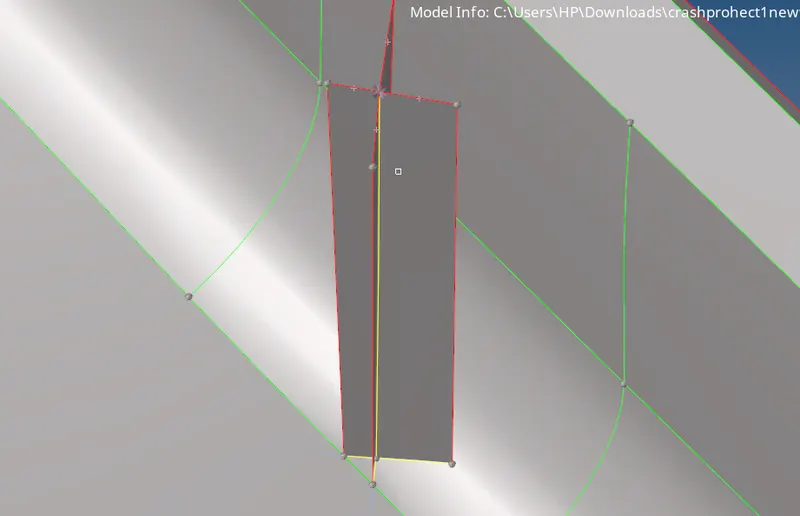
- after extracting mis surface all parts check connectivity of all parts and do nessesary geomatric cleanups
- toggle unwanted lines
- then start meshing from one side
- make cut lines on ribes for getting good quality meshflow
- minimize tria concentration as possible
- when in meshing process always try to use rebuild option mesh for getting good quality mesh
- after using drag tria option make sure to smooth the mesh
- remove warping by translate the deflected node from surface
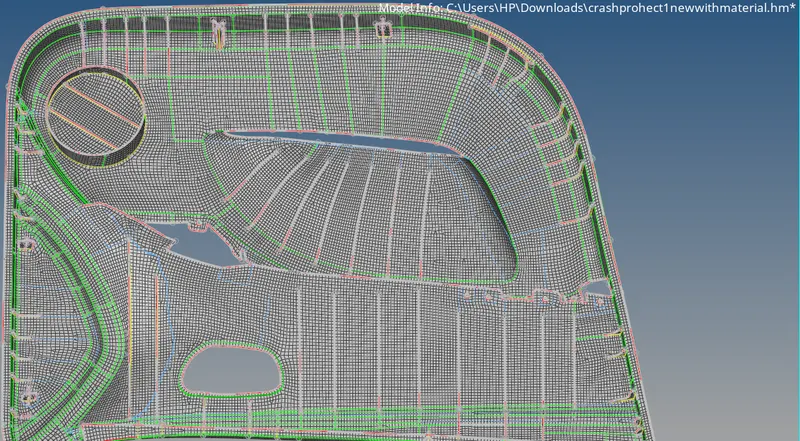
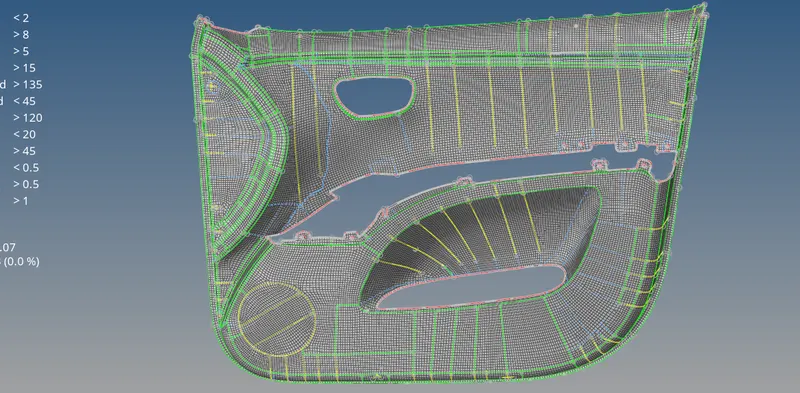
- after properly meshing all regions check for free edges in edges option and equalnce all and gety connected all nodes
- if any nodes are not connected check it manually and connect those elements
- after checking for edges check for normals in tools normal option
- make all normals in one direction
- then create collector {create new component}
- then create property and give the thickness
- assign property and thickness to collector
result :
- completed meshing of plastic component with propermeshflow as per given parameters