Week 8-3D Tetra Meshing Challenge
AIM:
- Create a Teramesh for Housing component with the following quality criteria.
TetraMesh Generation Method: 2D to 3D Conversion
Elements sizes: Min- 2 Units, Target- 5 Units, Max- 7 Units
Tet collapse: 0.15
- For the given model, Create a 3D Tetramesh with the following quality criteria.
TetraMesh Generation Method: Quick Tetra Mesh/ Volume Tetra Mesh
Target Element size: 3 Units.
Tet Collapse: 0.15
- For the given assembly model, Create a 3D Tetramesh with the following quality criteria.
TetraMesh Generation Method: Quick Tetra Mesh/ Volume Tetra Mesh
Target Element size: 4 Units.
Tet Collapse: 0.15
Procedure
Model1
Fig(1)
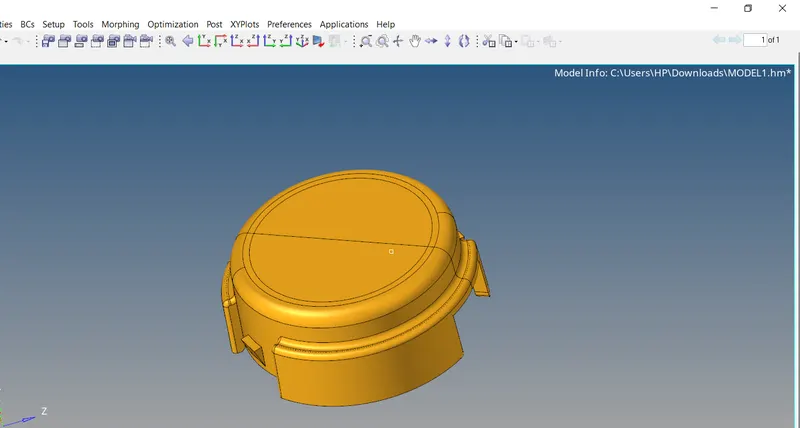
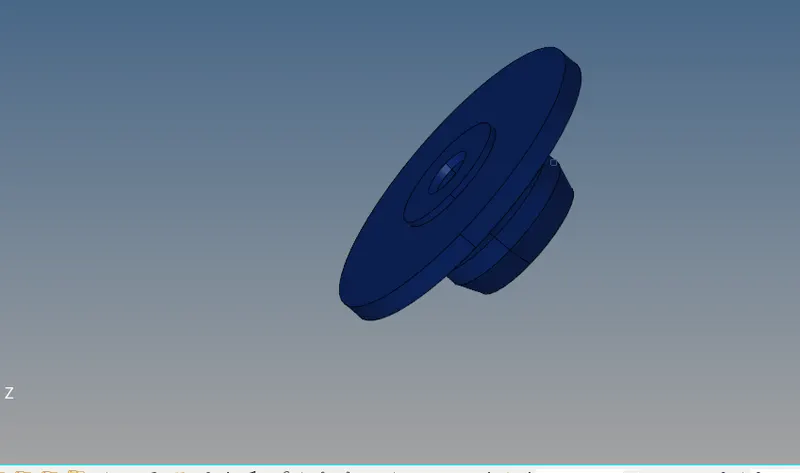
- In this model we want to do 3d tetra meshing process
- For that import the geometry and make in topo mode
- Go to preferances and set element critiria asper given
- Do geomatric cleanup om geometry
- Do 2d mesh with tria elements
- Check minimum and max element failures
- Then go to 3d panel and choose tetra mesh option
- Go to tetramesh parameters and set tetcollapse value as per given
- Then go to tetramesh and select element by displayed and mesh the surface
- The component will change to 3d mesh
Fig(3)
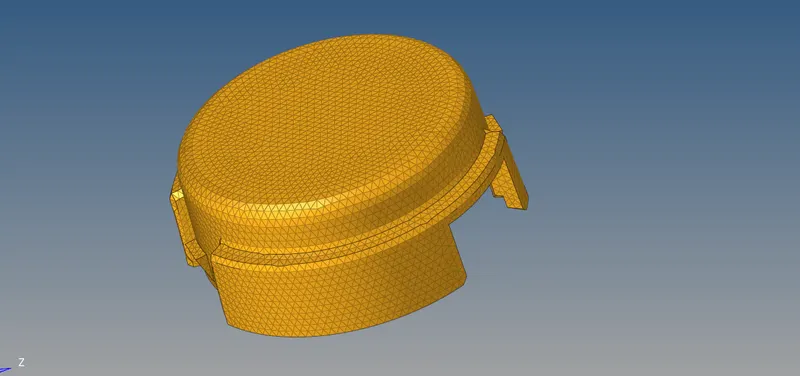
- We can check and confirm it by masking few elements and then we can see the 3d mesh componets on geometry
Fig(4)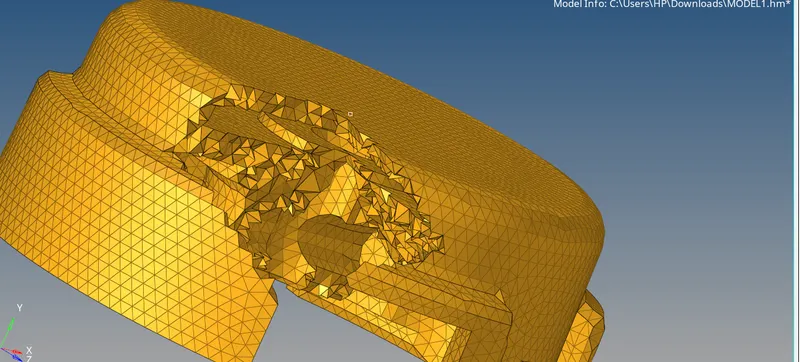
- Then go to check elements option go to 3-d and check tetcollapse
- If any element is failed -save file -goto mask- retrive-mask-reverse -then you can view failed elements
- Tet collapse is coming due to reduced hight in 3d element so we can increase it by translate node but be careful of which does not penetrate or deform other elements
- Make tetcolapse to 0 failing

Model2
(fig5)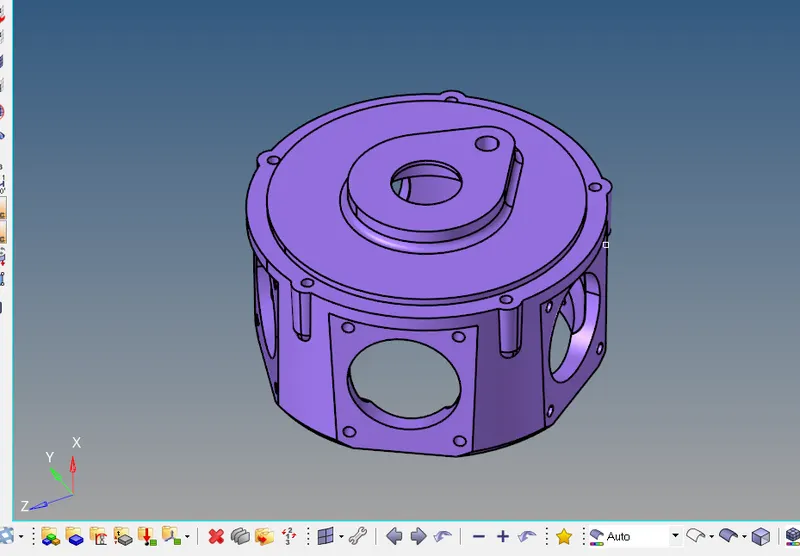
- In this model we using direct methode of 3d meshing which is very fast process it is done in industry if we doesnot consider about quality of mesh but need quickly
- Direct methodes are
- Go to view-browsers -hypermesh-utility ,then utility will appear then click on geometry mesh-quick tetra mesh -select the component, set mesh size and mesh type
- Directly go to 3d mesh panel there will options tetramesh ,volumetric mesh directly do this mesh
- Import model then do nessesary geomatric clean-ups
- In this model we using volumetric mesh
- For that select solid surface (we deleted solid surface before geomatric cleaup so after geomatric cleanup go to solids and select bounding surface option and develop geometry from surface )
- Select tetramesh parameters and set tetcolapse value
- Go to volume tetra and set element size and choose 1storder then mesh
Fig(6)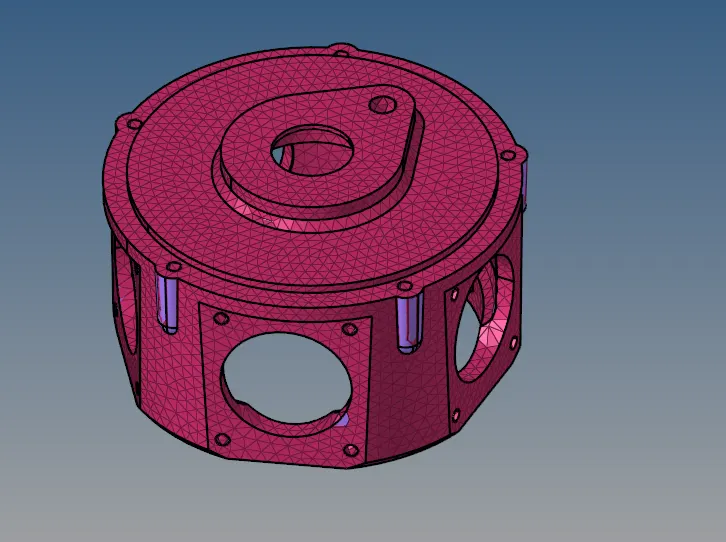
- Then remesh the elements for better element quality(we can reduse tetcolapse failing also)
- Check tetcolapse if it zero failing mesh is acceptable
Model3
Fig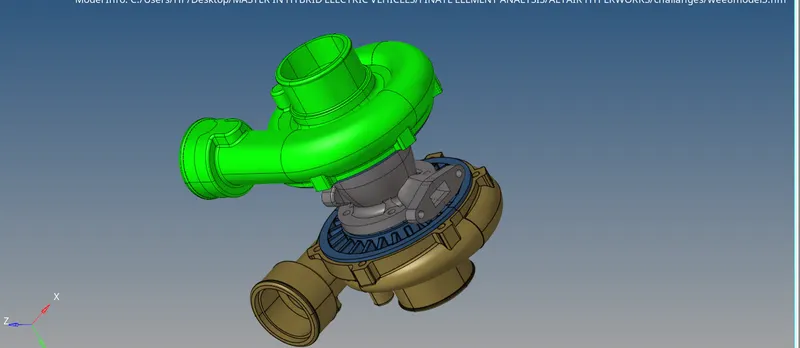
- This model is an complex model with 5 geomatries
- So here we want do 3d meshing seppratly
- Here we using direct meshing methode for all geometry
- Seppratly do geomatric clean ups and mesh done seppratly
- Procedures are explained in model 2
- Check for tetcollapse and remesh if needed
- If geomatric cleanup is perfect we can avoid large tetcolapse failings
- If tetcolapse is zero failing we can accept the mesh
Fig 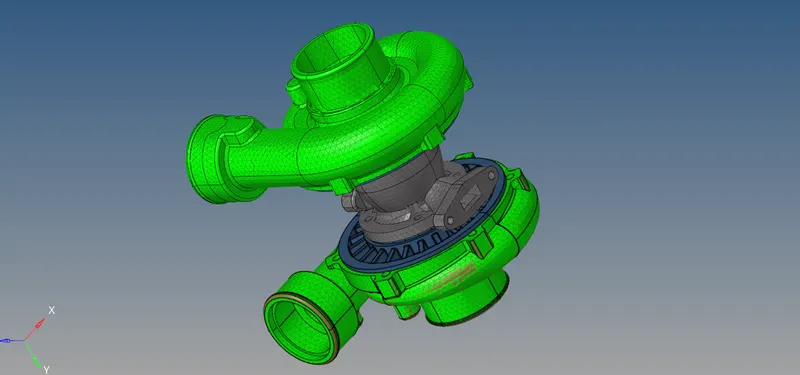
Results
- we done 3d meshing for 3 models as per given critirias