Week 8 - Challenge 1 - Draft Analysis on a Fan Cover
Draft Analysis
The draft analysis in CATIA refers to a tool that allows users to determine if they can remove the part they are designing from the tool being used to design it. For example, CATIA drafting makes it easy and fast to make molded plastic objects.It allow the designer to determine the required draft to be given to a part to be Tooled or designed.
Repot on creating a Tooling axis
Give Class A Surface
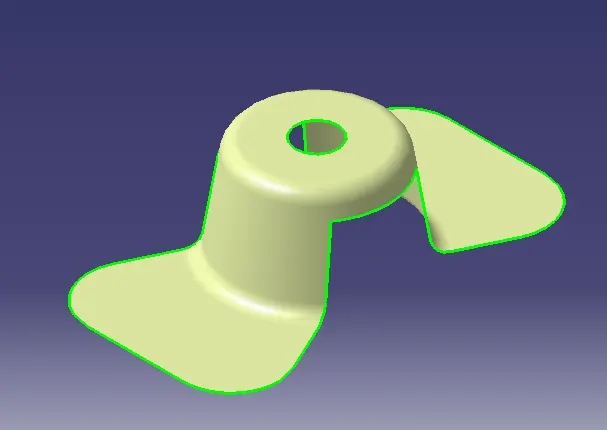
Procedure To Creat A Tooling Axis
- First The given class A surface is imported to the catia v5 software.
- By using boundary option the suface is checked for any discotunity(Can also done by using join option).
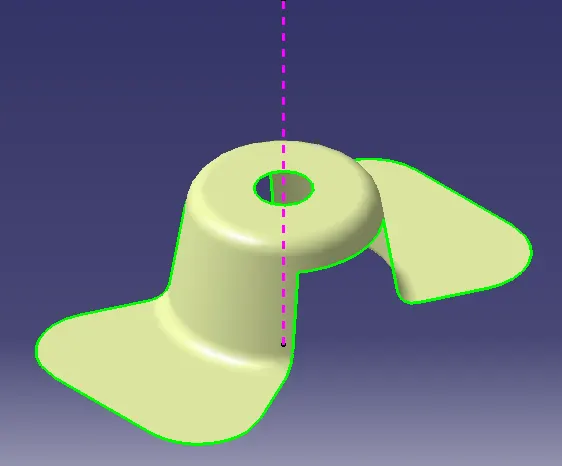
- A dummy Tooling Axis was created to give a better visualisation about the possible tooling axis.
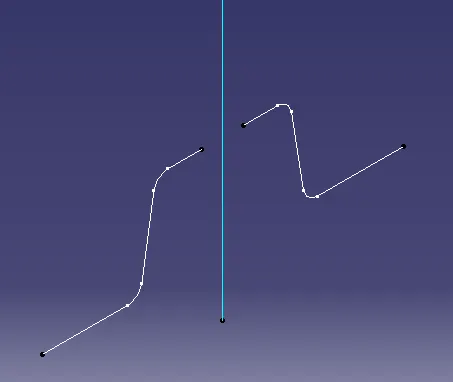
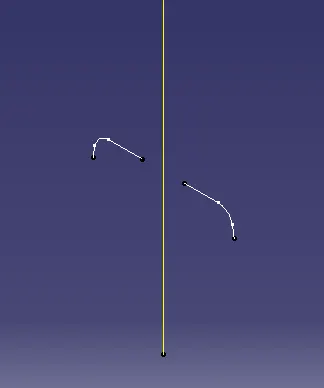
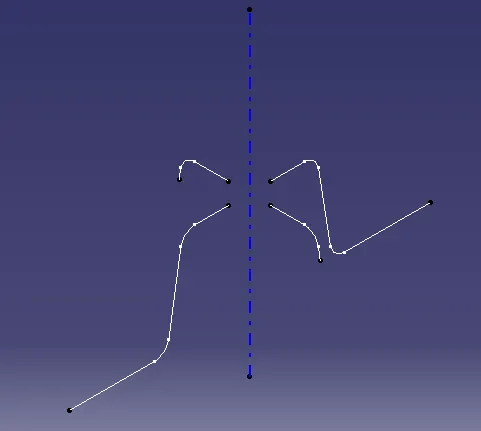
- By using axis system and intersecting comand two different intersect are created through using XZ &YZ planes Respectivly.
- Then the lines are extended using point to point line command and then an axis was created for each intersect separetly using bisecting line comand.
- Then the toling Axis was created with respect to the both the axises created.
Publication
The tooling axis and the Class A surface are publishied for furter easy referance.Tool->Publication
Performing Draft Analysis
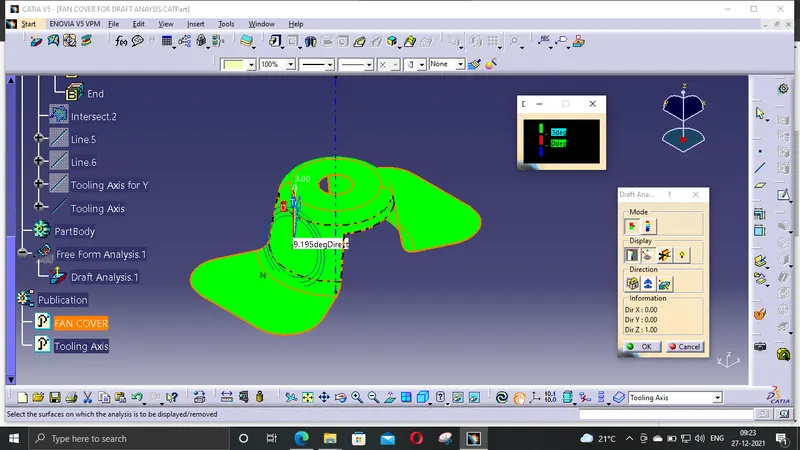
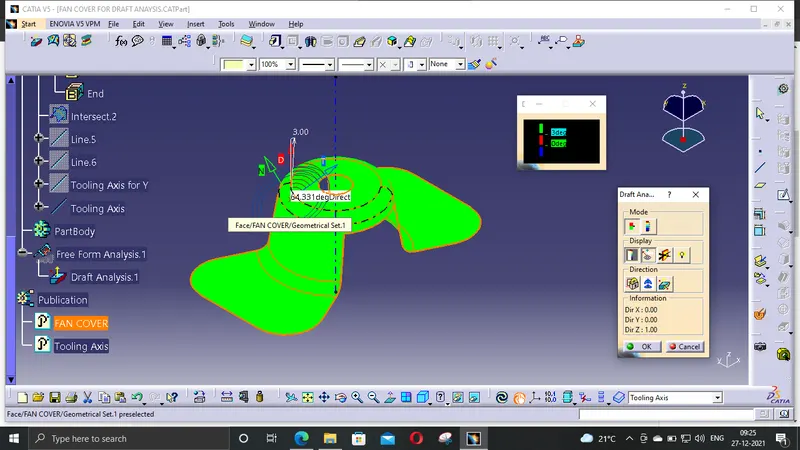
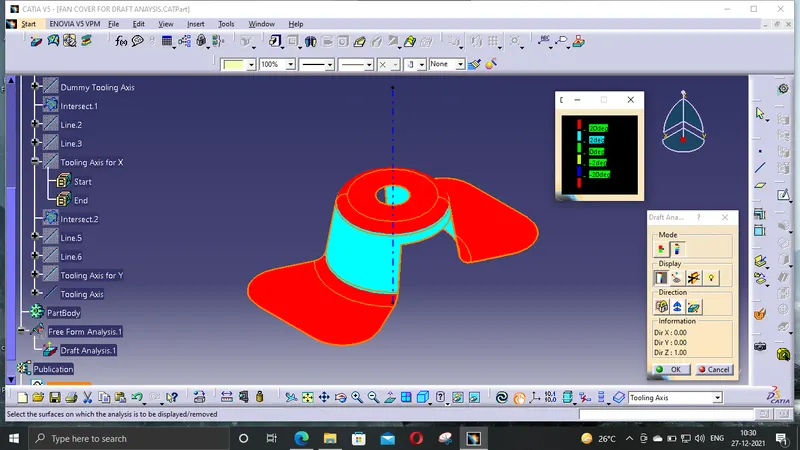
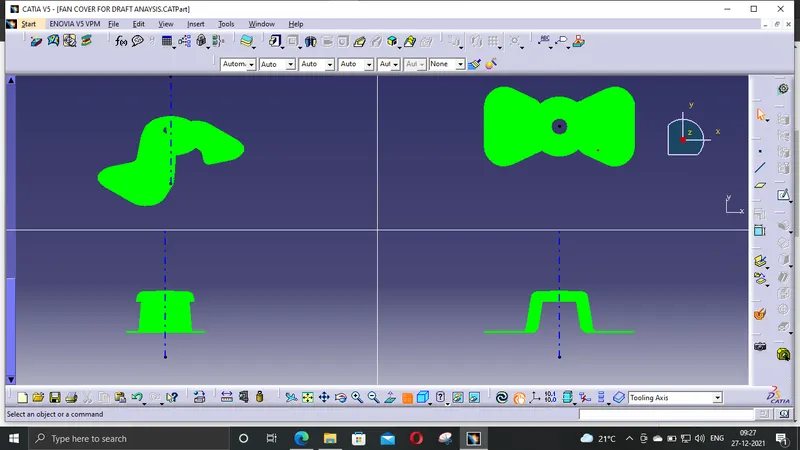
- Insert->Analysis->Feature Draft Analysis
- Draft analysis was carried out by placeing the copass over the tooling axis And locked to a specific direction.
- If the surface is green then it passes the requirements or else further operation needed to be carried out.