Week 8 - Challenge 1 - Draft Analysis on a Fan Cover
DRAFT ANALYSIS ON THE FAN COVER
Draft Analysis :- Draft Analysis is one of the most important step in manufacturing/designing the plastic product. The draft analysis helps to find the perfect tooling axis of the Class A Surface (components). The draft analysis is not only done for finding the perfect tooling axis but also it helps to reduce the cost of the component by selecting the perfect direction of the tooling. The following are the steps for the draft analysis on the fan cover.
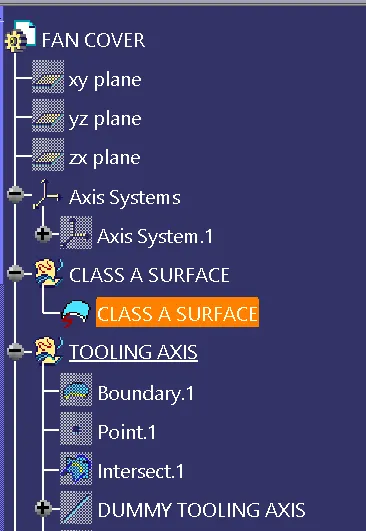
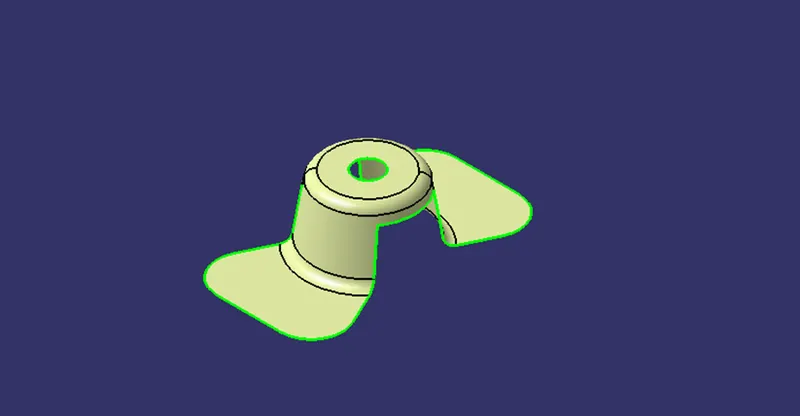
- Class A Surface:- Initially the Class A Surface is inserted as an input for the draft analysis. The surface is not thick but it is thin as the form of the paper as shown in the figure below.
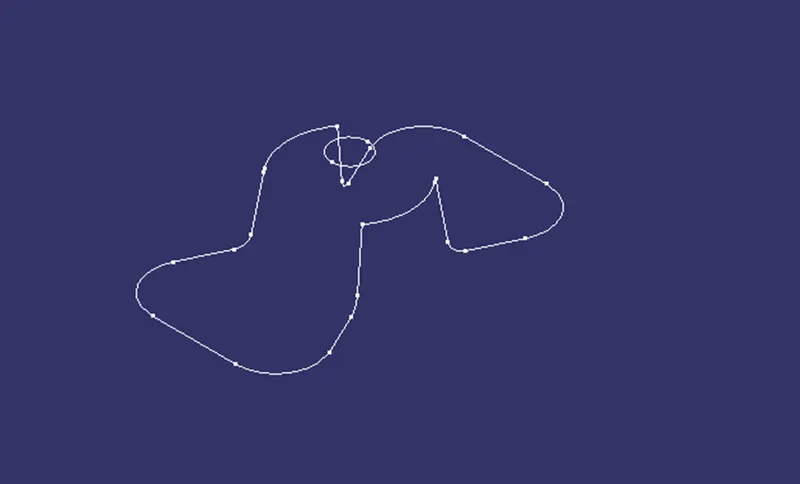
- Design Checks:- As the class A is inserted the surface has to complete the design checks which make it eligible to have draft analysis. The design check is basically done to ensure that no gap is present between the class A surface i.e the surface is continuous without any break. The design check is done using the boundary command which helps us to get the proper outer design of the surface and if the gap is present it is represented by the boundary command.
- Checking the Tooling Axis:- After all the design checks are done, we have to manually check for the best possible tooling axis. Now this is the most important step in which all three axis are visualized manually for the best tooling axis. The plastic product designer has to ensure that the cost of the component should be as less as possible, with the best tooling axis and he should probably try to avoid the extra tooling i.e the side core tooling if not required which will directly reduce the cost of the component. Now for the fan cover the best tooling axis we got is for the Z direction without the side core.
- Dummy tooling Axis :- Now that we have assume the direction of the tooling, we have intersected the ZX plane with the fan cover surface and for instance we have created the dummy tooling axis along the Z direction as shown in the figure below. The intersection is done because we have just assume that the tooling is along the Z direction, to confirm this fact we have to clear the tooling for the X direction as the two lines are formed oppositely at an angle which are not perpendicular the Z plane. Here nothing but the point-point lines are drawn and are bisected to clear the tooling along the X direction. The centerline is the tooling line clearing the X direction.
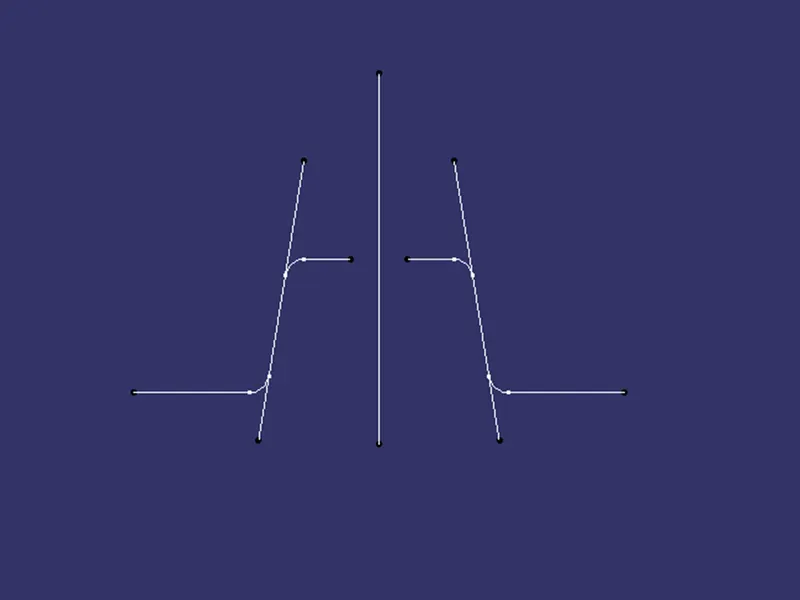
- Tooling Axis :- Now the same procedure is followed for clearing the tooling axis in the Y direction. Initially the intersection is done along the ZY plane then the point-point lines are drawn and then they are bisected the centerline which we got is the tooling axis clearing the Y direction. After that the final tooling axis is created by bisection the X and Y tooling axis.
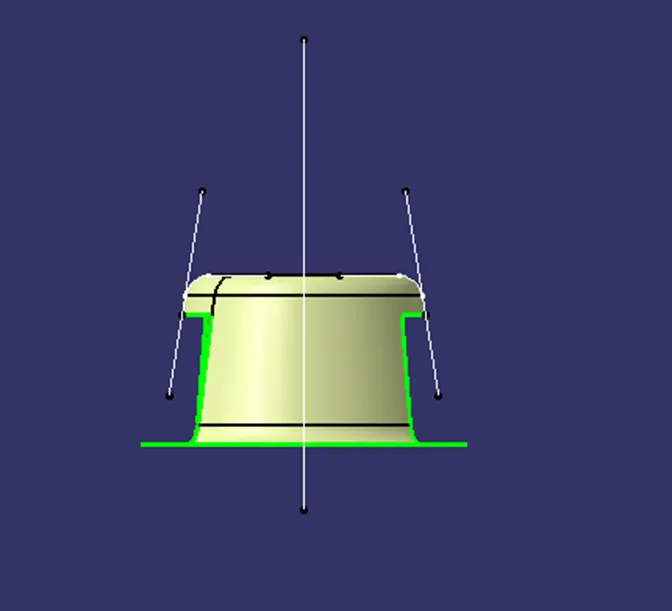
- Final tooling Axis :-
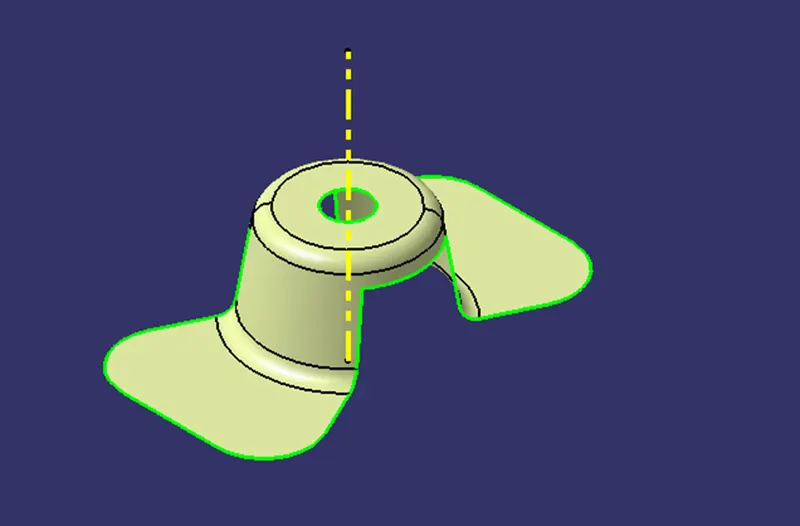
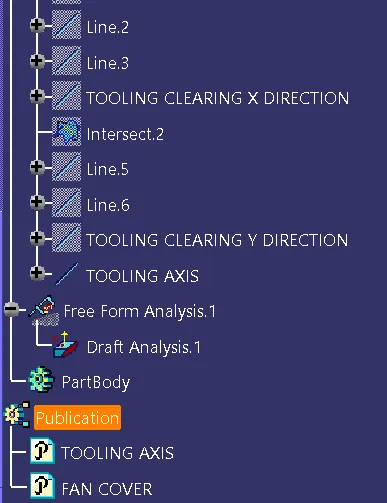
- Draft Analysis :- After getting the final tooling axis, the parameters are customized and the material option is selected in place of the grounded for the draft analysis. For the analysis go to insert > Analysis > Feature draft analysis. But before doing the draft analysis just publish the tooling axis and the fan cover, so that it becomes easy for us to select component easily instead of searching the feature tree. Now the draft analysis contains many commands as shown in the figure below.
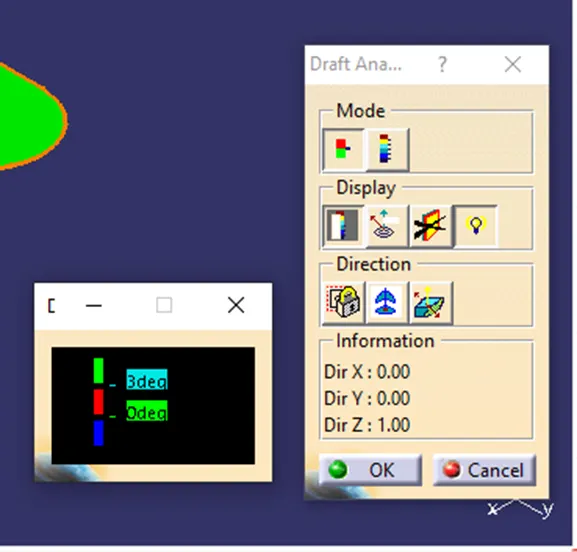
Now first the allowance is to be checked in the mode command. Initially according to the rules of the plastic design we have learnt that the nominal degree of the draft is to be 3 degree not more than that. So double click the blue box and add 3 degree to it. Then in the direction command the compass is selected and it placed on the component to ensure the draft direction.
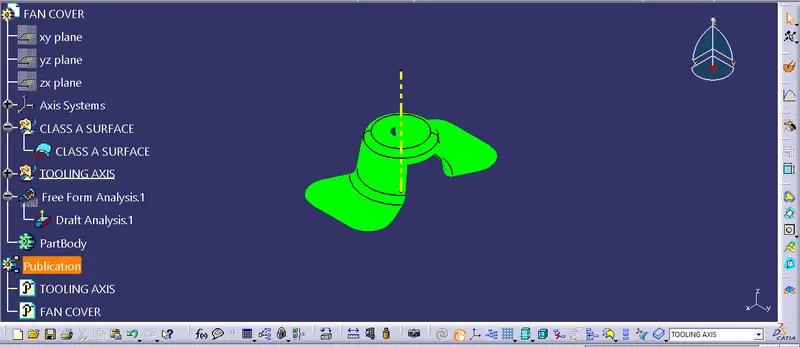
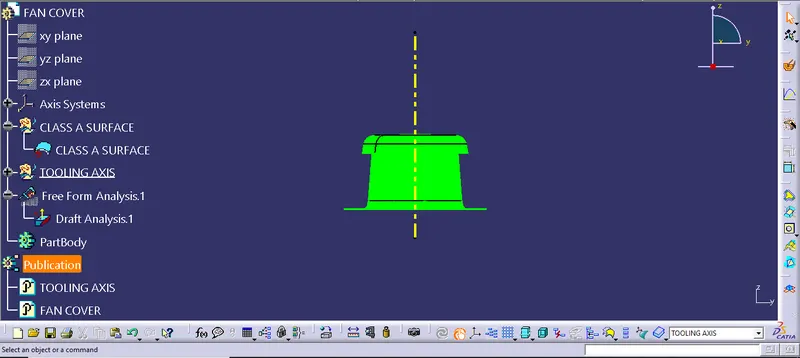
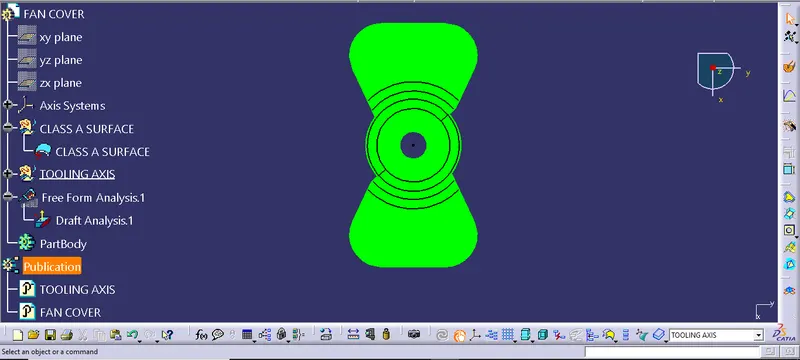
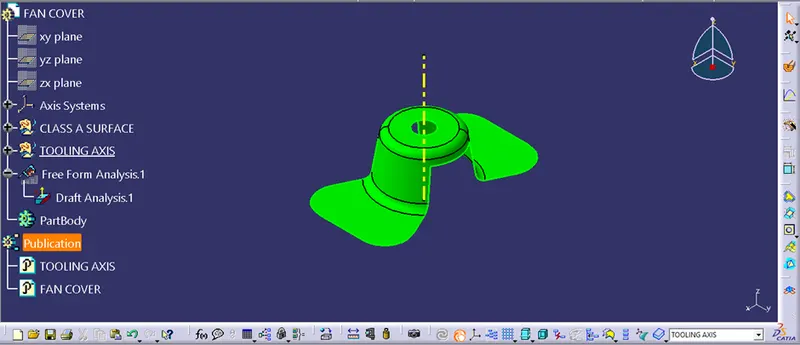
After that the direction of the draft is locked using the lock command. Then select the surface of the component which will turn all the in green color ensuring that the draft and the tooling is practically possible and is clearing the tooling axis as shown in the figure below.
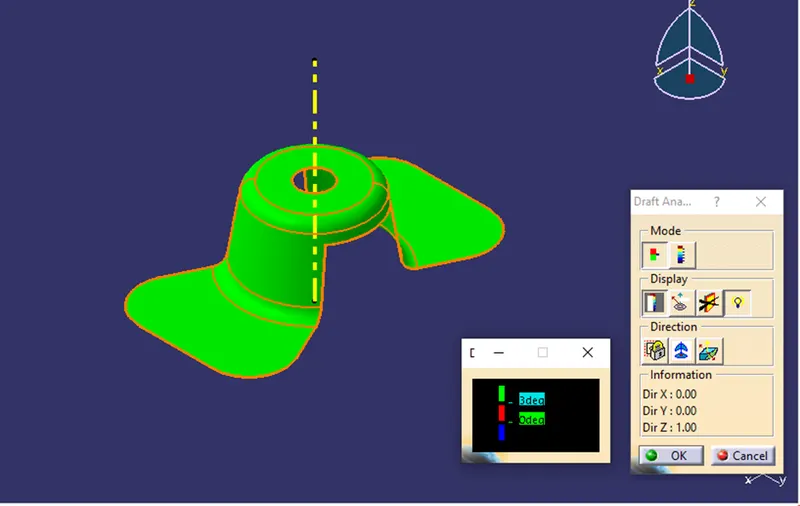
And hence the draft analysis is completed.
IMAGES :-