Week 8 - Challenge 1 - Draft Analysis on a Fan Cover
Objective:
To create tooling axis for the given fan cover and to perform draft analysis on it using CatiaV5R21.
Draft Analysis:
Draft analysis is only performed on
-
FreeStyle Shaper.
-
Part Design.
-
Generative Shape Design.
-
Wireframe and Surface for Building.
Draft analysis is done to check whether the given surfaces were meeting the given criteria, which means whether the surfaces are undergoing positive draft or negative draft. It is always advisable to go with positive draft rather than going for negative draft which can cause problems while manufacturing the components. Plastics generally tend to shrink, which makes them to stick to the molds, which furthur leads to difficulties duirng ejection and may lead to scuff marks on it. For this purpose part surfaces were designed parallel to the draw direction of the tool require taper or draft. This drafts helps to eject the component safely. The amount of draft varies accordingly.
Designers of plastic parts and mold tooling manufacturers can use the Draft Analysis tool to check the correct application of draft to the faces of their part. With draft analysis, you can verify draft angles, examine angle changes within a face, as well as locate parting lines, injection, and ejection surfaces in parts.
This type of analysis is performed based on color ranges identifying zones on the analyzed element where the deviation from the draft direction(tooling) at any point, corresponds to specified values. These values are expressed in the unit as specified in Tools > Options > General > Parameters > Unit tab. You can modify them by clicking on their corresponding arrow or by entering a value directly in the field.The mapping texture accuracy depends of the video card used. Therefore, colors displayed on surfaces could be wrong according to the color scale, when the value displayed on the fly is right because the analysis is recomputed at the cursor location. Sometimes, in the case of extremely closed values, it is recommended to switch to the Quick mode to improve the color display accuracy.The maximal draft analysis accuracy is 0.01 deg. According to the graphic card performance, this accuracy can be debased.The different mapping analyses of the same surfaces cannot be displayed simultaneously, even if you have set the mapping analyzes in no show. You need to visualize them one after the other.
Tooling axis should be created in such a way that it can assess all the surfaces, it is created with the help of Line command using bisecting lines method.
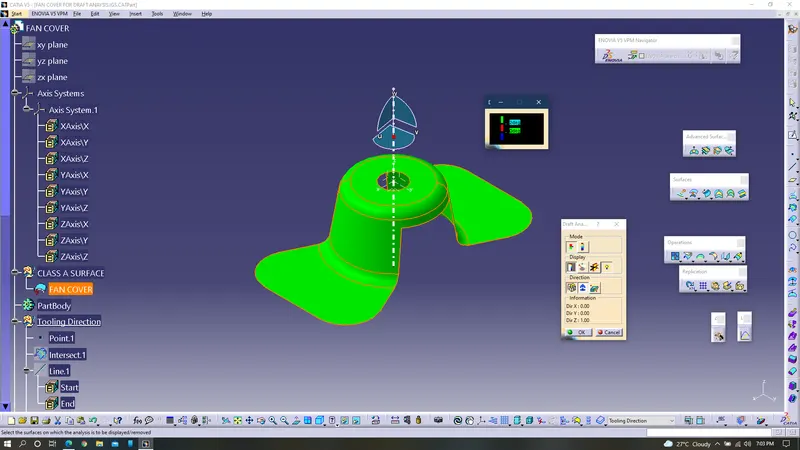
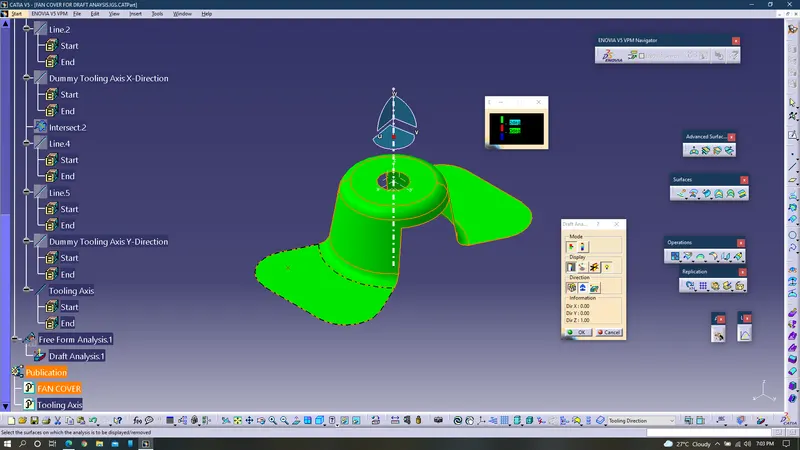
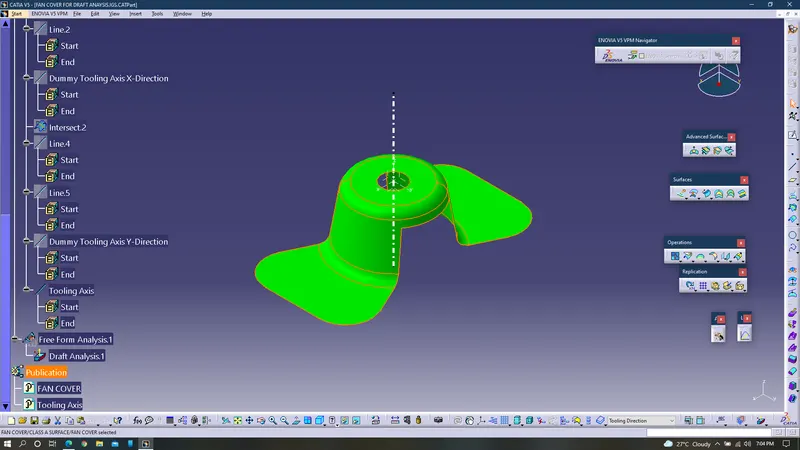
Before performing draft analysis a few steps to be followed:
- Connectivity check must be done to ensure any flaws between the sufaces.
- Creation of tooling axis with the help of intersection curve and bisecting lines command.
Procedure:
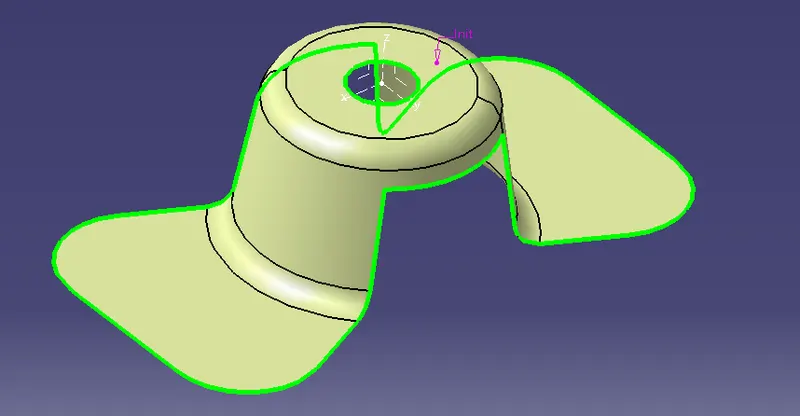
1. Performed Connectivity check to verify that whether the given component has any flaws(gaps) between the surfaces using boundary command.
2. Created point using point command on the circle.
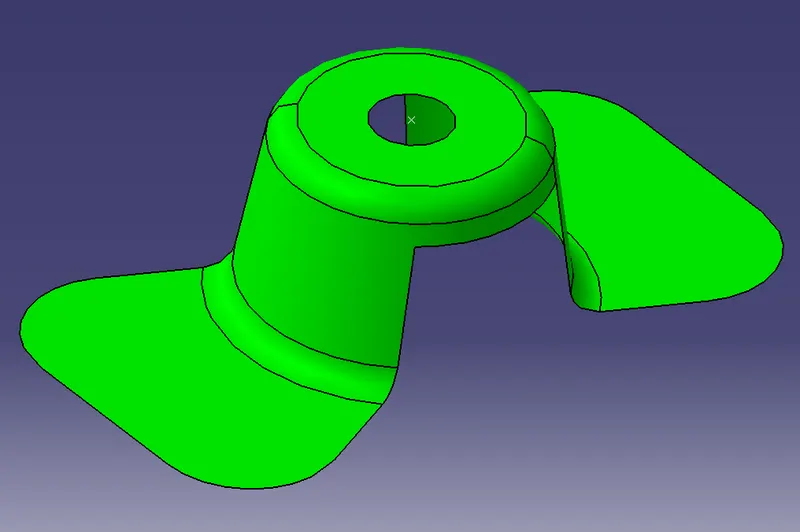
3. Created a new axis system at that point.
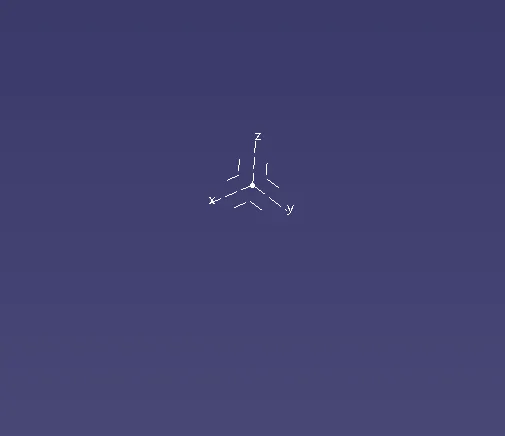
4. By selecting ZX axis, with the help of intersection curve command intersection curve is created along i.e., parallel to the axis.
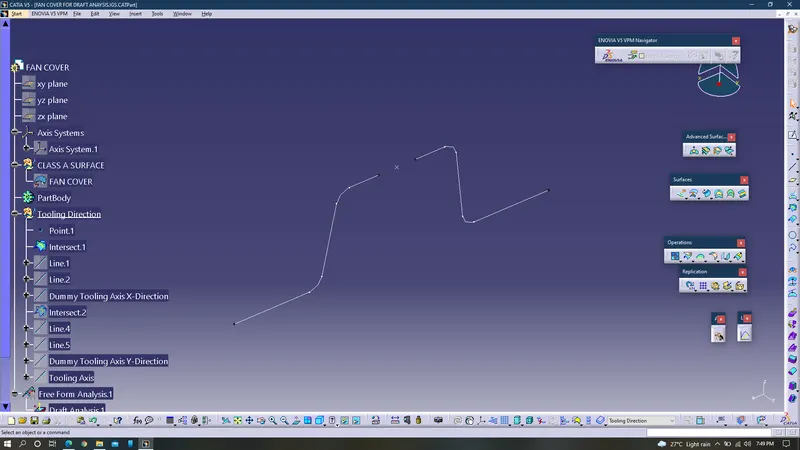
5. With the help of bisecting line command a bisecting line is created at the point and named it as dummy tooling axis along x-direction.
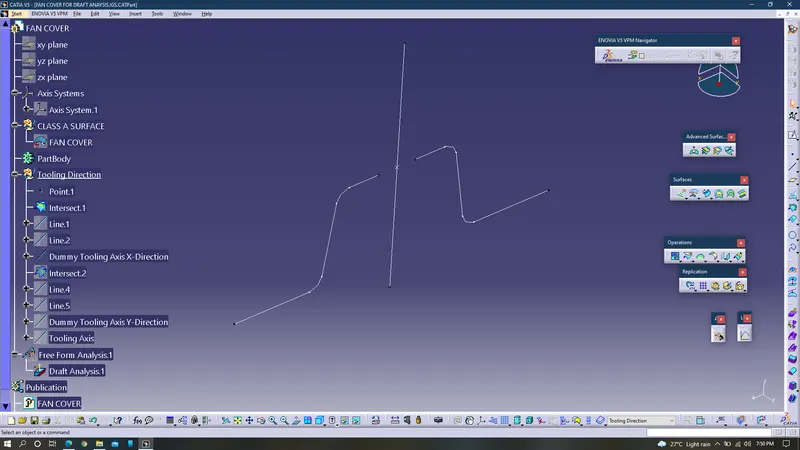
6. Next another intersection curve is created along ZY axis, using intersection curve command.
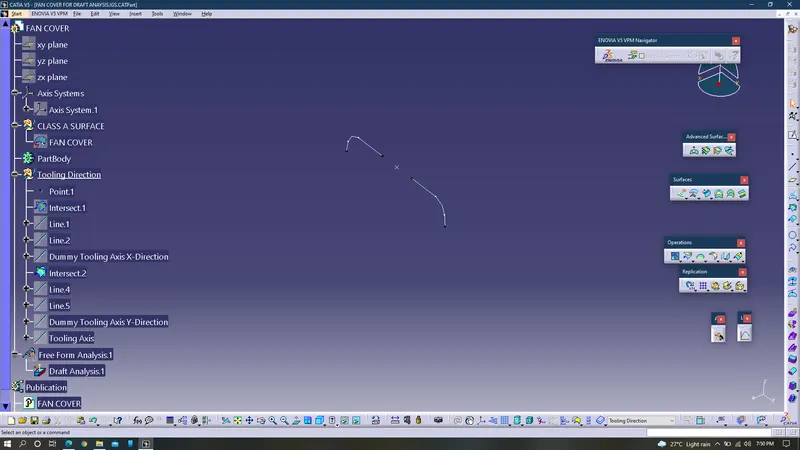
7.Created dummy tooling axis along y-direction with the help of bisecting line command.
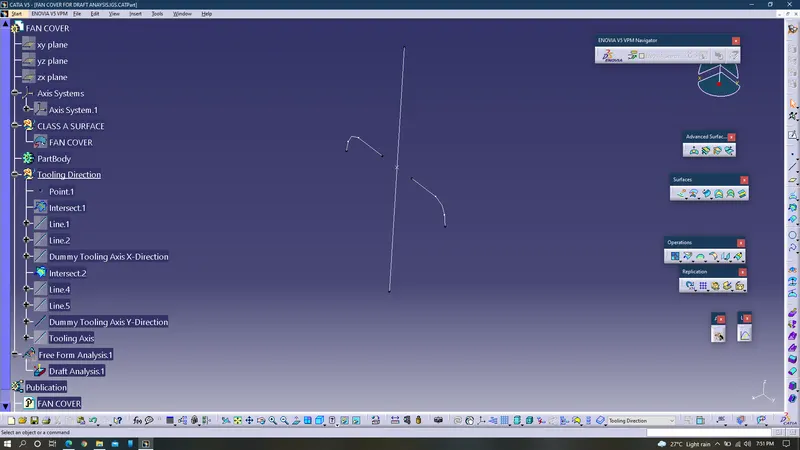
8. With bisecting line command tooling axis is created by the bisection of both dummy tooling axis along x & y directions.
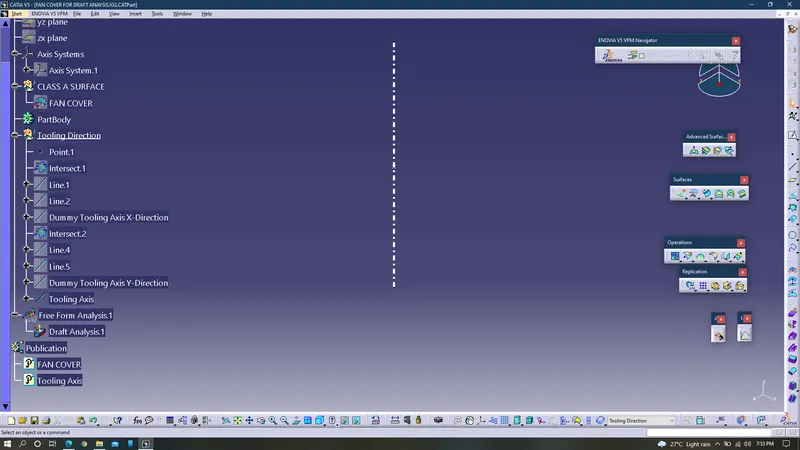
9. Publication of both Fan cover and tooling axis is performed.
10. Feature draft analysis is done by placing the privileged plane on the tooling axis.