Draft Analysis on a Fan Cover
What is the draft?
It is defined as molded parts to make them easier to remove from molds.
There are two of determining the objects to draft either by explicitly selecting the object by selecting the neutral element, which makes the application detect the approximate faces to use.
Major industries use the minimum draft angle is 3 degrees.
Process:
First, we check the continuity of the given Class-A surface.
Check the tree directions (X, Y, Z-axis) and finally, we decided which is the best possible direction to produce a mold. That direction of the axis is called the Dummy tooling axis.
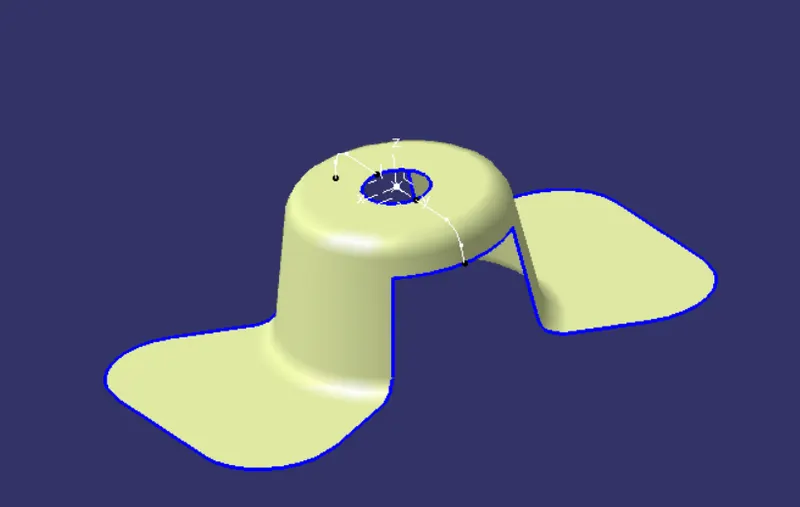
A fan with several drafted surfaces that is oriented in part location. That the Draft analysis initially assumes Z-axis direction.
In the Z-axis direction, the faces are either positive or negative draft. So the Z-axis we have taken as a dummy tooling axis we need to create a perfect tooling axis.
Process:
Tooling axis defined as the direction in which the mold opens or core and core cavity.
Create an axis system on a point.
Create an intersecting line on the ZX-plane and Class-A.
Pulling direction: The direction corresponds to the reference from which the draft faces are defined.
Draft angle: This is the angle that the draft faces make with the pulling direction. This angle may be defined for each face.
Parting element: This plane, face, or surface cuts the part in two and each portion is drafted according to its previously defined direction.
Neutral element: This element defines a neutral curve on which the drafted face will lie. This element will remain the same during the draft. The neutral element and parting element may be the same element.
Steps:
- For checking the gaps present in shape design, use join and boundary options.
- Use the join feature and select the fan cover. If there are any gaps, we will get lines on the model.
- Use boundary option to get lines at boundaries of the fan cover.
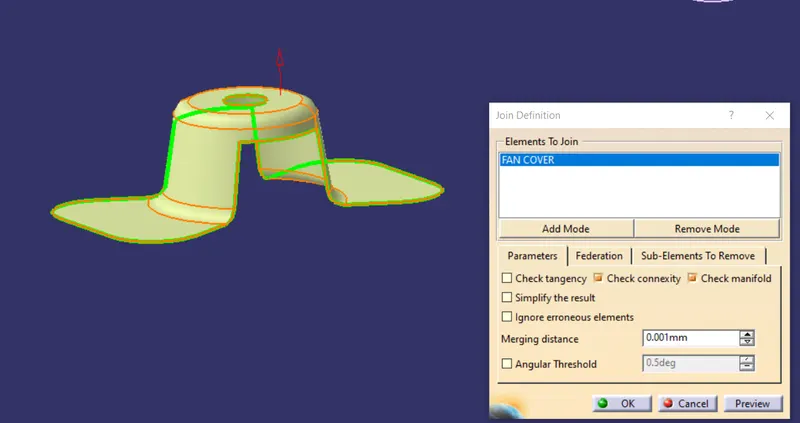
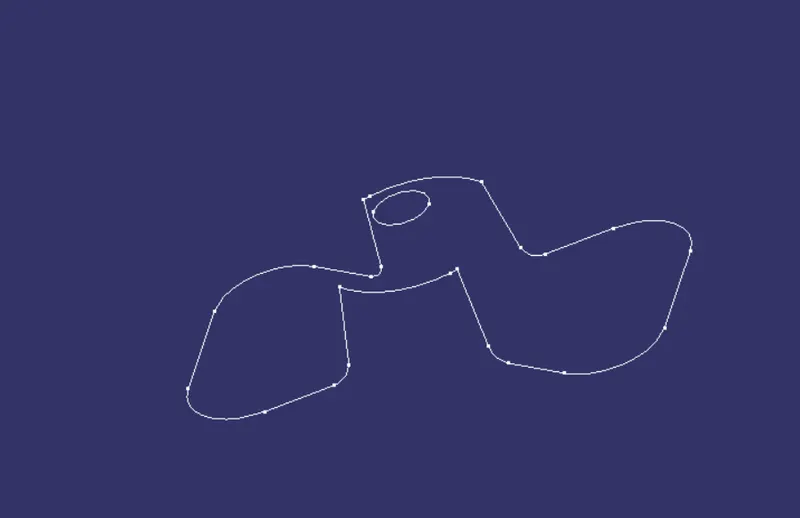
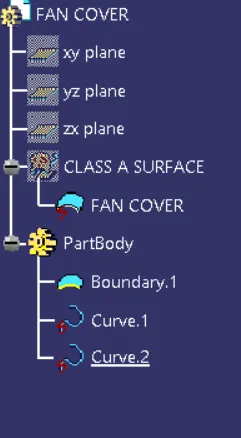
Use the fan model for draft analysis. Check the fan cover in all directions (X, Y, Z directions) for all directions.
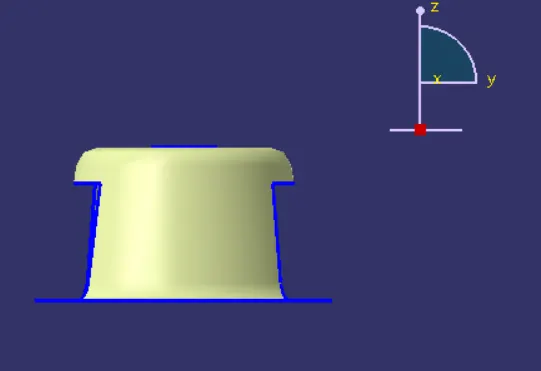
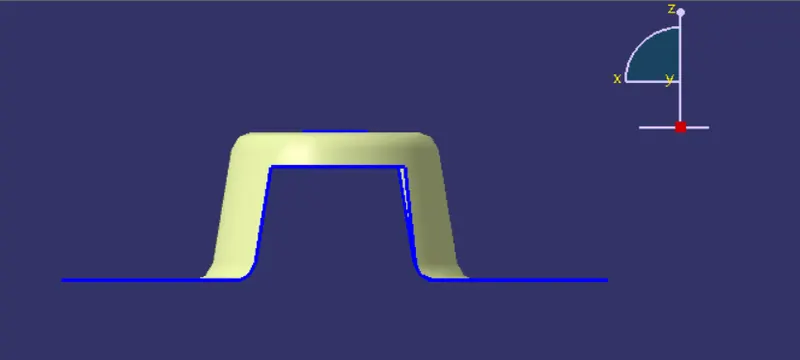
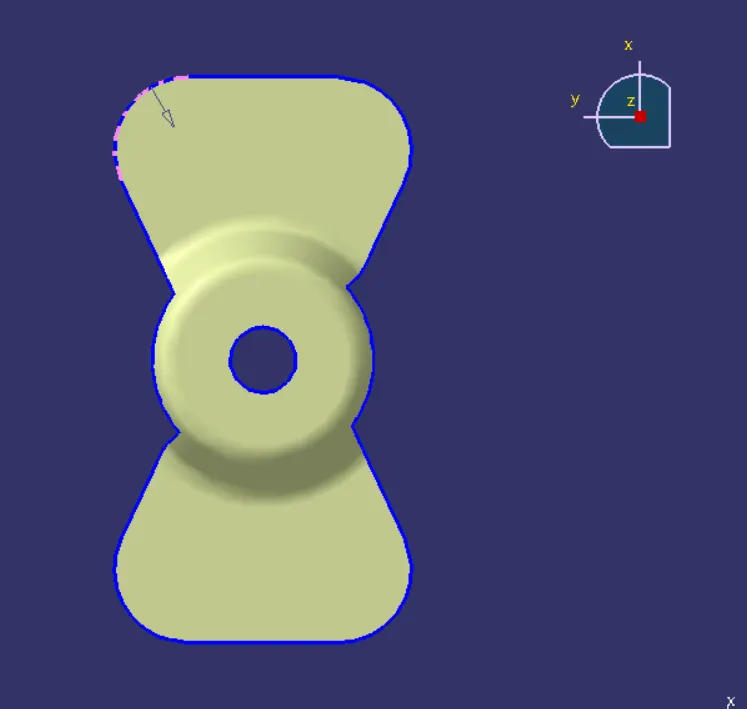
Since the Z-axis is the best tooling direction, we make a point at the hole center.
Add axis system at Z-axis with a center point.
All dummy tooling axis at the center point.
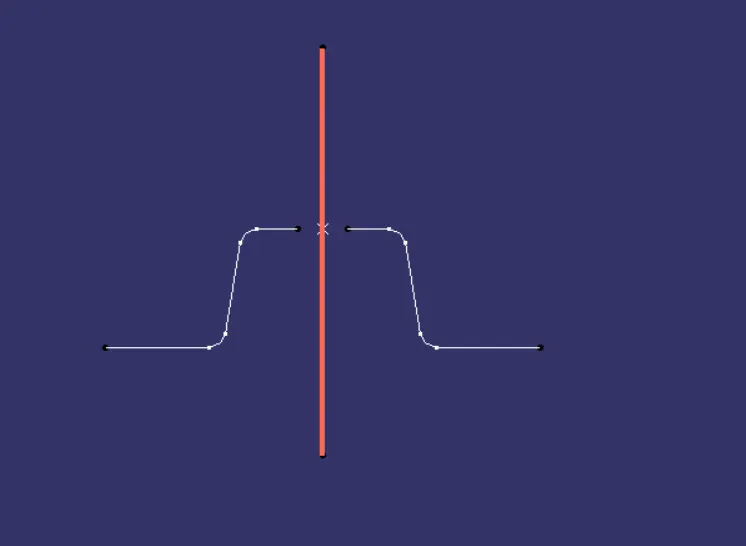
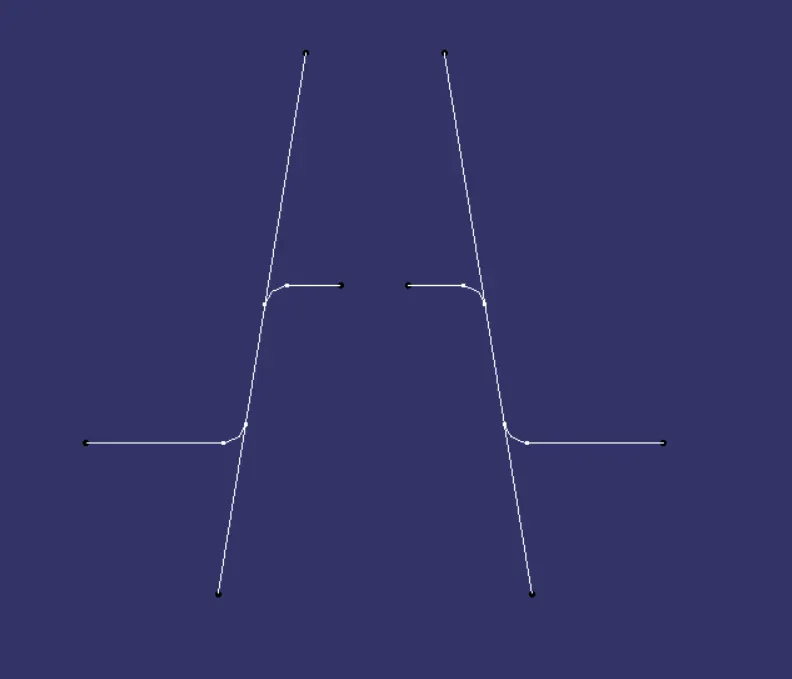
Add two lines using point to point relation lines at two ends, as shown below.
Add bisecting line for the two lines, as shown below.
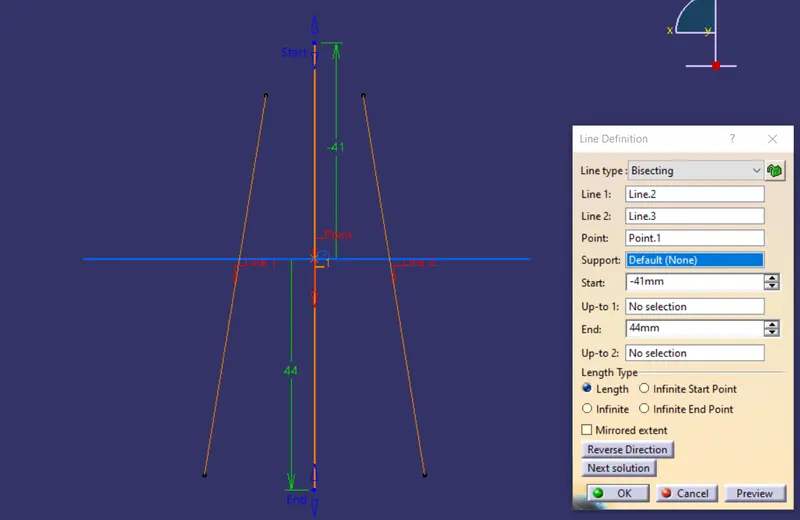
We get a center point line at the center of the model. Name it as X-axis tooling axis.
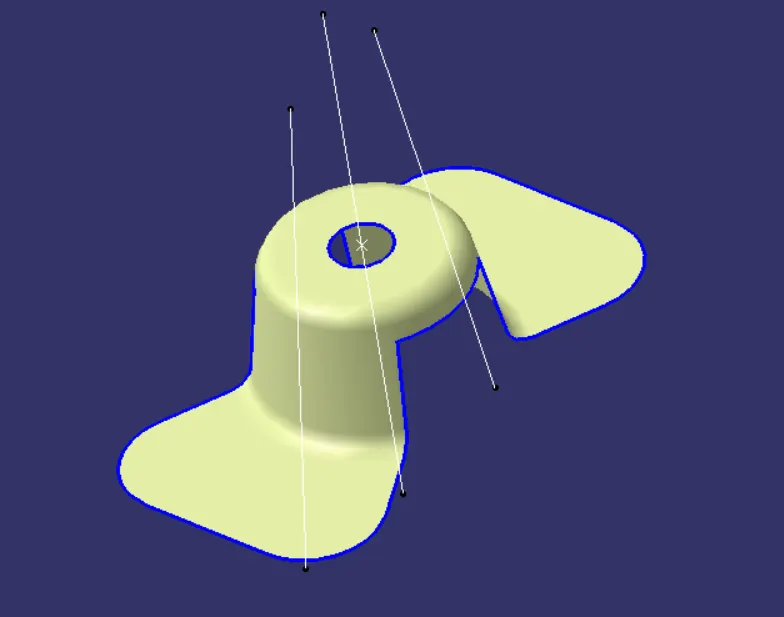
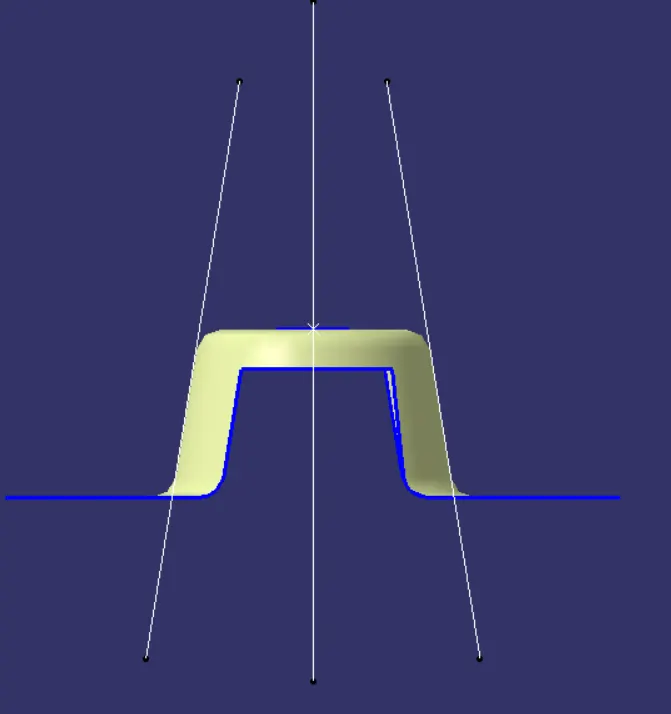
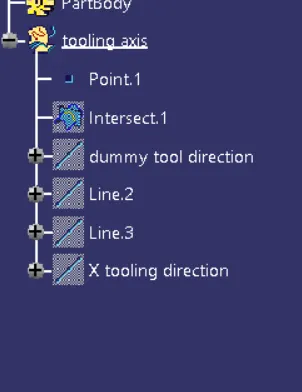
Now make an intersection for the different planes (YZ-plane).
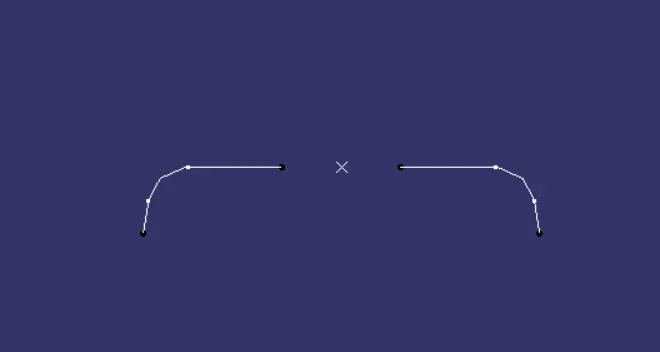
Draw two lines using point-to-point relation as shown in the figure.
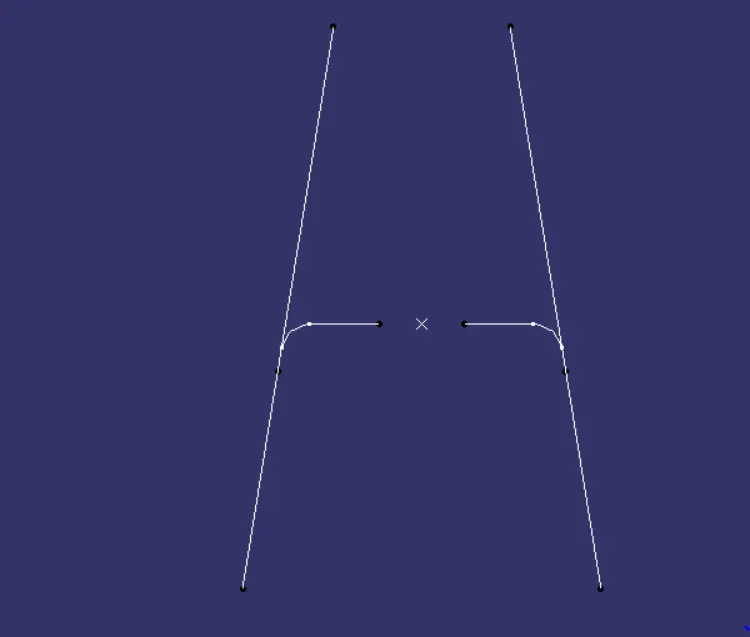
Draw a bisecting line w.r.t to two lines, as shown below. Name it as Y-axis tooling direction.
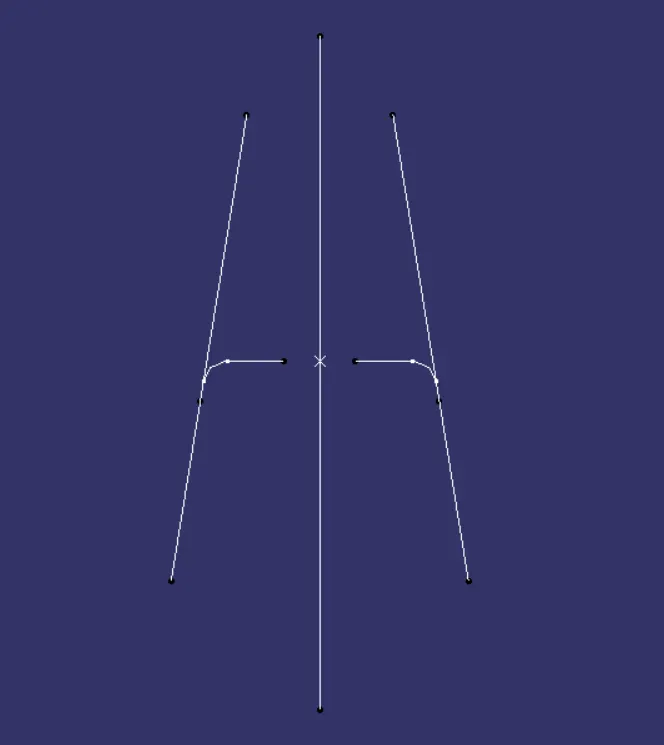
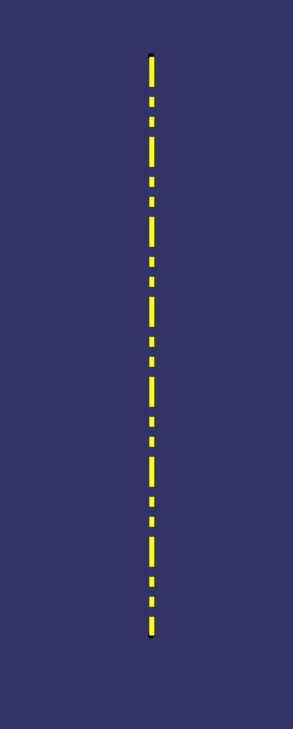
Draw a bisecting line using the X and Y-axis tooling axis. The below direction axis is the tooling axis and change graphical properties.
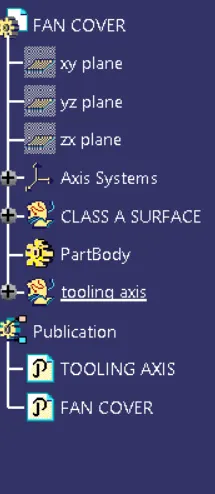
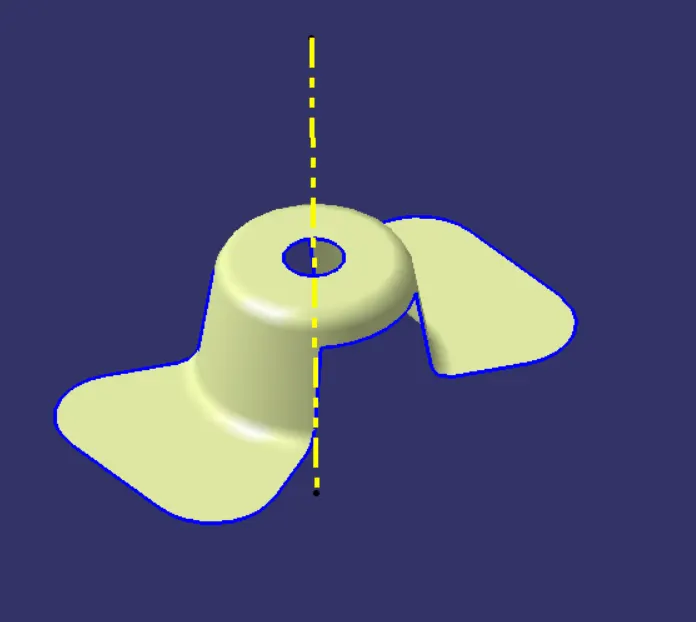
Add material as customization in view mode for draft analysis.
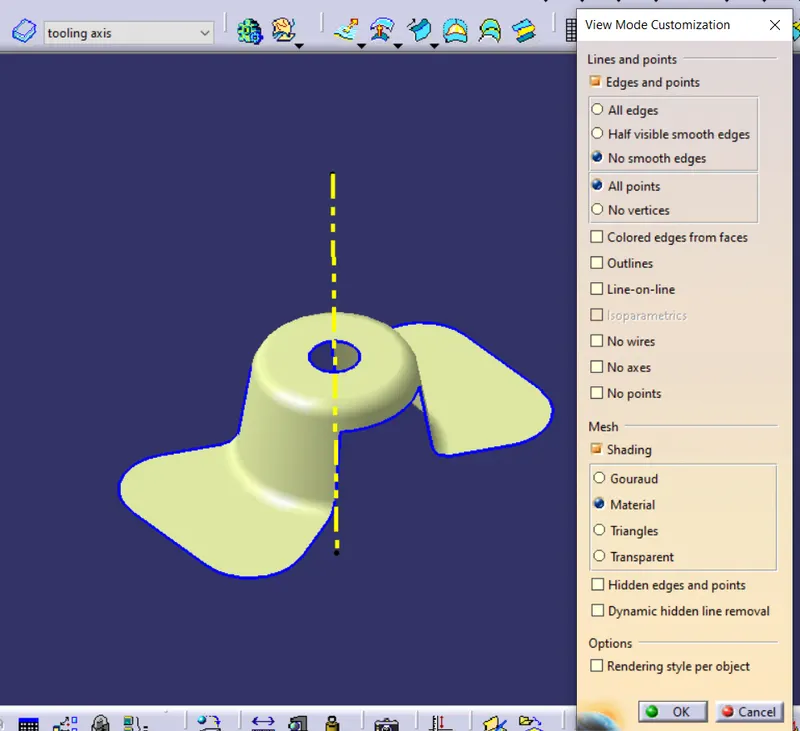
After selecting draft analysis, we get these two dialogue boxes. In the first row, two modes are diaplayed.
The second row is displayed and the third is direction.
Using modes, we can use drafting angles at a different minimum and maximum angles.
The display is done using background light and analysis.
In the direction, we use the direction axis and lock it.
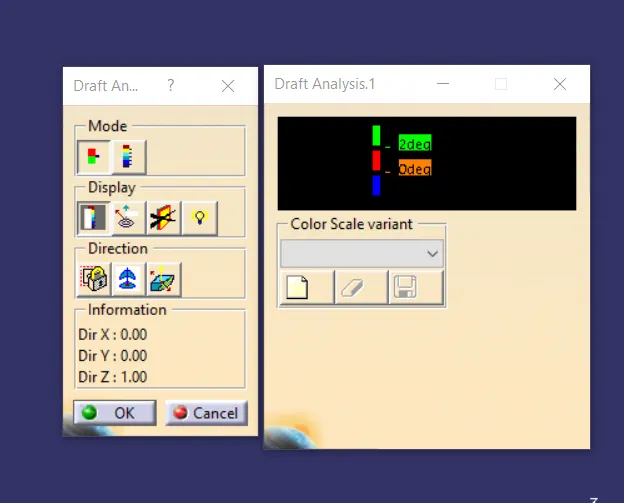
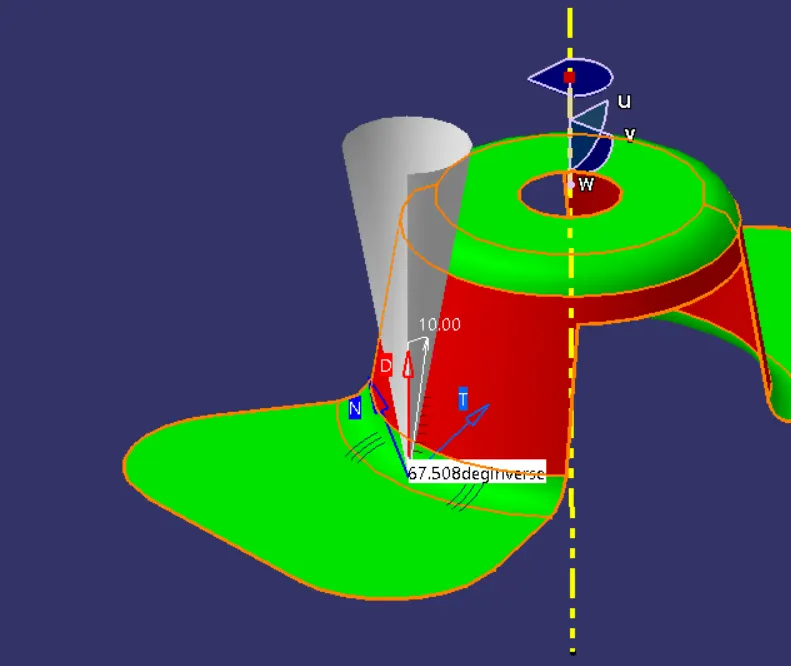
Adjust the axis system using the direction 2nd option. After adding an axis, do an analysis at each and every direction on the model. As shown below, the analysis is done on the fan cover. The below are done when drafting angle is 3 degrees.
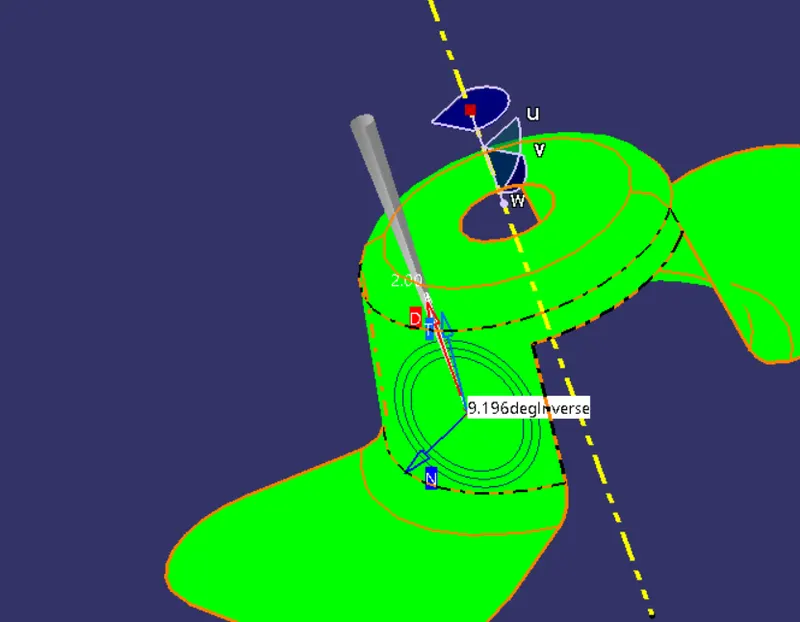
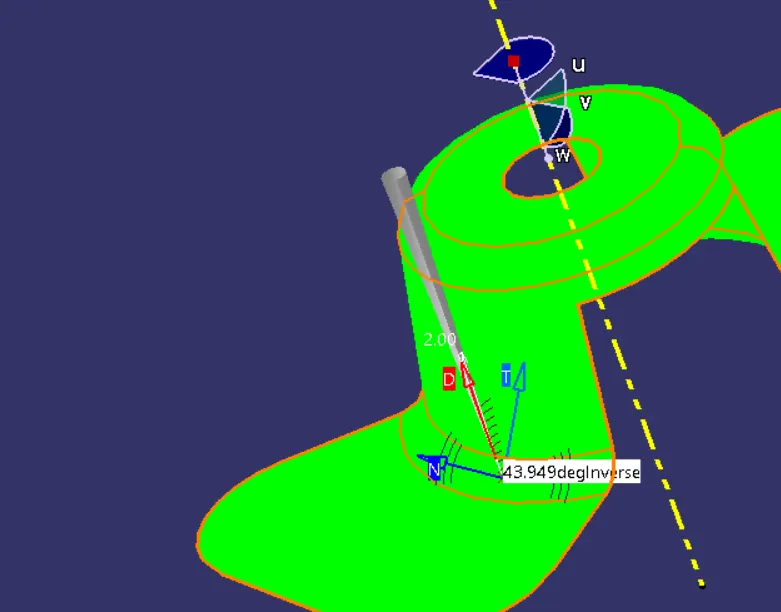
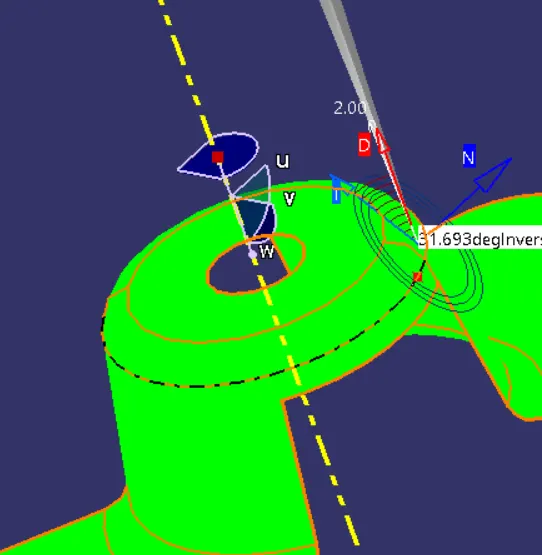
At each and every fan cover place, we get the angle, at each position.
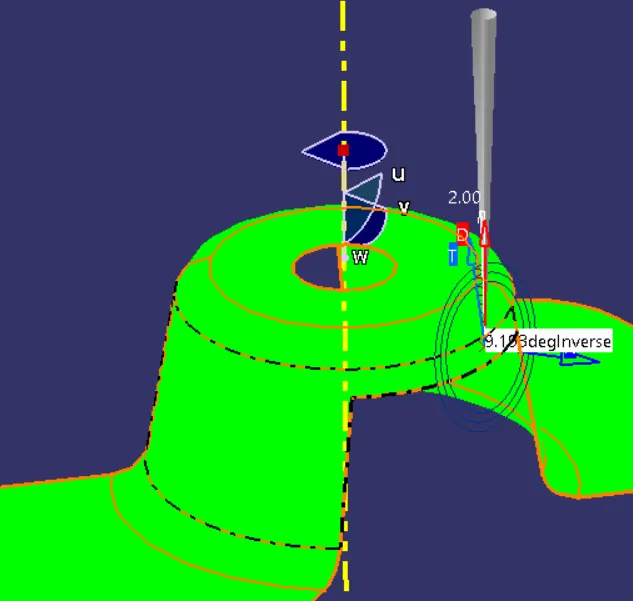
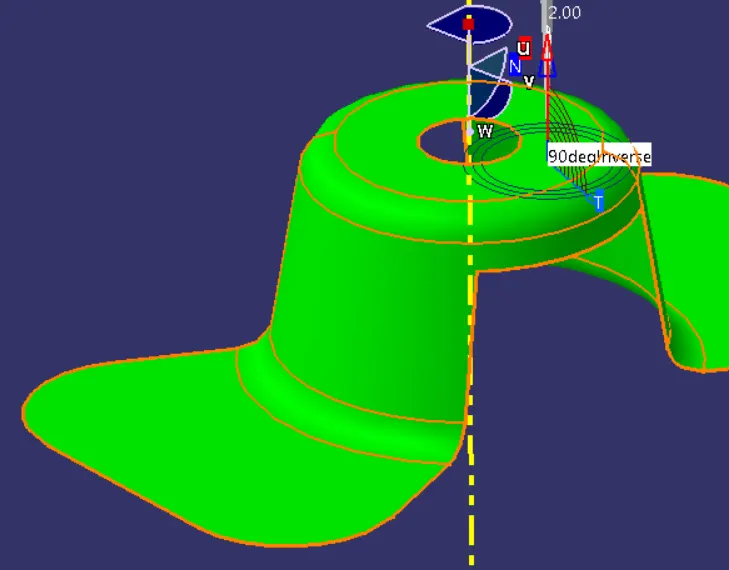
When we change mode, the analysis is done at the range of draft angles -20 to 20 degrees.
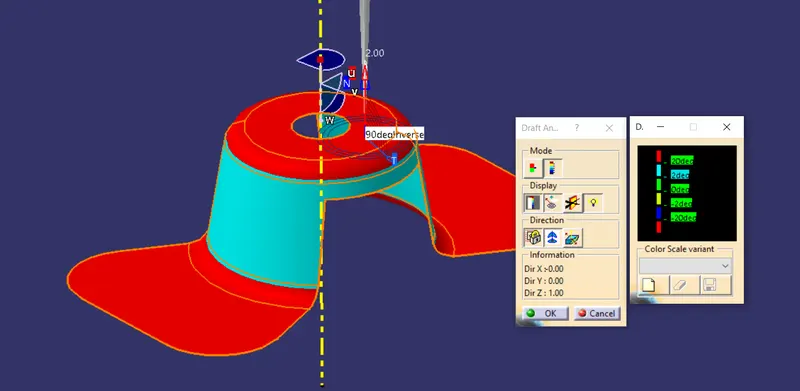
The below are formed when the minimum draft angle is given as 3 degrees.
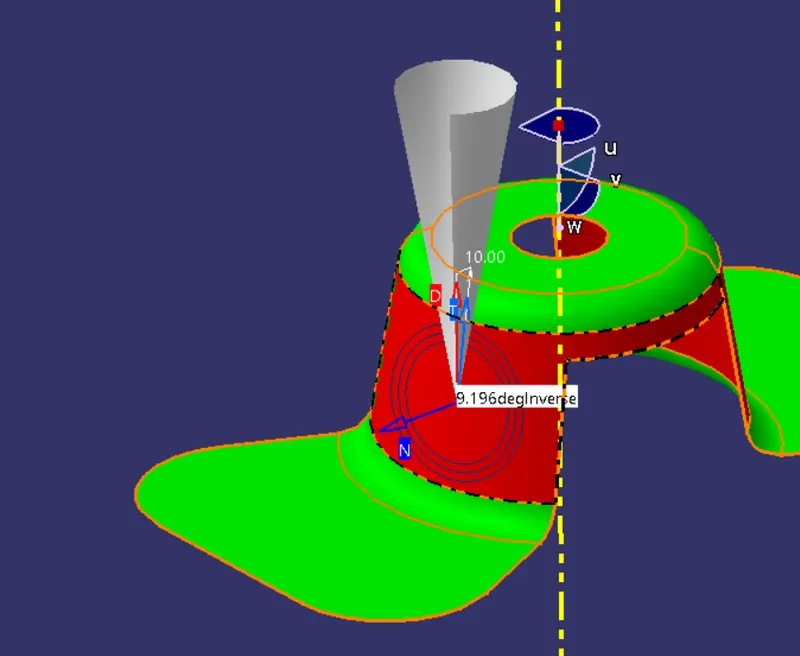
Red color has displayed the value of each position where drafting is not possible.