Week 8 - Challenge 1 - Base Bracket Design
Aim - To Design Base Bracket from a given class-A surface and perform draft analysis on both, class-A surface as well as on final part model.
Image of given class-A surface.
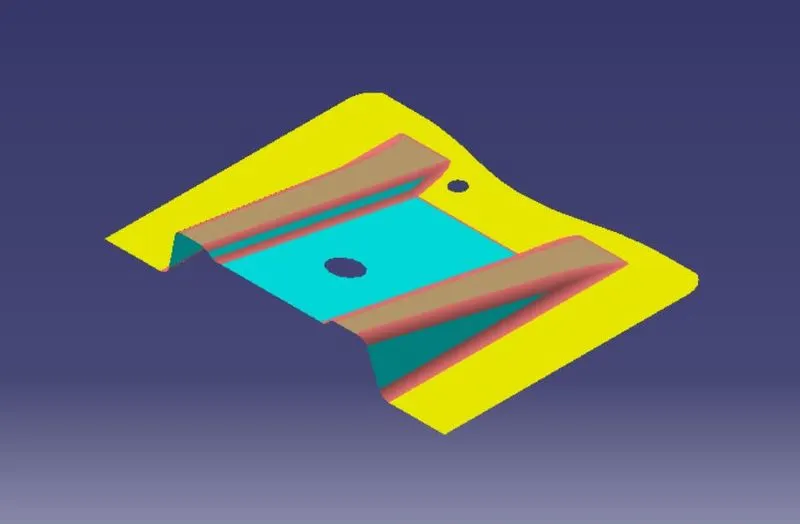
Extracted surface from given class-A surface and give a offset of desired thickness.
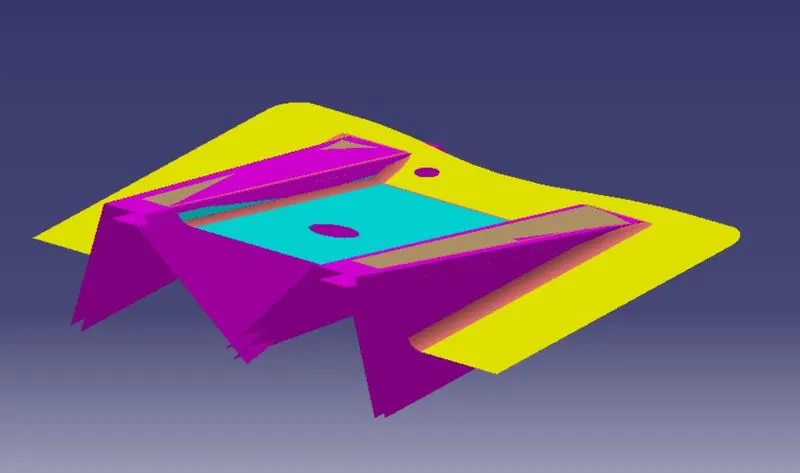
Final surface output after trim operation.
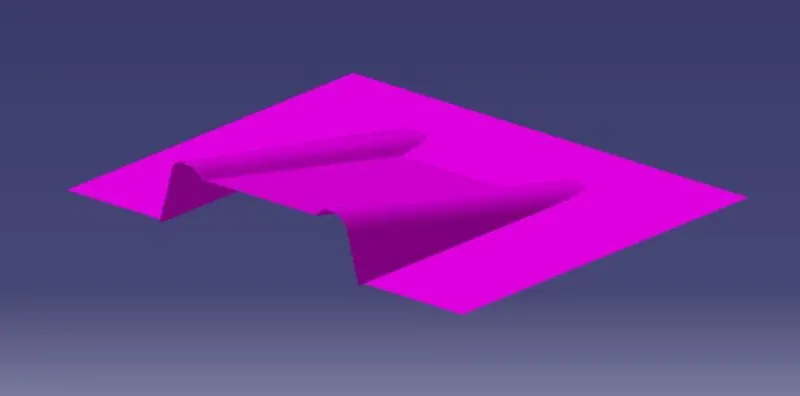
Operations Used to generate final surface output.
1. Boundary.
2. Extract.
3. Extrapolate.
4. Trim.
5. Fillet.
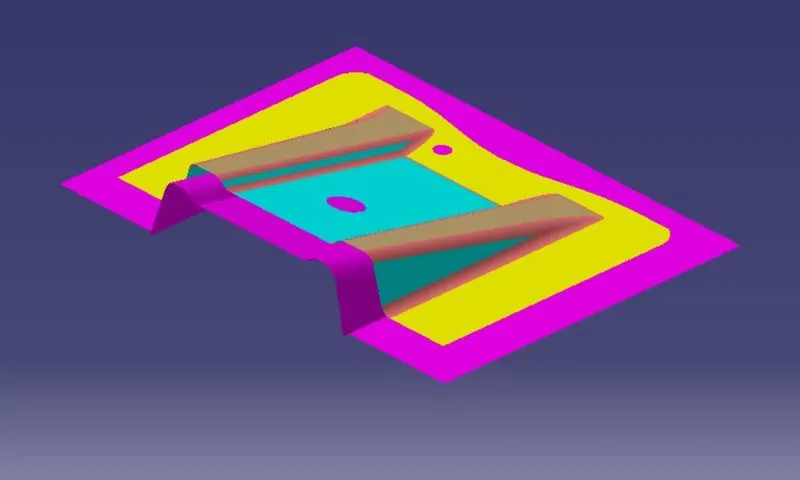
After the surface geneartion of desired thickness and to make closed body sweep operation need to perform. Following images shows sweep operation.
Surface Sweep Operation.
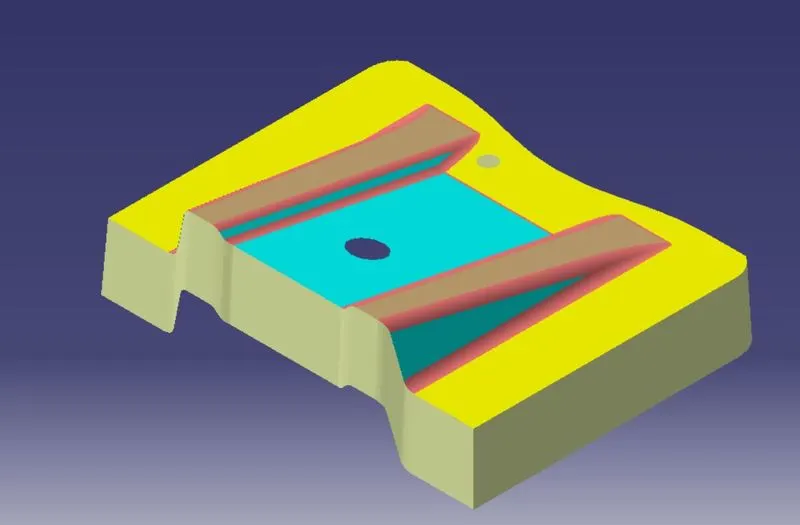
Hole Sweep Operation.
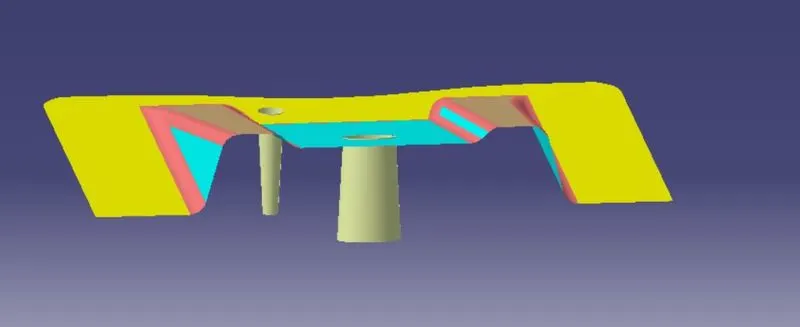
Final Output After sweep operation and before trim.
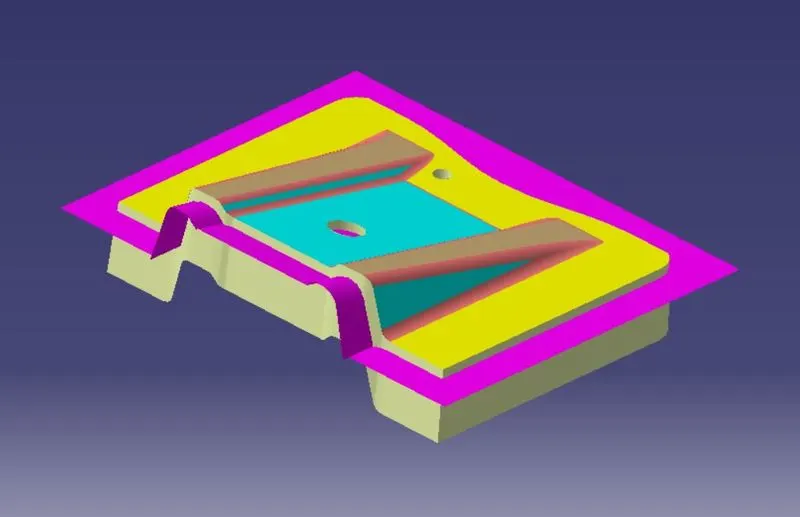
Final Output after trim operation.
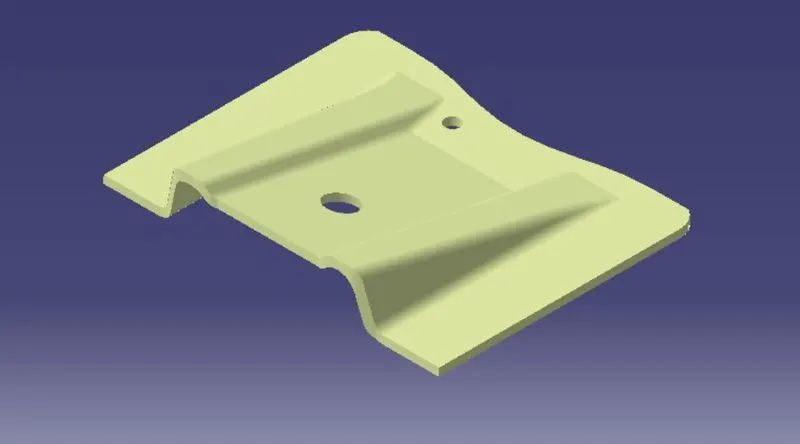
To Check whether body is closed or not, enable the boundary command and click on final output. If there is any open surface a boundary with green will shown otherwise pop-up will occure and said please select open body.
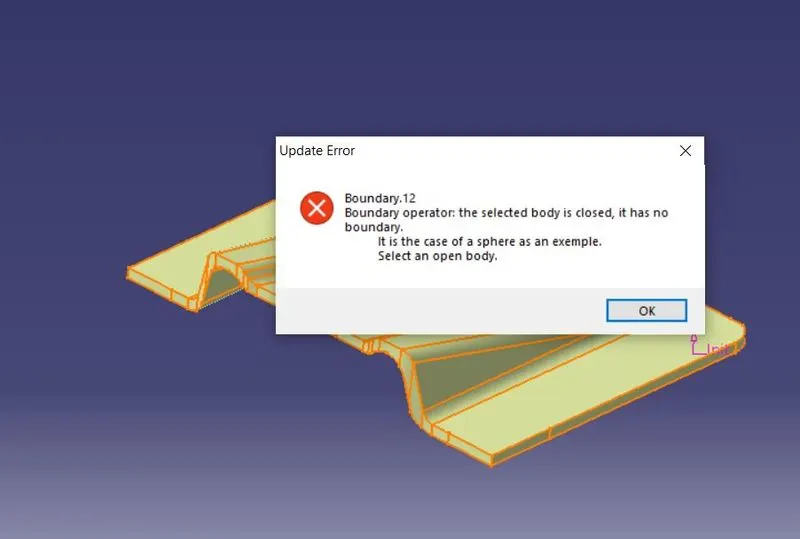
It means created body is closed.
Finally Creating solid part from closed surface by using closed body command in part workbench.
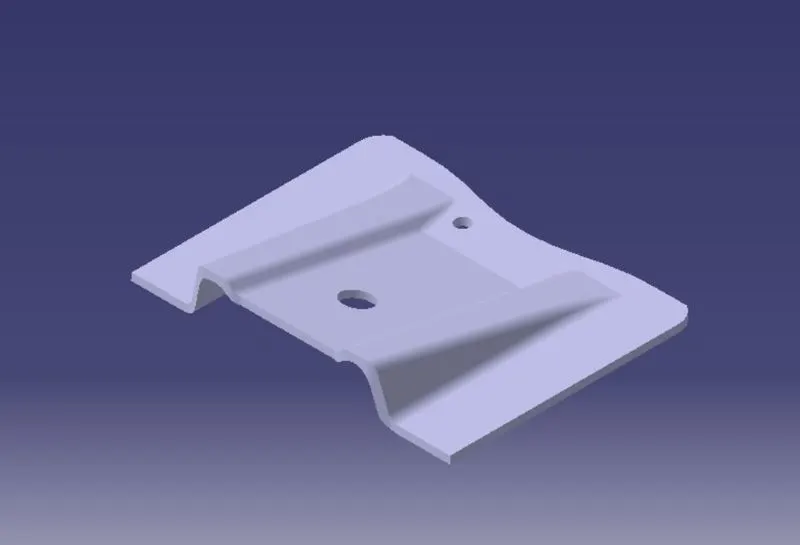
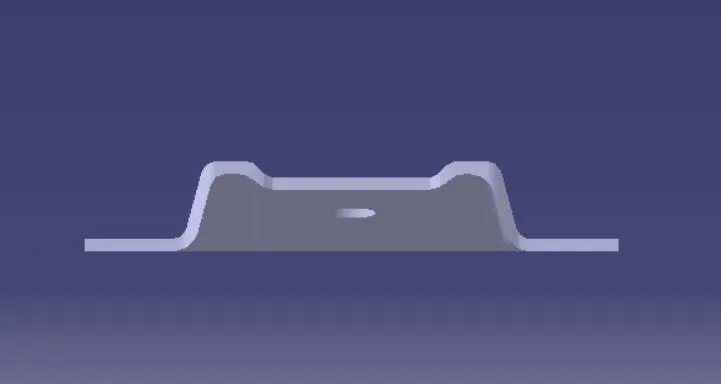
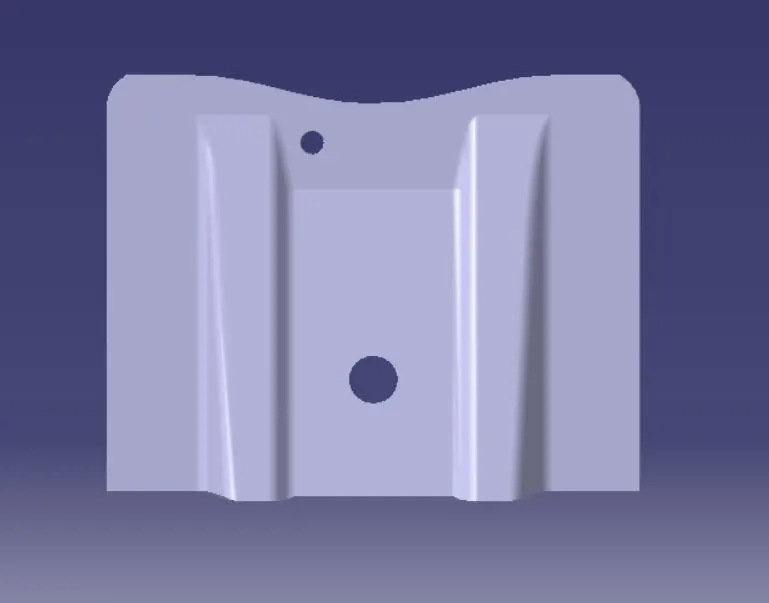
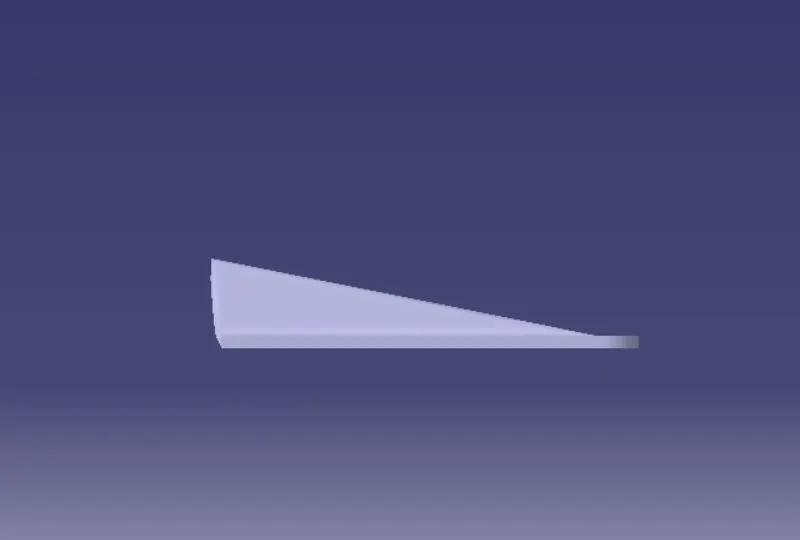
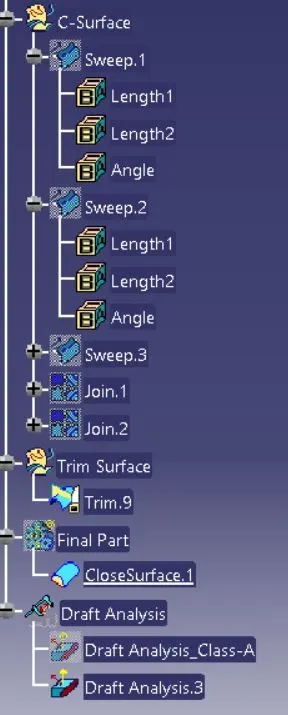
Detailed tree structure images.
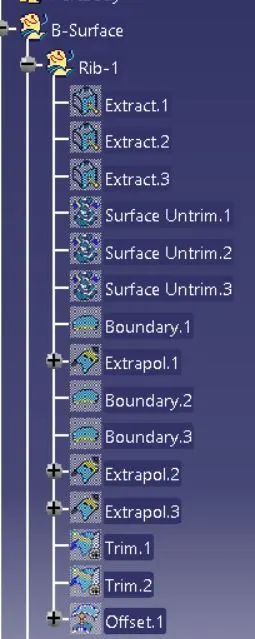
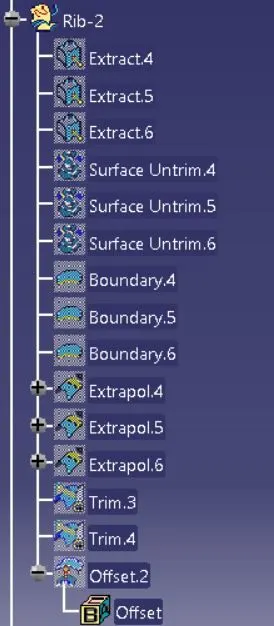
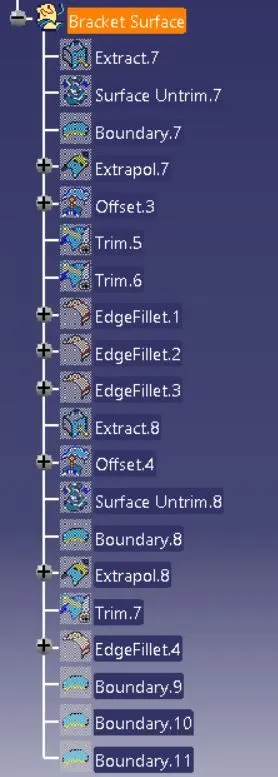
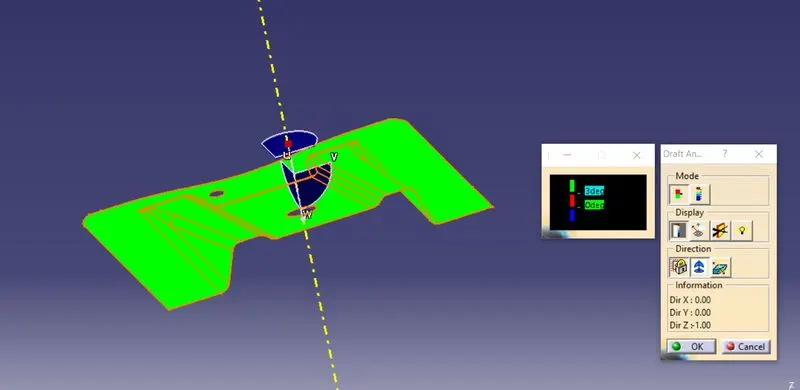
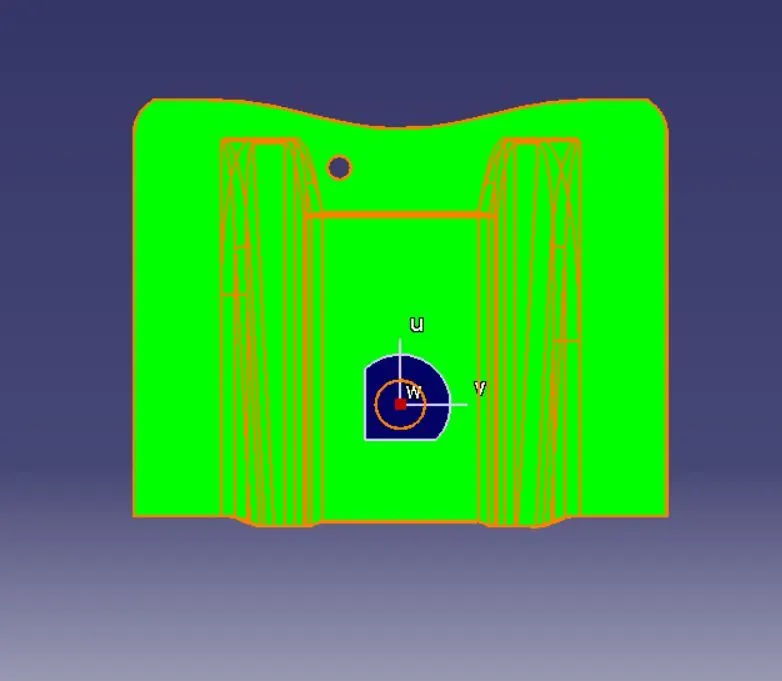
Draft Analysis of Class-A Surface.
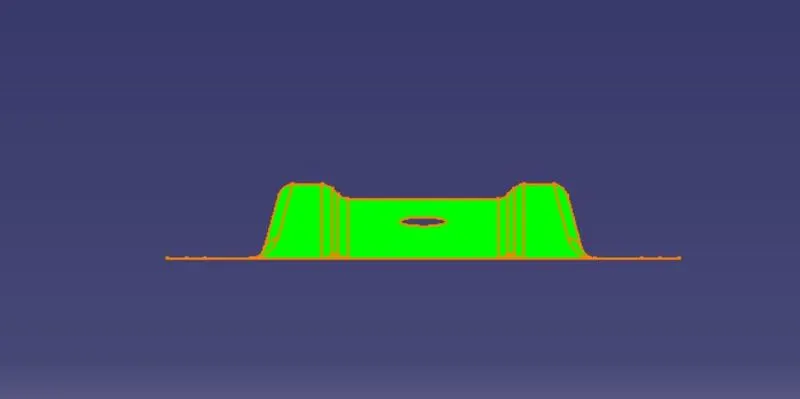
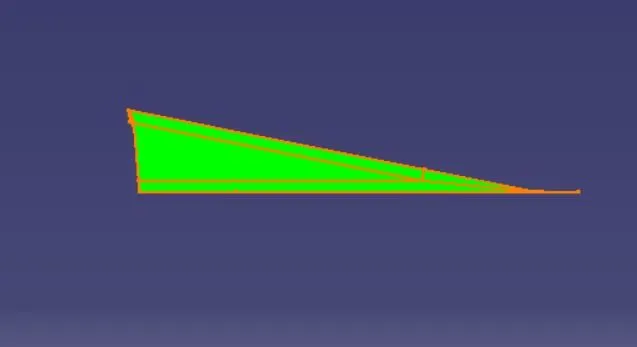
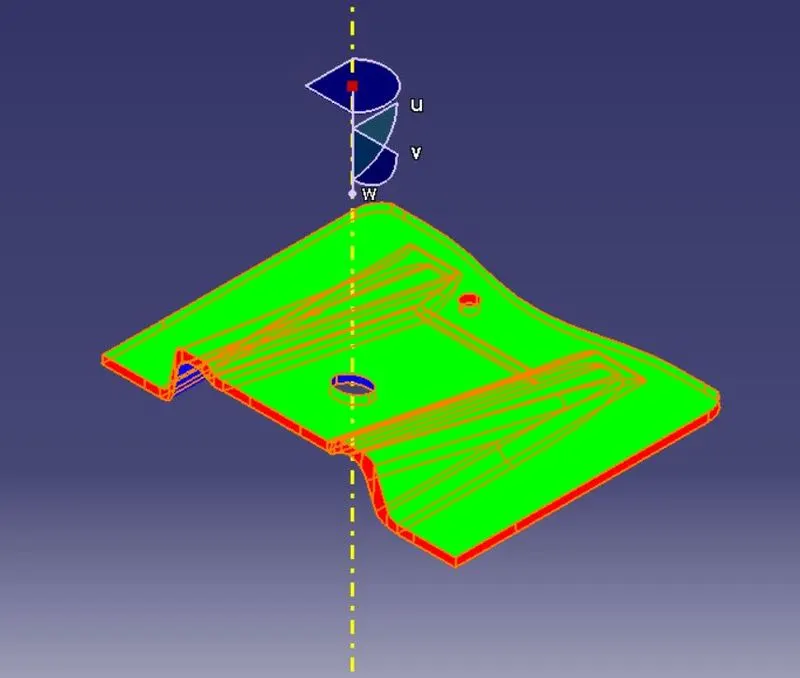
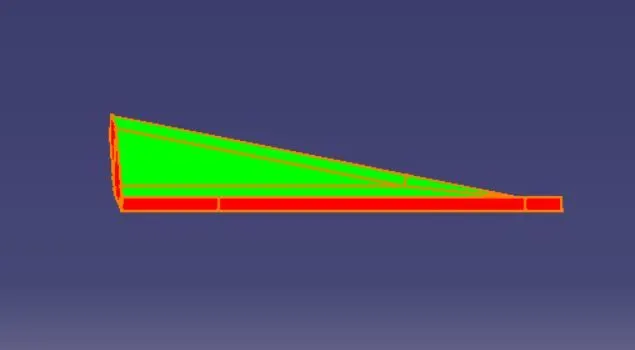
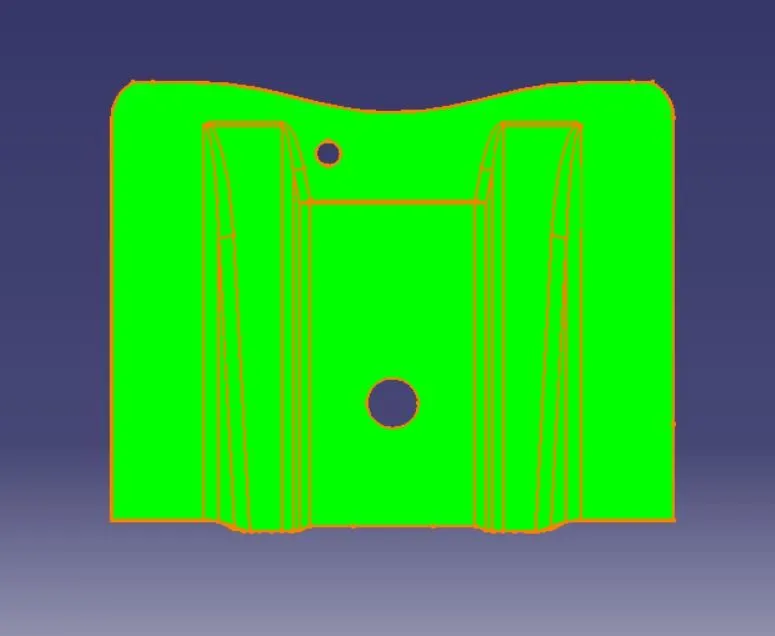
Draft Analysis of final part Model.
Conclusion :-
The base bracket is designed from given class-A Surface. Perform a draft analysis on both given class-A Surface as well as on final part model.
Please find attached link for part file.
https://drive.google.com/file/d/1HOiy4r4B8mS62TLgwRmCOeF7KarhaBZQ/view?usp=sharing