Week 8-3D Tetra Meshing Challenge
Aim: To create a Tetra-mesh for given component with the following quality criteria.
Tetra-Mesh Generation Method: 2D to 3D Conversion
Elements sizes: Min- 2 Units, Target- 5 Units, Max- 7 Units
Tet collapse: 0.15
Model-1
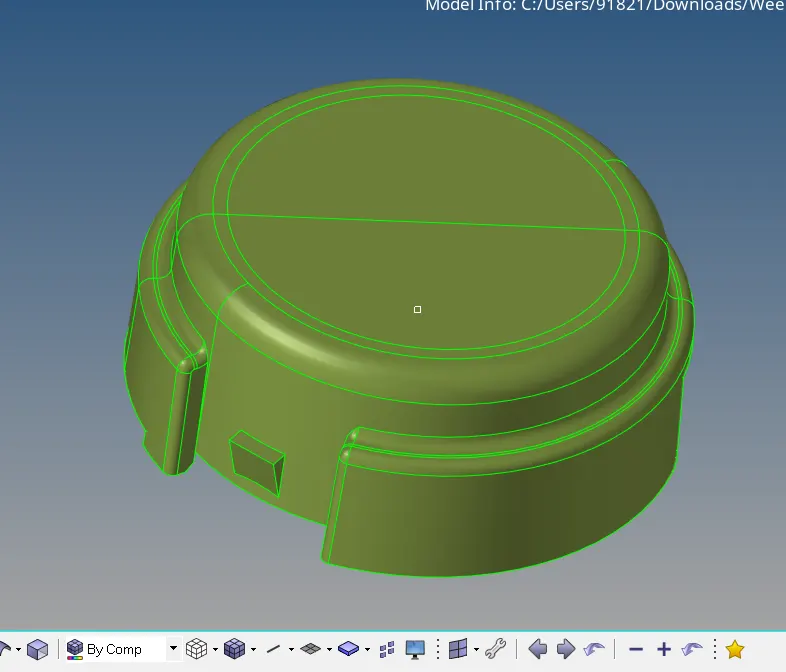
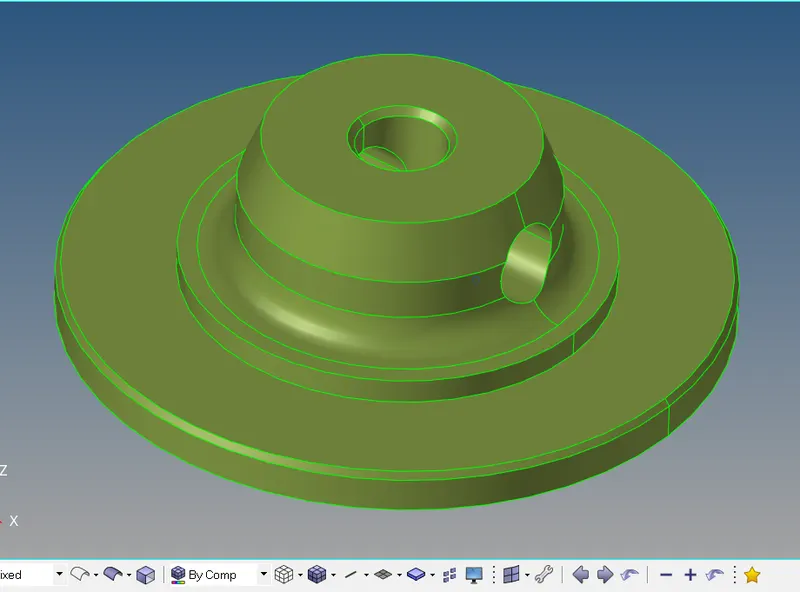
Tetra-Mesh Generation Method: Quick Tetra Mesh/ Volume Tetra Mesh
Target Element size: 3 Units.
Tet Collapse: 0.15
Model-2
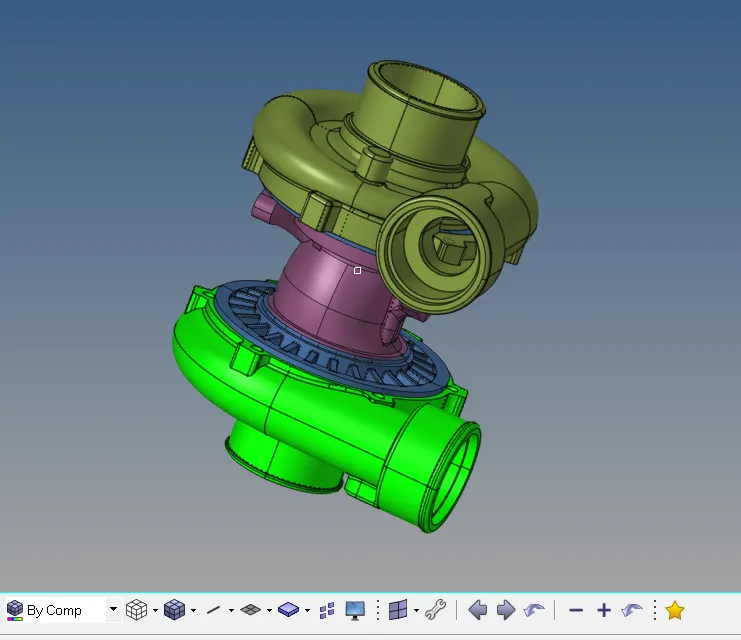
Tetra-Mesh Generation Method: Quick Tetra Mesh/ Volume Tetra Mesh
Target Element size: 4 Units.
Tet Collapse: 0.15
Model-3
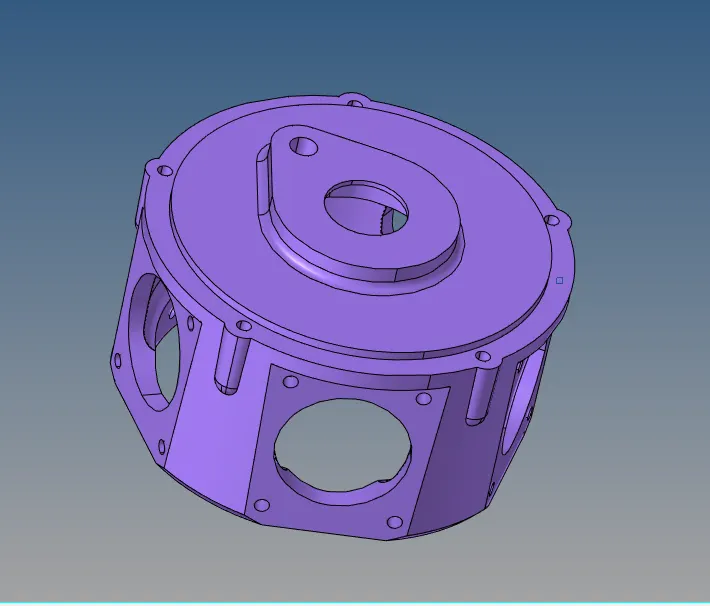
When to use 3D elements
We use 3D elements when all of the dimension are comparable ( x-y-z)
Element shape: Tetra, Penta, hex, pyramid
Additional data from the user: nothing
Element type: Solid
DOF for solid elements:
Solid elements only have 3 translation DOF (Degree of freedom), no rotational DOF
Tetra-Meshing Technique:
There are two method of tetra meshing
- Automatic Mesh: This approach is limited to simple geometries and pre-requisite is for error free CAD model. User has to just select the volume and software automatically carried out meshing as per specified element length, quality criteria.
Advantages: Very quick, no meshing effort
Disadvantages: Result in very high number of nodes and elements, There, is no control on mesh flow lines and specific meh pattern requirement (like bolted, welded joint or contact surface simulation)
- 2D tia to 3D tetra Most commonly used method. Quad or tria meshing is carried out on all the outer surface of the geometry, quads split into trias and then converted into tetras
Common algorithms for Tria to Tetra conversion
- Advancing Front: Very powerful and most commonly used algorithm
- Delaunay Algorithm
- Tria-Quad mesh
All Algorithms provide following two option for Tria to Tetra conversion
Floating trias: Not recommended, original tria mesh generated by user on outer surfaces might not match with software produce tetra. Selection of this algorithm gives freedom to software to change the triangular mesh pattern
Fixed trias: Recommended, Original tria mesh and generated tetra mesh pattern matches
Quality checks for Tetra meshing:
Ideal shape for tetrahedron element is equilateral tetrahedron (all equilateral triangle faces)
Various quality parameters check how far a given element deviate from the ideal shape, but mainly we check only for the Tet collapse value
Tetra collapse: defined as the distance of node from opposite face divided by the area of the face multiply by 1.24, This is the most important quality parameter for tetra mesh
Ideal value = 1.0 (Acceptable>0.1)
Other quality checks are Volumetric skew, stretch, Distortion, Jacobian
Other checks for Tetra Meshing:
- Quality check for 2D tria elements: Before converting tria into tetra all the quality checks should be required for checking the quality of tria elements
- Free edges: Conversion from tria to tetra is possible only when there is no free edges, No free edge indicates mesh is forming enclosed volume.
- T-Connection: Meshed model should not contain any T-connection. T-connection is internal (Volume) loop formation in the outer enclosed volume
- Consistent Shell normal: Before converting tria into tetra, shell normal should be corrected.
- Geometry deviation: After completion of meshing, geometry as well as meshed should be view together, Mesh should not deviate from the geometry, sometime nodes get translated too far away from the geometry and not acceptable
Tetra-Mesh generation of Housing Model:
Tetra-Mesh Generation method is 2D to 3D Conversion
Elements sizes: Min- 2 Units, Target- 5 Units, Max- 7 Units
Tet collapse: 0.15
Here firstly we have to create the 2D tria elements then we have to convert it into 3D tetra Mesh, but before creating tria element we have to look for geometry and clean the geometry first
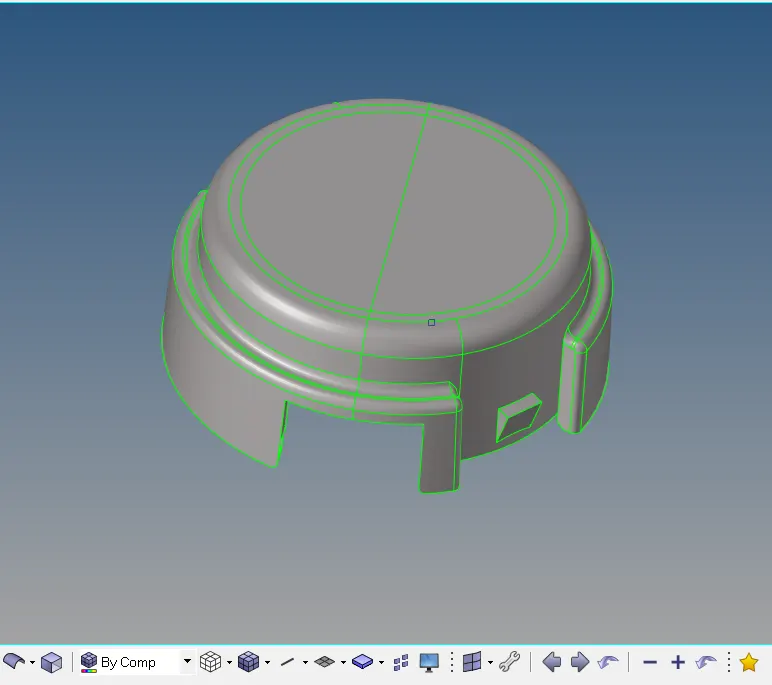
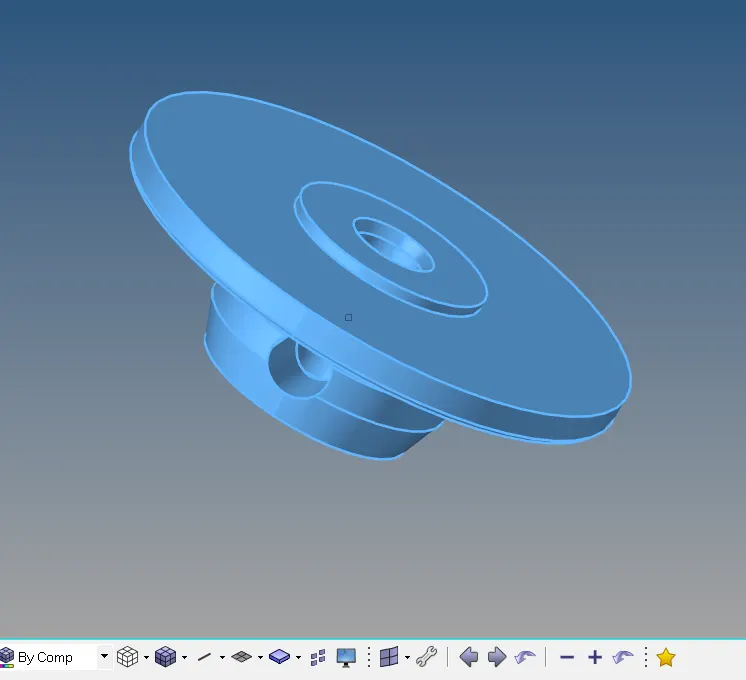
Here we have solid part, so we have to delete the solid part and keep remaining the surface for meshing, Solid is deleted from geometry because it is easy to mesh on surface rather than solid, and also mesh visualization is easy for geometry with surfaces.
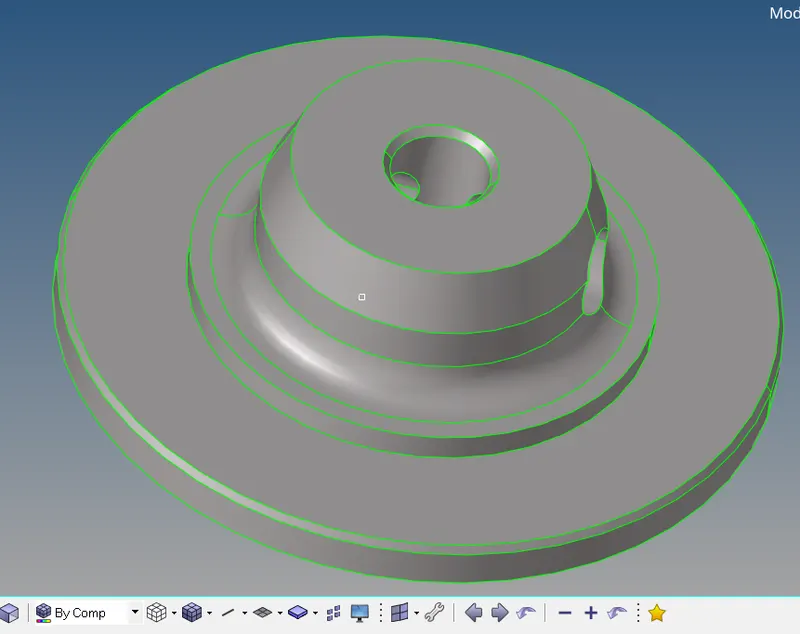
Now next step is to check for the geometrical errors in the geometry, we have to clean the geometry either manually or by using auto-clean-up option in geometric panel
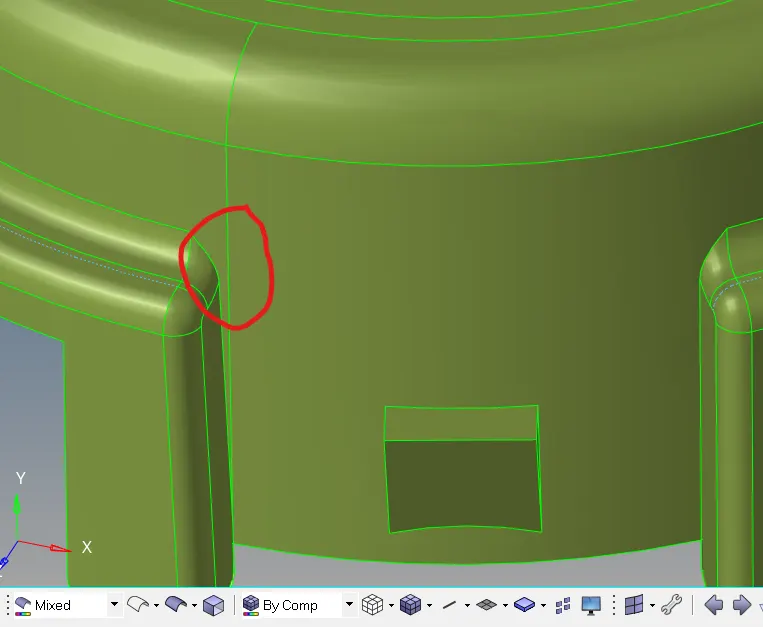
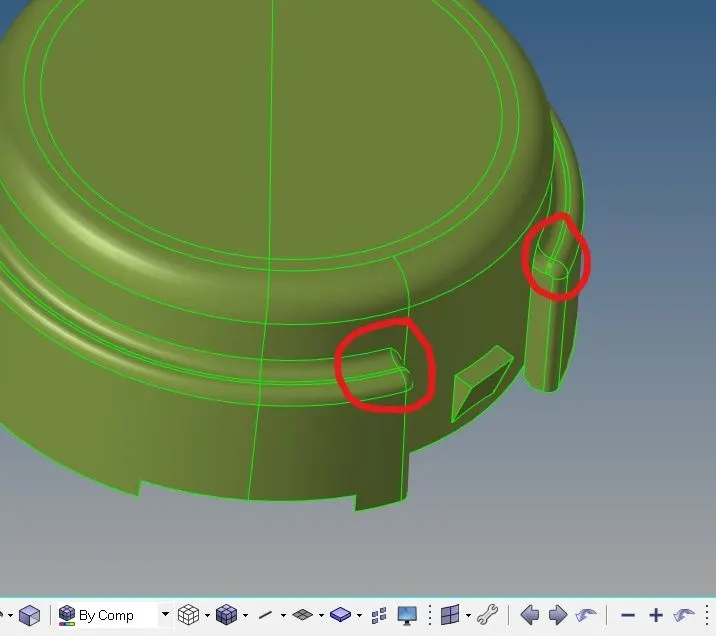
Suppress this line by Toggle option in quick edit panel (F11 shortcut)
After Geometry clean-up we can start the mesh with tria elements and also, we have to check for the element quality.
Elements sizes: Min- 2 Units, Target- 5 Units, Max- 7 Units
But before creating a mesh we have to set the quality parameter. To, set the quality parameter go to Tool > Check elements > setting > Quality criteria editor
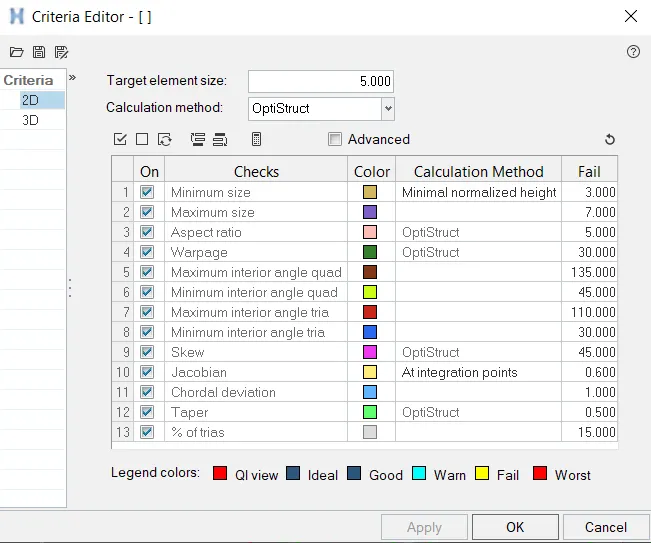
Now we can mesh the component with Tria element having the element size of 5 units
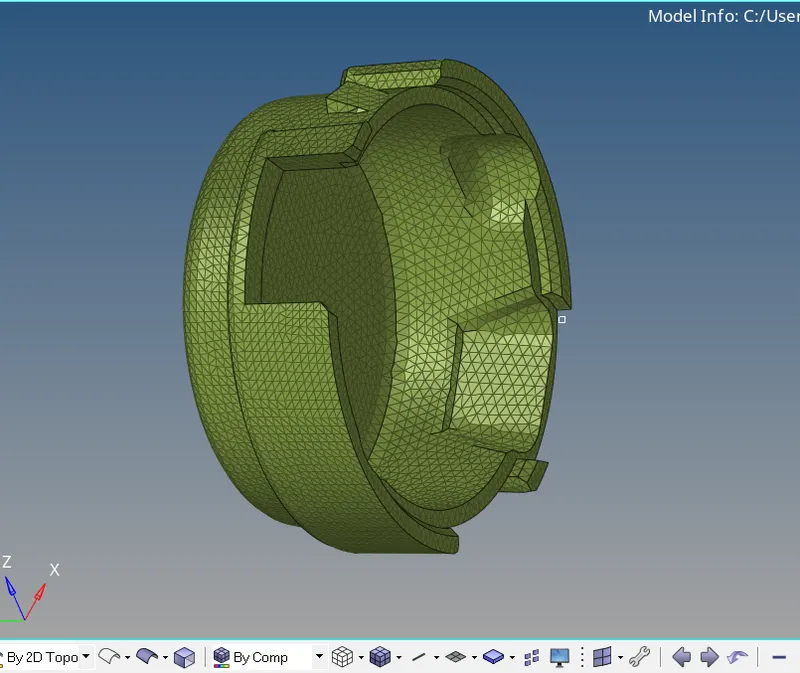
Now after mesh is complete, we have to check for the quality criteria, if any element will fail then we have to optimize the element by using element optimize option. For quality criteria go to 2D panel > quality index either press F10 for quality check
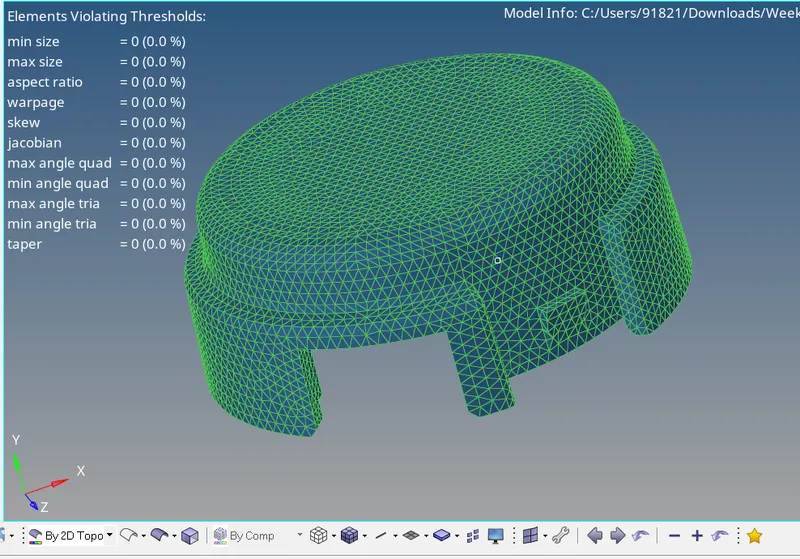
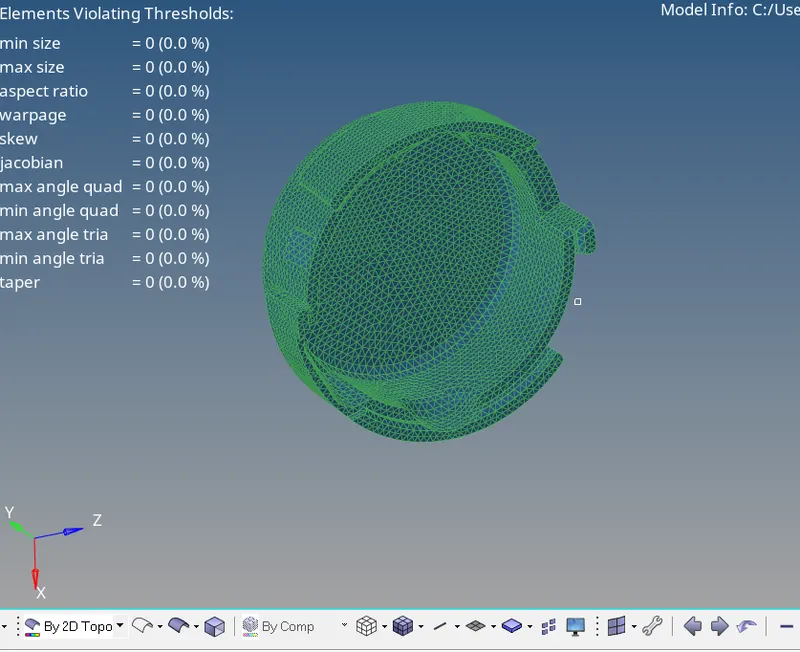
Meshed component passing all the quality parameters
Now we have to mesh the inner part of the housing
After meshing is done check for the element quality
Now after meshing is done, we have to convert the tria shell elements into 3D Tetra elements, Go to 3D panel > Tetra mesh, Tetra-mesh dialogue box is open

Now firstly we have to set the tetra-mesh parameter and after that go for Fixed tria to tetra mesh option so that software should not automatically changes the original mesh. Select the elements and hit in mesh option for 3D Tetra mesh.
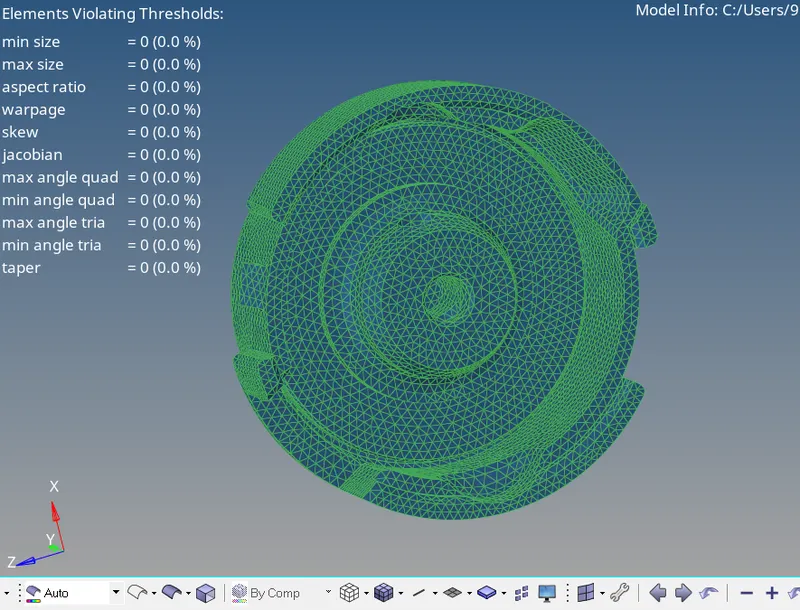
After 3D meshing is complete, now we have to check for the quality of parameter, we only check the value of Tet collapse
For Quality check Go to Tool > check elements > 3D > Tet collapse (Shortcut of 3D quality panel F10)
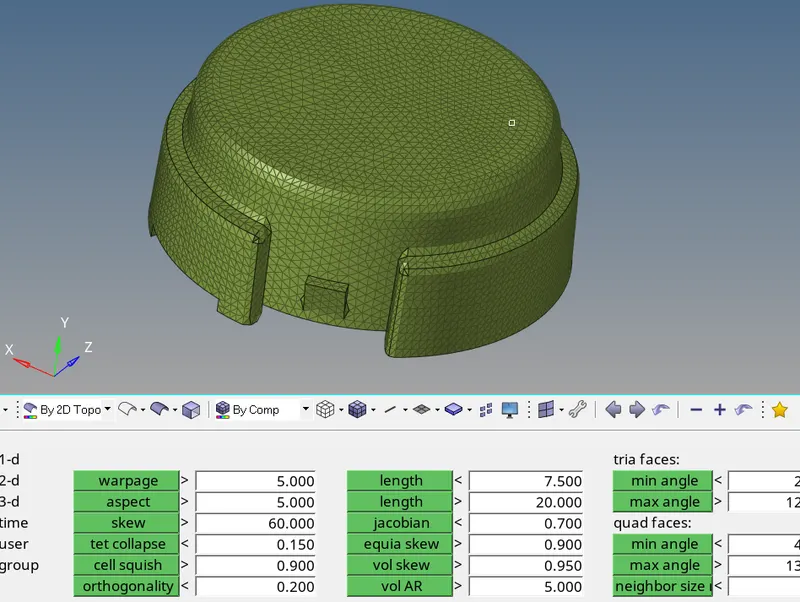
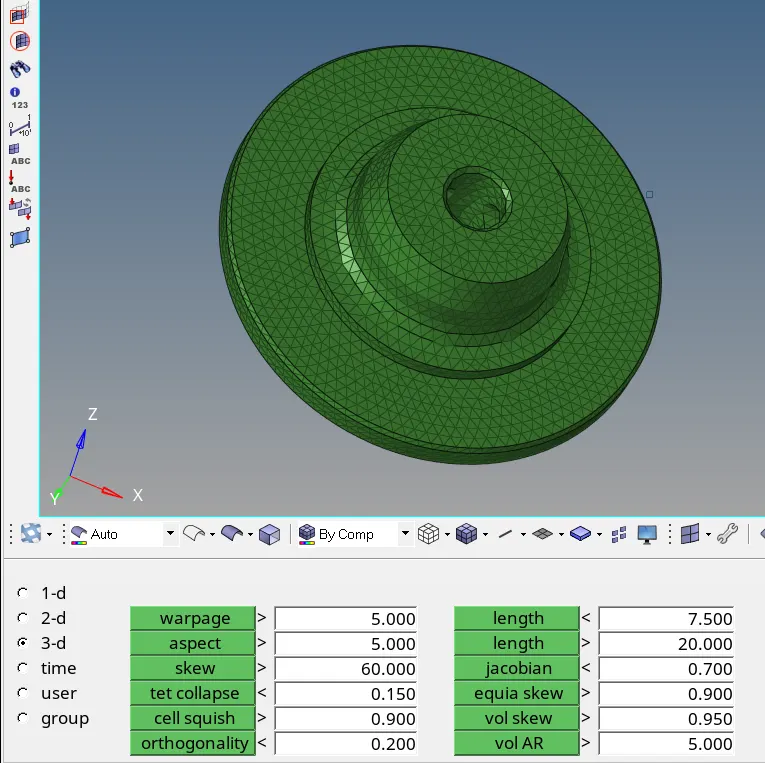
Check out for the Tet collapse parameter
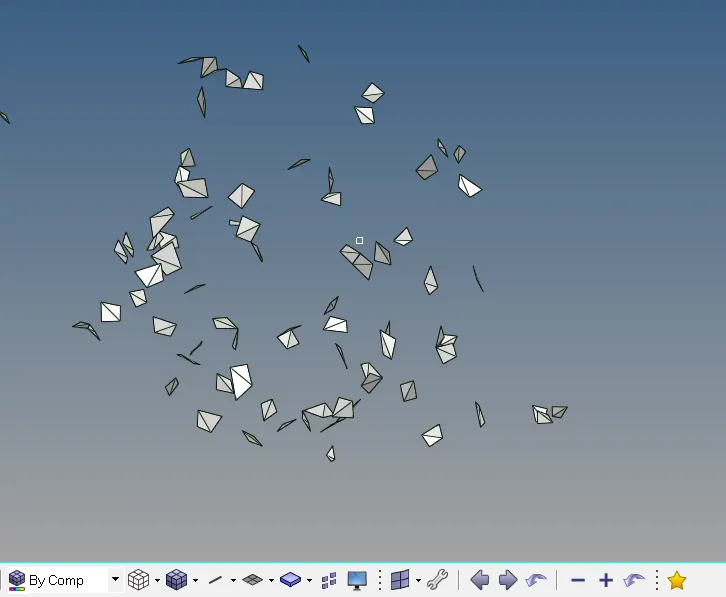
Element failed by Tet collapse
Software provides the auto algorithms / localized re-mesh facility for improving the mesh quality, These, program improve most of the element but some might remain as it is. For such element quality improvement is carried out via manual shifting / translation of nodes
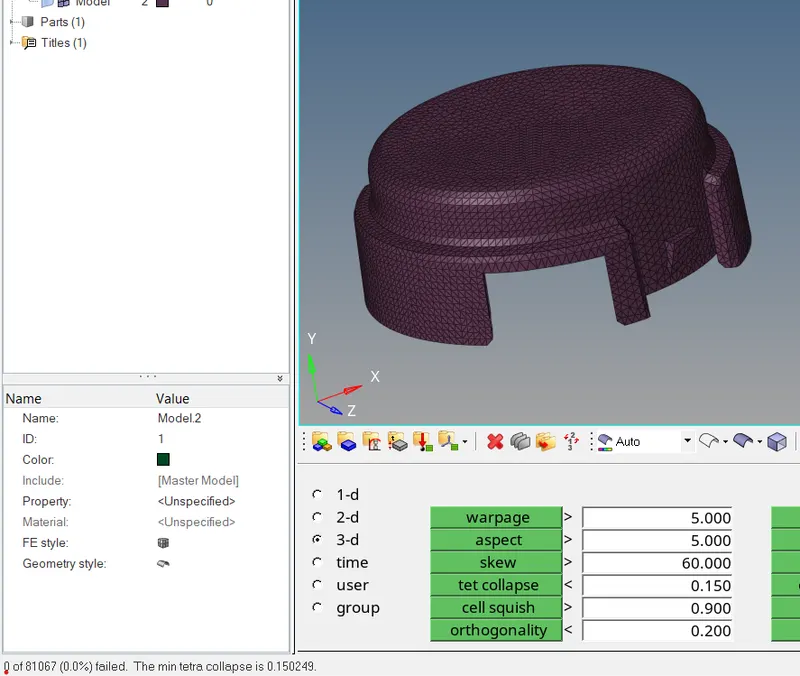
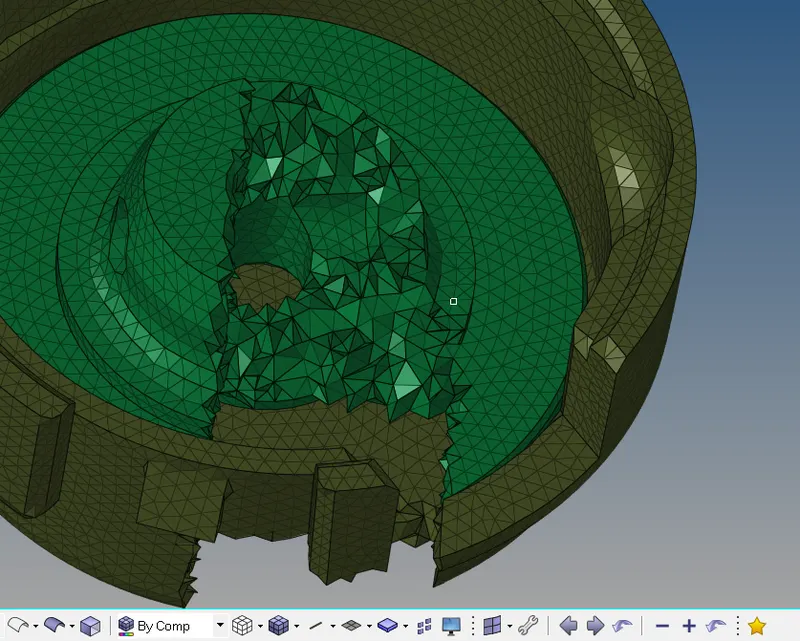
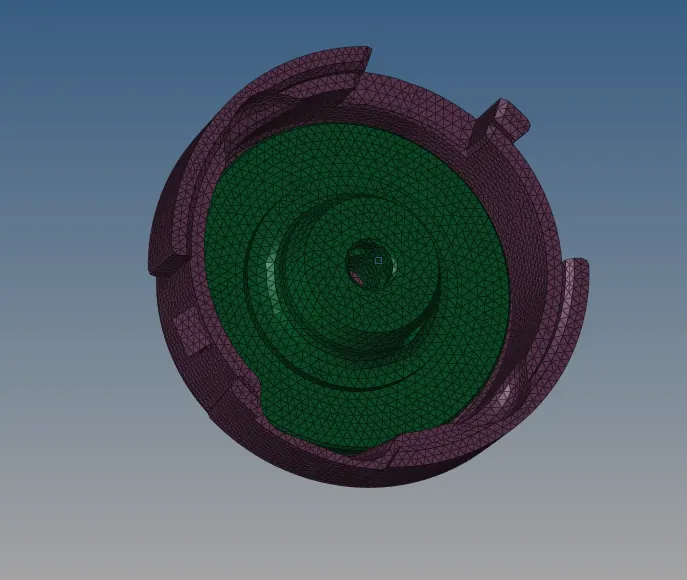
Meshed model of Pump Housing
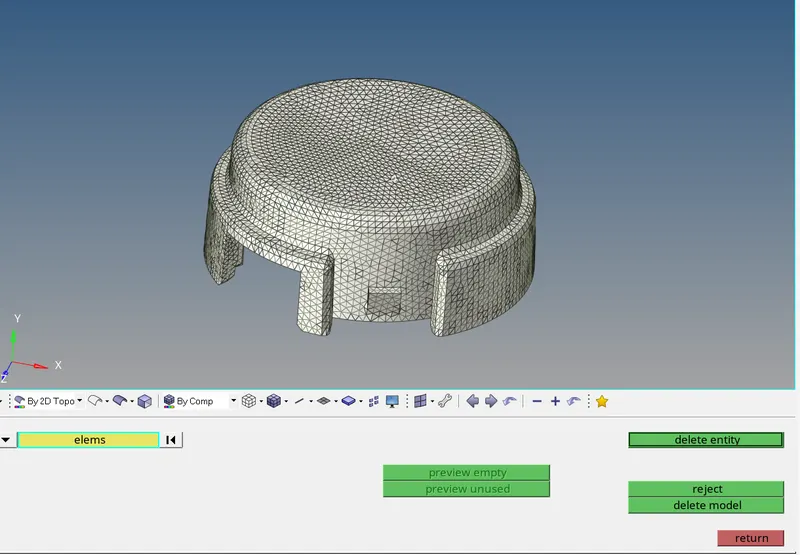
Note: Here we doing one mistake, while converting trias into tetra. we choose the floating tria algorithm, due to this my tetra element will vary from the mesh we create, so make sure to additionally check the algorithms before converting tria into tetra
After 3D mesh is complete make sure to delete the Surface elements from the model, To delete surface element go to delete option > elements > select elements by configuration > select tria-3 and select entity and delete them.
Model-2
Tetra-Mesh Generation Method: Quick Tetra Mesh/ Volume Tetra Mesh
Target Element size: 3 Units.
Tet Collapse: 0.15
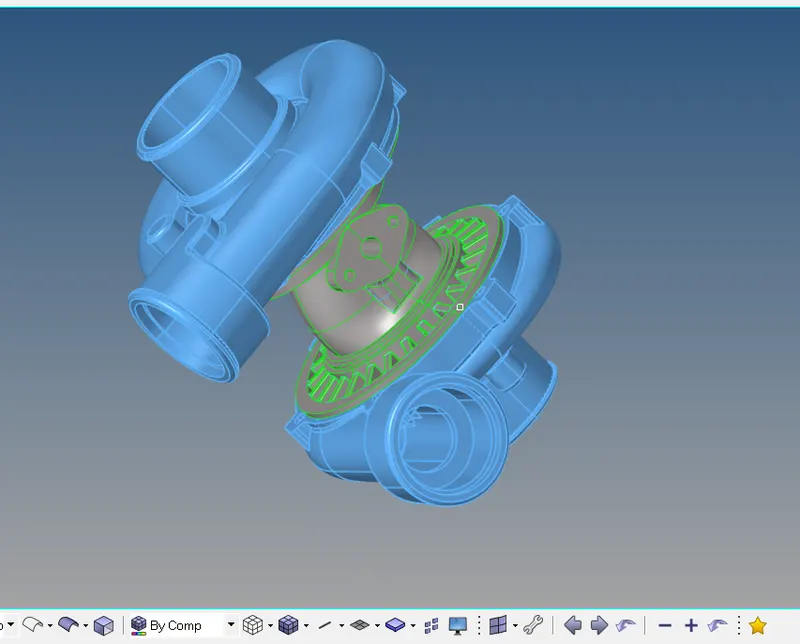
Here we delete the solid part of the geometry
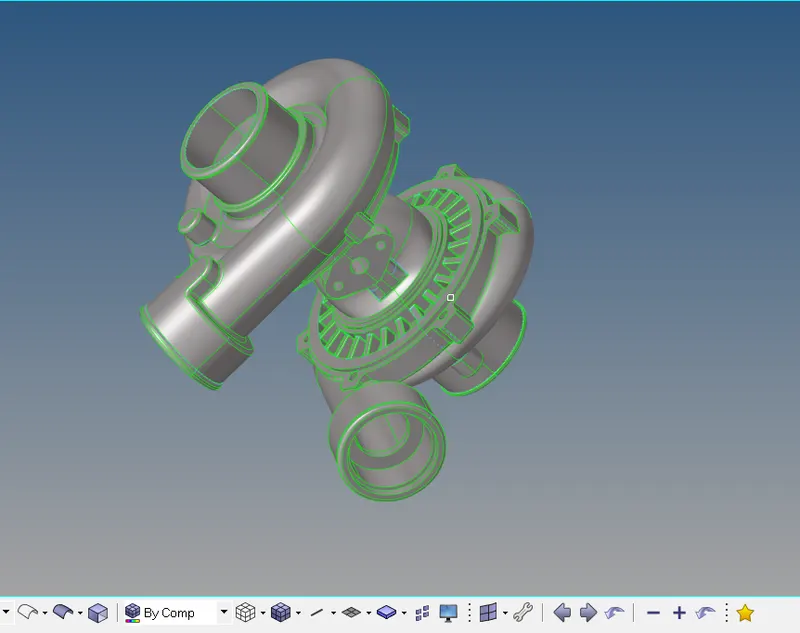
Again, we have to look for the geometry, and doing the geometry clean-up manually or either by using the auto clean-up option
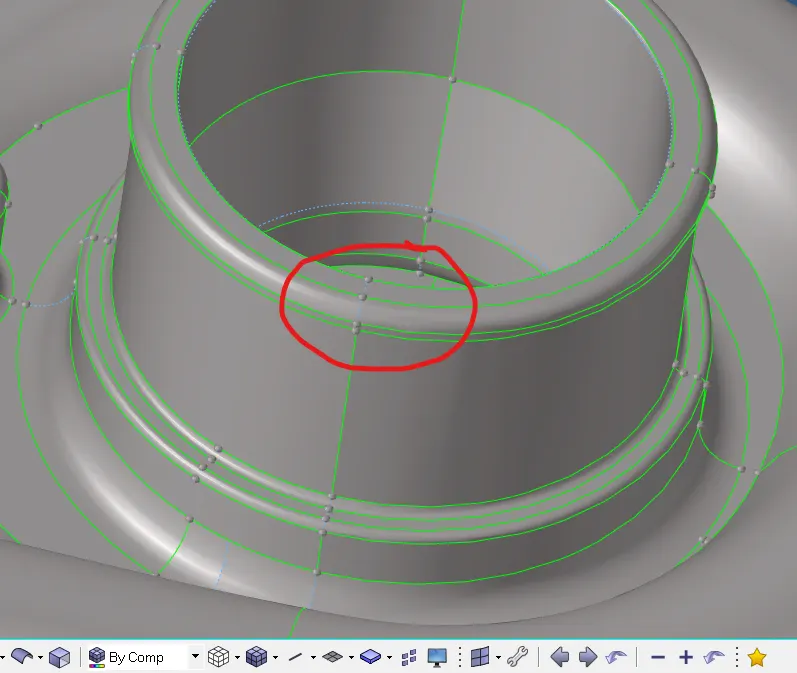
After doing the geometry clean-up we can directly create the tetra mesh by using volume tetra mesh option
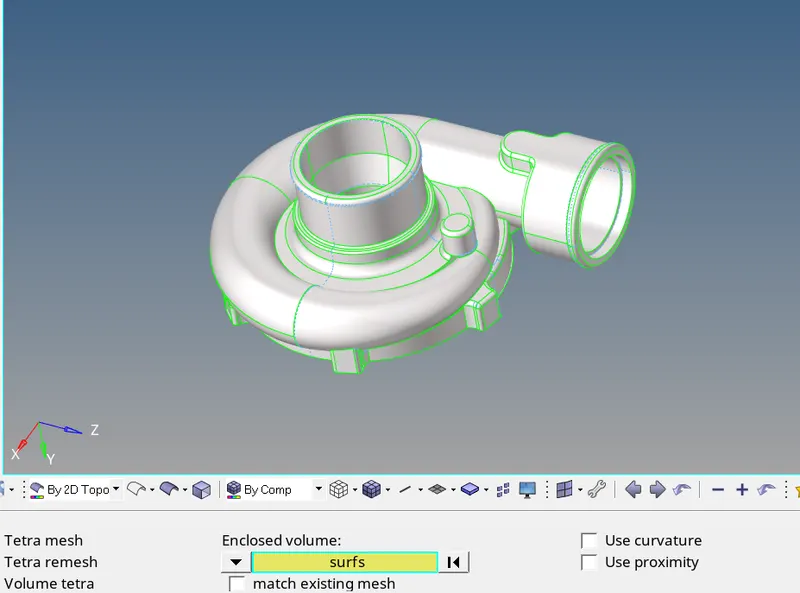
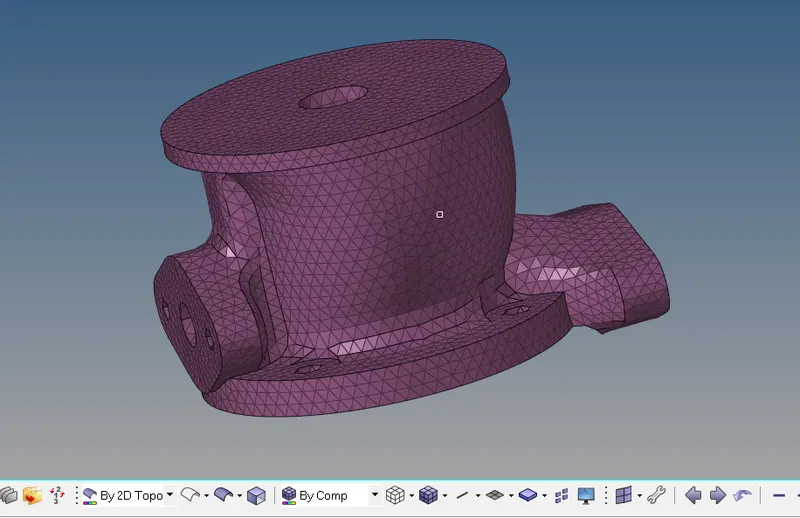
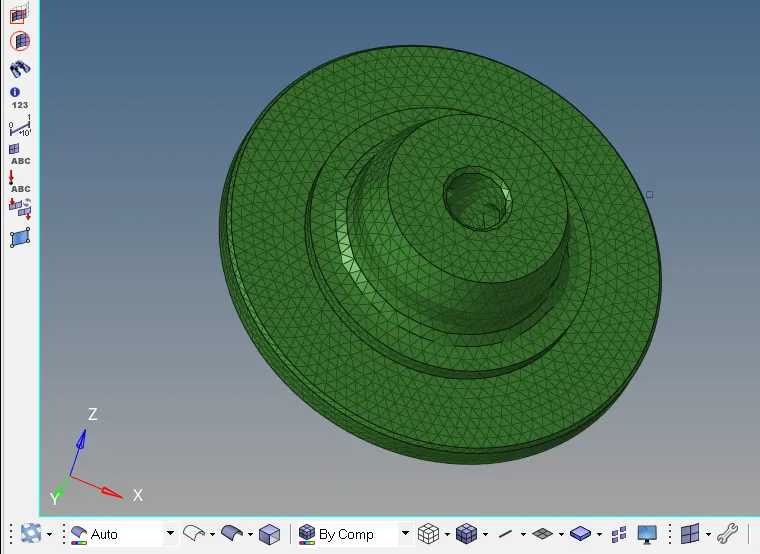
Meshed portion of central Hub
After meshing all the component again, we have to check for the quality check (Tet collapse)
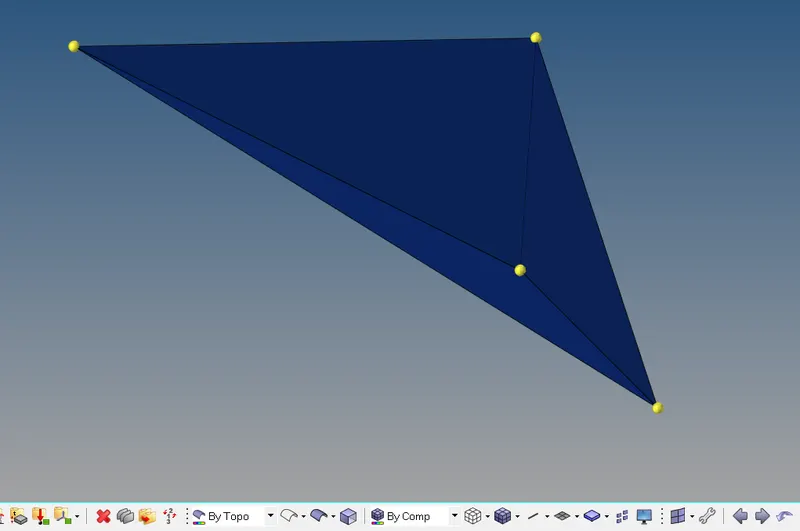
Element failing from tetra collapse
Element quality improvement is carried out via manual shifting / translation of nodes
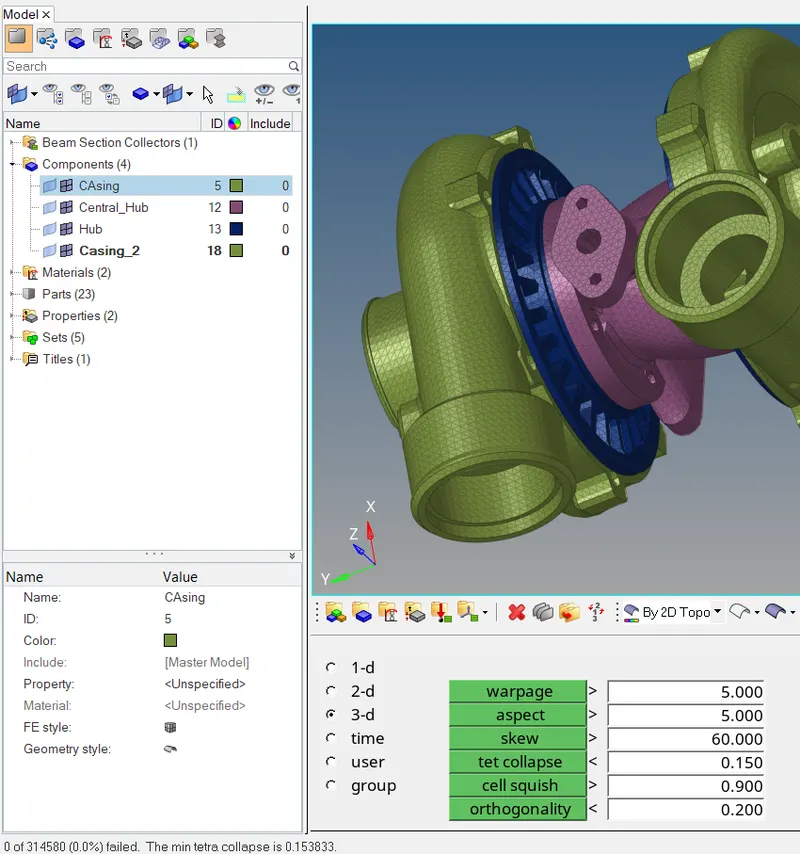
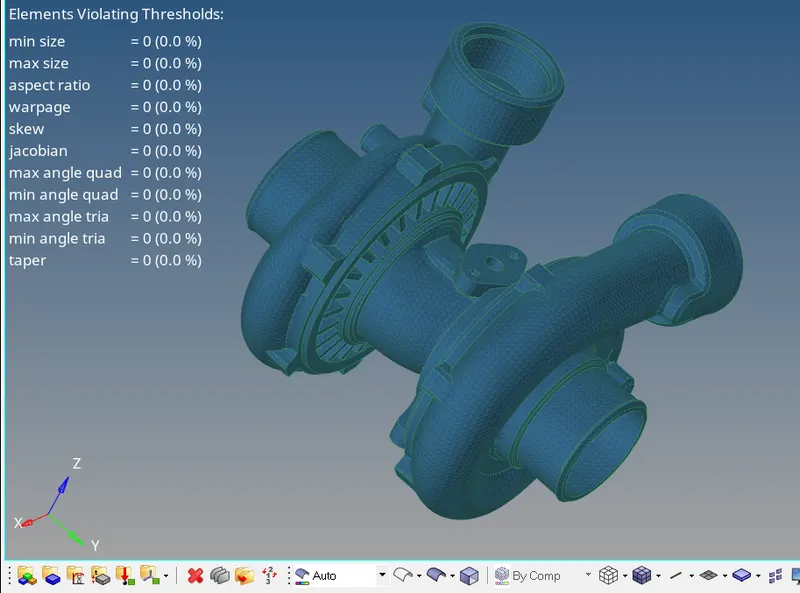
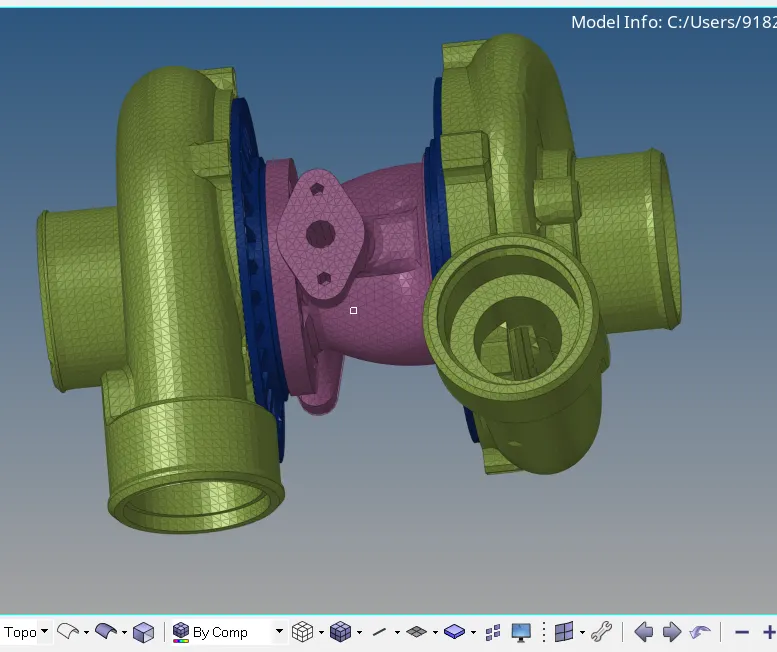
Final Meshed Model
Tetra-Mesh Generation Method: Quick Tetra Mesh/ Volume Tetra Mesh
Target Element size: 4 Units.
Tet Collapse: 0.15
Model-3
Deleting the solid from the geometry
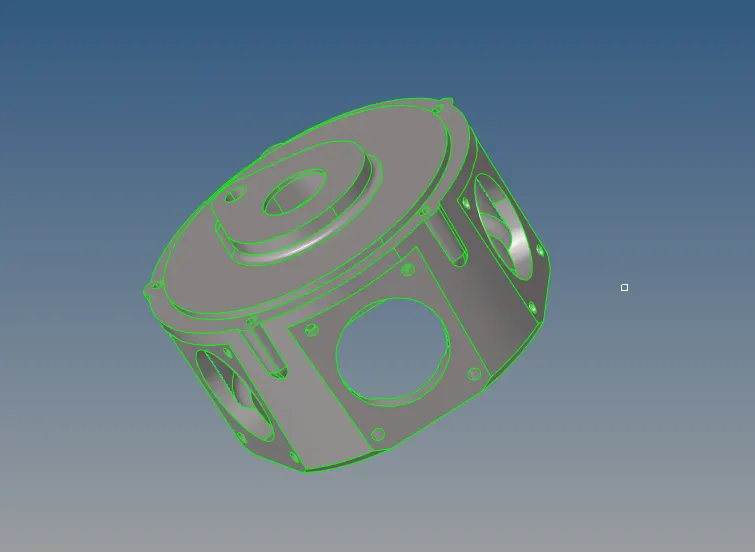
Note: For volume tetra mesh we can use both solid or surface to create the mesh, so it is not necessary to delete the solid part while creating Tetra mesh by Volume tetra mesh
Now we have to looking for the geometry and checking for the errors
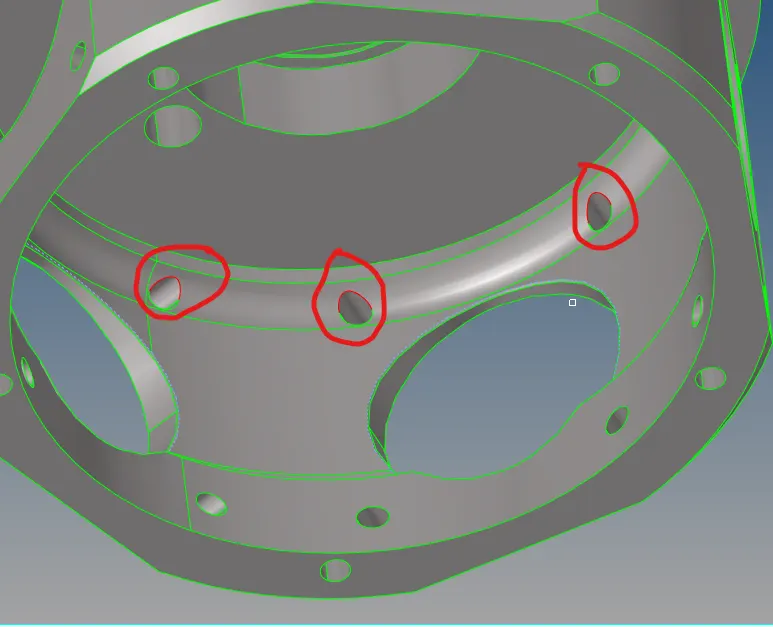
Here we have some of free edges around the hole because of un-stich surface, so we have to stich the surface by using Toggle option, also for volume Tetra mesh surface should be enclosed
For doing Tetra mesh directly go to 3D panel > Tetra mesh > Volume Tetra mesh

Before meshing we can also set the Tetra mesh parameter for better quality and error free mesh
Select Solid / Surface and define the element size of 4 units and then hit on mesh button to create the Tetra mesh directly,
After meshing is done, check for the element quality (Tet Collapse),
Element quality improvement is carried out via manual shifting / translation of nodes
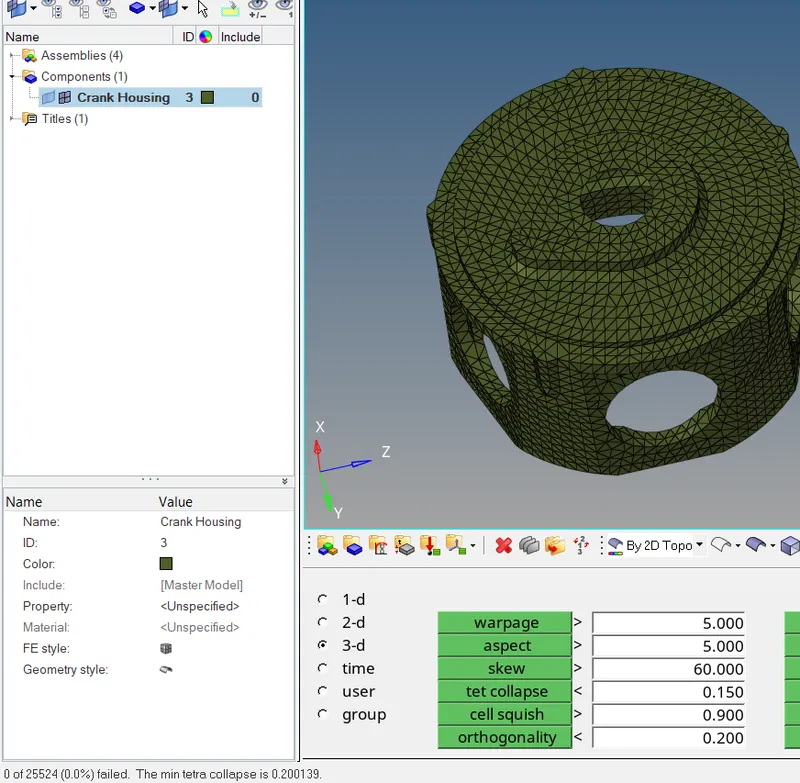
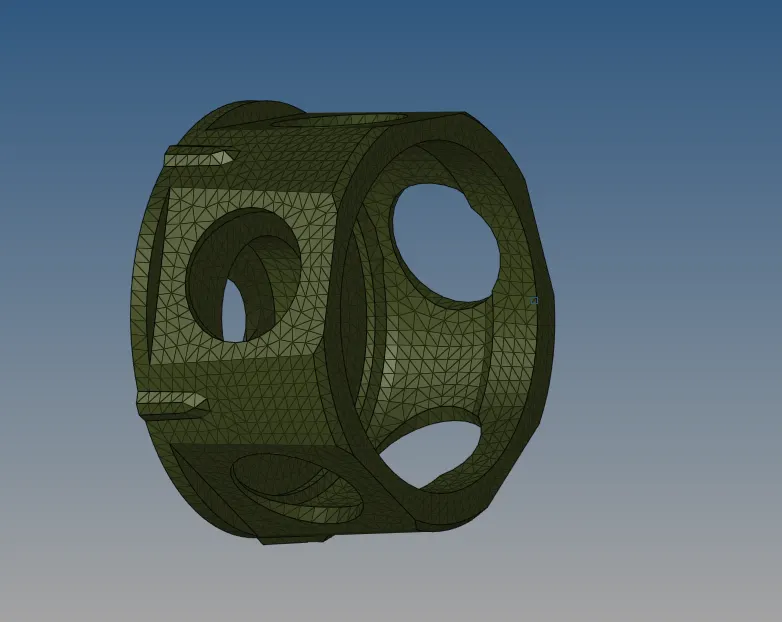
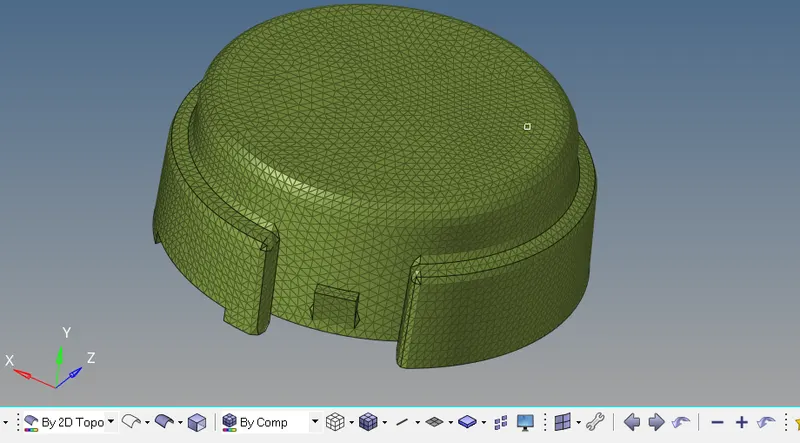
Final Meshed model
Learning outcome:
- Understanding about the meshing of tria shell element
- Understanding about the different types of 3D elements and how to use them
- Understanding about the Tetra elements and different methods to create the Tetra elements
- Understanding about how to handle the element failing from Tetra collapse