Week 8-3D Tetra Meshing Challenge
Week 8-3D Tetra Meshing Challenge
Aim
To create Tetramesh on the given components by employing two or three different processes within Hypermesh.
Initial CAD models
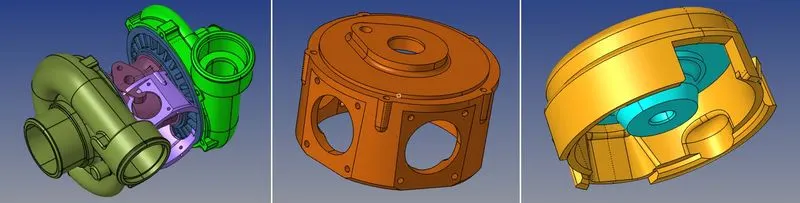
Procedure
Housing Model: 2D to 3D Conversion
The given model was imported and checked for any geometry error.
The missing surfaces were created and the geometry was checked for any free edges or unconnected surfaces.
Some lines were toggled to ensure a good mesh flow and even mesh density.
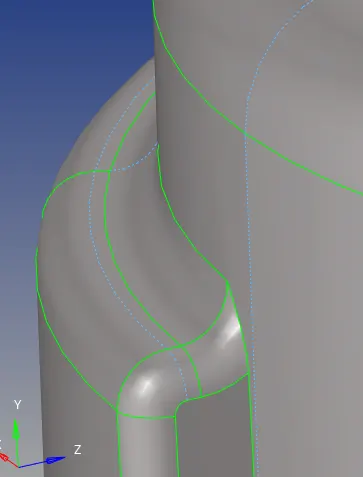
A 2D shell mesh of the given target size was created on the surface first using the 2D`rarr`automesh option.
After failed elements were cleared, a 3D mesh was generated using the 3D`rarr`tetramesh option and all 2D elements were selected.
The 3D mesh should meet the required criteria for Minimum element length and maximum element length and can be set within tetramesh parameters.
tools`rarr`check elements`rarr`3d`rarr`tet collapse option was used to determine the elements failing with tet collapse.
The failing elements were isolated using the mask option. Tetra remesh was done on these failed elements repeatedly until no more failed elements remained.
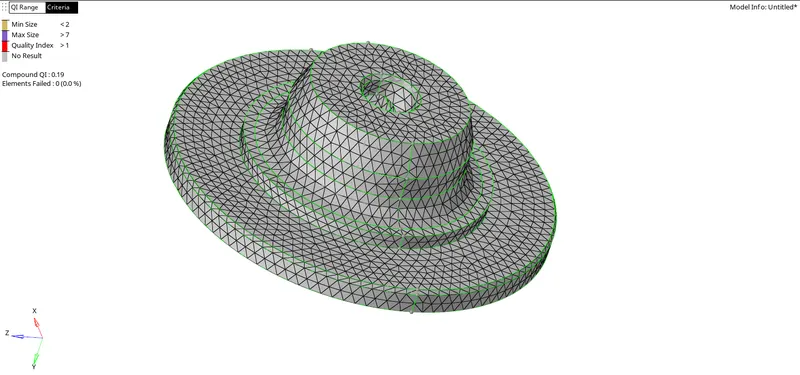
Models 2 & 3
Model 2 and 3 can be created using either Quick Tetra Mesh or Volume Tetra Mesh
- In these models, there were no minimum and maximum element size criteria
- The volume Tetramesh method was to mesh the model
- The 3d`rarr`tetramesh`rarr`volume tetramesh`rarr`surface option, The desired target element size, and tet collapse values were entered into tetramesh parameters.
- A 3D Tetramesh was created for the given models and the tet collapse errors were fixed.
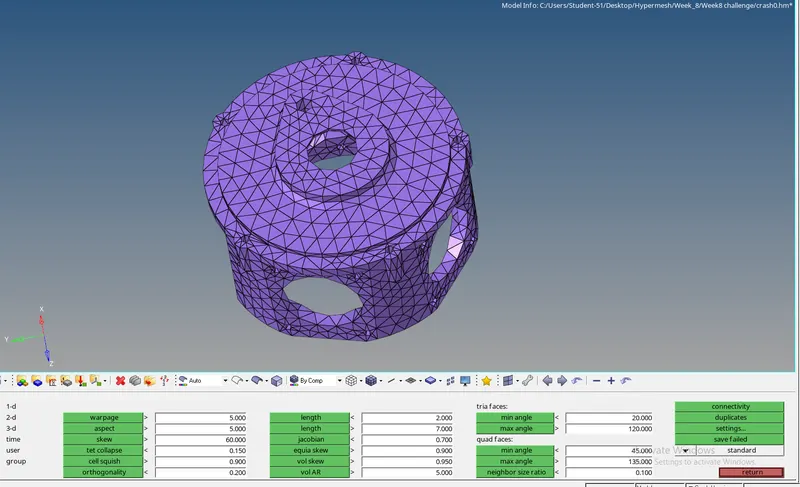
Checking for tet collapse elements
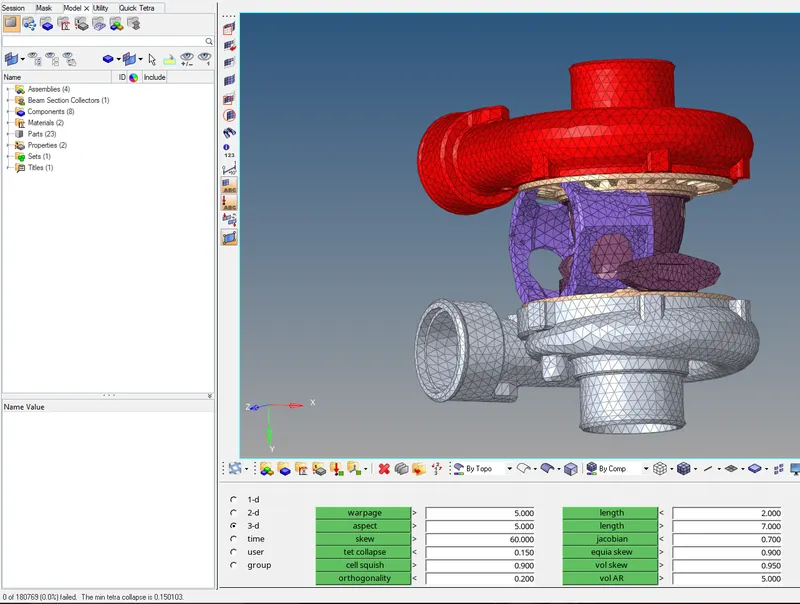
No failed elements
Conclusion and Learning outcome
- To understand the workings and applications scenarios for the different processes of creating a 3D Tetramesh.
- To create a Tetramesh of the required criteria for the given components.