Week 8-3D Tetra Meshing Challenge
AIM:-
To extract 3D tetra mesh using all the three methods.
a) By CONVERTING 2D ELEMENTS to 3D ELEMENTS.
b) By using QUICK TETRAMESH options.
c) By using VOLUME TETRAMESH from 3d panel.
PROCEDURE:- (By CONVERTING 2D ELEMENTS to 3D ELEMENTS)
1) First import the model in the required format.
2) Visualize the model and do geometry cleanup if needed.
3) Delete the solid from the model.
4) Now perform the 2D mesh on that model using TRIA ONLY.
5) Clear the elements if they are failing for criteria error.
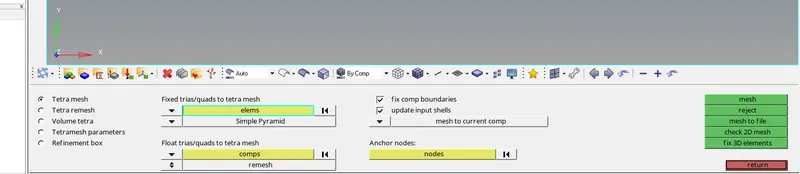
6) Now go to 3D panel and choose tetramesh and select 2d elements from FIXED TRIA/QUAD TO TETRA MESH.
7) After this click on MESH.
PROCEDURE:- (By using QUICK TETRAMESH options)
1) Import the model and delete the solid.
2) Now go to VIEW--BROWSERS--HYPERMESH--UTILITY
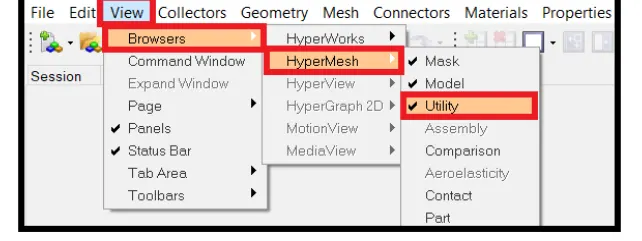
3) Now select the GEO/MESH option from utility section.
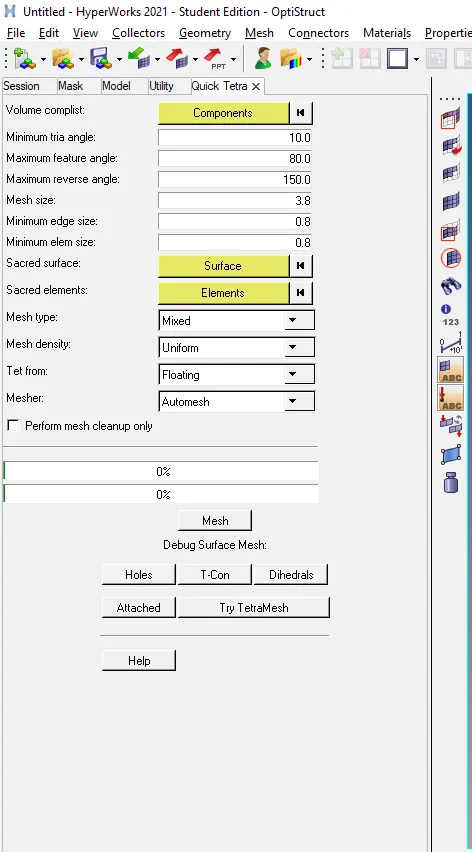
4) Then click QUICK TETRAMESH.
5) Now select the components/surface.
6) Specify the MESH TYPE and MESH SIZE.
7) Click Mesh.
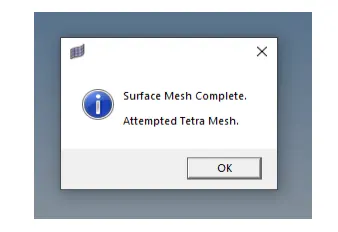
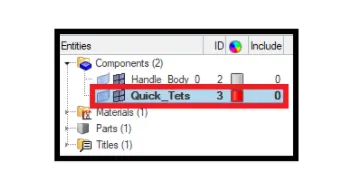
8) After completion, dialouge box will apear
PROCEDURE:- (By using VOLUME TETRAMESH from 3d panel)
1) Import the model and clean the geometry.
2) This time keep the solid.
3) Go to 3D--TETRAMESH--VOLUME TETRA--SOLIDS--MESH

4) Check for USE CURVATURE and USE PROXIMITY, 2D type TRIAS, 3D type TETRA, ORDER as per model.
5) Also specify the element size as per quality and check cleanup elements.
6) USE OF PROXIMITY will help in refining the mesh in area where features are small and closer together. And transition from small to larger elements will be smooth.
7) USE OF CURVATURE will help in allowing more TRIAS/TETRAS elements to be generated along the curved surface based on user specified setting.
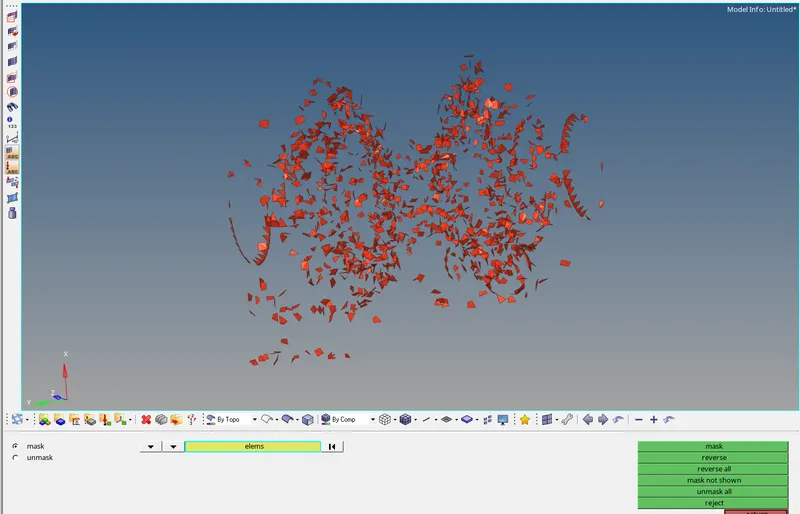
NOTE:- After mesh press F10 to check for TET COLLAPSE. Then save the SAVE FAILED and press F5 to use mask option.
ELEMENTS ( BY RETRIVE)--MASK--REVERSE.

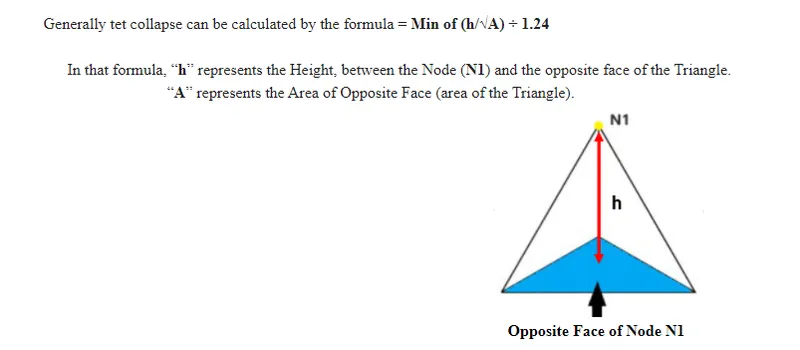
WHAT IS TET COLLPASE?
-- TET COLLAPSE is defect generated when the height of tetrahedron 3D element is less than the target element length. Tet collapse defects were cleared by
1) Re-meshing the failed elements.

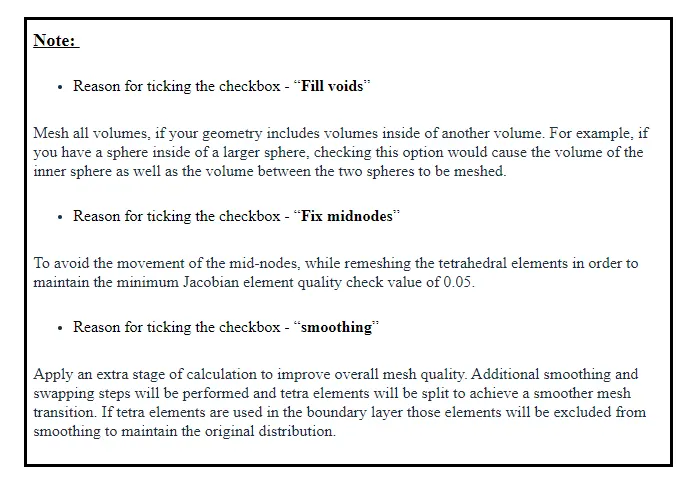
3D--TETRAMESH--TETRA REMESH PARAMETER--TETRAMESH
- Check for FILL VOIDS, FIX MIDNODE, SMOOTHING
- Specify MIN and MAX TETRA SIZE.
2) Changing the height of tetra element by translating nodes.
- By using TRANSALTE option (SHIFT F4)

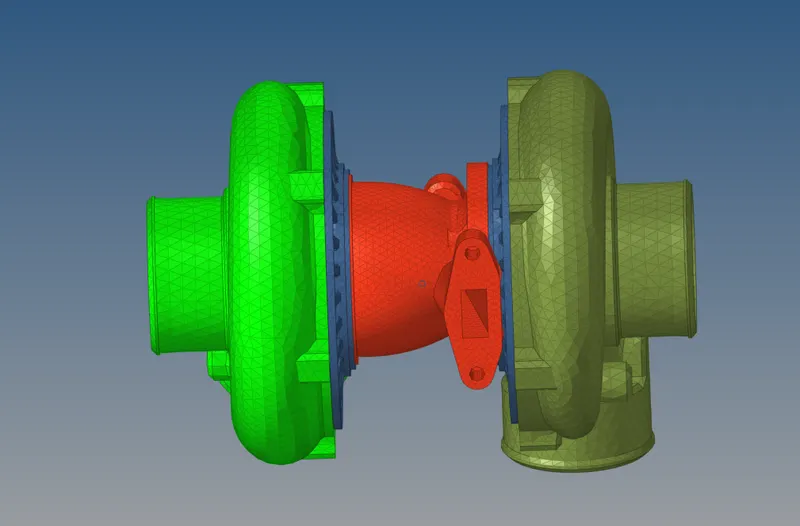
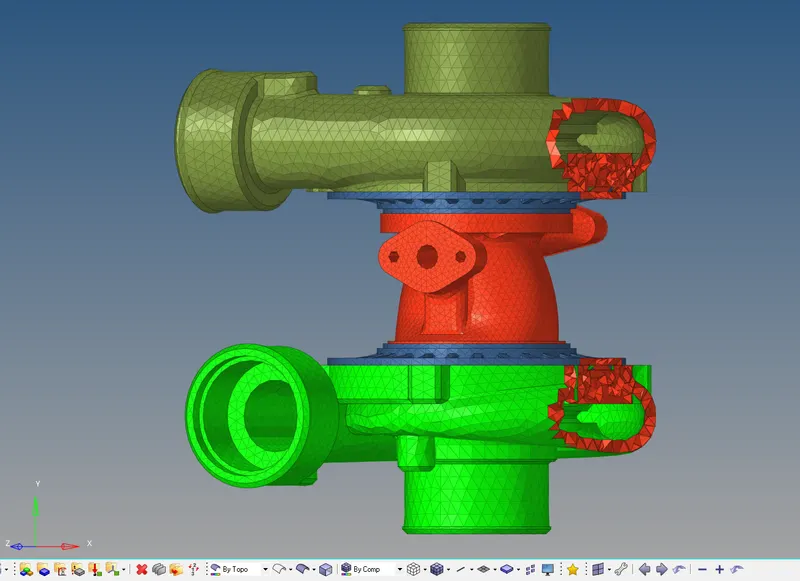
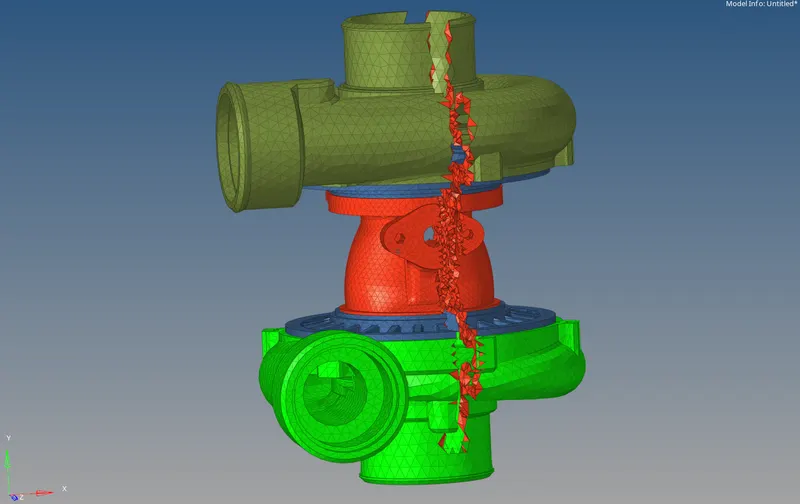
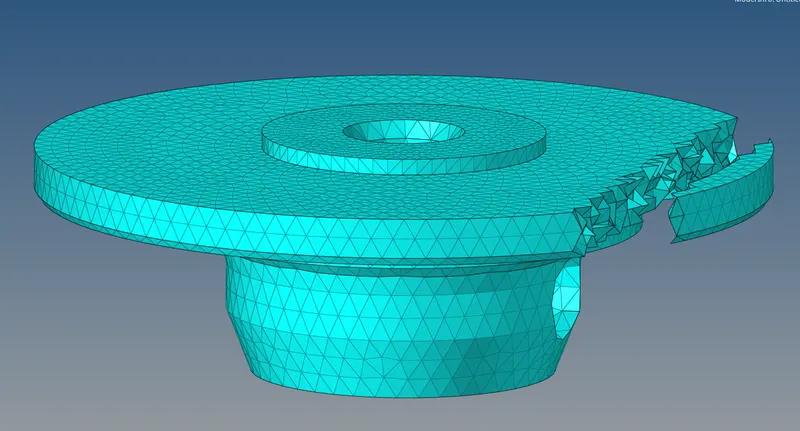
FINAL MODELS----
MODEL--3
MODEL--2
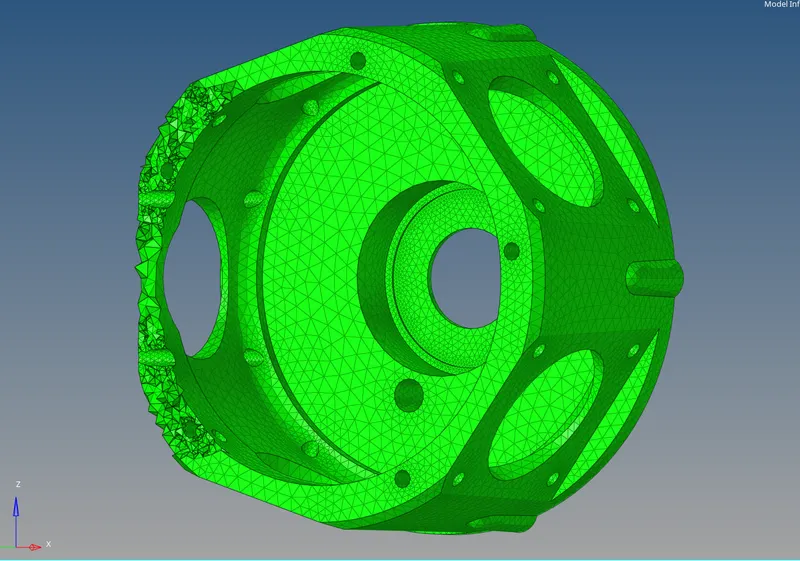
MODEL--1
CONCLUSION:-
1) Get to know how to 3D meshing by three different method and advantages of all the methods.
2) Get to know about the TET COLLAPSE and how to remove it.
3) Used MASK and UNMASK option.
4) Know how to do 3D Meshing.