Week 8-3D Tetra Meshing Challenge
AIM : Create a Teramesh on given components with the following quality criteria.
PROCEDURE :
MODEL 1. Create a Teramesh on given Housing component
- Import the model.
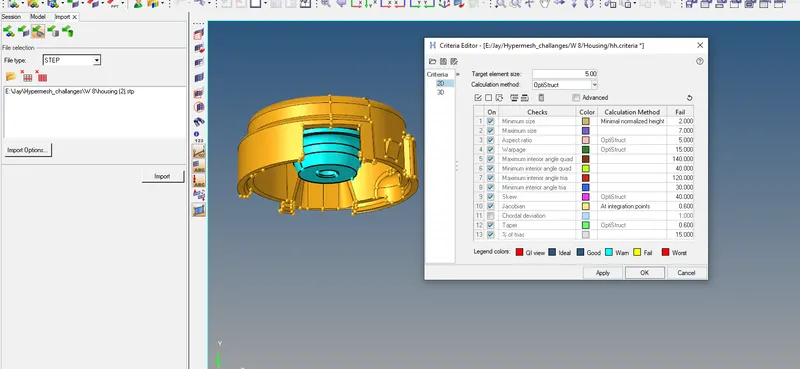
TetraMesh Generation Method: 2D to 3D Conversion
Elements sizes: Min- 2 Units, Target- 5 Units, Max- 7 Units
Tet collapse: 0.15
Note: The minimum length and the maximum length are to be checked only for 2D elements when performing a 2D to 3D Mesh.
- Turn-on one surface and Mesh that component using auto mesh with only TRIAS.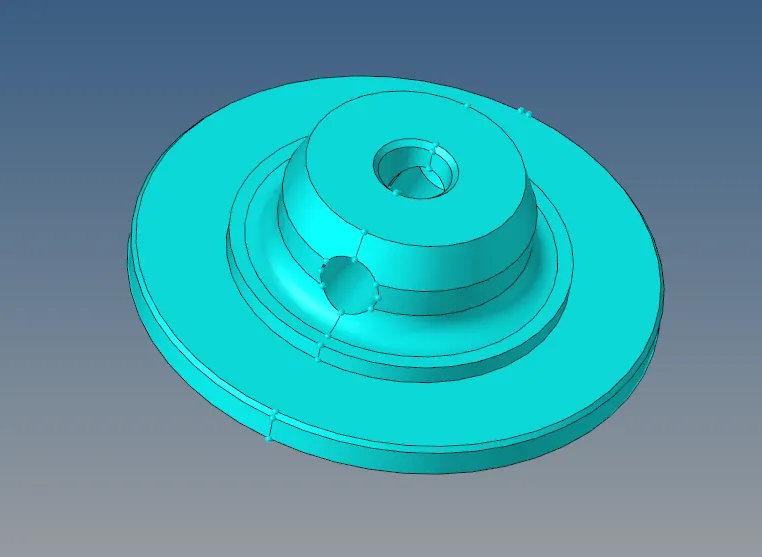
*F12 for auto mesh.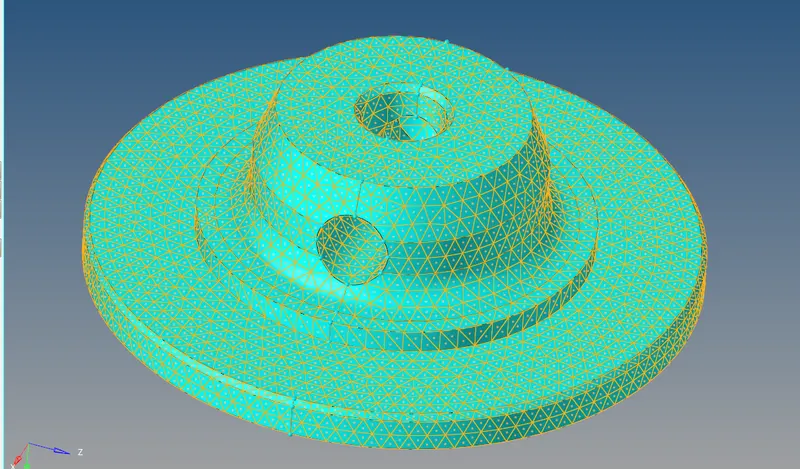
- To convert the 2D mesh to 3D , *3D--Tetramesh--Elem--Mesh.
- You have to mask some elem to see 3D mesh, by keeping surf-off.
- Always try to keep tet collapse 0%.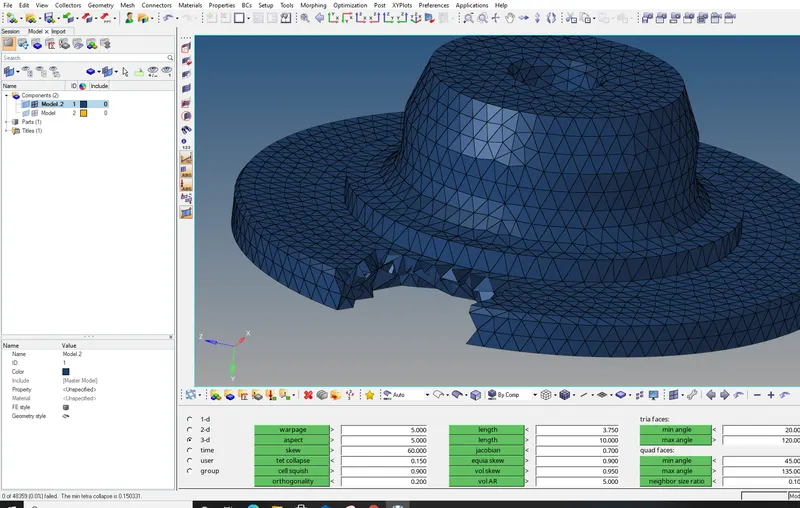
FINAL VIEW: 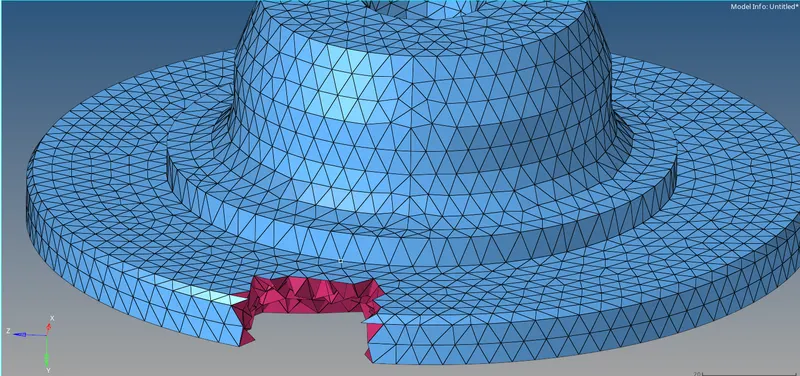
- Repeat same on its mate component.
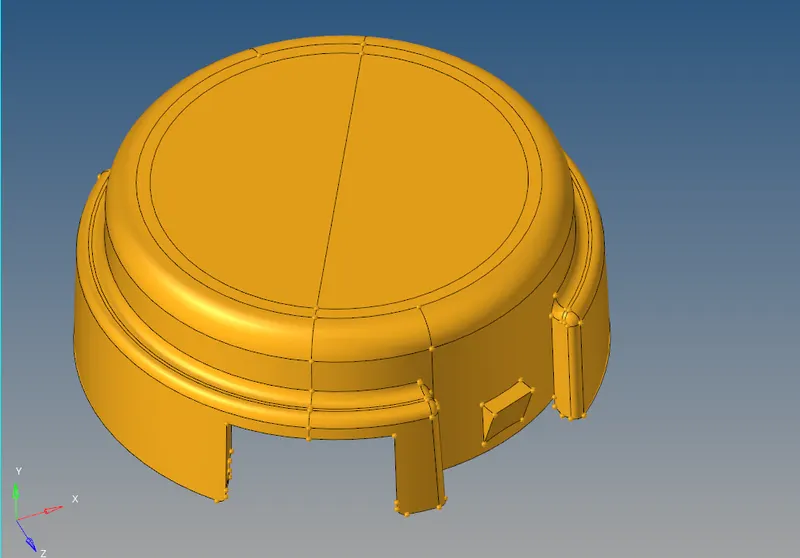
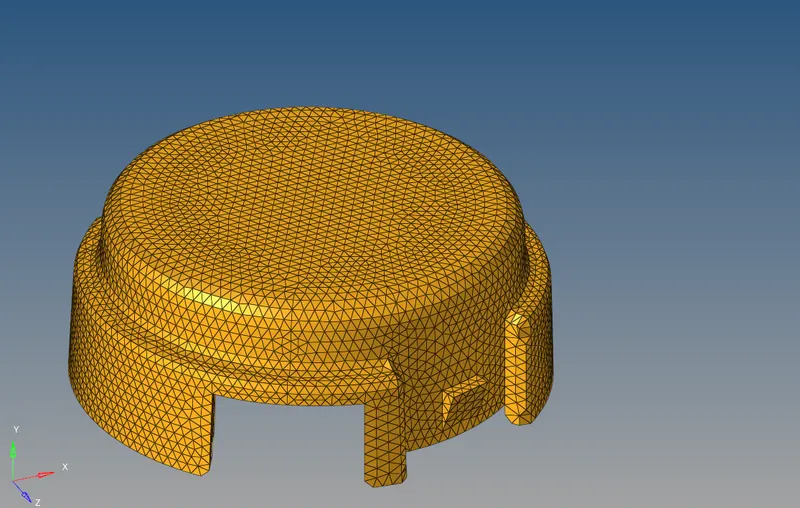
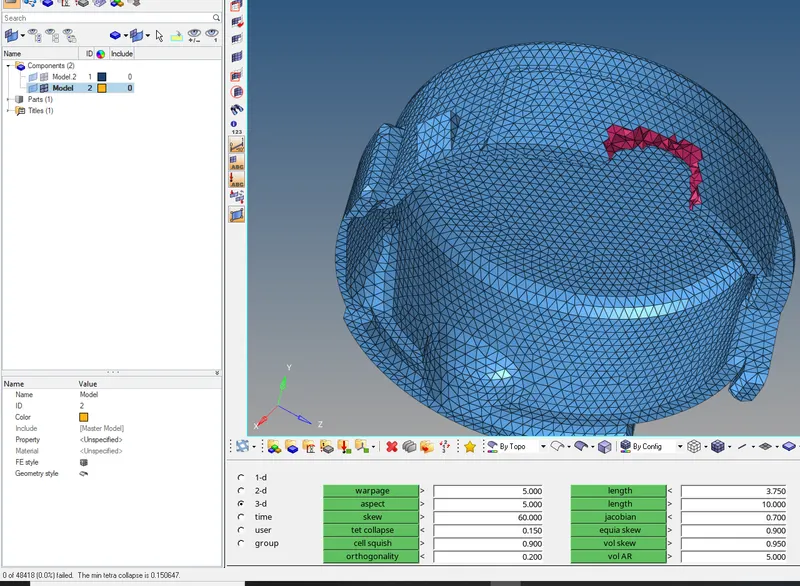
-Always try to keep tet collapse 0%.
WHOLE COMP VIEW : 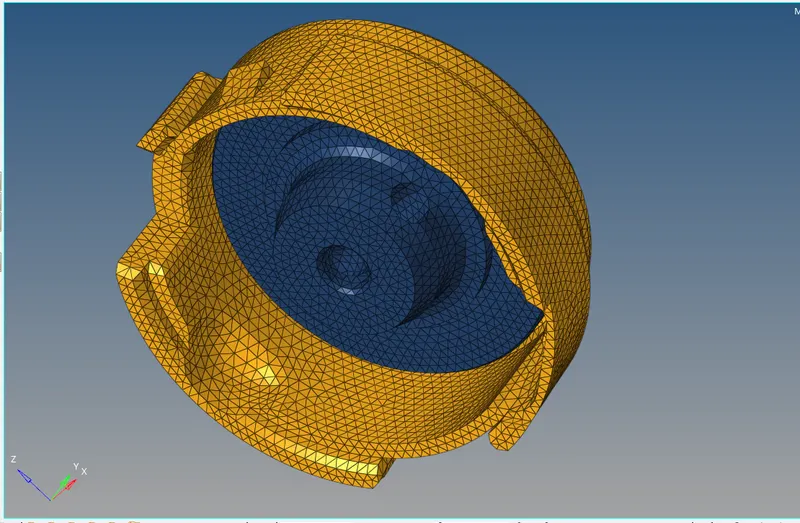
MODEL 2. Create a 3D Tetramesh with the following quality criteria.
-Import the model.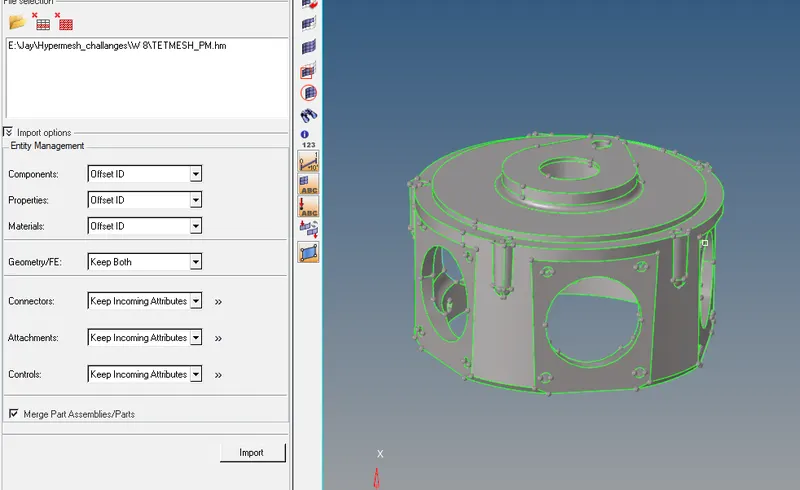
TetraMesh Generation Method: Quick Tetra Mesh/ Volume Tetra Mesh
Target Element size: 3 Units.
Tet Collapse: 0.15
- Here we are using different method to mesh this comp. Many times if we go to create the 3D tetra mesh directly on these type of comps, an error will pop up, The comp is not enclosed. So to avoid it, we will use Quick mesh. Ref below fig, follow the steps as shown.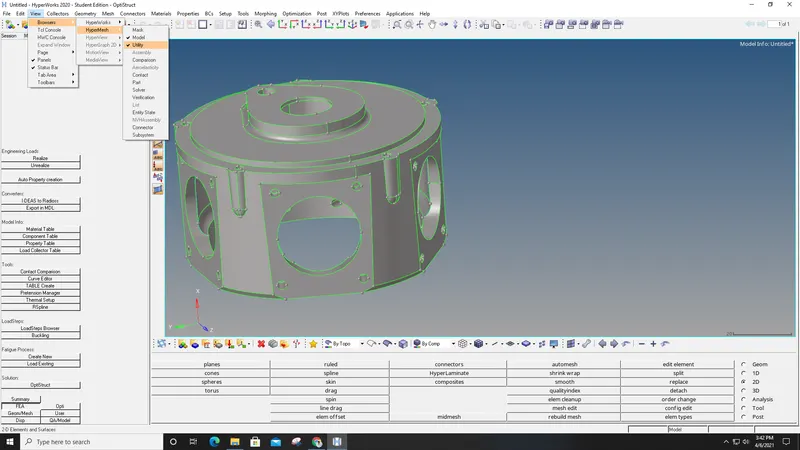
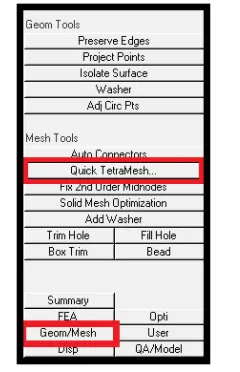
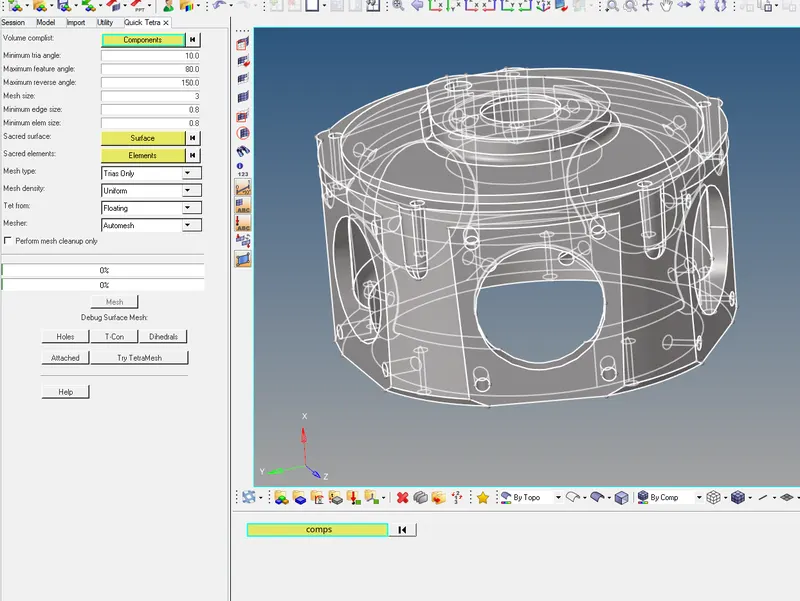
- A Quick mesh will be perfomed on it.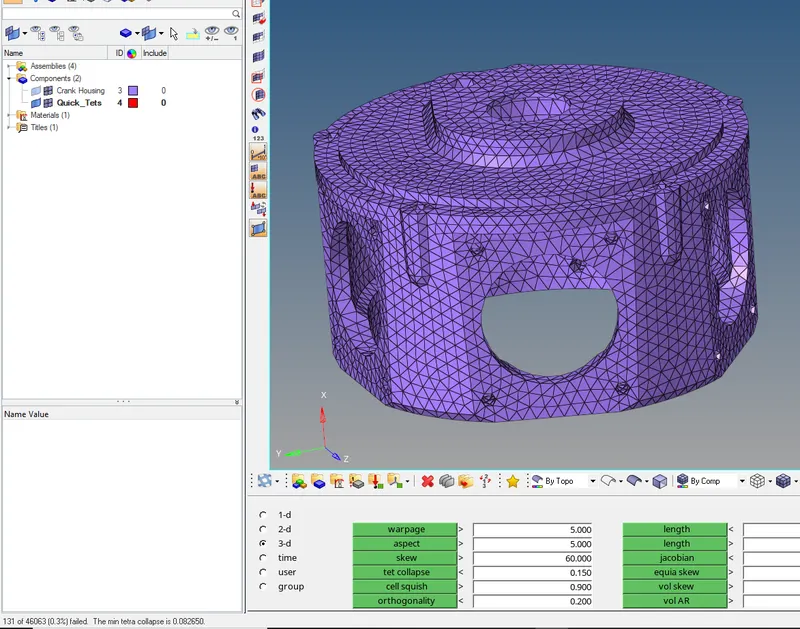
- As you can notice no. of elem are under tet collapse, we have to solve them manually or you can also remesh the comp, by changing some parameters.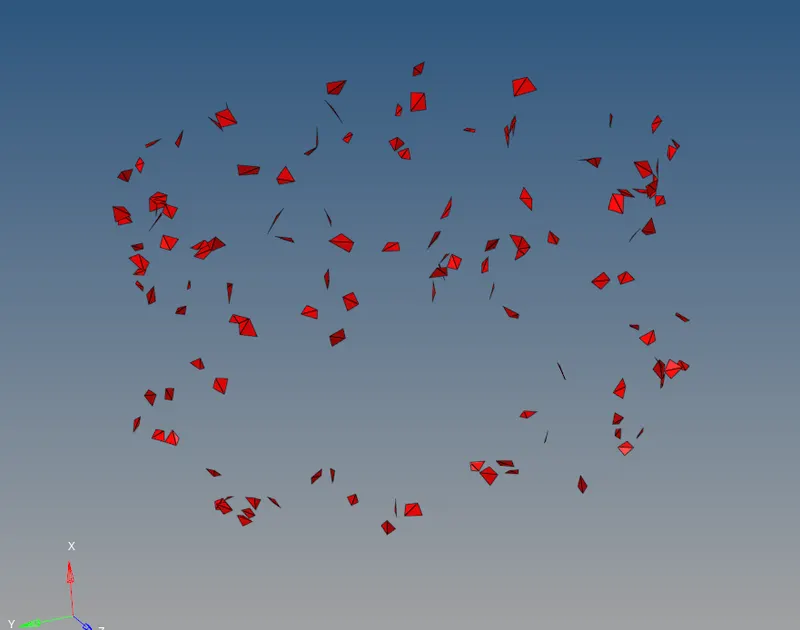
-Always try to keep tet collapse 0%.
FINAL VIEW : 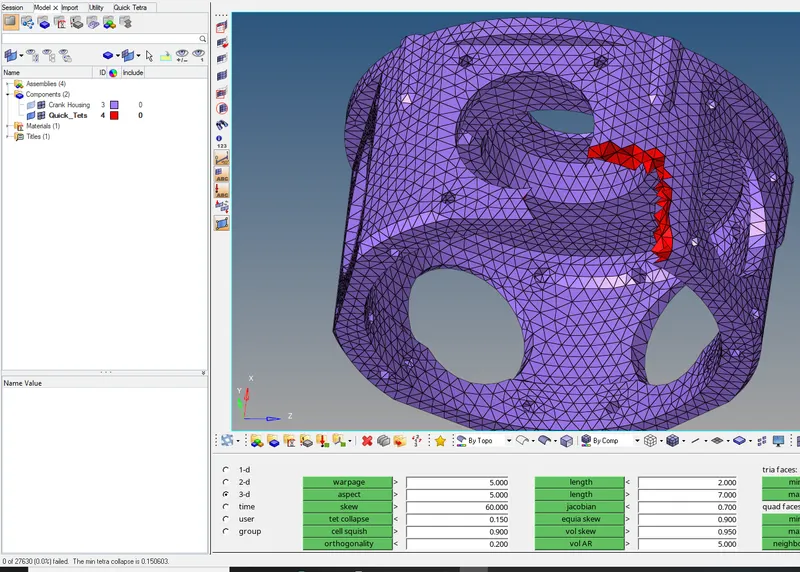
MODEL 3. Create a 3D Tetramesh with the following quality criteria."
- Import the model.
- You can keep/Del the solid part.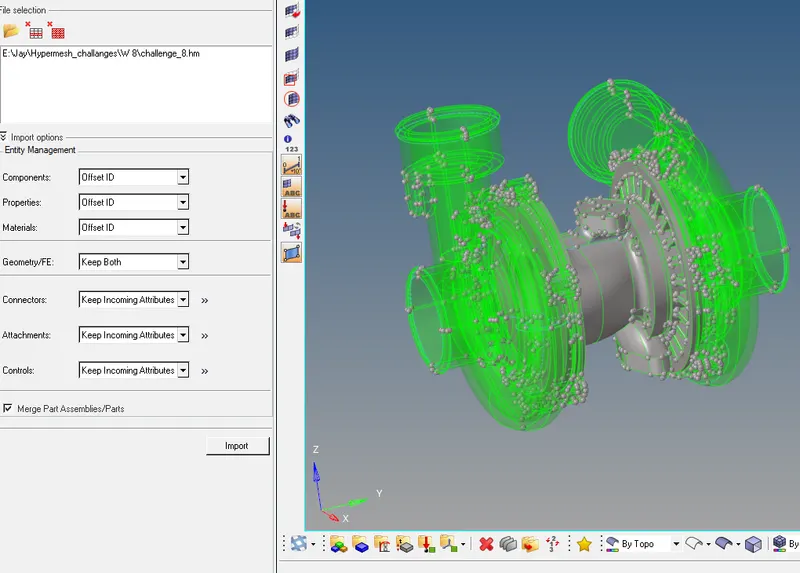
TetraMesh Generation Method: Quick Tetra Mesh/ Volume Tetra Mesh
Target Element size: 4 Units.
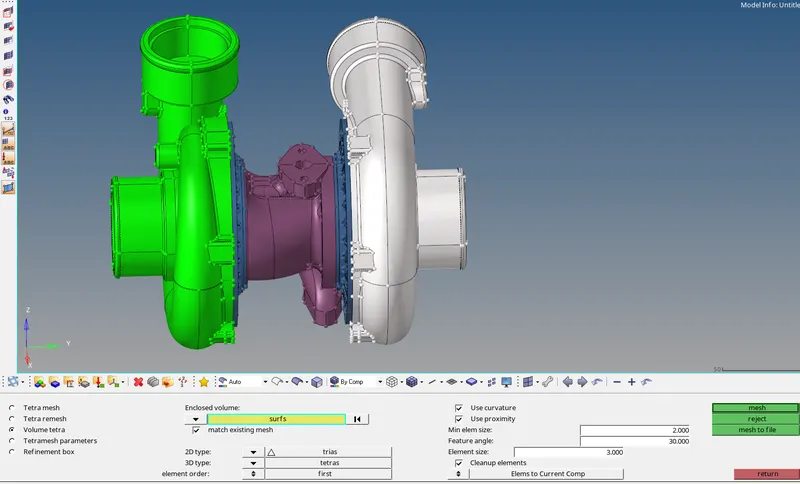
- Here we are using different method to mesh this comp. Many times if we go to create the 3D tetra mesh directly on these type of comps, an error will pop up, The comp is not enclosed. So to avoid it, we will use Volume mesh.
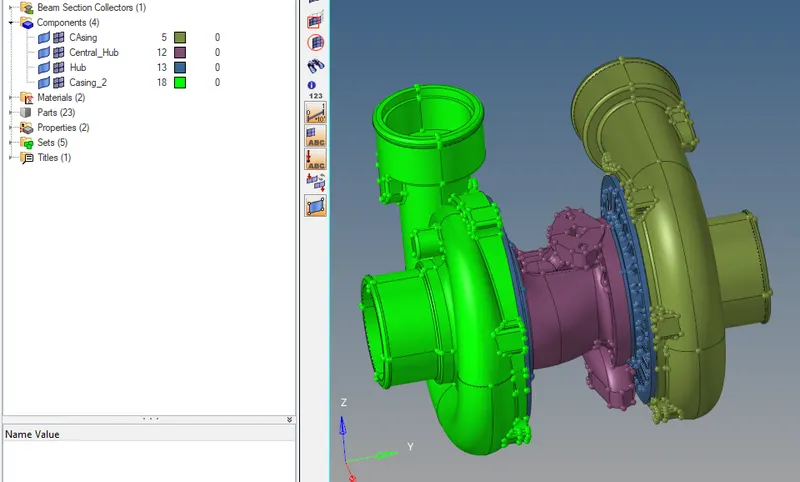
*3D--tetramesh--volume--surf(Check In 2 boxes as in fig)--Mesh.
- Here you can mesh alone only one by one Surf.
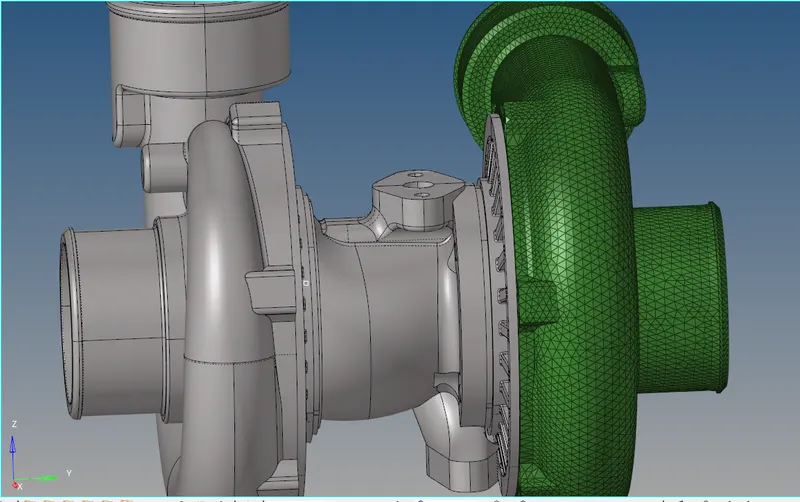
FINAL VIEW :
- As we can see 5 different mesh.
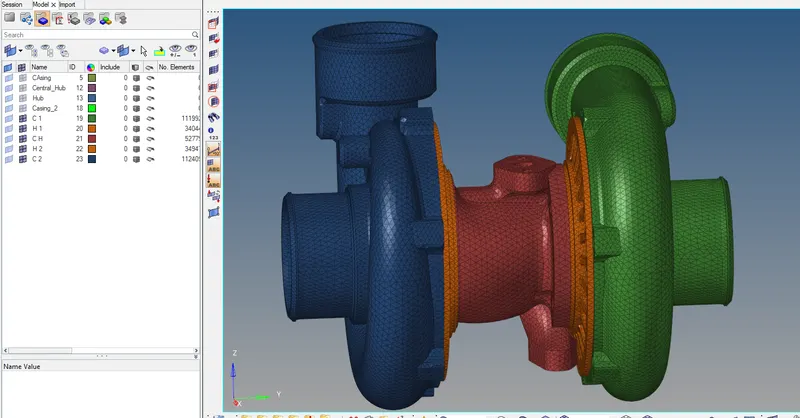

NOTE : We can clear those failed elem.
1. Using Translate comand, we can increase the height of that tetra
2. we can remesh them.