3D Tetra Meshing on various geometry model
AIM:
- To understand the tetra volume meshing algorithms and to deploy tetra meshing on the given components.
OBJECTIVES OF THE PROJECT:
- To understand the 3D meshing.
- To understand methods of 3D meshing.
- To deploy tetra elements on the components.
- To understand the Tet collapse parameter.
- To manually clear Tet collapse elements as per the given criteria.
PROCEDURE:
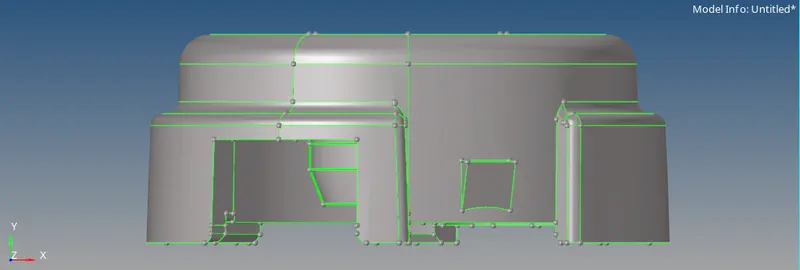
- MODEL – HOUSING COMPONENT –
- First step is to import the model into HYPERMESH.
- To import the model, go to FILE > IMPORT > GEOMETRY > FILE TYPE = STP > OPEN > BROWSE > IMPORT.
- Then, go to PREFERENCES > CRITERIA FILE and enter the following values –
Target element size = 5 units.
Min element size = 2units.
Maximum element size = 7units.
Tet collapse = 0.15
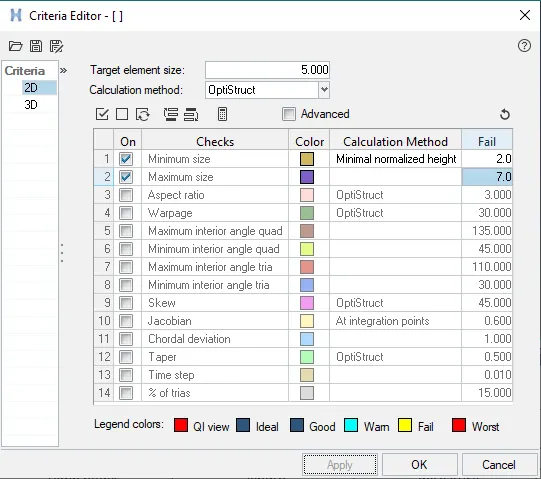
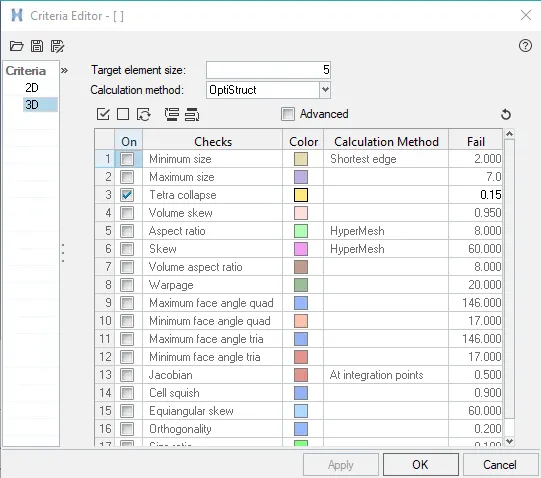
- This will set the quality for the mesh elements.
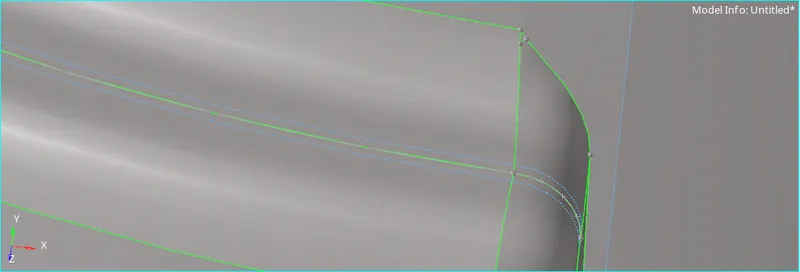
- Now, perform defeaturing in the fillet regions to eliminate minimum element size and for better mesh flow.
- Choose a component and select MAKE CURRENT, to save the elements into the respective component.
- Then, go to 2D > AUTOMESH > SURFS > DISPLAYED > ELEMENT SIZE = 5 UNITS > MESH TYPE > TRIAS > MESH.
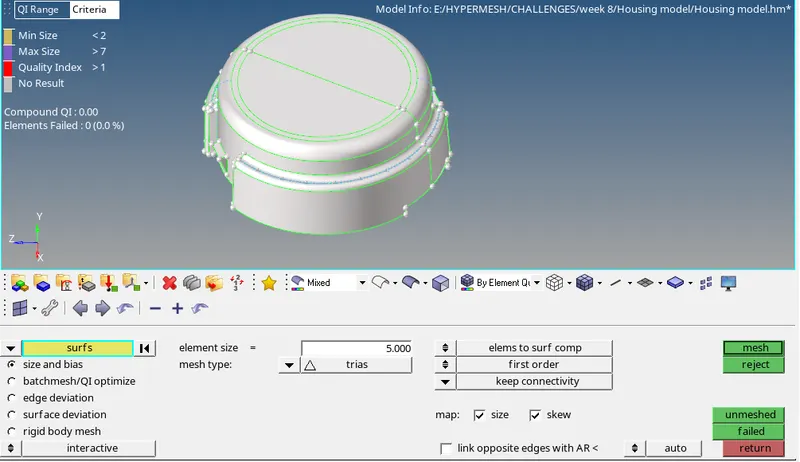
- This will deploy 2D shell elements on the surface of the component.
- Go to TOOL > CHECK ELEMENTS > 2D to check for quality of the mesh. If any elements fail for minimum and maximum length, then they can be eliminated by REMESHING or 2D > QUALITY INDEX > CLEANUP TOOLS.
- Now, for deploying tetra mesh, go to 3D > TETRA MESH > TETRA MESH PARAMETERS > TET COLLAPSE = 0.15 > TETRA MESH > ELEMENTS > DISPLAYED > MESH.


- This will use the growth ratio algorithm and perform simple tetra mesh in accordance with the 2D shell elements. Hence, a volume mesh is deployed on the component.
- Similarly, perform tetra meshing on the other components in the model.
- Now, for checking the tet collapse elements, go to TOOL > CHECK ELEMENTS > 3D > TET COLLAPSE.
- To clear the elements failing for tet collapse, there are three methods –
- 3D > TETRA MESH > TETRA REMESH.
- TOOL > TRANSLATE.
- GEOM > DISTANCE.

- The translate option is most suitable as it does not distort the elements in accordance with the surface of the component.
- MODEL -2 –
- Go to FILE > IMPORT > MODEL > OPEN > BROWSE > IMPORT to import the model.
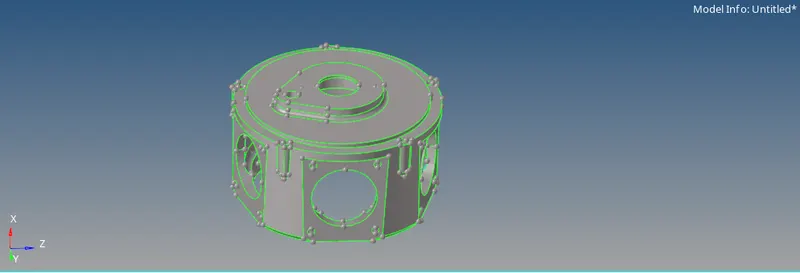
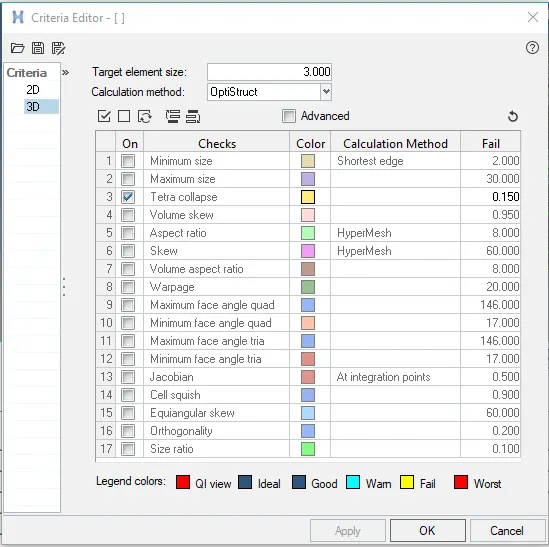
- Now, go to PREFERENCES > CRITERIA FILE and enter the following values –
Target element size = 3 units.
Tet collapse = 0.15
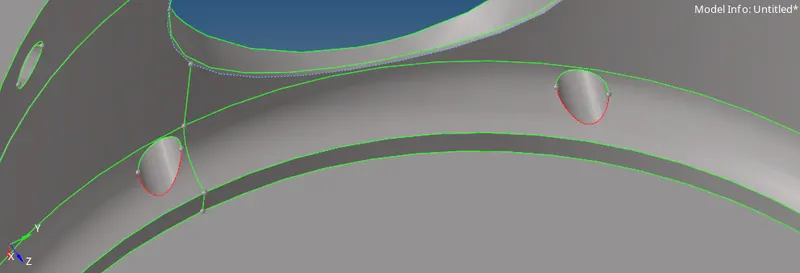
- Perform geometrical cleanup if required.
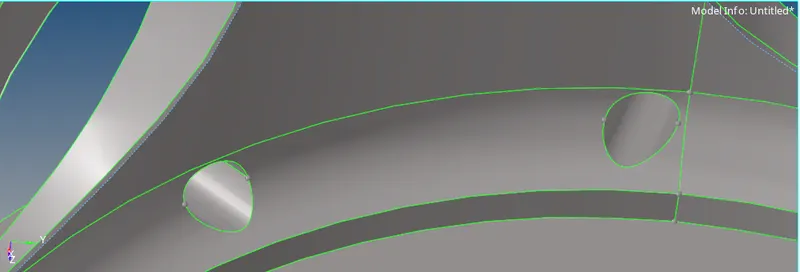
- Choose a component and select MAKE CURRENT.
- Go to VIEW > BROWSERS > HYPERMESH > UTILITY > GEOM/MESH > QIUCK TETRAMESH > COPONENTS > PROCEED > SURFACES > PROCEED > ELEMENT SIZE = 3UNITS > MESH.
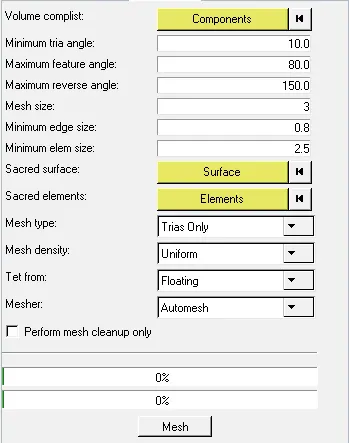
- This performs an algorithm to deploy quick tetra elements on the model.
- Similarly, perform tetra meshing for the other components as well.
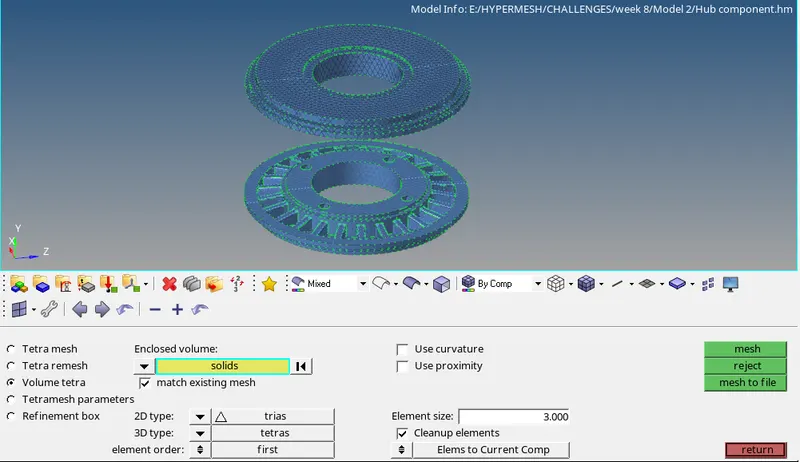
- We can also choose the volume meshing option, go to 3D > TETRA MESH > TETRA PARAMETERS > TET COLLAPSE = 0.15 > VOUME MESH > ELEMENT SIZE = 3UNITS > SURFS > DISPLAYED > MESH.
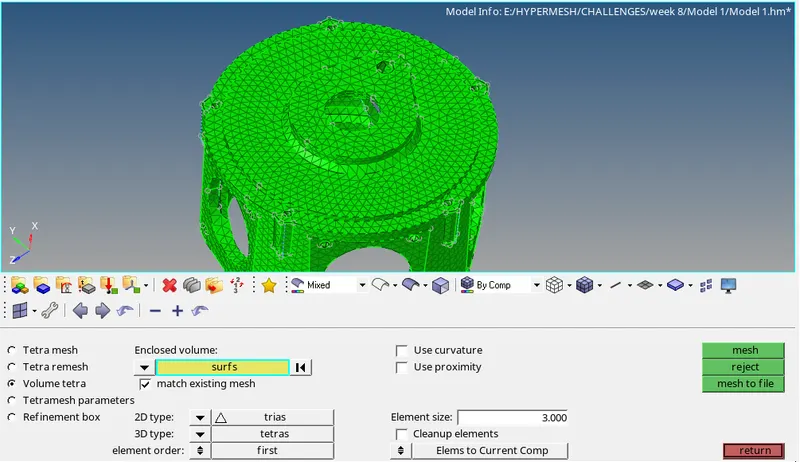
- This option will deploy tetra elements based on an algorithm that it will not create 2D elements, instead it will directly deploy tetra elements.
- Now, for checking the tet collapse elements, go to TOOL > CHECK ELEMENTS > 3D > TET COLLAPSE.
- To clear the elements failing for tet collapse, there are three methods –
- 3D > TETRA MESH > TETRA REMESH.
- TOOL > TRANSLATE.
- GEOM > DISTANCE.
- MODEL – 3 –
- Go to FILE > IMPORT > MODEL > OPEN > BROWSE > IMPORT to import the model.
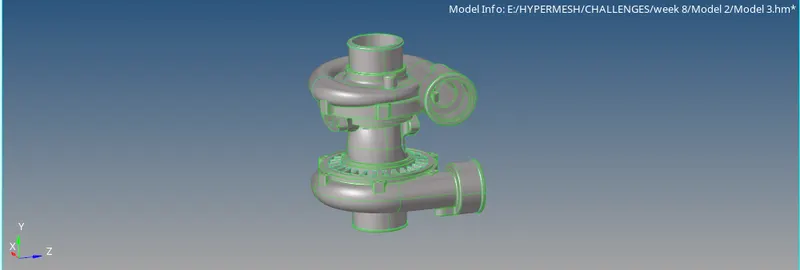
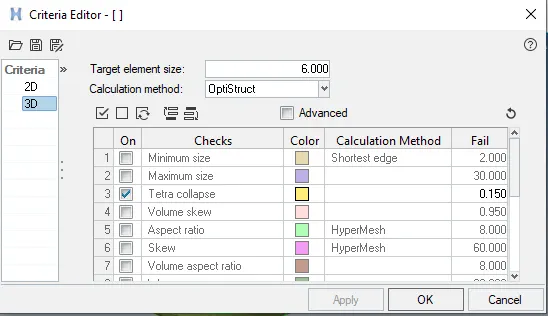
- Now, go to PREFERENCES > CRITERIA FILE and enter the following values –
Target element size = 6 units.
Tet collapse = 0.15
- Perform geometrical cleanup if required.
- Choose a component and select MAKE CURRENT.
- Go to 2D > AUTOMESH > SURFS > DISPLAYED > ELEM SIZE = 6 UNITS > ELEM TYPE = TRIAS > MESH.
- This will deploy 2D elements on the surface of the component.
- Now, go to 3D > TETRA MESH > TETRA MESH > ELEMENTS > DISPLAYED > MESH.
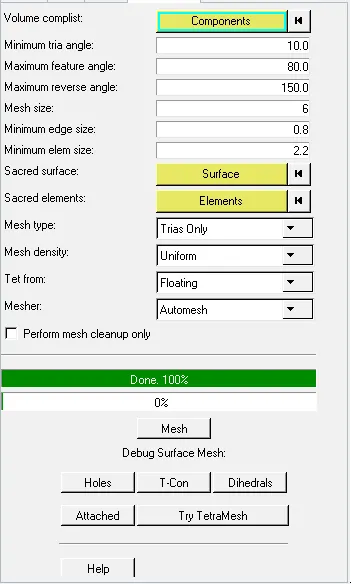
- This will deploy tetra elements inside the volume of the component using the simple tetra algorithm.
- Now, for checking the tet collapse elements, go to TOOL > CHECK ELEMENTS > 3D > TET COLLAPSE.
- To clear the elements failing for tet collapse, there are three methods –
- 3D > TETRA MESH > TETRA REMESH.
- TOOL > TRANSLATE.
- GEOM > DISTANCE.
- Similarly, perform tetra meshing on the other components.
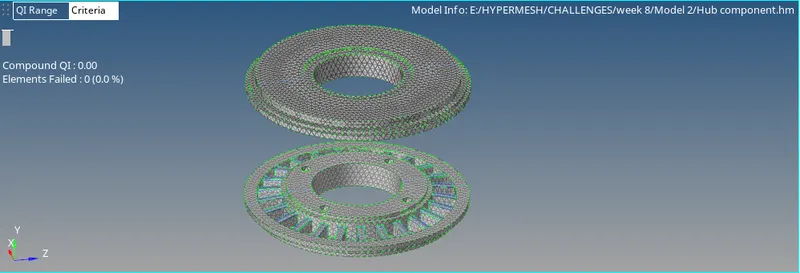
- For, the hub component deploy element size = 3unit and mesh with the above method.
LEARNING OUTCOMES:
- To use different methods to tetra mesh the component.
- To deploy tetra meshing on a solid component.
- To understand the tet collapse parameter.
- To manually clear the tet collapse elements.
RESULTS:
- Best method for creating tetra elements in less time is VOLUME MESH.
- Best method for creating tetra elements in with best surface capturing method is deploying 2D mesh and then performing 3D TETRA MESH.
- Best method for creating tetra elements with less tet collapse elements is QUICK TETRAMESH.
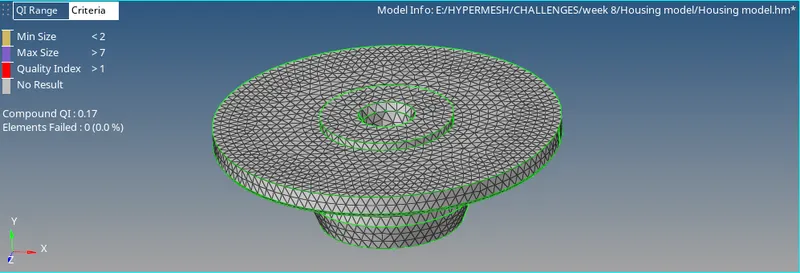
- Model 1:
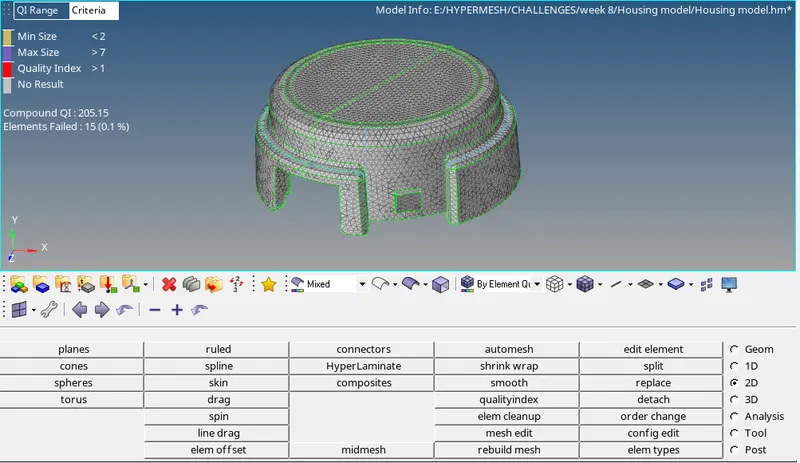
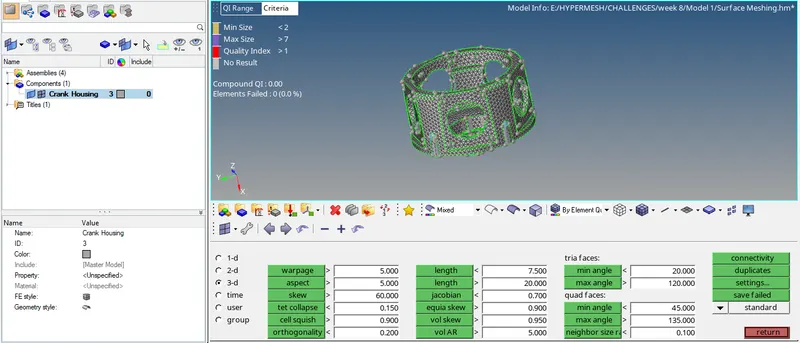
- Model 2:
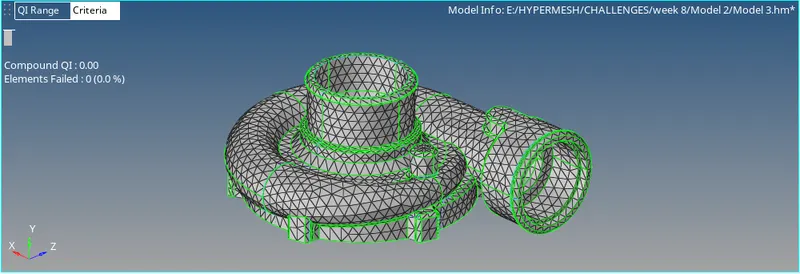
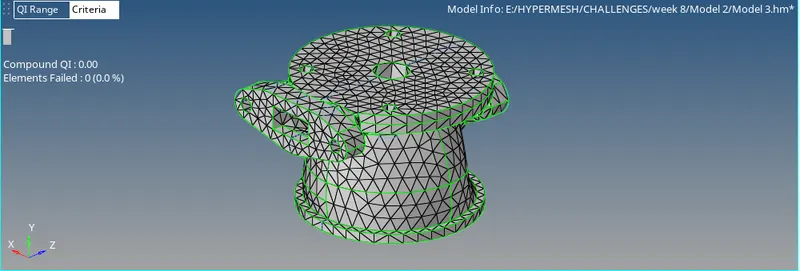
- Model 3:
CONCLUSION:
- Hence, by performing the project we conclude that, the model is meshed with tetra elements.