Week 8-3D Tetra Meshing Challenge
WEEK 8 CHALLENGE
AIM: To create a tetramesh on the given components and also satisfying the given quality criteria.
PROCEDURE:
1) For Model 1:
- First import the model in hypermesh.
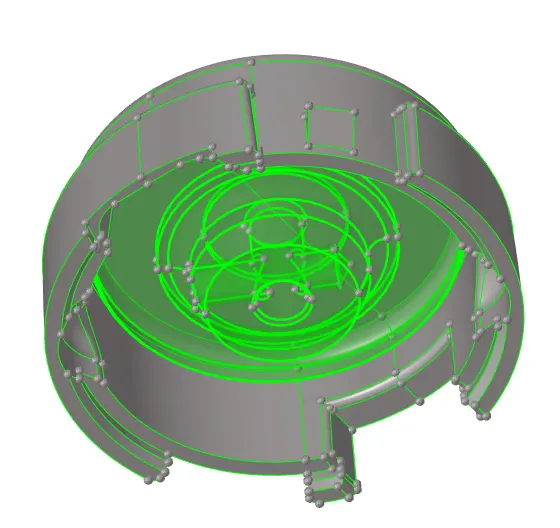
- We delete the solids present in the geometry.
- Then we perform a geometry cleanup on each of the components separately.
- After performing geometry cleanup, we are going to create a 2D tria mesh using the Automesh panel from the 2D section. We give target element size of 5.
- After meshing we check whether 2D mesh satisfies the criteria by using element check panel from tool section.
- If there are any failed elements we remesh those elements until we satisfy the criteria.
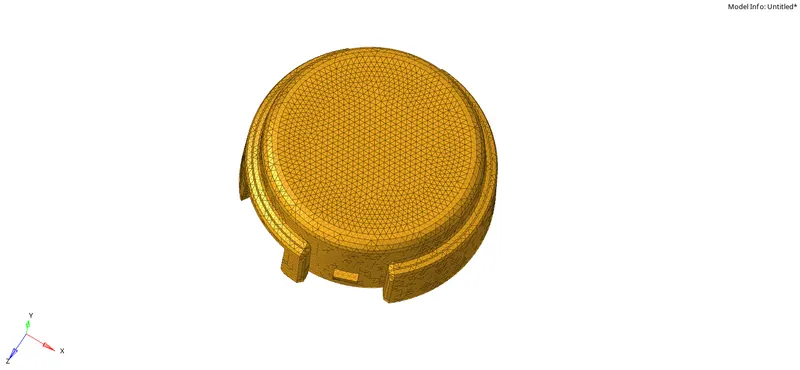
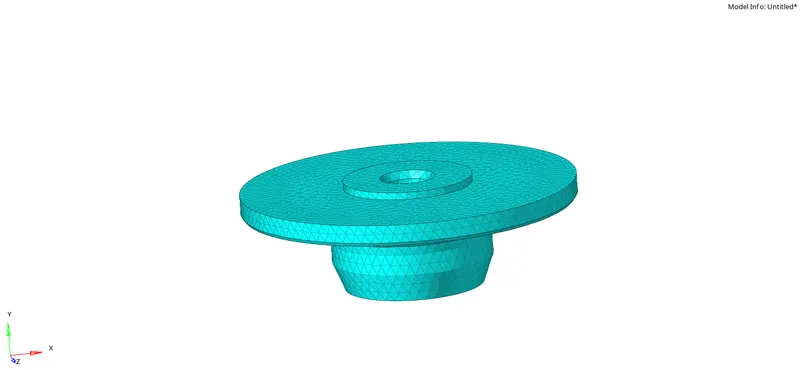
- After creating 2d tria mesh, we proceed further to create a 3D tetramesh using the tetramesh panel from 3D section.
- We use the Tetra mesh option from the tetramesh panel and we select the tria elements to convert them into tetra elements.
- After creating tetra mesh we check the whether they satisfy the tet collapse criteria by checking the elements using check elements panel from tool section.
- If there are any failed any failed elements we save those and remesh them using Tetra remesh and also before doing this, we use the Tetramesh parameters option to give a tet collapse value of 0.15.
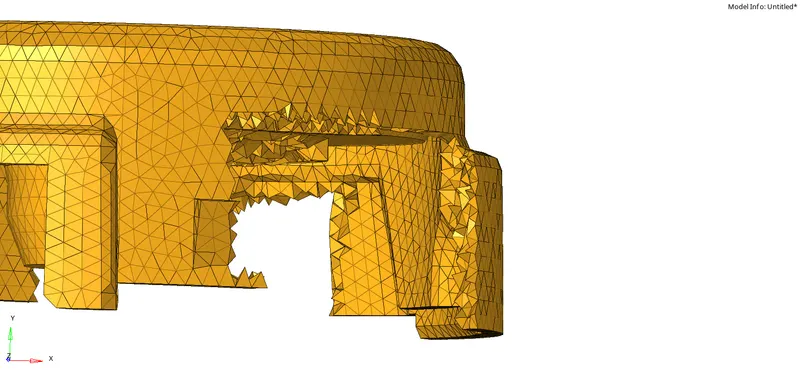
2) For Model 2:
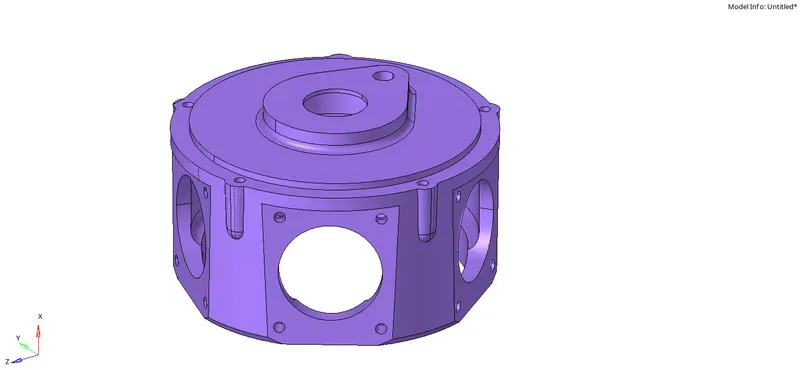
- We check perform geometry cleanup on the model.
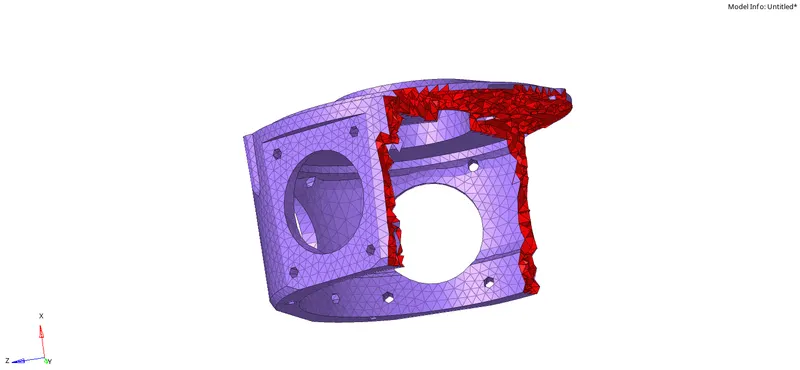
- After performing geomtry cleanup we create a 3D mesh using tetramesh panel from 3D section. We use volume tetra option to create a 3D mesh.
- After creating the mesh we use check elements panel from tool section to check tet collapse criteria.
- If elements are found to be failing the tet collapse criteria, we save those failed elements and again remesh those elements using Tetra remesh panel until they pass the quality criteria.
- We get a suitable mesh for the given model.
3) For Model 3.
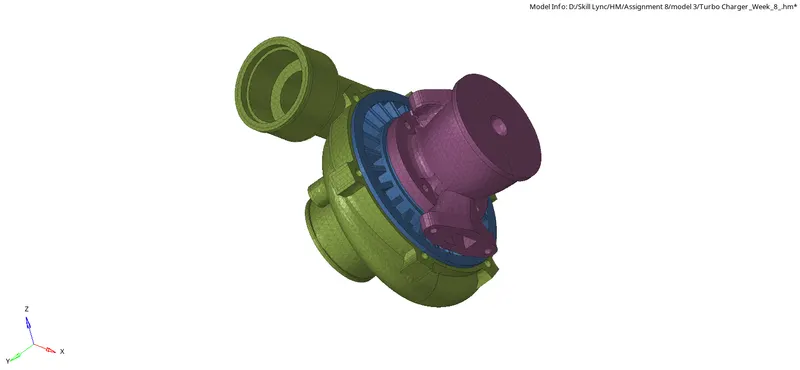
- We open the .hm file.
- In this model there are multiple components, so we mesh these components individually using volume tetra option from tetramesh panel in 3D section.
- We check each and every model using check elements panel to see elements which failed the quality criteria.
- If there are any failed elements, we use Tetra remesh option to remesh those elements.
- We do these kind of checks and remesh for each and every component of the model until we get a satisfactory mesh.
- For some tetra elements we need to manually fix them by changing the dimensions of the element using distance panel from Geometry section.
- We get a tetra mesh for the given model.
CONCLUSION:
- Successfully created a 3D tetra mesh using various methods.
- To get a good quality tetra mesh industry usually prefers the method of creating 2D trias and then using these tria elements to create tetra mesh.
- If there is no need for element connectivity then volume tetra method or quick tetramesh method is used.