Week 8-3D Tetra Meshing Challenge
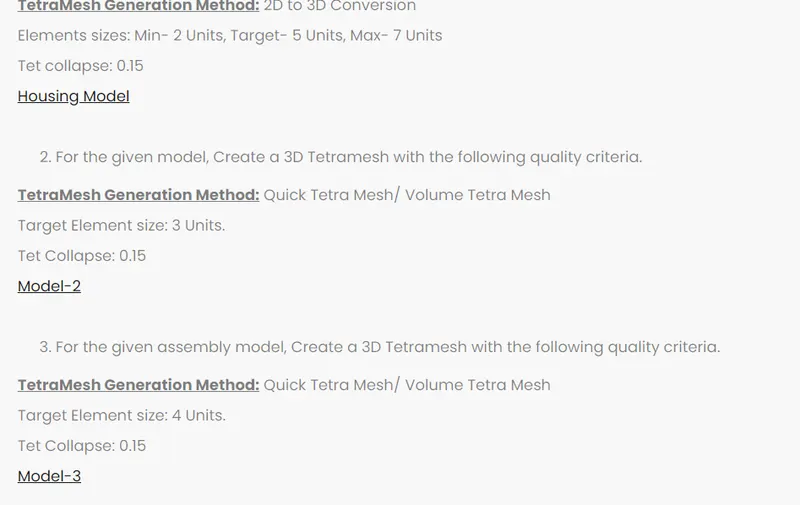
Aim: To create a Tetramesh for the following components with the given quality criteria
Procedure
Model 1:Housing
Load the Back door component into the hypermesh software.
Since the file is in the STP format.Select the STP in the import column
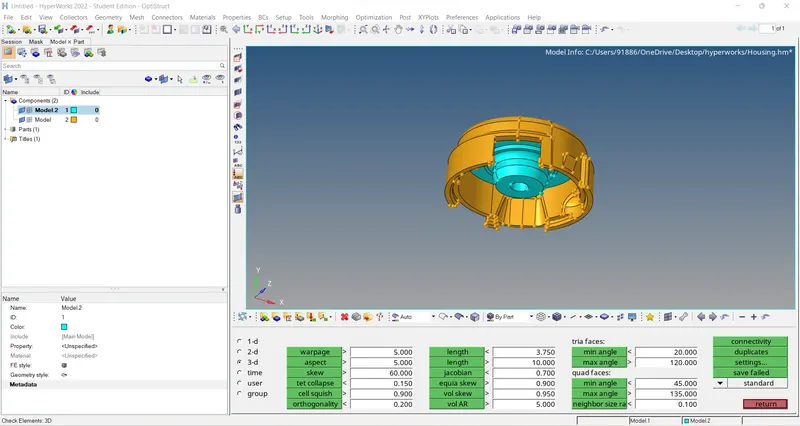
Since the component has 2 sub-parts, Tetramesh is done separately for each component
Solids present in the model are deleted using the delete command
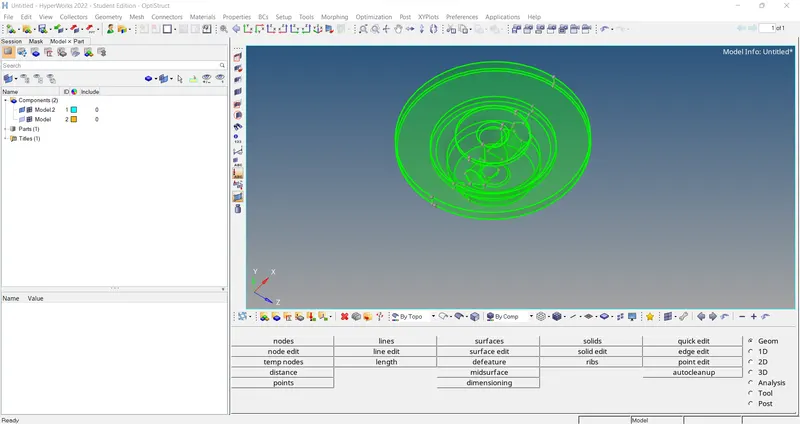
Quality Criteria are entered
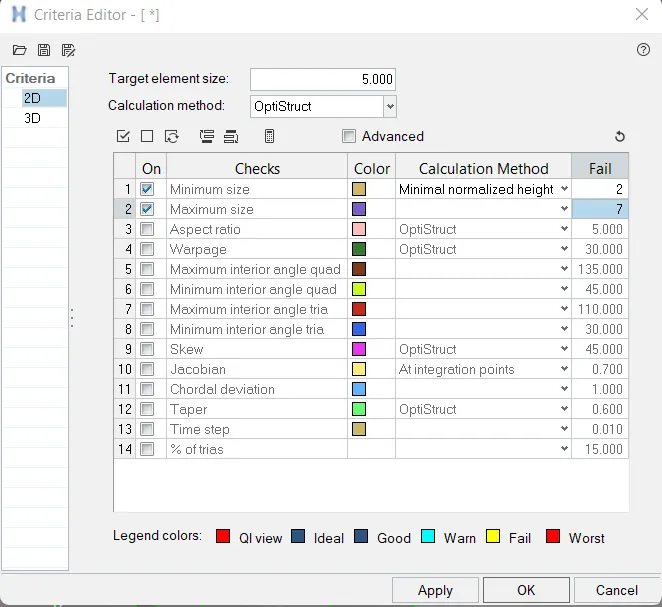
2D meshing is done on the model before tetra mesh is done
2D>Automesh>Mesh type:Tria>element size 5
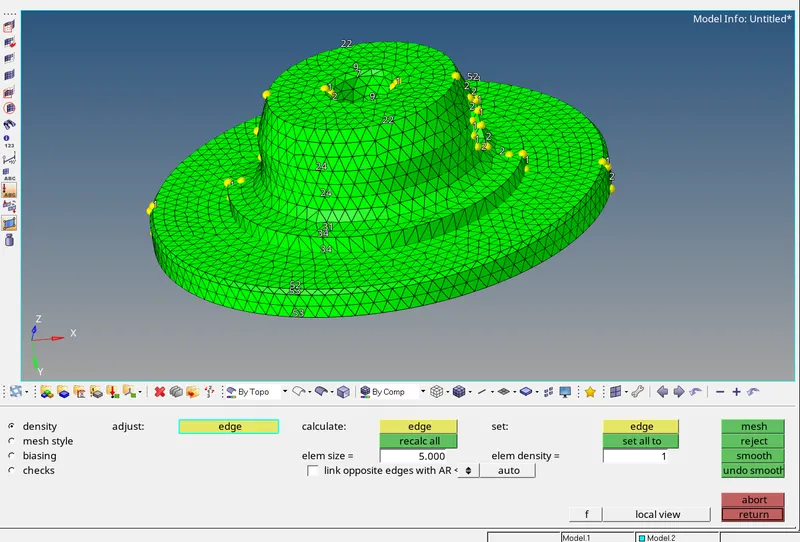
Once 2D meshing is completed the elements are checked for quality criteria. If all the elements satisfy quality criteria tetra mesh is carried out
3D>Tetramesh>Tetramesh>component>Mesh
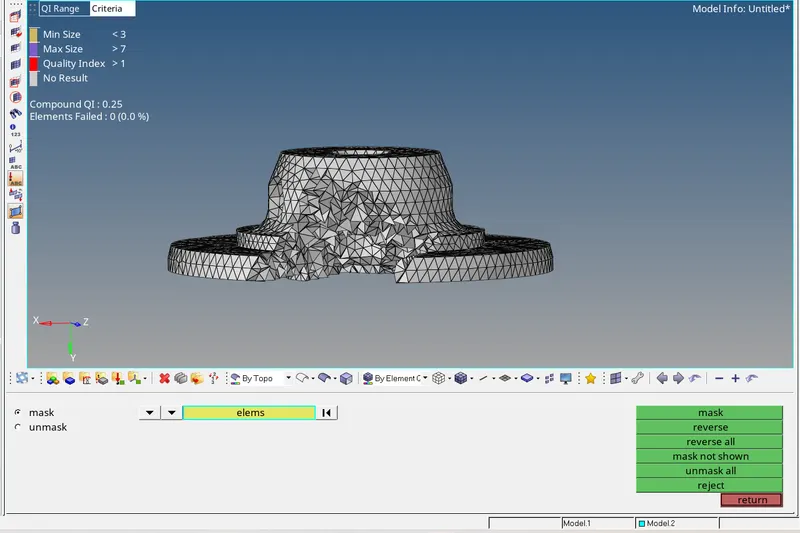
As seen from the above figure Tetra mesh is completed and the elements are checked for tet collapse
The elements failing for Tet Collapse are solved using the Tetraremesh option
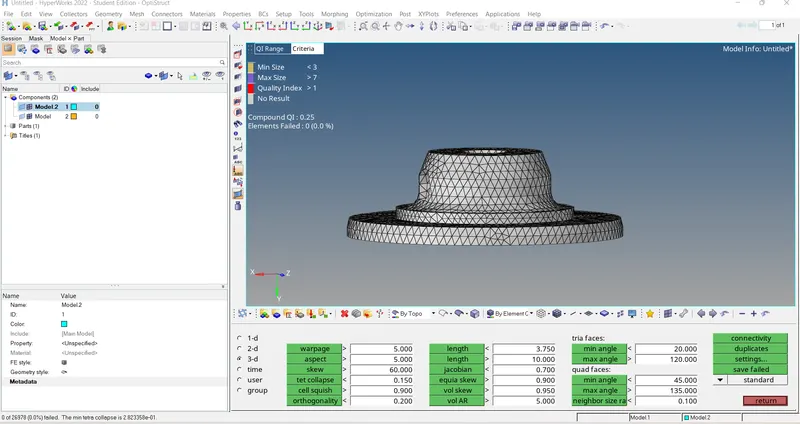
A similar process is done for other components
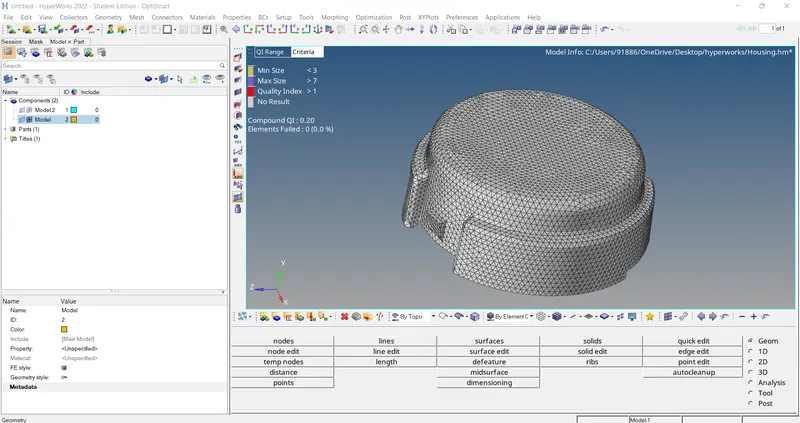
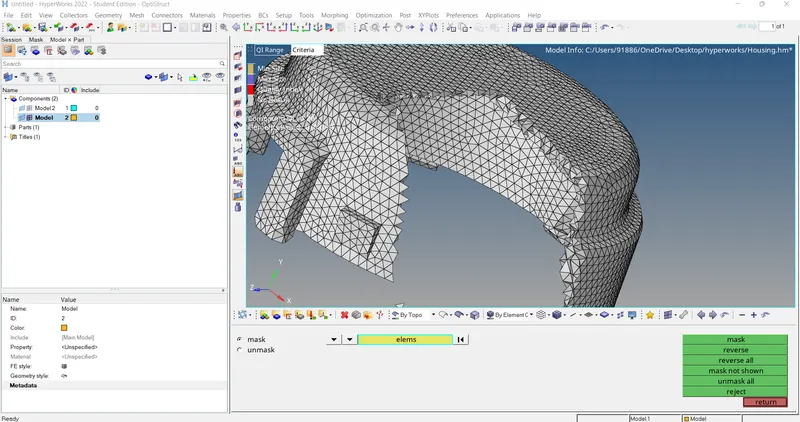
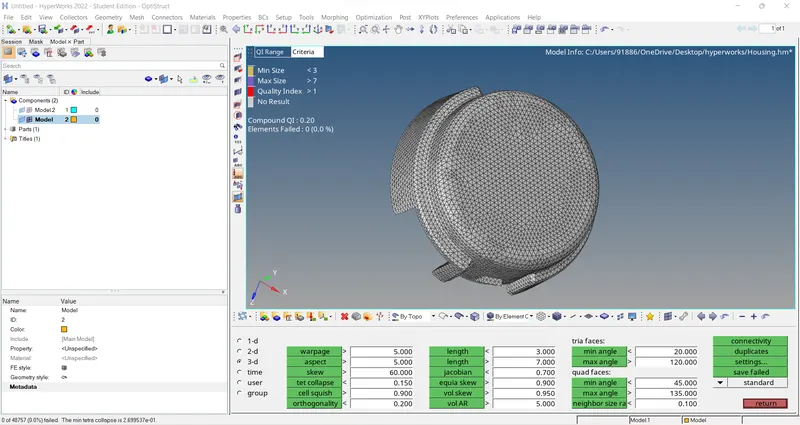
Model 2:Quick Tetra Mesh/ Volume Tetra Mesh
Quick Tetra or Volume tetra mesh is used when the quality criteria are not required
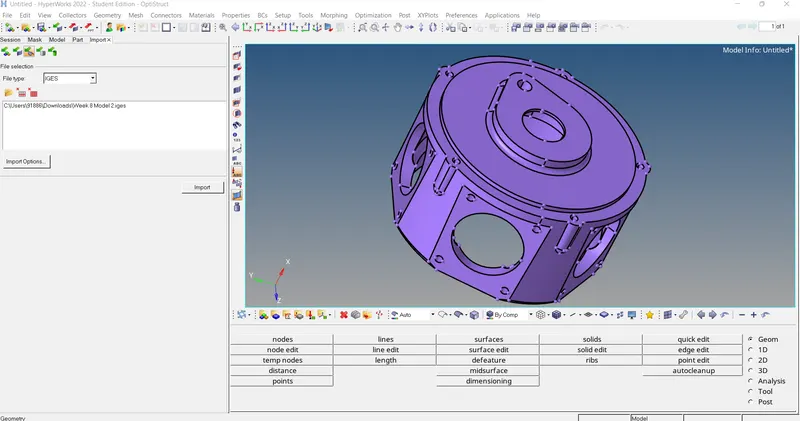
3D>Tetramesh>Volume tetra >component
element size is given as 3
Tet collapse:0.15
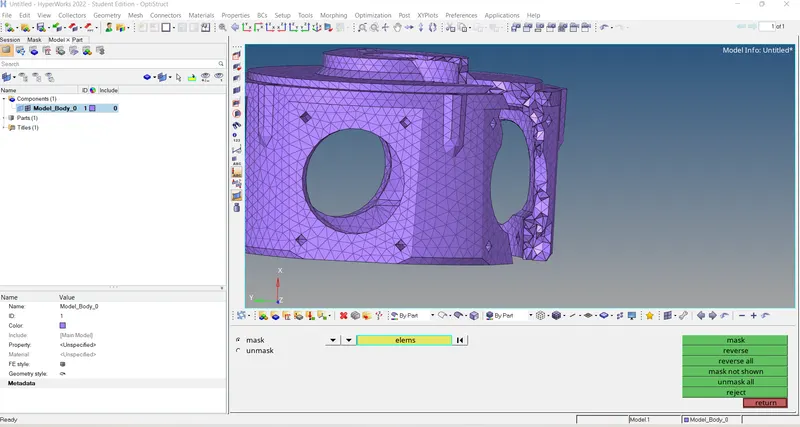
Elements failing for tet collapse is rectified using remesh tetra option
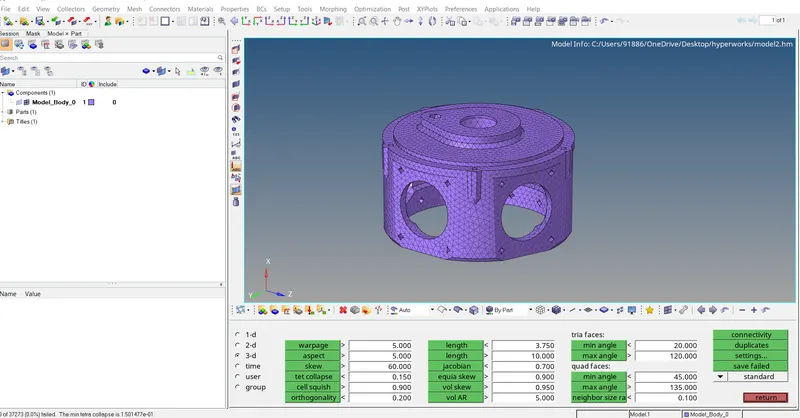
Similar process is done for model 3 as well
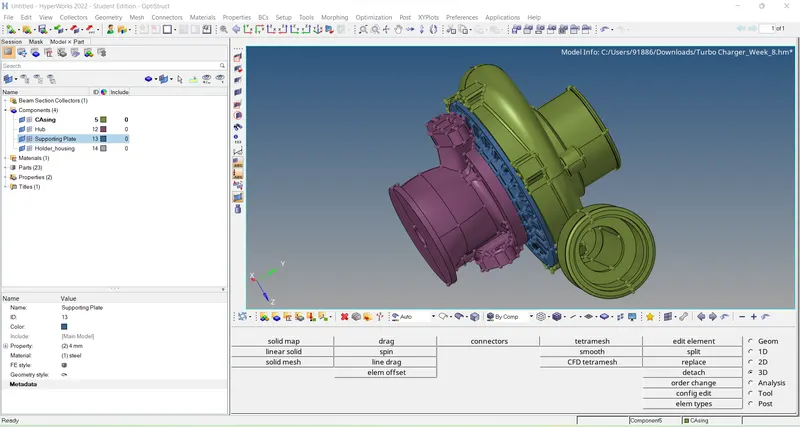
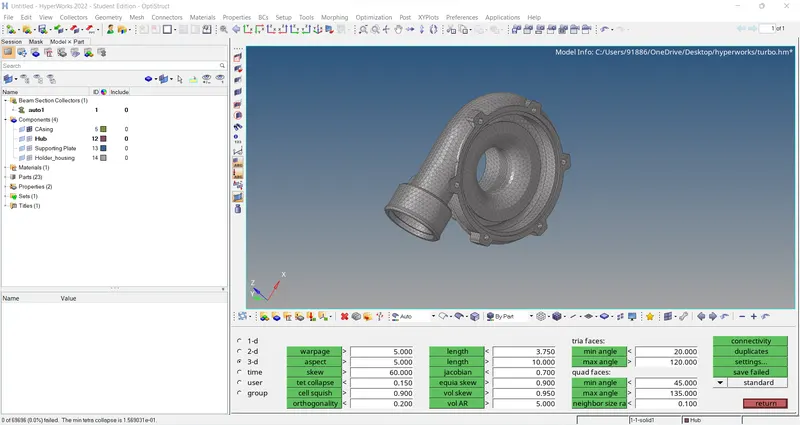
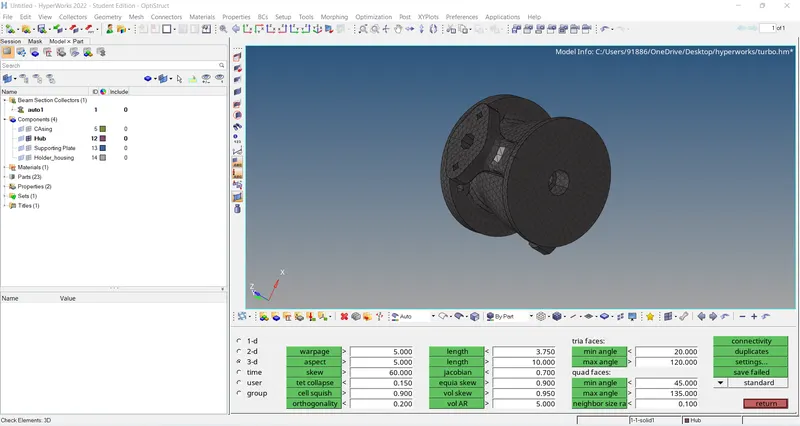
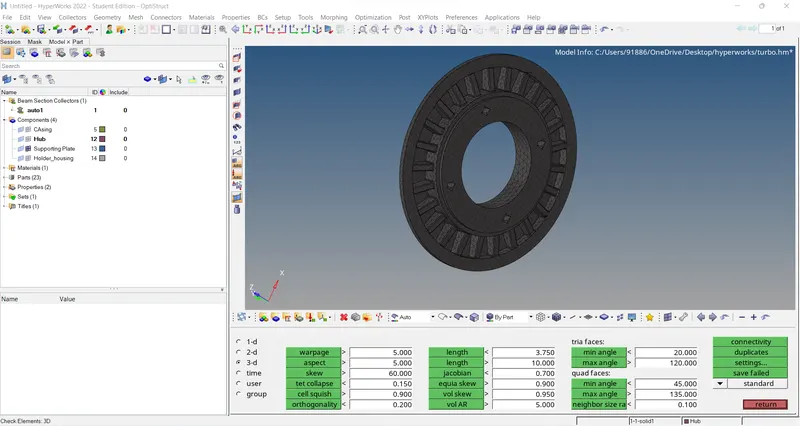
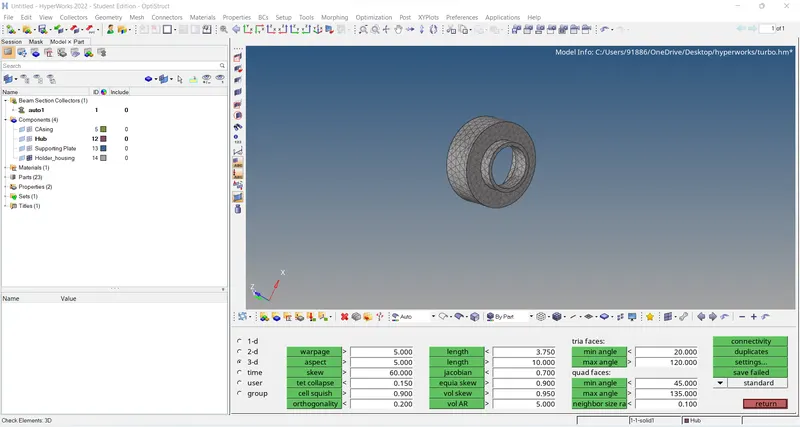
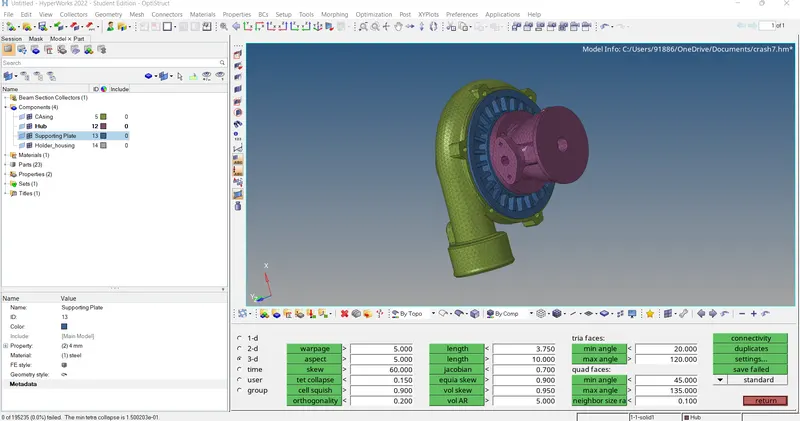
Final models
Model1
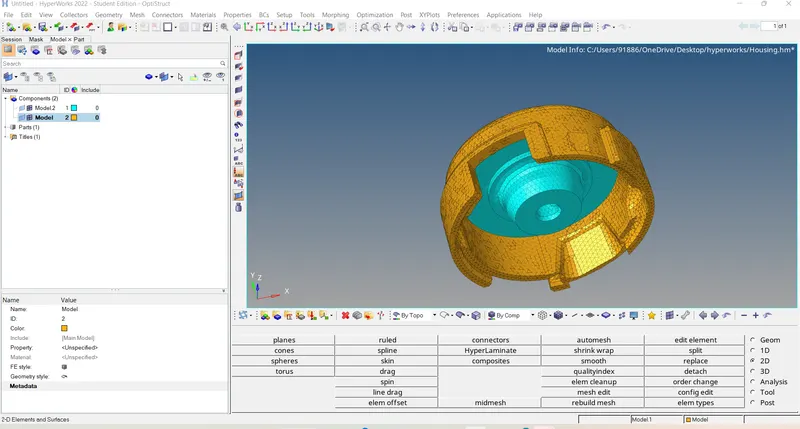
Model 2
Model 3