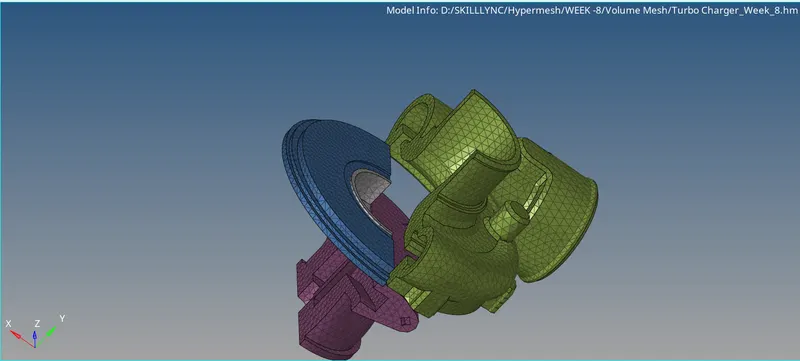
Week 8-3D Tetra Meshing Challenge
Aim TetraMesh Generation Method: 2D to 3D Conversion
Elements sizes: Min- 2 Units, Target- 5 Units, Max- 7 Units
Tet collapse: 0.15
CAD Model Image
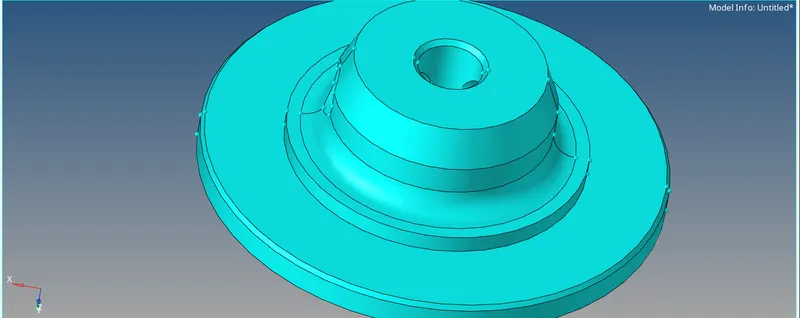
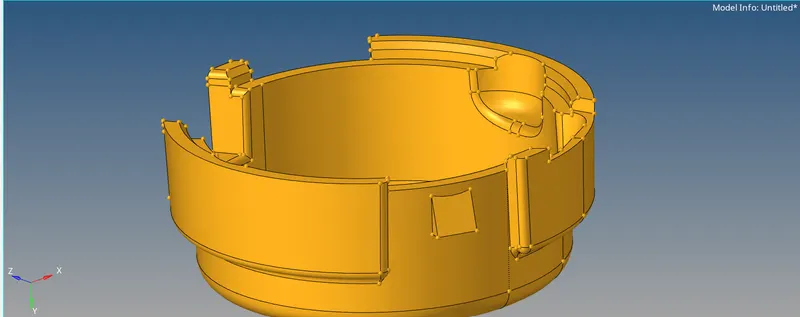
Procedure :-
1. post downloading the cad model from the portal the model was scrutinised. The areas where the min lenght was not getting satisfied was corrected.
2. The model was then meshed with the given parameter of the 2D mesh.Trias were selected as element.
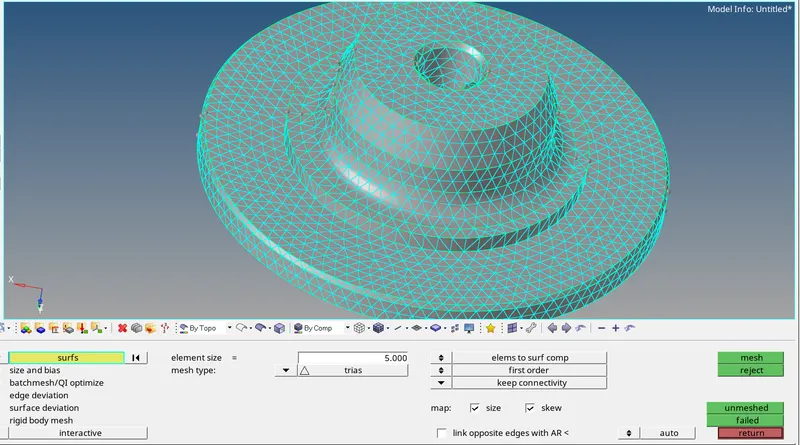
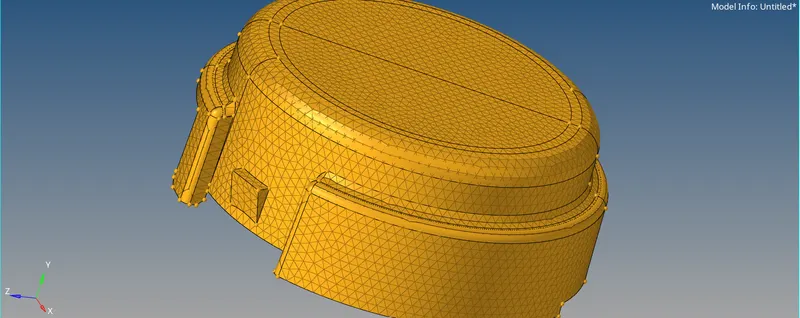
3. Post this the model was then converted to Solid mesh with the help of 3D>>TETRAMESH>>SELECT THE ELEMENT>>MESH.
4. The model was checked for the tet collapse and was corrected as per the quality criteria.
Results
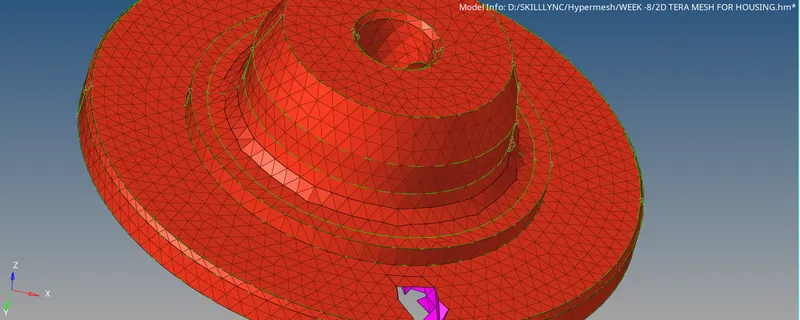
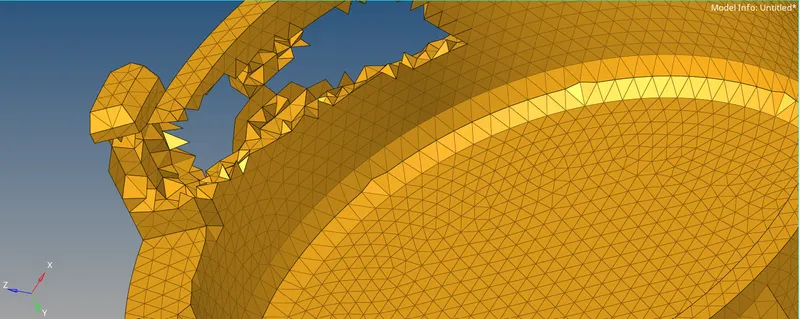
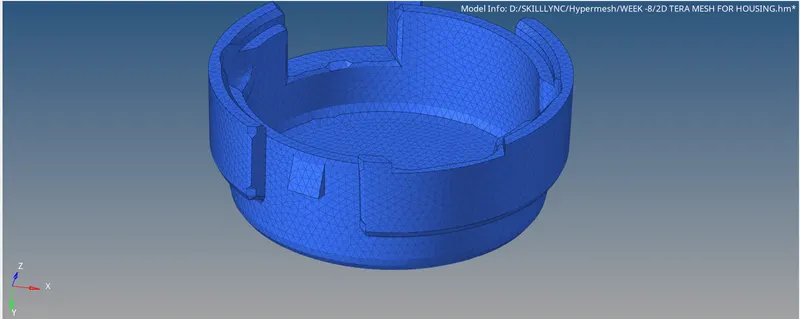
Final Model Images
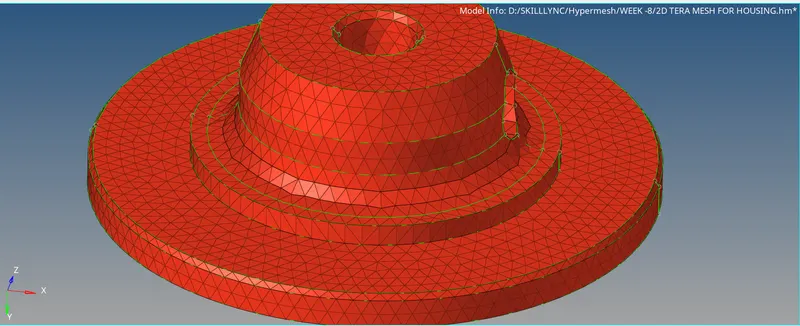
______________________________________________________________________________________
Aim TetraMesh Generation Method: Quick Tetra Mesh
Target Element size: 3 Units.
Tet Collapse: 0.15
CAD Model Image
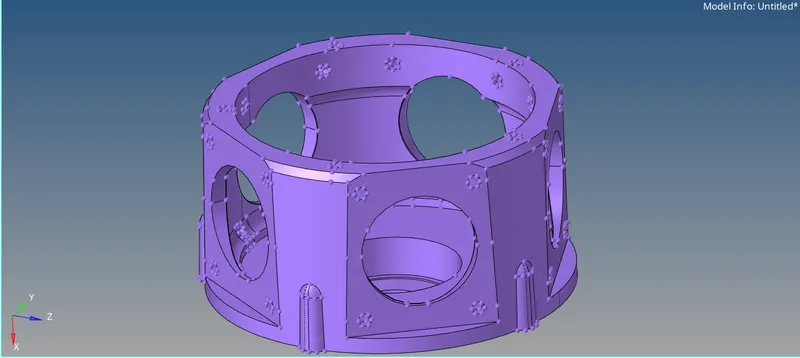
Procedure :-
1. The solid was deleted from the model. and the model was scrutinised.
2. To undertake the quick tetra mesh the following command was used.
3. The model was checked for the tet collapse and was corrected as per the quality criteria.
VIEW>>BROWSER>>HYPERMESH>>UTILITIES>>GEOMESH>>MESH TOOLS>> QUICK TETRA MESH >> SELECT COMPONENT>> MESH
Results
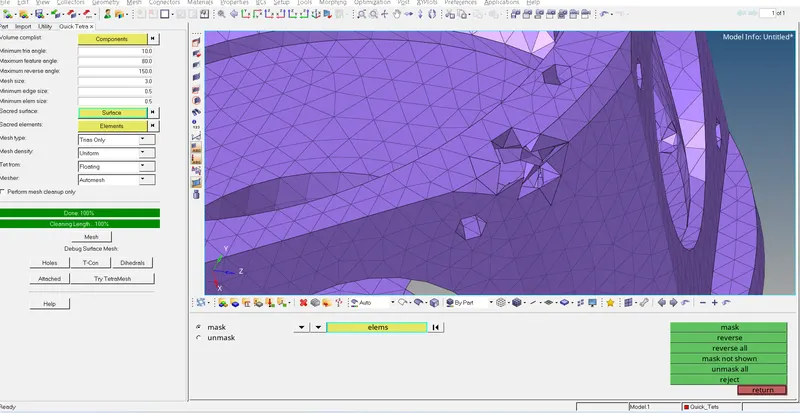
Final Model Images
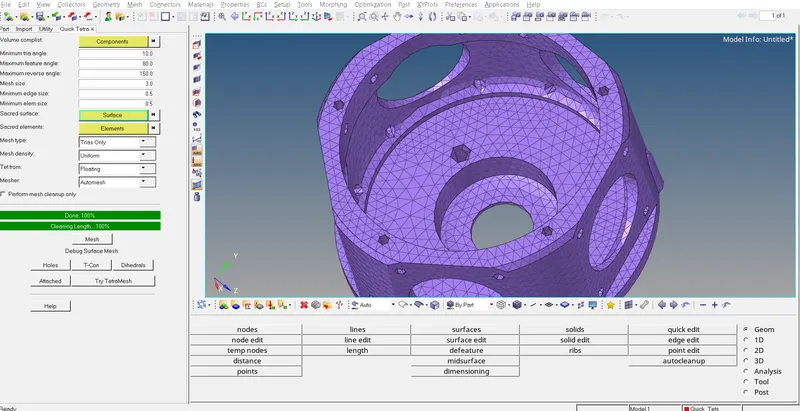
______________________________________________________________________________________
Aim TetraMesh Generation Method: Quick Tetra Mesh/ Volume Tetra Mesh
Target Element size: 4 Units.
Tet Collapse: 0.15
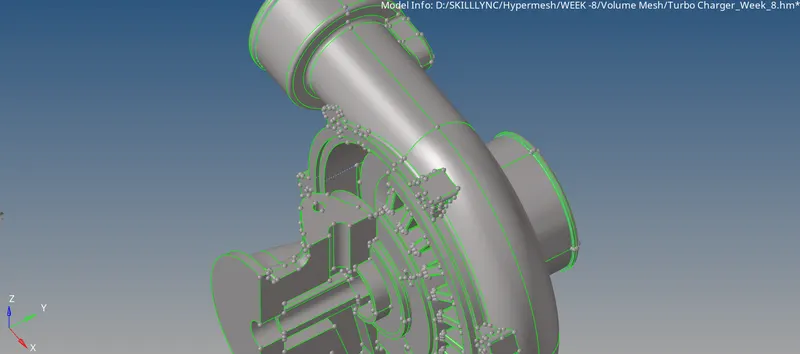
CAD Model Image
Procedure :-
1. Post downloading the model fom the portal, it was observed that only from one half the model had a closed volume.
2. The topology was performed on the model and with the help of volumetetra the solid meshing was undertaken.
3. The model was checked for the tet collapse and was corrected as per the quality criteria.
Results
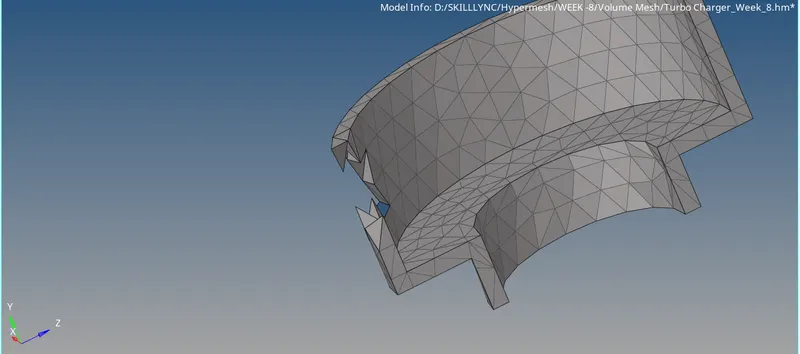
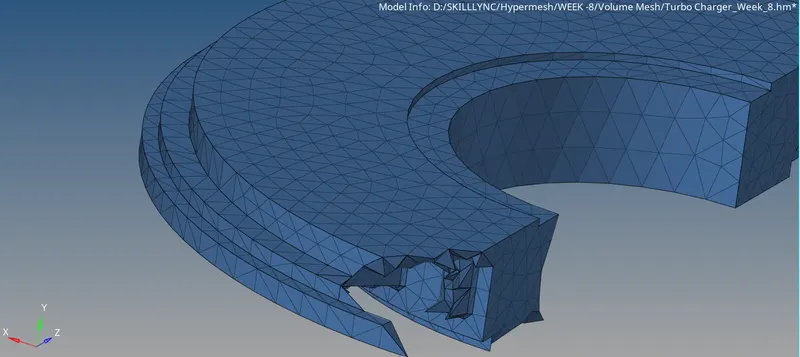
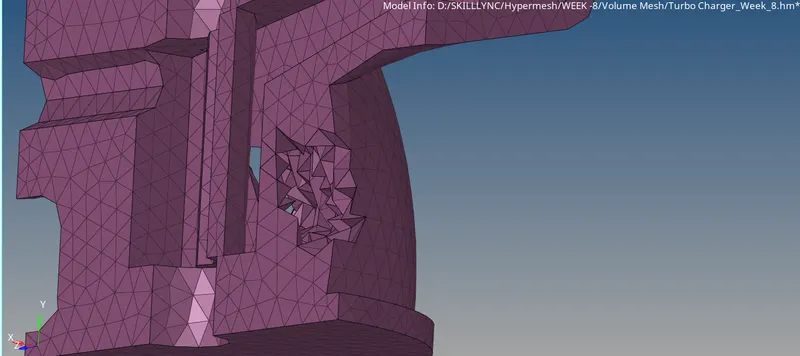
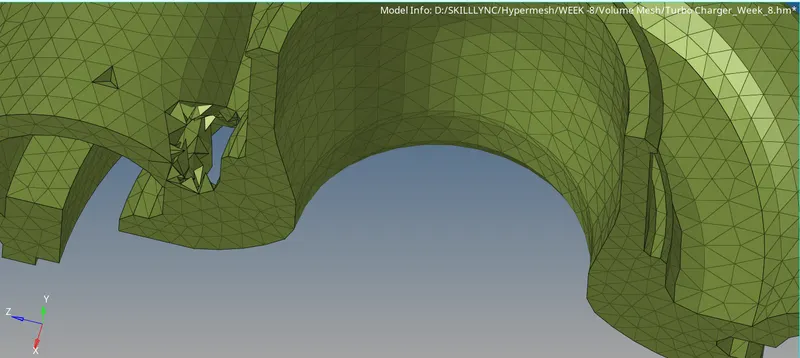
Final Model Images