Week 8-3D Tetra Meshing Challenge
AIM:
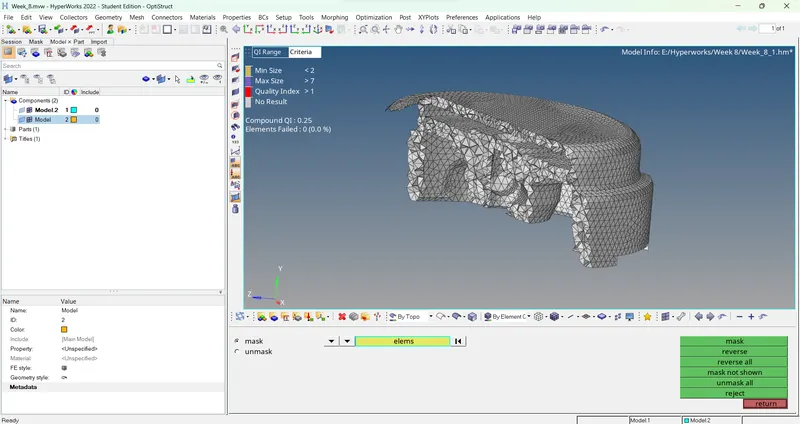
- Create a Teramesh for Housing component with the following quality criteria.
TetraMesh Generation Method: 2D to 3D Conversion
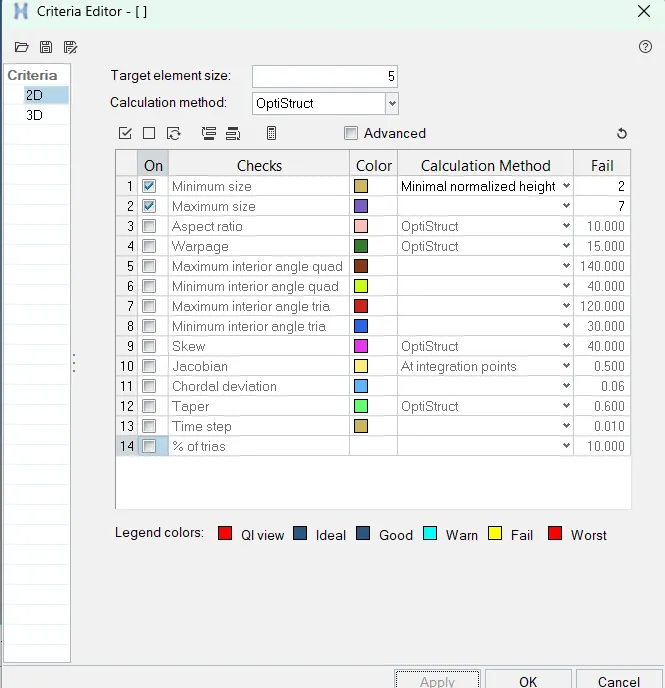
Elements sizes: Min- 2 Units, Target- 5 Units, Max- 7 Units
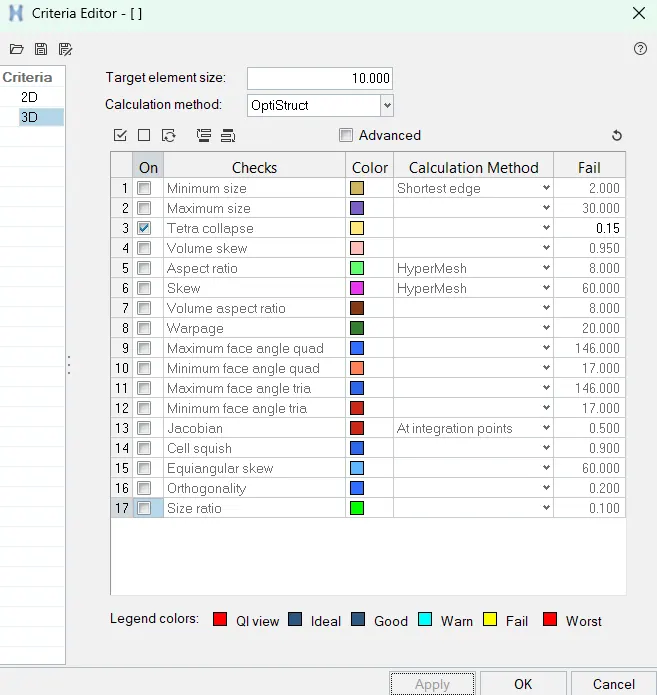
Tet collapse: 0.15
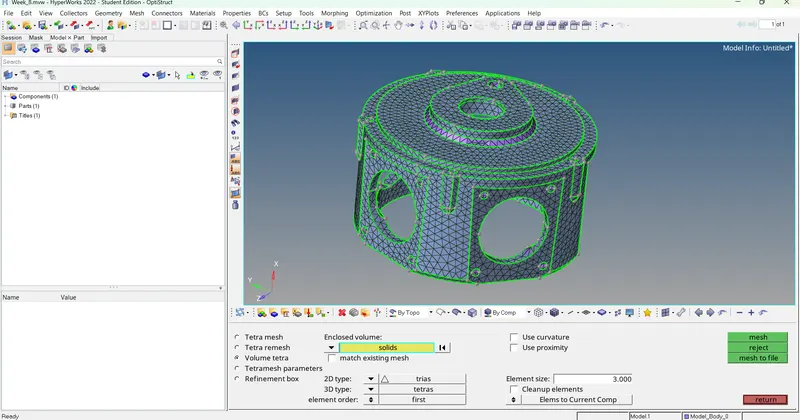
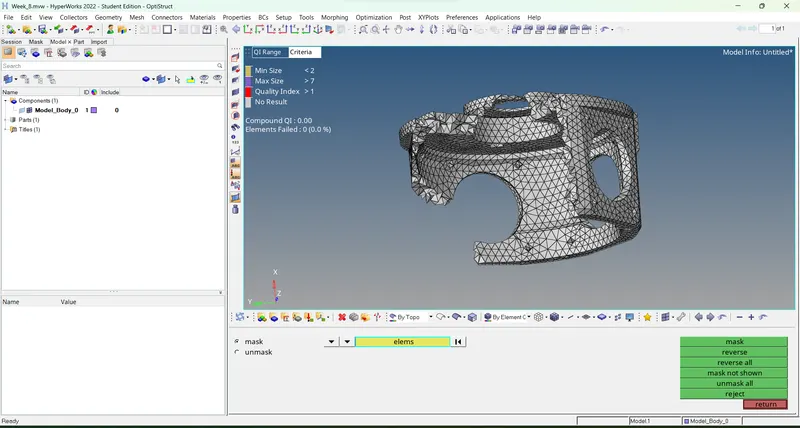
- For the given model, Create a 3D Tetramesh with the following quality criteria.
TetraMesh Generation Method: Quick Tetra Mesh/ Volume Tetra Mesh
Target Element size: 3 Units.
Tet Collapse: 0.15
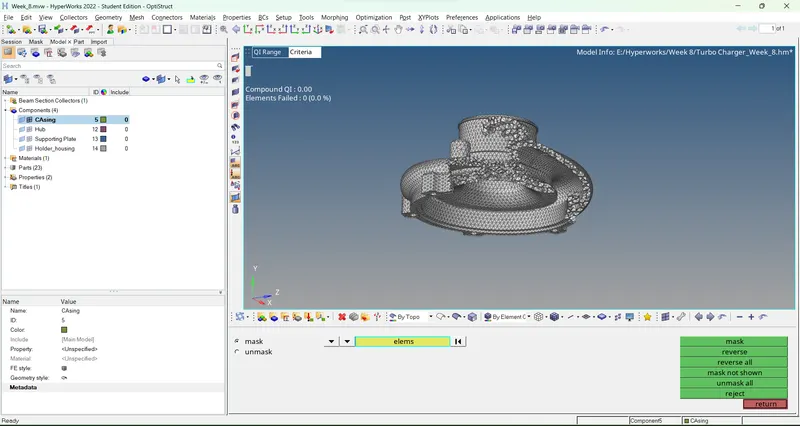
- For the given assembly model, Create a 3D Tetramesh with the following quality criteria.
TetraMesh Generation Method: Quick Tetra Mesh/ Volume Tetra Mesh
Target Element size: 4 Units.
Tet Collapse: 0.15
Procedure:
a.
1. Import the file into the solver deck
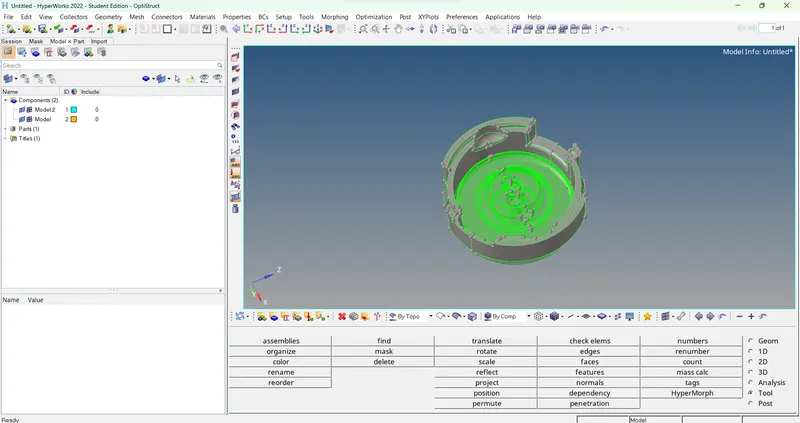
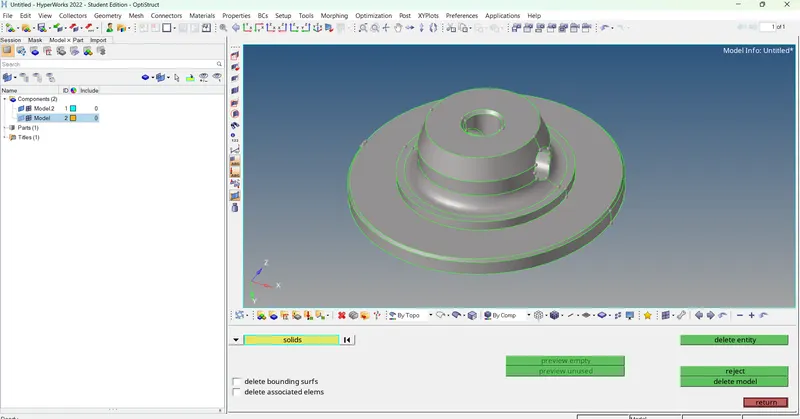
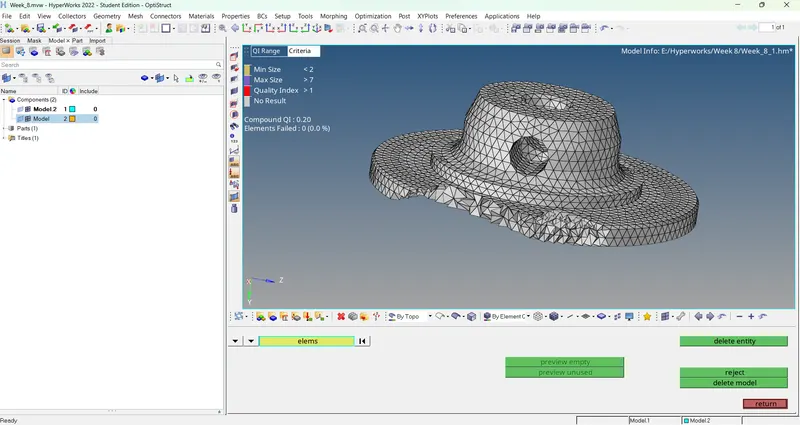
2. Delete the solid part by using F2 delete option and selecting solids
3. Input the 2D and 3D quality criteria
4. Automesh the components and define only trias as criteria
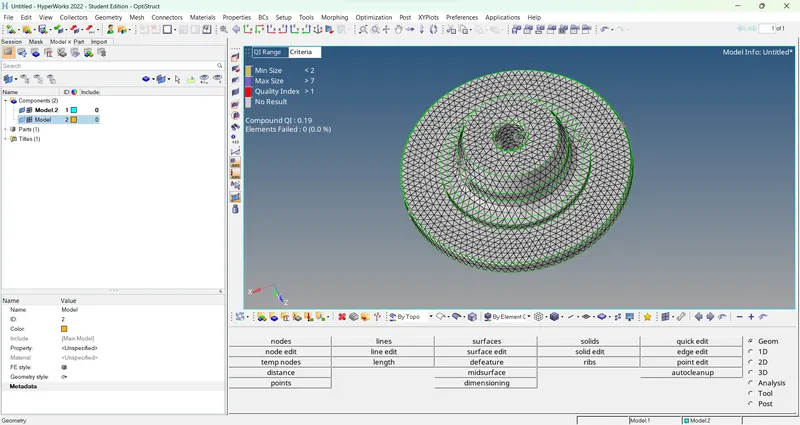
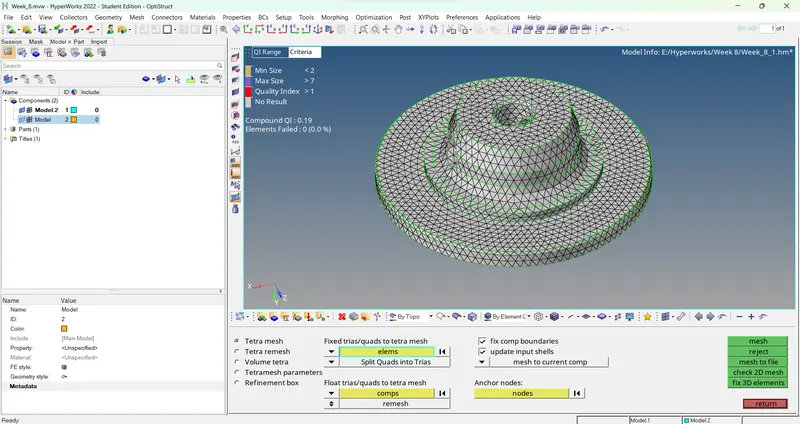
5. Use tetramesh to convert 2D elements into 3D mesh tetras
b.
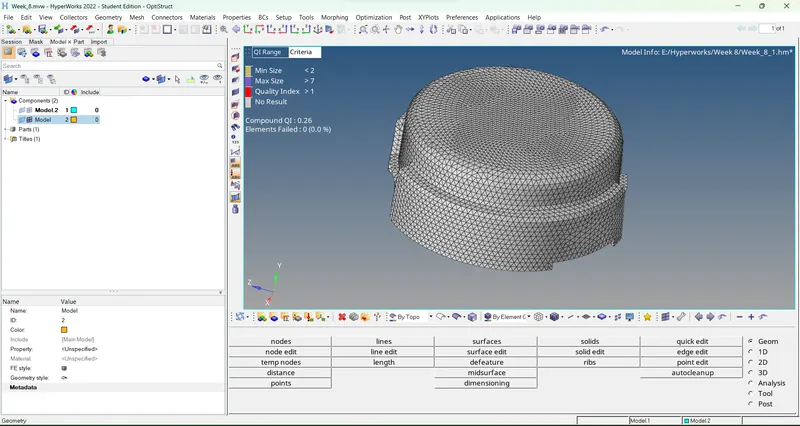
1. Import the geometry and use volume tetra mesh on it directly to achieve a tetra mesh
c.
1. Import the assembly file and solve their geometry errors, separate the components and mesh them using volume or quick tetra mesh
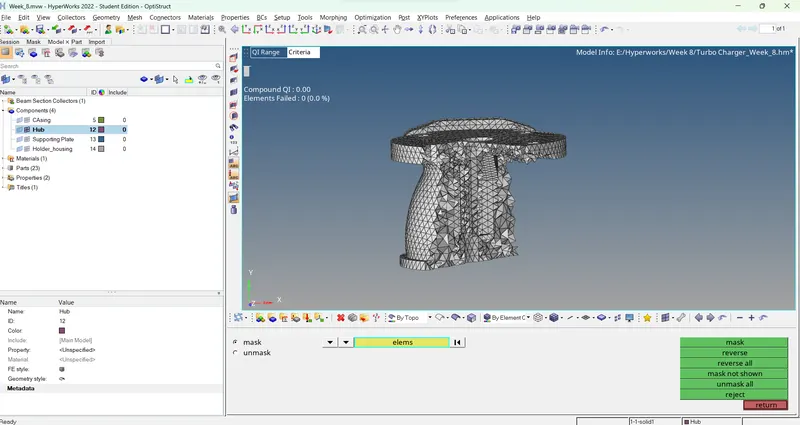
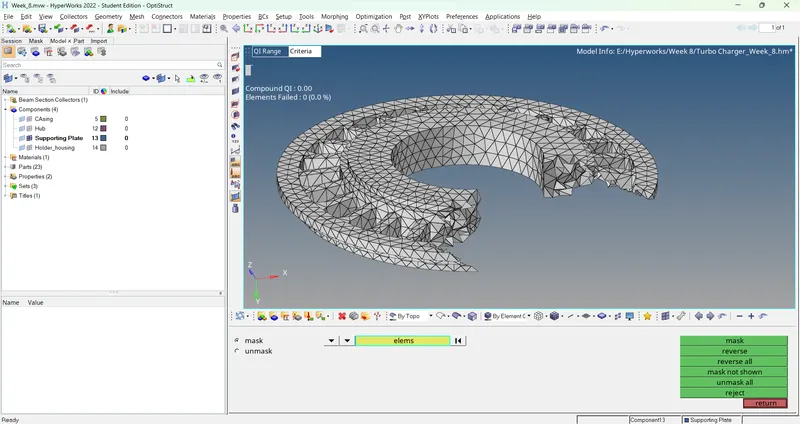
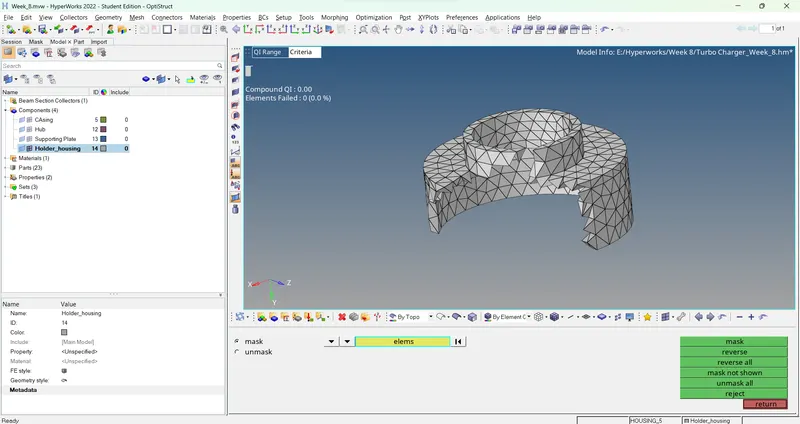
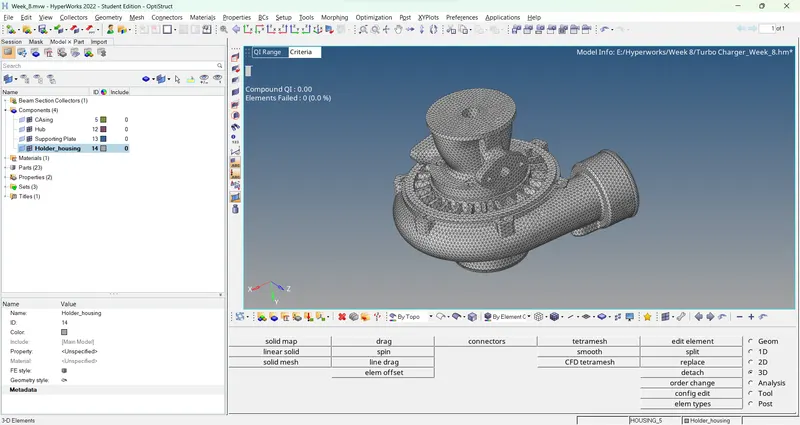
Results:
1. The desired tetra mesh are obtained
2. All errors are removed
3. Quality criteria is fulfilled
Learning outcomes:
1. Hands on experience with the 3D meshing