Week 8-3D Tetra Meshing Challenge
Aim
To extract the 2D mesh and convert it to 3D with the given quality criteria.
Procedure.
Step 1
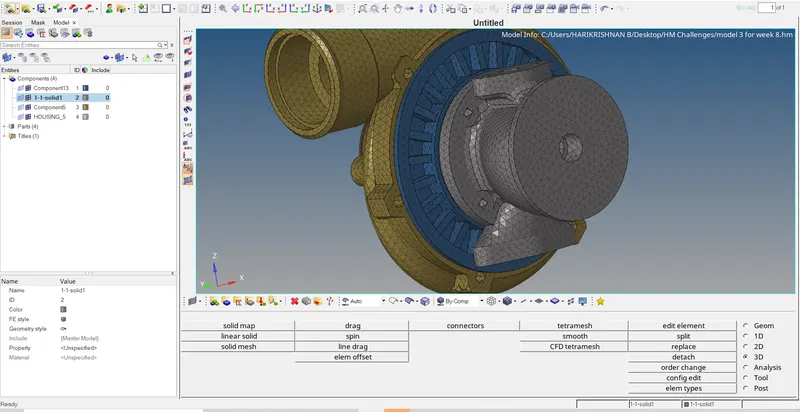
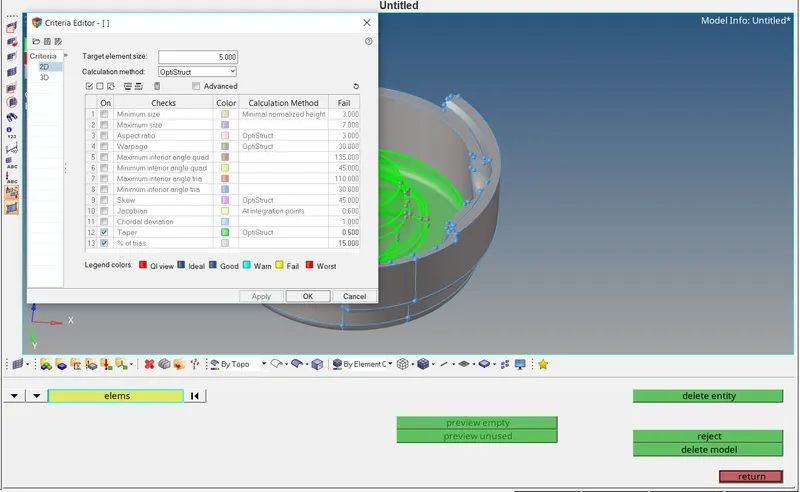
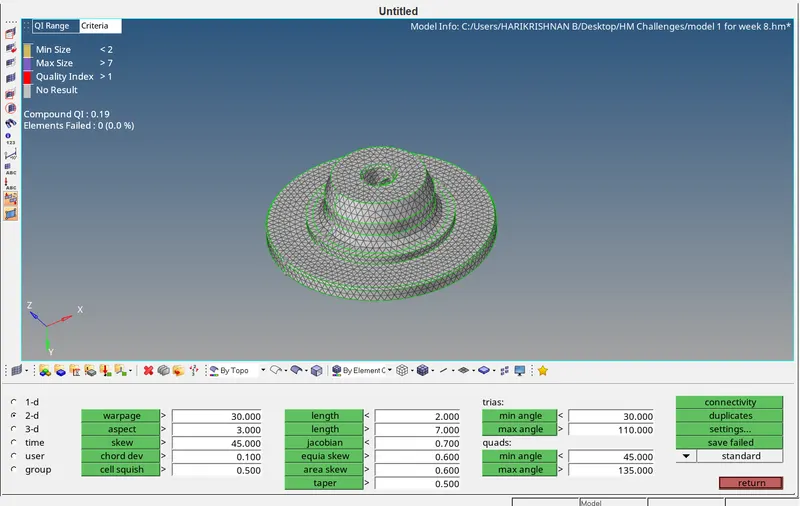
Checked any geometrical errors in the geometry and organized the componente and moved to generate the tria element on the surface of the component , then minimum and maximum length issue and has been resolved using the rebuild tools.
Step 2
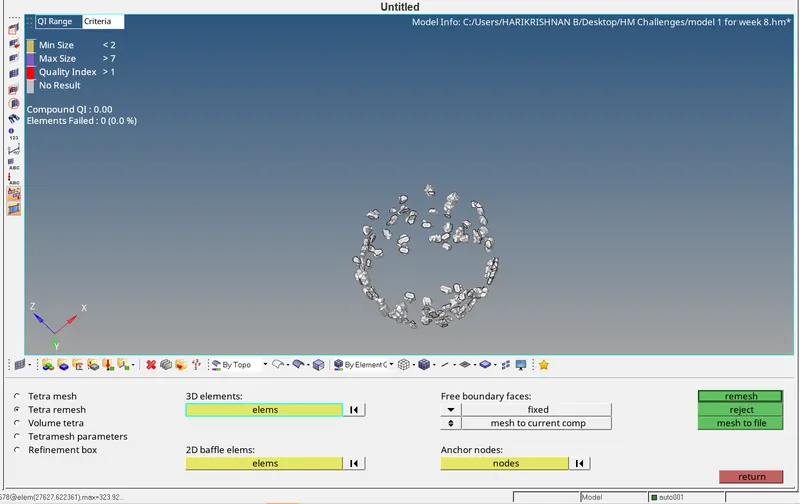
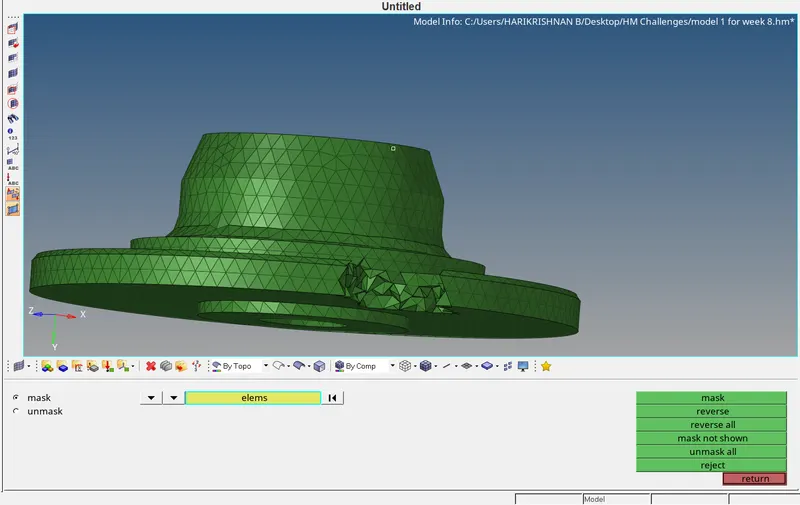
In 3D tetra mesh parameters set the values and selecting the elements and generating the mesh.
 |
 |
 |
 |
 |
 |
Conclusion
3D meshing carried out after 2D meshing and cleared the quality issues.
Aim
For the given assembly model, Create a 3D Tetramesh with the following quality criteria.
Procedure
Step 1
Checked the geometry error. found okay.
Step 2
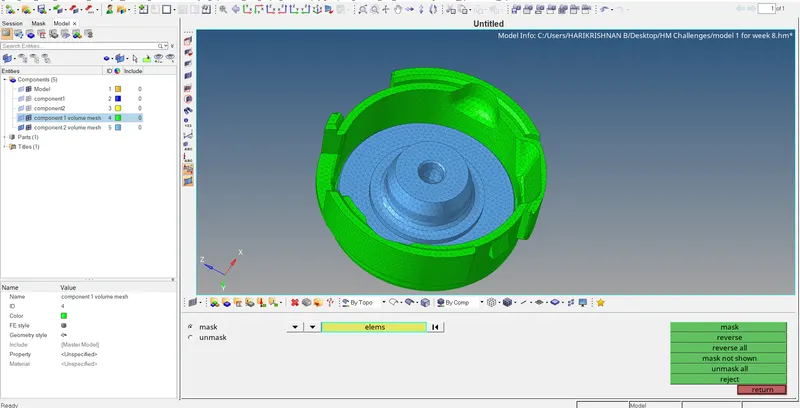
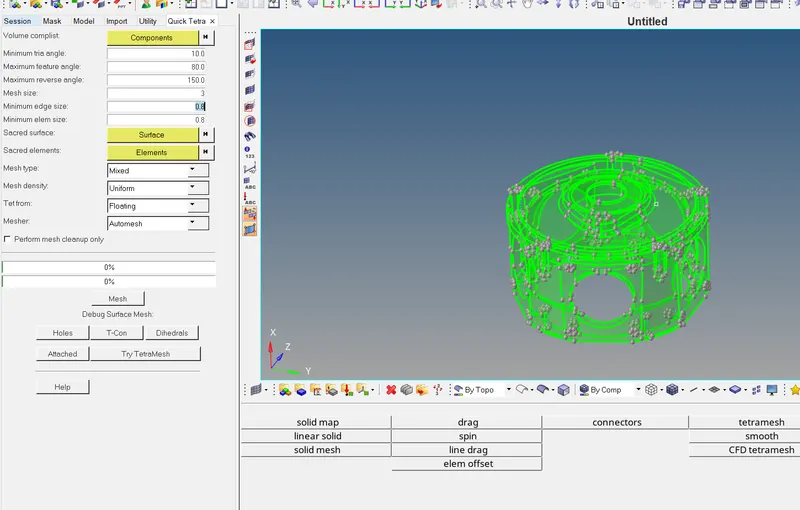
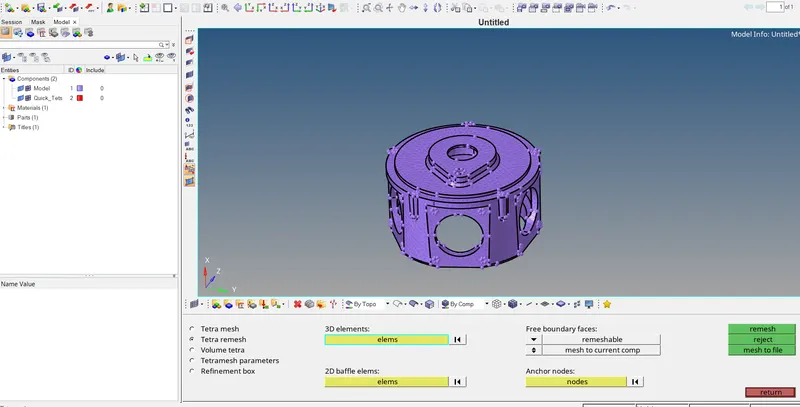
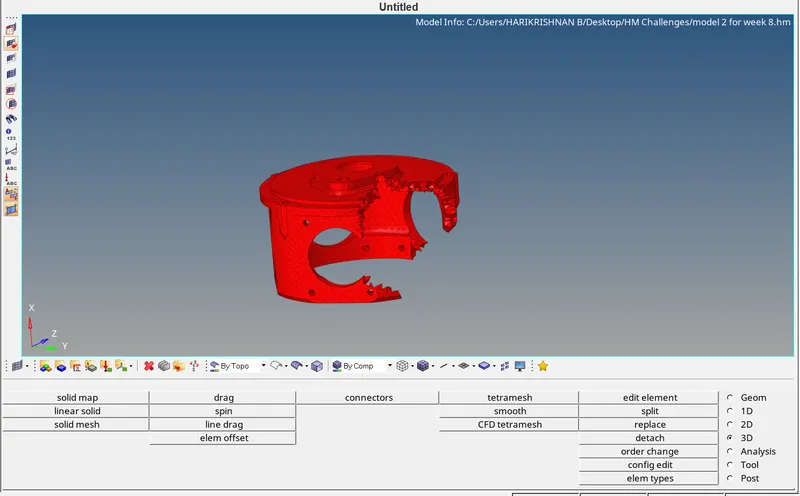
Using quick tetra mesh option from utility the element length given and generated the mesh, further doing remesh the quality issues resolved.
 |
 |
 |
Conclusion
Without generating the 2D mesh, with the surface or solid can be geretrate the 3D mesh.
Aim
For the given assembly model, Create a 3D Tetramesh with the following quality criteria.
Procedure
Step 1
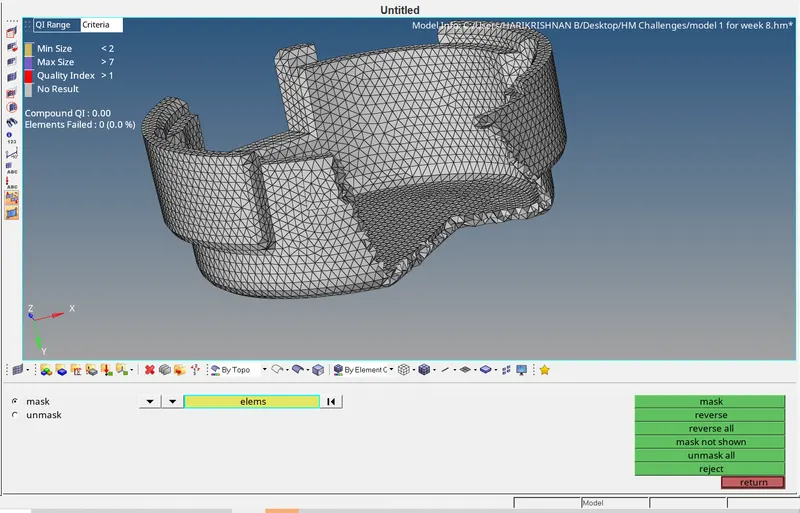
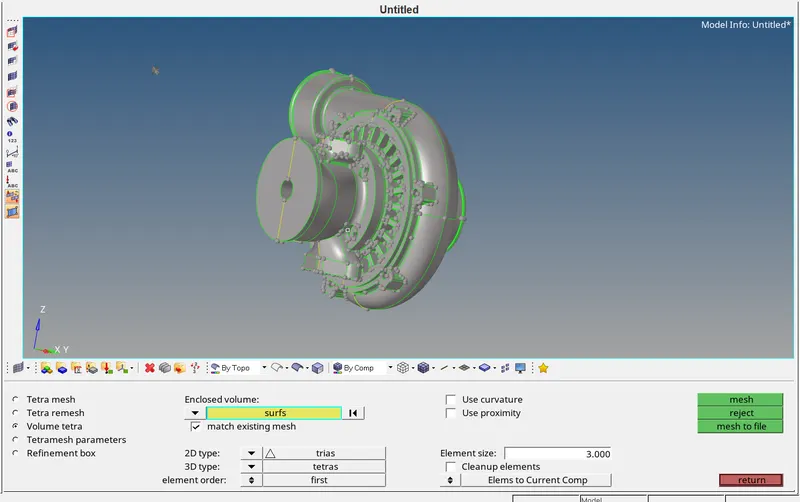
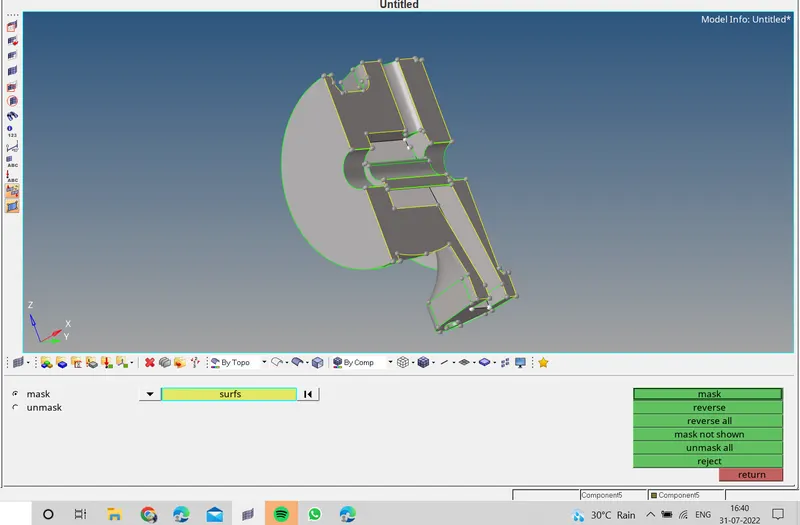
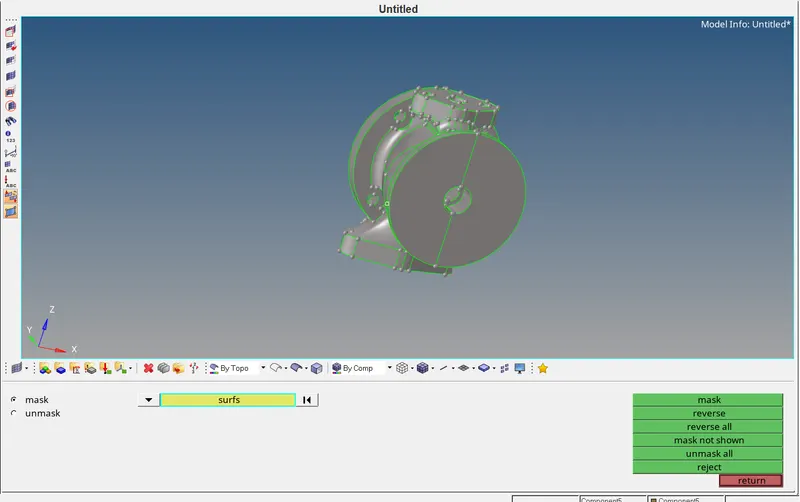
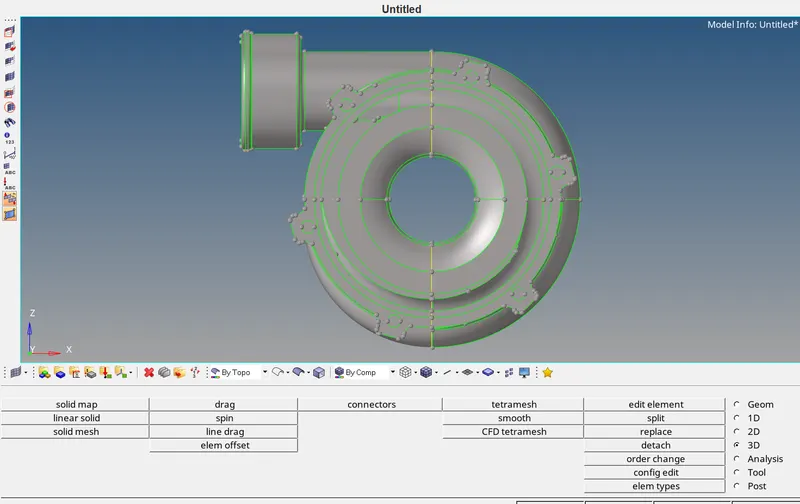
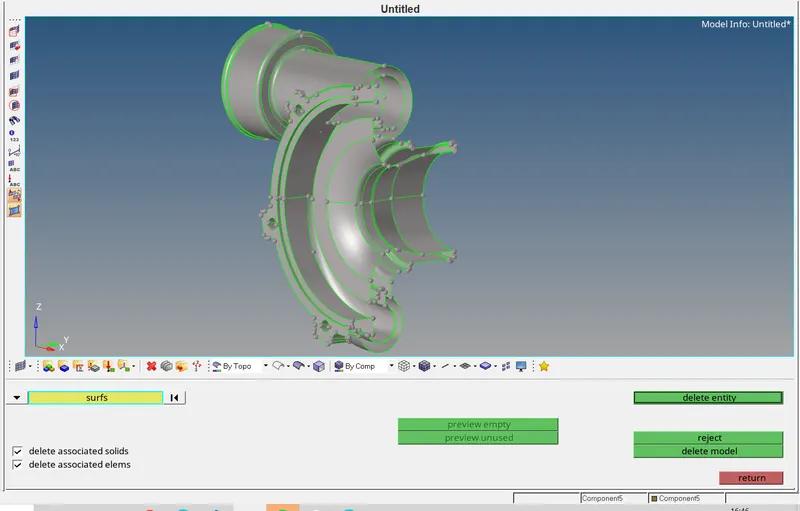
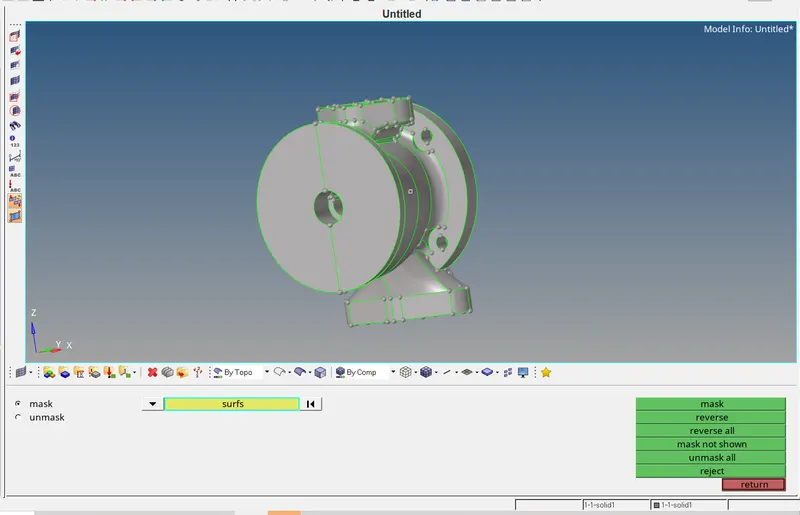
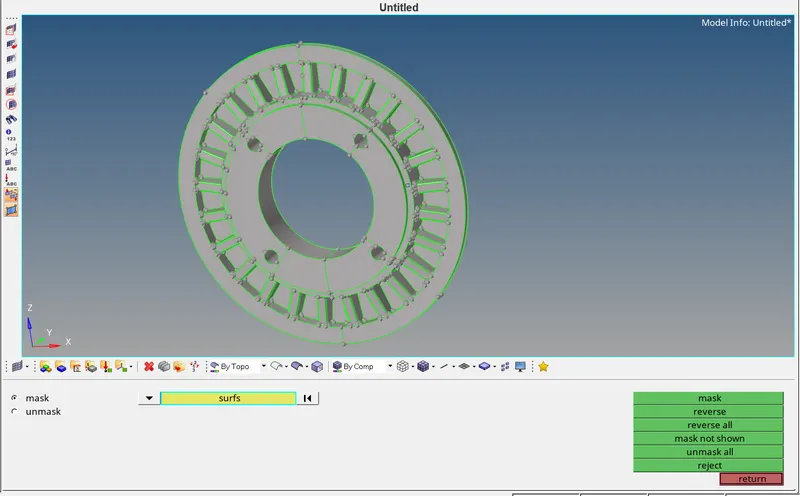
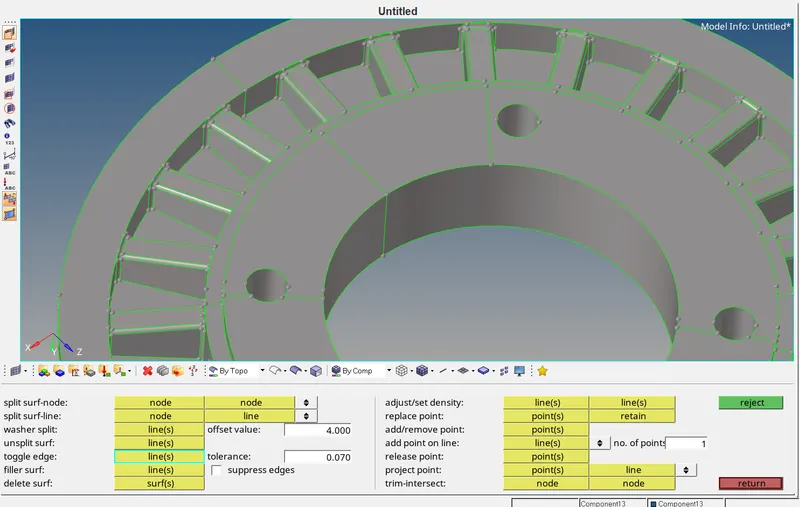
Checked the geometry error. the component was separated with 2 surfaces, have deleted those surfaces, made the geometry perfect for mesh, and some of the unnecessary line and fillet removed.
Step 2
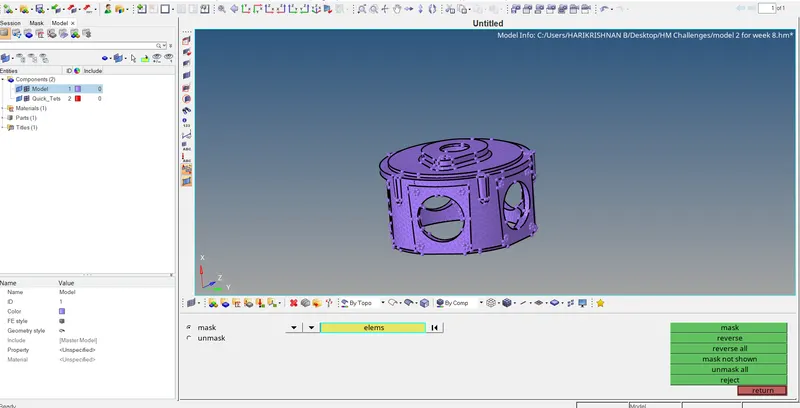
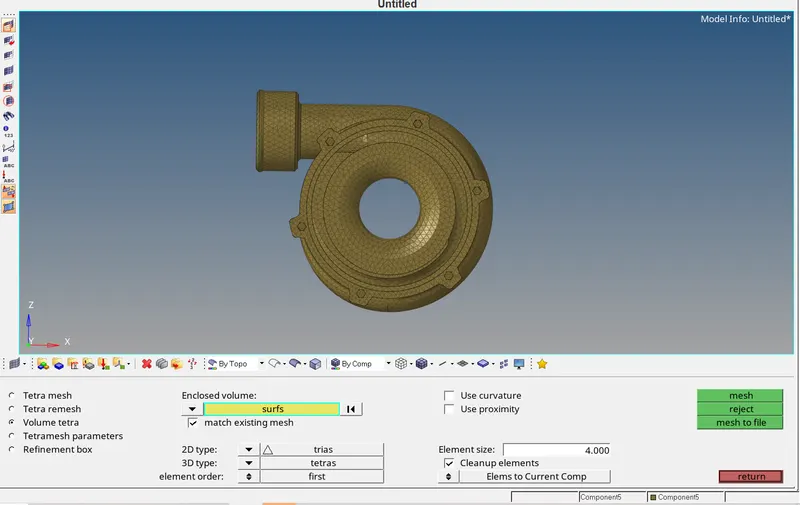
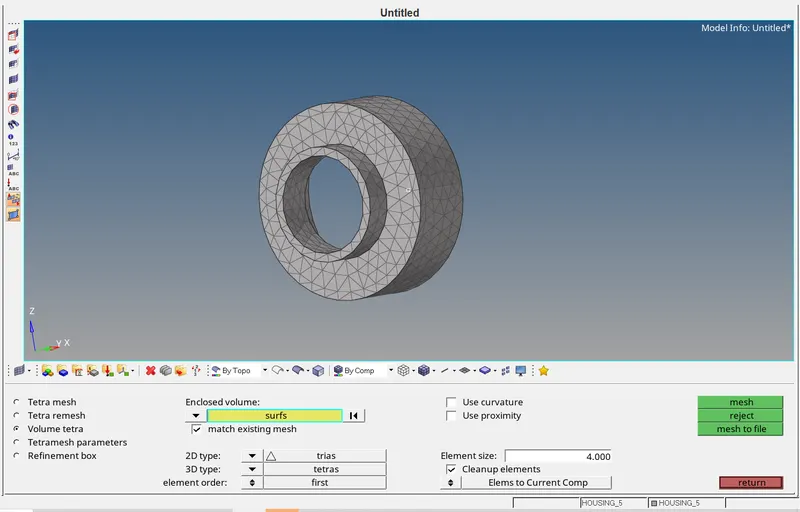
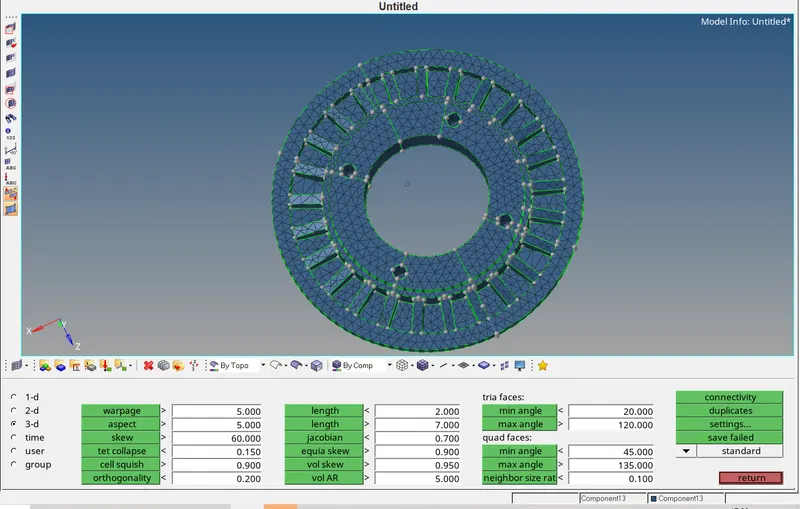
Using volume tetra mesh option with the surface selected and 3D mesh generated. Some quality issues are resolved using the translate command and remesh.
 |
 |
 |
 |
 |
 |
 |
 |
 |
 |
|
 |
Conclusion
Without generating the 2D mesh, with the surface or solid can be geretrate the 3D mesh.