Week 8-3D Tetra Meshing Challenge
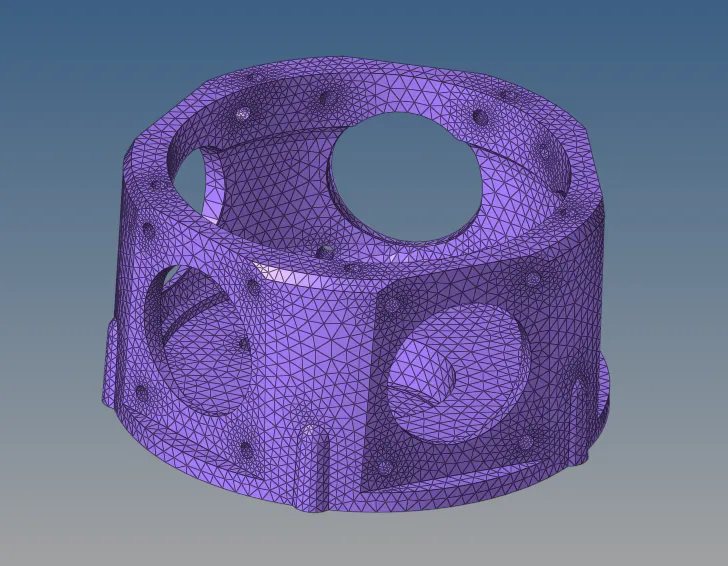
Model 1
Aim- To create a Teramesh for Housing component.
Procedure-
1. Import the housing model
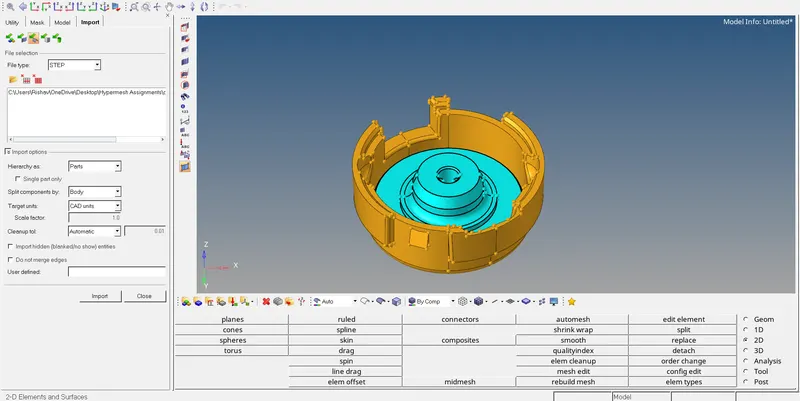
2.Delete the solid model
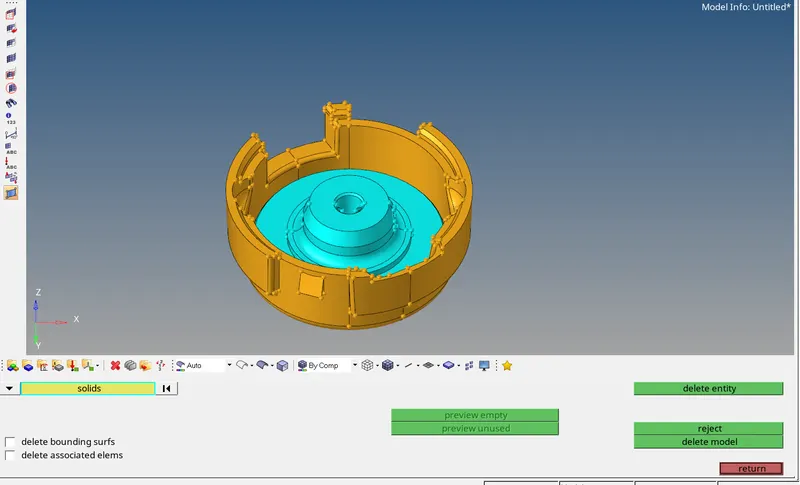
3. Check for the geometery errors
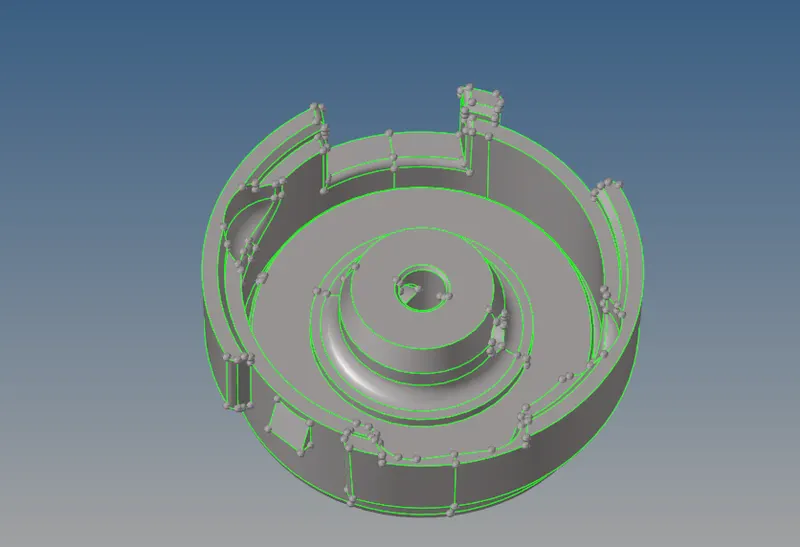
4. Create the 2d mesh for both the component
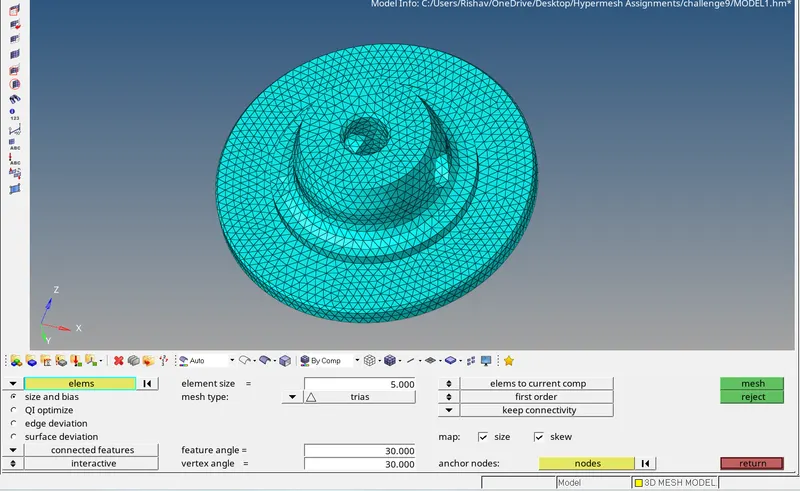
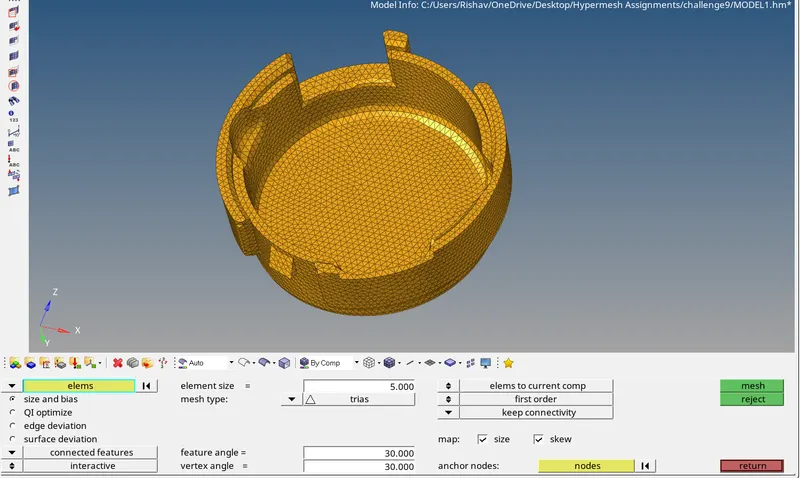
5. Set the element quality parameters
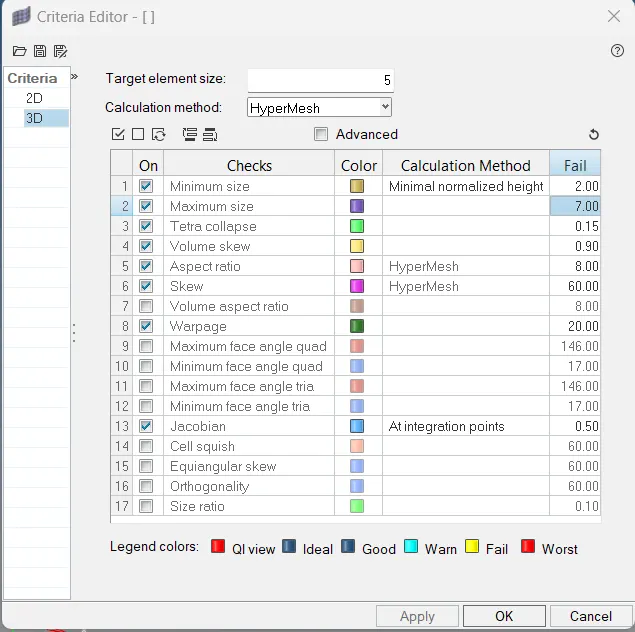
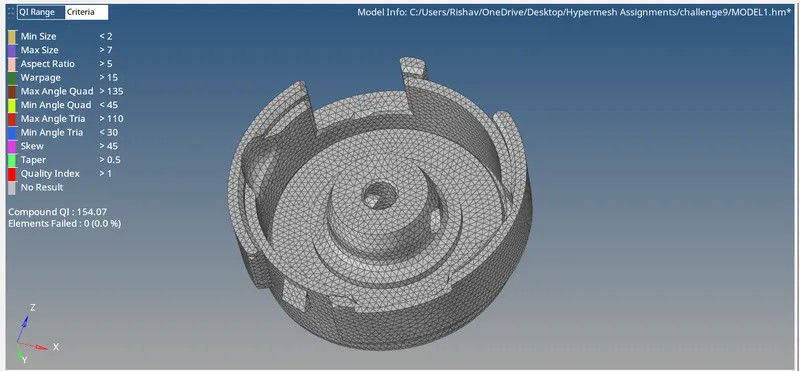
6. check for the element quality repair the mesh using quality index
7. In the 3d>tetramesh select the elements and create 3d mesh
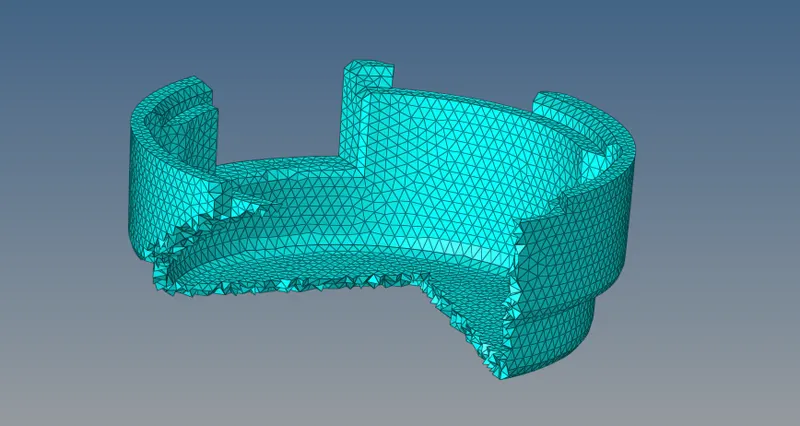
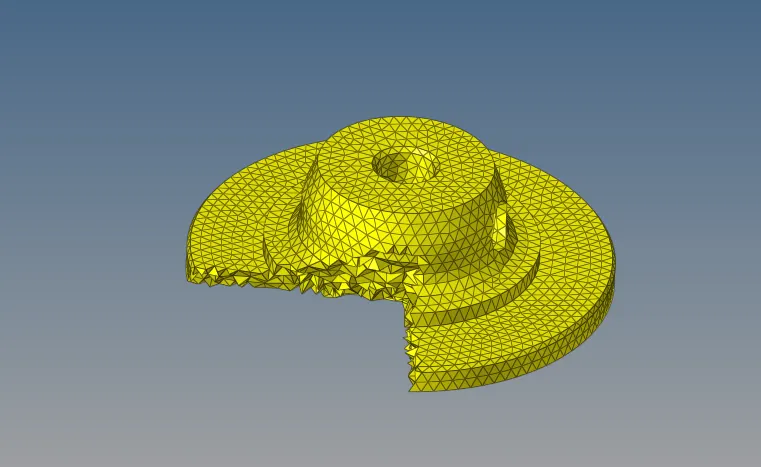
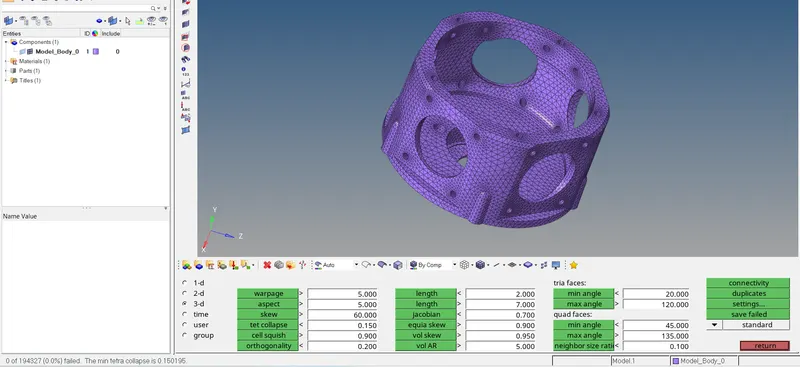
8. Check for the tet collaspe if any their remesh the element using tetra remesh by masking the tet collaspe element
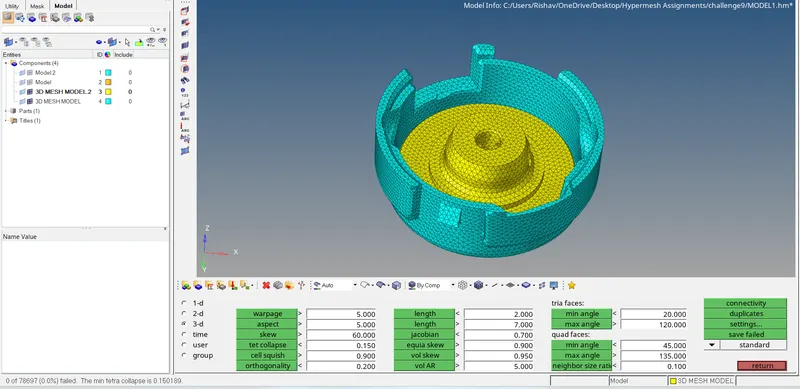
Model 2.
Aim- For the given model, Create a 3D Tetramesh
procedure-
1. Import the model
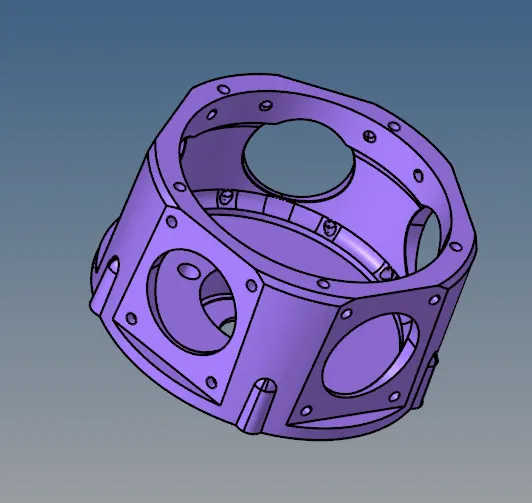
2.Go to 3d>tetramesh> volume mesh and set the element size to 3unit and mesh the component
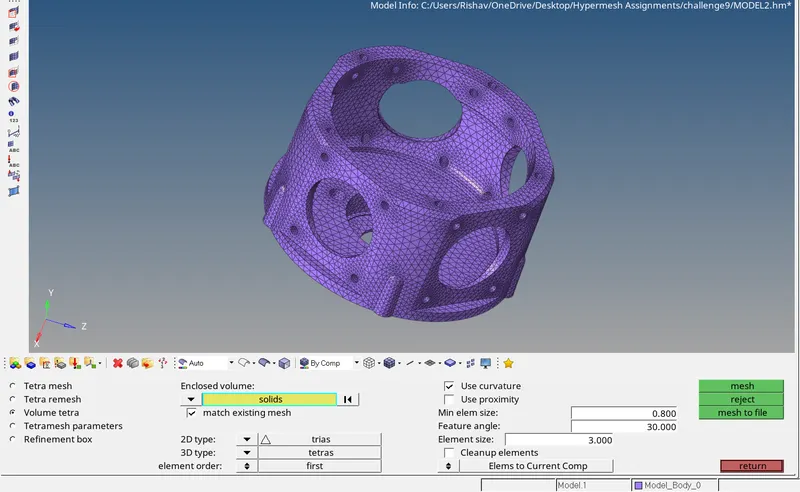
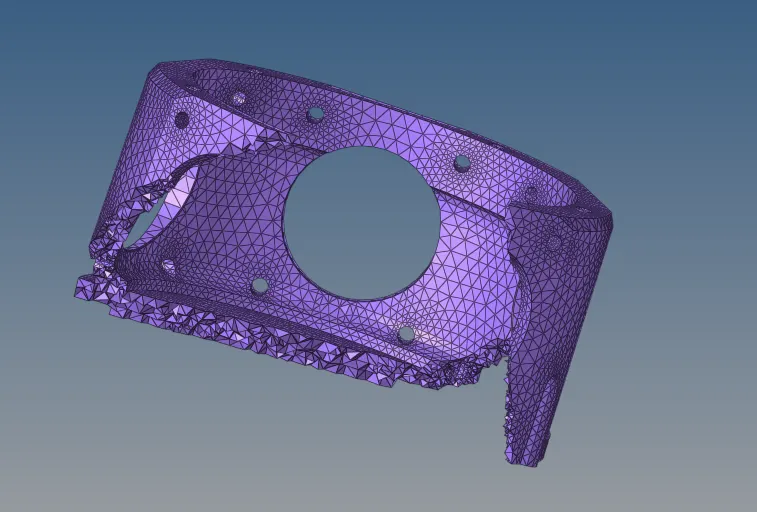
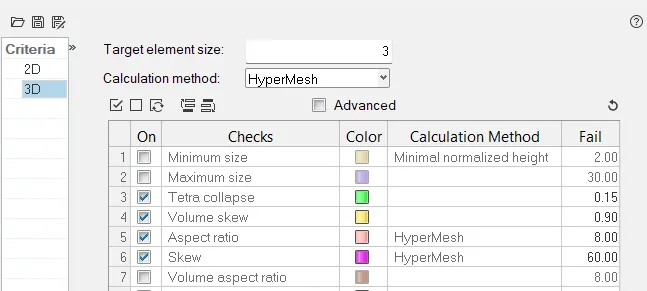
3. Set the tet collaspe parament in 3d element criteria
4. Check for the tet collaspe if any their remesh the element using tetra remesh by masking the tet collaspe element.
Model 3
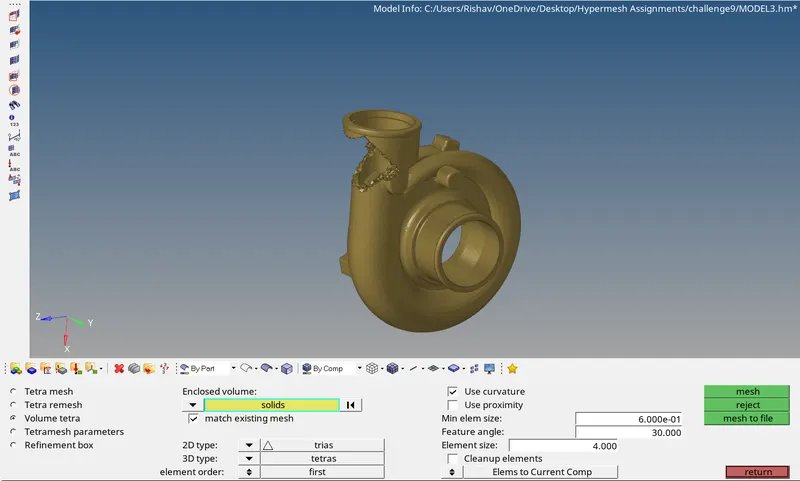
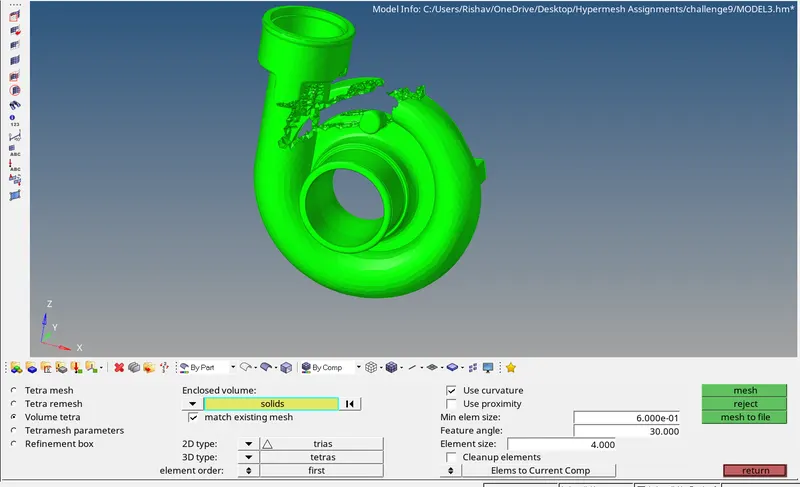
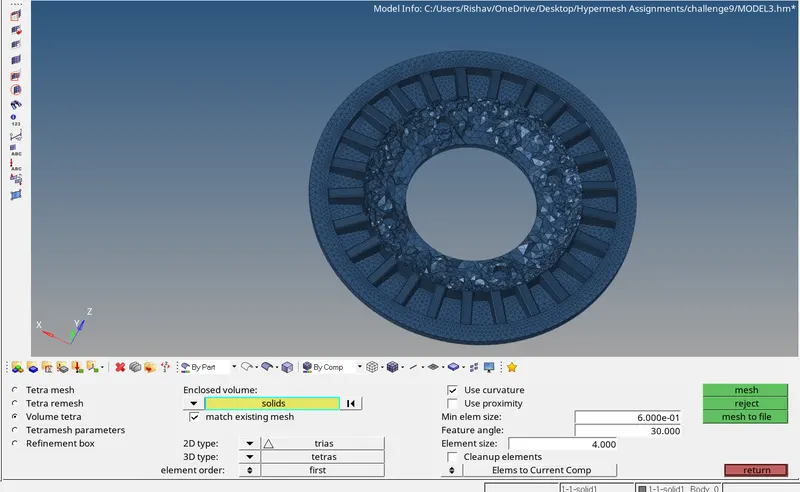
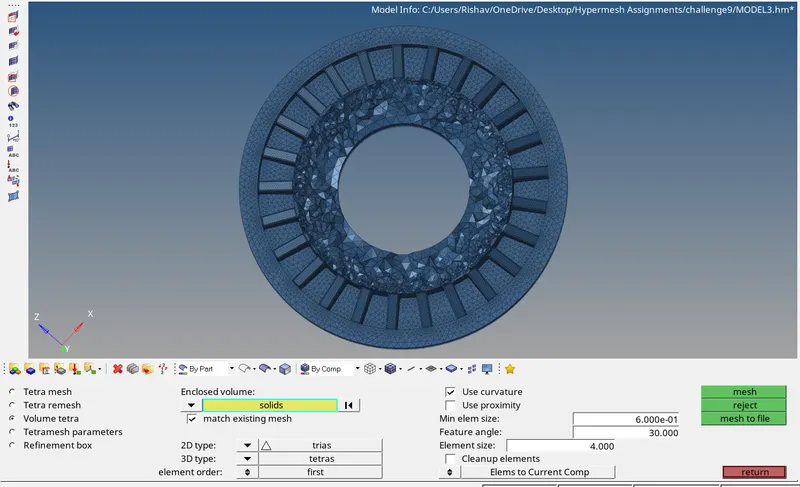
Aim- For the given assembly model, Create a 3D Tetramesh
Procedure-
1. Import the model
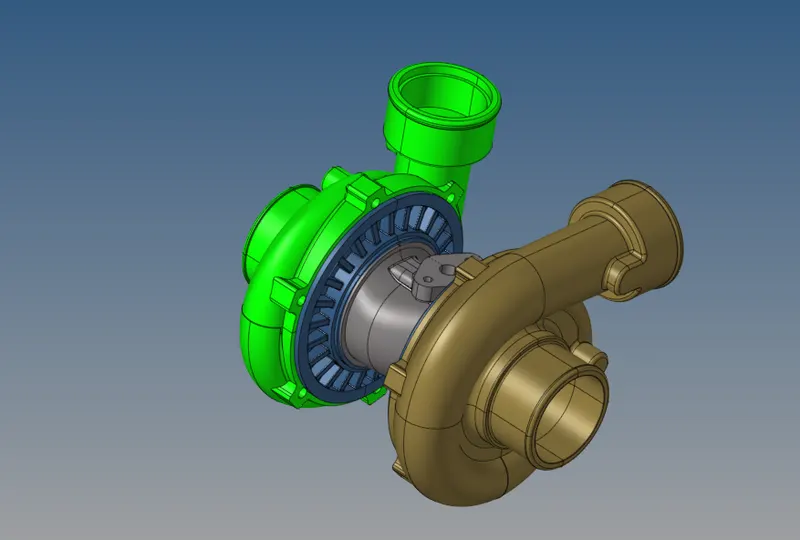
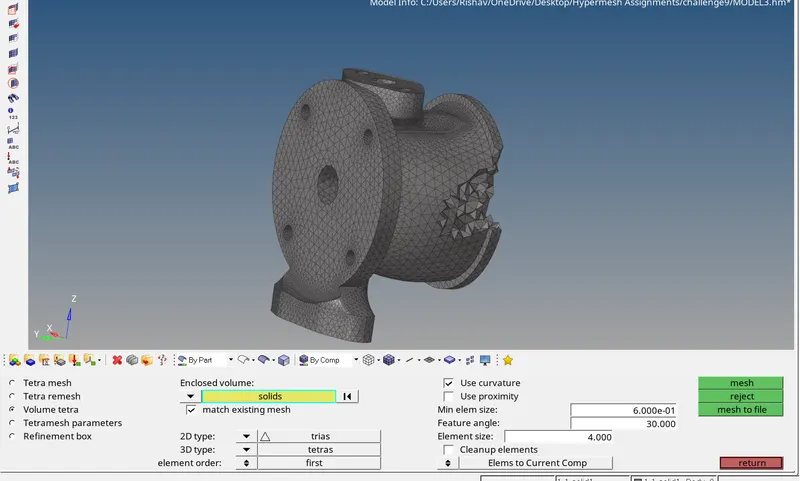
2. Go to 3d>tetramesh> volume mesh and set the element size to 4 unit and mesh the component
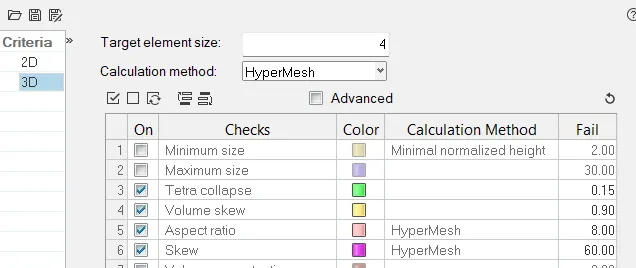
3. Set the tet collaspe parament in 3d element criteria
4. Check for the tet collaspe if any their remesh the element using tetra remesh by masking the tet collaspe element.
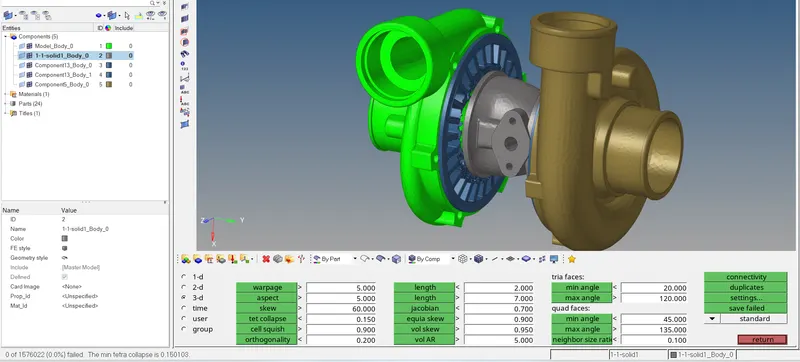
Result- The 3 models are succesfully 3d mesh with tet collaspe count 0%
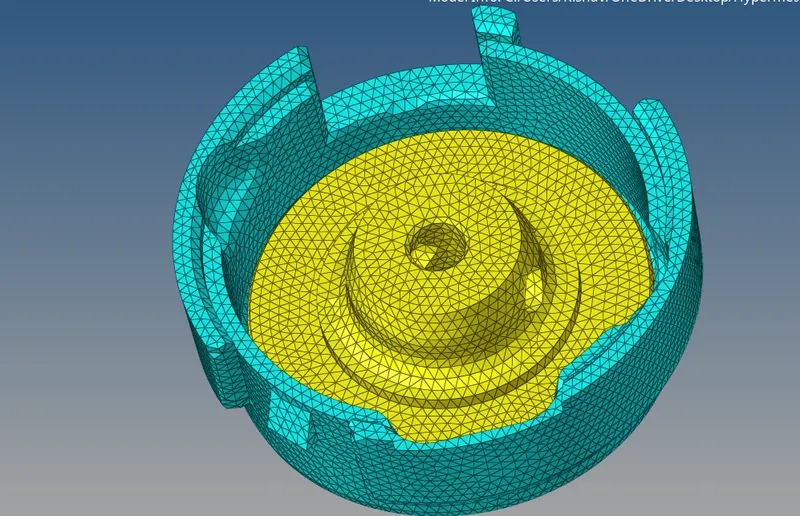
Conclusion- In this challenge we have learned to create 3d mesh using 2d mesh and creating 3d mesh using volume mesh