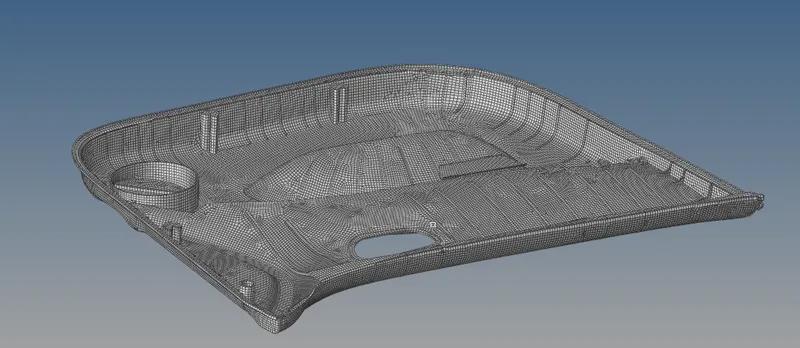
Week 12:Project-1-Meshing of Door Inner Panel Challenge
Aim- To mesh the given component
Objectives- To mesh the given component which satisfy he given quality crietria
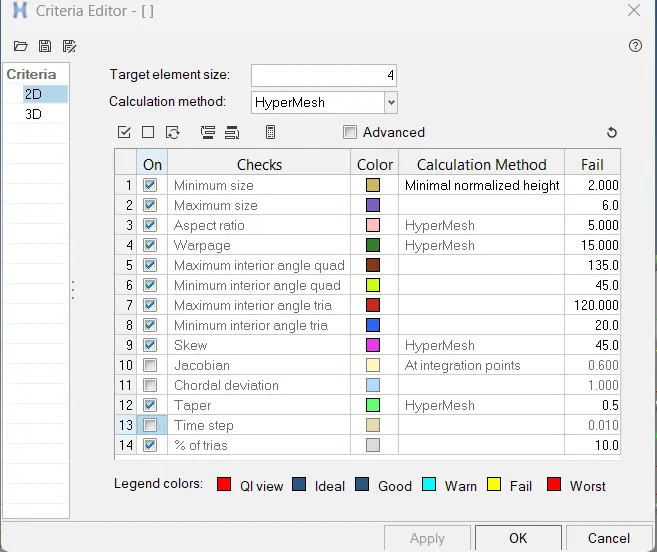
S.N Quality Criteria Value
1 Aspect Ratio 5
2 Skewness 45
3 Warping 15
4 Taper 0.5
5 Min. Length 2 Units
6 Max. Length 6 Units
7 Min angle Quad 45
8 Max angle Quad 135
9 Min angle Tria 20
10 Max angle Tria 120
11 Tria % 10
Procedure-
1. Import the given component
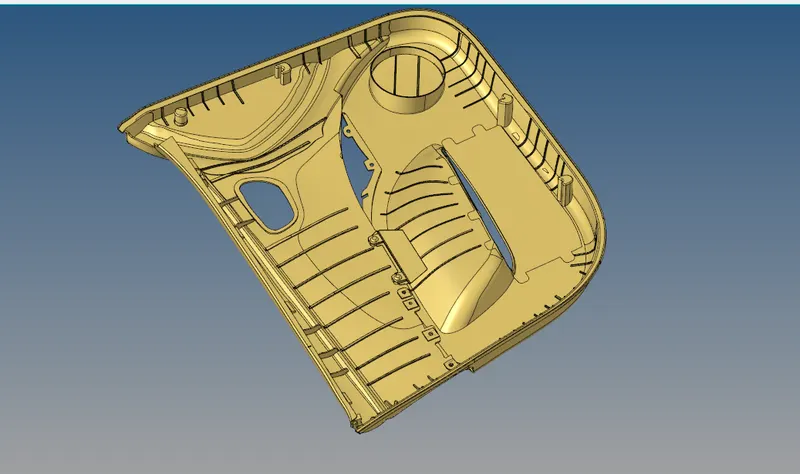
2. In the topo mode check for the free edges and fix them with the spline or rules feature in the 2d panel
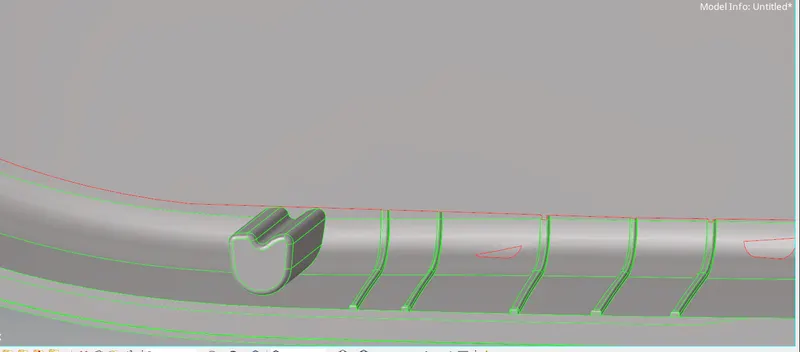
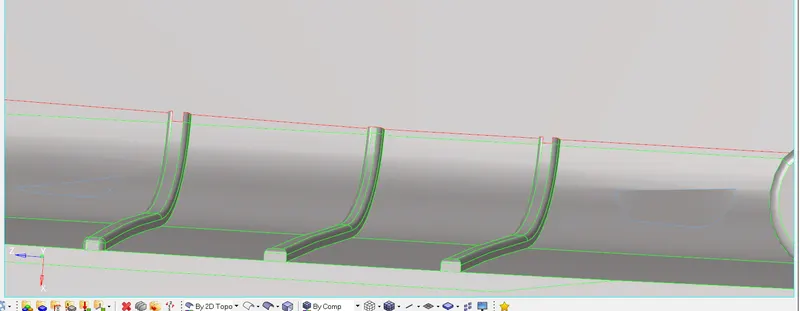
Do this for all the failed surfaces
3. The model contain a lot of ribs which have fillets smaller than the size of the given mesh so to remove the fillets we have to do the defeature of the fillets.
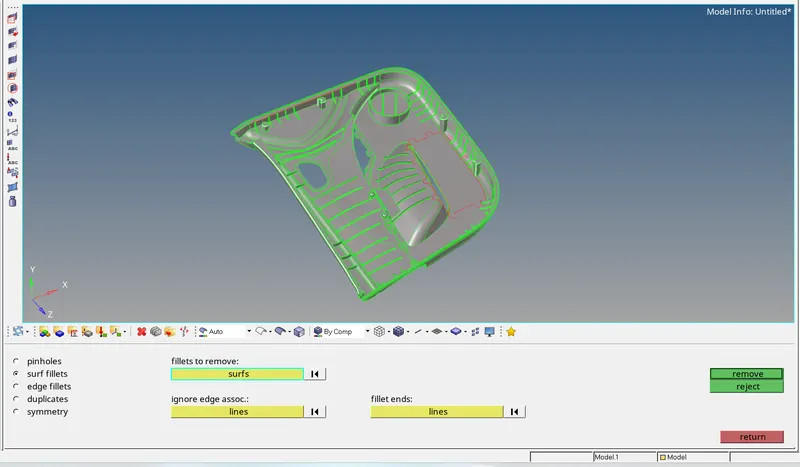
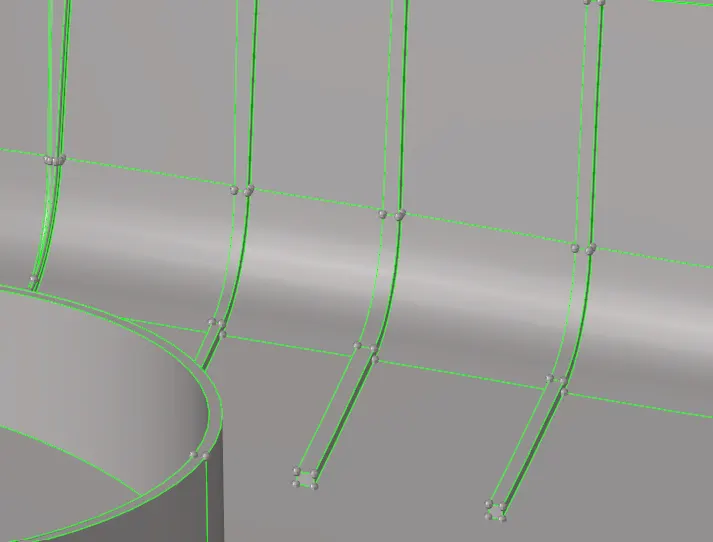
4. After the Defeature and surface error removal buid the mid surface for the component. To build the mid surface go to the bmid surface and first build the mid surface for the given component. After the mid surface creation we can see tht thier are lot of error. Repair that errors and build the maniual mid surface for the faces, for the ribs offset the surface to the midlle of the rib breath. To join the rib mid surface to the body mid surface go to the geometry> Surface edit> extend and select the lines and the destionation surface to which the surface needs to be extended.
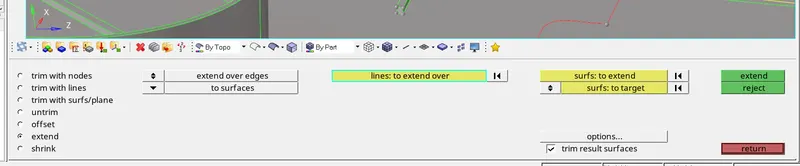
Do this for all the ribs.
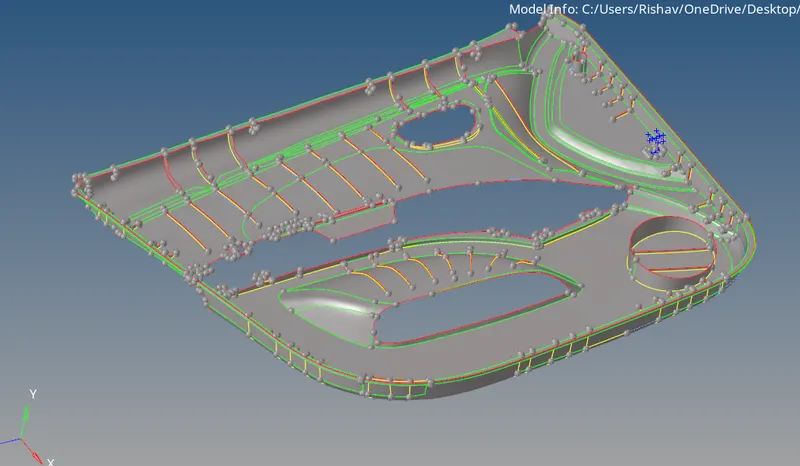
5. Set the element criteria from the preferences
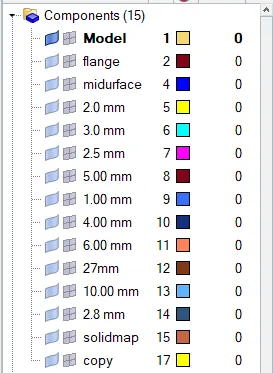
6. Assign the midsurface faces with suitable thickness by measuring the thickness with the distance tool in the geometery in different component collector.
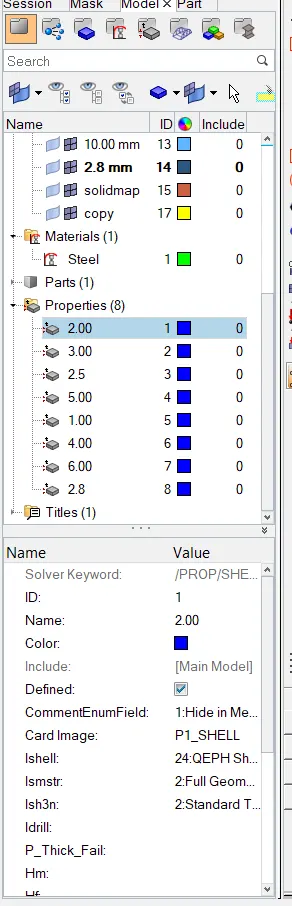
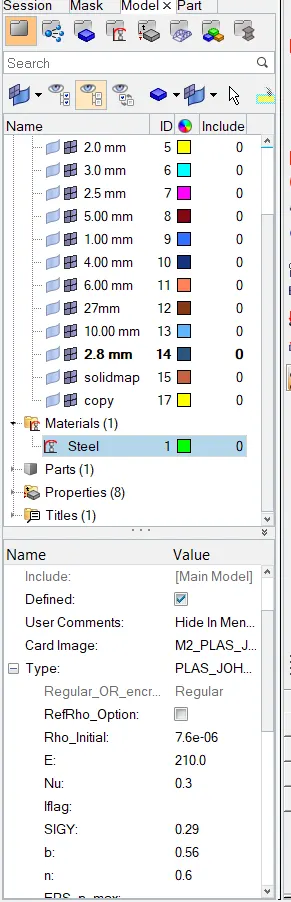
7. Create and assign the material card and property card with the suitable thickness to the specified collector.
8. Do the meshing for all the surfaces of the midsurface.
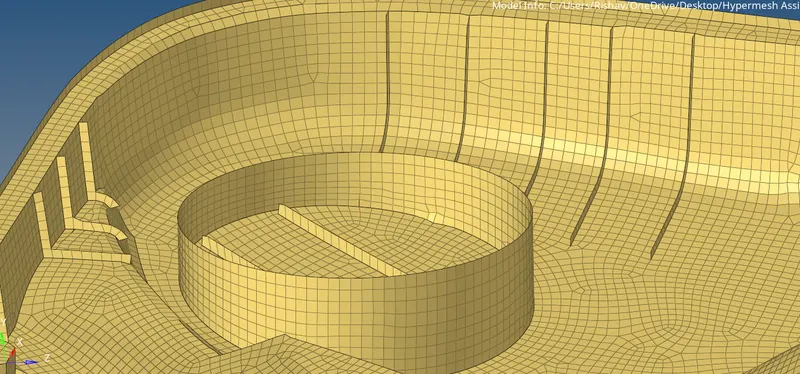
Result- We have sucessfully created the midsurface and meshed the mid surface with zero element failure.
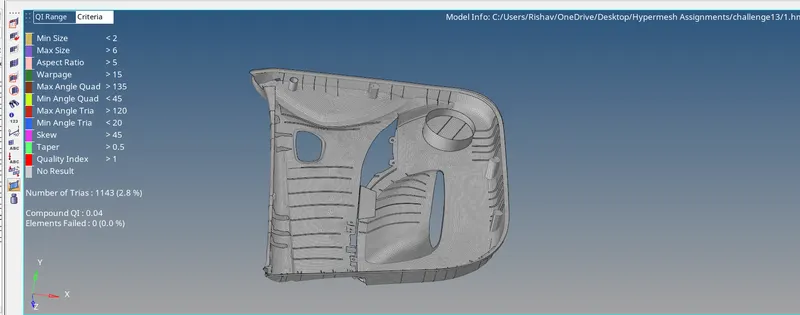
Conclusion- In this project we have meshed the given component succesfully and created the property and material card with the suitable thickness where it is required.