Week 8-3D Tetra Meshing Challenge
AIM : To perform Volume/3D mesh for the components.
Model 1 : Housing Model
TetraMesh Generation Method: 2D to 3D Conversion
Quality criteria :
Elements sizes: Min- 2 Units, Target- 5 Units, Max- 7 Units
Tet collapse: 0.15
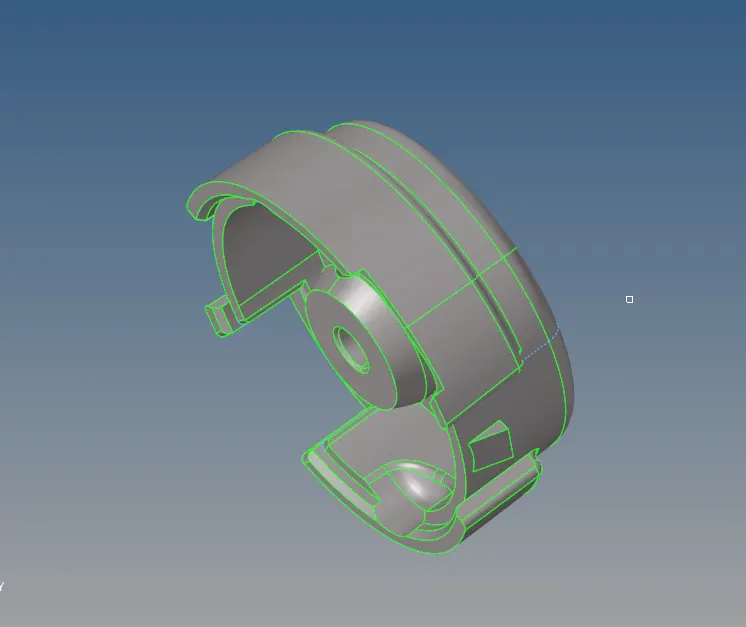
Procedure :
1. Importing the Component into Hypermesh
2. Deleting the solids from the component
3. Performing a Geometry clean up
4. intially Making a 2D mesh ( 2D > Automesh> only trias> mesh) giving an optimum /target length as 5 units and meshing the component
5. Then by 3D mesh>elements selecting all elements and then meshing.

6. some elements are failing to tet collapse (0.15 units), so making those elements mask retrieve and unmasking , then making a volumetric remesh those elements and reducing the tet collapse failure to zero.
After Meshing
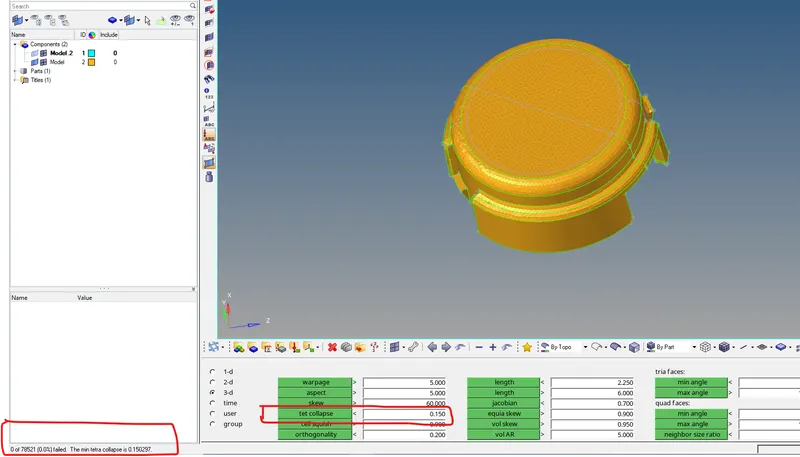
No elements were failing for Tetcollapse.
Model 2 :
TetraMesh Generation Method: Quick Tetra Mesh/ Volume Tetra Mesh
Target Element size: 3 Units.
Tet Collapse: 0.15
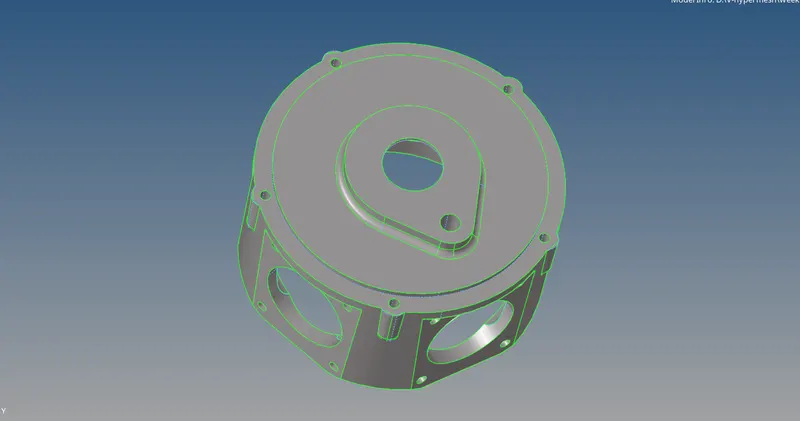
Procedure :
1. Importing the Component into Hypermesh
2. Deleting the solids from the component
3. By using View>utilities>geo/mesh option>quick tetra mesh option a window is displayed
4. Selecting the component and giving target element length as 3 units , and mesh option tetra mesh is created.
5. During this method some elements are failing to tet collapse (0.15 units), so making those elements mask retrieve and unmasking , then making a volumetric remesh those elements and reducing the tet collapse failure to zero.
After 3D meshing
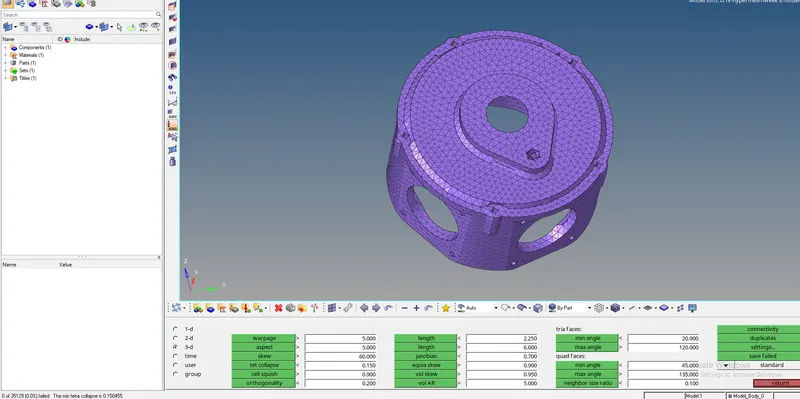
No elements were failing for Tetcollapse.
Model 3 :
TetraMesh Generation Method: Quick Tetra Mesh/ Volume Tetra Mesh
Target Element size: 4 Units.
Tet Collapse: 0.15
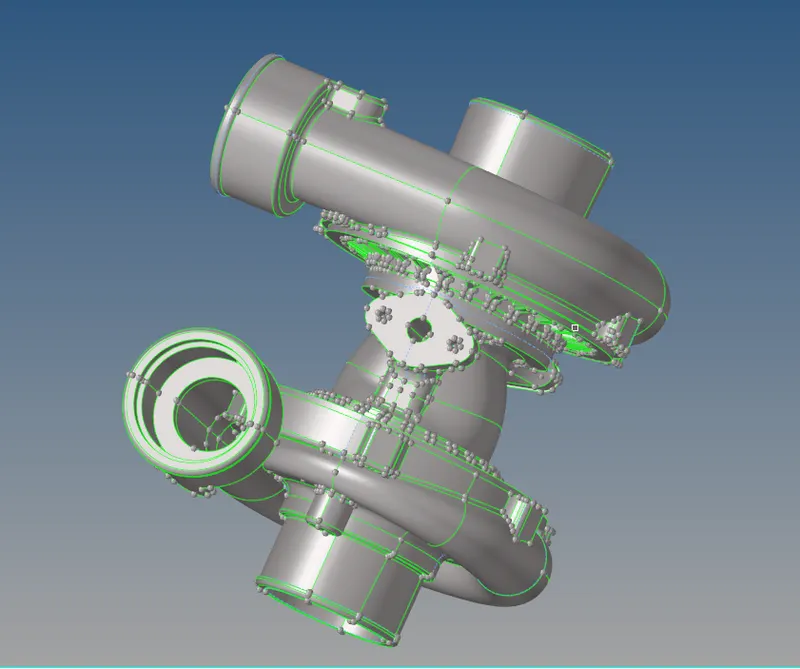
Procedure :
1. Importing the Component into Hypermesh
2. Deleting the solids from the component
3. By using View>utilities>geo/mesh option>quick tetra mesh option a window is displayed
4. Selecting the component and giving target element length as 4 units , and mesh option tetra mesh is created.
5. During this method some elements are failing to tet collapse (0.15 units), so making those elements mask retrieve and unmasking , then making a volumetric remesh those elements and reducing the tet collapse failure then reducing the tet collapse failure to zero.
After 3D meshing
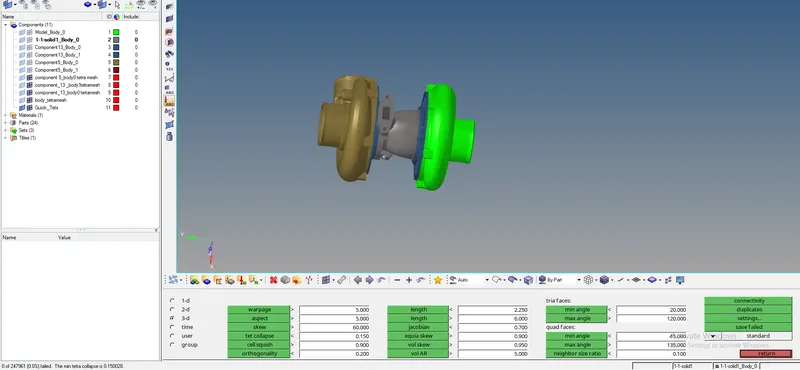
No elements were failing for tetcollapse quality.
Learning outcome :
Learnt how to convert 2D mesh to 3D mesh
Learnt how to 3D mesh / volumetric mesh; by quick method
Clearing elements which failed for tetcollapse
Thanks
Vishal