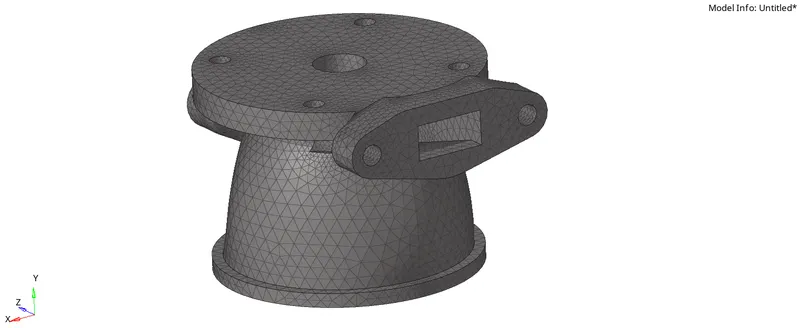
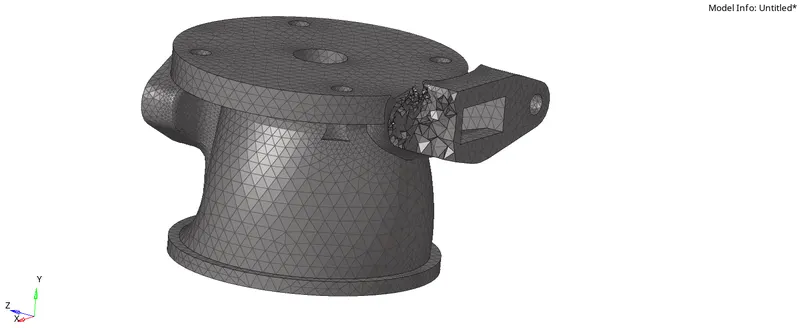
Week 8-3D Tetra Meshing Challenge
1. Steps to perform TetraMesh Generation Method (2D to 3D) Conversion For Housing Model:
- Select any model to perform the operation.
Component 1.0:
- Make the component 1 as the current component.
- Delete all the solid entities from the component.
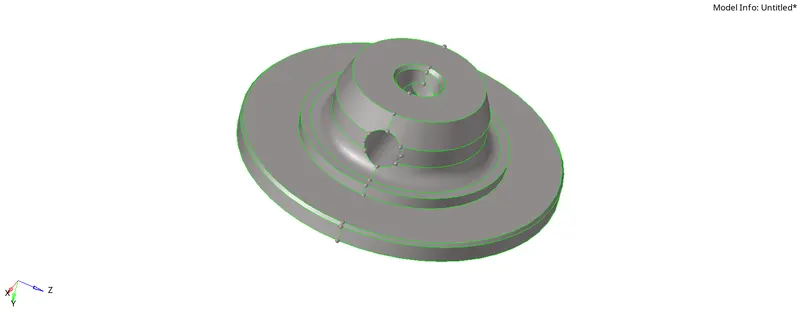
- Cleanup the geometry removing the unwanted surfaces and toggling the unwanted lines.
- Mesh the component w.r.t the tria elements considering all the quality criteria.
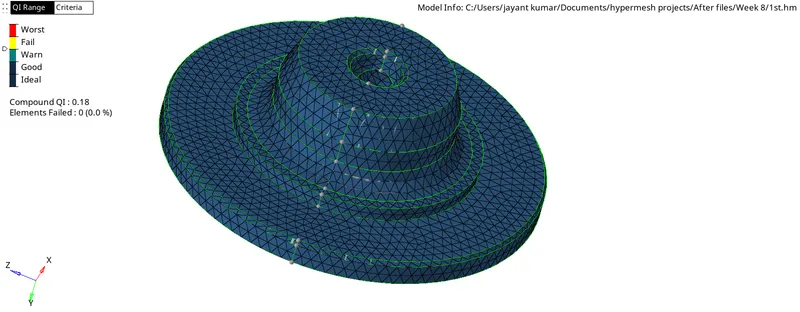
- Opt 3D>Tetramesh>Tetramesh>Select the elements>Mesh and check the elements in By Component view by conisdering all the parameters such as min max and tet collapse values.
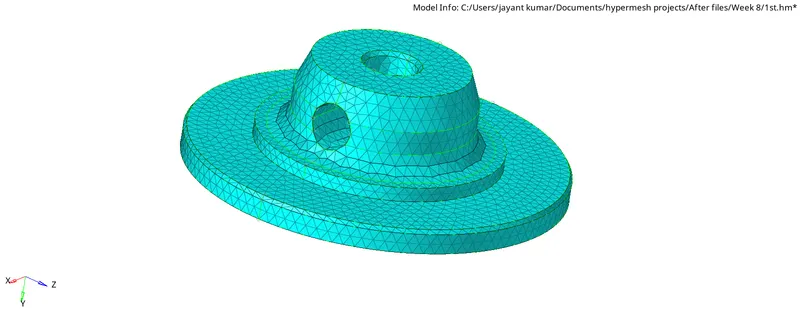
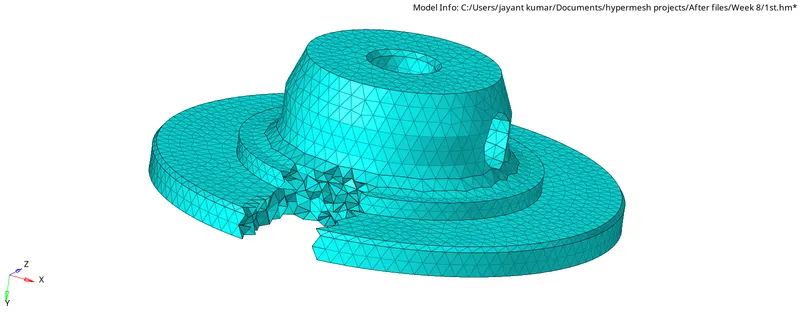
Component 2.0:
- Make the component 2 as the current component.
- Delete all the solid entities from the component.
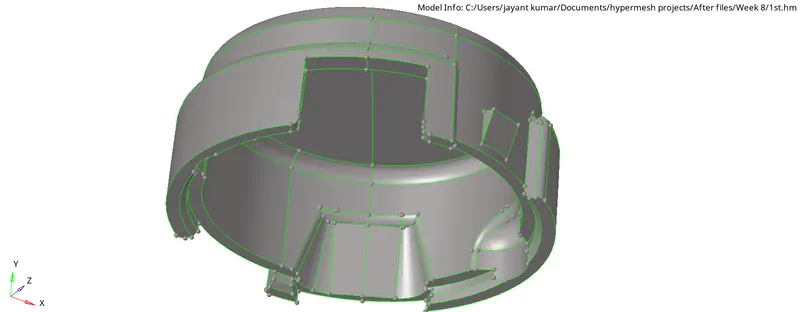
- Cleanup the geometry removing the unwanted surfaces and toggling the unwanted lines.
- Mesh the component w.r.t the tria elements considering all the quality criteria.
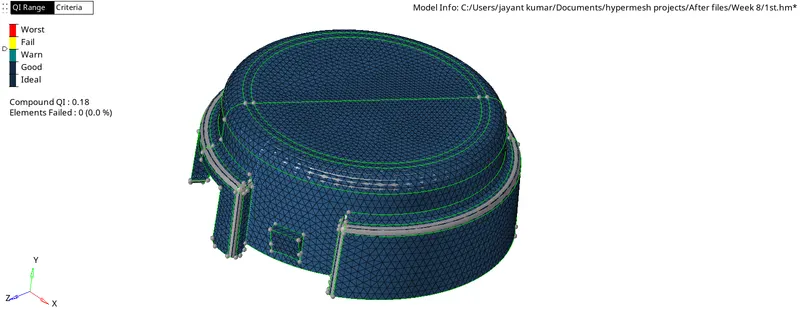
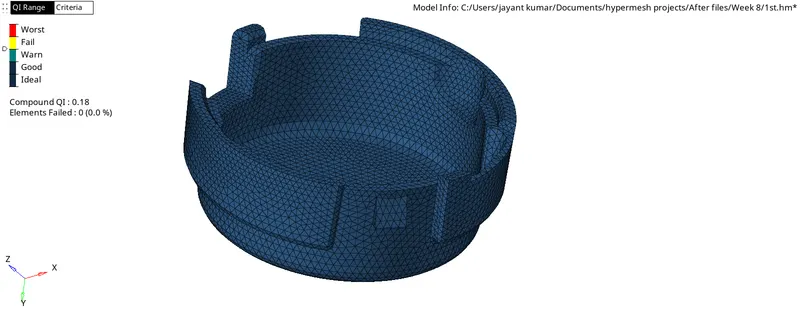
- Opt 3D>Tetramesh>Tetramesh>Select the elements>Mesh and check the elements in By Component view by conisdering all the parameters such as min max and tet collapse values.
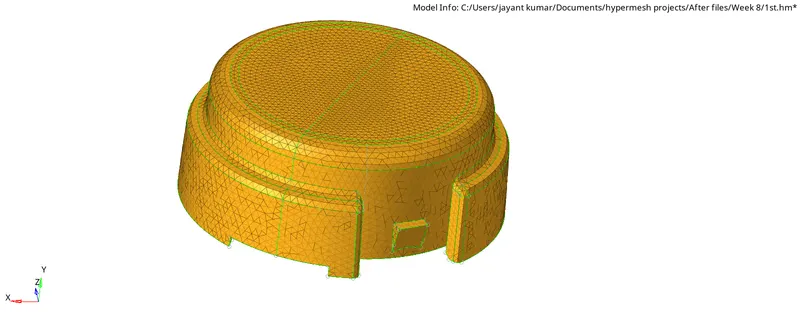
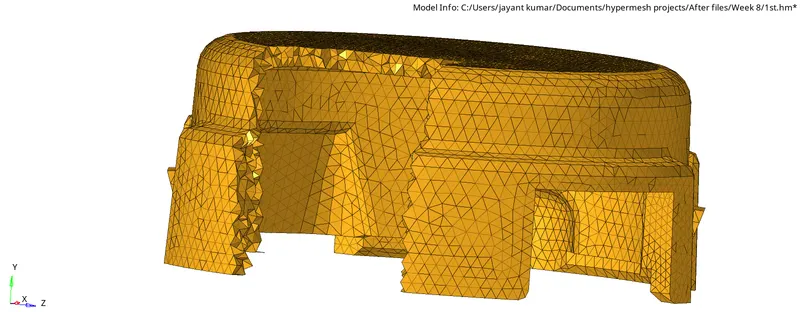
2. TetraMesh Generation Method using Quick Tetra Mesh.
- Import the Geometry.
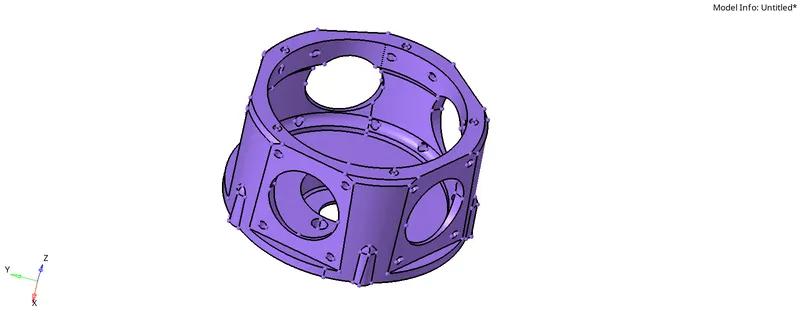
- Delete the solid from the model.
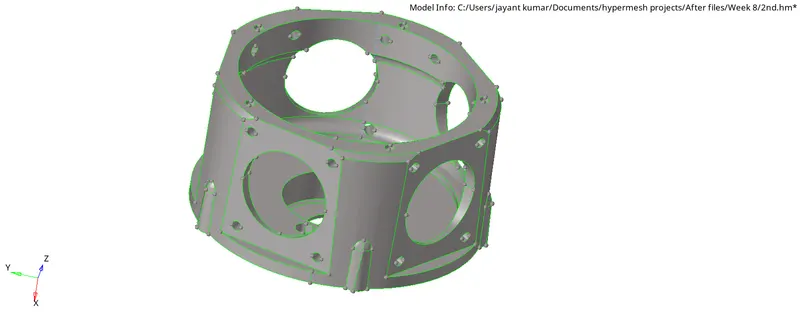
- Cleanup the model.
- Go to View>Browser>Hypermesh>Utility>Geom/Mesh>Quick Tetra Mesh.
- A Box appears in the Tab bar.
- Select the component, enter the mesh size as 3 units, minimum element size as 1 and Mesh Type as Trias Only then Mesh
- Click on ok after that you get after the 100% Attempt
- You will get a Quick_Tets component in which you will have all the Tetra elements.
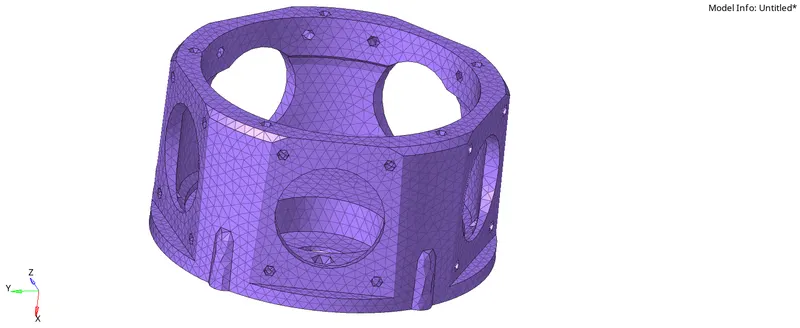
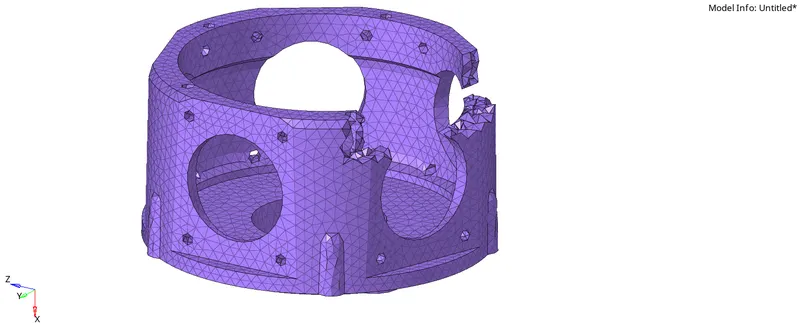
TetraMesh Generation Method using Volume Tetra Mesh.
- Import the model.
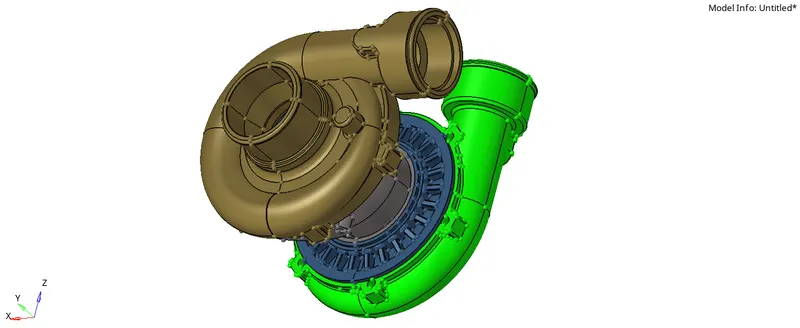
- Perform Geometric cleanup.
- Select the first component and make it as the current component.
- Go to 3D>Tetramesh>Volume Tetra>solids>displayed>Element size to be "4" and check in the Use curvature and Use proximity
- Go to Tetramesh Parameters, Enter Tet Collapse value "0.15"
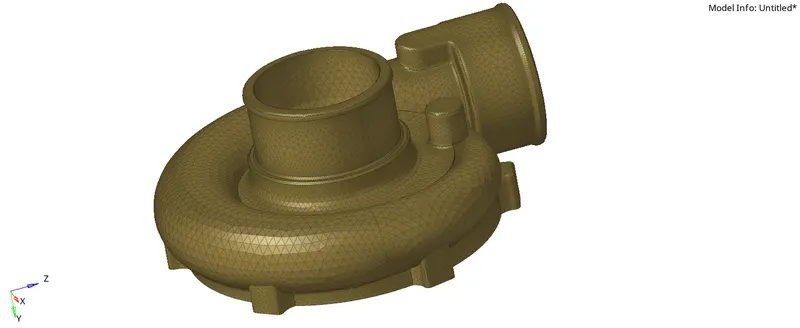
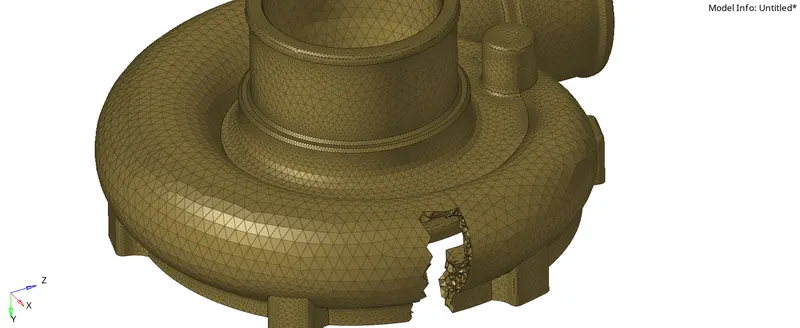
- Check for tet collapse failure, if founded, Go to 3D>Tetramesh>Tetra remesh>Select the failed elements>remesh or Tools>Translate>select nodes>Select vectors>provide Magnitude>Translate.
- Similarly follow the procedure for all the other components.
Model_Body_0
Component13_Body_0
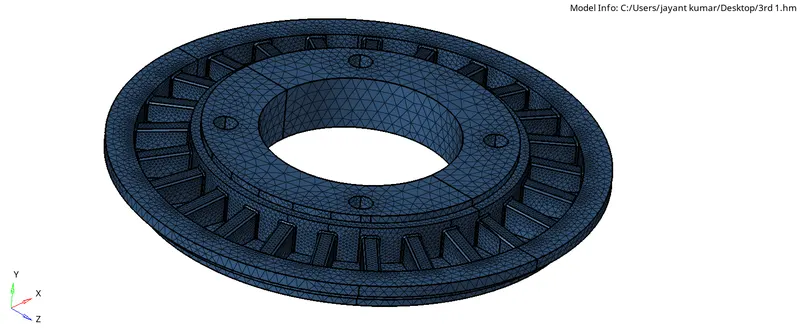
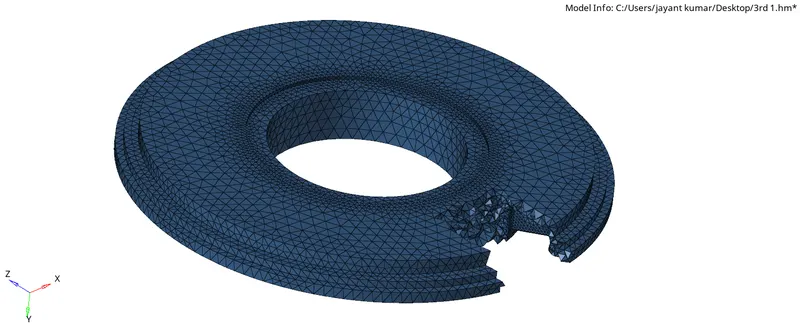
Component13_Body_1
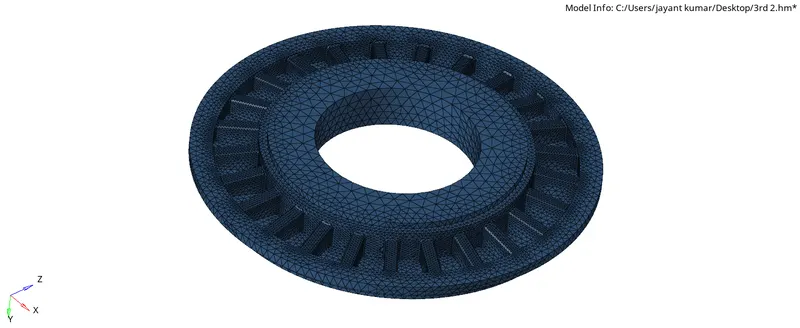
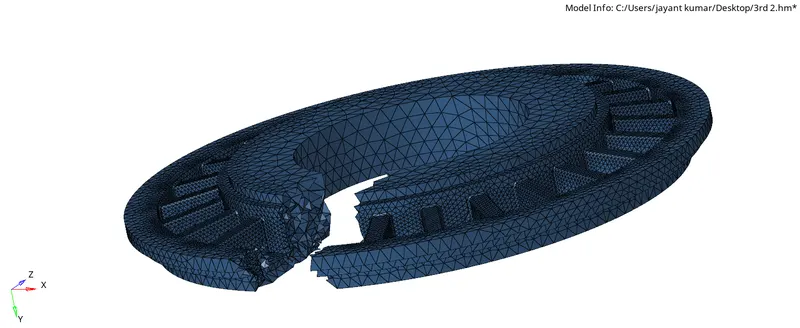
Component5_Body_0
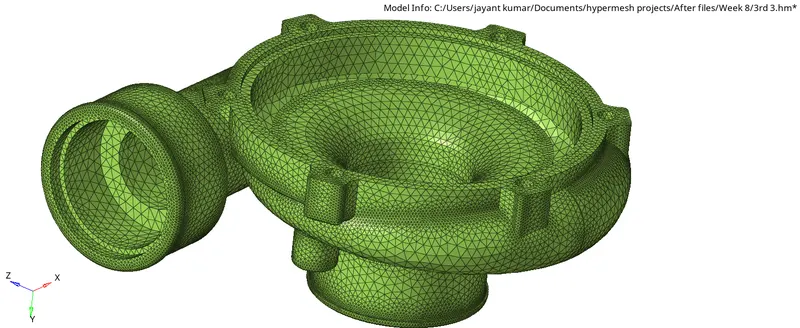
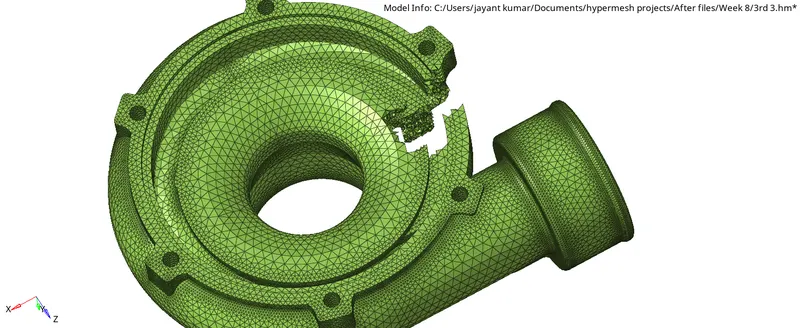
1-1-solid1_Body_0