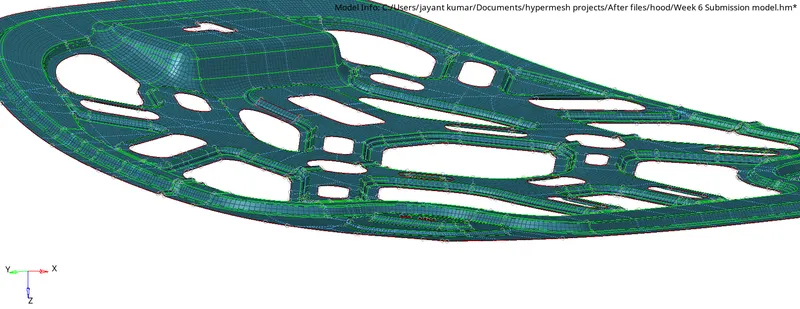
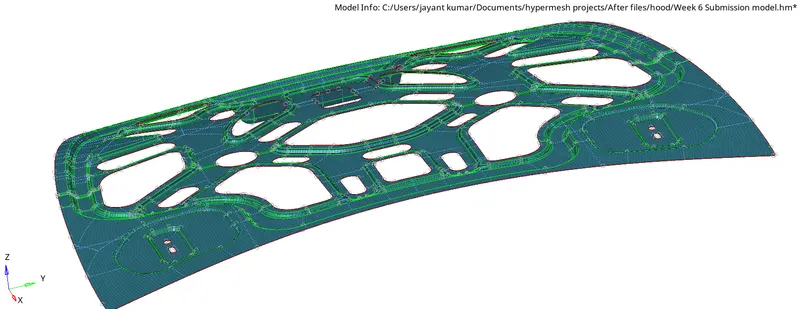
Week 6-Meshing of Hood Challenge
To mesh the given "Hood" w.r.t the given conditions, the below given are steps to be followed:
- Import the geometry ie..., the Hood_model.hm
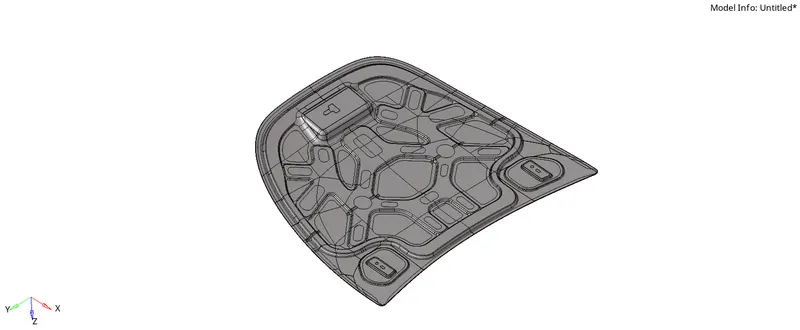
- Double clicking on the component in the tab bar, you will find a tree appearing below it, which consist of four components numbered 1,2,3 & 4.
- Initially lets select the Latch reinforcement_extract and hide all the remaining components to proceed with the furture steps.
Latch reinforcement_extract:
- Make the current component as Latch reinforcement so that you can perform all the operations on it only.
- Delete all the solid entities from the current component.
- Create a mid surface w.r.t the offset+planes+sweep by choose the displayed surface.
- Make the created mid surface as the current component.
- Toggle or suppress lines a per the suitable geometry so that it could create a good reference at the time of generating the mesh as shown.
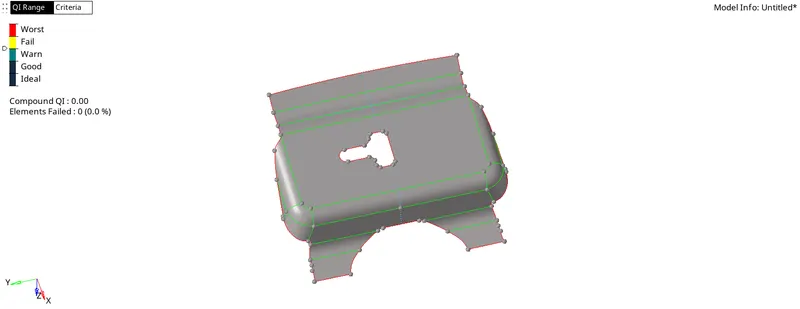
- Go to "Preferences" in the top menu bar, go to "Criteria File settings" execute all the details as per the requirement.
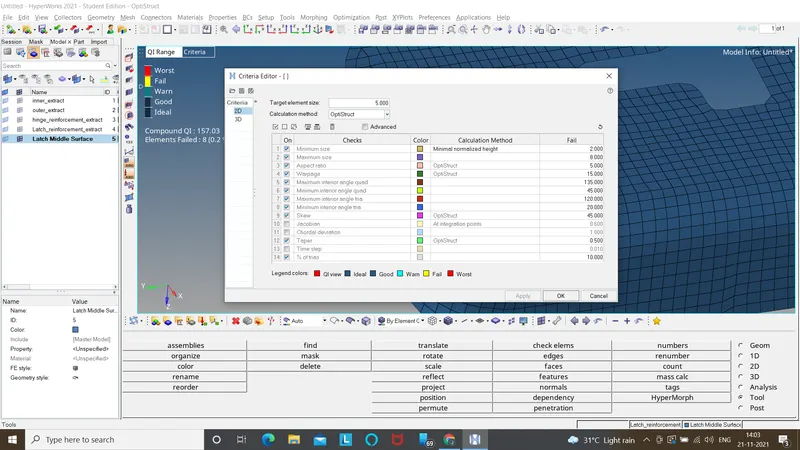
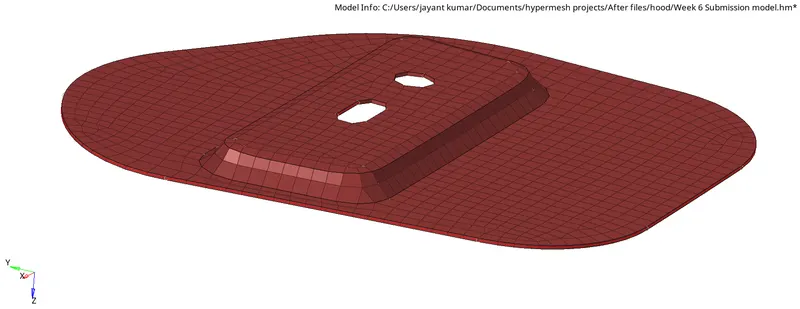
- Mesh the latch with respect to the element size of "5" and try to eliminate tria and rotating quad element, w.r.t to each surface as shown.
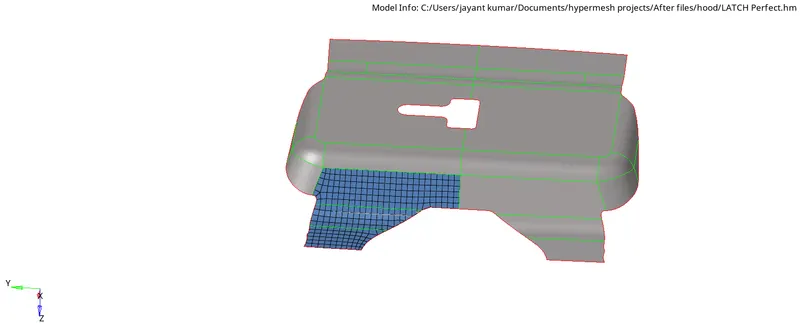
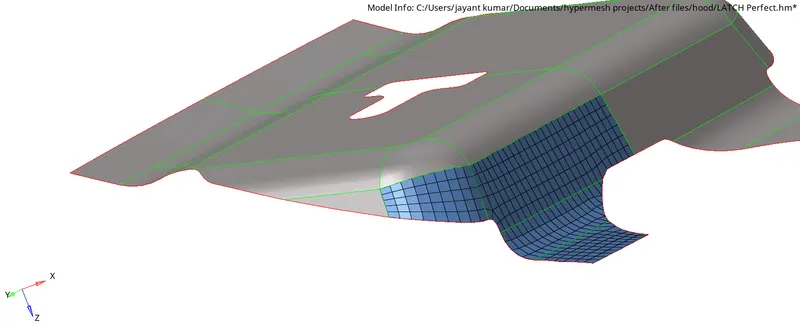
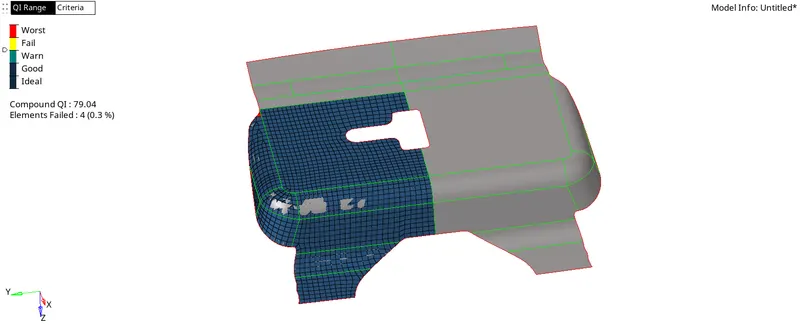
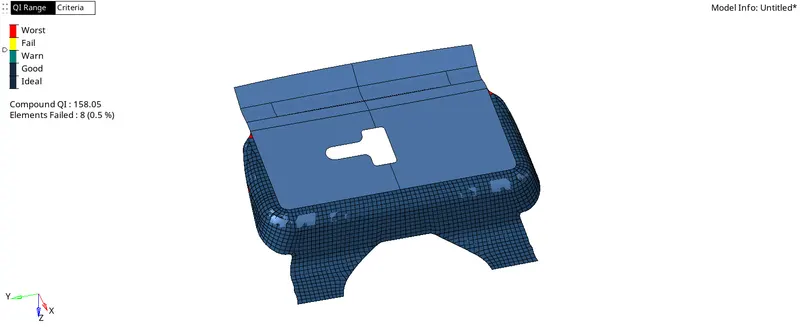
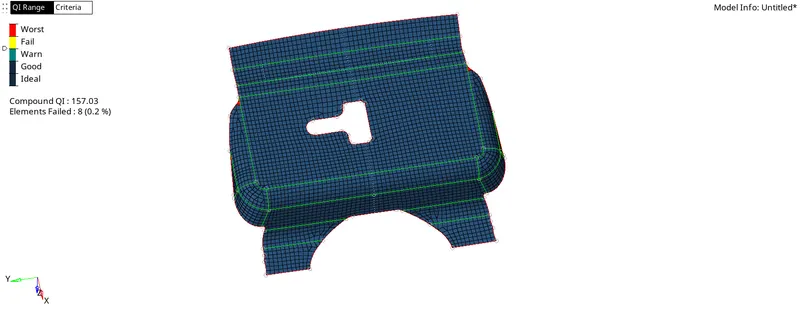
- Go to Tools > Edges, Select the component or element, check for the edges by clicking find edges.
- If unwanted edges were formed, equivalence the entities by selecting the elements.
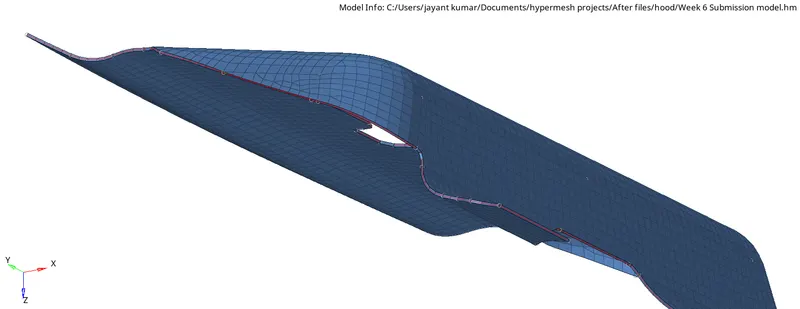
- Create a property and consider the model thickness value to it(1.2) and assign the property to the mid mesh which results as a model given below in 2D detailed element representation.
Hinge reinforcement_extract:
- Make the current component as Hinge reinforcement so that you can perform all the operations on it only.
- Delete all the solid entities from the current component.
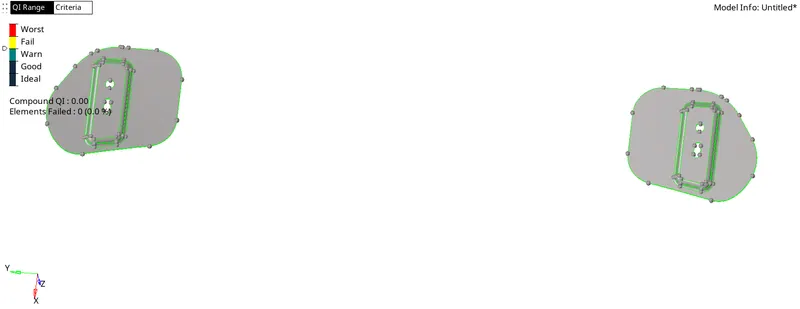
- Create a mid surface w.r.t the offset+planes+sweep by choose the displayed surface.
- Make the created mid surface as the current component.
- Toggle or suppress lines a per the suitable geometry so that it could create a good reference at the time of generating the mesh as shown.
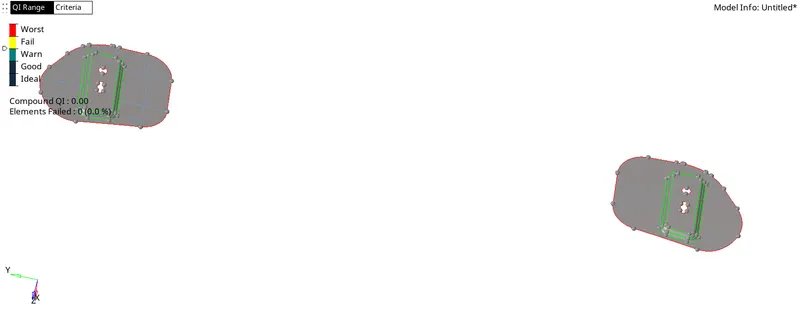
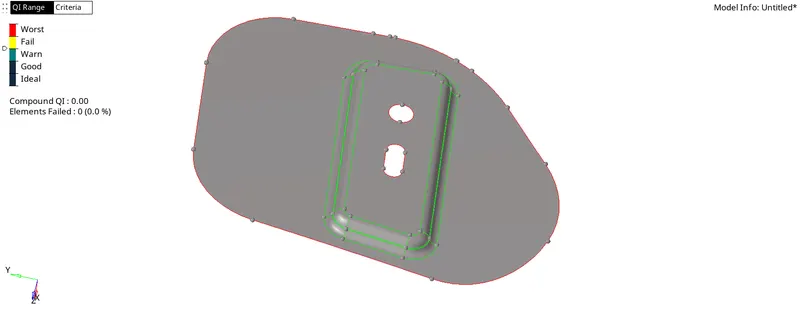
- Mesh the Hinge with respect to the element size of "5" and try to eliminate tria and rotating quad element, w.r.t to each surface as shown.
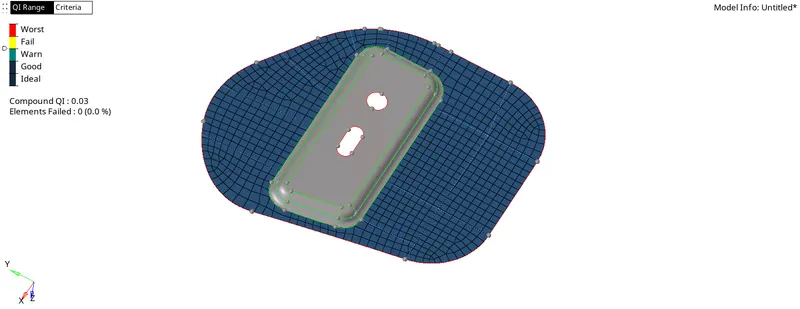
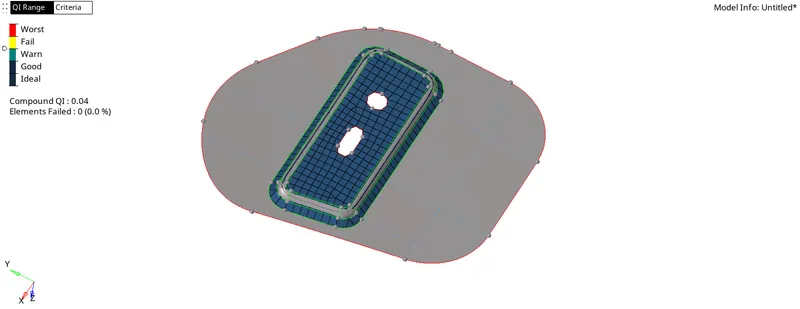
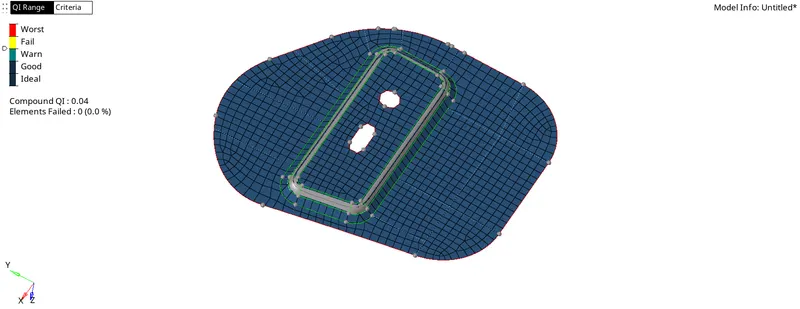
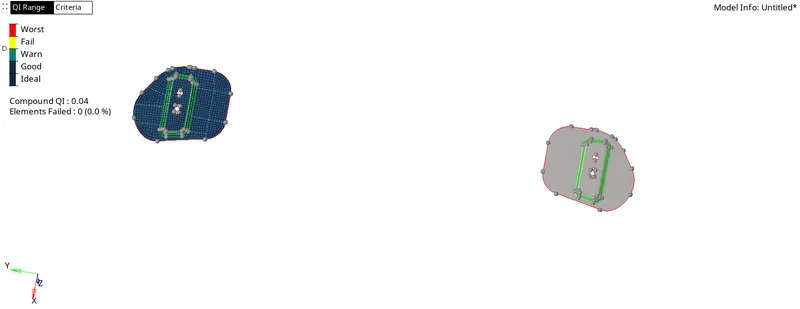
- Go to Tools > Edges, Select the component or element, check for the edges by clicking find edges.
- If unwanted edges were formed, equivalence the entities by selecting the elements.
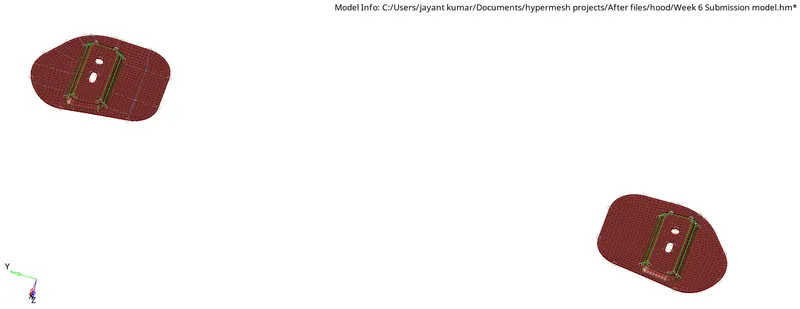
- Go to Tools > Reflect, select all the elements as per the requirement to shift all duplicated elements to other symmetrical side.
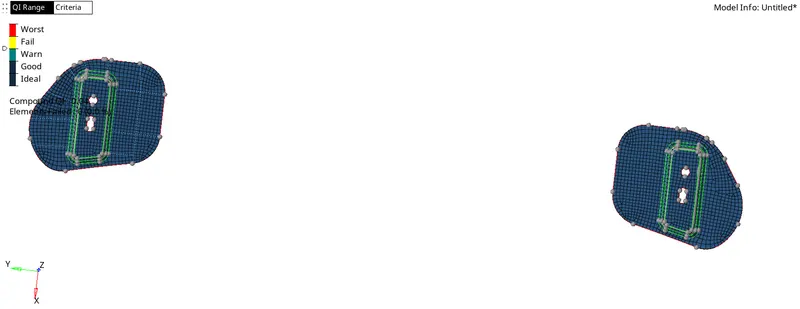
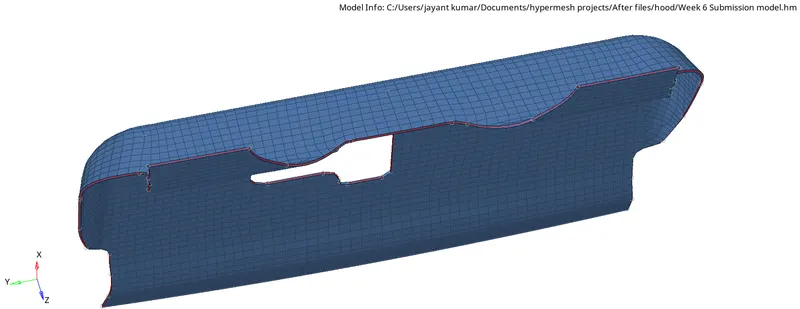
- Create a property and consider the model thickness value to it(1.2) and assign the property to the mid mesh which results as a model given below in 2D detailed element representation.
Outer extract:
- Make the current component as outer so that you can perform all the operations on it only.
- Delete all the solid entities from the current component.
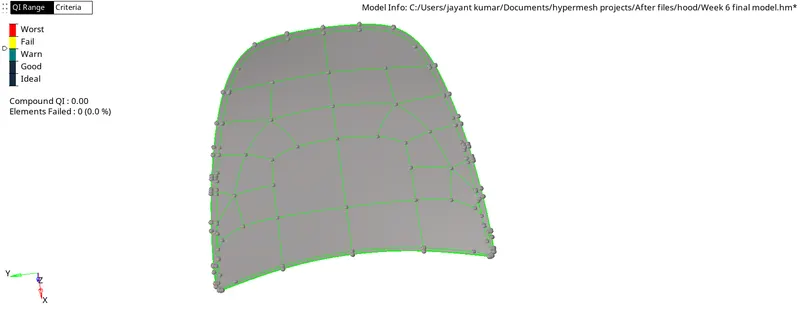
- Create a mid surface w.r.t the offset+planes+sweep by choose the displayed surface.
- Make the created mid surface as the current component.
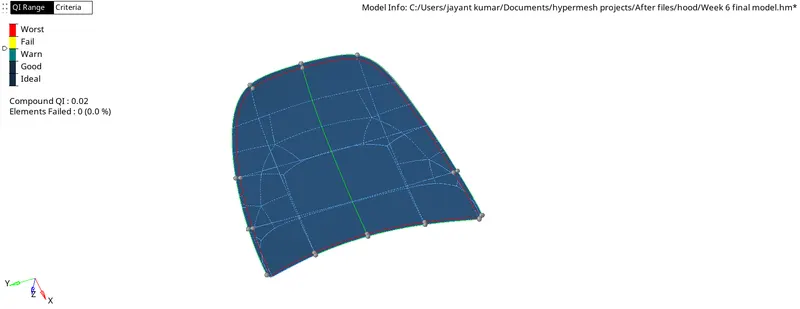
- Toggle or suppress lines a per the suitable geometry so that it could create a good reference at the time of generating the mesh as shown.
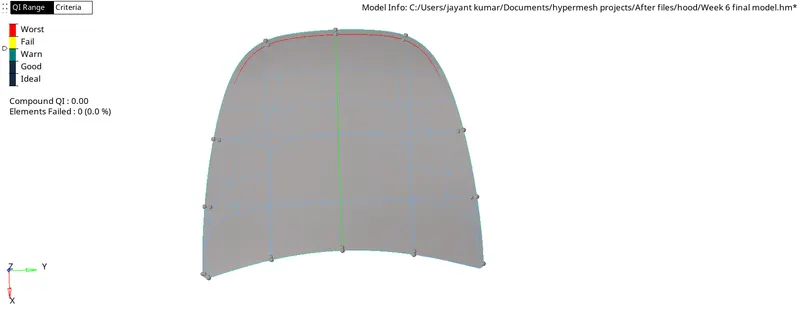
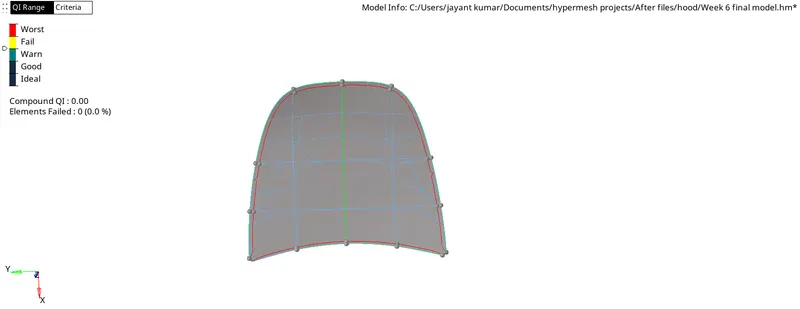
- Mesh the outer mid surface with respect to the element size of "5" and try to eliminate tria and rotating quad element, w.r.t to each surface as shown.
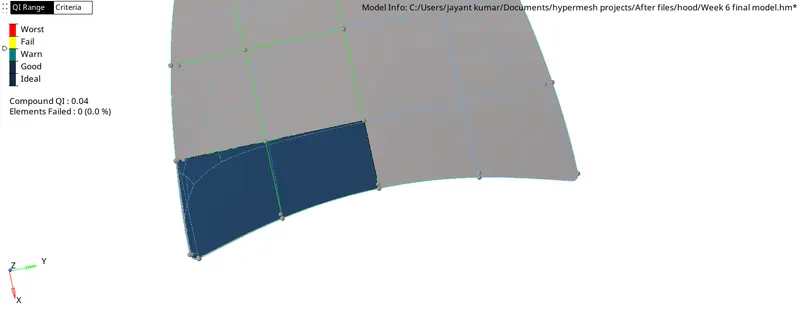
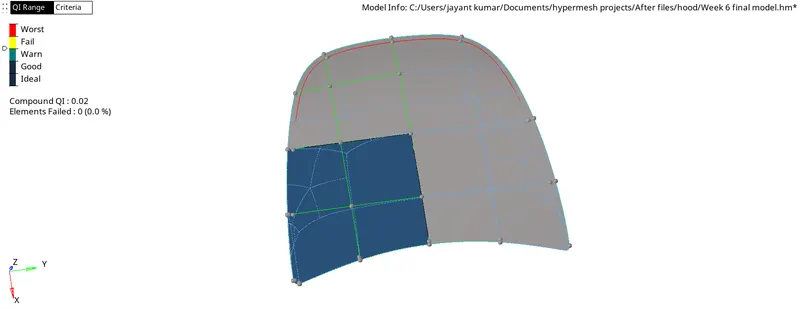
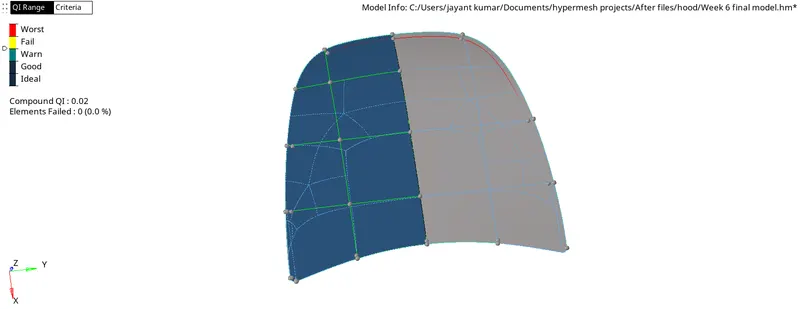
- Go to Tools > Edges, Select the component or element, check for the edges by clicking find edges.
- If unwanted edges were formed, equivalence the entities by selecting the elements.
- Go to Tools > Reflect, select all the elements as per the requirement to shift all duplicated elements to other symmetrical side.
- Go to Tools > Edges, Select the component or element, check for the edges by clicking find edges.
- If unwanted edges were formed, equivalence the entities by selecting the elements.
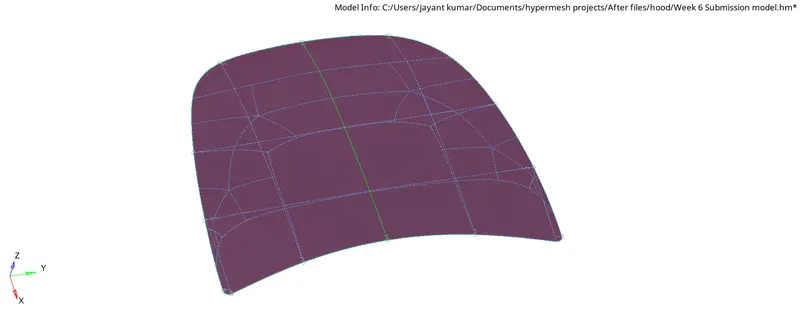
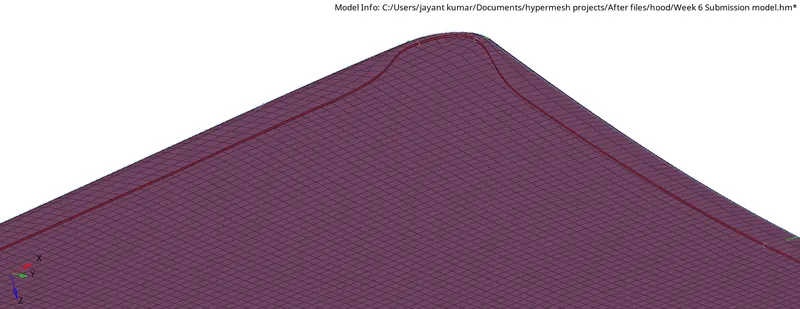
- Create a property and consider the model thickness value to it(0.7) and assign the property to the mid mesh which results as a model given below in 2D detailed element representation.
Inner extract:
- Make the current component as inner extract so that you can perform all the operations on it only.
- Delete all the solid entities from the current component.
- Create a mid surface w.r.t the offset+planes+sweep by choose the displayed surface.
- Make the created mid surface as the current component.
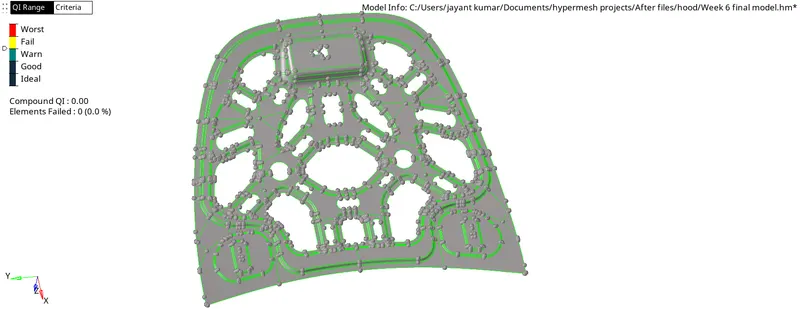
- Toggle or suppress lines a per the suitable geometry so that it could create a good reference at the time of generating the mesh as shown.
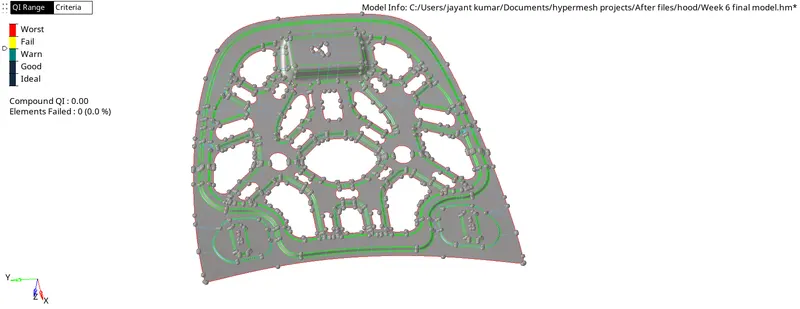
- Mesh the outer mid surface with respect to the element size of "5" and try to eliminate tria and rotating quad element, w.r.t to each surface as shown.
- Go to Tools > Edges, Select the component or element, check for the edges by clicking find edges.
- If unwanted edges were formed, equivalence the entities by selecting the elements.
- Go to Tools > Reflect, select all the elements as per the requirement to shift all duplicated elements to other symmetrical side.
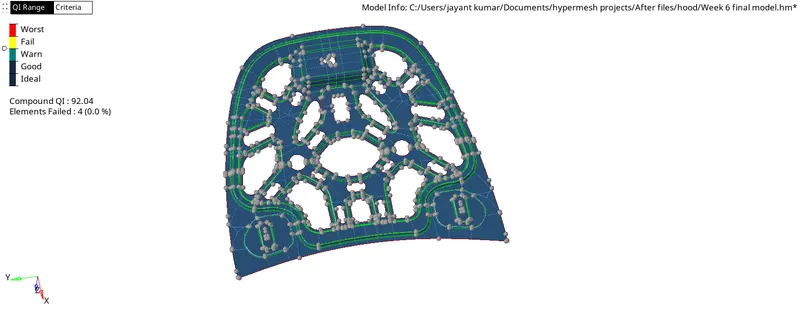
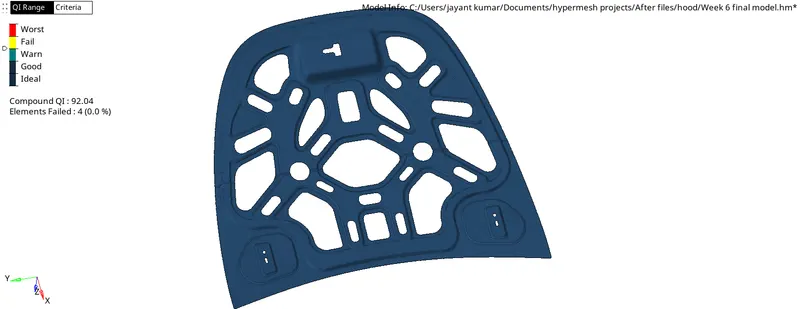
- Create a property and consider the model thickness value to it(0.7) and assign the property to the mid mesh which results as a model given below in 2D detailed element representation.