Week 12:Project-1-Meshing of Door Inner Panel Challenge
Meshing a Side Door:
- Import the model into the hypermesh.
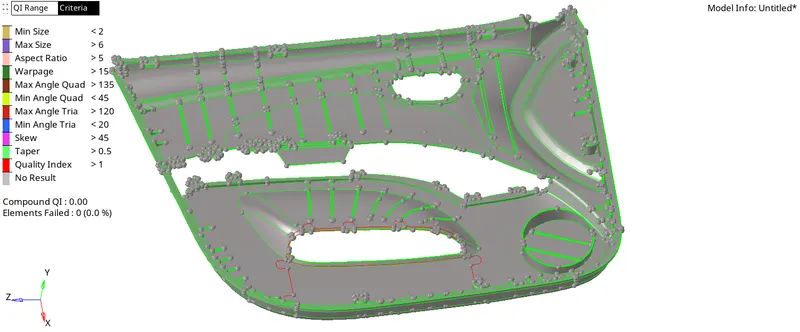
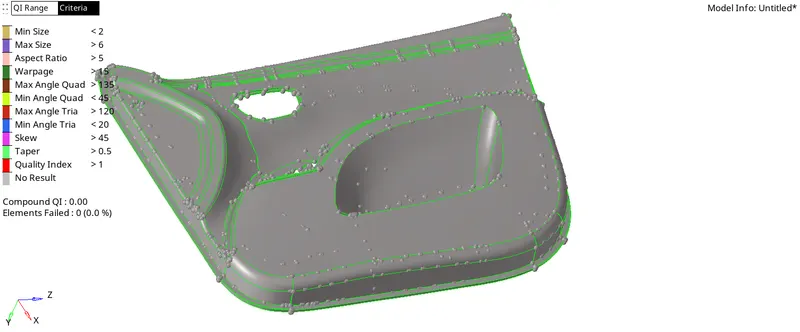
- Make the side Door as the current component.
- Delete all the solids from the component if there are present.
- Create a new component in the tab bar.
- Make the created component as the current component by renaming it as a mid surface body.
- As it is a plastic component, the thickness will vary from surface to surface, so measure the thickness, so that the half value of thickness is moved w.r.t the surface offset method.
- Initially take the base surface of the side door for which all the dog houses and ribs are attached.
- The thickness of base is 2.8, so now using the surface offset, move the duplicated surface w.r.t the magnitude of 1.4 into parent surface, similarly name the midsurface w.r.t to the thickness(example: midesurface 2.8).
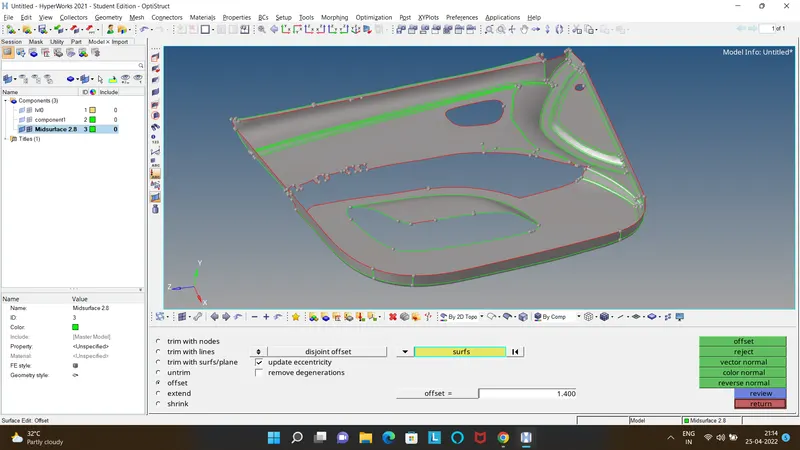
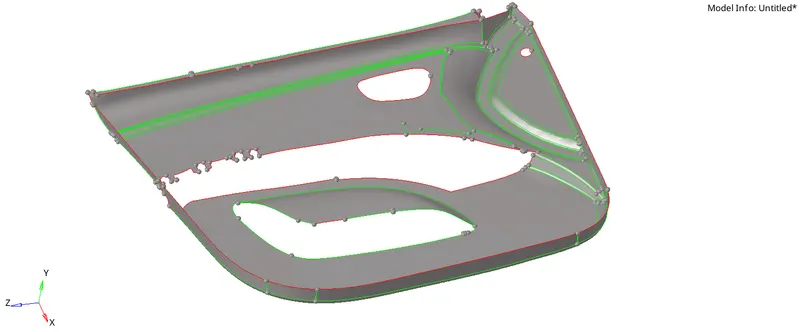
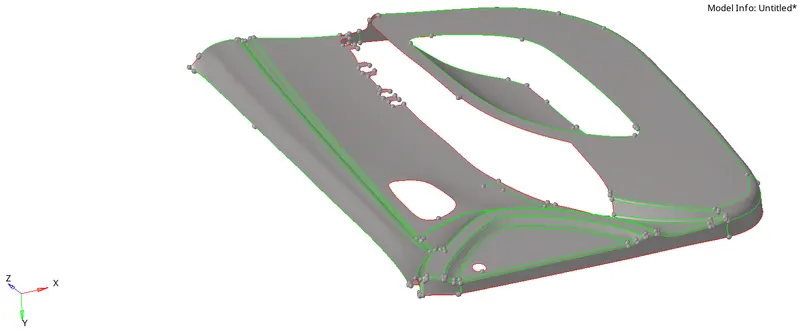
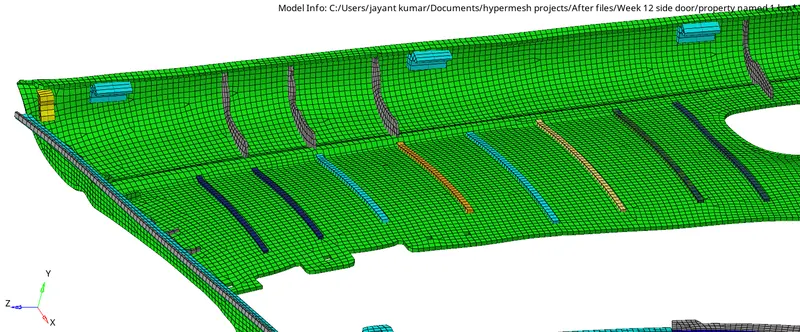
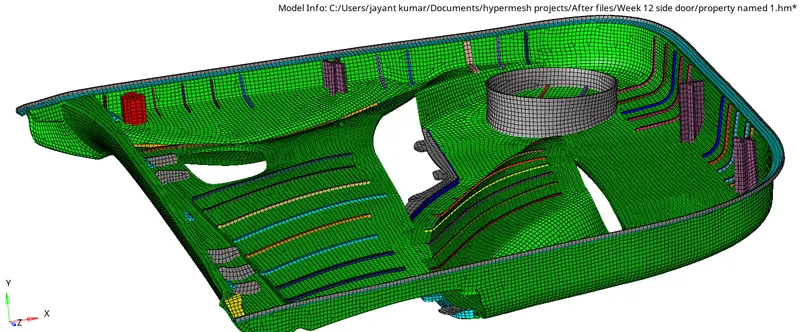
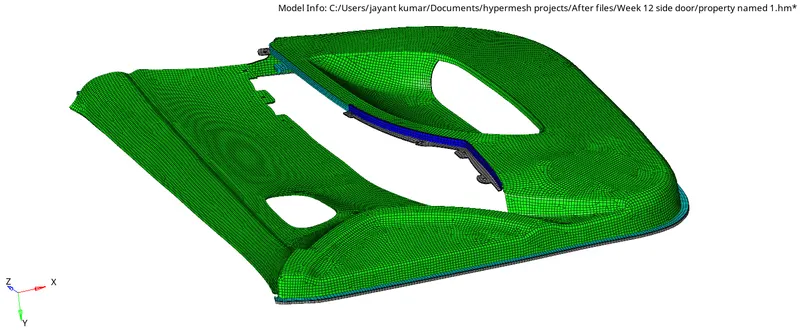
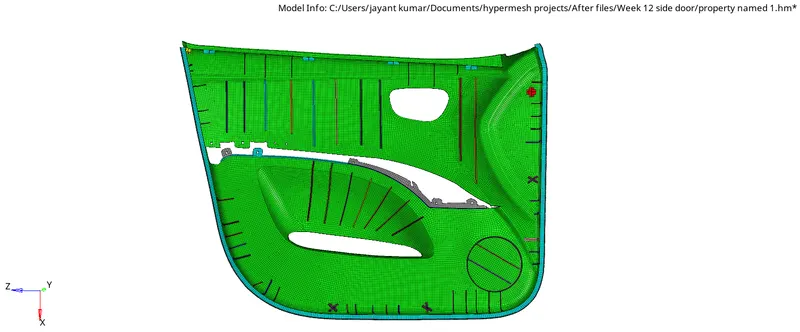
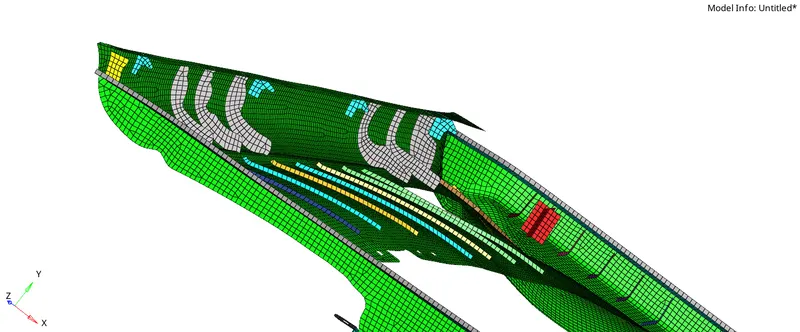
- Similarly following the method for each surface the midsurface by attaching and extending the required surface the mid surface will be as shown.
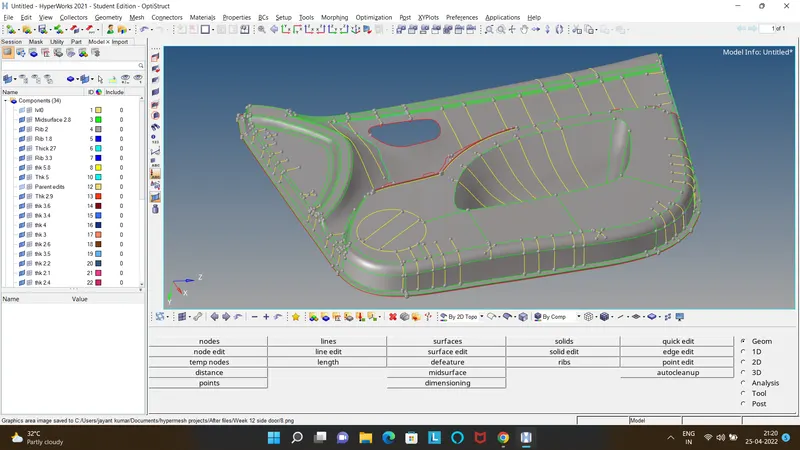
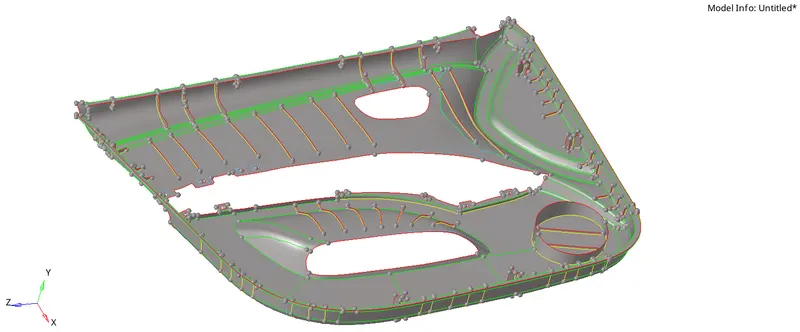
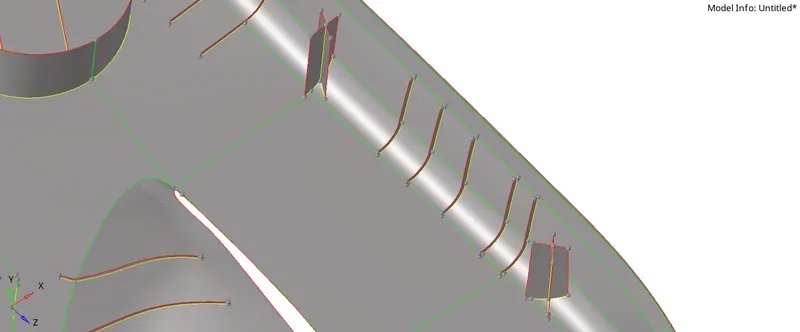
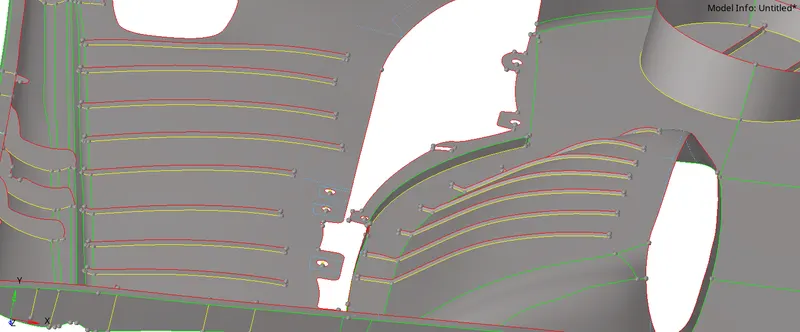
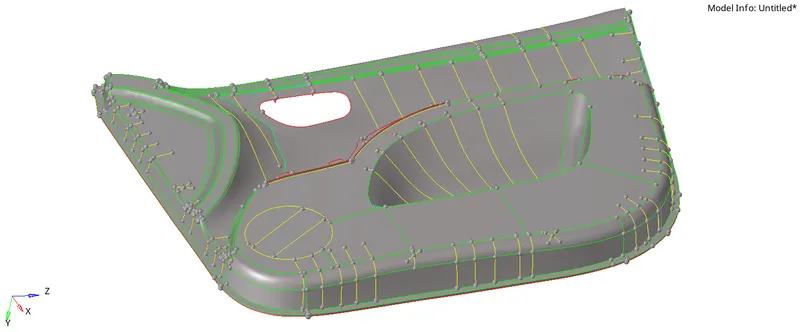
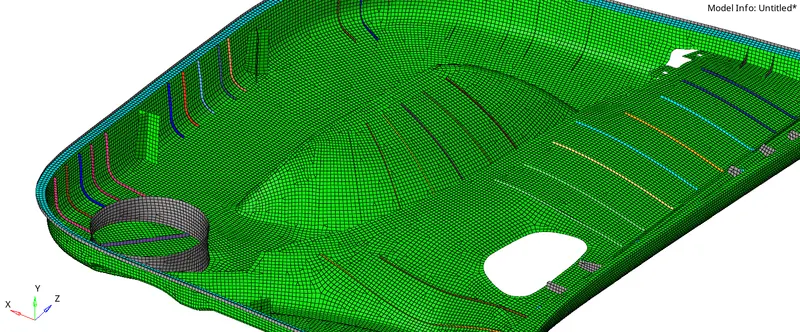
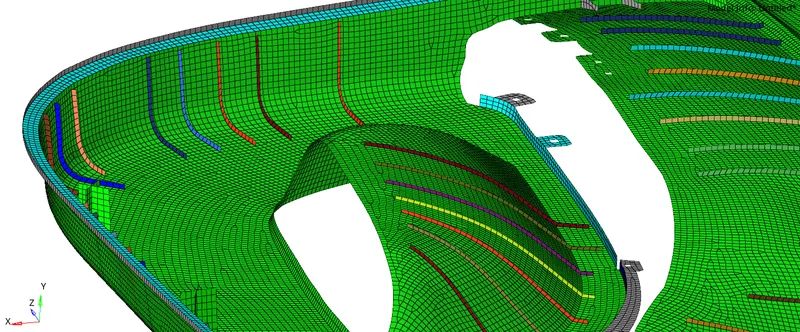
- Making the final geometrical cleanup, mesh each surface w.r.t the respective collector so that the thickness can be assigned accordingly and note all the same thickness should be in a single collector.
- Initially the midsurface 2.8 is meshed taking the flow, capturing & Quality into the cosiderations.
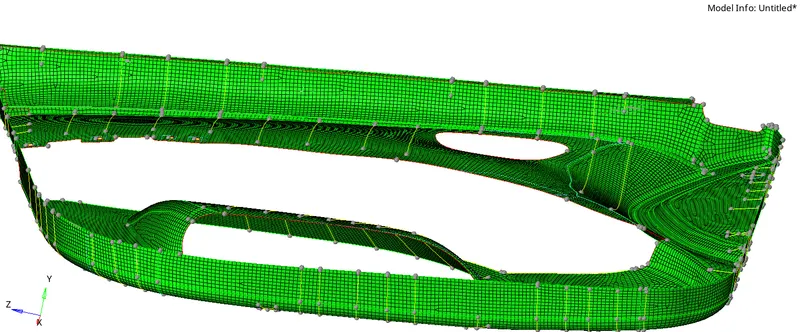
- Similarly follow it to all the other surfaces.
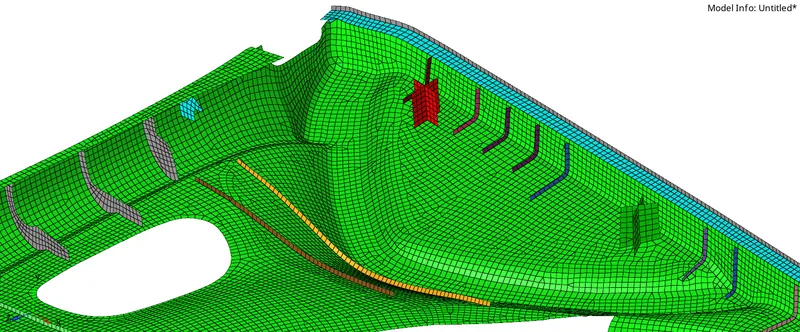
- Check for free edges.
- Create a property according to the thickness and assign it to the component.
- The final 2D Traditional and Detailed representation is as shown.