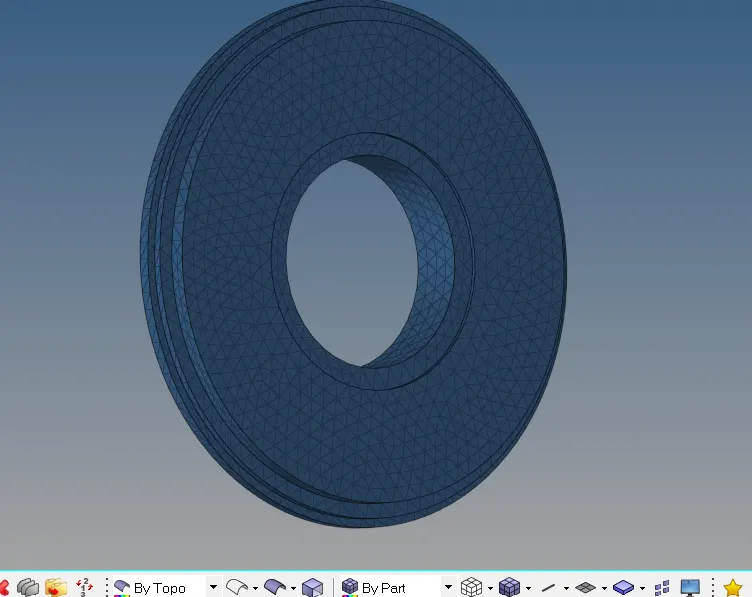
Week 8-3D Tetra Meshing Challenge
AIM: To perform 3D tetra mesh on the given models
PROCEDURE:
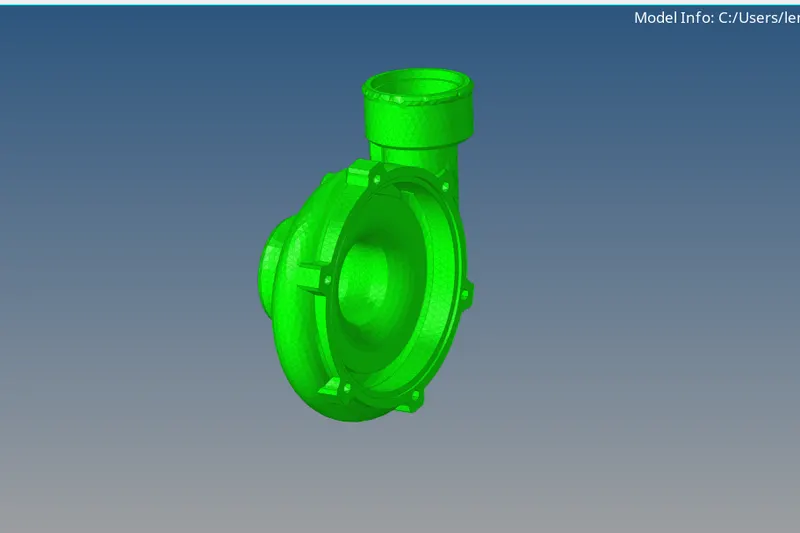
Model 1(Housing)
Step 1:-
Import the given model and check for any geometry error
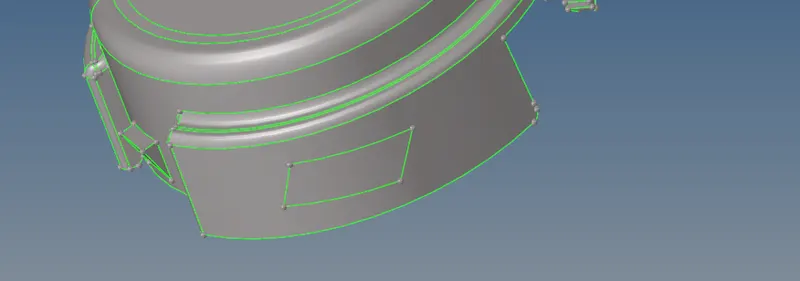
In this model, there are a few missing surfaces like shown in the below image
Step 2:-
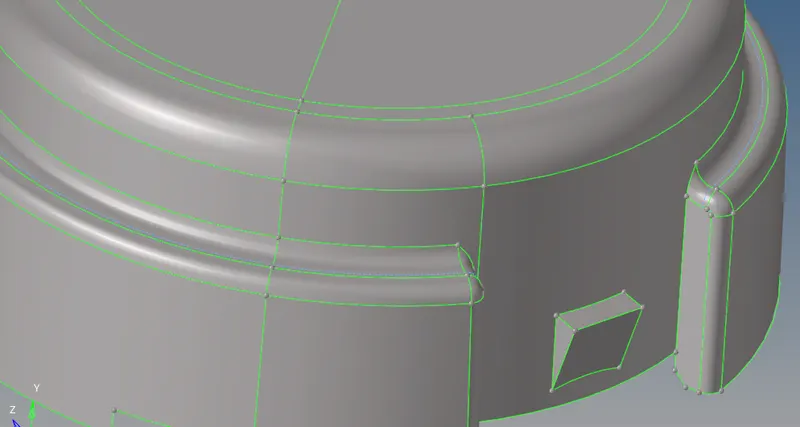
The next step is to defeature some edges which might fail for minimum length quality criteria like shown below
Initially Mesh the surface using 2D tria elements
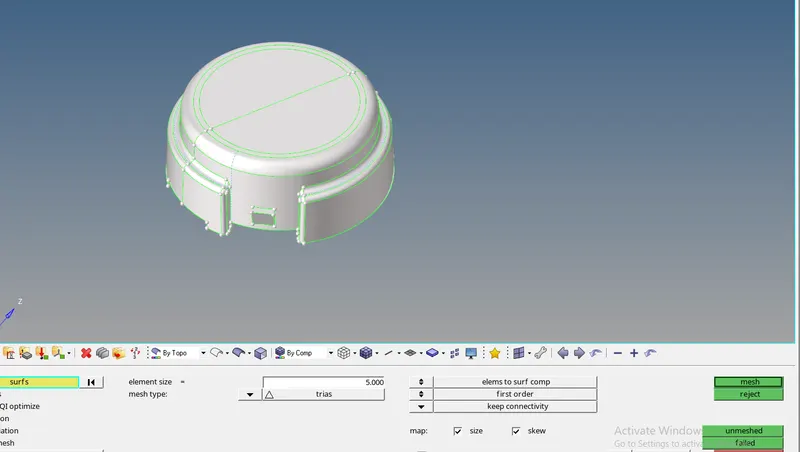
Check for minimum and maximum element size error from and clear the same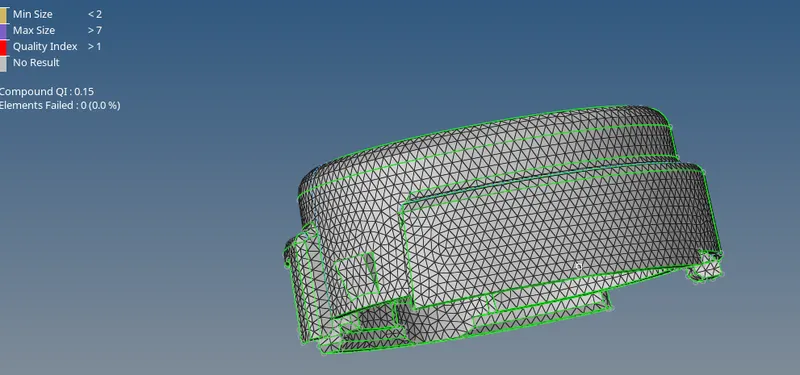
Perform 3D tetra mesh using the 2D tria elements, 3D>Tetramesh>select all the elements
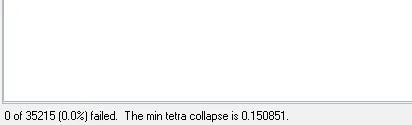
Check tet collapse for 0.15, in tools>check elements>3d>tet collapse, fix the errors by tetra remesh or manually by moving the nodes
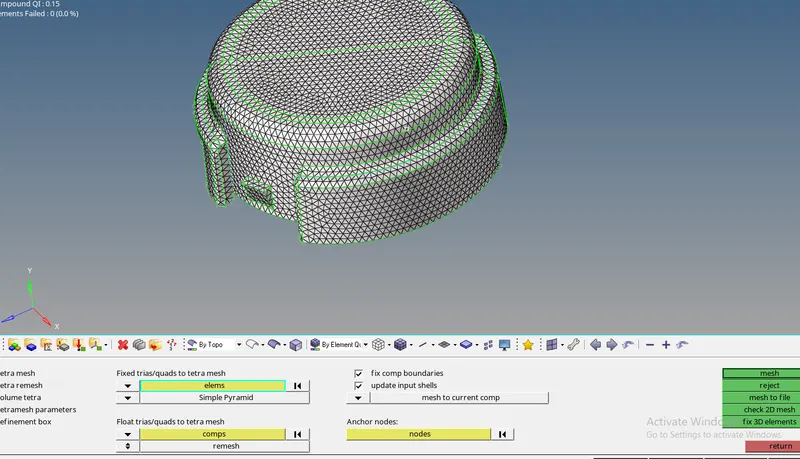
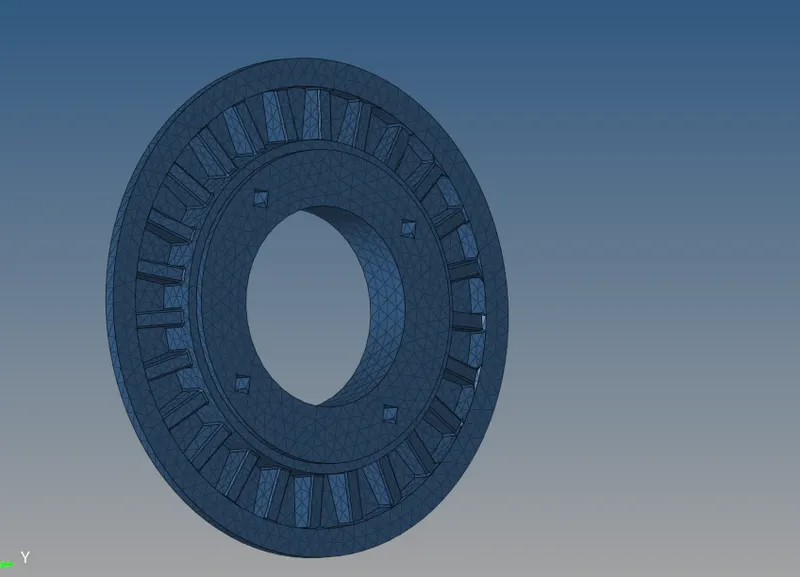
Model 2:
Step 1:-
Import the geometry to the software
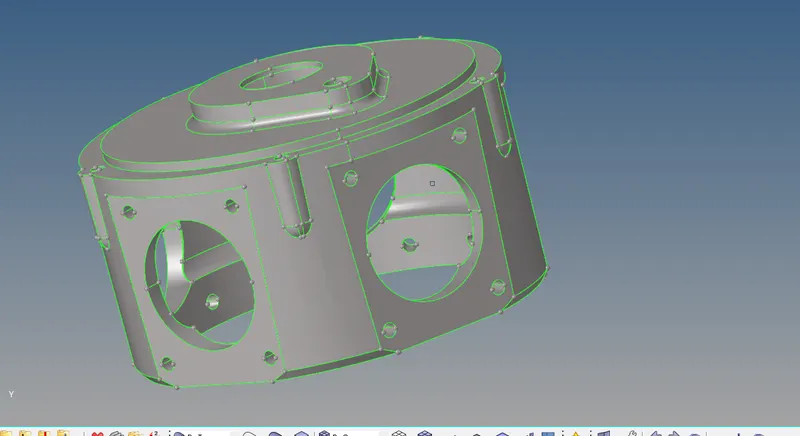
In this model, there is no minimum and maximum element size criteria
So used the volume tetra mesh method to mesh the model
The given model is surface, so used 3d>tetramesh>volume tetramesh> surface, gave the desired element size and gave tet collapse value in tetra mesh
parameter
The given model is meshed and fixed all the tet collapse error
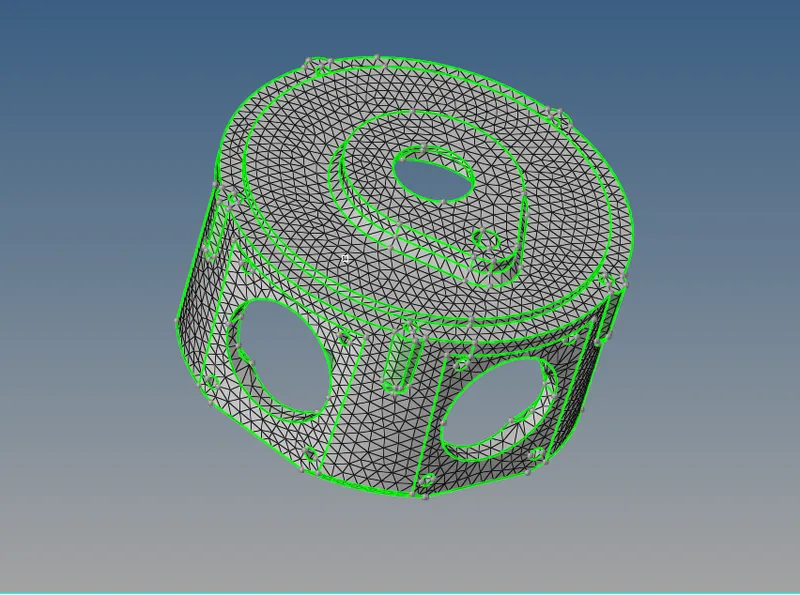
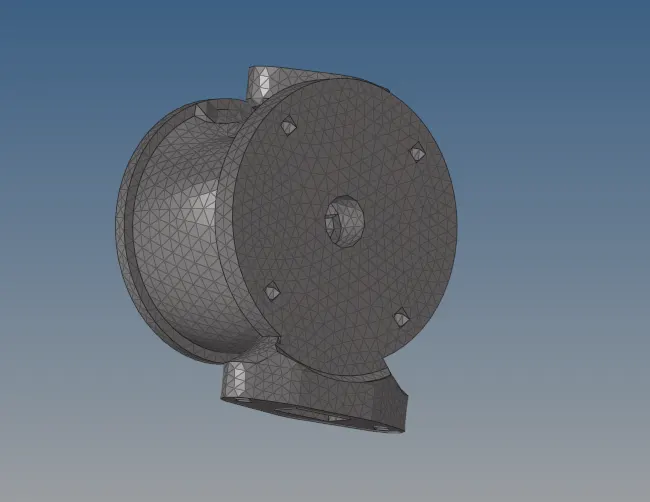
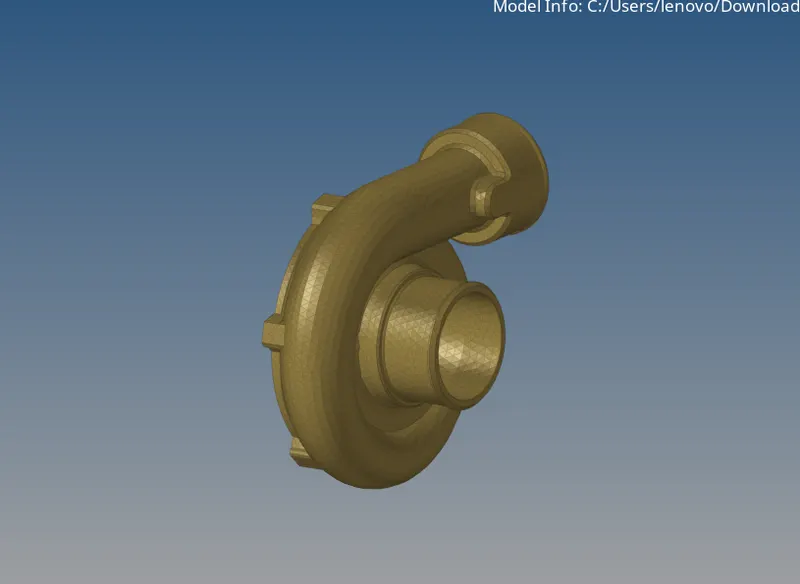
Model 3:
Steps:-
Import the model to the software, look for any geometry error
There are 5 different components in this model, mesh each component in different methods