Week 8-3D Tetra Meshing Challenge
TetraMesh Generation Method: 2D to 3D Conversion
Elements sizes: Min- 2 Units, Target- 5 Units, Max- 7 Units
Tet collapse: 0.15
first method : coversion of 2D Tria element to tetrahedal element by using the tetra mesh panel.
steps that followed to generate tetra mesh .
1. import the model in the hyper mesh and clean the geometry.
2.delect the solid model by using the delect command .
3.now perfrom 2d meshing on the model,select the mesh type of the trias.
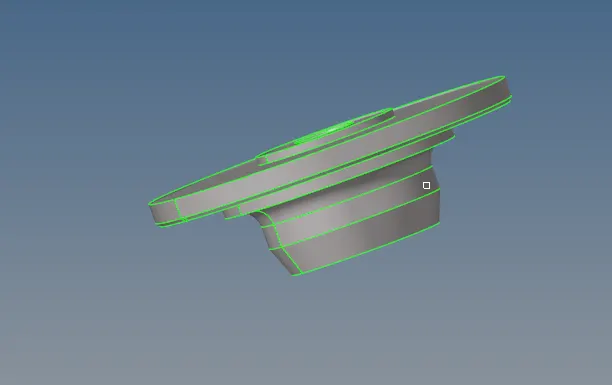
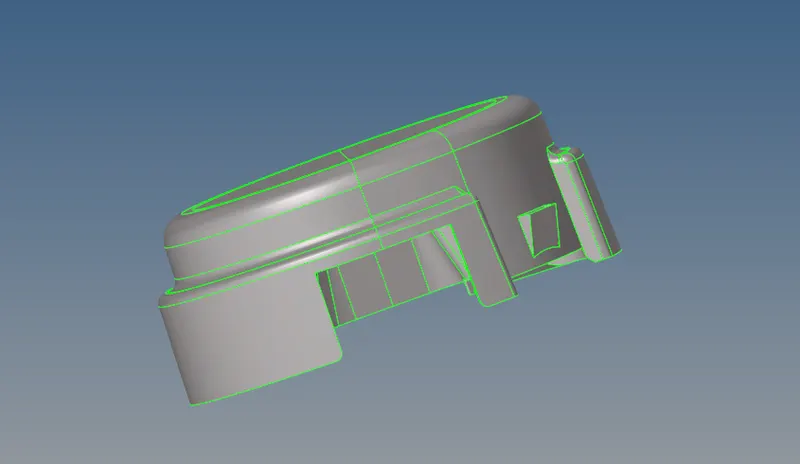
4. now perform the tetra mesh by select the 3d .
5. select the tetra mesh panel, select the elements under the fixed tria/ quads to tetra mesh.
6. after select the element click the on the mesh.

mask the few elements to check.
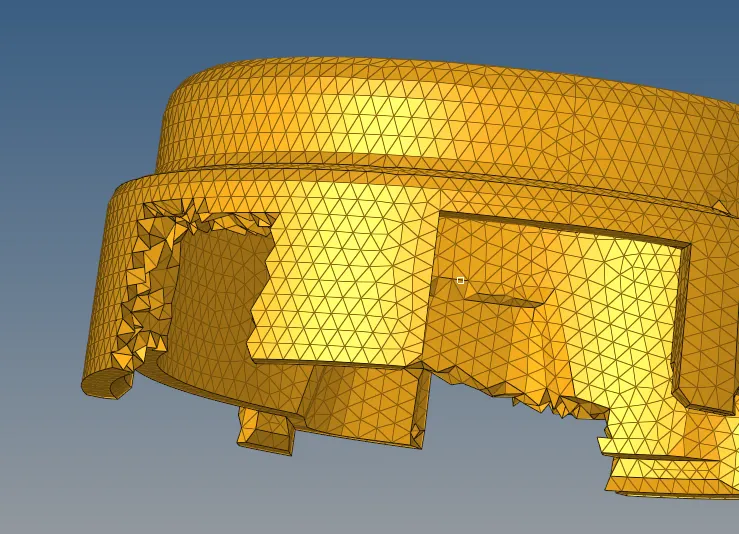
FINAL OUTPUT.
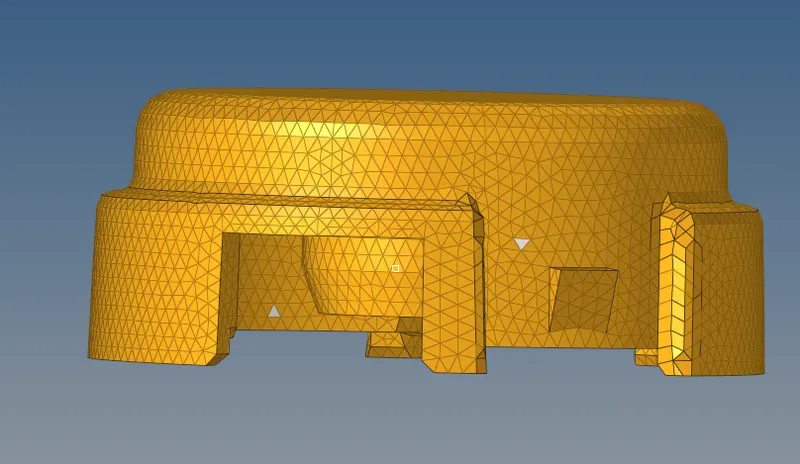
second method :generating tetra mesh, by using quick tetra mesh,form the utility panel.
- For the given assembly model, Create a 3D Tetramesh with the following quality criteria.
TetraMesh Generation Method: Quick Tetra Mesh/ Volume Tetra Mesh
Target Element size: 4 Units.
step to follow the generate tetra mesh :
1. import the model in the hyper mesh and clean the geometry.
2.delect the solid model by using the delect command .
3.click on the figure.
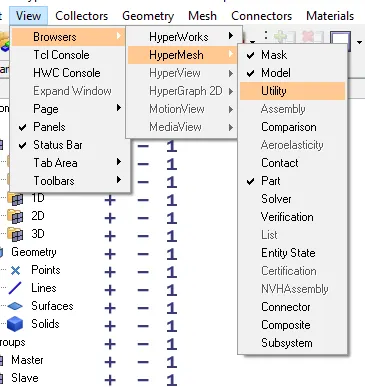
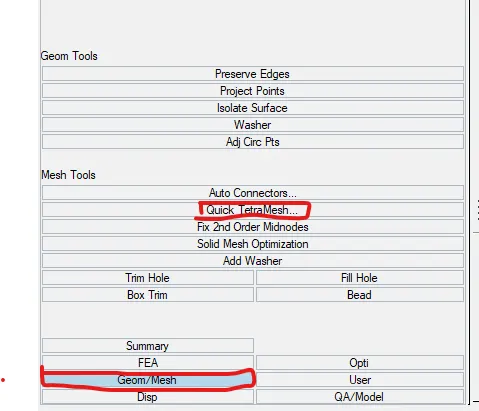
follow the below figure.
select the highlighted commands .
select the component
select surface
give the maximum and minimum values
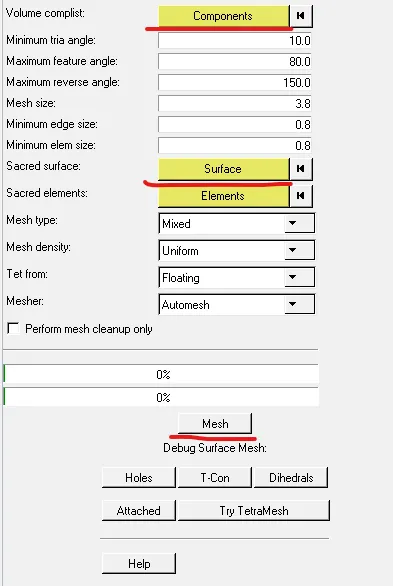
then mesh.
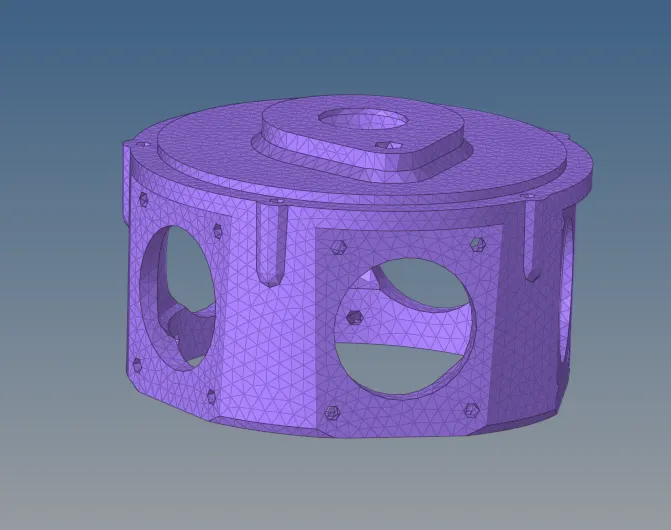
mesh part.
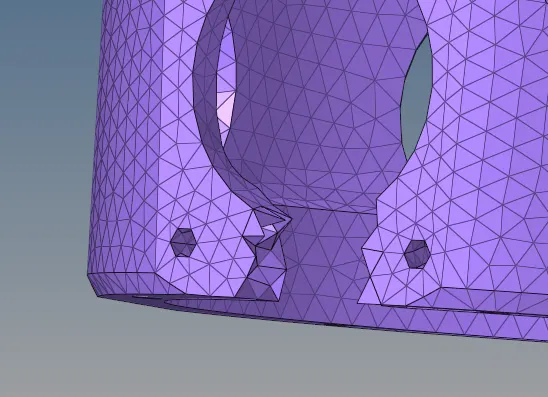
mask the few element to check.
Third method : generating the tetra mesh by using the volume tetra mesh panel:
step to follow the generate tetra mesh :
1. import the model in the hyper mesh and clean the geometry.
2.delect the solid model by using the delect command .
3. click the volume mesh and select the solid.

out of the mesh .
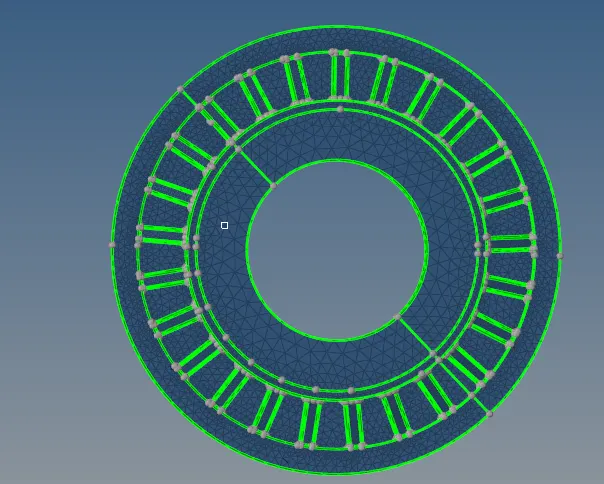
do the similar opertion for other components .
tetra collpase.
set valuve of the collapes and check the fail components.
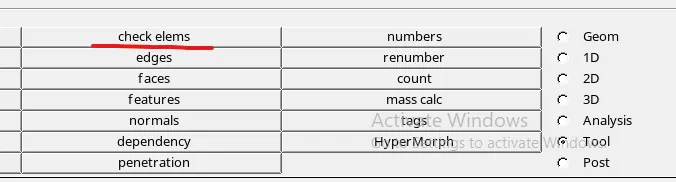
short cut is F10.

GO with 3d and set collpase value.
and check.

fail% should be 0% as showed in the figure