Week 8-3D Tetra Meshing Challenge
AIM: To perform the 3D tetra mesh using different methods as mentioned.
PROCEDURE:
- So here we have given three models and we have to perform 3D MESH on it.
CASE 1:
TetraMesh Generation Method: 2D to 3D Conversion
Elements sizes: Min- 2 Units, Target- 5 Units, Max- 7 Units
Tet collapse: 0.15
- The model is given below:
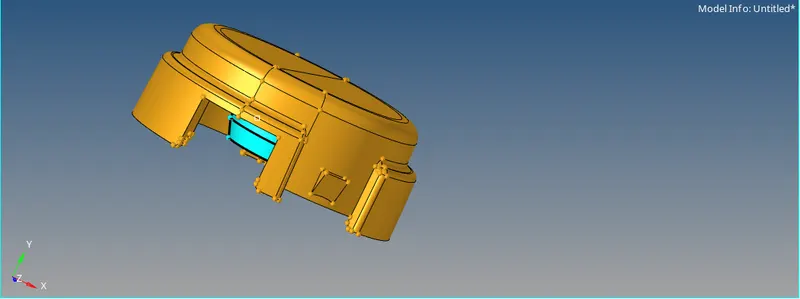
- Now in this first we will cleanup the geometry if required and also the will remove the fillet.
- For that we will use DEFEATURE, QUICK EDIT option.
- After that we will assign the qulity criteria for the meshing.
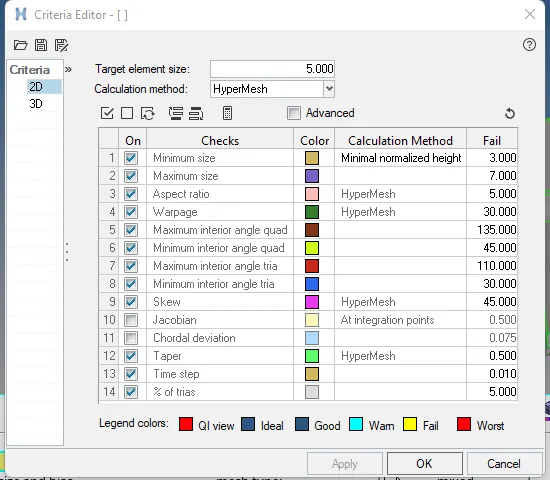
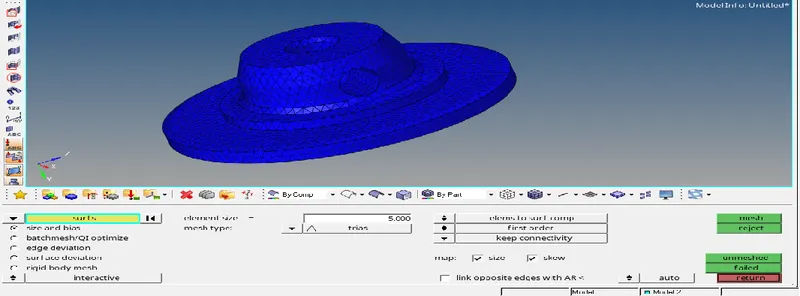
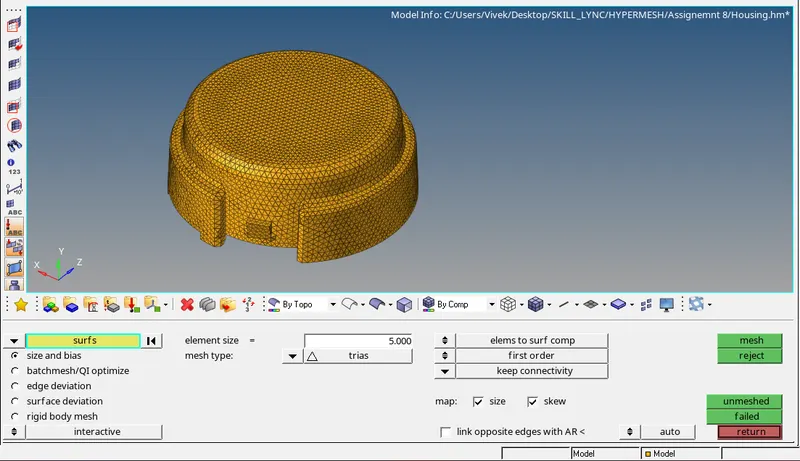
- In this first we will create 2D mesh on the surface then convert it into 3D mesh.
- Now we will mesh the suface , for that go to the 2D>AUTOMESH and mesh type is TRIAS.
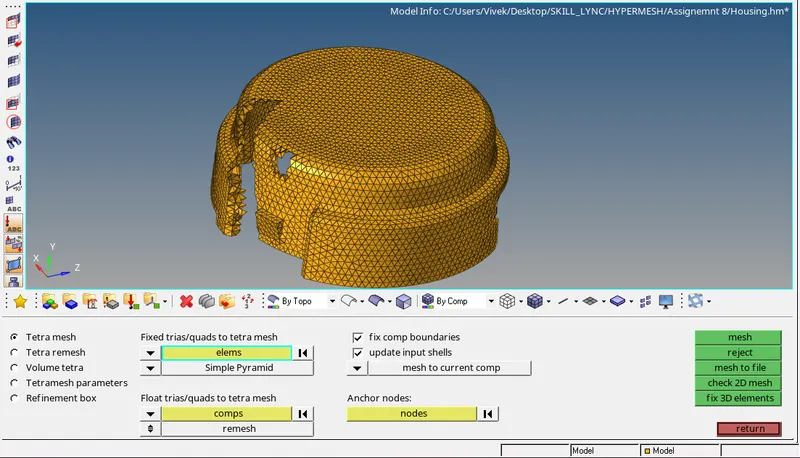
- Now after this we will perform the 3D meshing for that go to the 3D>TETRAMESH select with ELEMENTS
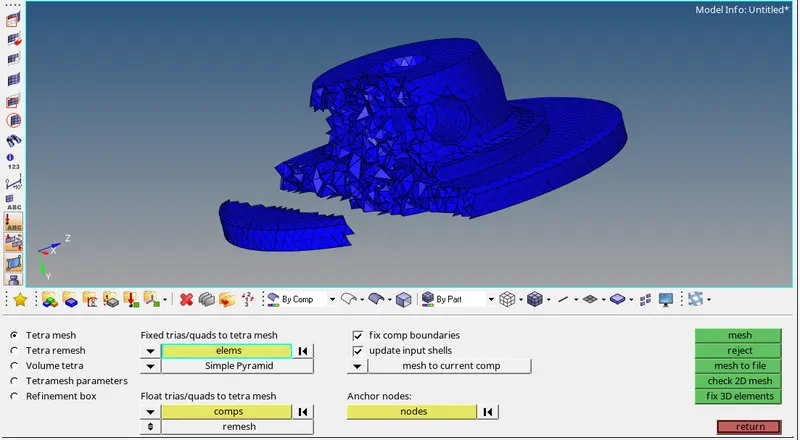
PART2
CASE 2:
TetraMesh Generation Method: Quick Tetra Mesh/ Volume Tetra Mesh
Target Element size: 3 Units.
Tet Collapse: 0.15
- Model is shown below:
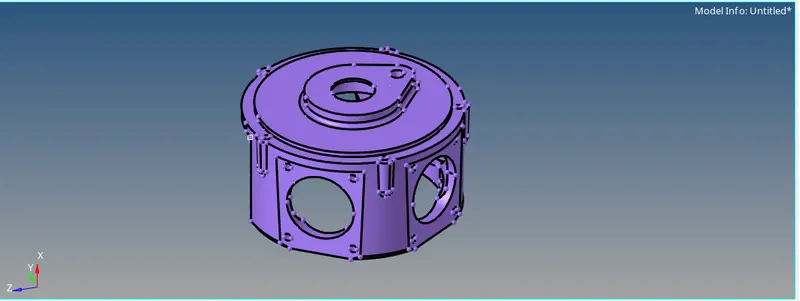
- Now it is a solid model so first we will delete the solid, for that go to the delete option then select solid and displayed.
- After deleting solid component will look like this.
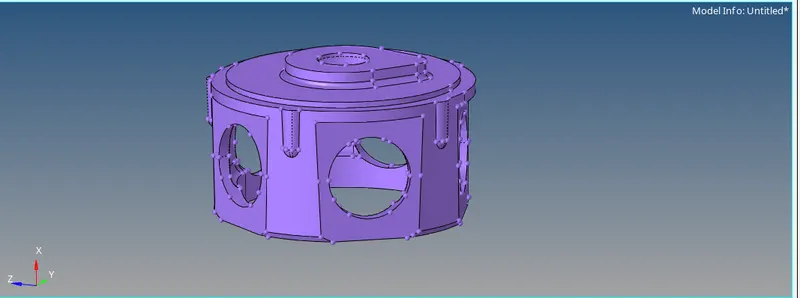
- After that we will perform the defeaturing and autocleanup on the component.
- After this we will perform TETRA MESHING for that the Target element size is given as 3 units.
- The go to VIEW>BROWSER>HYPERMESH>UTILITY>QUICK TETRA:
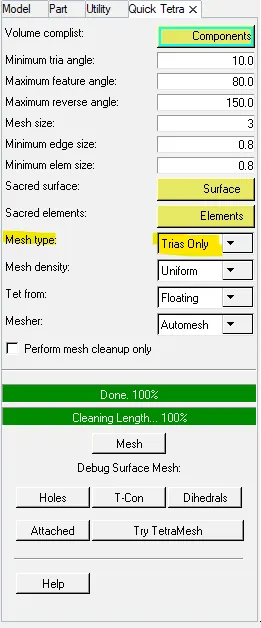
- Now you have to select the component and click on mesh.
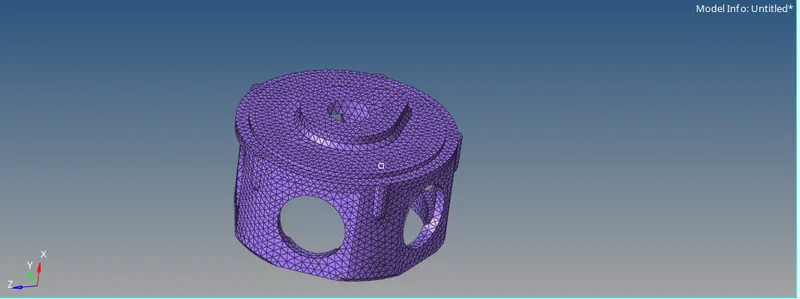
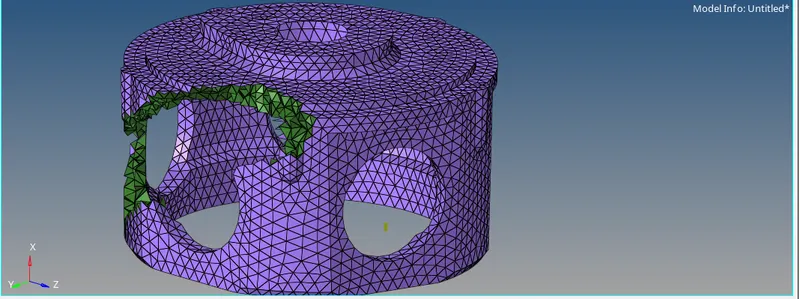
CASE 3:
TetraMesh Generation Method: Quick Tetra Mesh/ Volume Tetra Mesh
Target Element size: 4 Units.
Tet Collapse: 0.15
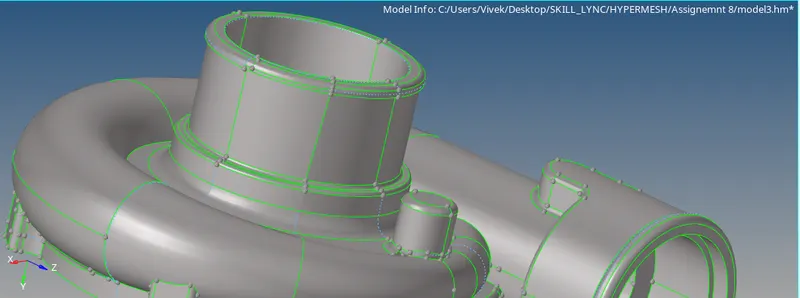
- The model is given below:
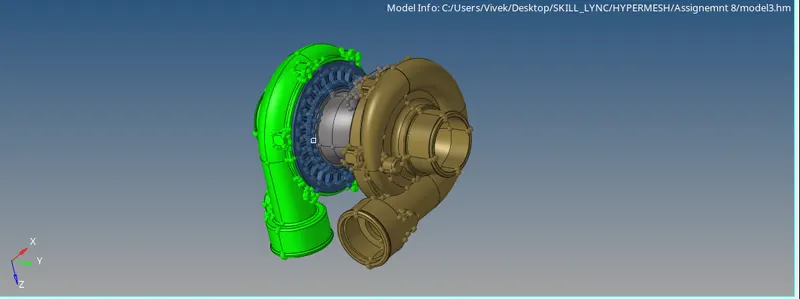
1.
- First we will perform topology cleanup on it. To cleanup the geometry goto the GEOM>AUTOCLEANUP
- Now after that assign the quality criteria as given.
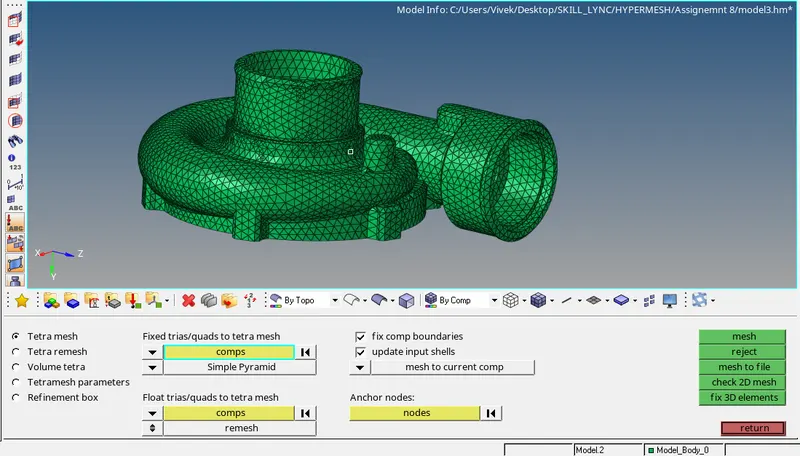
- Now we will perform the 3D tetra mesh on the component. Go to VIEW>BROWSER>HYPERMESH>UTILITY>QUICK TETRA:
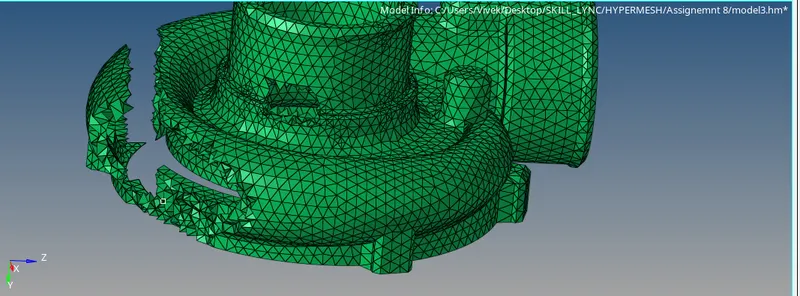
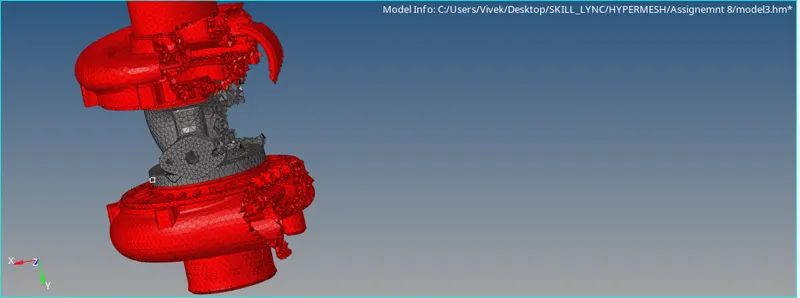
- So like this we will perform the meshing on all the components.
- And the final model will look like this.
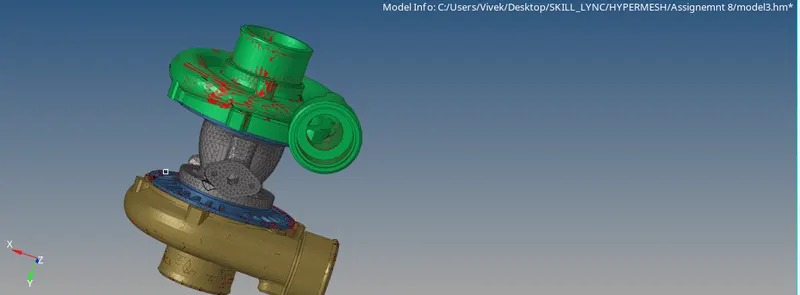
RESULTS:
- The TERTA MESH is performed on the given component.