Week 8-3D Tetra Meshing Challenge
Objective :- Create tetramesh for given componenets using different options in hypermesh(2D to 3D conversion, quick tetra mesh and volume tetra mesh) with quality criteria.
1) 2D to 3D conversion method
Create a Teramesh for Housing component with the following quality criteria.
TetraMesh Generation Method: 2D to 3D Conversion
Elements sizes: Min- 2 Units, Target- 5 Units, Max- 7 Units
Tet collapse: 0.15
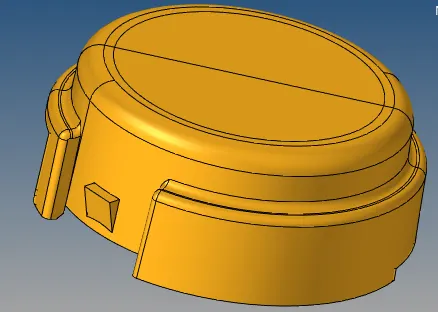
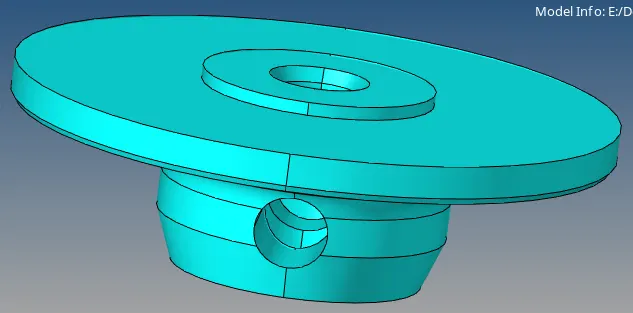
Given Housing model with two components
Procedure :-
- First we have to import housing model using import option. delete solids from given components and clean up the geometery if any geometerical error.
- After clean up go for 2D meshing
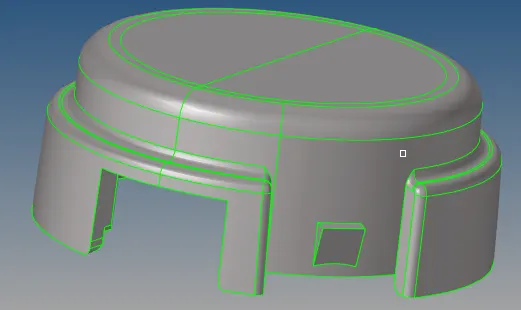
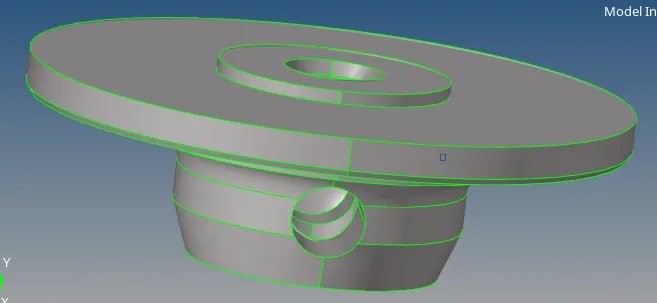
- For 2D meshing we need to use 'automesh' tool in 2D panel. select surface, give element size 4 as per quality criteria given, select mesh type as trias only and hit 'mesh'


- After 2D meshing we have to check failing elements and resolve it by remeshing. for checking failed elements use 'check elems' in 'tool' panel. in 'check elems' tool use 2-d option for checking elements which is fail for max and min length. perform remeshing till get 0 fail elements.


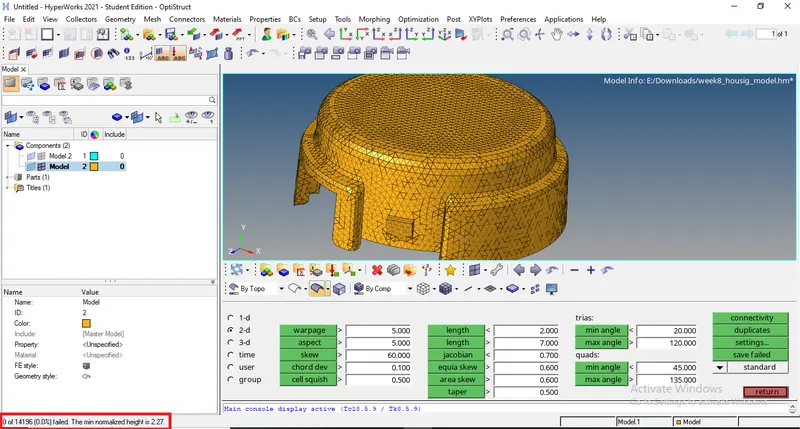
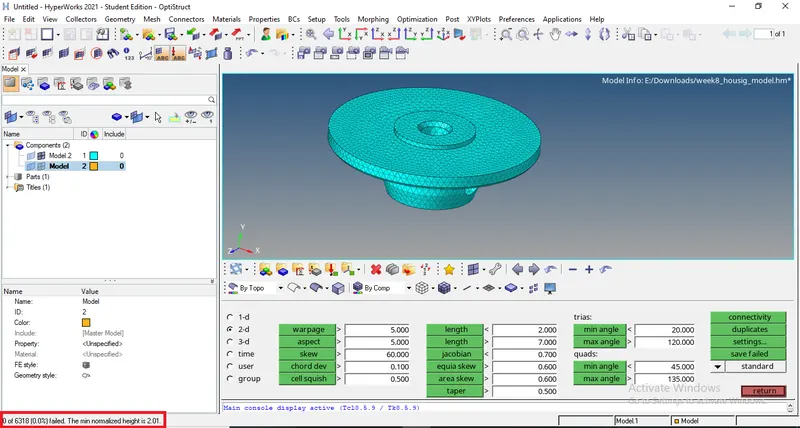
- Then we have to go for 3D tetra meshing. for that go to 'tetramesh' tool in 3D panel then use 'Tetra mesh' option select elements and hit 'mesh'.


- After that need to check for failing elements. similarly as 2D meshing here also check fail elements use 'check elements' tool but instead of 2-d use 3-d for checking fail elements by tet collapse and remeshing the elements using tetra remesh option till get 0 fail elements.
- Tet collapse is nothing but a defect generated when the height of tetrahedron 3D element is less than the target element length. Tet collapse defects were cleared by re meshing the failed elements and changing the height of tetra element by translating nodes.
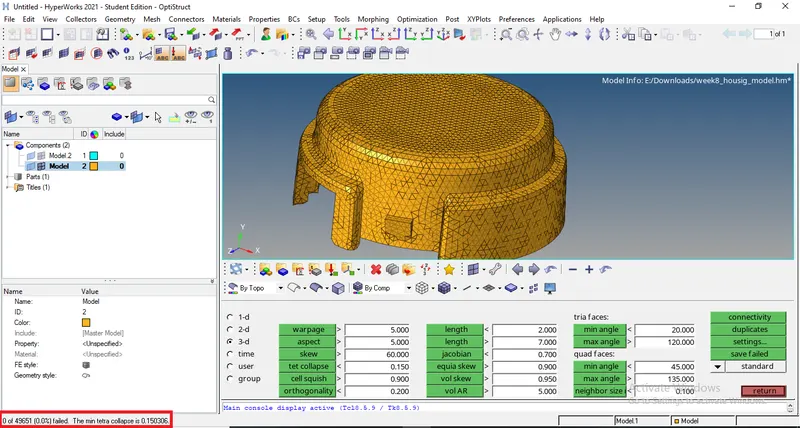
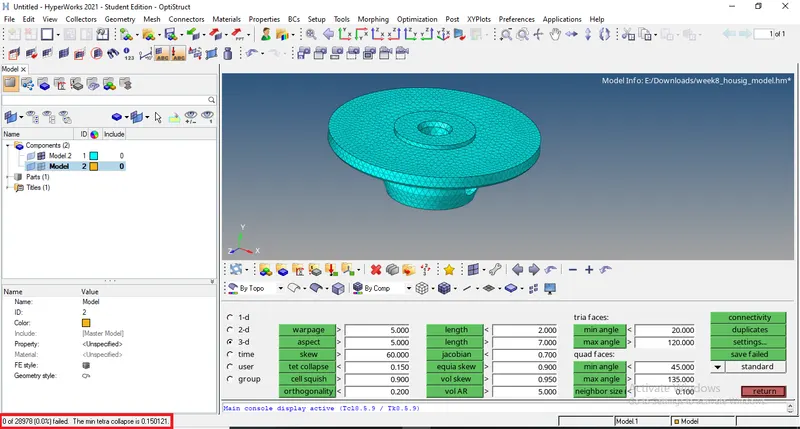
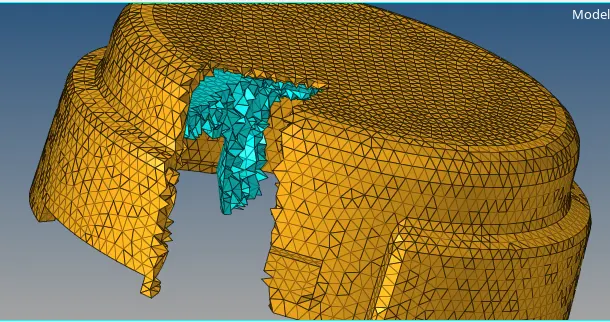
Final tetrameshed model
2) Quick tetramesh method
Create a 3D Tetramesh for given model with the following quality criteria.
TetraMesh Generation Method: Quick Tetra Mesh/ Volume Tetra Mesh
Target Element size: 3 Units.
Tet Collapse: 0.15
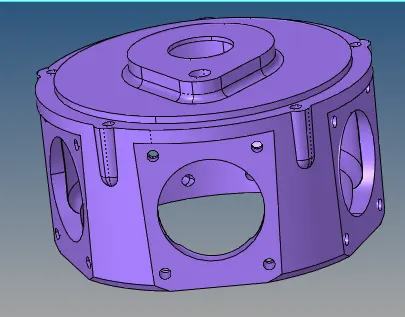
Given model
Procedure :
- Import the given model with import option go to 'file' then 'import' and select 'model/geometry'
- Then we have to go for quick tetramesh method. in this method 2D mesh is genrated and convert it into 3D mesh automatically.
- Genrally this method is not preferred it will be gives bad mesh quality.
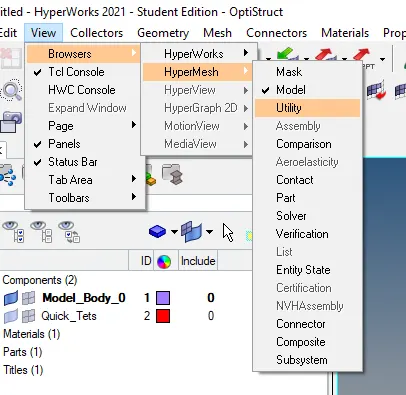
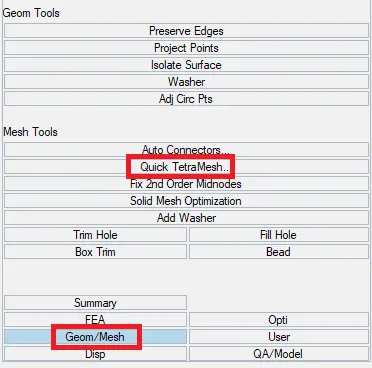
- For this method we have to go 'view', 'browsers', 'hypermesh' and tick 'utility'. after that select 'Geom/mesh' then click 'quick tetramesh'.
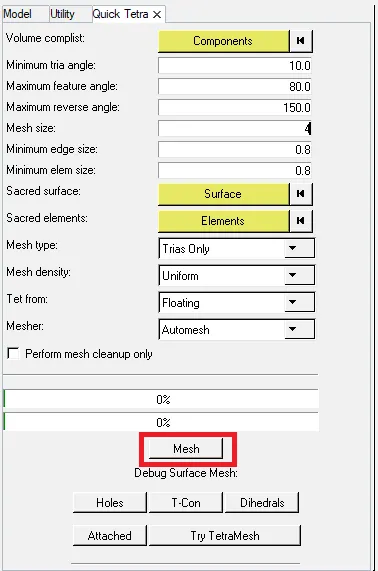
- In quick tetramesh tool first select given component then give mesh size and type of mesh and hit 'mesh'.
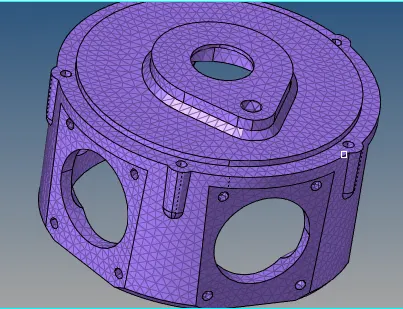
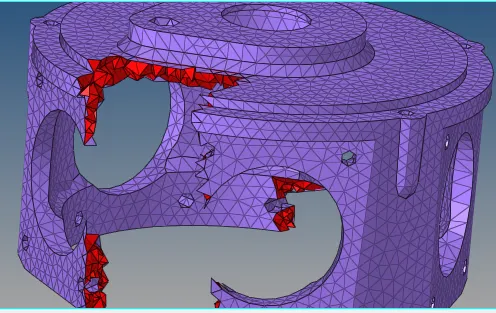
- After that need to check elements which are failing for tet collapse. similarly as previous method use 'check elems' in tool panel
- Resolve fail elemets by using 'tetra remesh'. perform remeshing till get 0 fail elements.


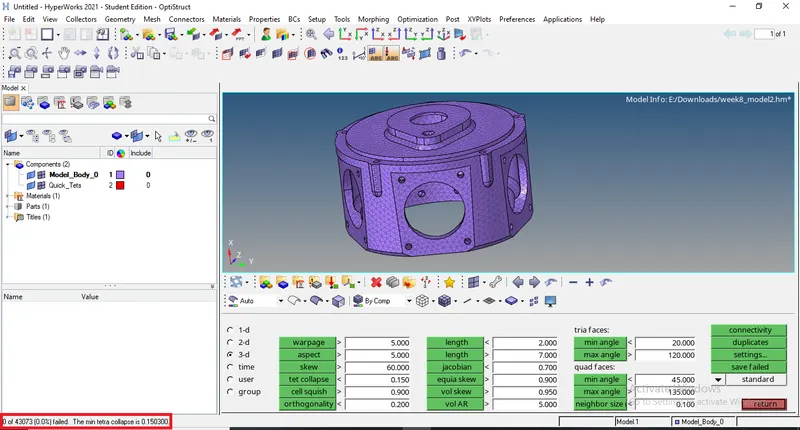
Final tetrameshed model
3) Volume tetramesh method
Create a 3D Tetramesh for given assembly model with the following quality criteria.
TetraMesh Generation Method: Quick Tetra Mesh/ Volume Tetra Mesh
Target Element size: 4 Units.
Tet Collapse: 0.15
Given model
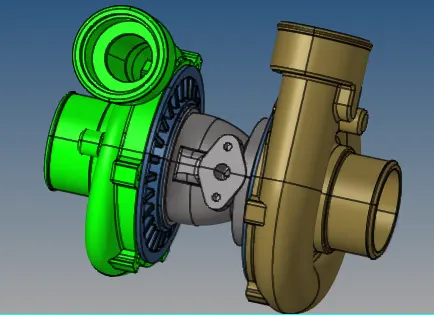
Components
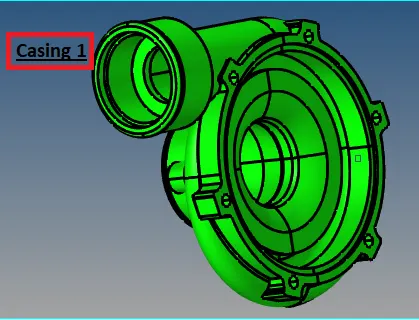
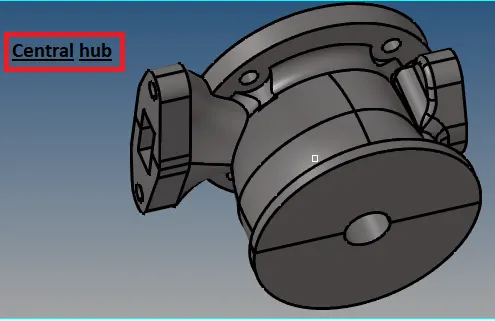
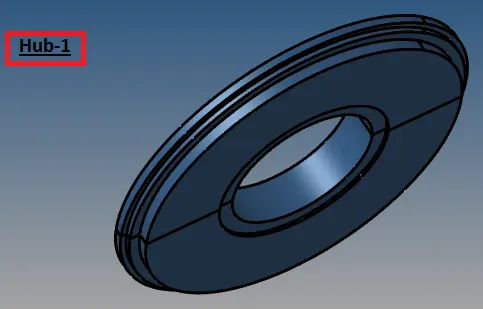
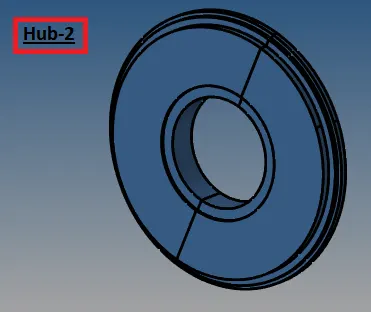
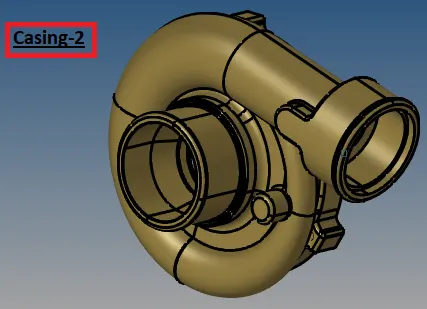
Procedure :-
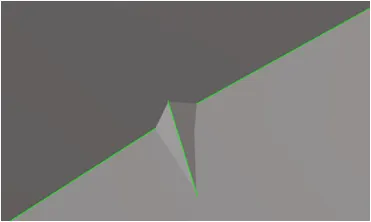
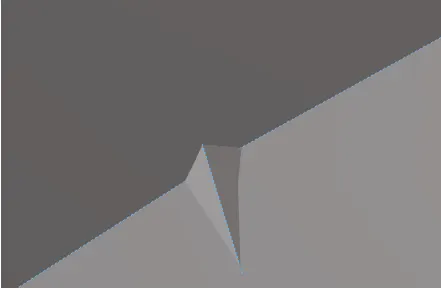
- First of all we have to import given model using import option. before strat this method need to clean up the geometry if any error found in geometry.
- Then go for 3D tetrameshing with volume tetramesh method. for that go to 'tetramesh' tool in '3D' panel, 'volume tetramesh' select solid, give mesh size and mesh type then hit 'mesh'

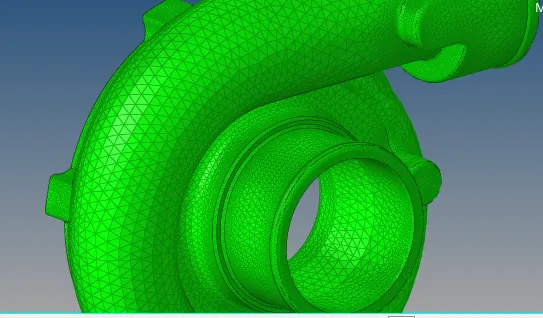
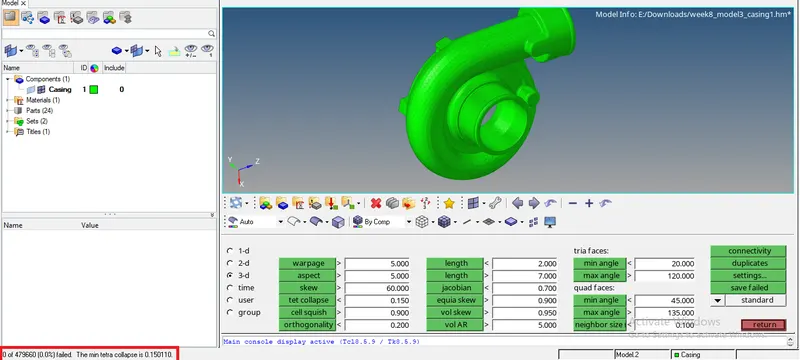
- after that we have to check elements which are fail using 'check elems' tool. rsolve it by remeshing using 'tetra remesh' option. performed remeshing till get 0 fail elements.
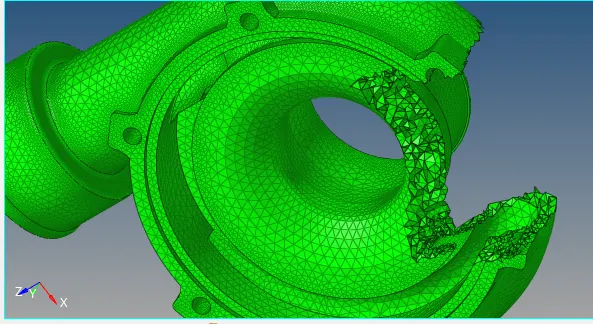
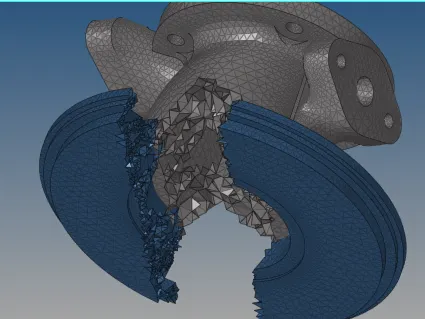
Final tetrameshed components of model
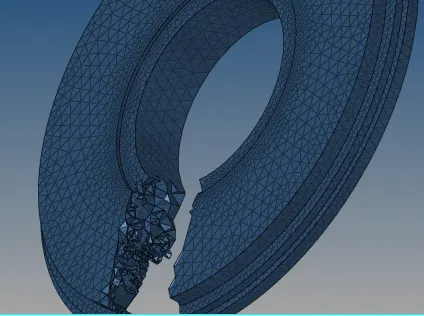
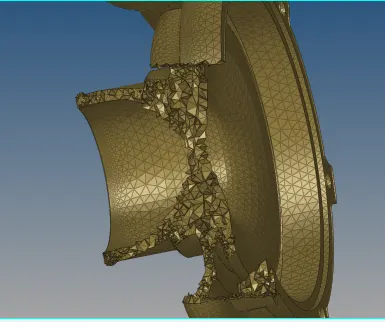
Conclusion :- Created 3D tetramesh with three different method on given model and meshing is performed with given quality criteria.