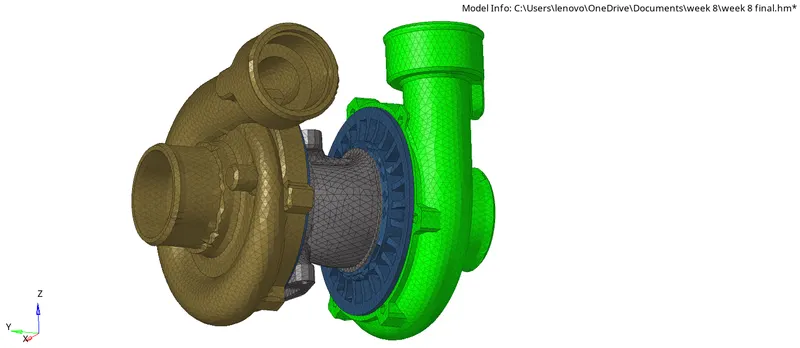
Week 8-3D Tetra Meshing Challenge
OBJECTIVE: To creat tetramesh on 3D componenets with given quality parameters.
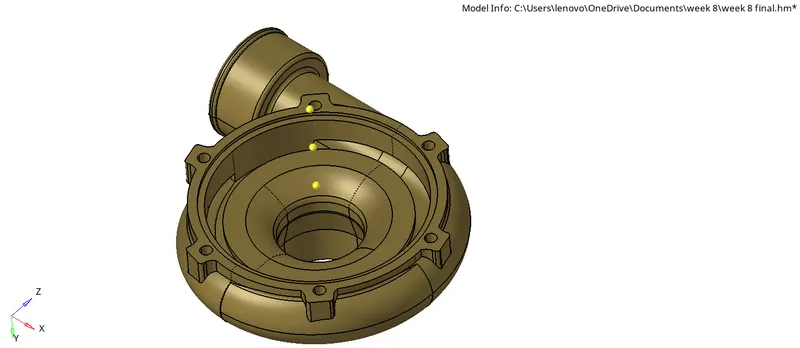
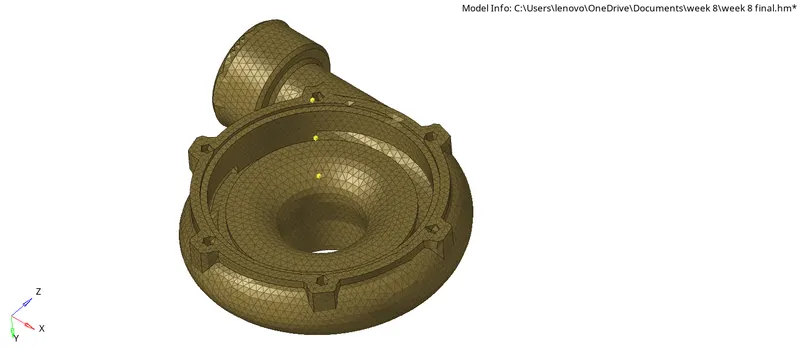
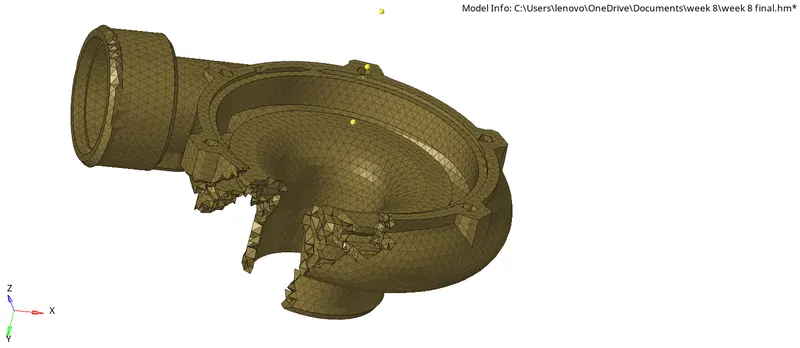
MODEL 1 : Housing Model
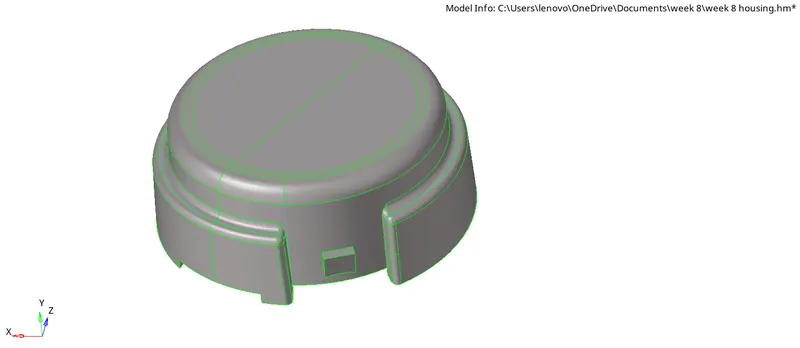
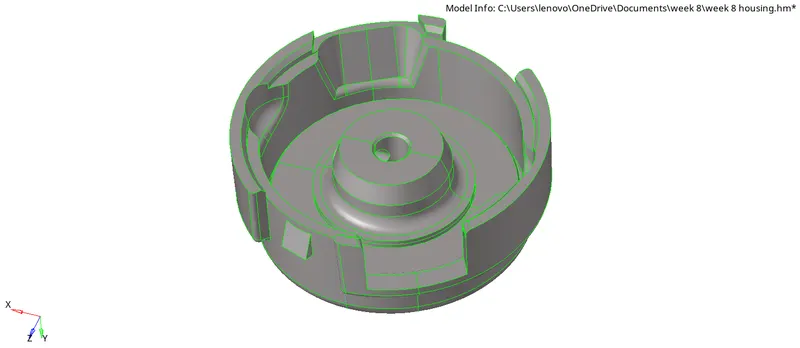
Quality Criteria for this model:
minimum element size : 2mm
maximum element size : 7mm
target elelment size : 5mm
tet collaps : 0.15
Procedure:
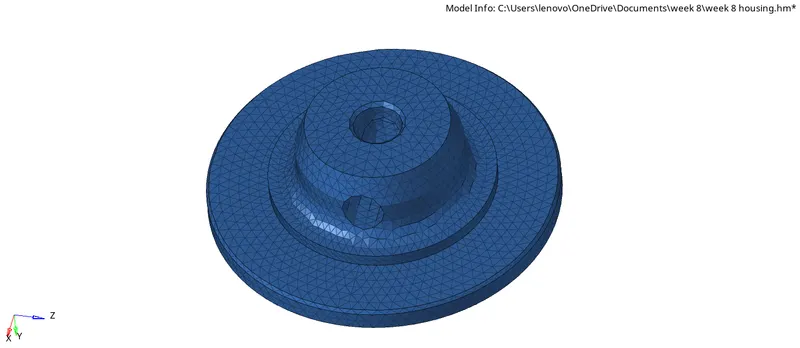
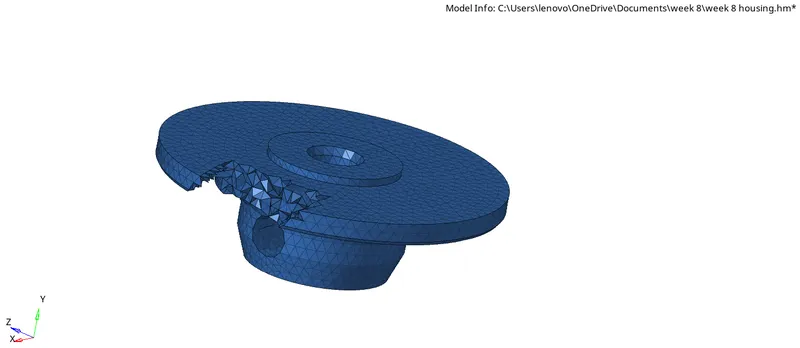
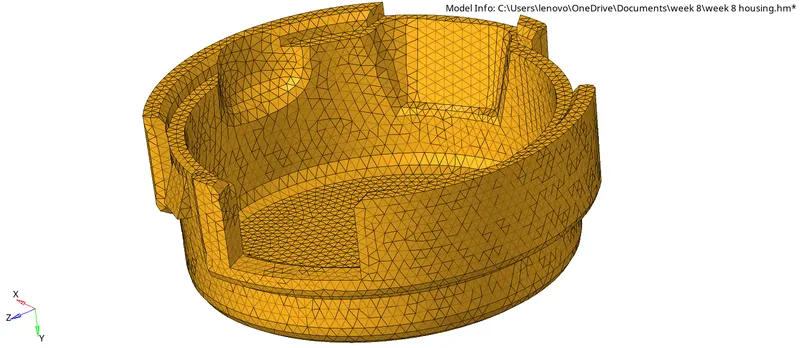
- For this model we have to creat 2D shell elements first then we will convert it into 3D tetra elements by using 3D mesh panel.
- The maximum and minimun element size we need to clear this quality within the 2D mesh.
- After creating 3D elements we will check for tet collaps and need to clear the fail elements.This can be done by remeshing the 3D elements using tetra remesh command.
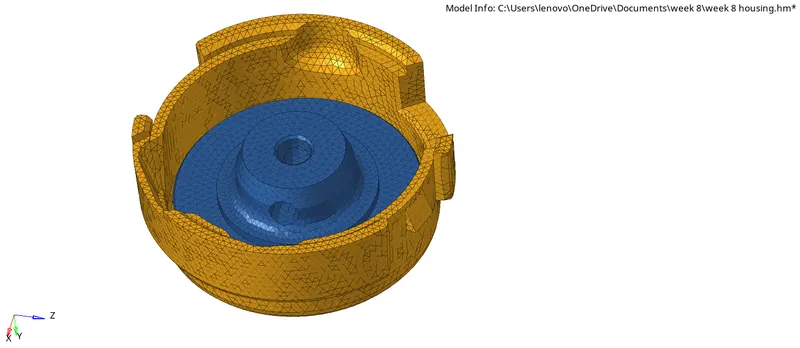
component 1:
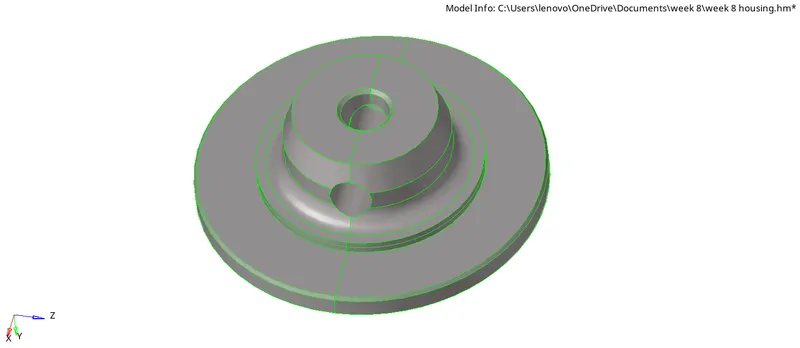
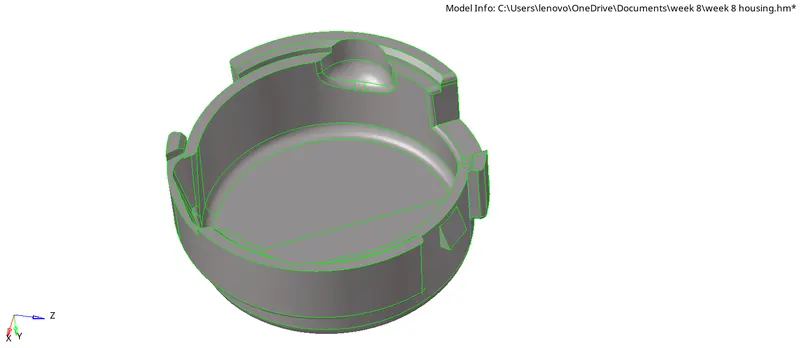
component 2 :
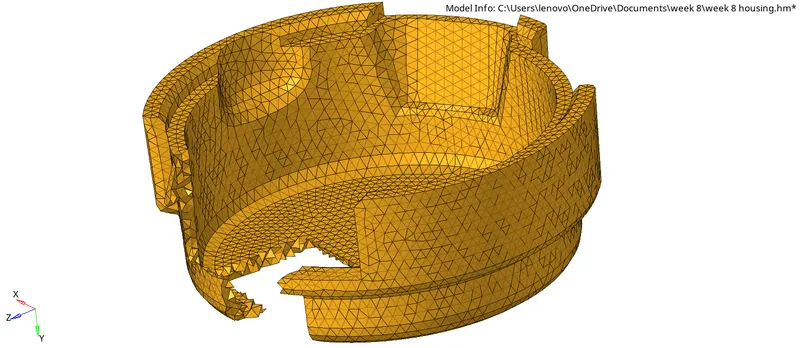
Final mesh for husing model:
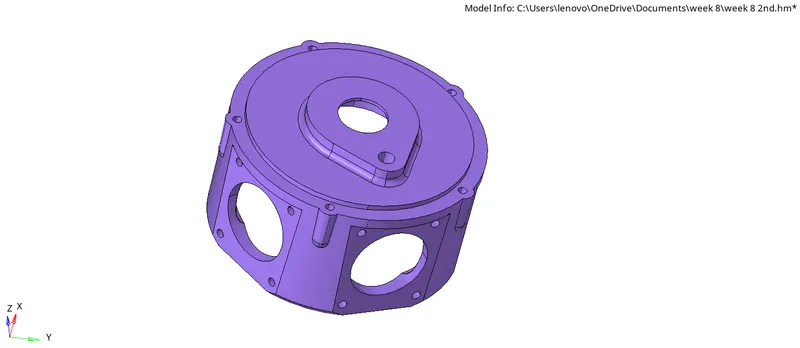
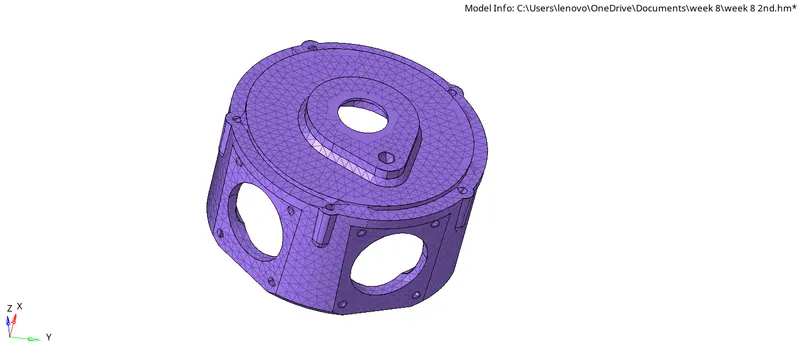
MODEL 2 :
Quality parameters for this mesh:
target element size : 3mm
tet collaps : 0.15
Procedure:
- In this model 1st we will be using vloume tetra mesh from 3D mesh panel.
- If some error is showing in meshing due to geometrical error in the model the we will go for Quicktetra from utility panel.
- Where we will select the component which we are going to mesh and set the value of quality parameters and then go for mesh.
- After that we need to check for tetcollaps here also.
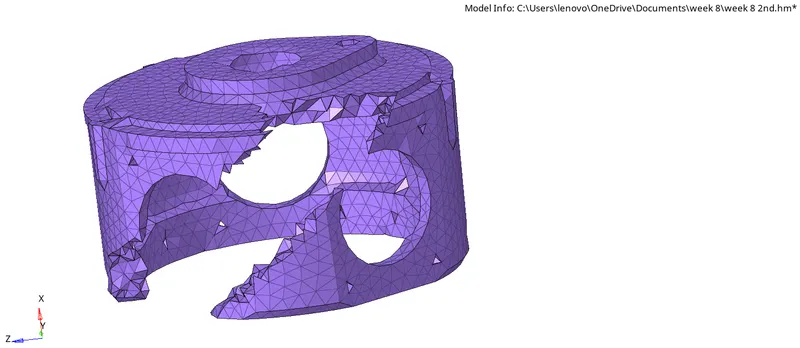
MODEL 3 :
Quality criteria for this model:
Target elemnt size : 4mm
Tet collaps : 0.15
Procedure:
- In this model we have to follow the same procedure as model 2.
- Either we will go for volume tetra mesh or we can directly go for Quicktetra mesh from utility panel.
- And at last we will go for tetcollaps.
- we will be doing the mesh in one by one component order.
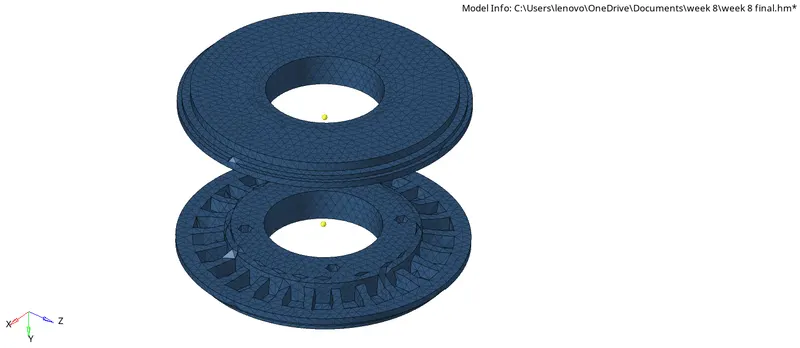
Component (1-1 solid body) :
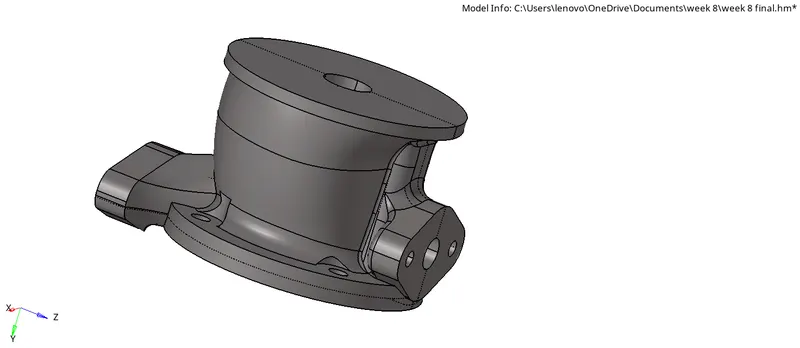
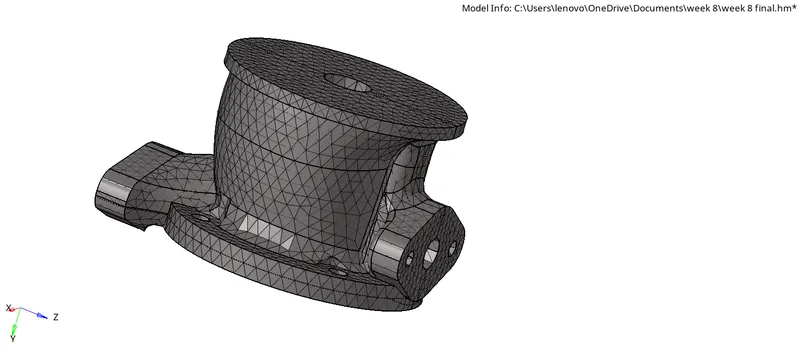
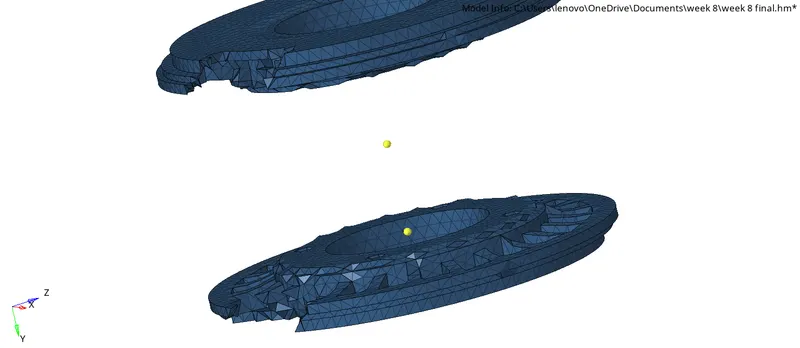
Component body 13:
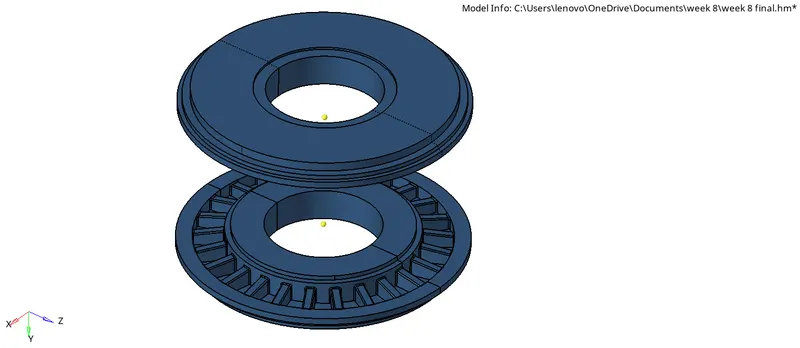
component body (0 and 5):
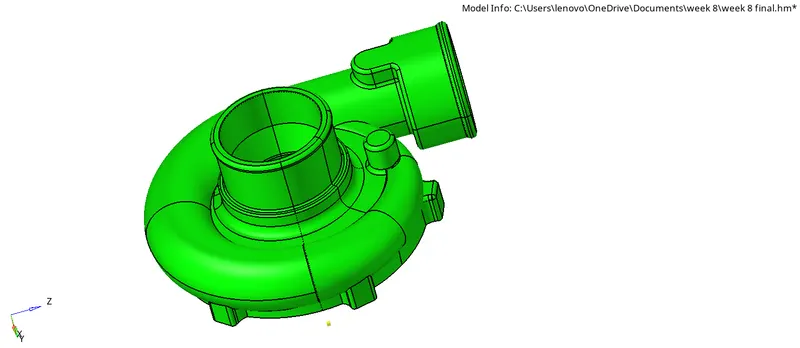
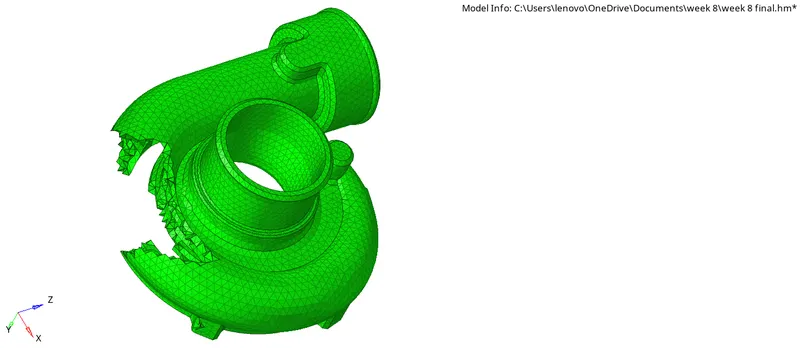
Model 3 final mesh: