Basics of Morphing Techniques in ANSA
Basics of Morphing Techniques in ANSA
Aim :- To learn and perform morphing technique on given sheet metal component.
Software used :- ANSA V19.1.6
Methodology :-
- Import CAD model into ANSA.
- Topology and geometry cleanup.
- Morphing
Procedure :-
1] Import given CAD model into ANSA.
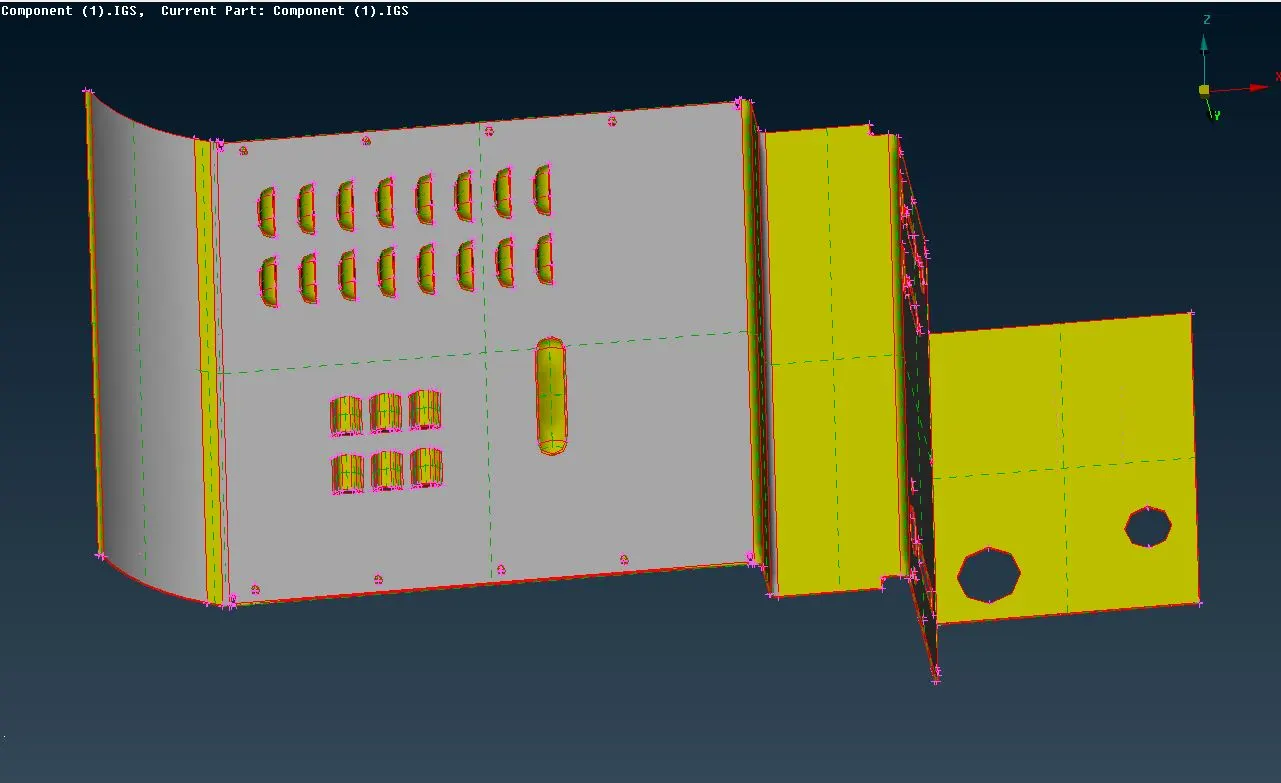
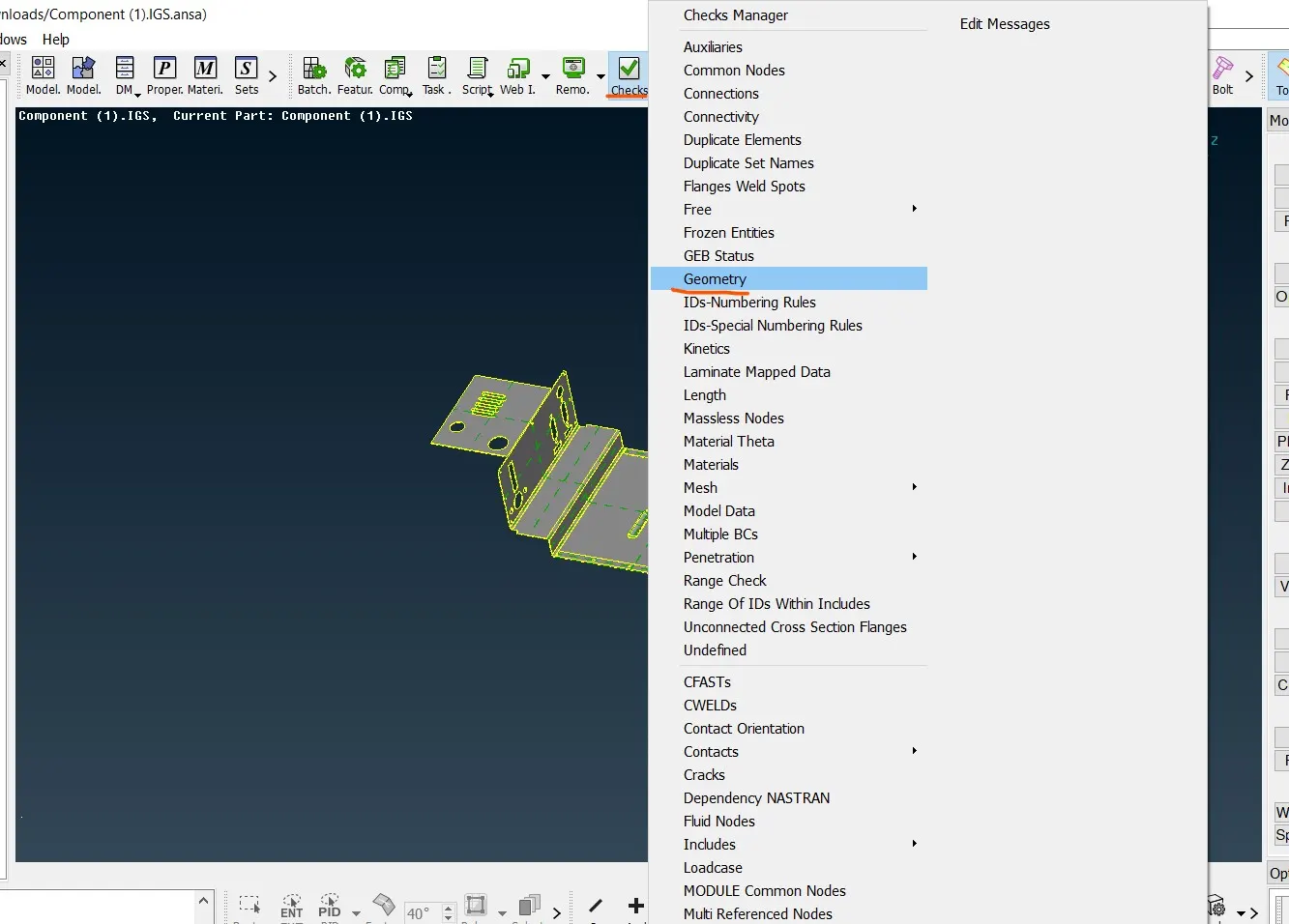
2] Topolgy and geometry cleanup :- After importing CAD model need to be stitch surface together for that topo option is used. After using topo check geometrical errors by Tools>Check>Geometry option in that ANSA checks cracks,triple coons,single coon,overlap surface,etc errors.
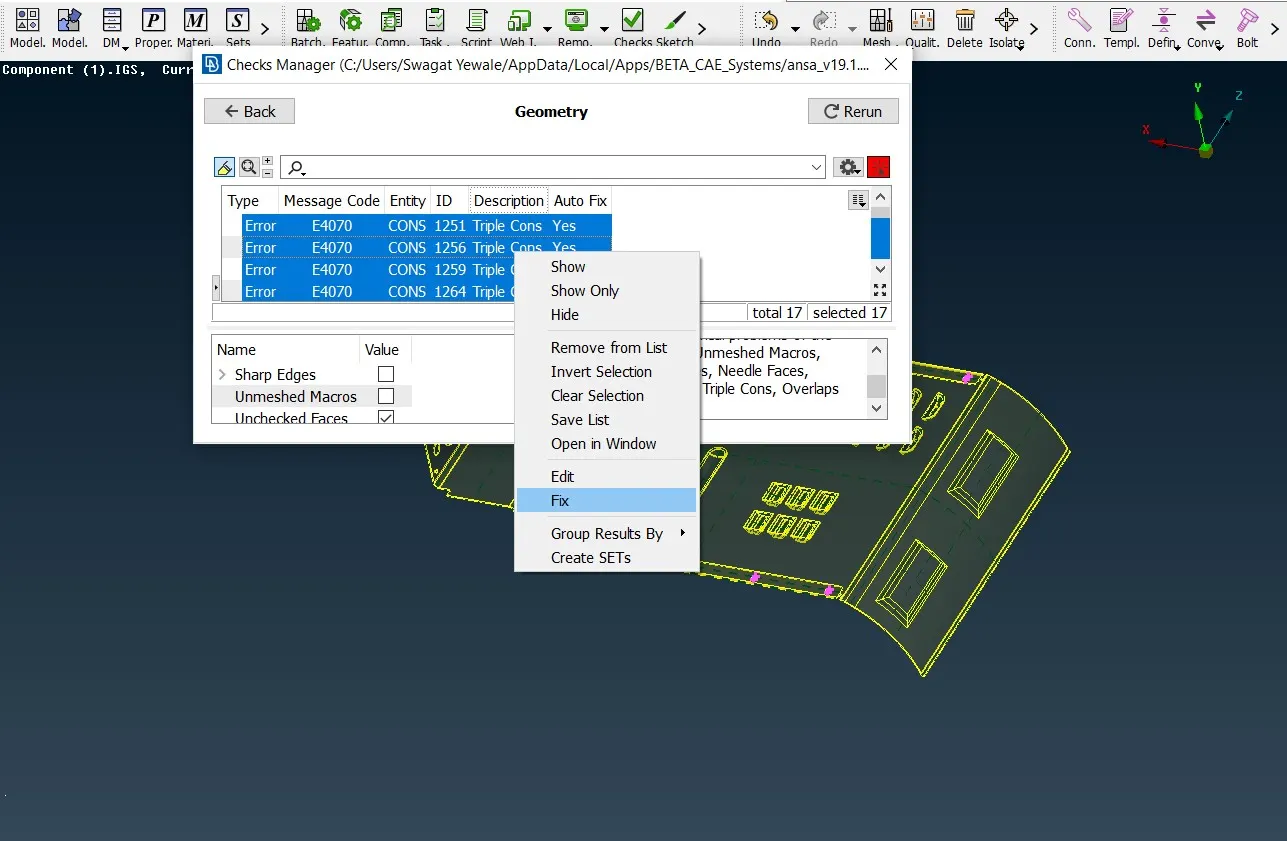
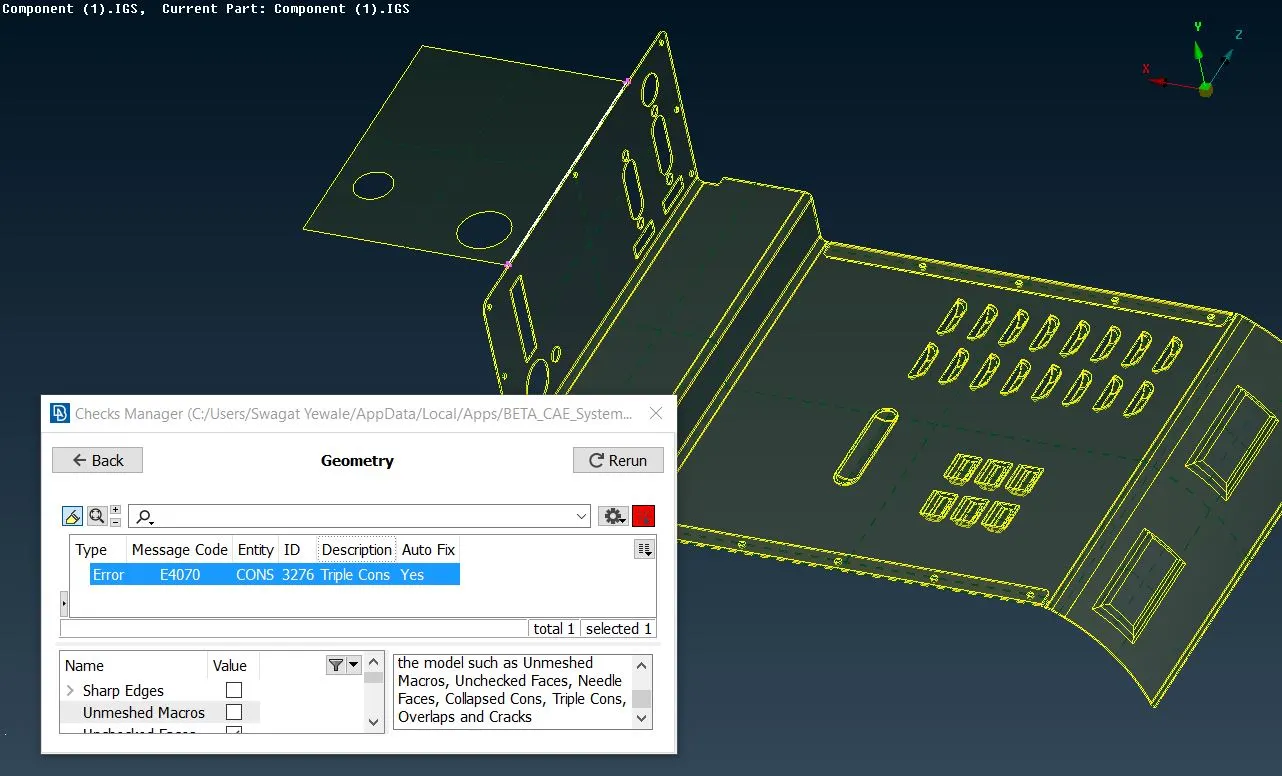
In given model geometry errors are cleared by auto fix option and remaining errors are triple coon which is rectified by releasing coon and after that performing topo option in required area.Here, one triple coon is non avoidable due to one coon is in contact with three surfaces.
3] Morphing :- Morphing is the technique in which we can remodify or reshape the both geometry as well as FE in the design process with or without numerical inputs. when CAE engineer is working on any component and he advice any better change in model then that modification is done through morphing and sent it to design team and they redesign the component with suggested changes. it is used in automobile and aerospace industry.one of the example of morphing is hatch back vehicle is converted into sedan like Honda brio and honda amaze.
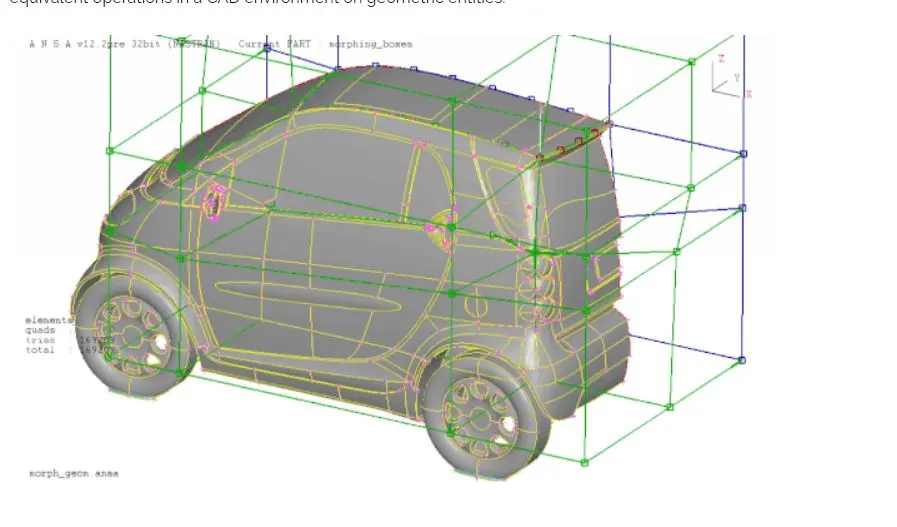
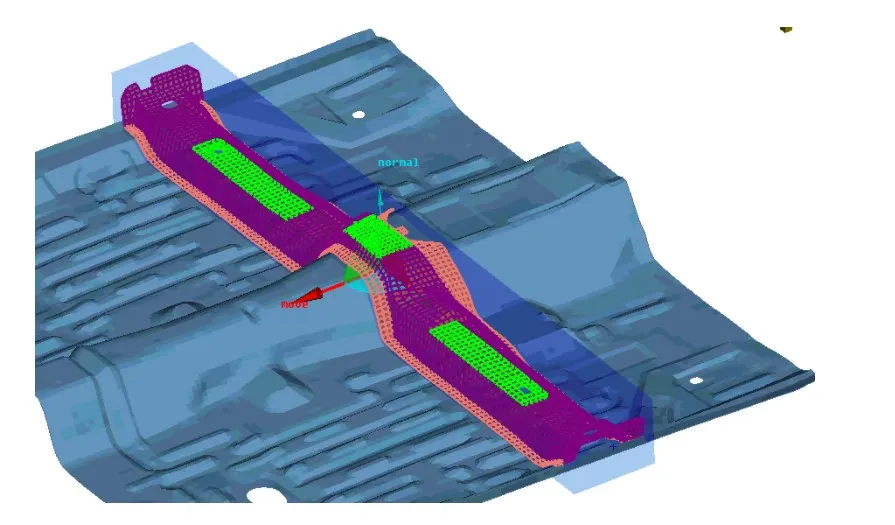
Following steps are used to create morphing box :-
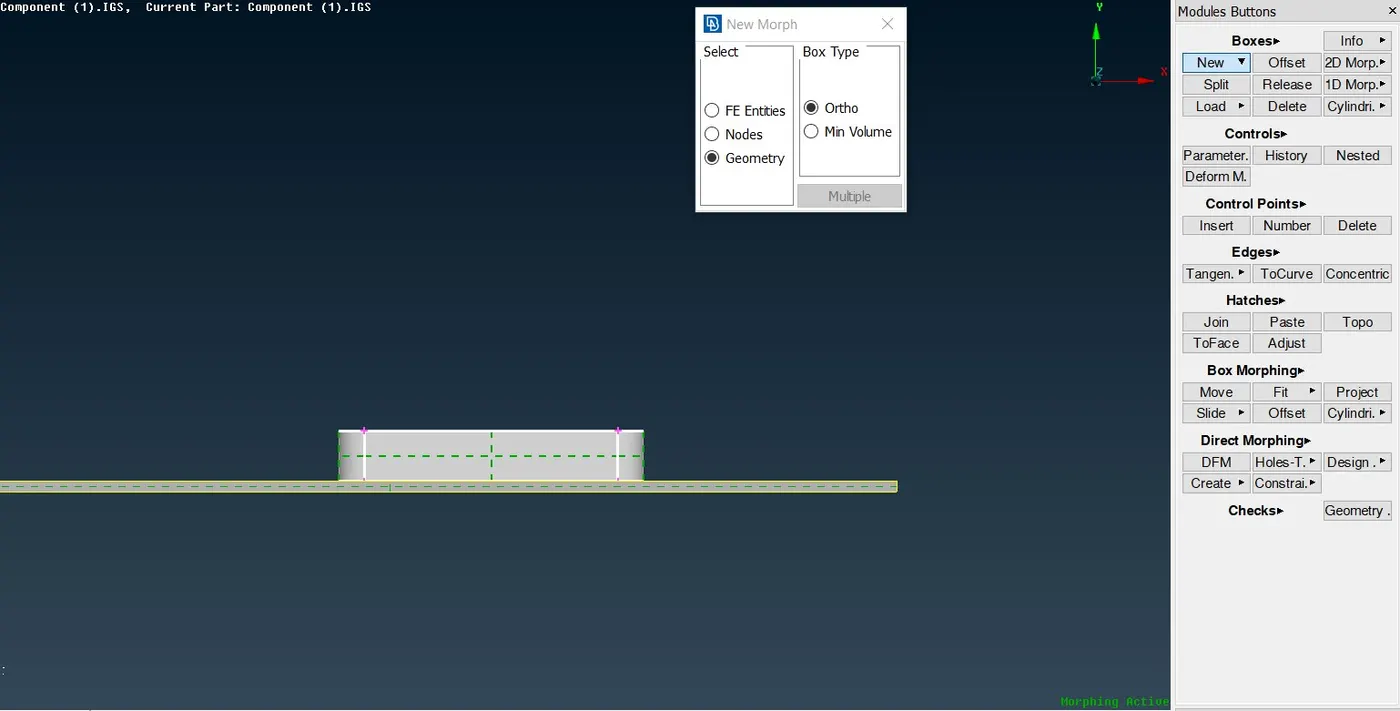
- Select Morph module > Boxes > New > ortho option.
- Select the required area which is need to be reshape or redesign and box type is ortho.
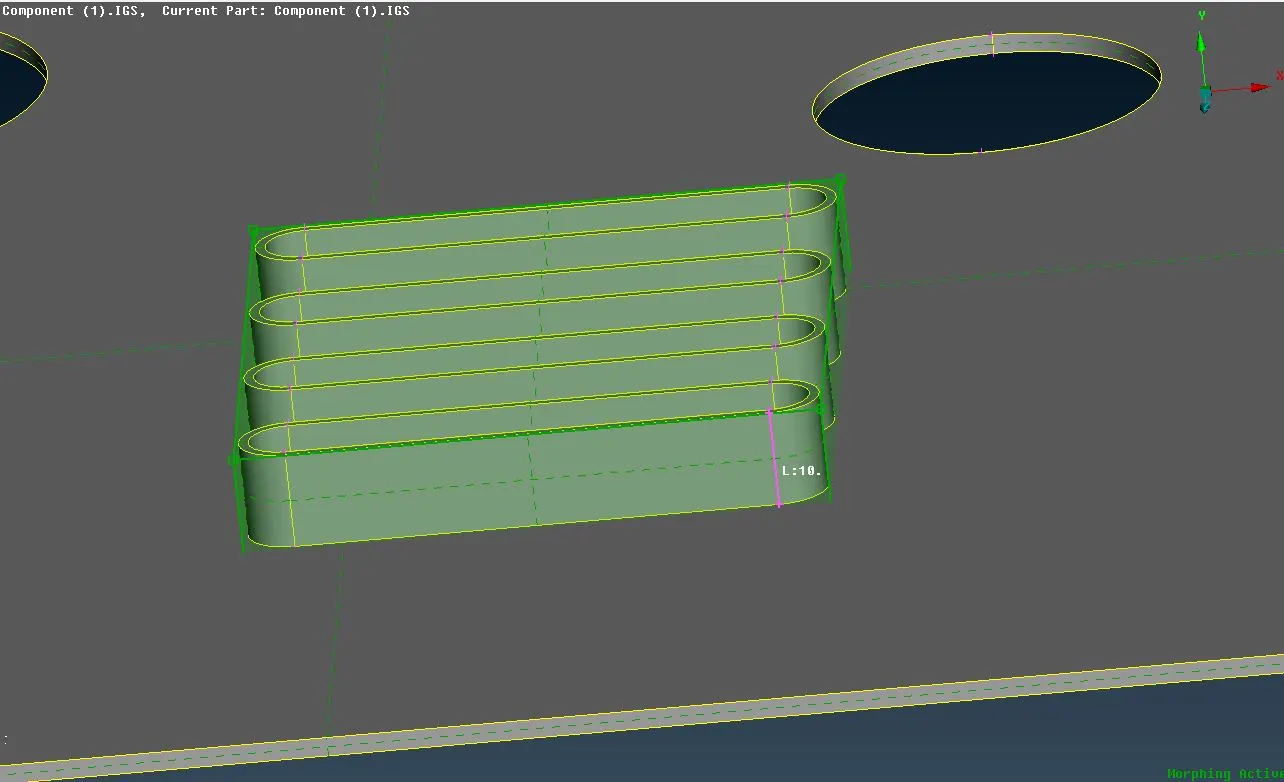
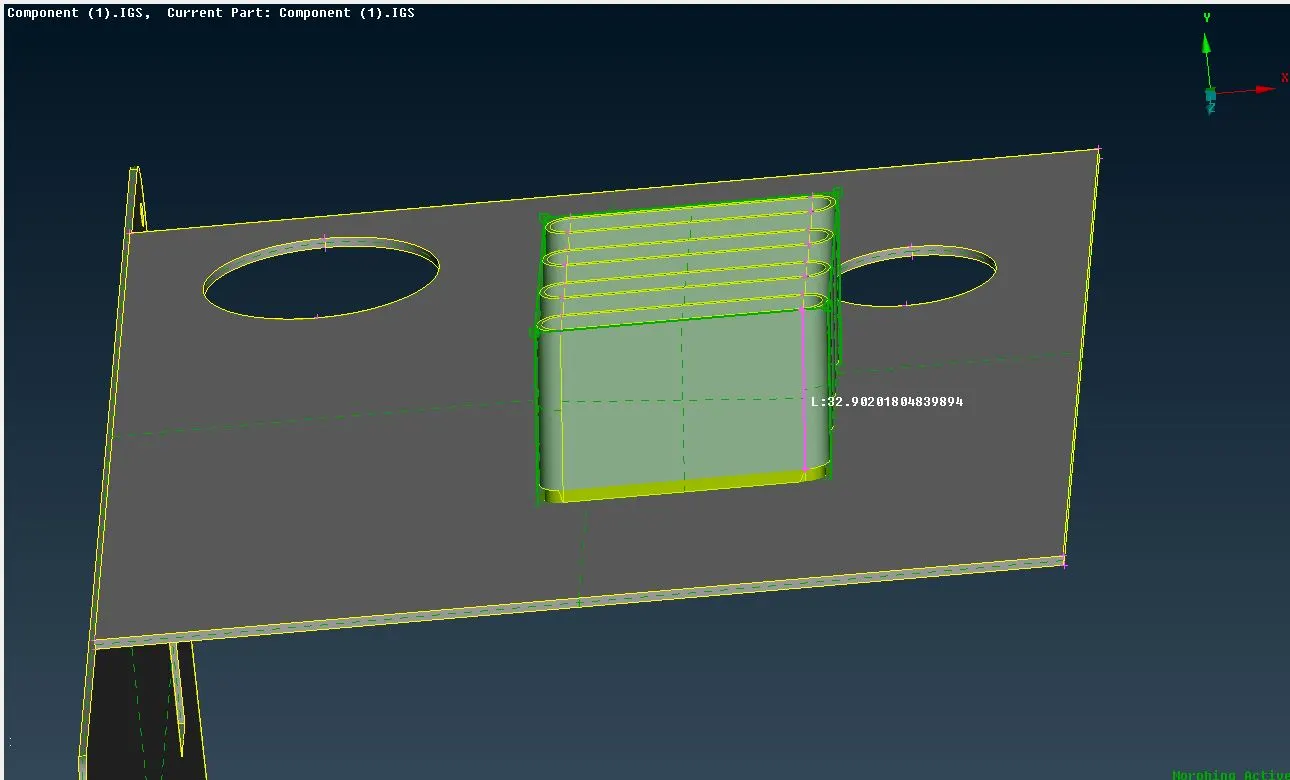
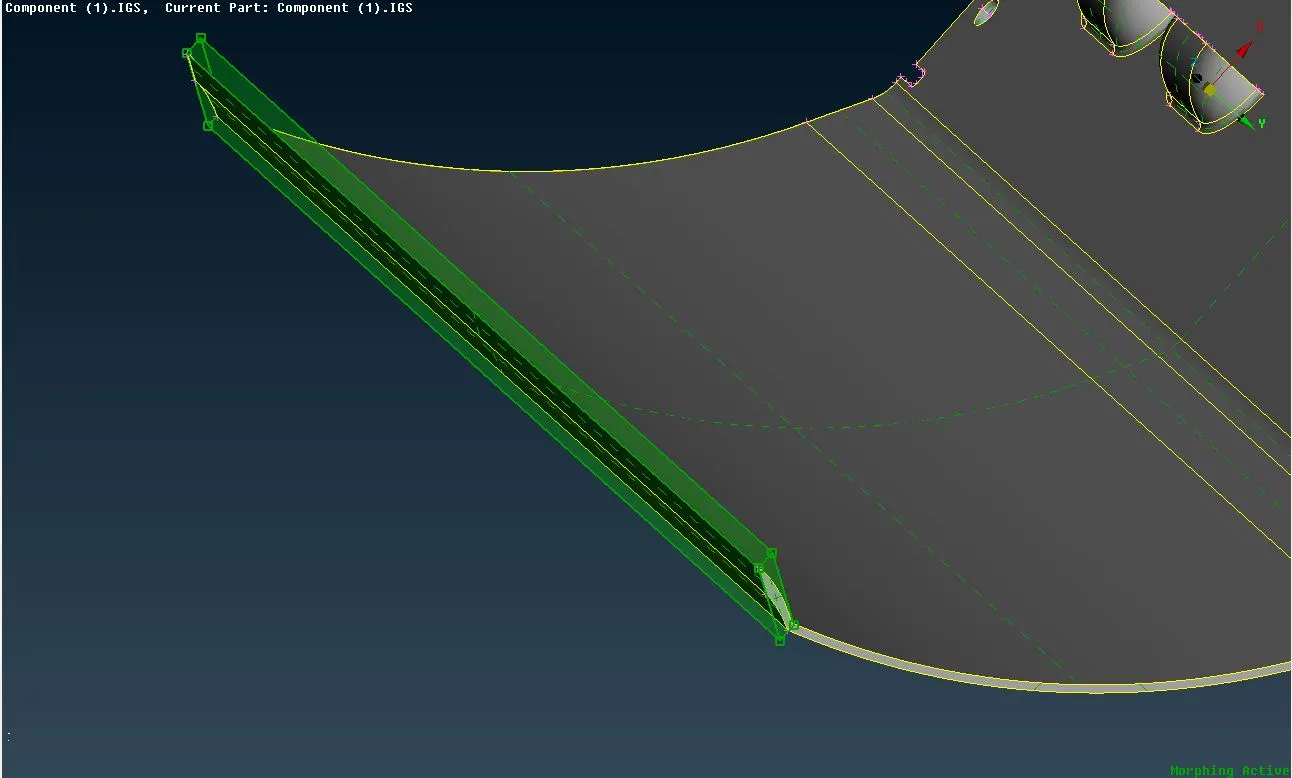
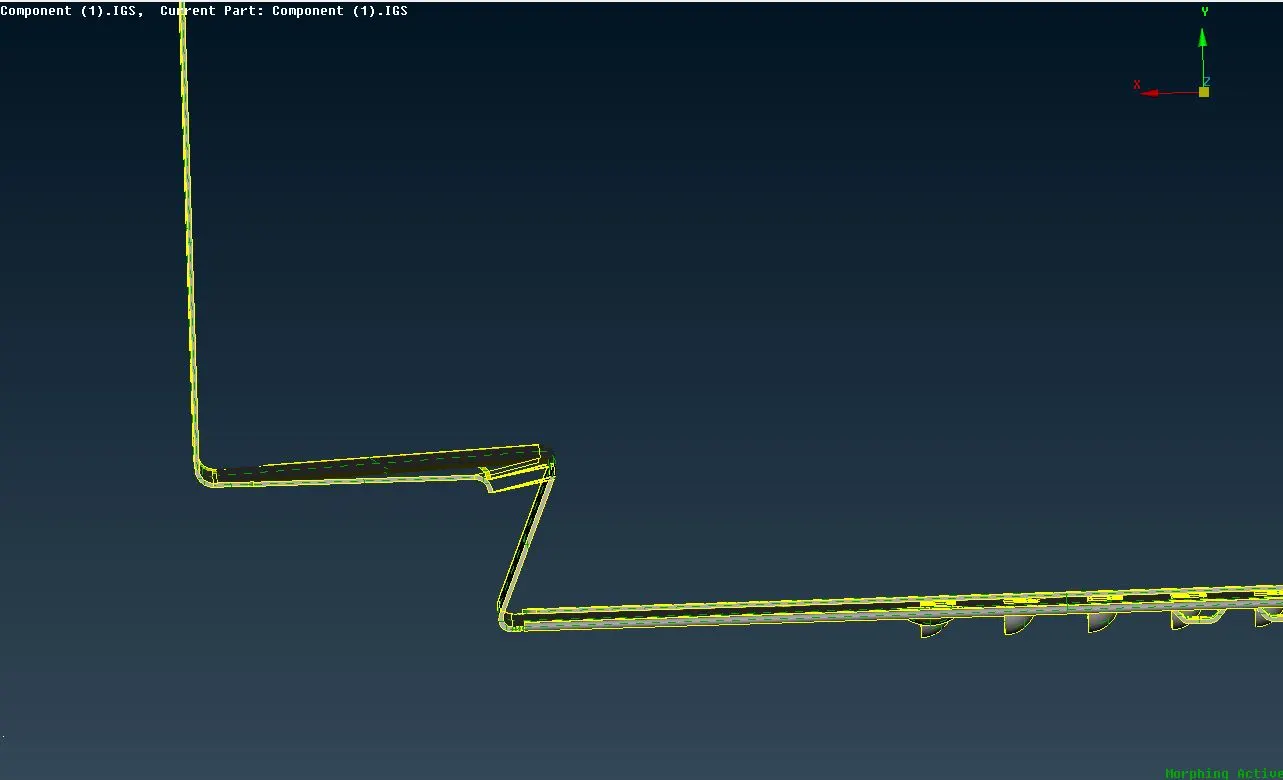
- Select the required geometry with numerical values along axis or move with mouse and midle click to confirm we can see the morph box in below image.
- After creating morphing box we can move geometry free as per requirements with Morph > Box morphing > Move option
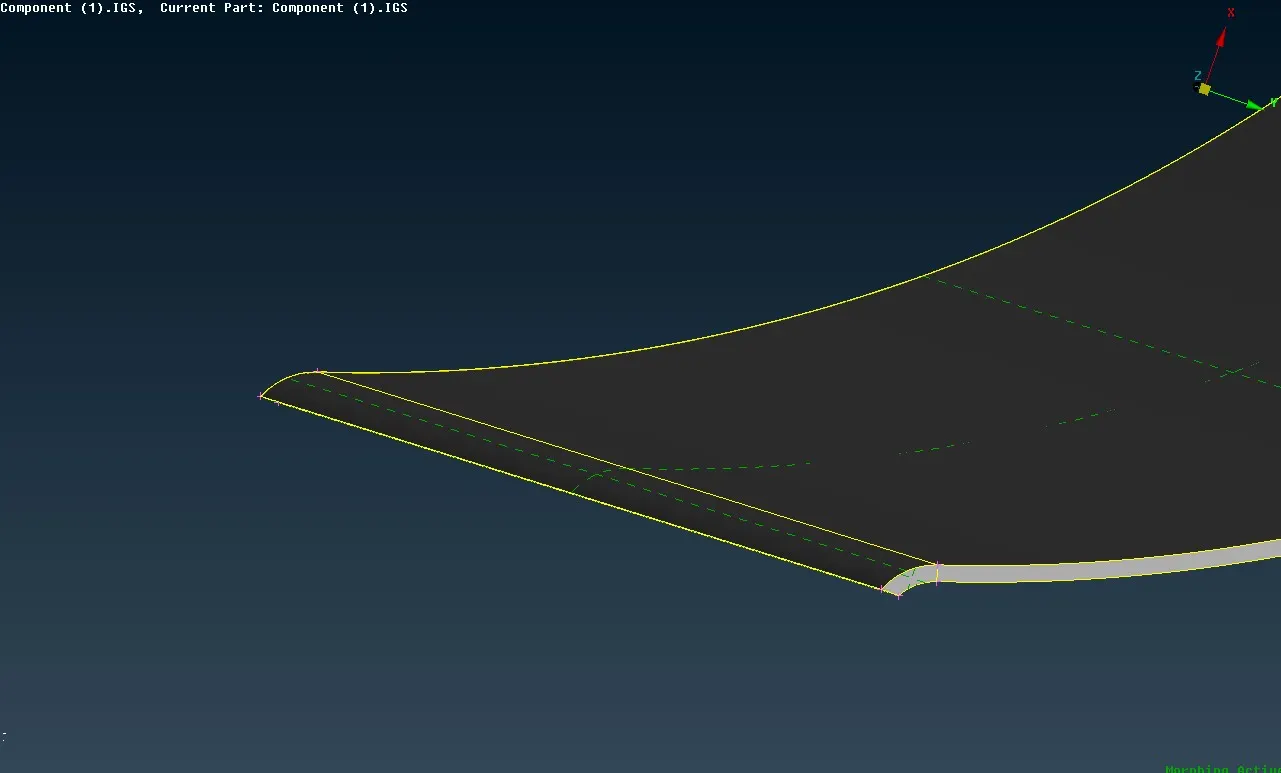
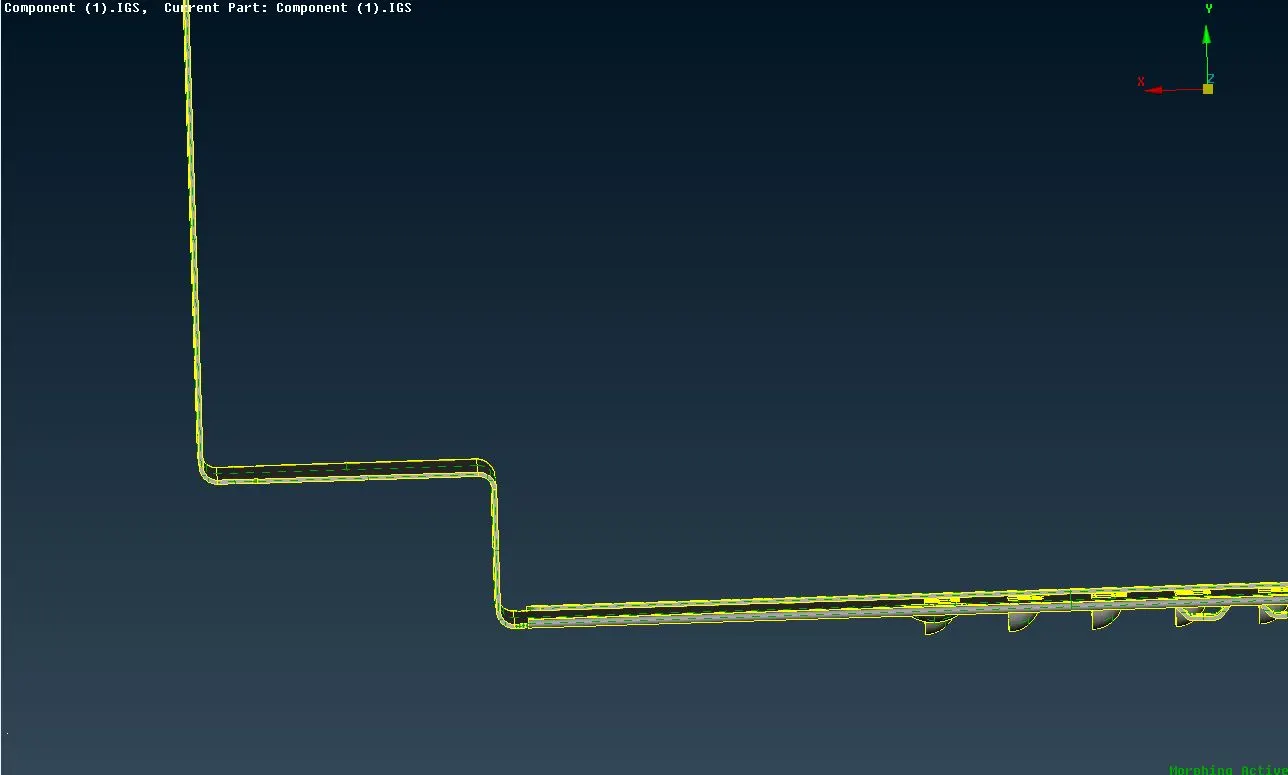
Before Morphing After morphing
Learning outcomes :-
- Practical or industrial use of morphing technique.
- Learnt user interface of Morph module.
- Redesign or reshapping with the help of box morphing.
Conclusion :-
Thus, the basics of morphing are studied and given model is morphed as per requirements.