Volumetric tetra meshing on rearview mirror model using ANSA preprocessor
Volumetric tetra meshing on rearview mirror model using ANSA preprocessor
Aim :- To create volumetric mesh on rearview mirror by removing all geometric errors and meshing as per given quality criteria.
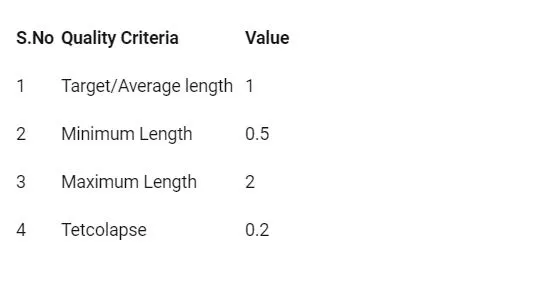
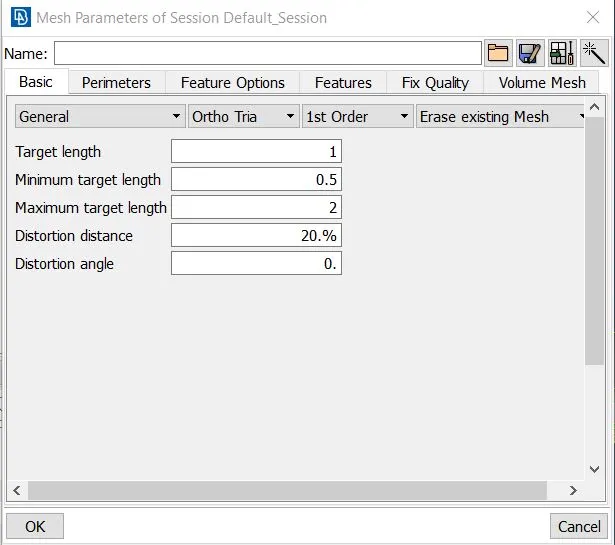
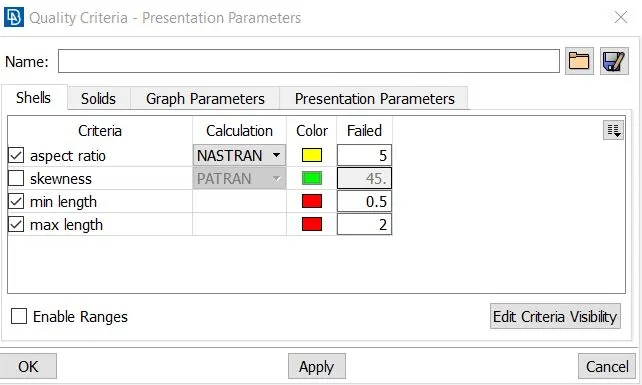
Given Parameters :- The given mesh parameters and quality parameters are shown in below image.
Steps :- For creating volume mesh on given rearview mirror model i performed following steps.
- Import the given CAD model into ANSA preprocessor.
- Perform Topo operation on model
- Check geometric errors in CAD model and eliminate it.
- Defeuturing with the help of batch mesh
- Shell meshing for outersurface and quality check and fix it.
- Volume meshing and tetra collapse check and fixing it by manually and check for any raise and dips in the model
1.Import the given CAD model into ANSA preprocessor.
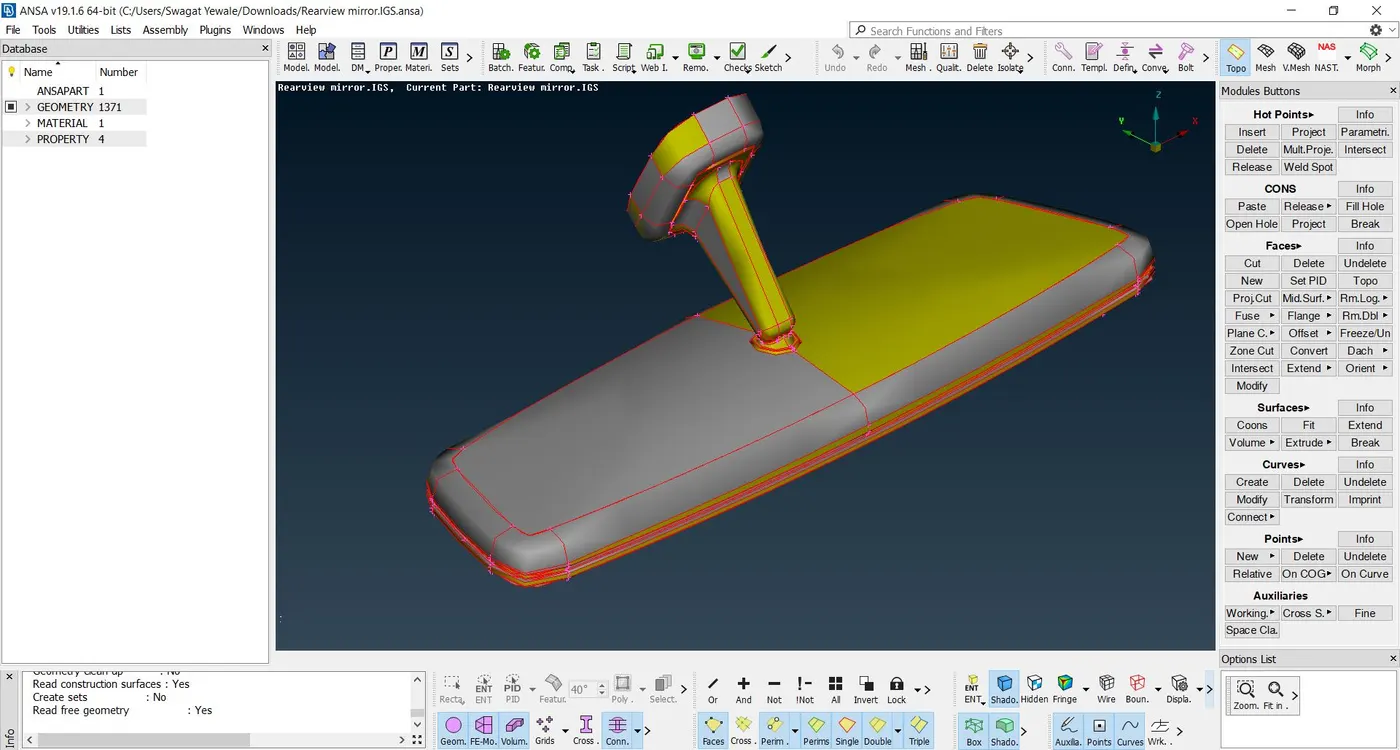
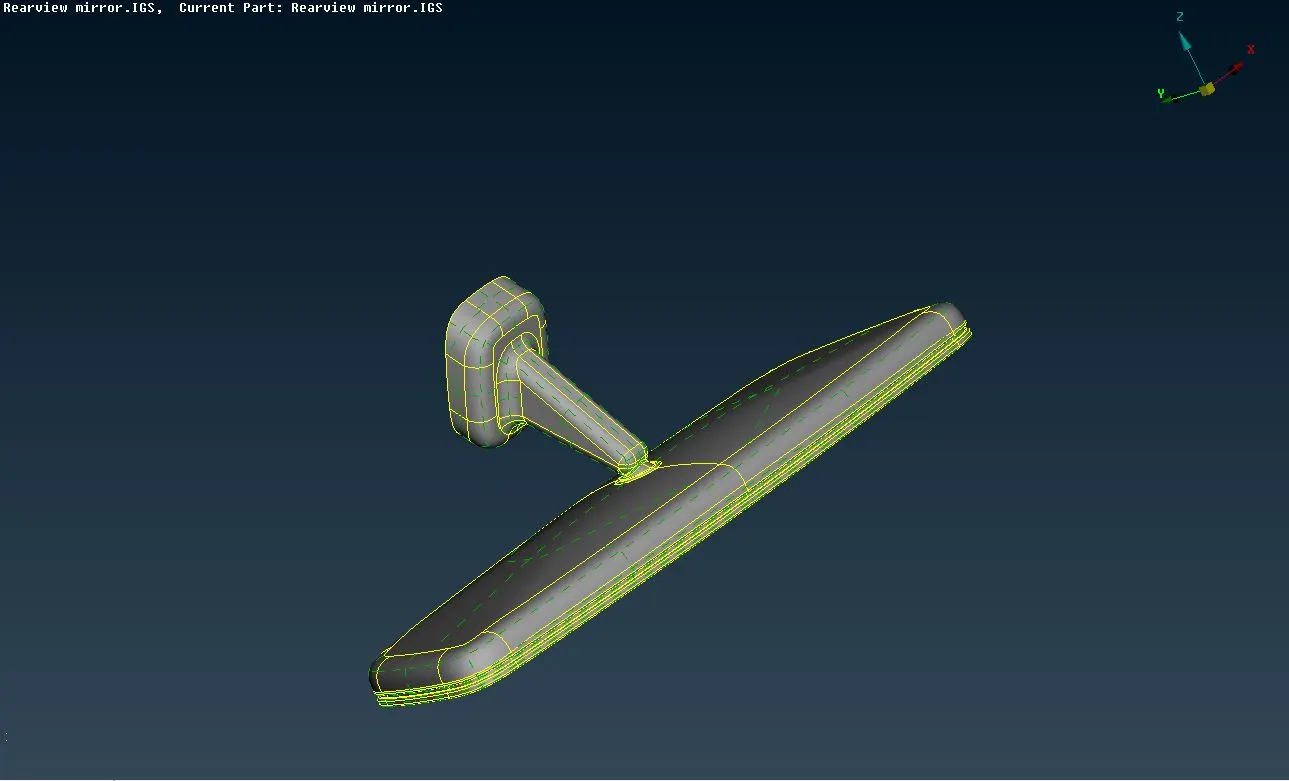
Import the given .igs file into ANSA preprocessor by File>open option. Change the orientation of the model by TOPO module>faces>orient option as shown in below image also set the length of elements of perimrters and macros as 1mm for fine view of model by Mesh module>Perimeters>length option.
2. Perform Topo operation on model
In this step, model undergo into geometry check by Check>Geometry>Select all parameters(except unmeshed)>excute option in this way ANSA checked all geometry errors in the given model after that it showing many errors as shown in image.Before going to check geometry always perform Topo operation on entire model it stitch the faces with each another.
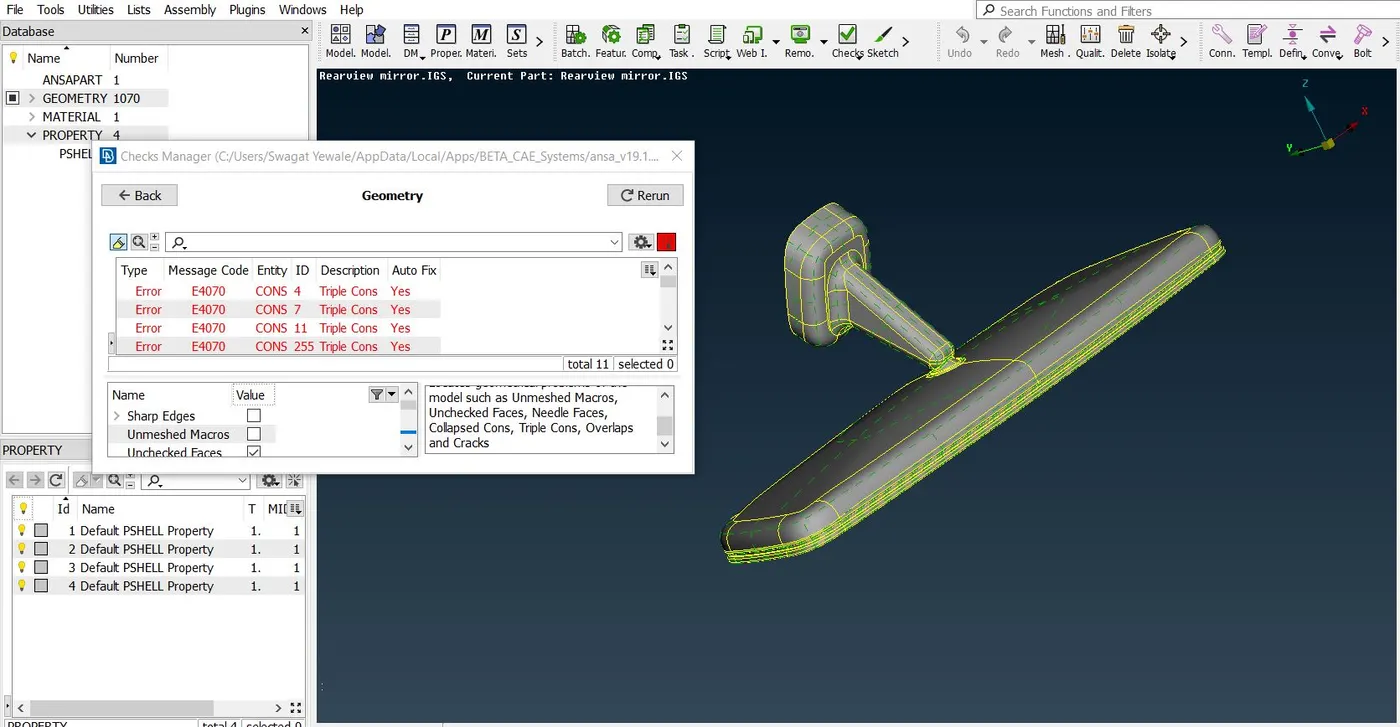
For eliminating occured errors in ANSA auto fixing option(Select all errors>right click>Fix) is there but it always better to solve errors by manually for better understanding of geometry of model.Here i eliminated errors one by one by isolating errors by show only option. After eliminating all errors it will shown as green tick on status then we can move further.
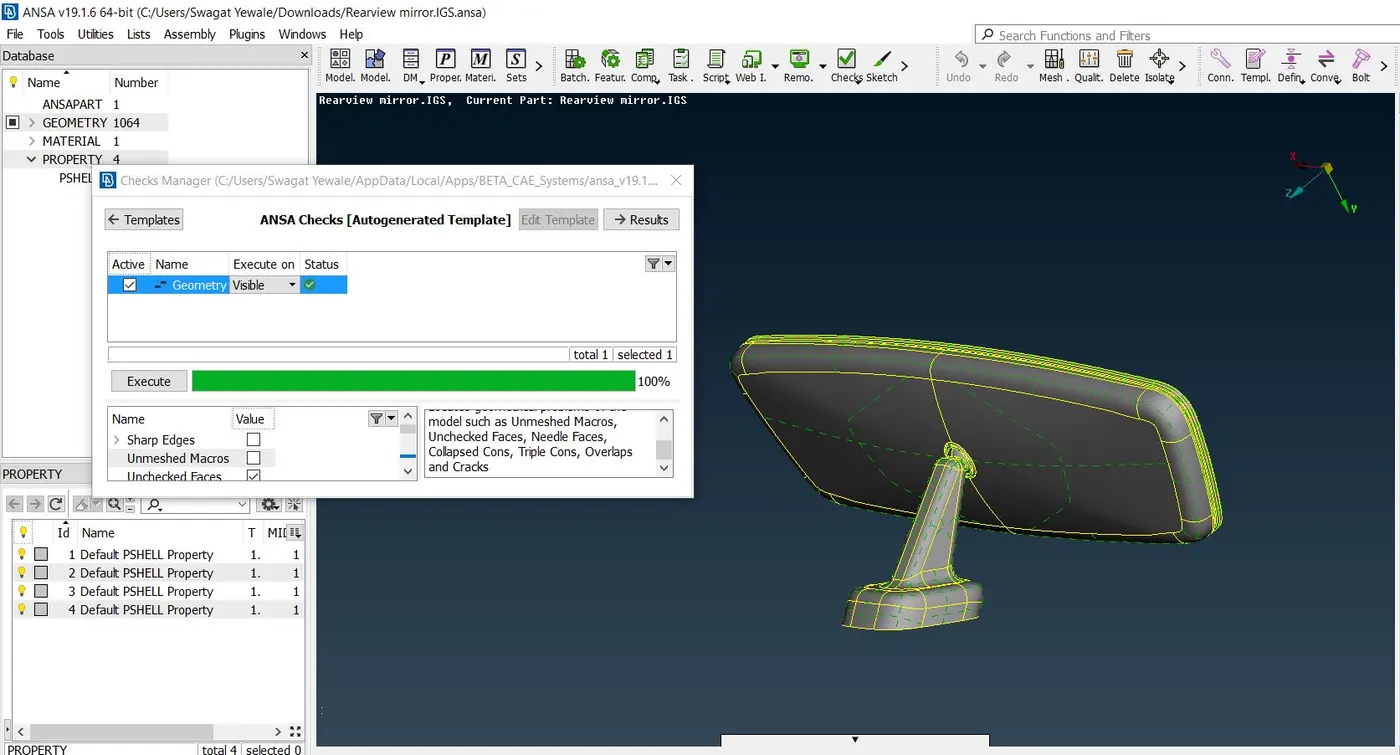
4.Defeauturing with the help of batch mesh.
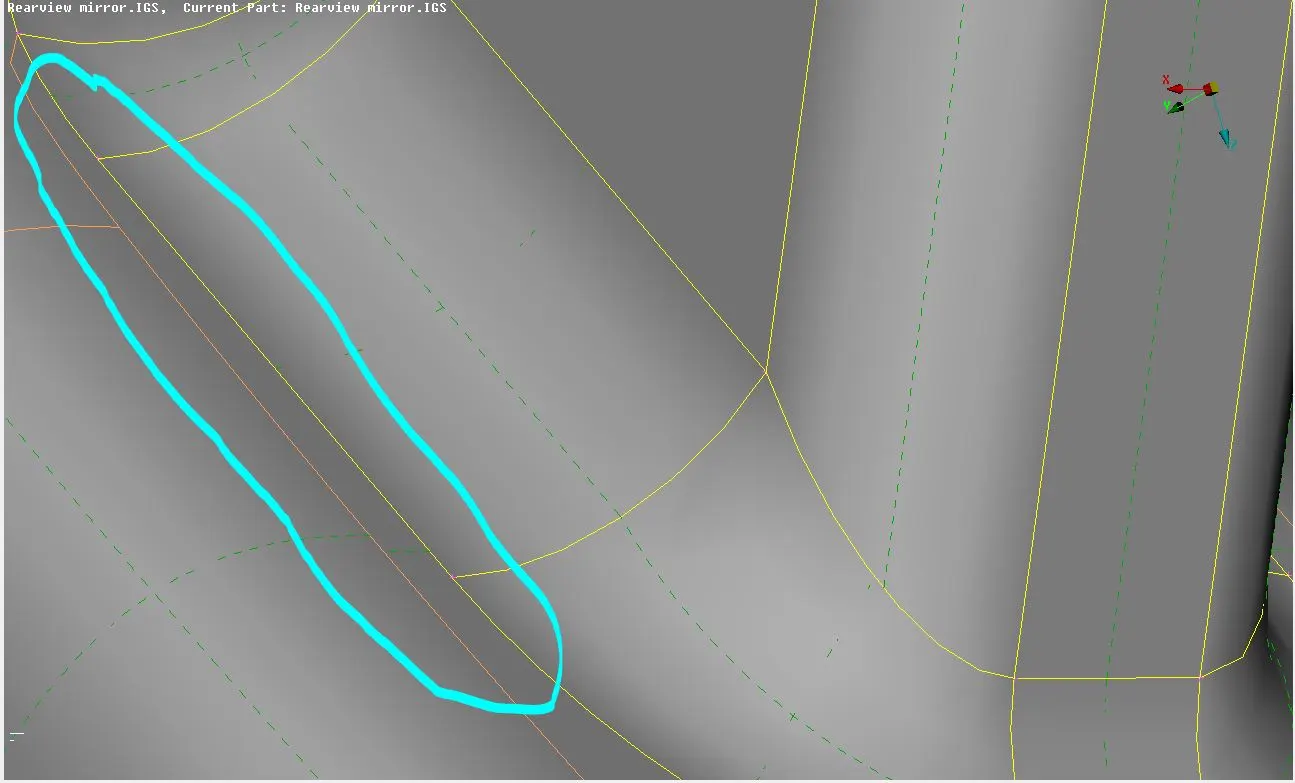
Defeauturing is the compramising the one smaller feauture by removing which is having minimum length quality parameter to save another feuture without any material loss e.g. minimum length quality parameter is 3mm but 2mm fillet is available in model then need to defeature this fillet, or else it will fail for minimum length quality criteria.
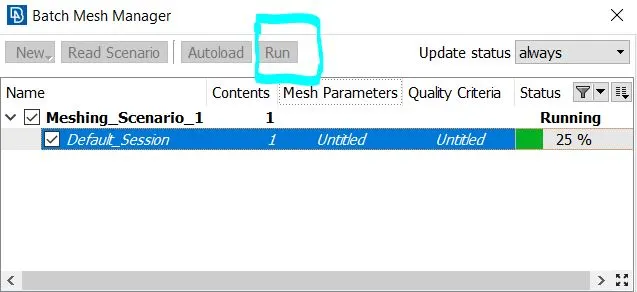
Here, i used batch meshing for auto defeaturing by ANSA as shown in below images.For batch meshing first i need to assign the mesh parameters and quality parameters as per given parameters as shown in images below. After that i select run option in batch manager window,it will defeature and apply mesh over model.
5.Shell meshing for outersurface and quality check and fix it.
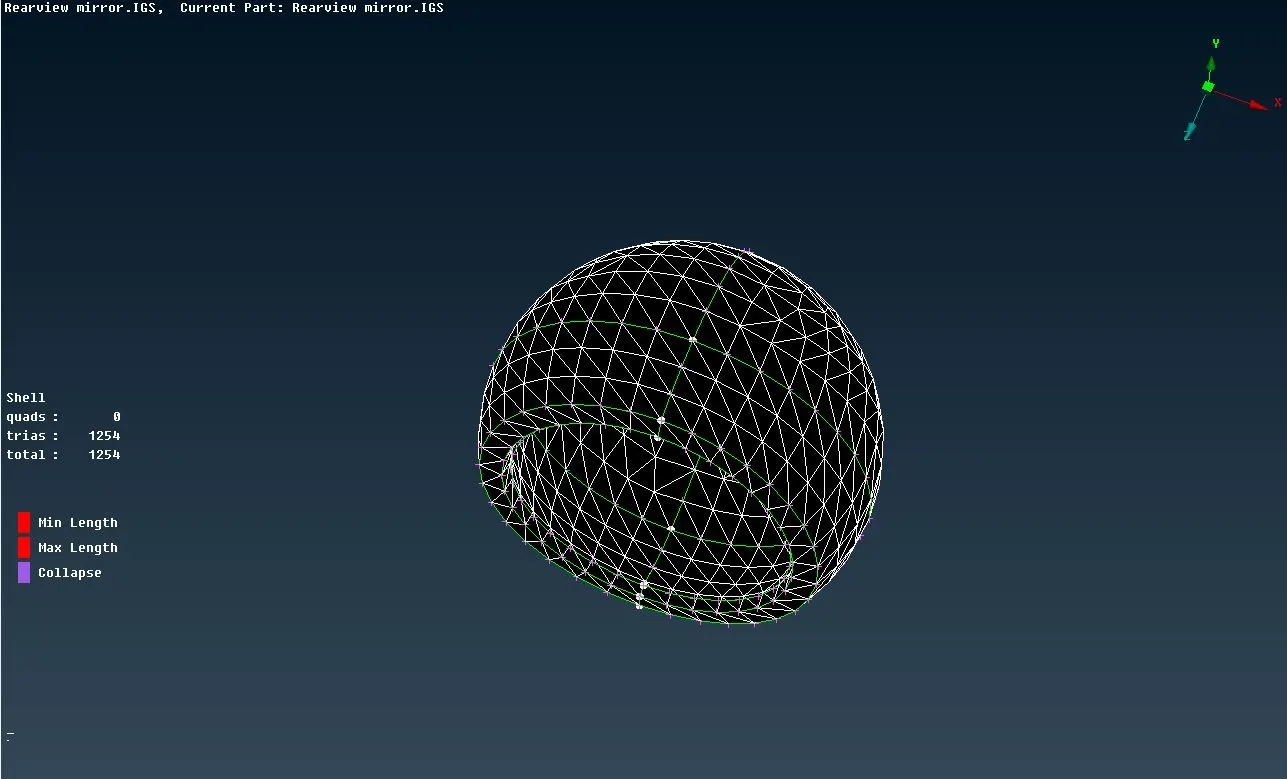
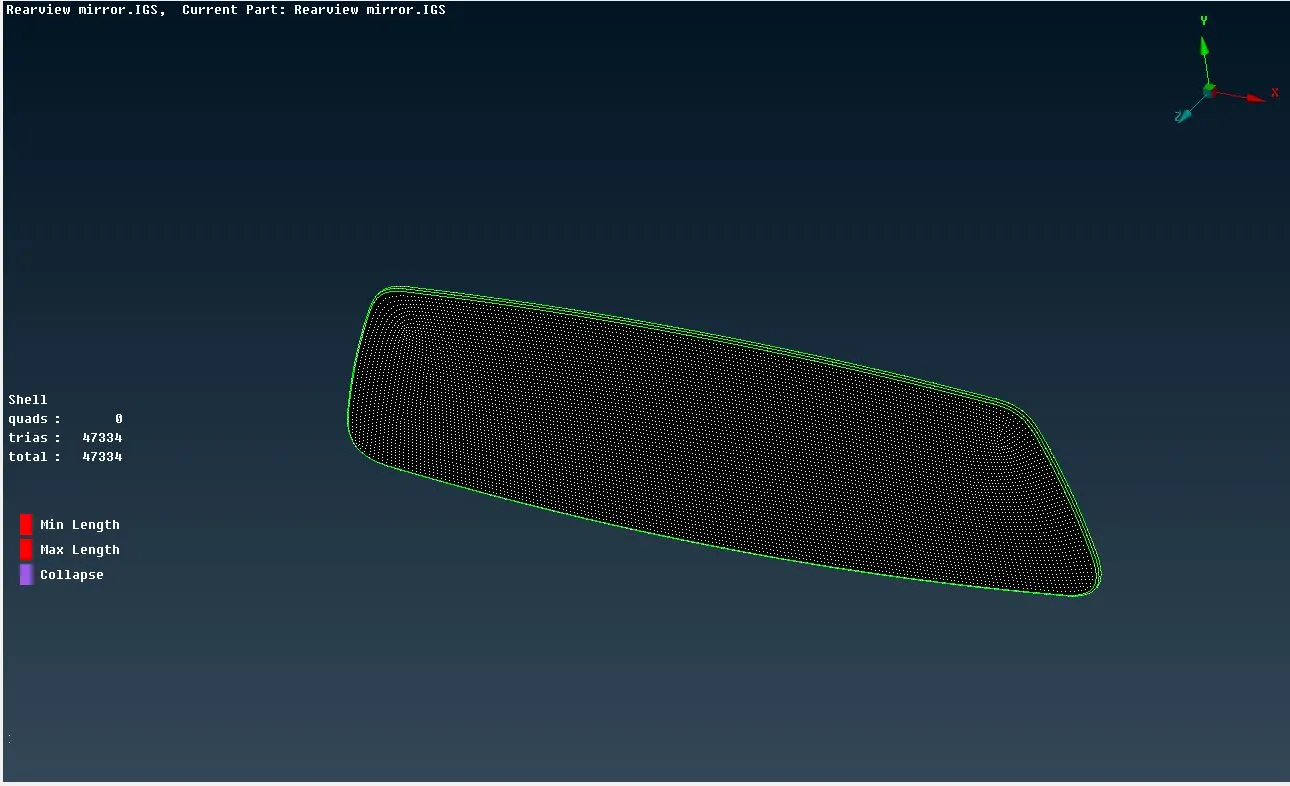
After defeaturing i erase generated mesh by Mesh generation>Erase option because the generated mesh is not proper over curved parts.then i used Mesh generation>Spot mesh>select option for generating shell mesh i select one by one area and mesh applied over outer surface and check for quality.Ortho tria mesh is applied at curved surface and in flat suface i used tria mesh element type because in ortho tria element type computation time is more as compared to tria element type.
Quality issues eliminated by Reconstruction,split,swap,num+/-,stitch,move and paste options.Images after applying mesh is as belows
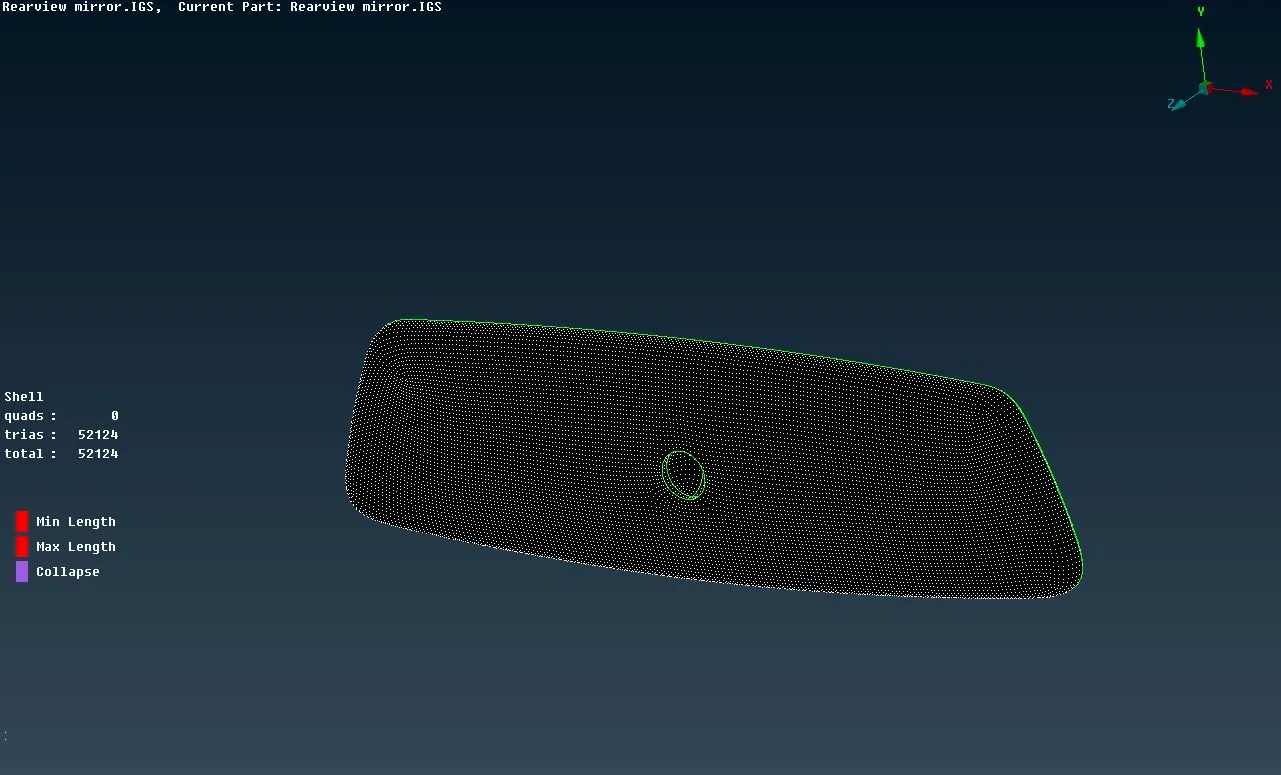
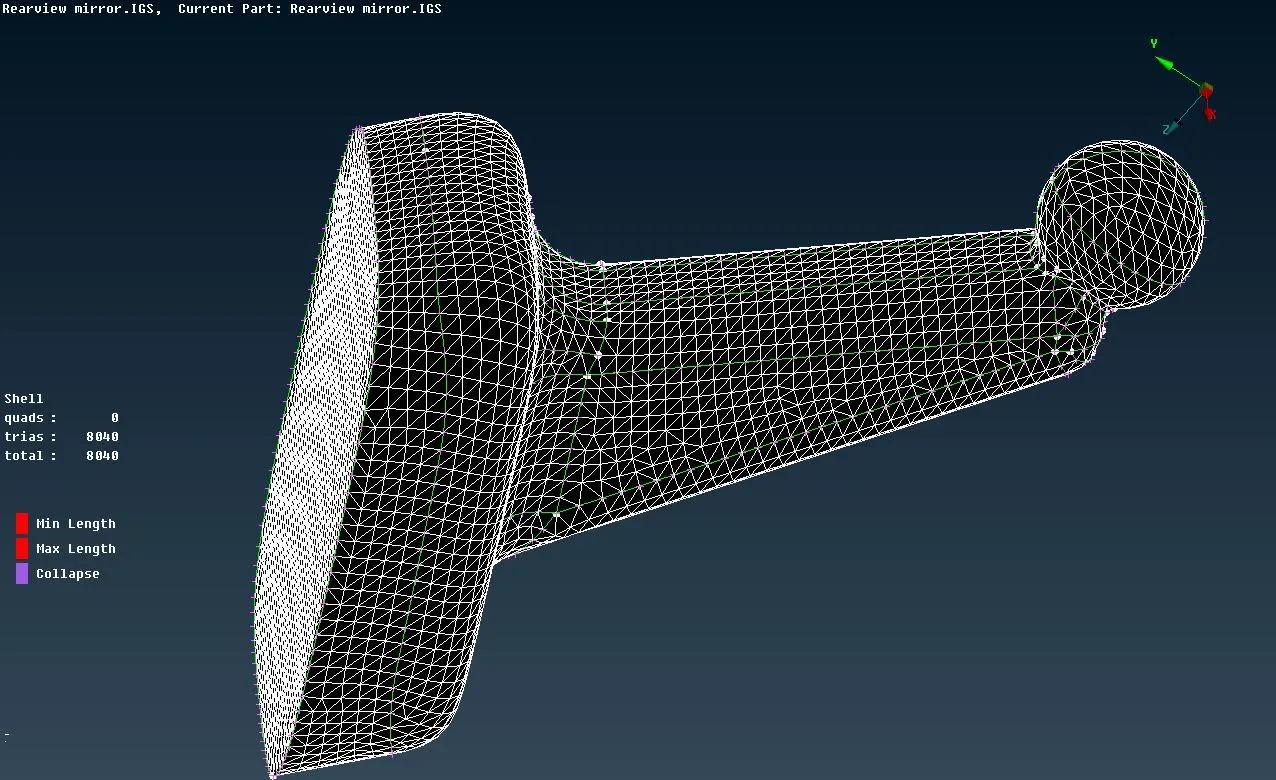
6.Volume meshing and tetra collapse check and fixing it by manually and check for any raise and dips in the model
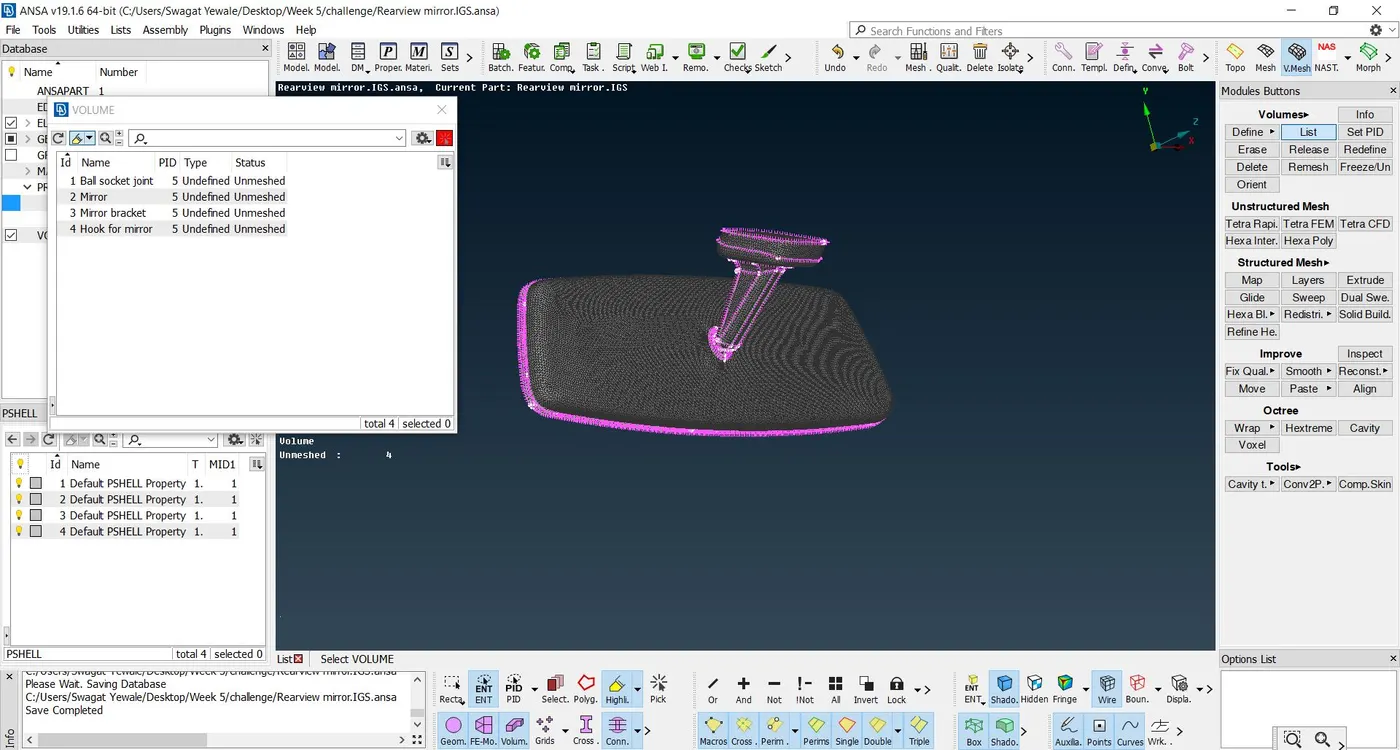
In volume meshing first we have to define the volume by indivisually defining each part. For defining Select V.mesh>Volume>Define>Manual.Select each part seperately and define volume to it indivisually and renamed accordingly as shown in image below here we can see there are 4 volumes and they are unmeshed.
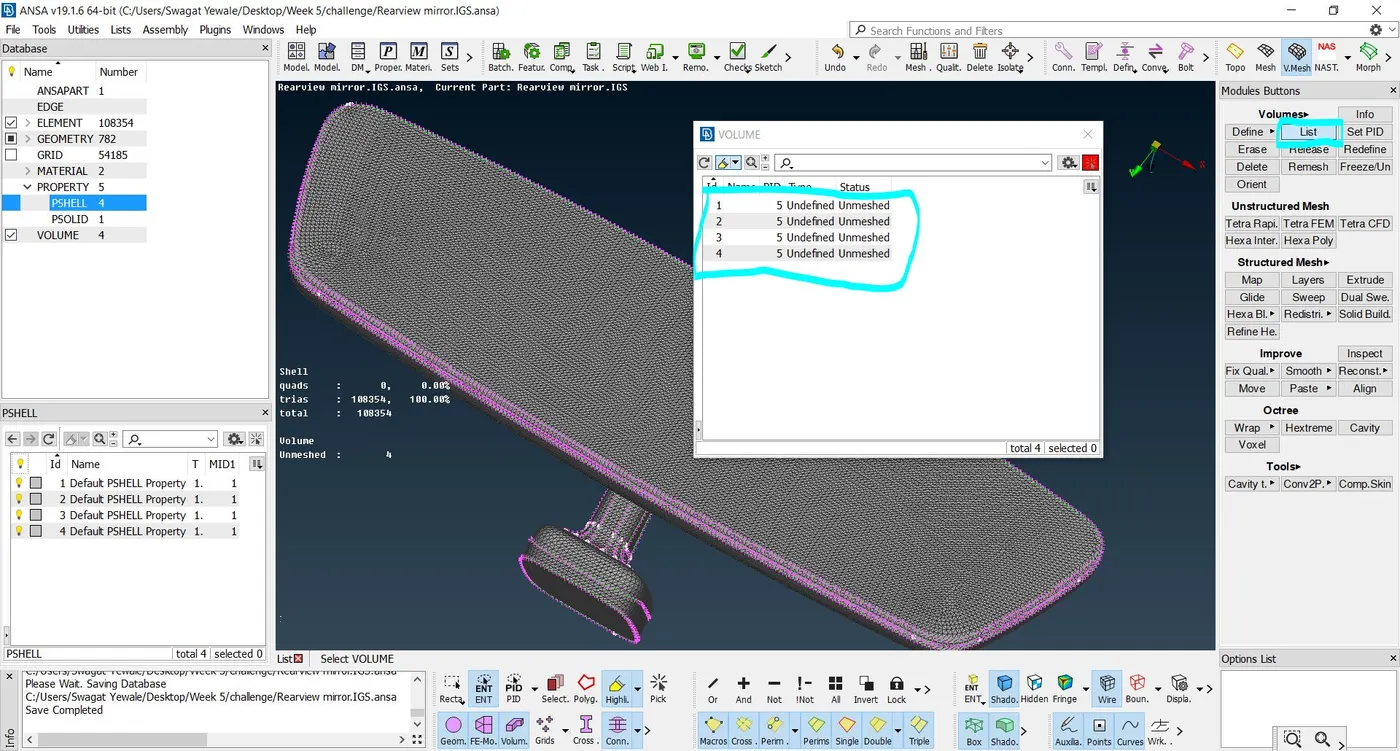
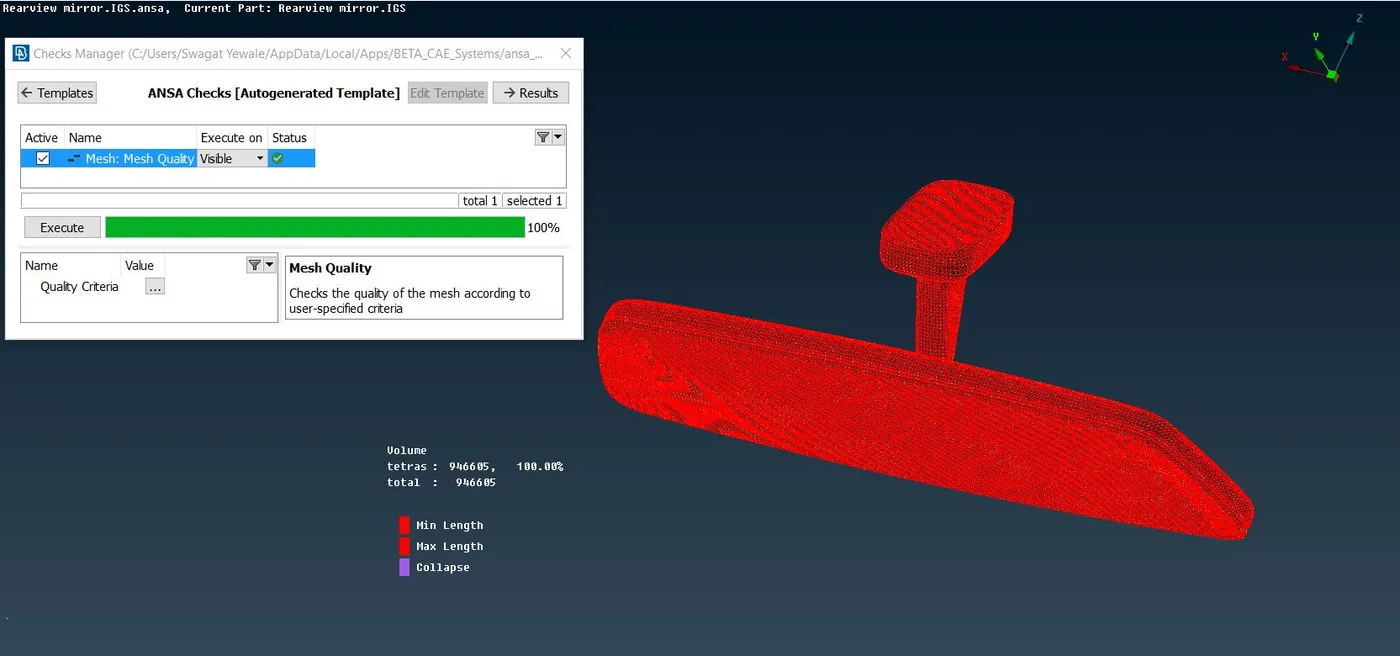
After that i generated volume mesh by Tetra FEM method by V.Mesh>Unstructured mesh>Tetra FEM option as shown in below image.
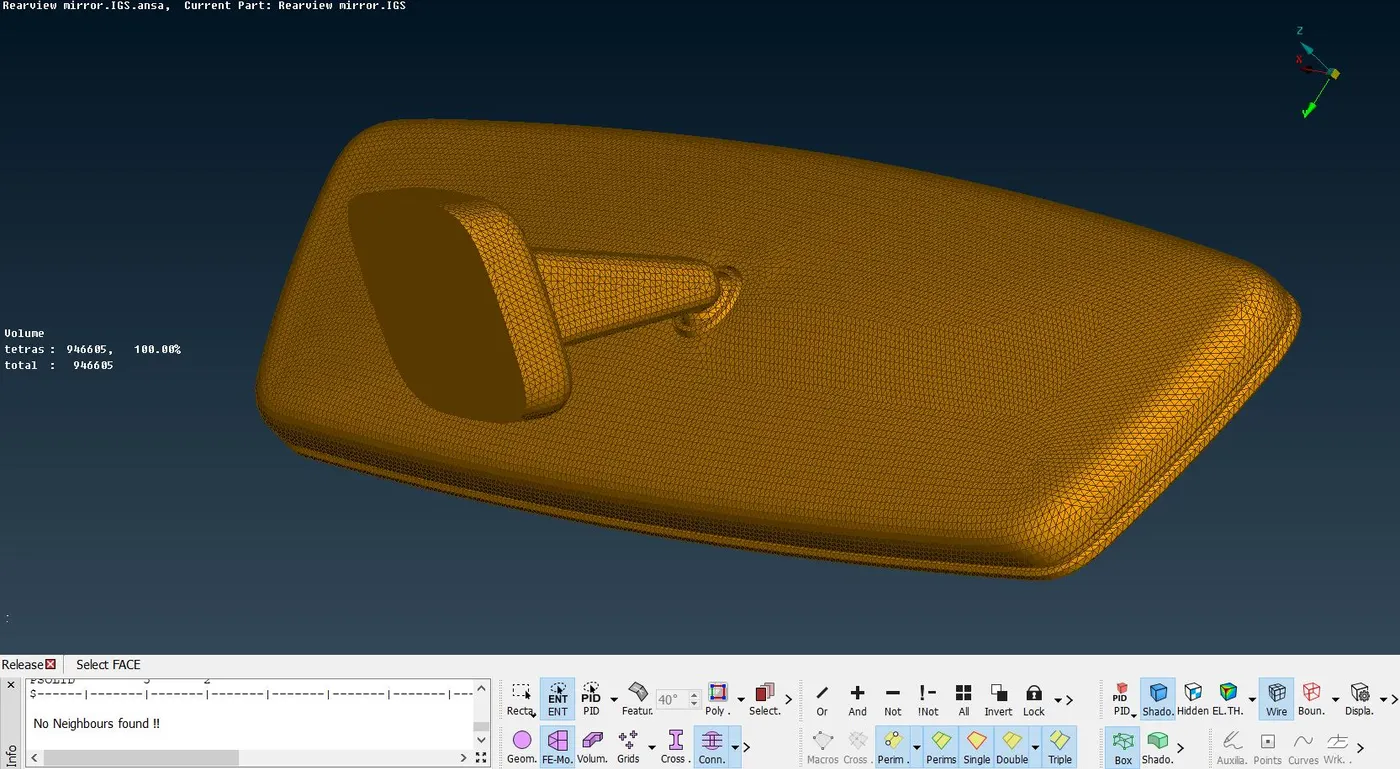
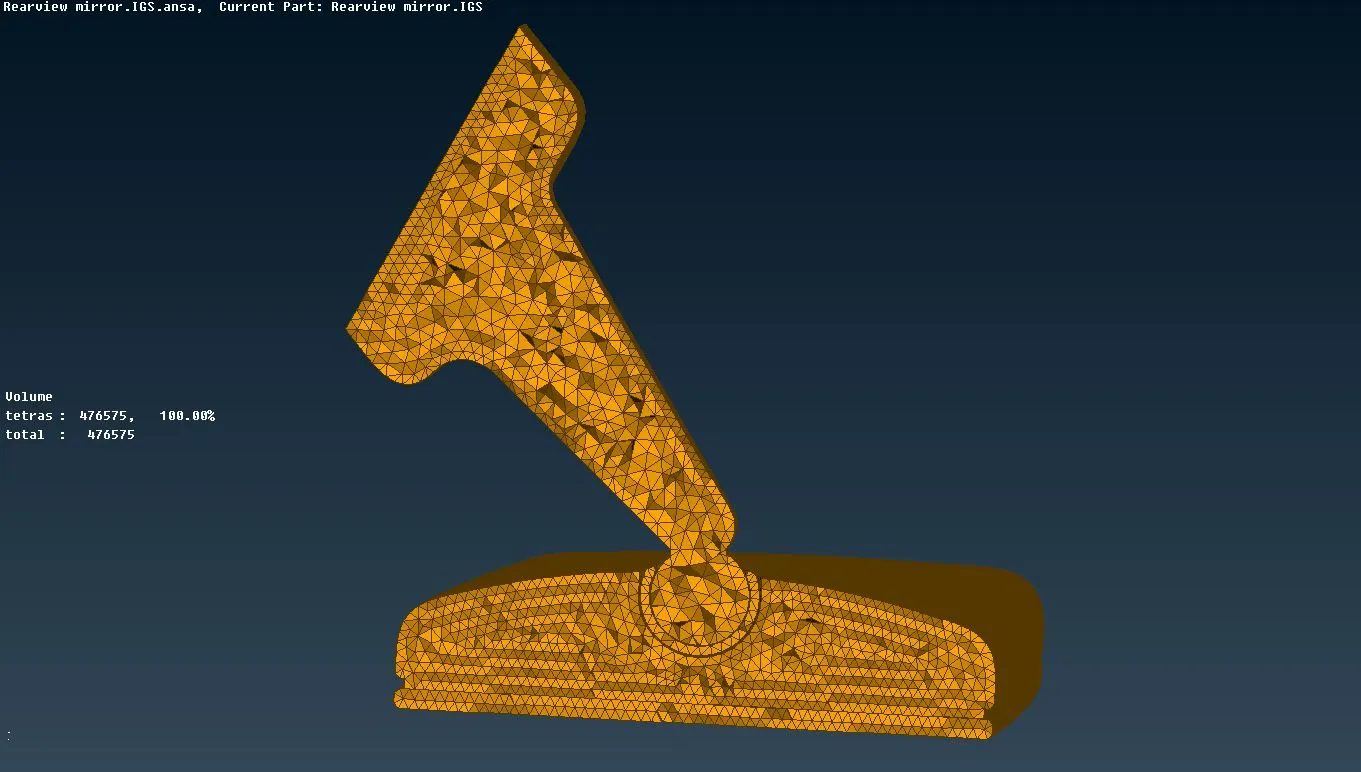
After solid meshing need to check tetcollapse as per given quality criteria,Here tetcollapse value is given as 0.2 In this model tetcollapse issue is not ocurred due to better meshflow till 0.35
Learning Outcomes :-
- Learnt Geometry cleanup,Topology and Solid meshing
- Learnt how to mesh tetrahydral mesh over solid components
- Learnt how to solve tetcollapse issue : 1) By using fix quality (Auto correction) 2) By Mv free (Manual correction)
- Both type of Unstructured mesh Tetra rapid and tetra FEM
Conclusion :-
Thus Topology,Geometry cleanup,shell meshing and volume meshing is done on rearview model with the given quality criteria with no tet collapse uptill value of 0.35