Week 7- Meshing of Backdoor Challenge
Week-7
Manual Midsurface and Meshing of backdoor challenge
Aim:
To generate manual mid surface and 2d mesh on generated mid surface.
Objective:
To generate manual mid surface and 2d mesh after geometry cleanup on the back door upper, lower, and inner body of the car with the above quality criteria.
Procedure:
Initially import the model using the import option. Then the model has to be taken to geometry cleanup, checked for free edges, and ruled out using the toggle option. After that go to the geometry cleanup option and an auto cleanup is done of the model. The resulting parts are shown below individually.
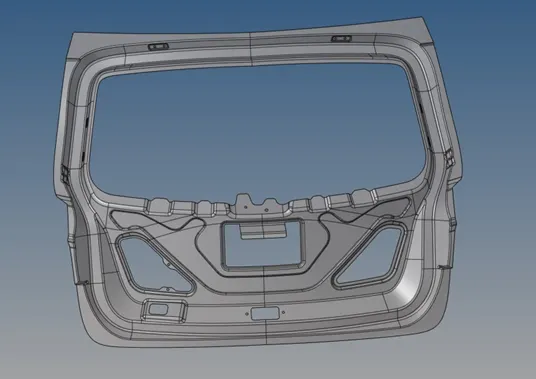
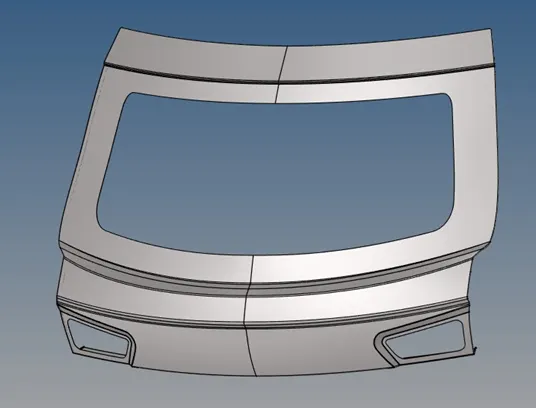
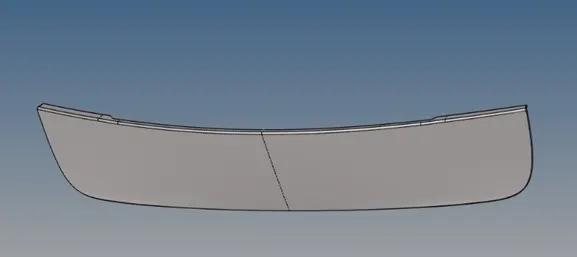
Then mid surface of the above components has to be extracted, the mid surface is extracted using manual offset. The symmetrical parts had split into half and then deleted one half.
The obtained mid surface is shown below
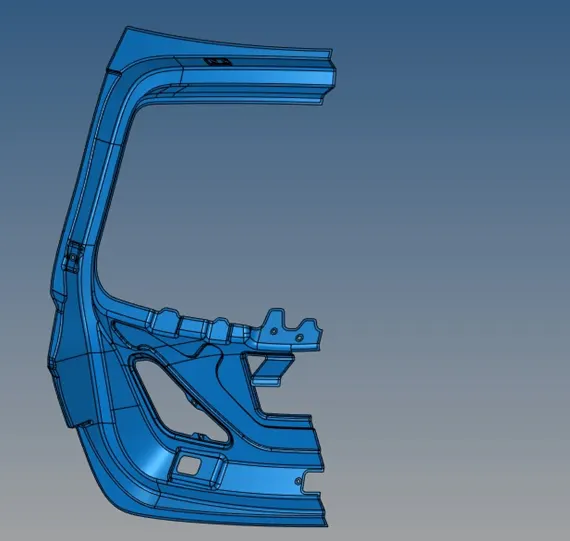
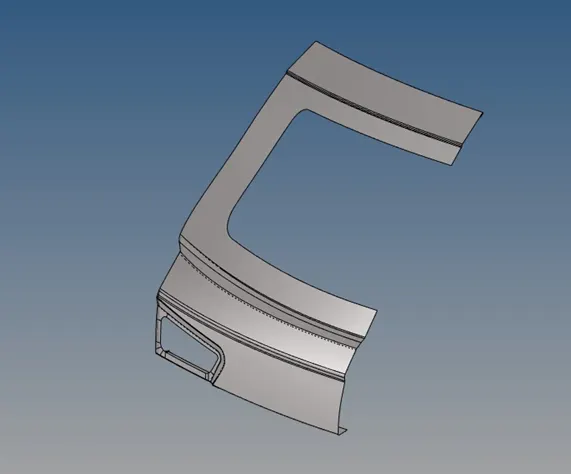
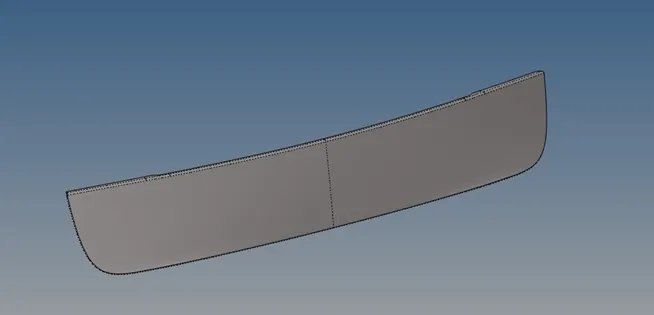
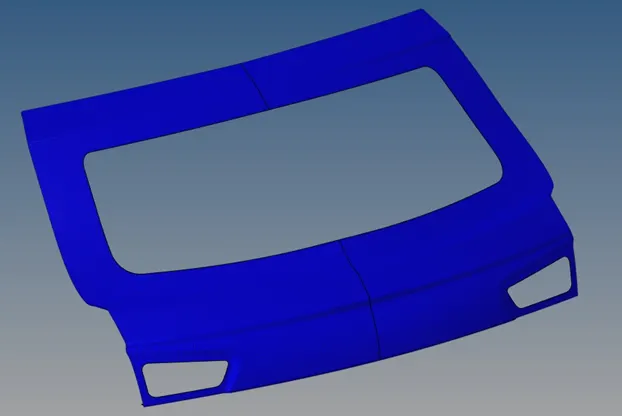
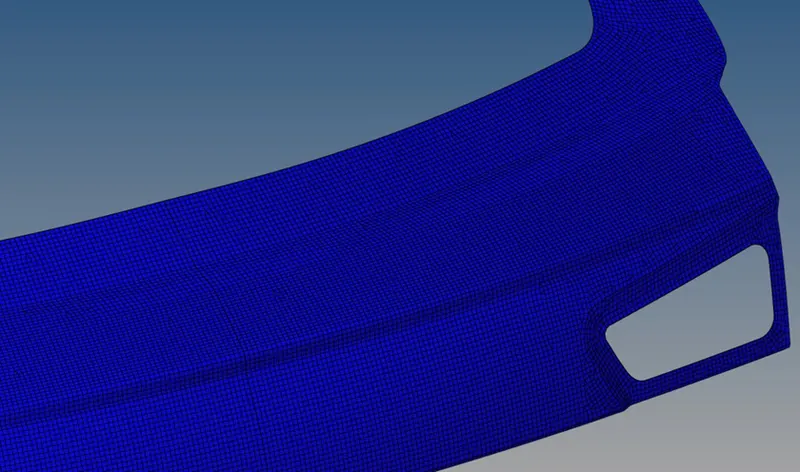
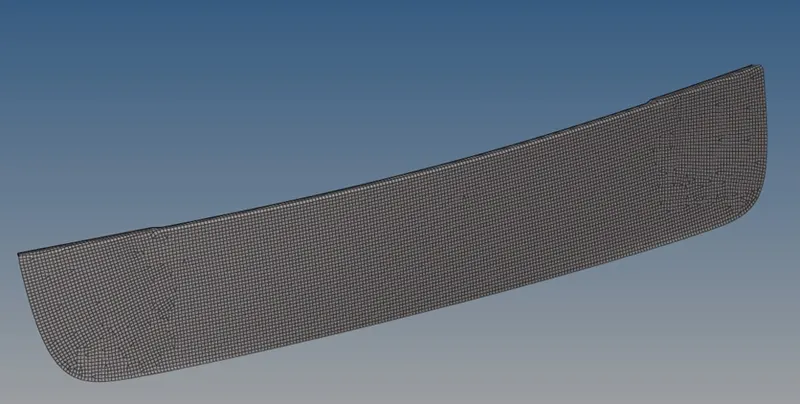
Then next, the model is taken for the meshing process. In the mesh option, quality criteria are set in the edit criteria option. Then using “auto mesh” mesh has been created on the parts. since the symmetrical parts are split in half the meshing is done in the half. Then the mesh flow is optimized using split, drag tria, smooth, and re-mesh tools. After removing off-elements, the half parts are again constructed back using reflect option, and the edges are toggled.
The resulting mesh is shown below.
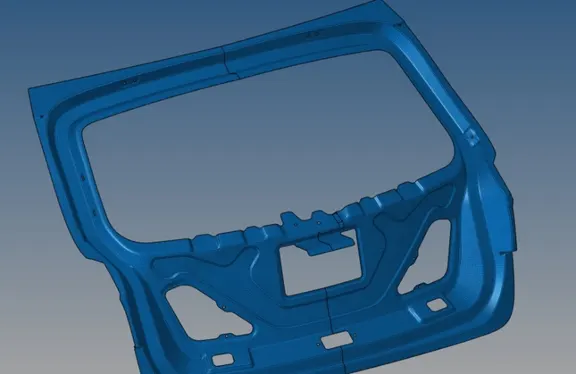
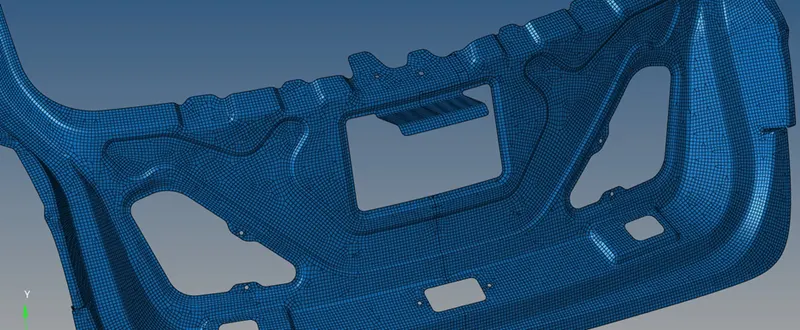
Result:
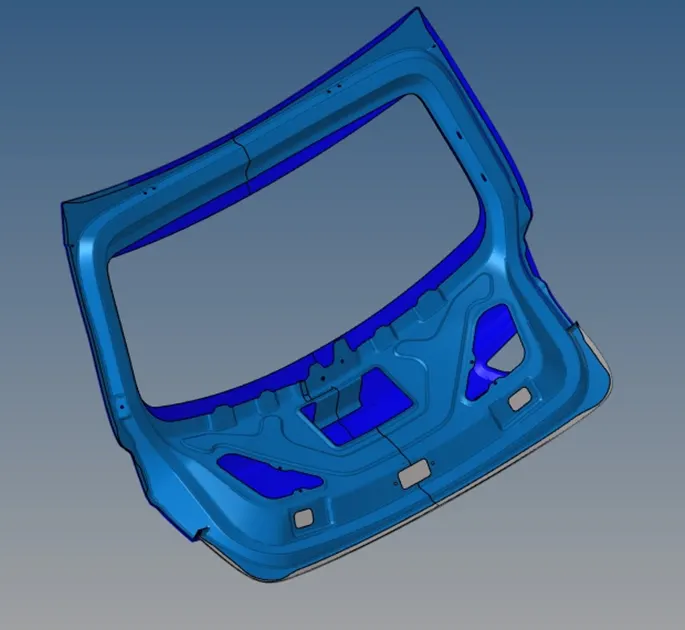
Thus the given backdoor panel has been cleaned up geometrically and mid surface has been created, then the created mid surface is meshed and quality errors have been fixed. And the final model is
Conclusions:
Manual mid-surface has been done by the surface offset method. The obtained surface has been meshed using auto mesh. Then parts have constructed back using reflect option.