Week 7- Meshing of Backdoor Challenge
1. AIM: Mesh the backdoor model as per the given quality criteria using Hypermesh.
2. OBJECTIVES OF THE PROJECT:
Mesh the backdoor geometry of the car with below-mentioned quality criteria and assign the thickness.
Target Element size - 5 Units
| S.N | Quality Criteria | Value |
| 1 | Aspect Ratio | 5 |
| 2 | Skewness | 45 |
| 3 | Warping | 15 |
| 4 | Taper | 0.5 |
| 5 | Min. Length | 3 Units |
| 6 | Max. Length | 7 Units |
| 7 | Min angle Quad | 45 |
| 8 | Max angle Quad | 135 |
| 9 | Min angle Tria | 30 |
| 10 | Max angle Tria | 110 |
| 10 | Tria % | 15 |
3. BODY OF THE CONTENT:
In the given file "backdoor.igs" has three components, as per below images.
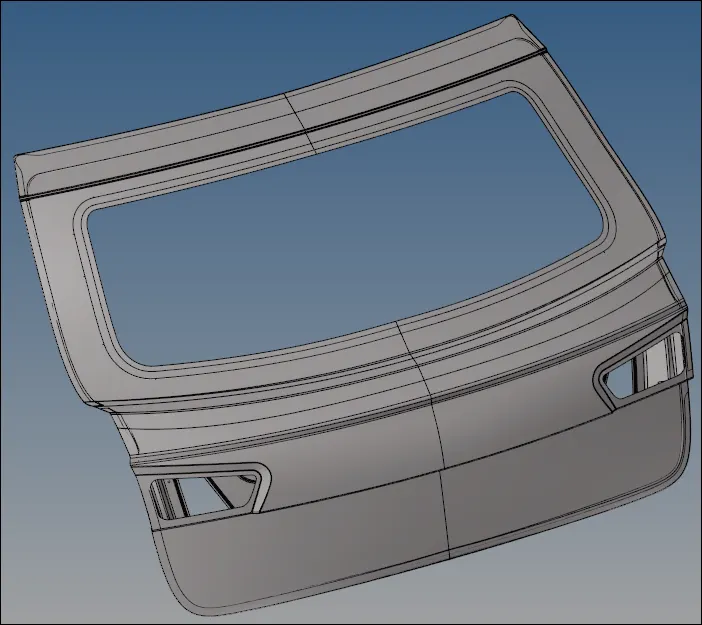
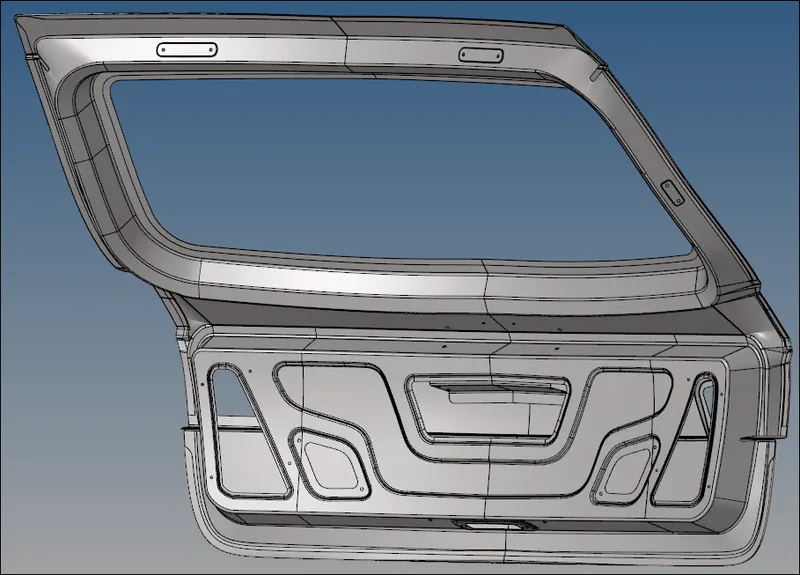
Image 01: Importing the model
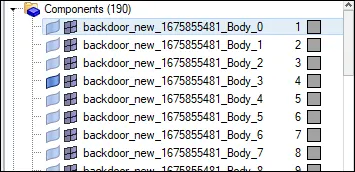
Image 02: Tab bar
- Separating the Parts:
As we can see the .igs file comes with 190 unwanted components. After visualizing the model I can conclude that This backdoor has a total of three sheet metal parts of assembly, but it lies in one single part of component ID (see the ID no. 4 in Image 02). So, the first task is to separate each component into different IDs. As we can see the model is a symmetry object type around the common plane. So, before separating each in different IDs, half of that portion is deleted from the model. We later reflect it once the meshing is done. Now, we can start the separation process. Here Using 'mask > surf' and 'find > find attached > surf' command I separate it (see the below image).
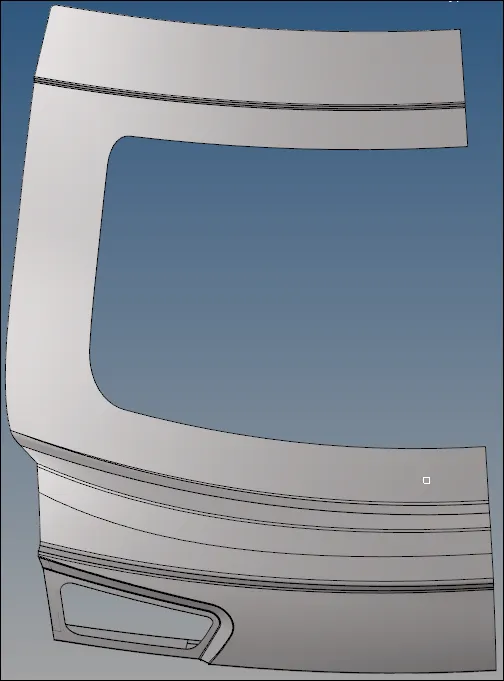
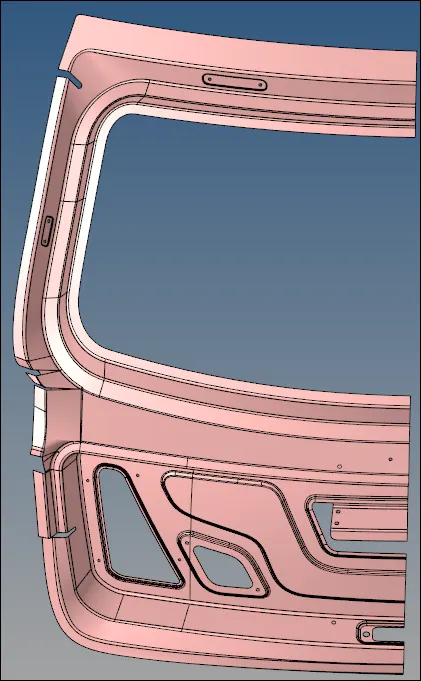
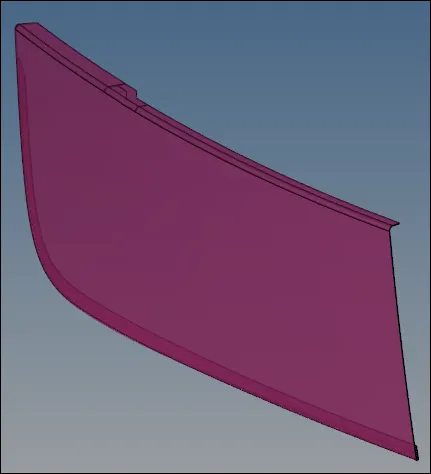
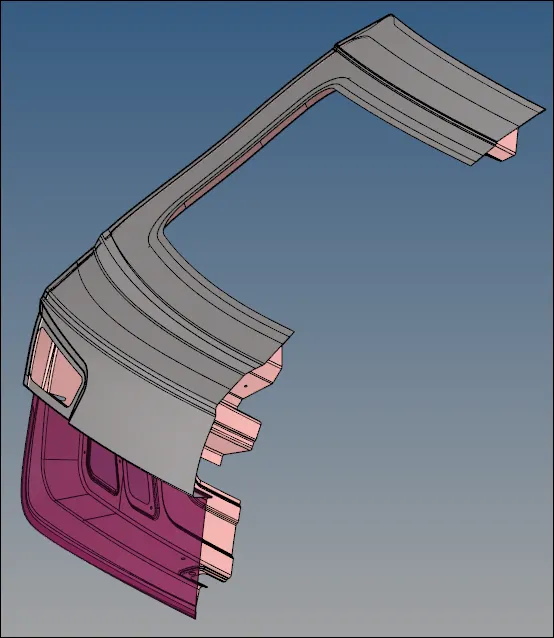
Image 03: Part separation
- Generating the Mid-Surface & Geometry CLeanup
This sheet metal parts has a 0.75 thickness. Using a 'Mid surface > automid surface(using skin offset)'. Here one more step will add due to discontinuity in the surface normals. So, using Gomes > normals > surface corrected it. Then can only generate good mid-surface.
After Mid-surface, let's do some geometry cleanup process to do mesh easily where some construction lines are created and some suppressed. Can see some complex locations in below images where elements may be fail .
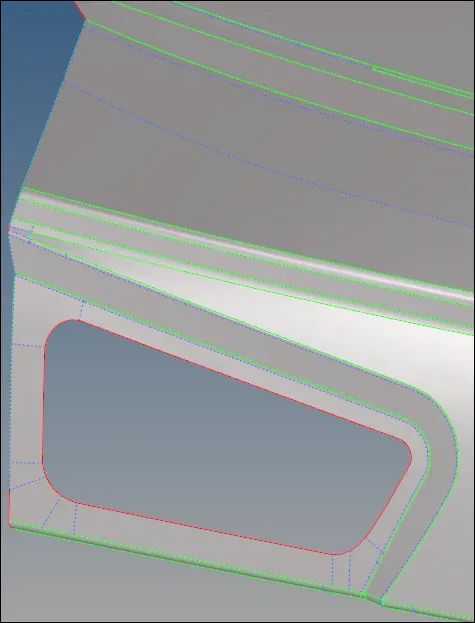
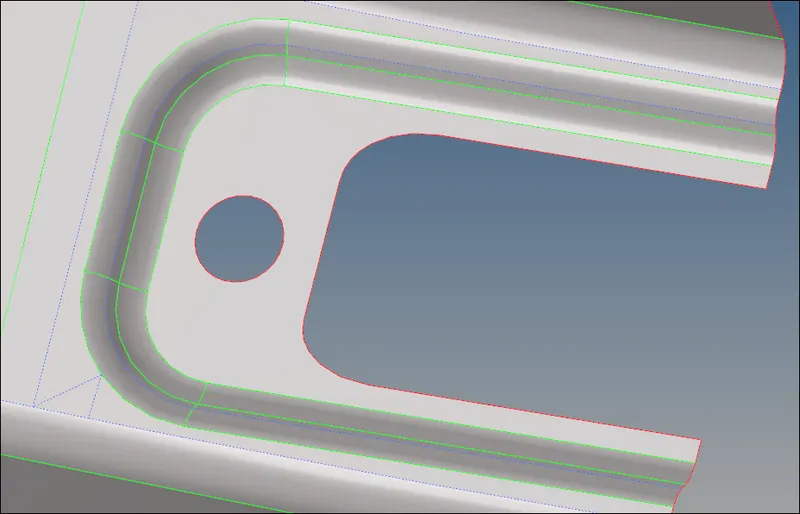
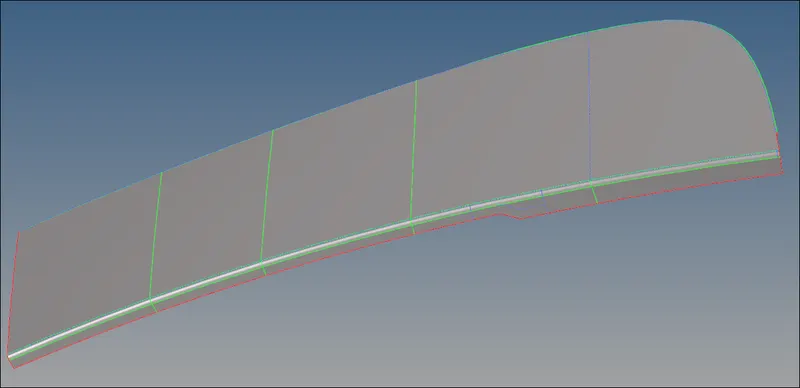
Image 04: Geometry Cleanup done
- Generating the Mesh:
Before doing the mesh once we to check that the values of elements criteria are right. After this one by one we can take the region to do a mesh. Here using a '2D > automesh > surface' used. Later to improve the mesh 'smooth', qualitycriteria', 'elem cleanup', 'rebuild mesh' such commands are used.
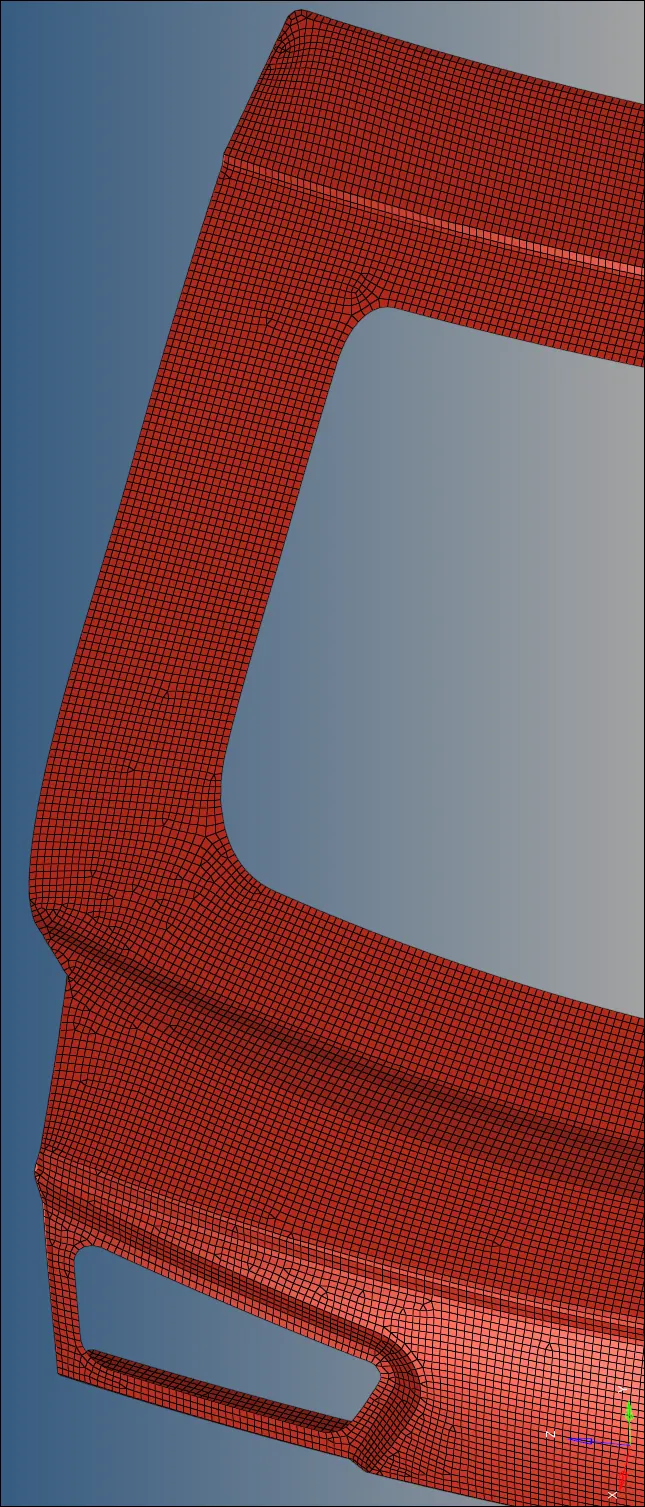
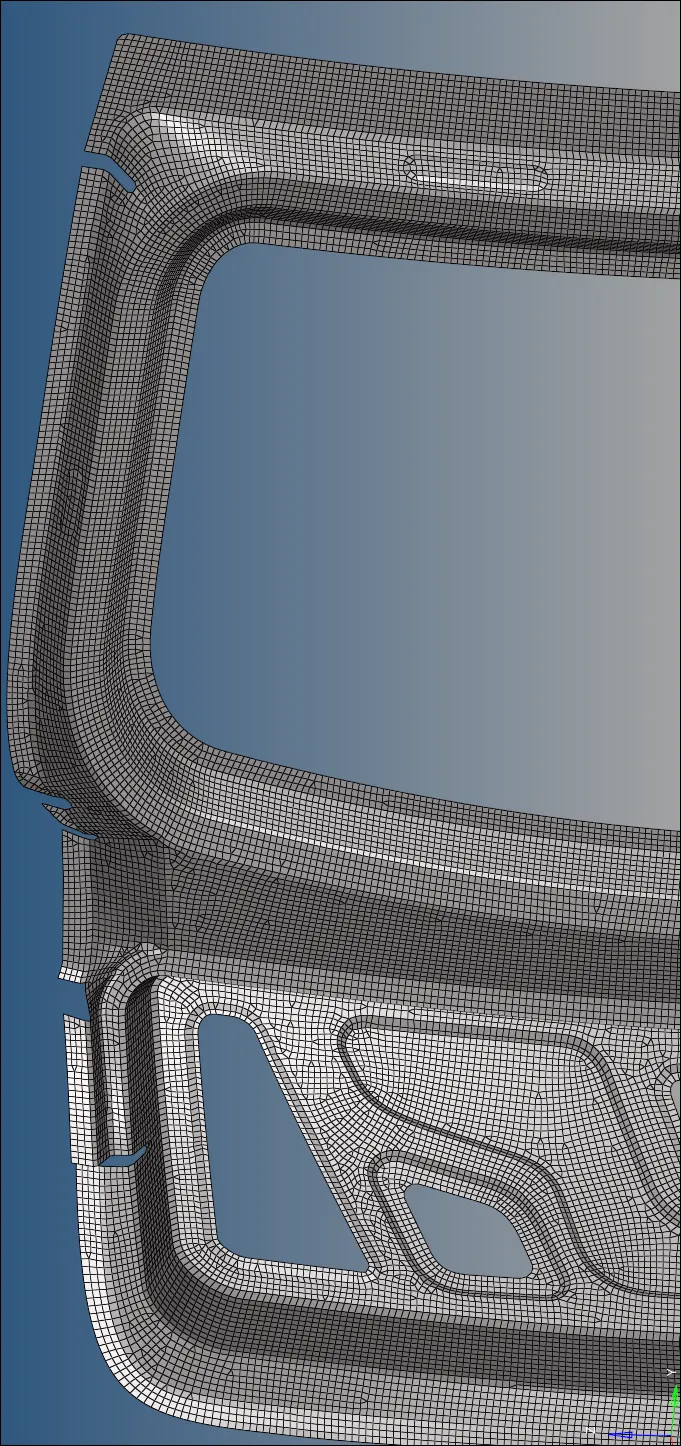
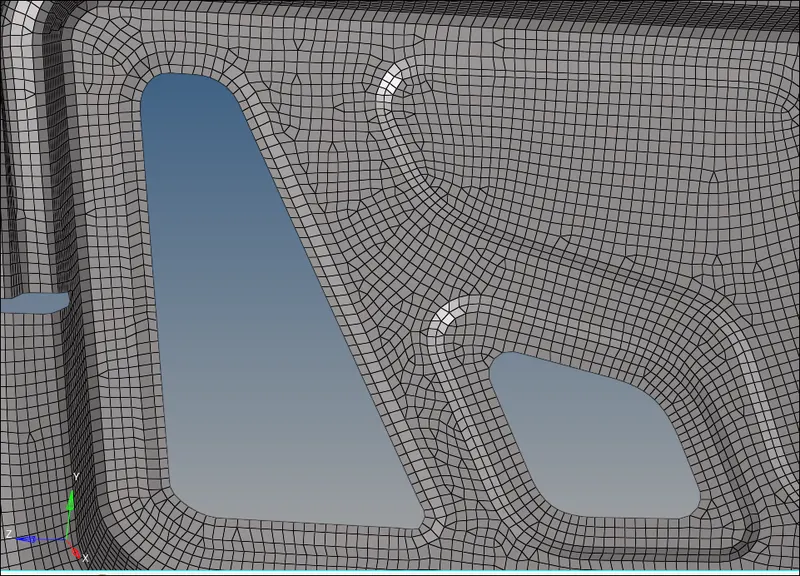
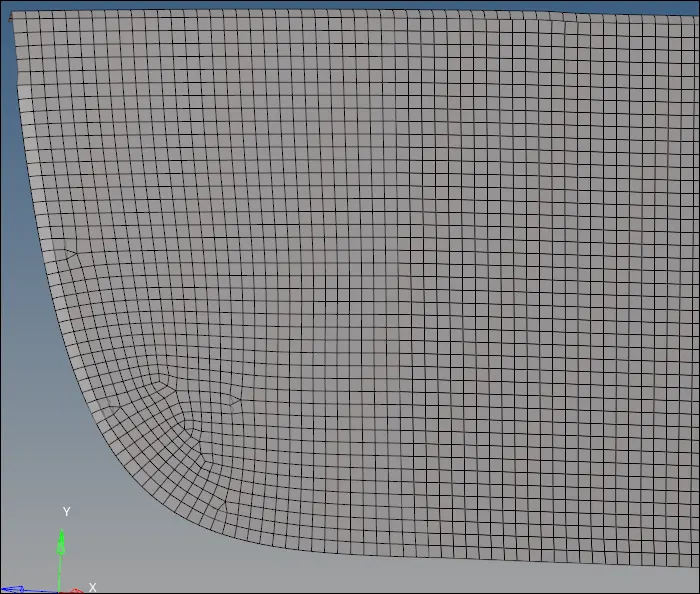
Image 05: Meshing of the components
Now it's time to reflect on the same mesh on the other side. Using a 'tool > reflect > elems' command it was performed. can see the full component in the below images.
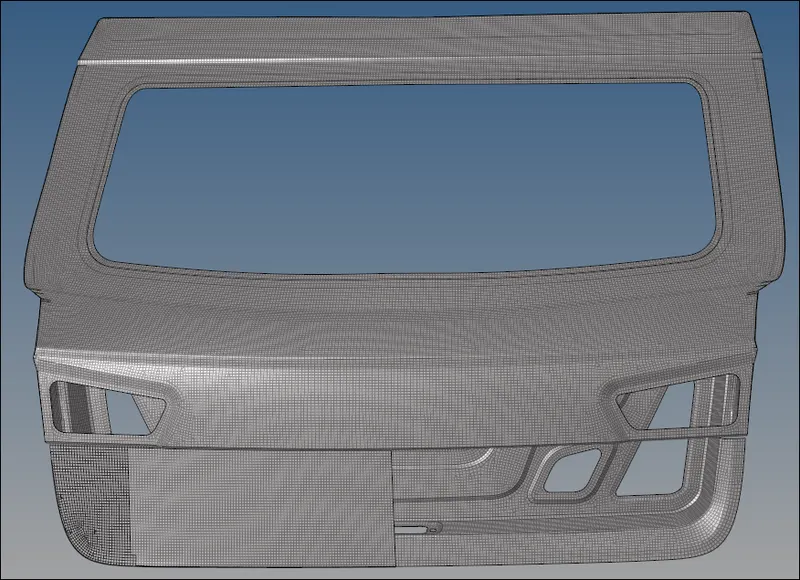
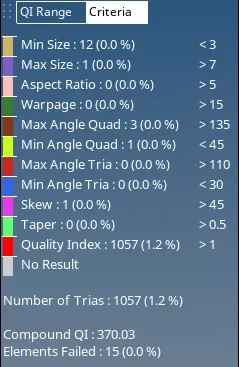
Image 06: FInal result
5. CONCLUSION:
Finally the challenge was completed. With this challenge, the main task is to separate the components into separate IDs. With this challenge I used some new commands like, count, order change & normals.
Note: Mid_surf_Backdoor_3 is not reflected in the model due of following warning generated by hypermesh. > ***""HyperWroks Student Edition: Number of nodes exceeds the '100000' limits. Please reduce.""***
End of Challenge