Week 7- Meshing of Backdoor Challenge
AIM: To extract the mid surface of the backdoor and mesh it with the given
- Import the IGES file of the backdoor component to HyperMesh.
- Check the component for any missing surfaces or deformations.
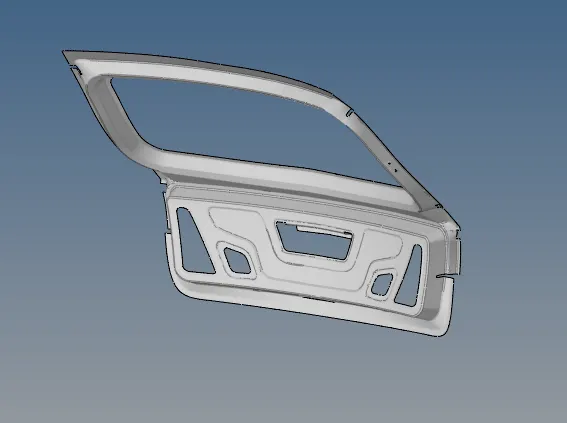
- Divide the component into 5 subparts for ease of mid surfacing and meshing.
- Delete half of the component since it is symmetric about the y-axis, to save time.
- Perform topology on each subpart and check for any errors.
- Use the skin offset option to extract the mid surface of each subpart and perform geometrical clearance on it using the toggle and mask options. Do not use the auto clean option for geometrical clean up.
- Mesh each subpart's mid-surface with mixed elements with a length of 5mm.
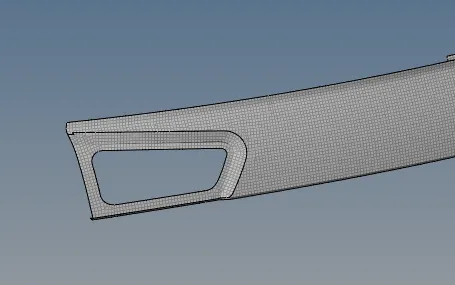
- Correct any error elements using the cleanup tool options such as place node, rebuilt mesh, and combine tria element.
- Use the reflect option to form the complete geometry and mesh over it.
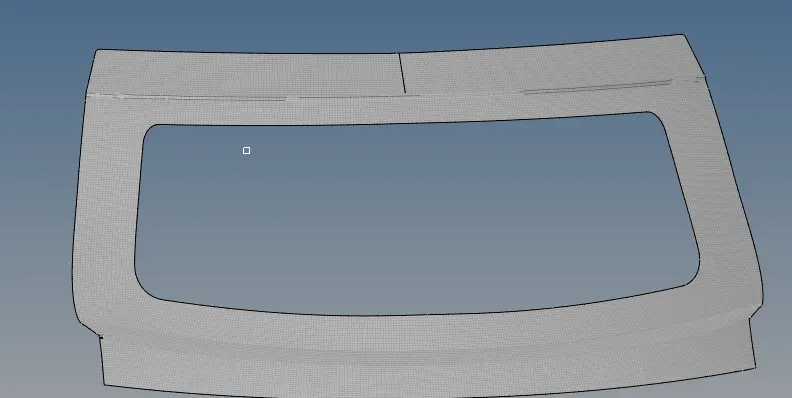
- Verify that the mid-surface and meshing have been done according to the given quality criteria for the backdoor component.
LEARNING OUTCOMES: I have learned how to use organise and seperate the components, and also learned how to deal with triangles and off elements in the mesh.
CONCLUSION: The extraction of midsurface is done for the given model and the meshing is done.