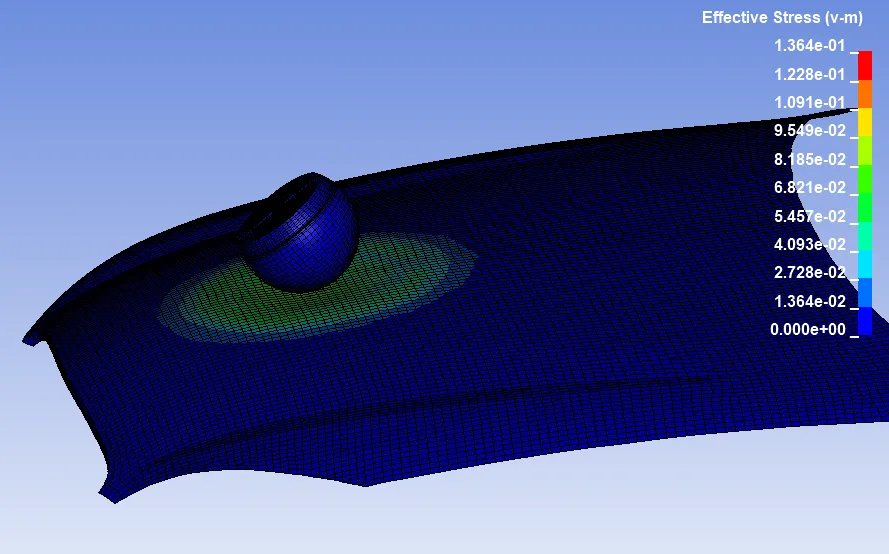
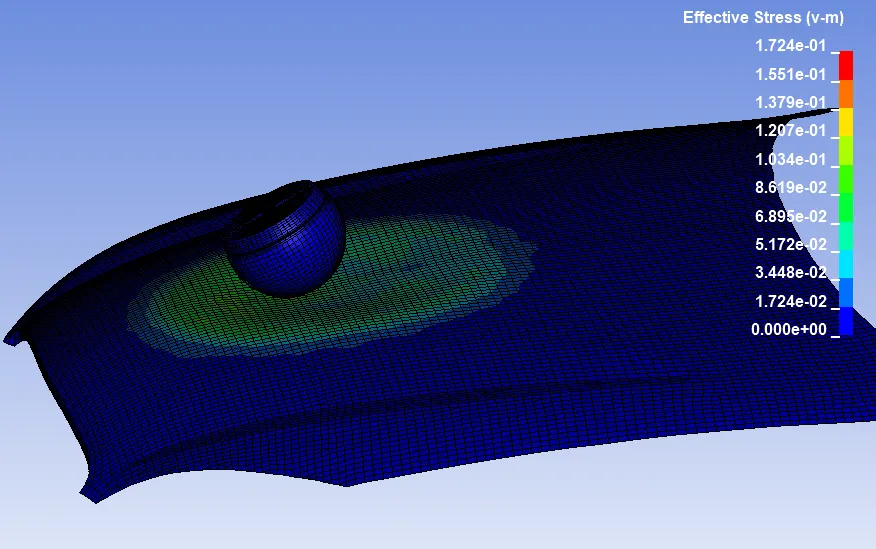
Week-7 Head Impact
AIM:
- To simulate and comparison of the pedestrian head impact with rigid wall and pedestrian head impact with hood is solved by using Ls-dyna.
OBJECTIVE:
- To create a simple elastic material model for the simple head (meshed) that is provided.
- To calculate the HIC value of the pedestrian head impact with rigid wall.
- To calculate the HIC value of the pedestrian head impact with hood.
ASSUMPTIONS :
- The bonnet should be considered as a rigidwall for the 1st case and for 2nd case while using the meshed hood model a elasto-plastic (aluminium) material card has to be used.
- The head impact coefficient must be calculated manually and with the help of LS-PrePost.
- Multi-include file model using the keywords *INCLUDE,*INCLUDE_TRANSFORM,*DEFINE_TRASFORMATION.
PROCEDURE:
CASE 1: SIMPLE HEAD MODEL
1. File > Import > LS-Dyna keyword file > browsed to selected the K type of file > imported it.
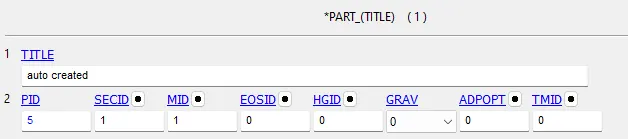
2. Side bar > model and part > keyword manager >all > section >specified the thickness value is 2.5mm and Elform is 2 > created the new SECIDs for SH model.
3. Side bar > model and part > keyword manager > MAT > all > selected the required material for the simple head model.
where, Elastic material is choosen as steeL, Density = 7.8 * 10⁻⁶ kg / mm³, Youngs modulus = 207 kg / mm ms² , Poissons ratio = 0.3
4. Side bar > model and part > keyword manager >model > part > assigned the MID and SECID cards to their respective parts.
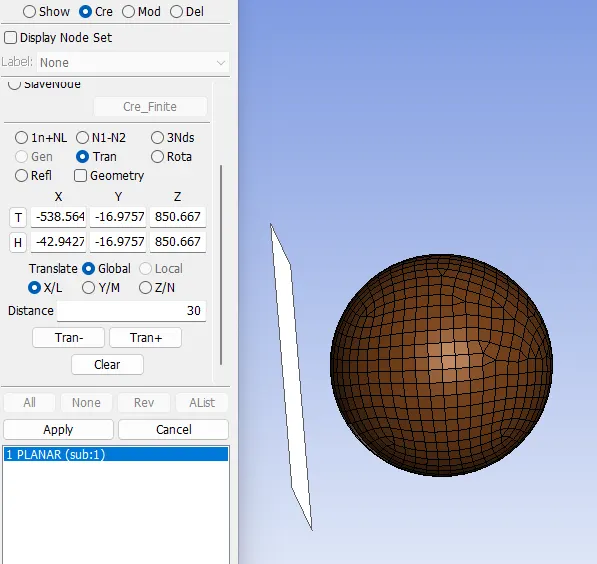
5. In order to create rigid wall by the following steps. Sidebar > model and part > create entity > rigidwall > create > cheked 1n+NL option > selected the one node > check Global and XL > rigidwall created.Then we have to move the rigidwall from simple head model by the distance of 30 mm by the following steps. At the same time > uncheked 1n+NL option >checked translate option > specified the distance is 30 mm > rigidwall created 30 mm distance from the head modeL.
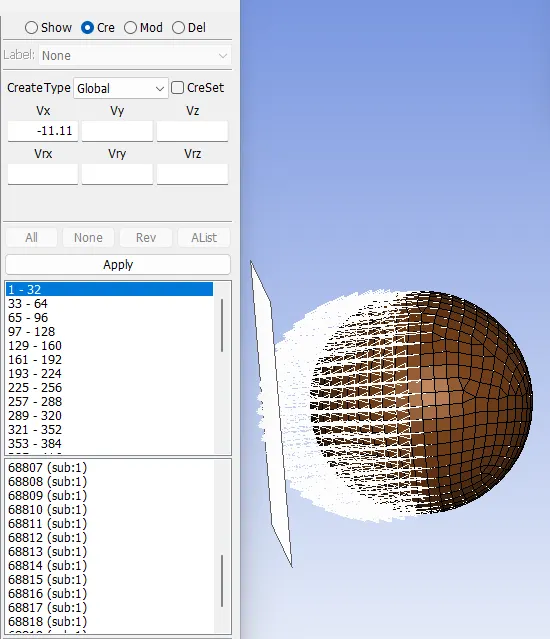
6. Sidebar > model > create entity > initial > velocity > pick by part > provide initial velocity in x direction as 11.11 mm/ms >done.
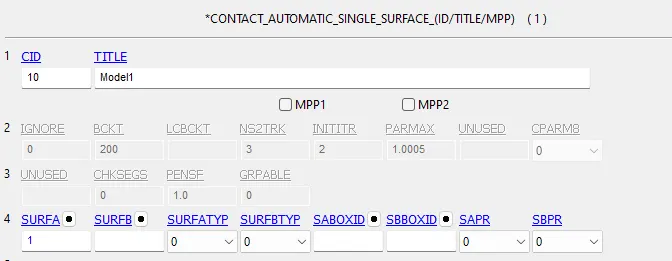
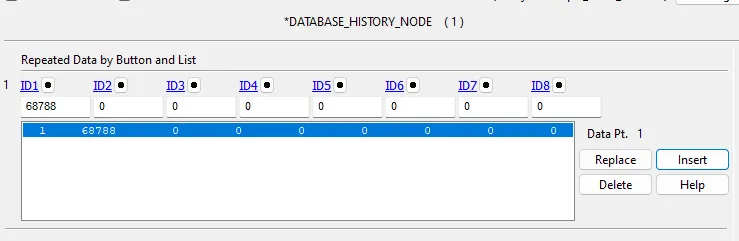
7. DEFINE contact interface followed by database, termination and run the simulation
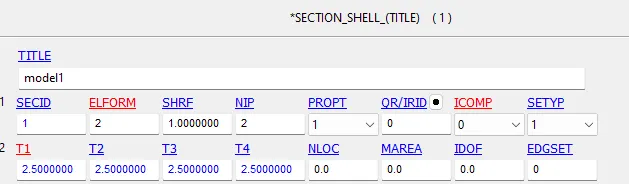
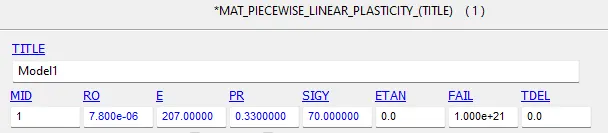
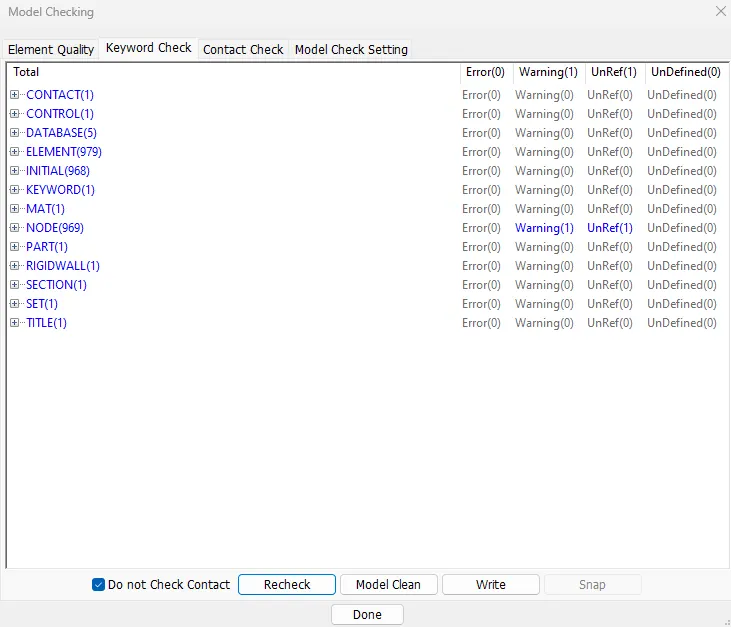
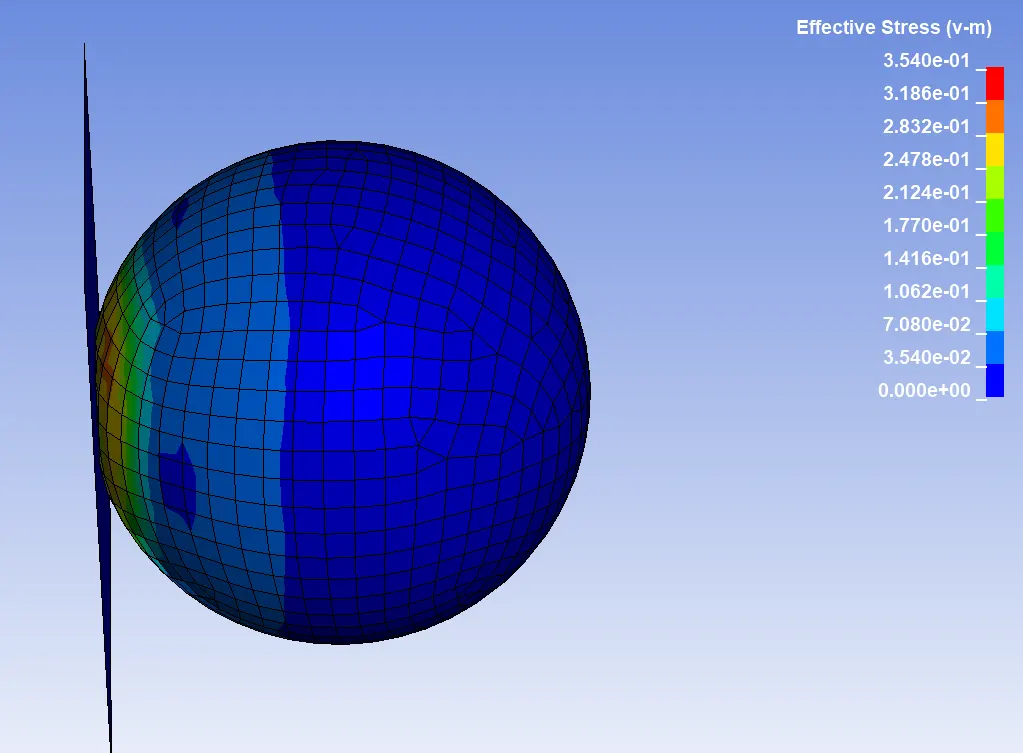
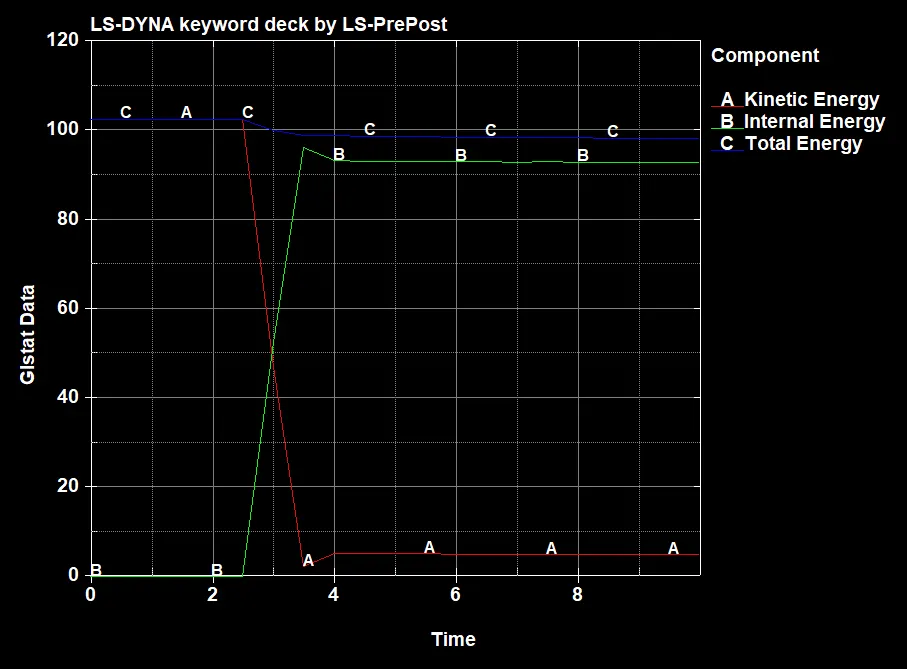
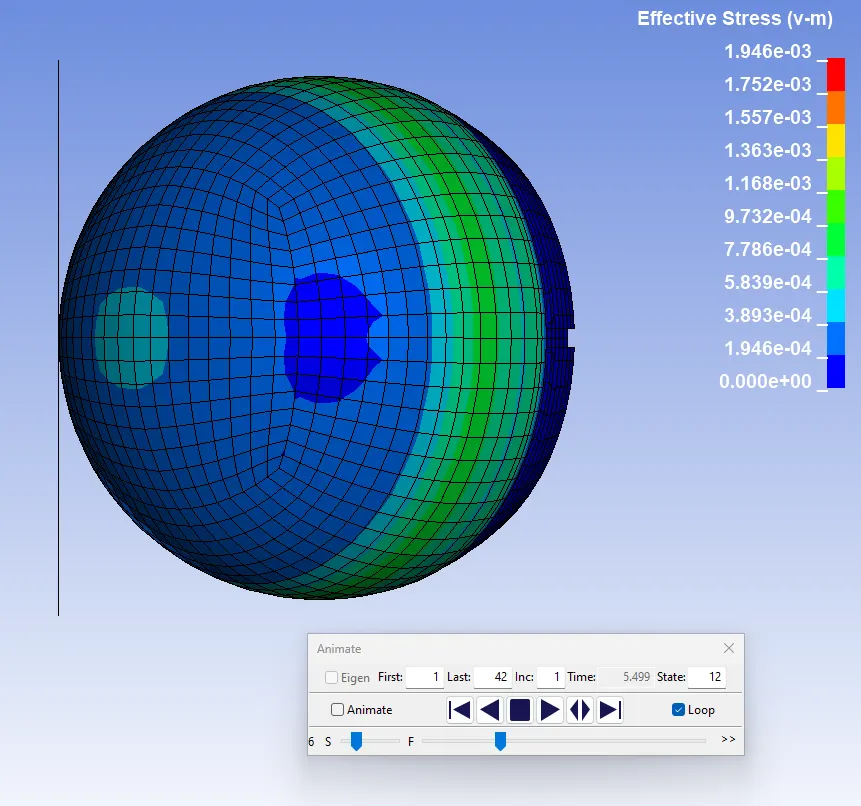
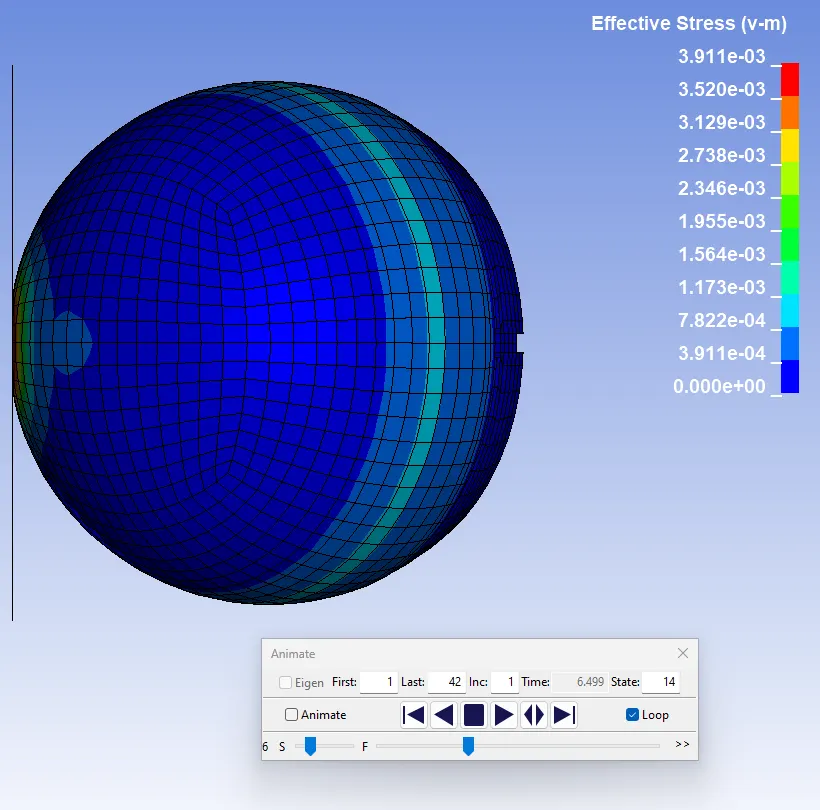
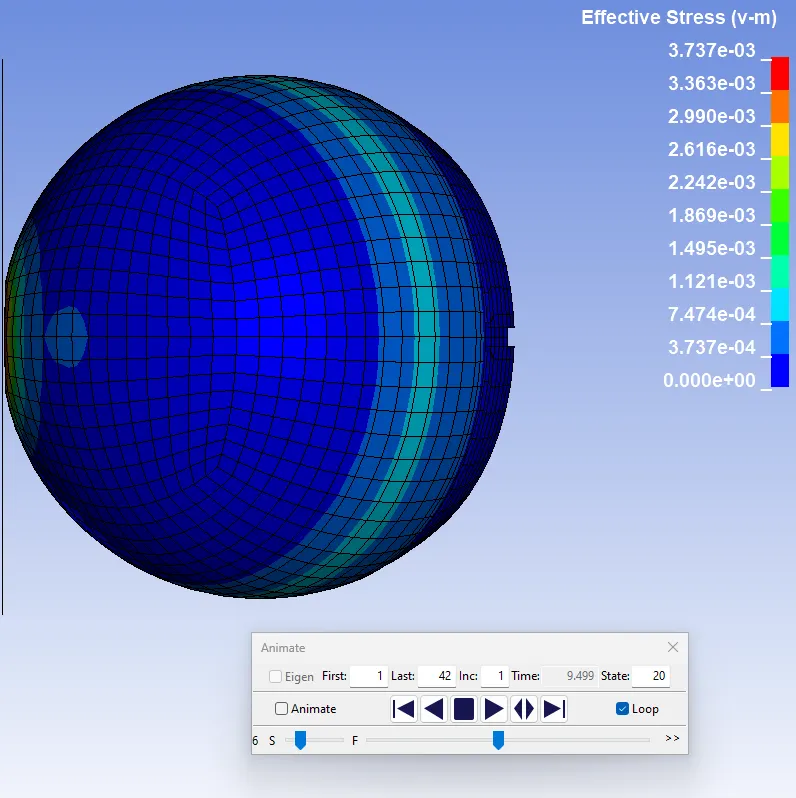
Result: Case 1
CASE 2: PEDESTRAIN HEAD FORM
1. Define Transformation.
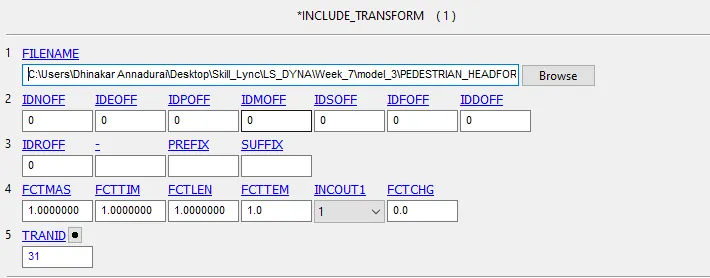
2. Define Include Transformation and Import the file in DYNA file.
3. Creation of rigid wall
4. Creation of initial velocity
5. Define of control terminal card
6. Define output database for D3Plot and ASCII option
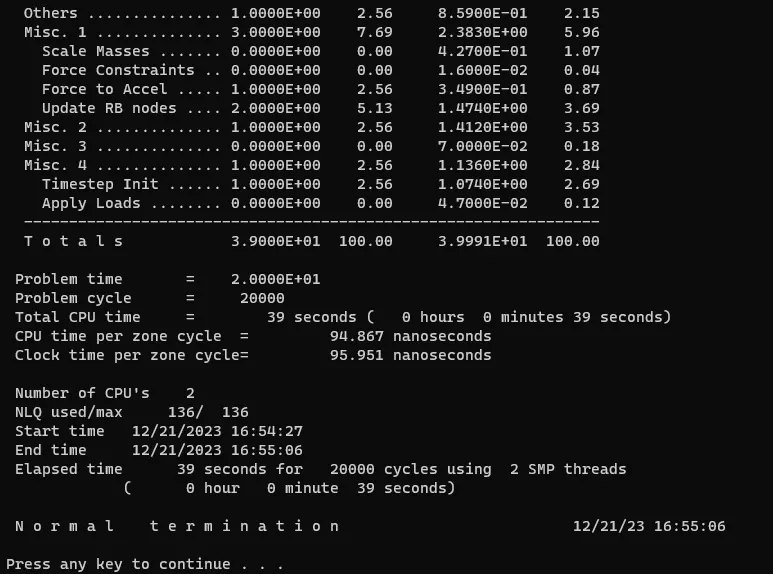
7. Model checkup and run simulation
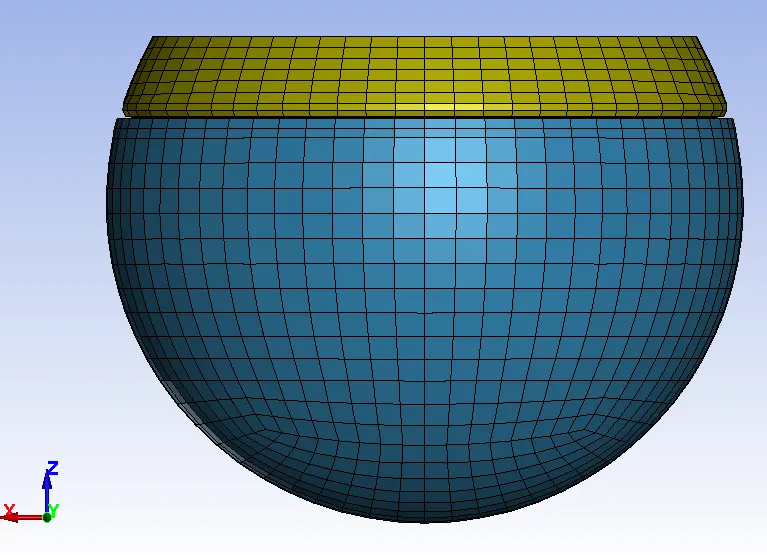
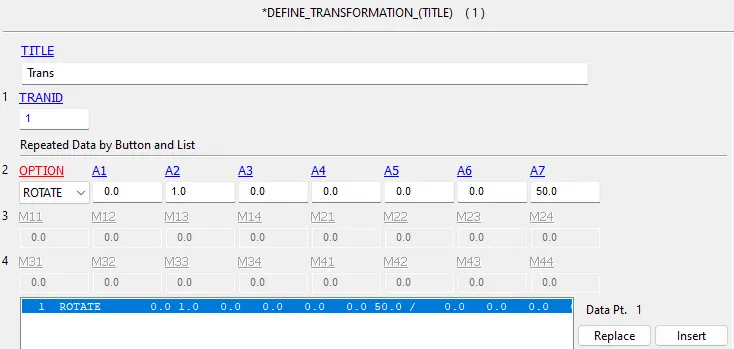
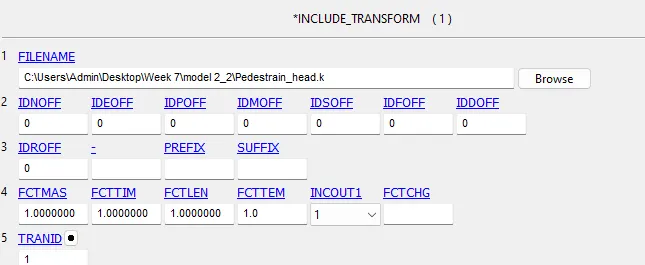
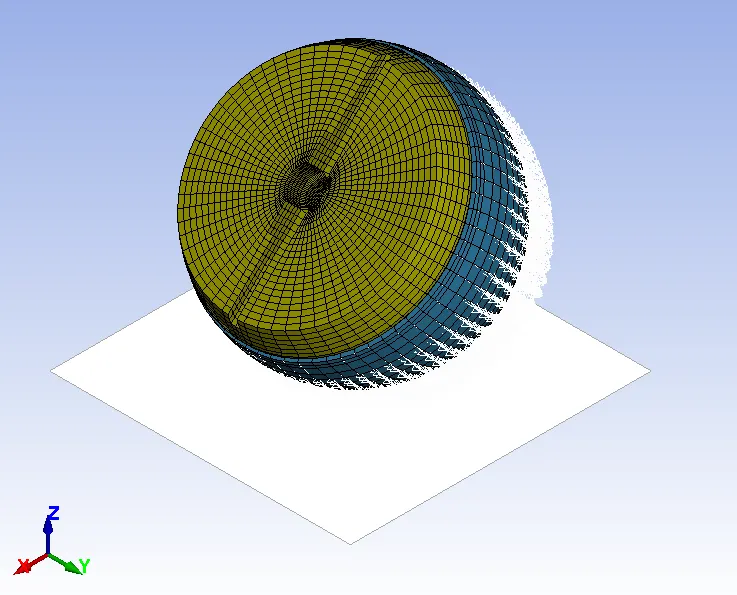

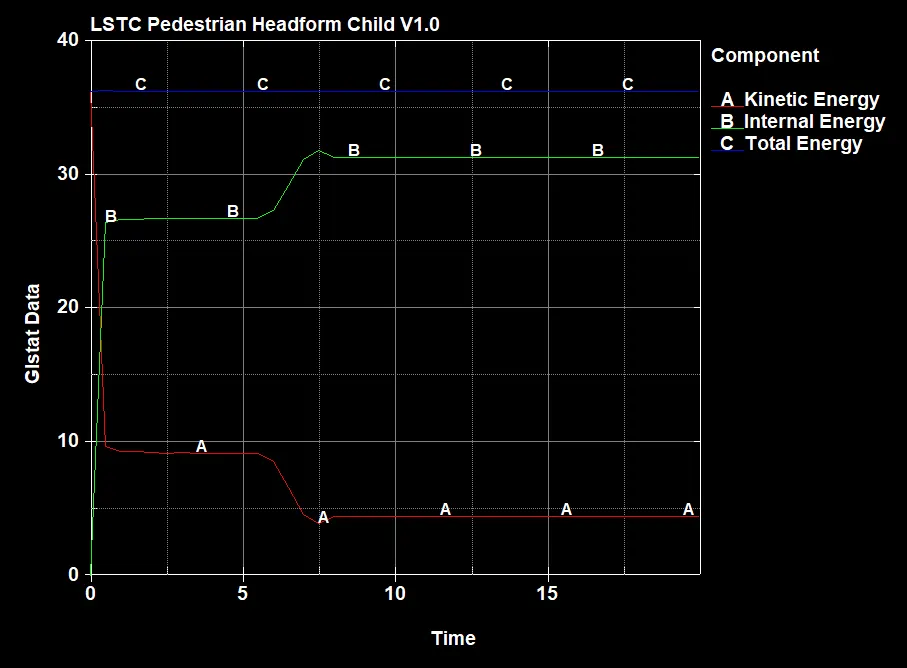
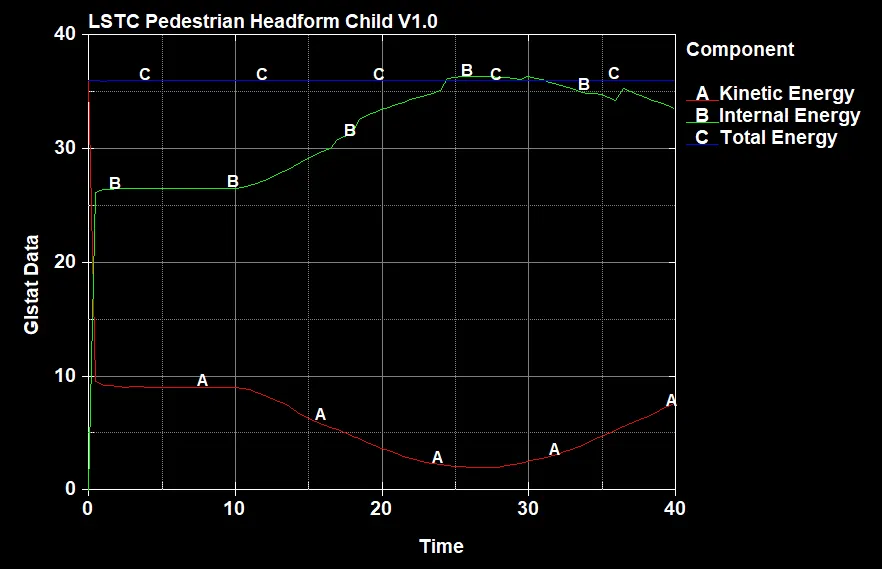
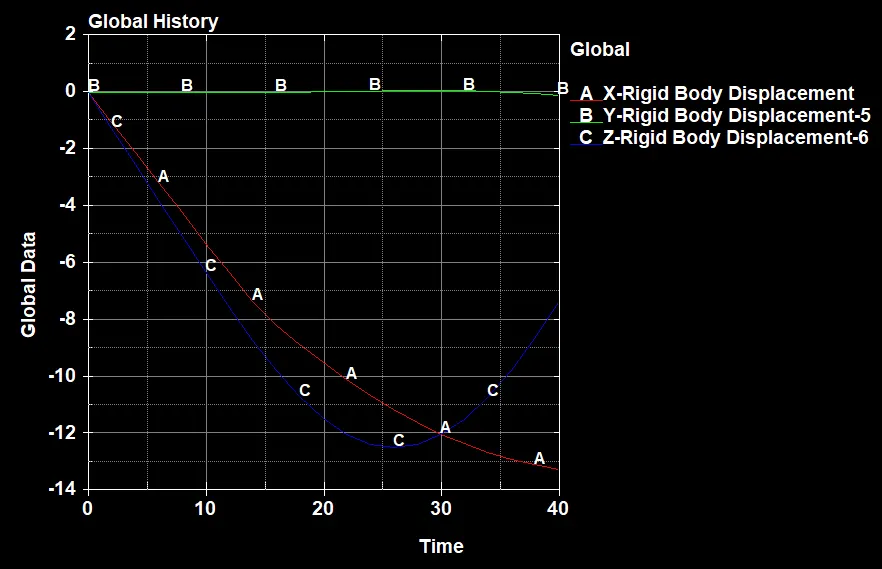
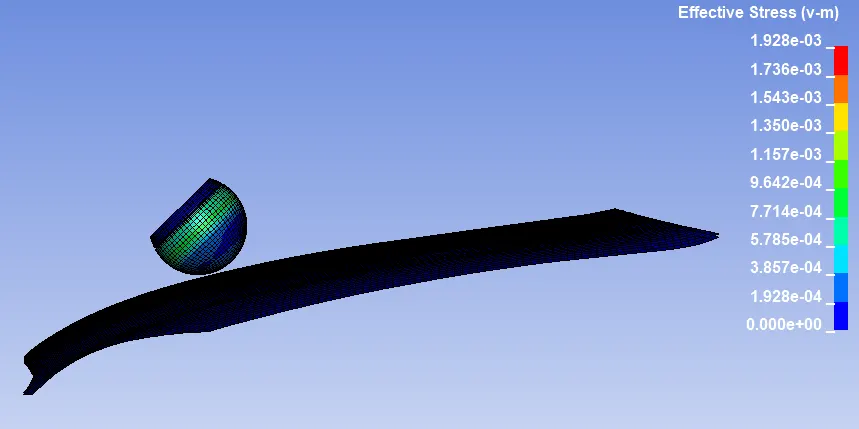
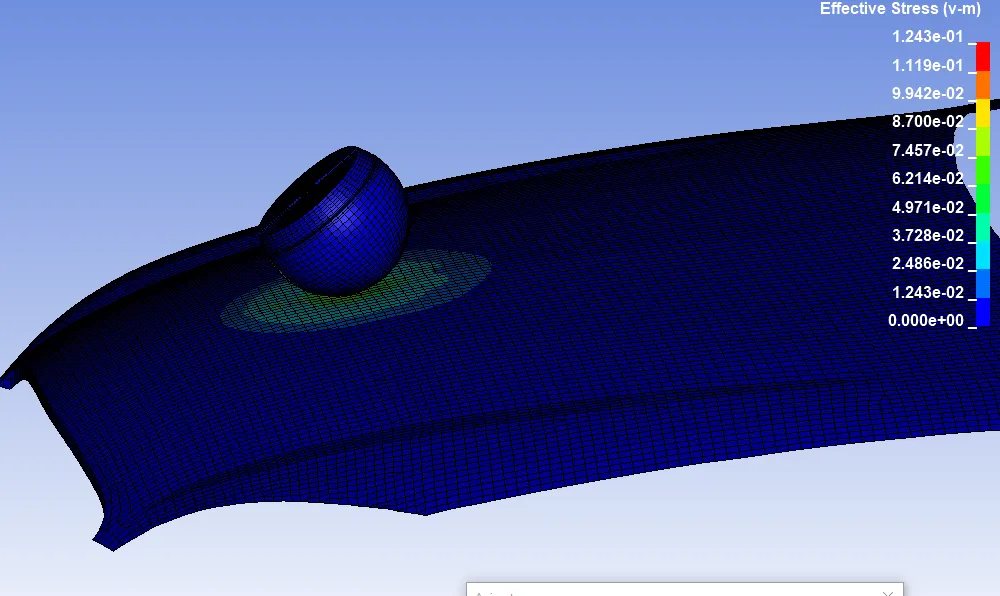
CASE 3: CHILD HEADFORM ON THE HOOD
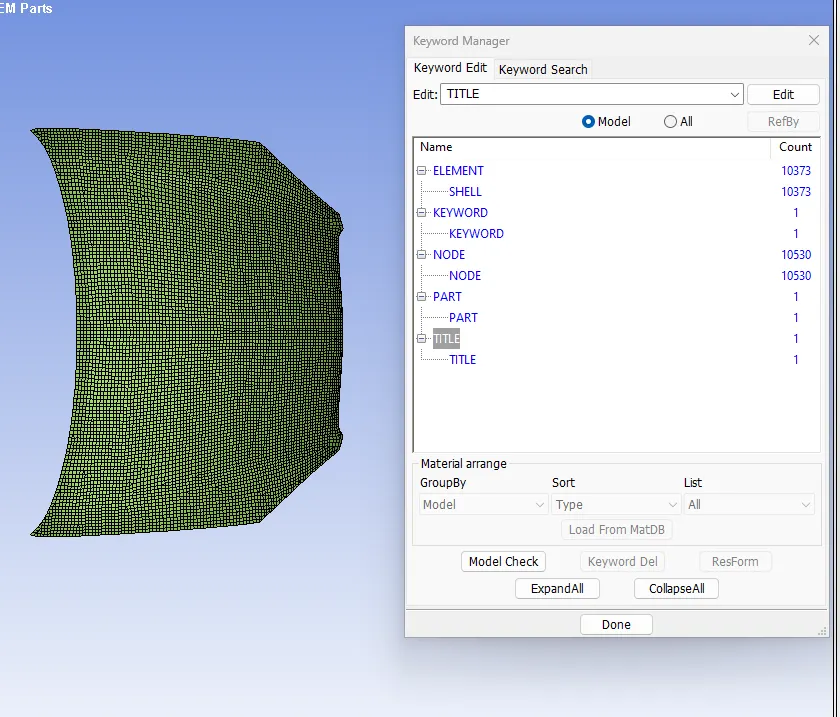
1. Importing the mesh hood model and check the keywords.
2. Creation of the section card
3. Creation of material card
4. Assign the section card and material card to the hood part
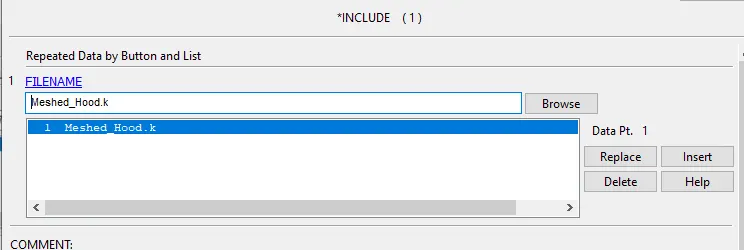
5. Include the rotated child head file pull into the hood file.
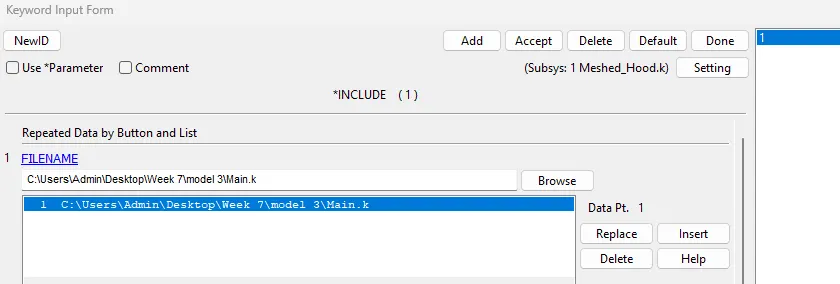
6. Import the hood with included rotated childhead model.
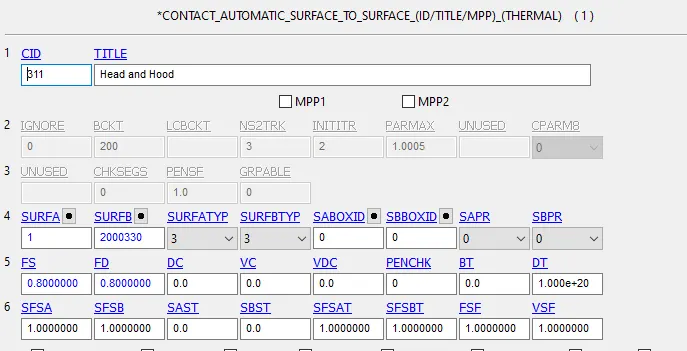
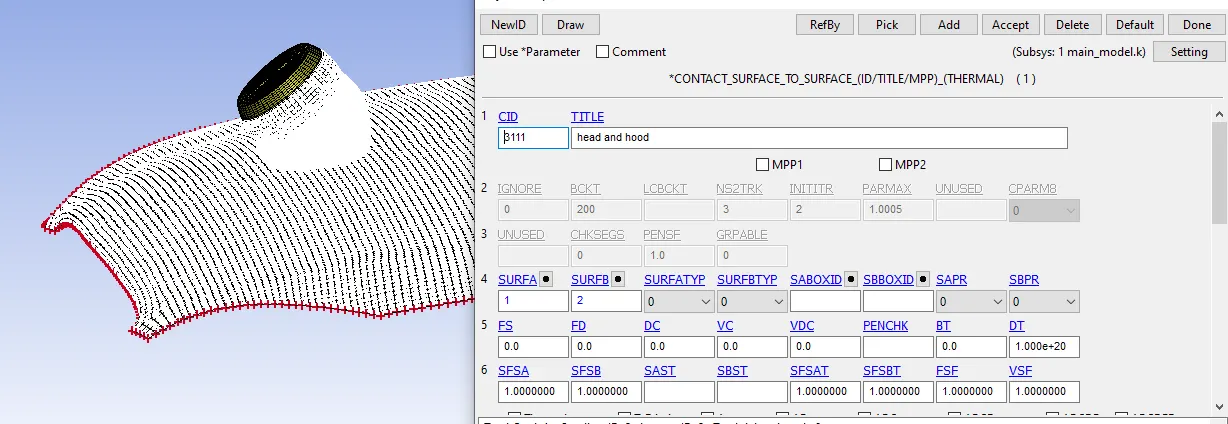
7. Creation of surface to surface contact.
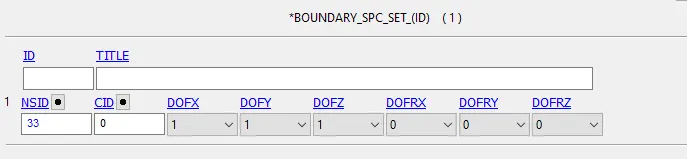
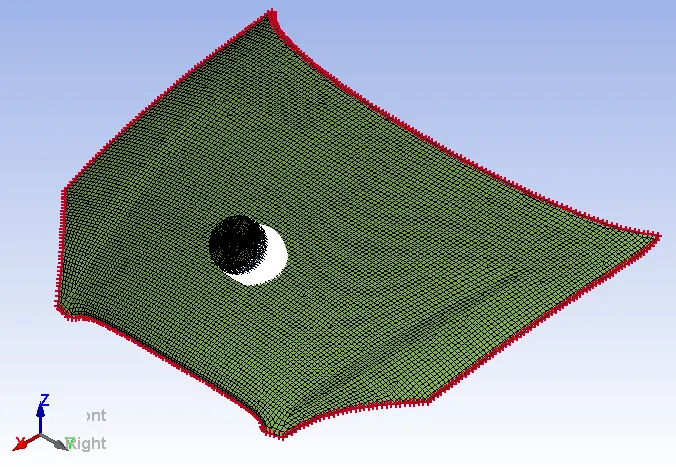
8. Set boundary condition for hood.
9. Model checkup and run simulation